-
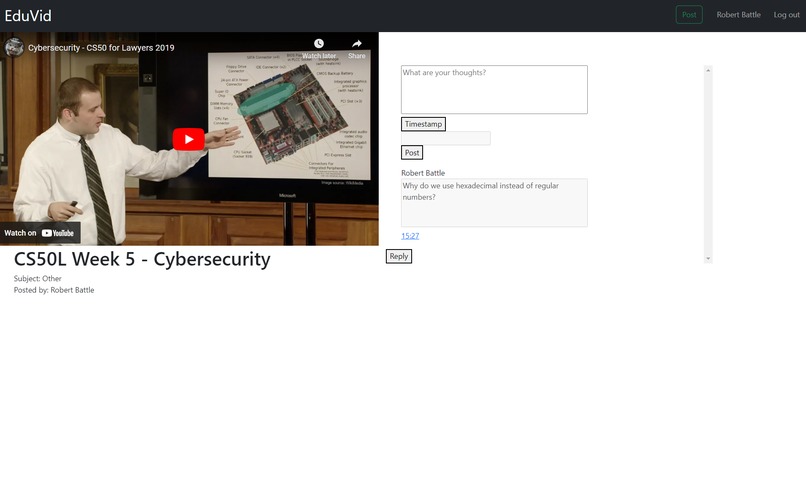
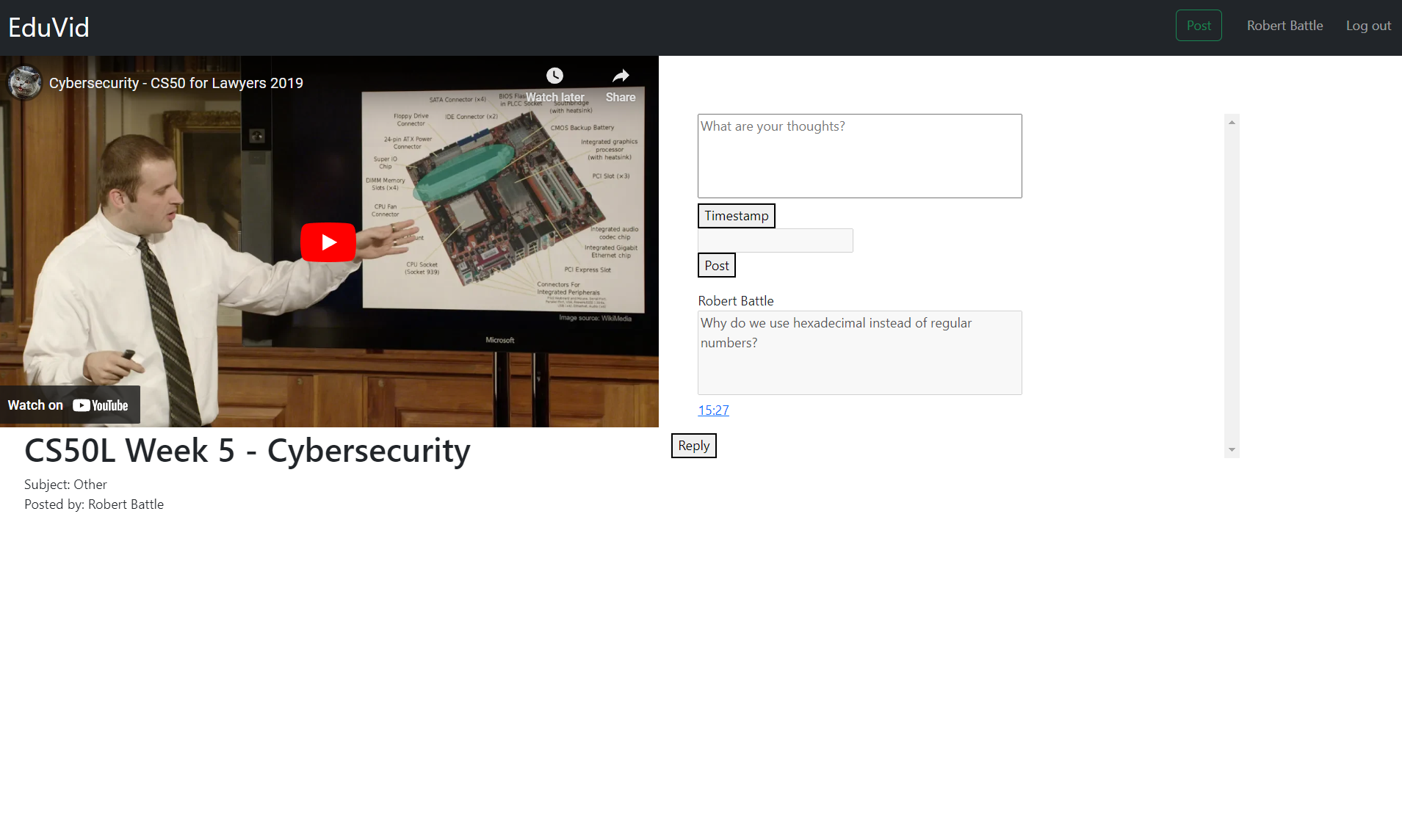
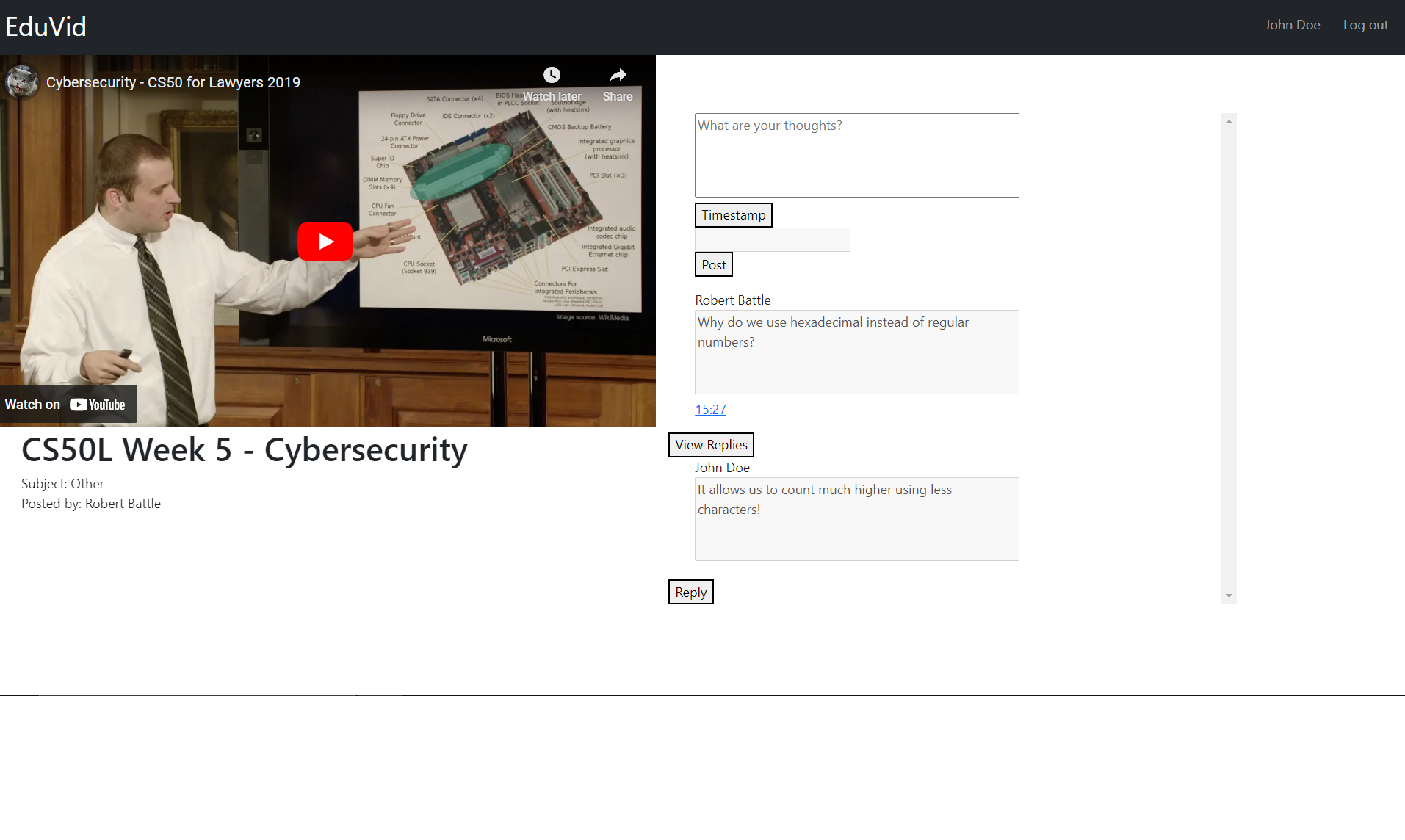
Videoscreen, showing the comment functionality
-
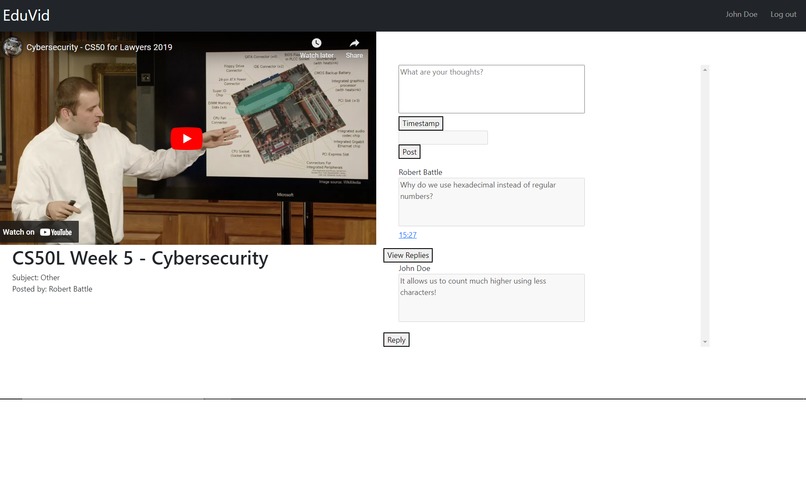
Videoscreen, showing the reply to comment functionality
-
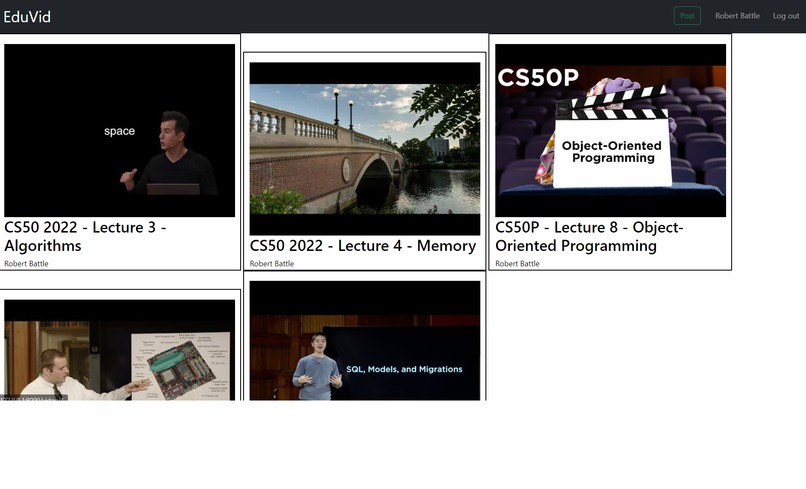
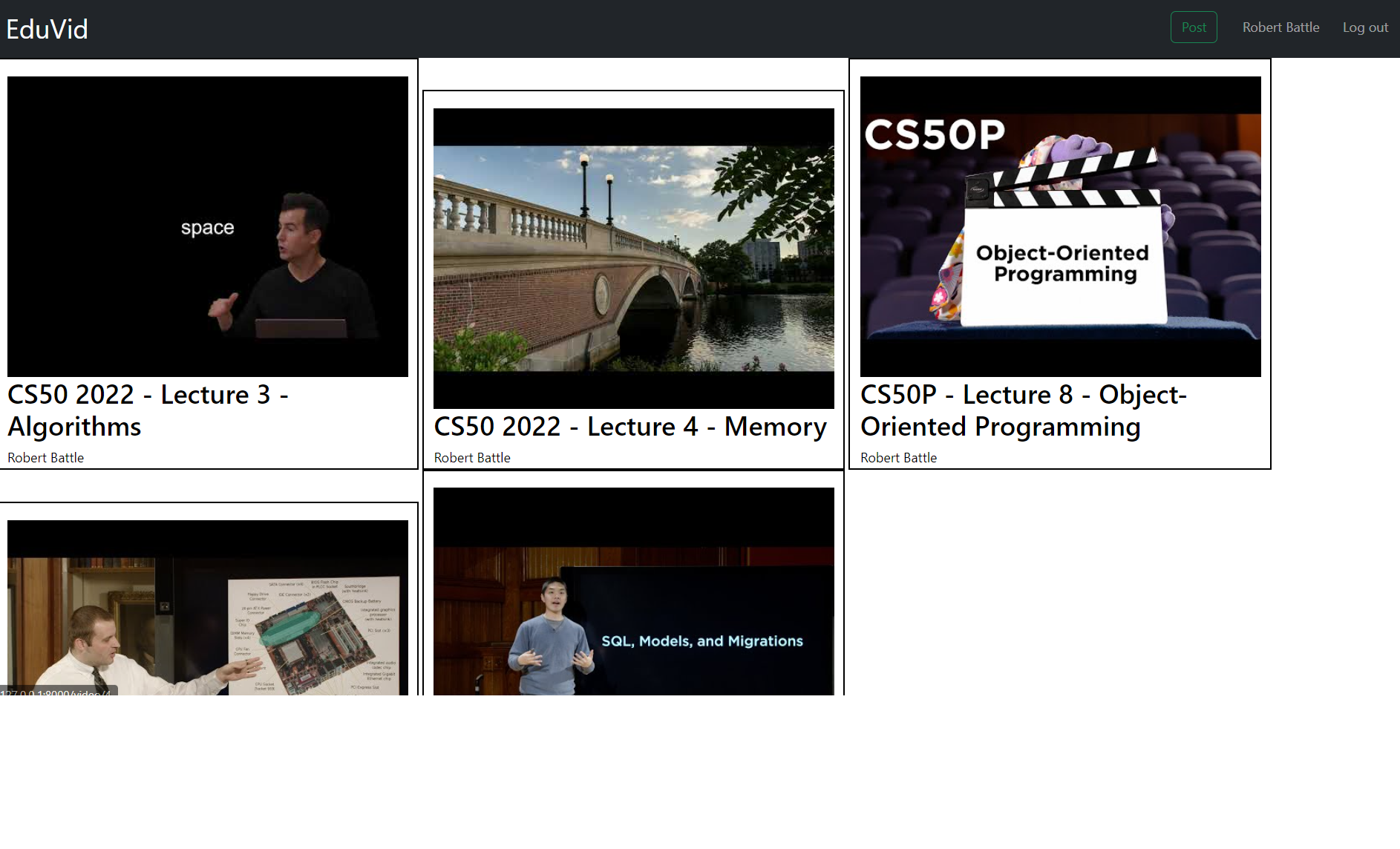
Homescreen, where users can view random posted videos
We are submitting to the education track.
Inspiration
Our inspiration for our submission came from a friend of our group (who unfortunately couldn’t come to HackDuke) talking about the concept of using a discussion board connected to a class video. It seemed like a perfect fit for the education track, so we kept the idea in mind for HackDuke. We think the concept of a possibly struggling student being able to easily share a question or comment about a specific part of a video that can be responded to by their peers could help further their quality of education, given that education is becoming increasingly digital.
What it does
Our submission is a web application where teachers can share lecture videos and students can create (or reply to) discussion comments with timestamps on them. This functionality allows students to ask questions about specific parts of a lecture video and have them answered in a forum-like manner. This application can help students get answers about a topic more quickly than waiting to go to class the next day and increases discussion between students who are studying the same material. Additionally, by having videos embedded on an external platform there are no recommendations or advertisements to the side that could distract students from engaging with the material. Teachers and Students first both make an account and select their account type. From there, Teacher accounts can access a page to post a lecture video and give it a title. Students can access a home page and see a variety of lecture videos to view. When viewing a video, Students and Teachers have access to a form to the side that allows them to post a text comment and select a timestamp for said comment. Students and Teachers can also view all previous comments below this form, sorted in the order of their timestamps. Users can reply to comments using a reply button. Replies are hidden by default, but these replies are shown by clicking a "View Replies" button underneath each comment with replies.
How we built it
We built our web application using HTML, CSS (with bootstrap), Python (utilizing the Django web framework), and Javascript. We began our development process by drawing a plan for our project on a large whiteboard, and diving tasks among teammates based on their experience. We created a general project application and project files for each member to work on and got to work. Throughout the night we constantly communicated with one another to ensure our work would connect properly. Our goals and expectations were constantly changing as we decided to alter or scrap certain features, or found ways to implement a feature better.
Challenges we ran into
A big challenge our group ran into was our skill gap in coding. All of us are new to hackathons and have different levels of experience in coding. Another challenge we faced was creating a discussion post at a specific time in the video. We would also run into the occasional formatting and styling difficulties when creating the UI (some of which are still present - such as replies not being appropriately indented).
Accomplishments that we're proud of
We're proud that we created a full submission for our first hackathon. We are proud of learning how to use the iFrame API to create timestamps, and our usage of the Django framework (and by extension, web development in general) given only one member of our team has much experience with it.
What we learned
We've learned about some of the challenges associated with working on a team project, the importance of communication and planning, and some useful knowledge about web development.
What's next for EduVid
We would like to implement additional features for our web application such as:
- Teacher and student dashboard
- Profiles for Students and Teachers
- Reactions to replies and questions
- Search algorithm that shows the most relevant video(Sort By)
- Clean up and enhance our CSS
- Point system to incentivize students to reply and post more questions


Log in or sign up for Devpost to join the conversation.