Inspiration
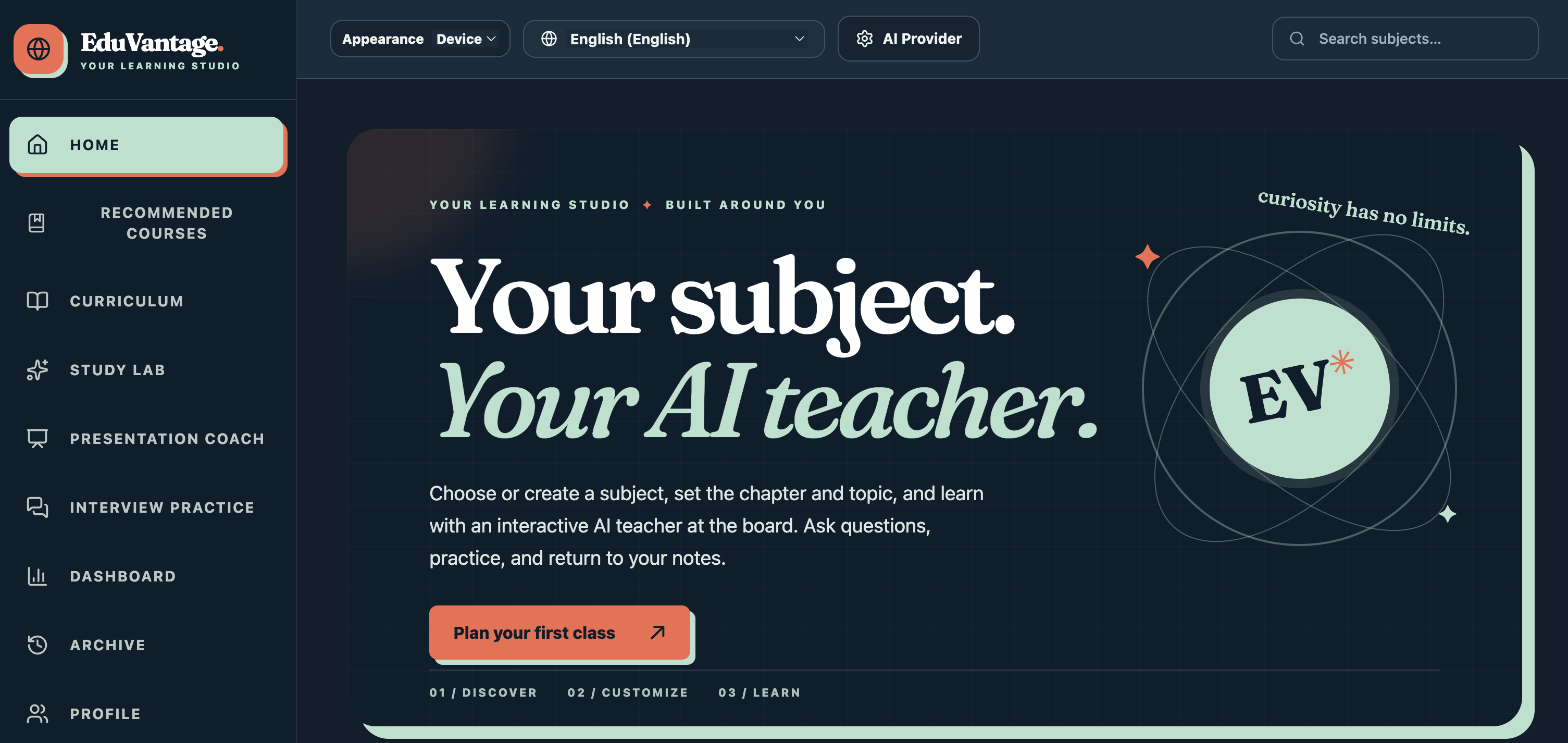
A student can finish reading a chapter yet still struggle to answer a question about it—or explain it to someone else. The tools for reading, asking questions, practising, and preparing a presentation are often separate. I built EduVantage to connect those steps in one learning journey.
What it does
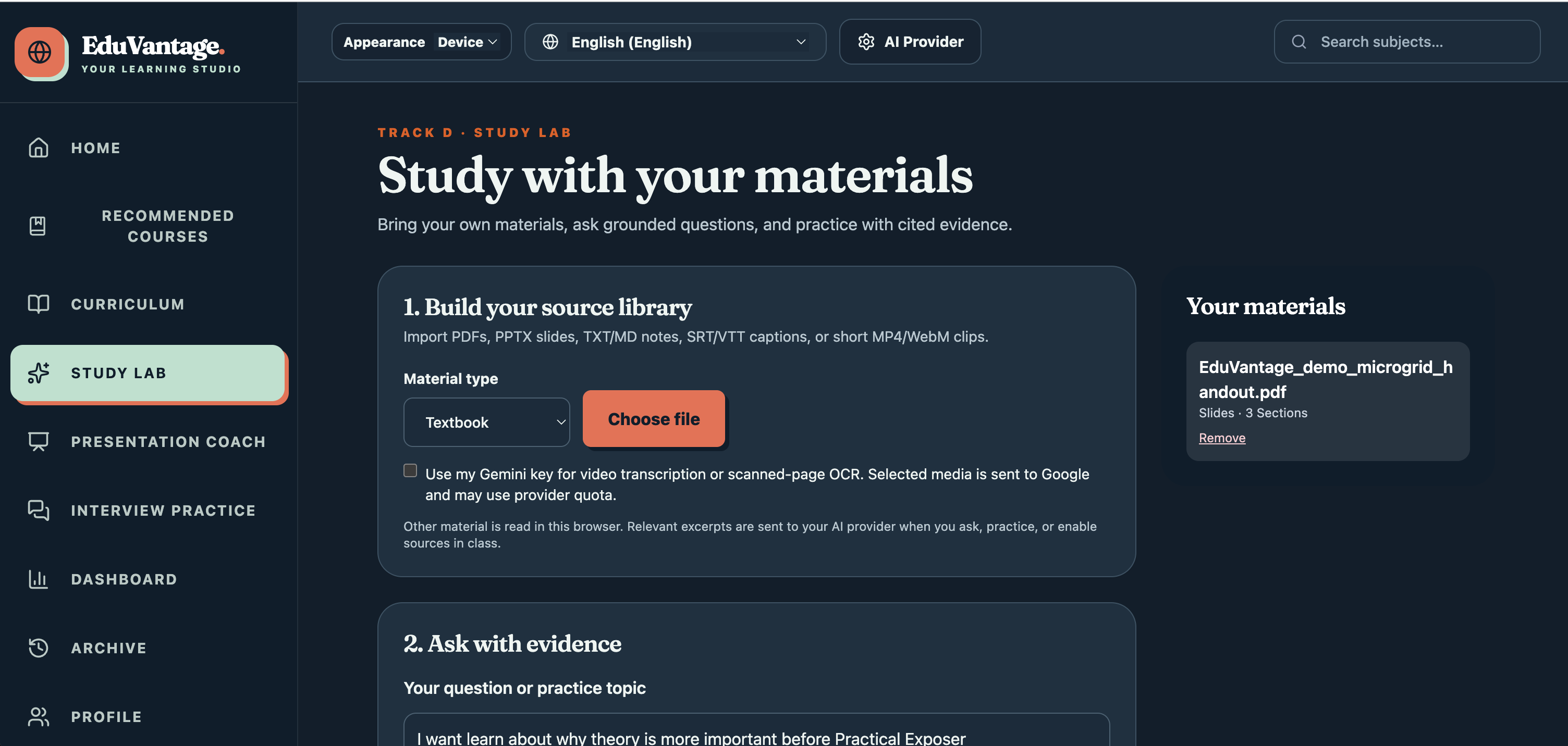
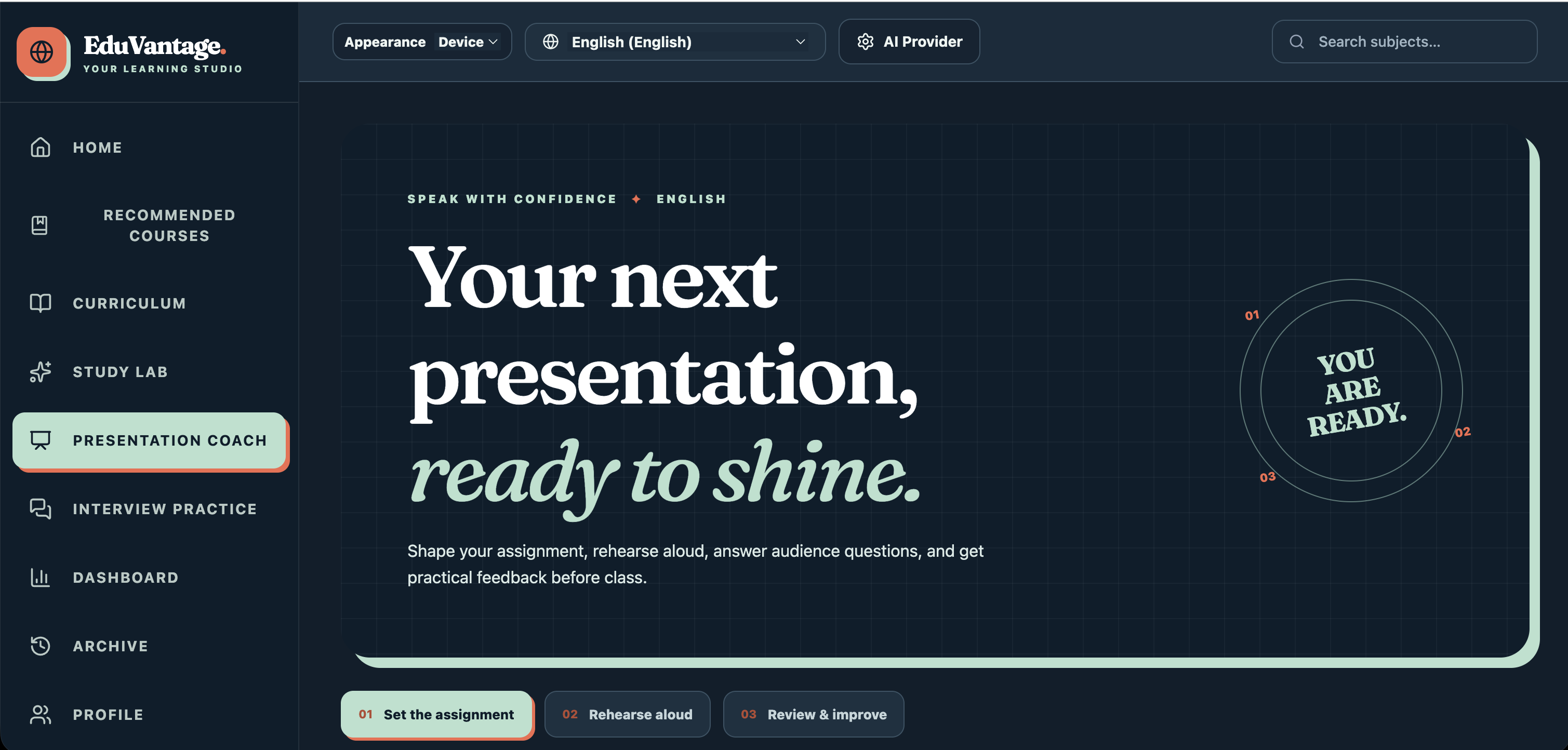
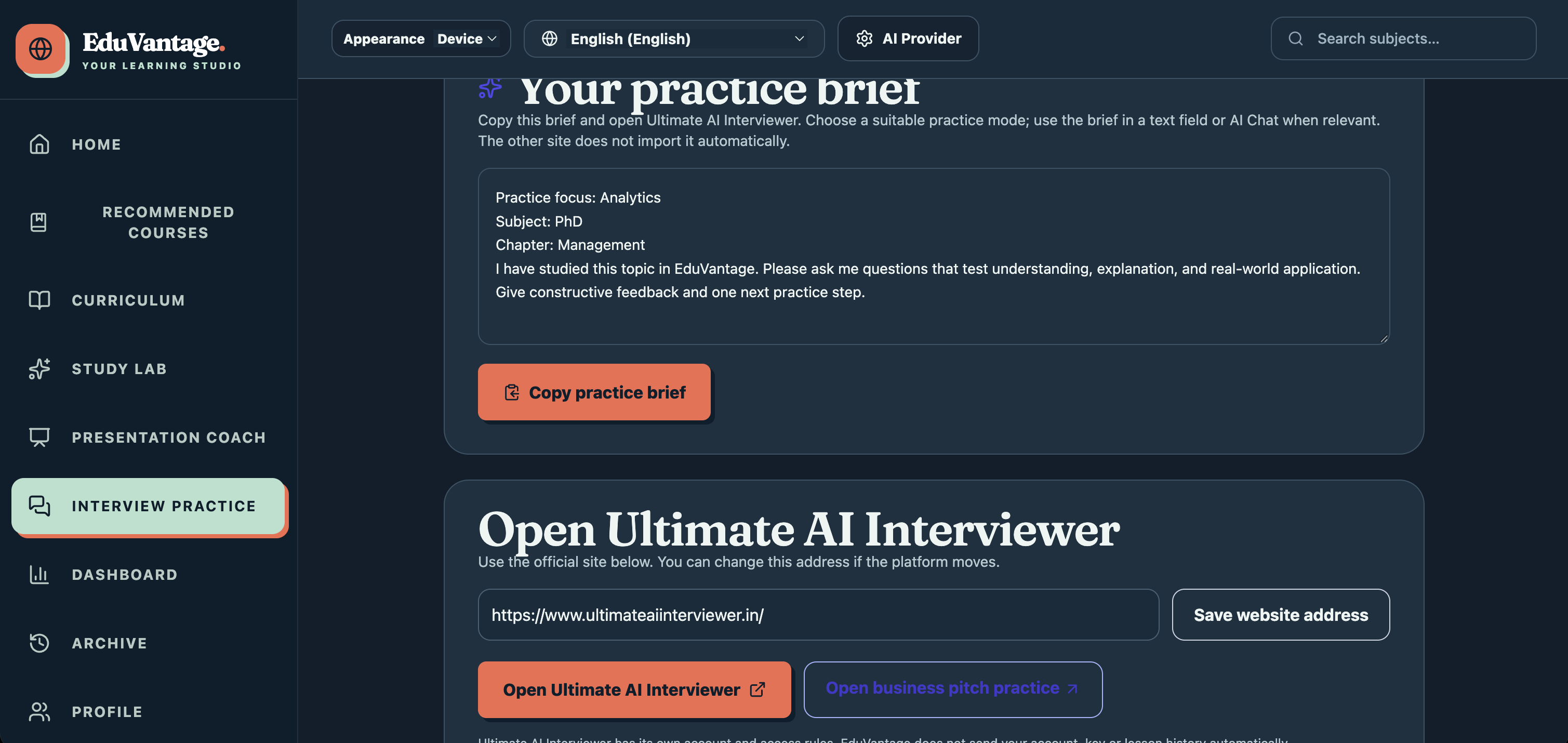
Imagine preparing a presentation about renewable energy. You upload your class notes or slides to Study Lab and ask, “Why is solar power intermittent?” EduVantage helps you explore an answer alongside passages from your material, so you can check the source. You then answer practice questions, explore the topic with an AI teacher, and rehearse explaining your ideas in Presentation Coach.
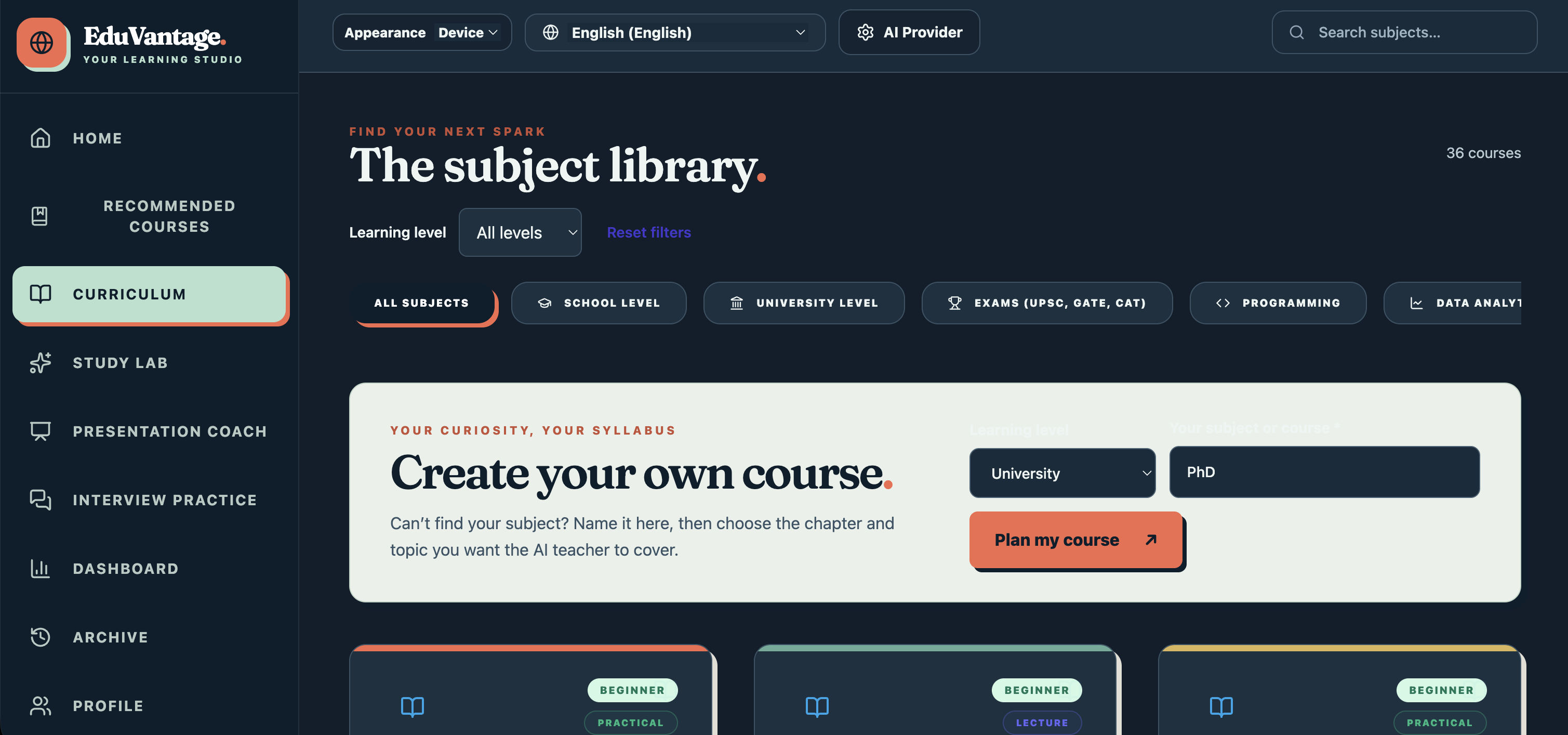
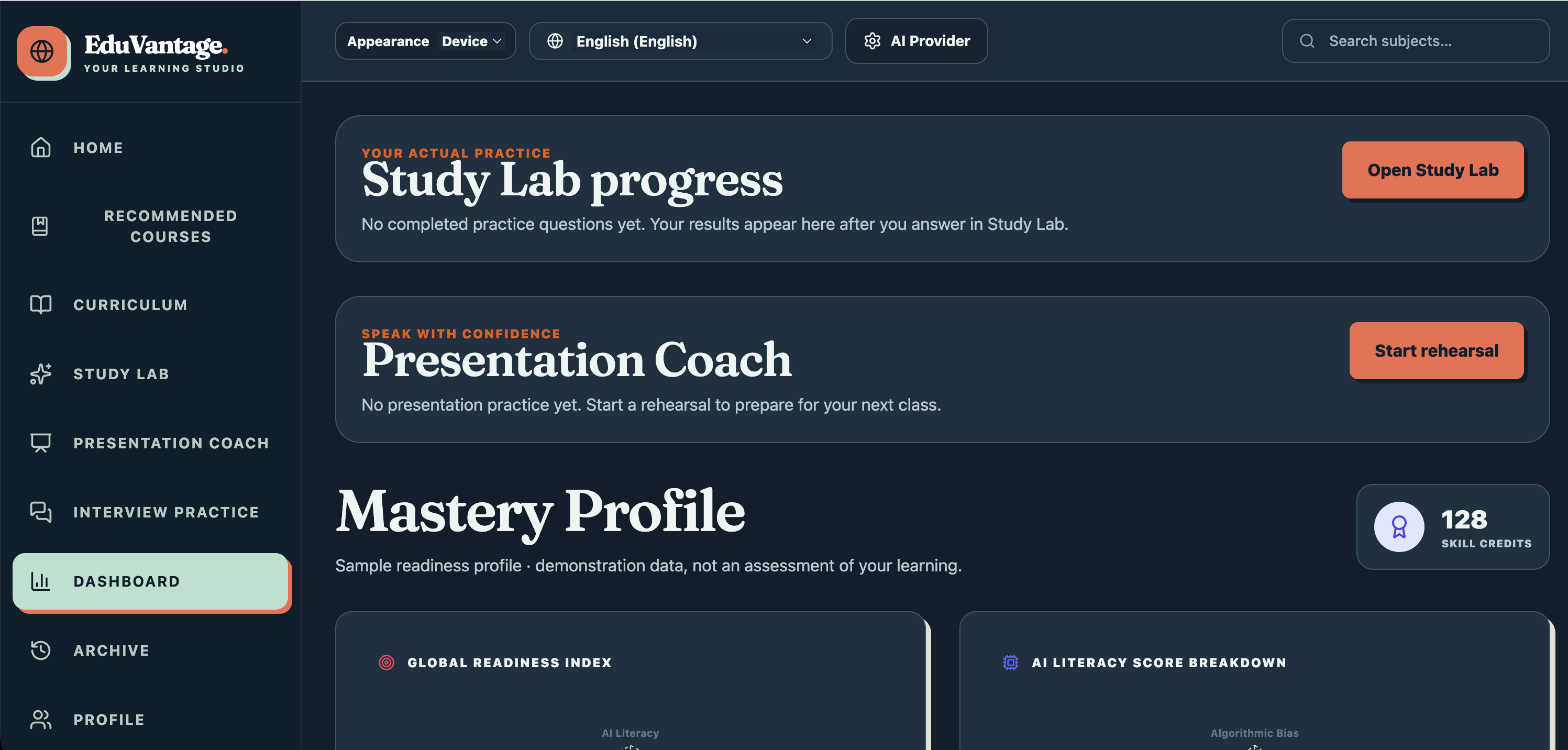
Learners can also create their own courses, choose a learning language, review progress, and return to saved sessions. They choose and connect their own AI provider. If a provider reaches a limit, their learning progress remains available.
How I built it
I built the interface with React, TypeScript, and Vite, deployed it on Vercel, and used Supabase for account-backed data. Study Lab extracts content from supported learning materials; the AI features use the learner’s selected provider. Presentation Coach combines a structured rehearsal flow with optional AI feedback.
Challenges and what I learned
The biggest challenge was making the whole journey dependable: extracting readable material, showing evidence for answers, handling different provider responses and limits, preserving progress, and making the interface usable on a phone. I learned that a helpful learning tool should do more than generate an answer—it should help students check it, practise it, and explain it.
What’s next
I plan to keep improving mobile usability, provider guidance, and the learning experience based on feedback from students and educators.
Built With
- chatgpt
- openai-codex
- pdf.js
- react
- supabase
- typescript
- vercel
- vite


Log in or sign up for Devpost to join the conversation.