-
-
web page
-
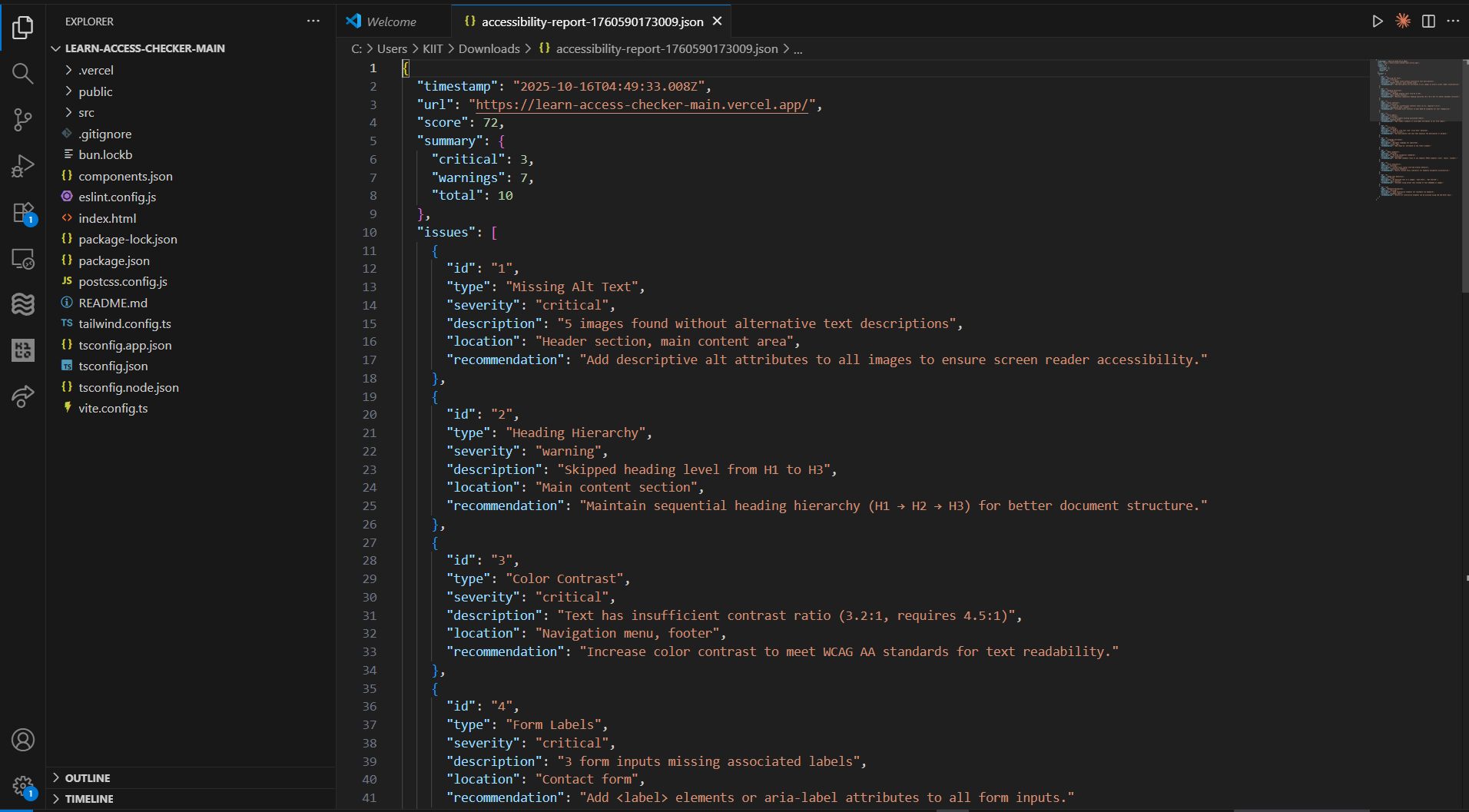
VS Code accessibility report json file
-
web page

About the project
Inspiration
15% of students have disabilities, but most educational content isn't accessible. Teachers lack easy tools to check if their materials work with screen readers or meet accessibility standards. We wanted to create a free, instant solution.
What it does
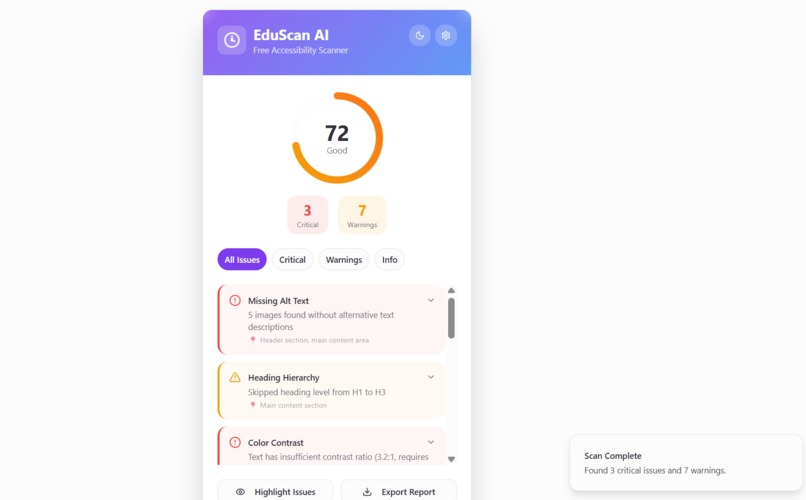
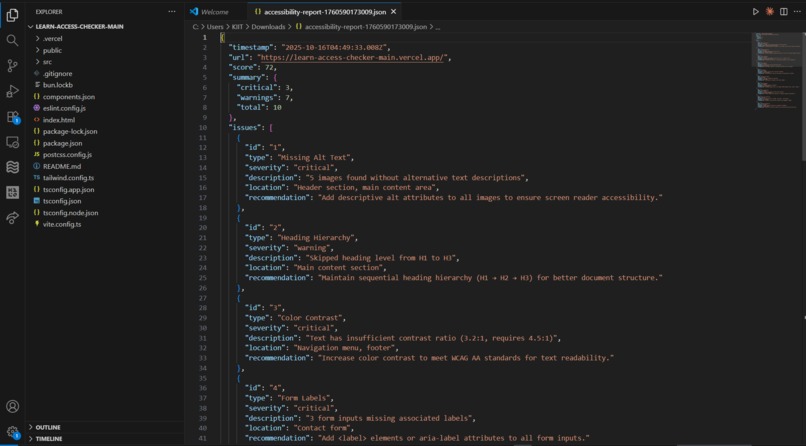
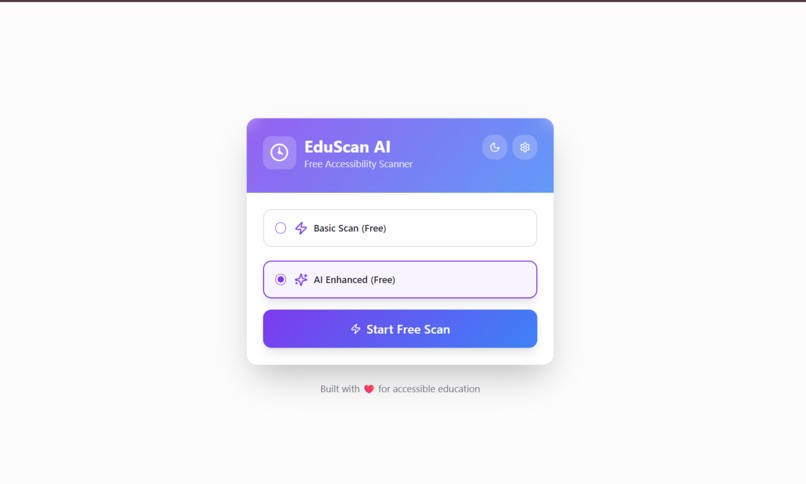
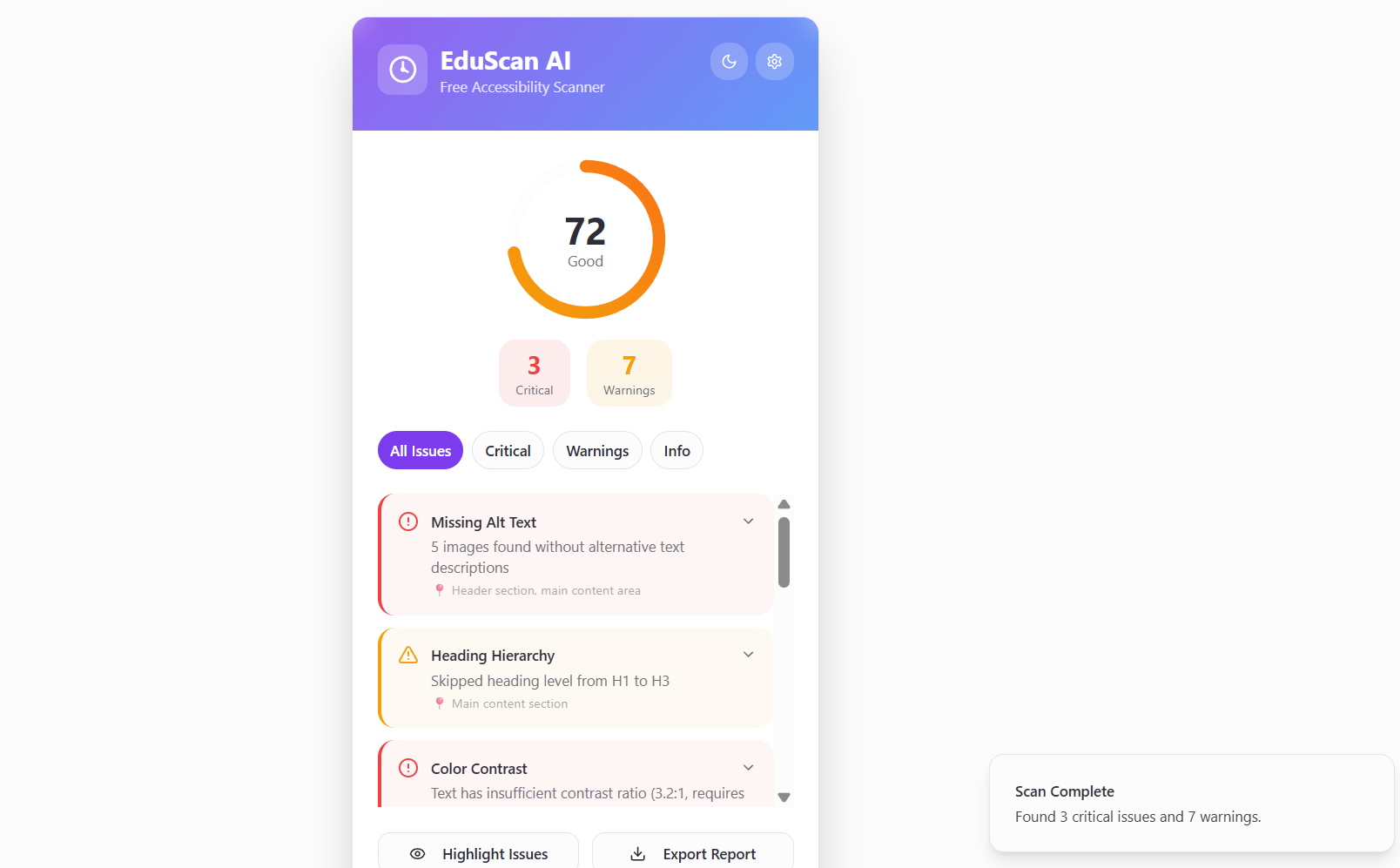
EduScan AI is a Chrome extension that scans educational webpages in real-time for accessibility issues—missing alt text, poor heading structure, form labels, color contrast, and more. It uses AI (OCR) to detect text in images and suggests better descriptions. Users get an instant score, detailed issues list, page highlighting, and exportable reports.
How we built it
- Chrome Extension Manifest V3
- JavaScript for live webpage analysis
- Tesseract.js for free AI-powered OCR
- Custom WCAG 2.1 rules engine
- CSS animations with dark/light mode
- Chrome Storage API for caching
- 100% free, open-source tech stack
Challenges we ran into
Converting a web app to a Chrome extension, implementing real-time analysis without paid APIs, handling performance on large pages, and making the extension itself accessible.
Accomplishments that we're proud of
Built a fully functional accessibility scanner in 3 days with $0 budget, integrated browser-based AI OCR, covered comprehensive WCAG 2.1 checks, and created a beautiful interface—all completely free and open-source.
What we learned
Chrome Manifest V3 architecture, WCAG 2.1 guidelines in depth, browser-based AI with Tesseract.js, real-time DOM analysis, and that powerful accessibility tools don't need expensive APIs.
What's next for EduScan AI
Chrome Web Store publication, multi-language support, educational platform integrations (Google Classroom, Canvas), mobile version, advanced color contrast analysis, and community-driven accessibility resources.
Built With
- chrome-extensions-manifest-v3
- css3
- github
- html5
- javascript
- pdf.js
- react
- shadcn-ui
- tailwindcss
- tesseract.js
- typescript
- vite

Log in or sign up for Devpost to join the conversation.