-
-
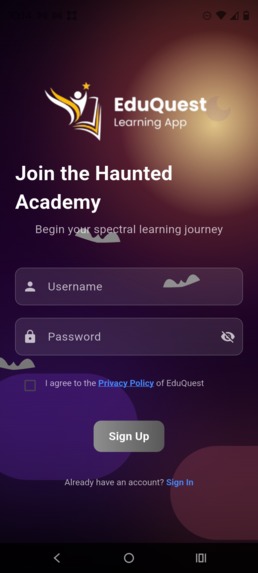
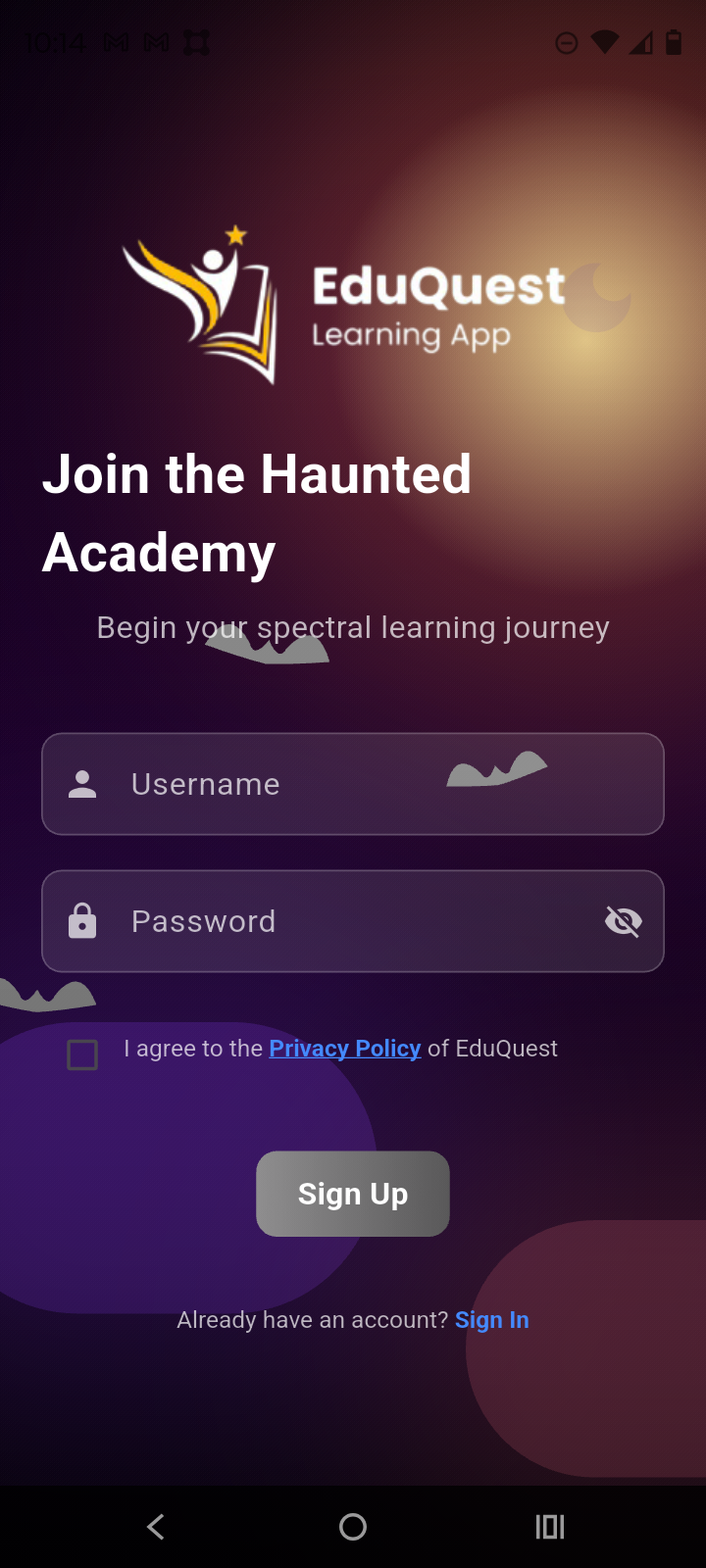
EduQuest Sign up page where users can create their own account, agree to our privacy policy, and start using their account on any device.
-
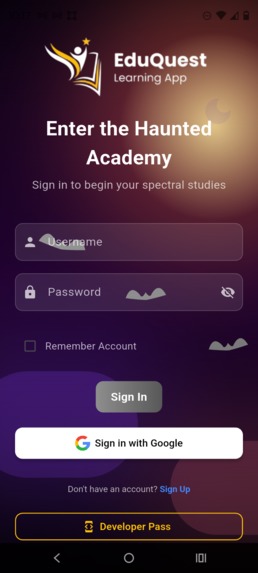
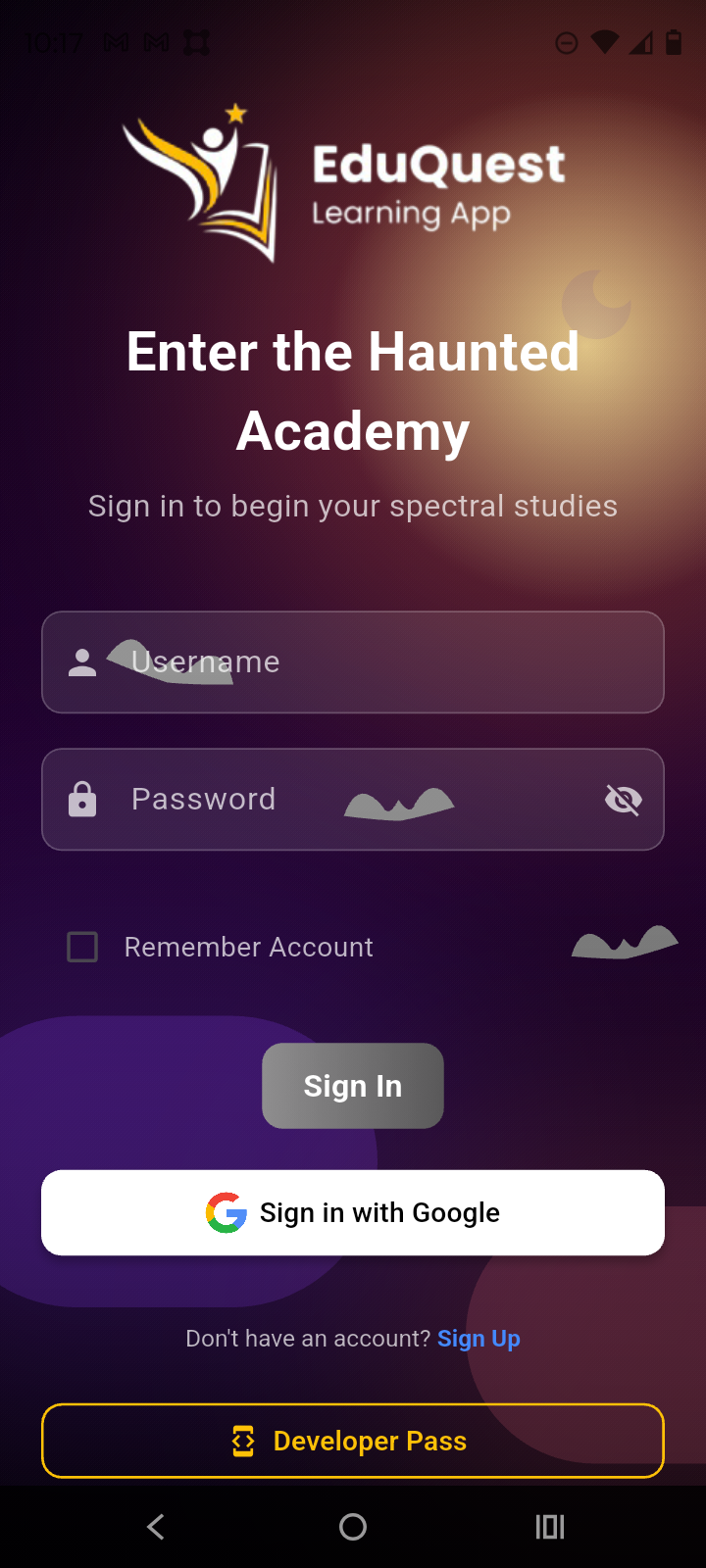
The EduQuest sign in page
-
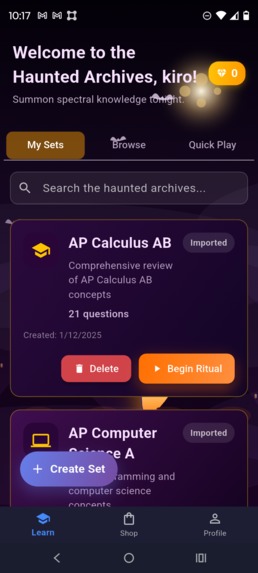
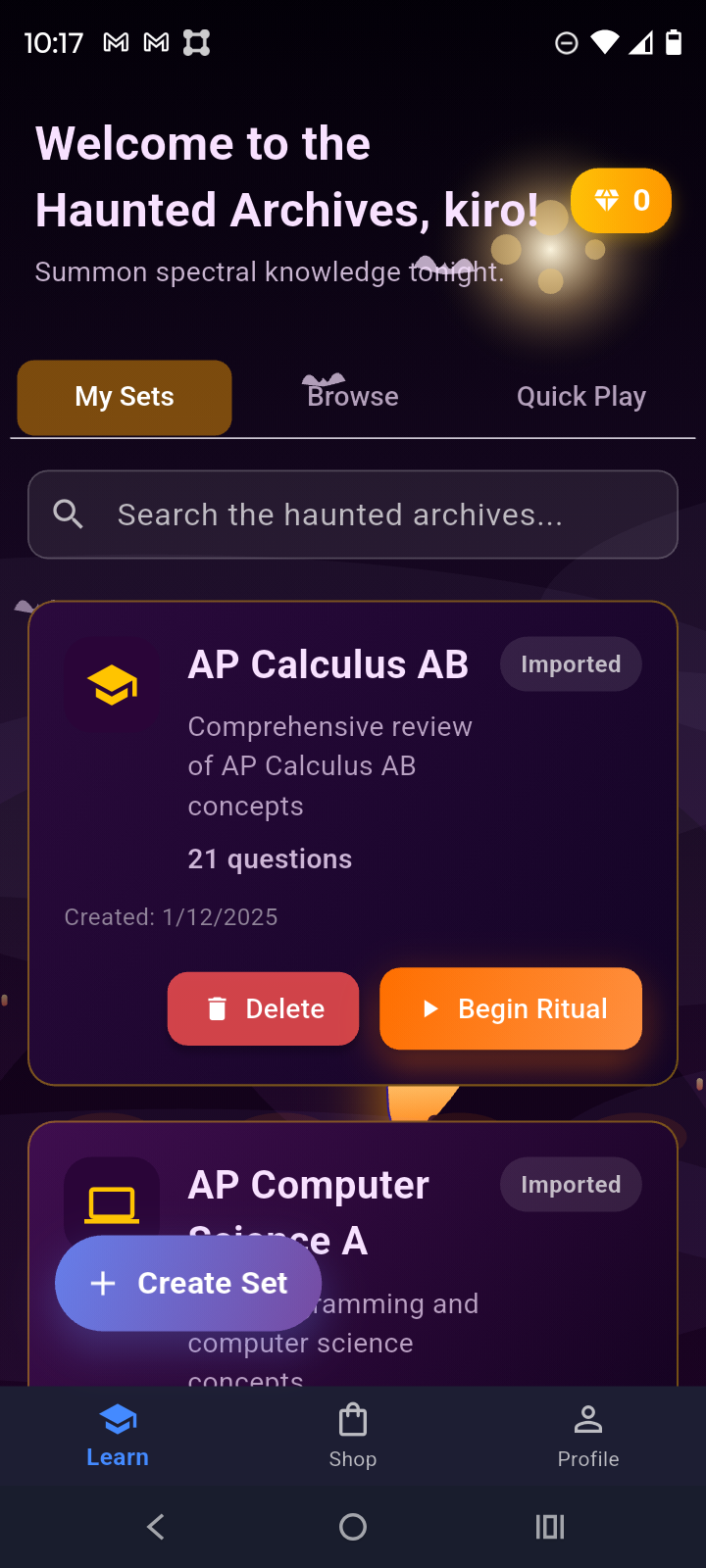
Homepage where users can choose from their imported or self-created sets to practice
-
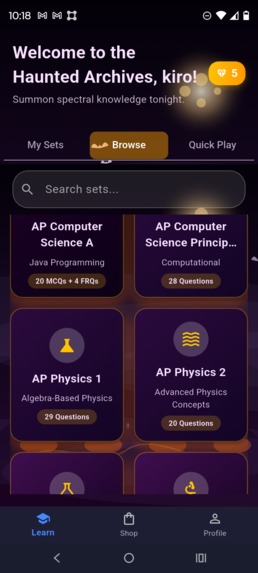
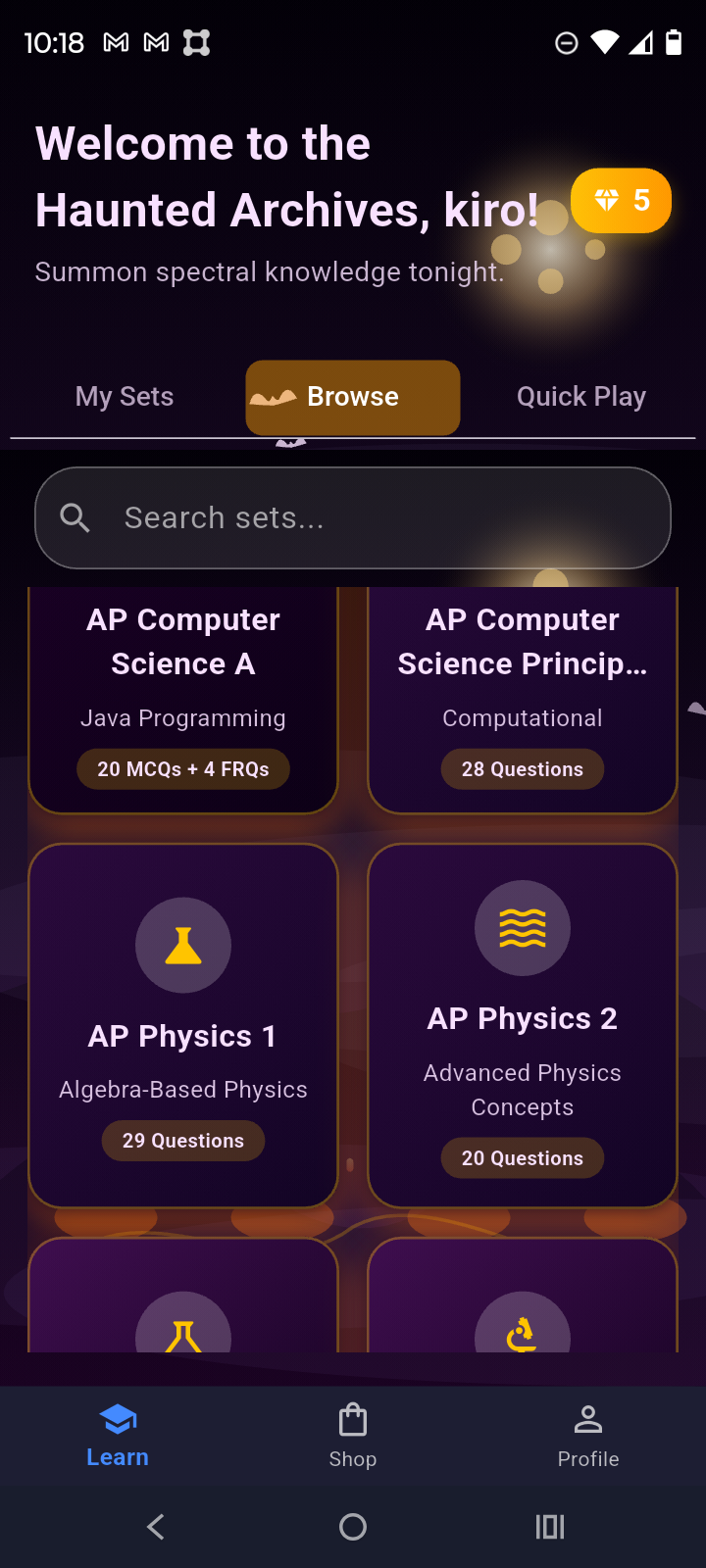
Browse page where the users can find pre-made sets for various IB and AP courses
-
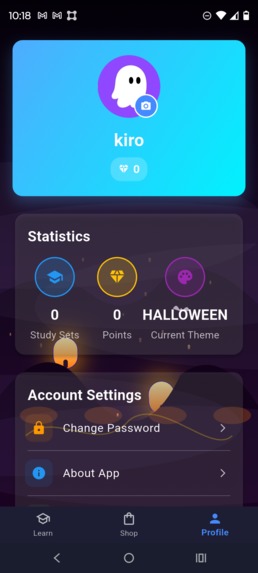
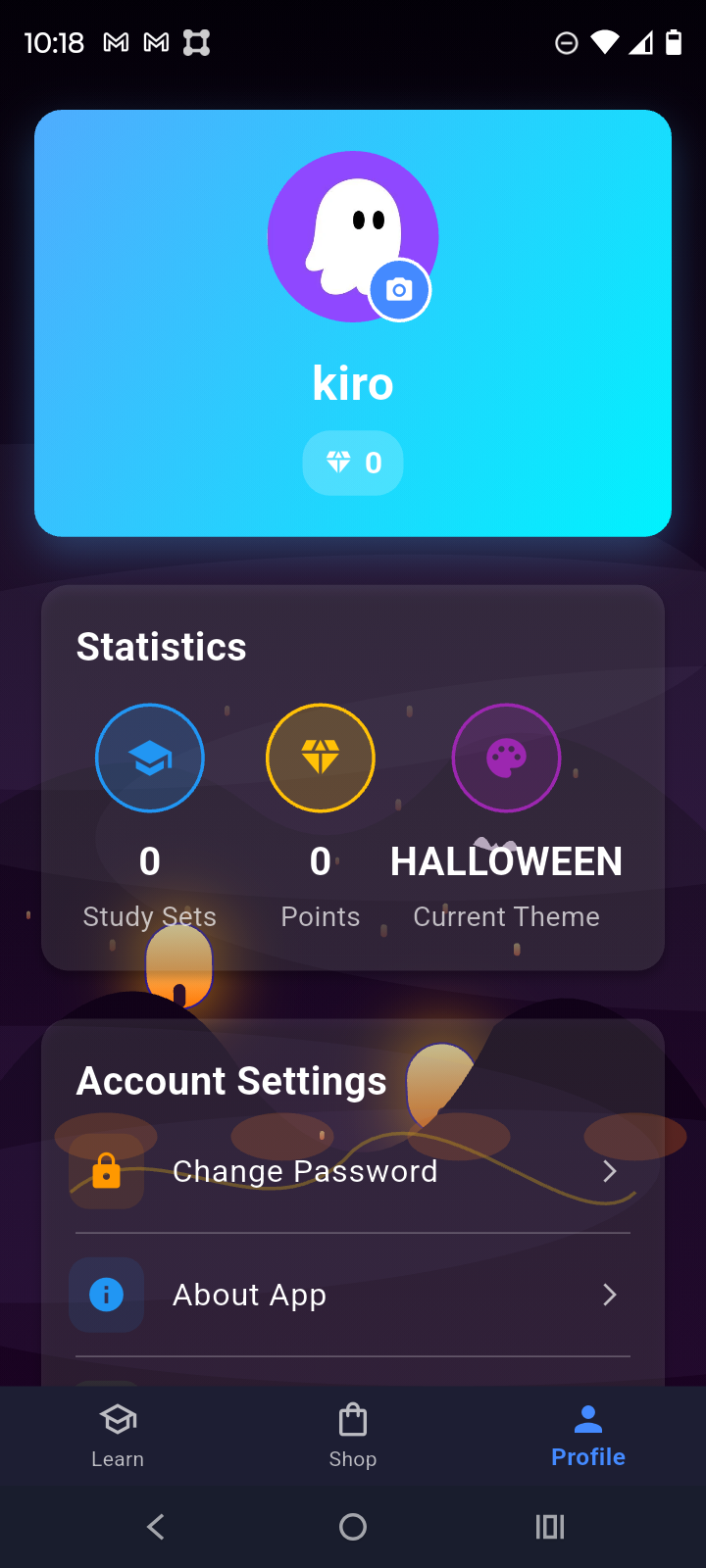
Profile page where users can change their account settings, view their statistics, and change their profile picture
-
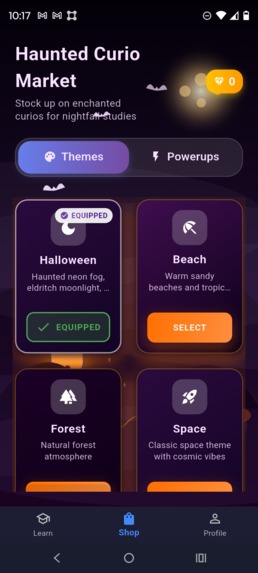
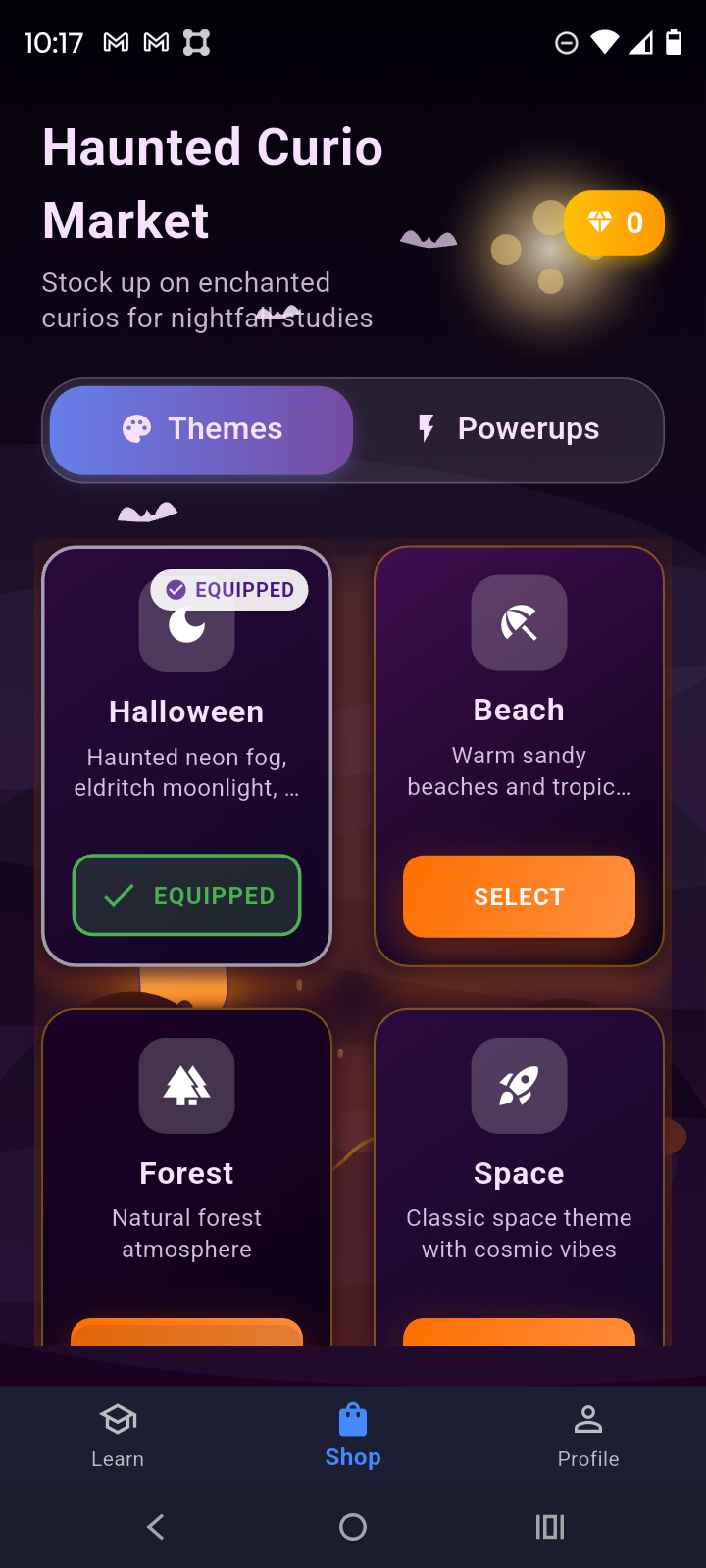
EduQuest store where the users can buy different themes like beach, space, forest etc.
-
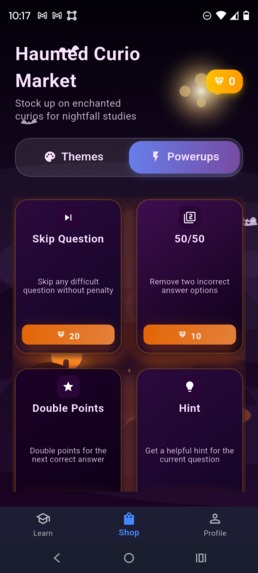
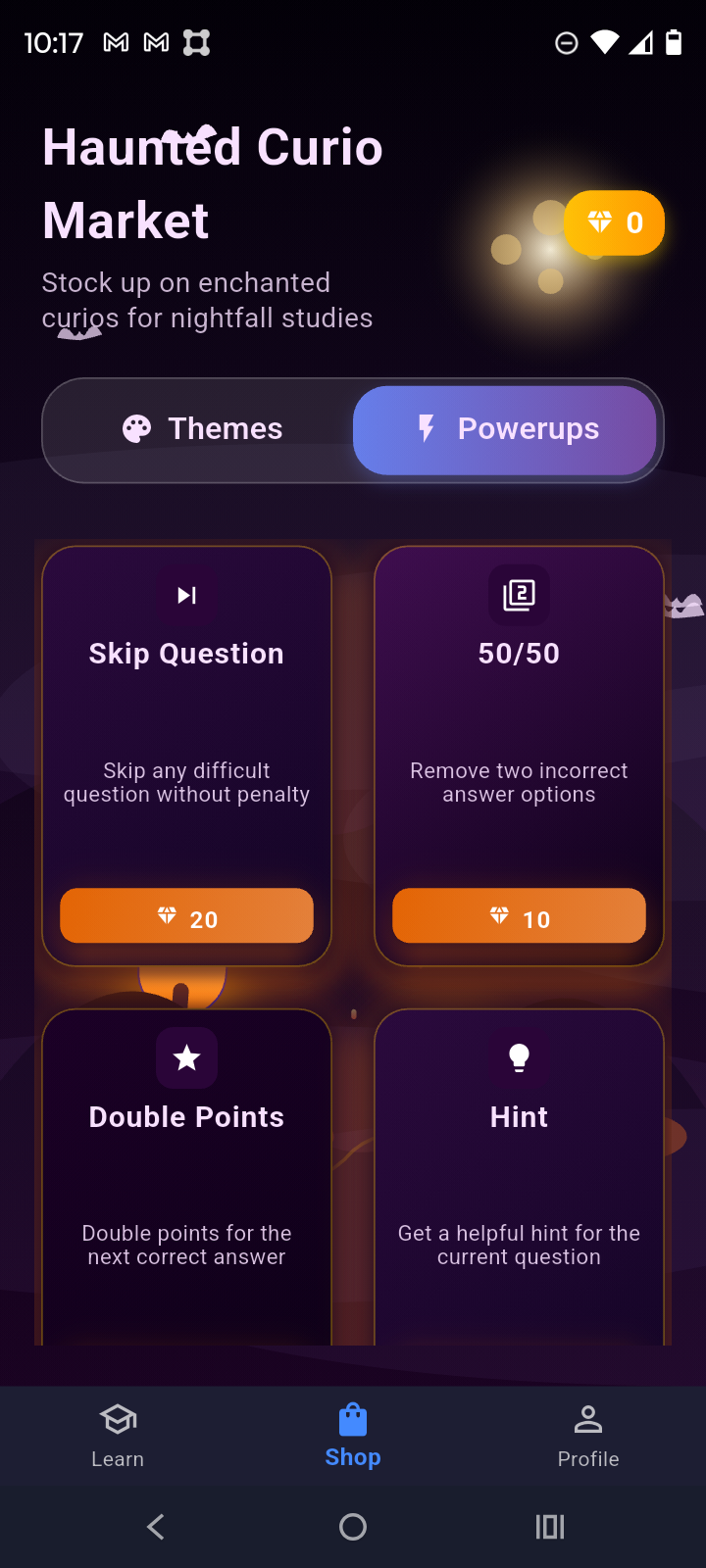
EduQuest store where users can buy power ups
-
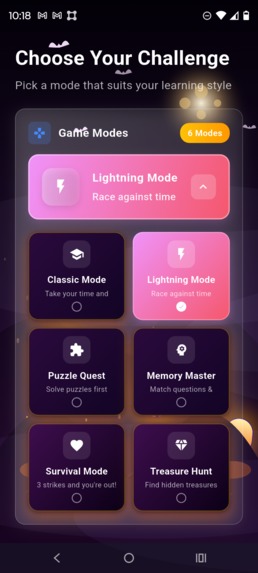
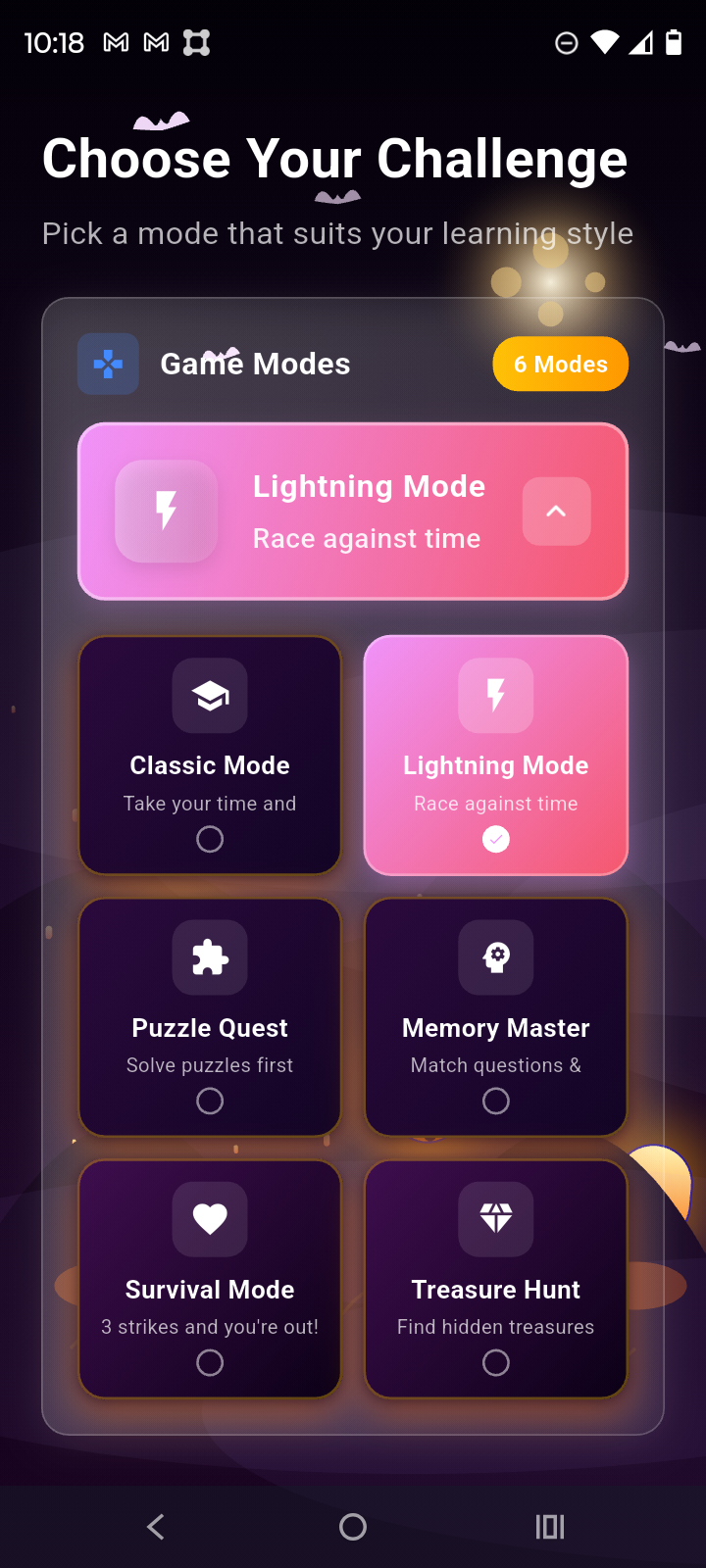
The different game modes that EduQuest MCQ offers.
-
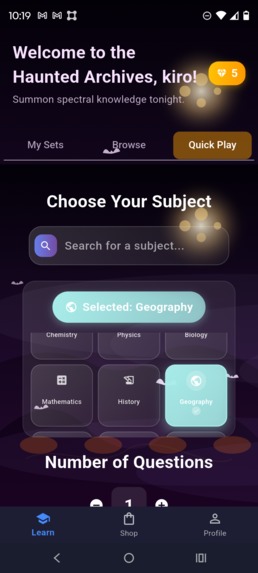
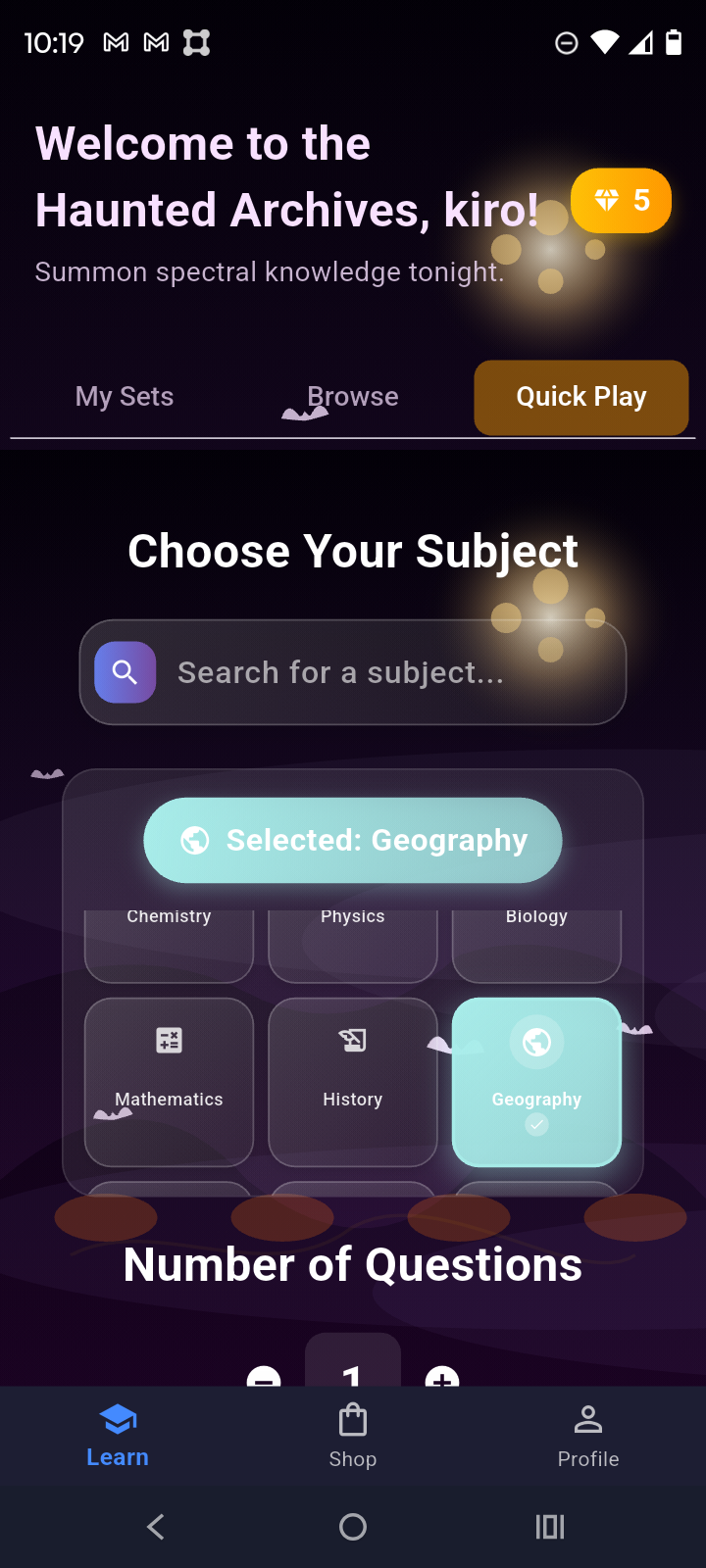
Quick Play made offering over 40+ subjects and questions generation capability up to 200 questions
-
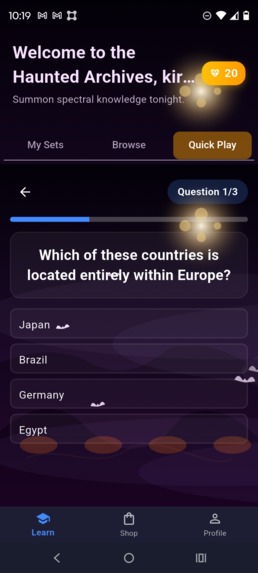
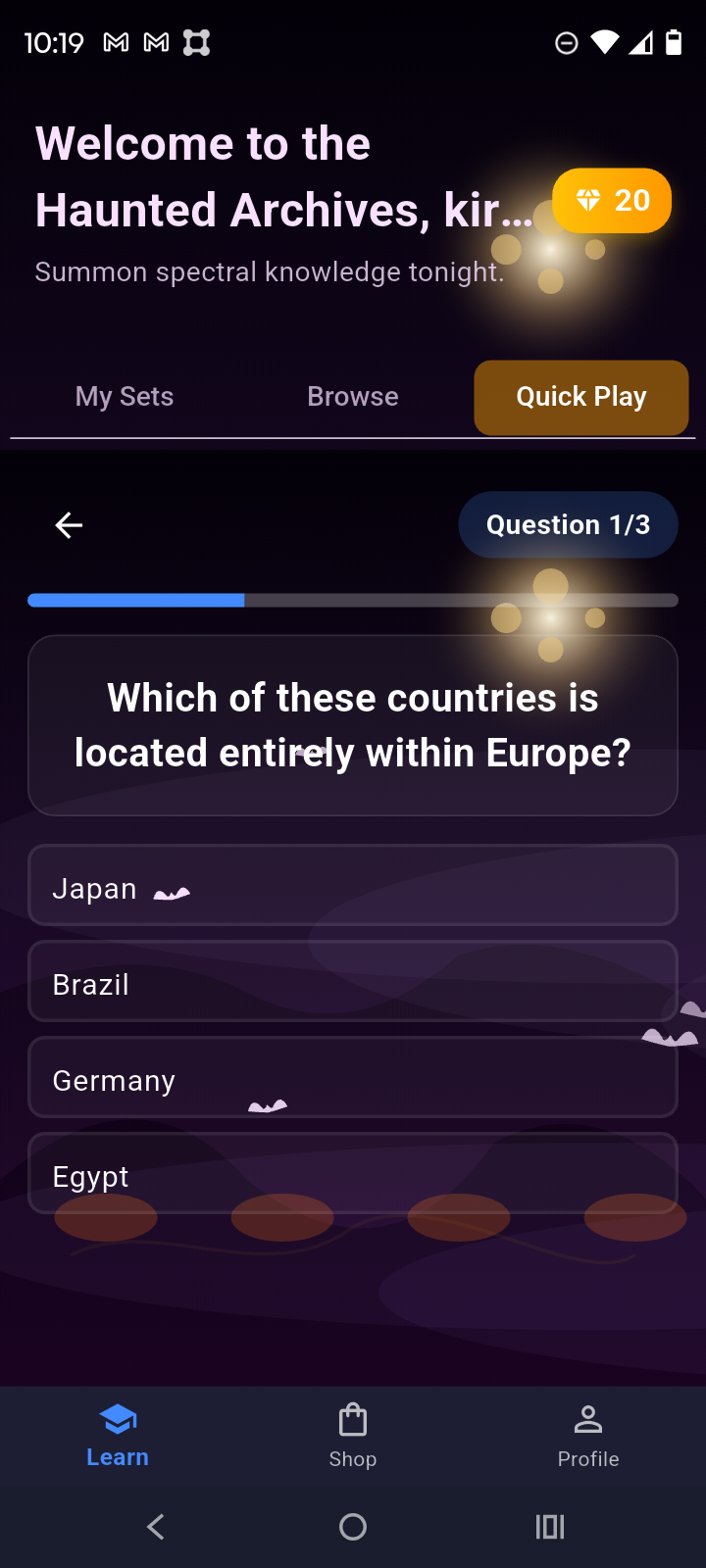
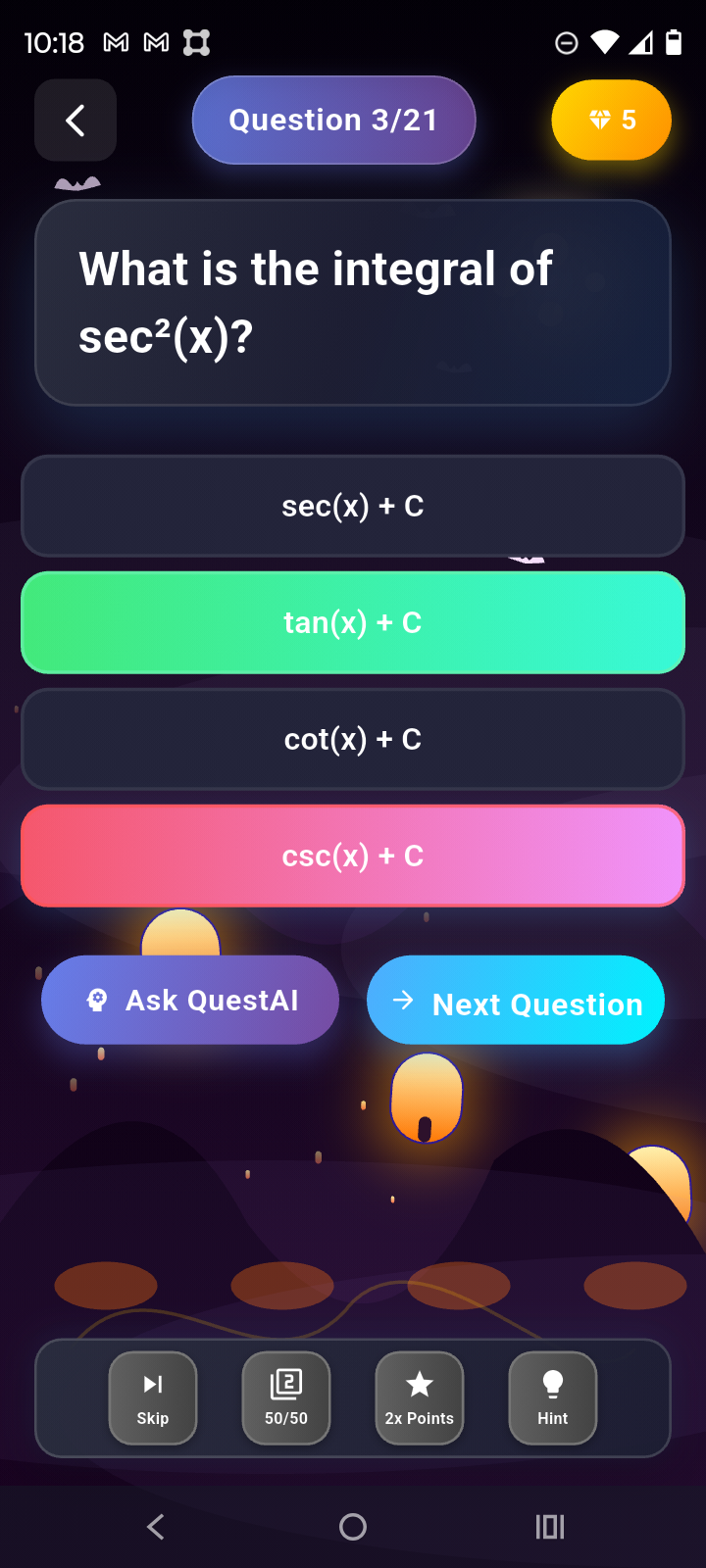
Quick Play question page
-
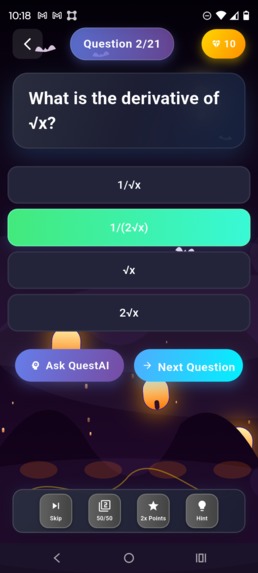
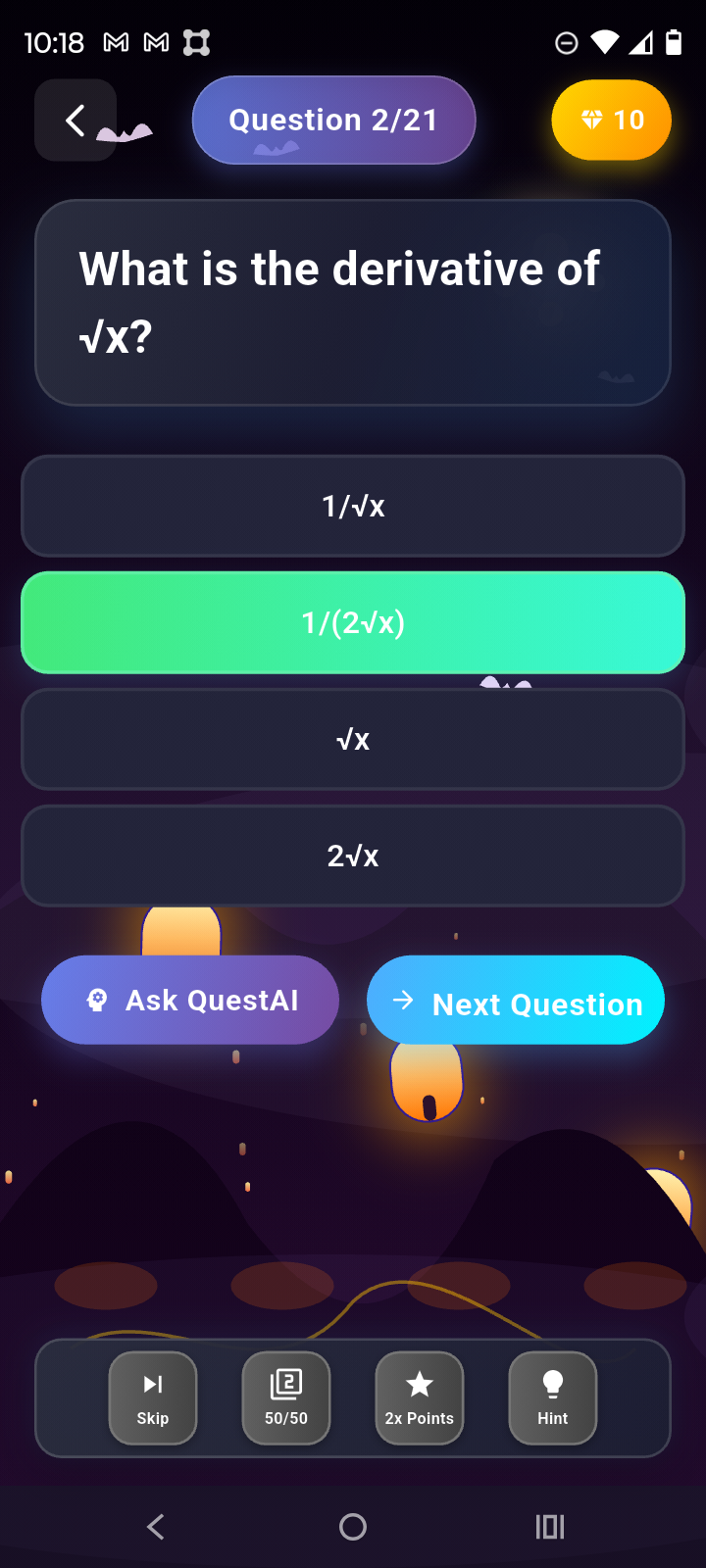
Correct MCQ question screen
-
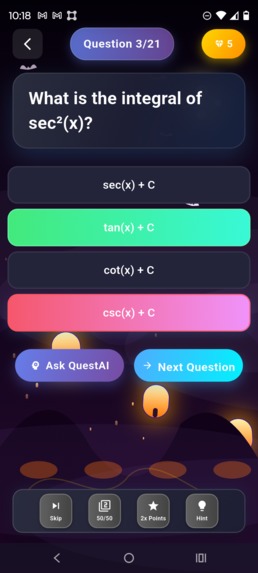
Incorrect answer for MCQ page
-
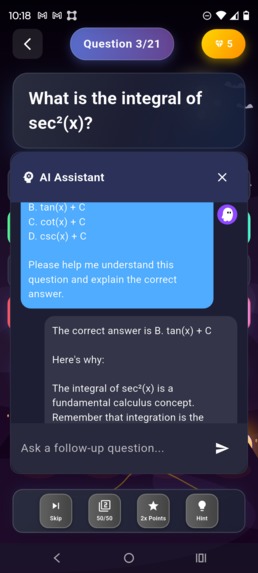
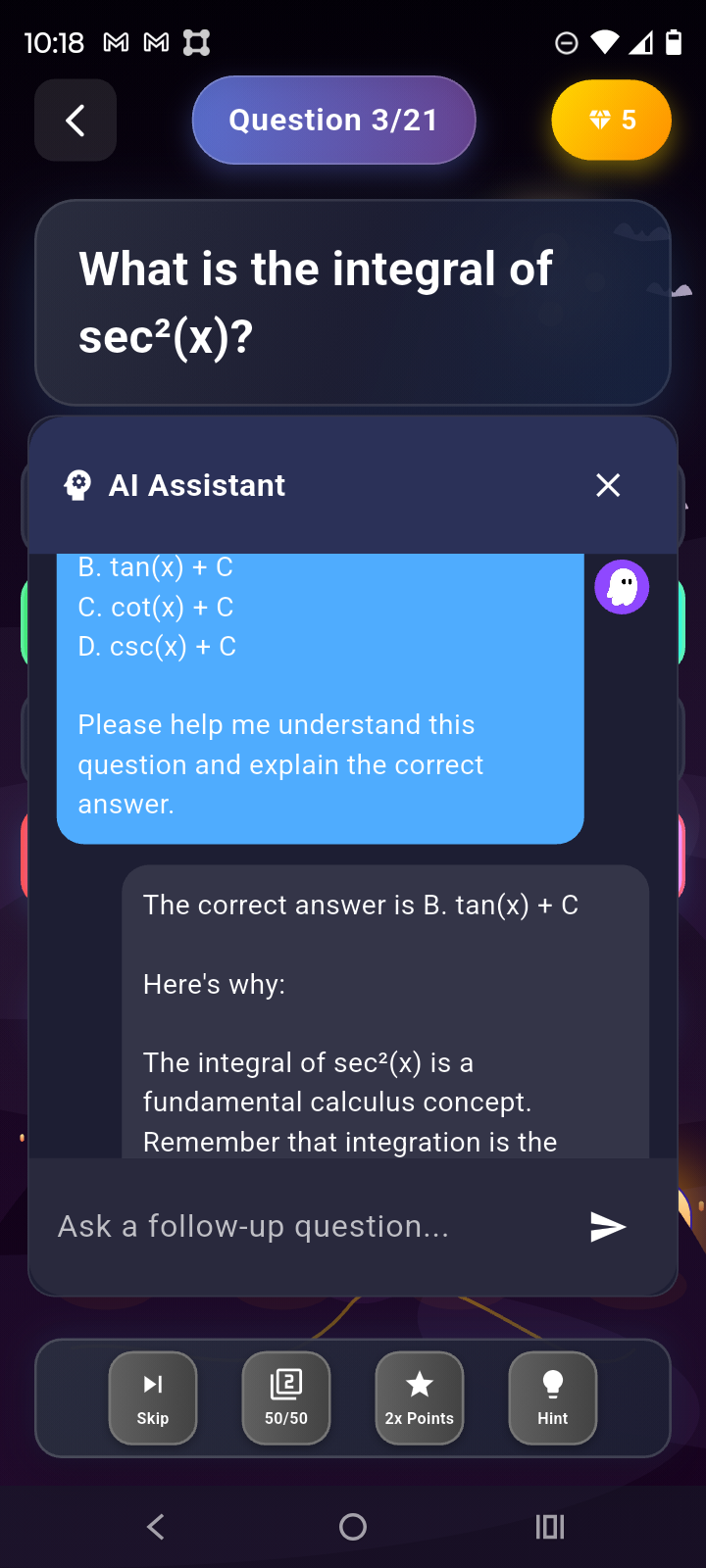
QuestAI chatbot page where users can ask for any help or explanation they need
Inspiration
We came up with the idea of making EduQuest due to our frustrations with limited learning tools, like effectively studying both MCQs and FRQs for AP and IB courses.
What it does
EduQuest helps students learn new topics in a fun and interactive way through various means, such as our shop features, our AI assistant, and custom learning objectives.
How we built it
We first started without any idea what we were doing, and came across Figma at first. We used Figma to create some form of a UI representation. Then we discovered Flutter, a framework that fit our use case perfectly, and could create a cross platform application. We learnt Flutter and began to create our app, until we ran into the issue of user data handling. For this we used SQLlite as our database, which we also had to newly learn as well. Then one of our biggest features is the AI bot, which we used a Gemini API to create.
Challenges we ran into
Many of our challenges were due to inexperience in creating full apps and working on a big team project. We ran into problems such as merge conflicts, learning a new language, and spending hours making documentation.
Accomplishments that we're proud of
We are proud of the way AI was implemented in EduQuest to generate quizzes and provide solutions and explanations. Furthermore, AI was added to 40+ subjects to cater to a wider audience, as well as provide flexibility to users to import questions from multiple sources.
What we learned
We learned how to create a fully functioning app, this is our first time doing a project like this, and we learned many new technologies such as Dart, Flutter, SQLlite, and GeminiAPI.
What's next for EduQuest
Although we have many features built into the app, there is much more that we want to implement in order to improve our app further. We want to make learning more fun using different ways, such as social features and special events for holidays as well as publish EduQuest onto the App store and Play store.

Log in or sign up for Devpost to join the conversation.