-
-
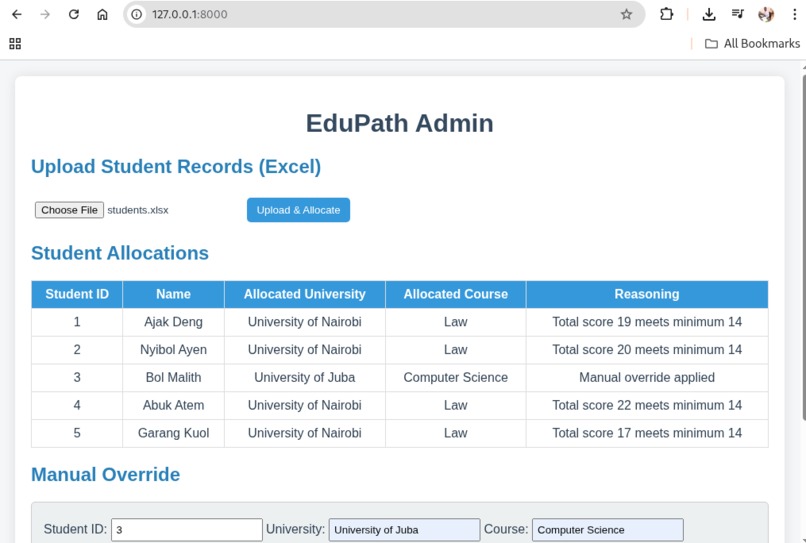
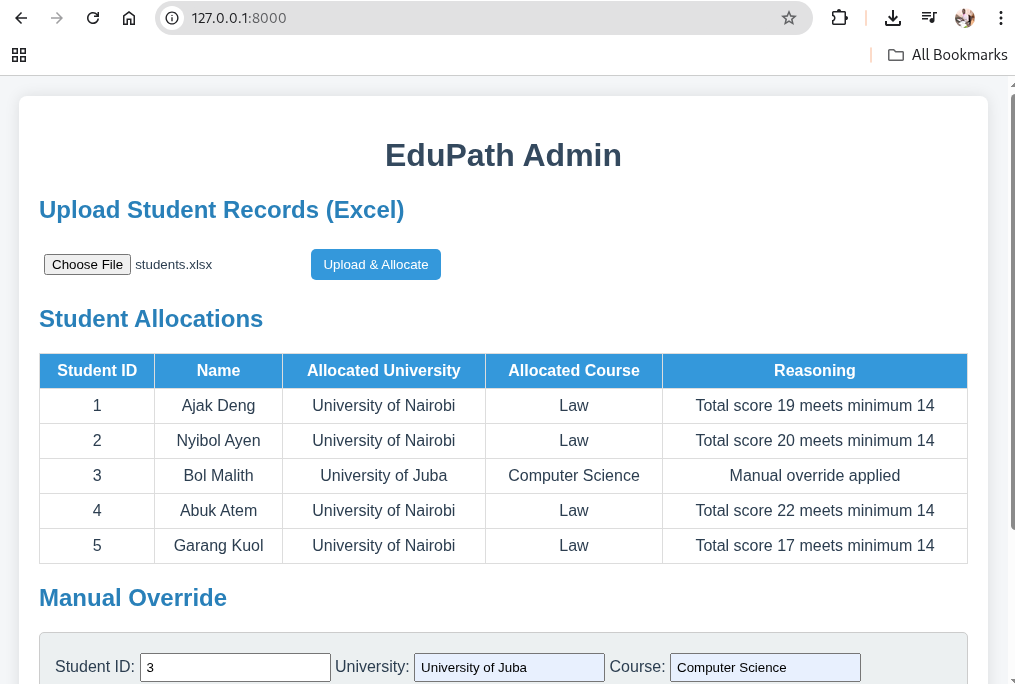
Allocated students
-
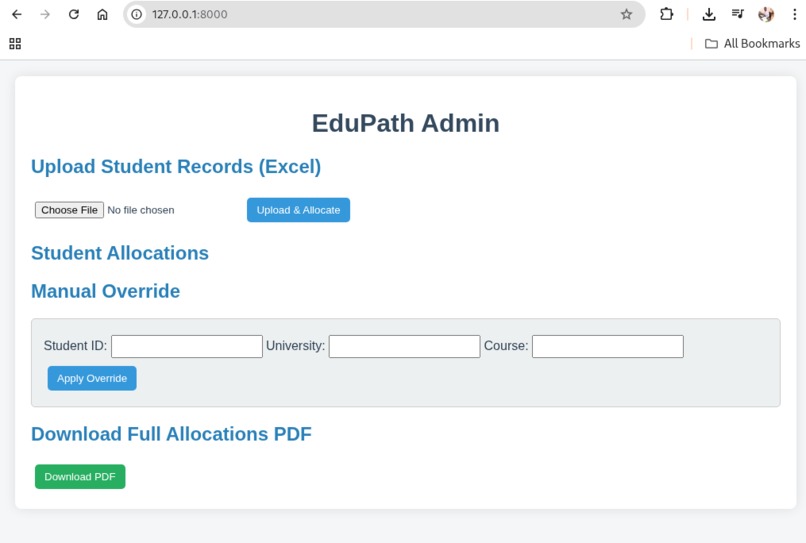
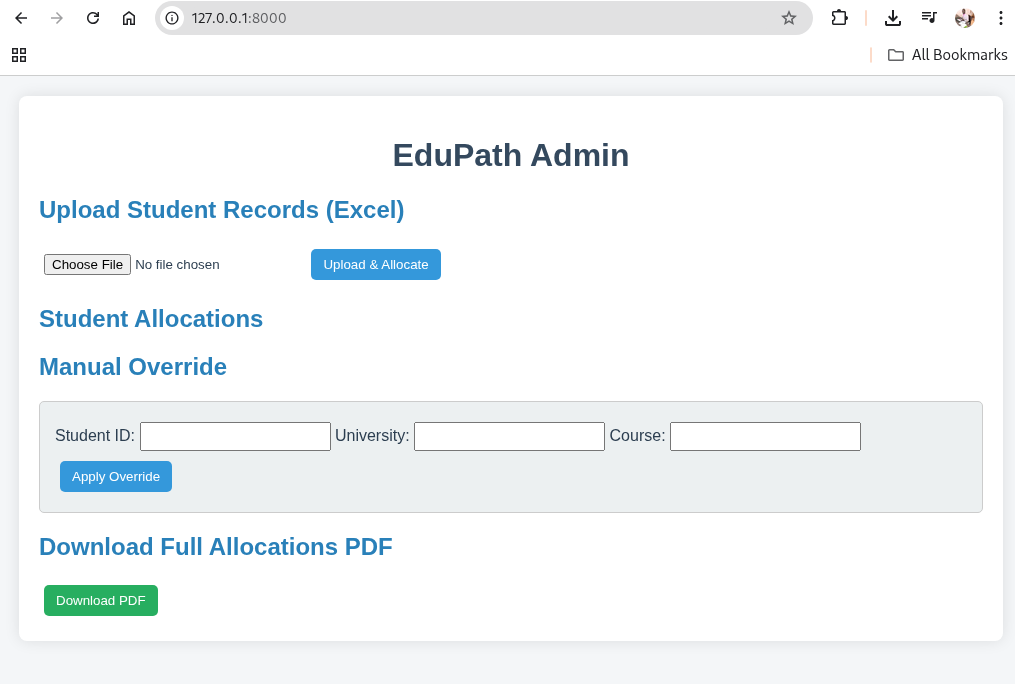
Before no record uploaded
📘 About the Project
EduPath Admin is a smart university admissions platform designed to automate student placement based on secondary school performance. The idea was inspired by the repeated challenges students and administrators face during the admissions process: long delays, inconsistent allocations, and lack of transparency. I wanted to build a solution that could streamline decision-making while maintaining fairness and accountability.
🌱 Inspiration
During my community work and academic interactions, I noticed that many students struggle to secure placements in suitable programs because manual allocation systems often fail to account for student performance comprehensively. Administrators, on the other hand, spend countless hours processing Excel sheets and managing exceptions manually.
This motivated me to create a platform that:
- Automates allocation
- Provides clear reasoning for every assignment
- Offers flexibility through manual overrides
📚 Learning Journey
Building EduPath Admin taught me:
- Data normalization: Converting grades from multiple school systems into a unified scoring system
- Allocation algorithms: Implementing a "best-fit" strategy where higher-score students are prioritized for higher-tier courses
- Web development: Combining FastAPI for the backend and dynamic HTML/JS for the frontend with WebSocket support
- PDF generation: Using WeasyPrint and Jinja2 templates to generate professional per-student and full allocation reports
- User experience: Designing a demo-ready admin interface that is both intuitive and functional
🏗️ How We Built It
🔧 Backend
- Python + FastAPI for API endpoints including allocation, manual override, and PDF generation
🎨 Frontend
- HTML, CSS, and JavaScript with forms for uploading student Excel files, applying overrides, and downloading PDFs
📁 Data Handling
universities.jsoncontains all universities and their programspandasreads student Excel files and converts letter grades to numeric scores
🧮 Allocation Logic
- Each student is scored based on their grades
- Courses are assigned using a best-fit algorithm that ensures fairness and maximizes student-course alignment
- Overrides can be applied manually and reflect instantly in the UI
📄 Reporting
- Each student receives an HTML report with allocation reasoning
- Full allocations are exported as multi-page, styled PDFs
🛠️ How It Works
1. Upload Student Records
Admins upload an Excel file containing students’ grades.
2. Data Normalization
Grades from multiple systems (A/B/C, numeric) are converted into a unified score.
3. Allocation Algorithm
For each student ( i ) with total score ( S_i ), the algorithm evaluates all courses ( c ) across universities.
The best-fit course ( c^* ) is chosen such that:
$$ c^* = \arg\max_{c \in \text{available courses}} \text{ScoreAlignment}(S_i, c_{\text{min_score}}) $$
Higher-score students get priority for higher-tier courses.
4. Manual Overrides
Admins can adjust allocations instantly; changes reflect immediately in the frontend.
5. Reporting
HTML and multi-page PDFs are generated automatically, including detailed allocation reasoning.
6. Download
Admins can download per-student PDFs or a full allocation PDF.
🔁 Flowchart
Excel Upload → Grade Normalization → Best-Fit Allocation → HTML Report
                                                    ↓
                                              PDF Generation
                                                    ↓
                                        Manual Override (if needed)
⚠️ Challenges Faced
- Grade Normalization: Different grading systems (A/B/C vs numeric) required a robust conversion system
- Dynamic Allocations: Ensuring real-time updates in the frontend after overrides required implementing live-refresh strategies
- PDF Styling: Creating professional, multi-page PDFs that were responsive and included 20+ students per page without breaking formatting
- Data Structure: Switching from nested country-based JSON to a flat university list simplified processing while maintaining flexibility
🚀 Future Plan for Expansion
- Database Integration: Store students, universities, and allocations persistently for large-scale deployments
- Analytics Dashboard: Visualize allocation trends, student success rates, and bottlenecks
- Authentication & Roles: Different access levels for admins, reviewers, and regional coordinators
- AI-Assisted Recommendations: Suggest alternative courses for borderline students using predictive modeling
- Multi-Language & Accessibility: Expand the platform for diverse regions with localization and accessibility features
✅ Key Takeaways
- Automated allocation saves time and reduces human errors
- Transparent reports improve trust with students and administrators
- Real-time manual overrides provide flexibility without compromising fairness

Log in or sign up for Devpost to join the conversation.