-
-
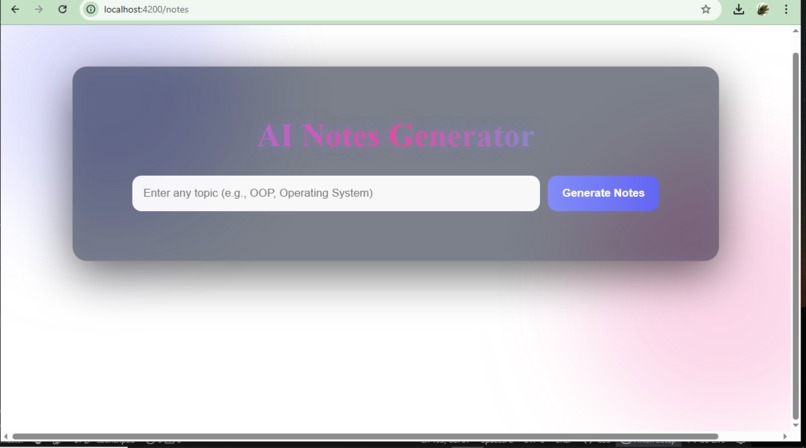
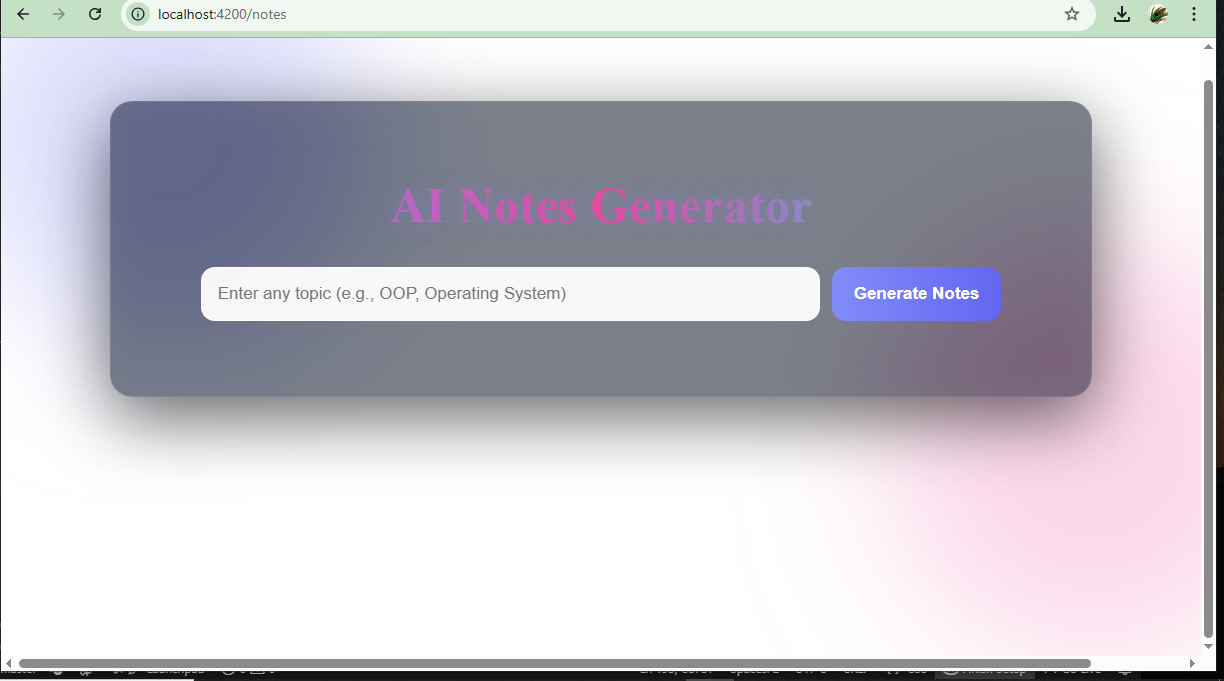
AI Notes Generator – Clean and Intuitive Home Interface.
-
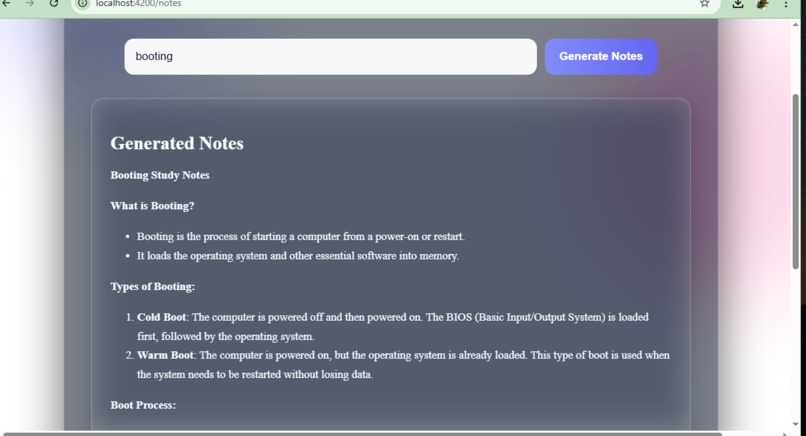
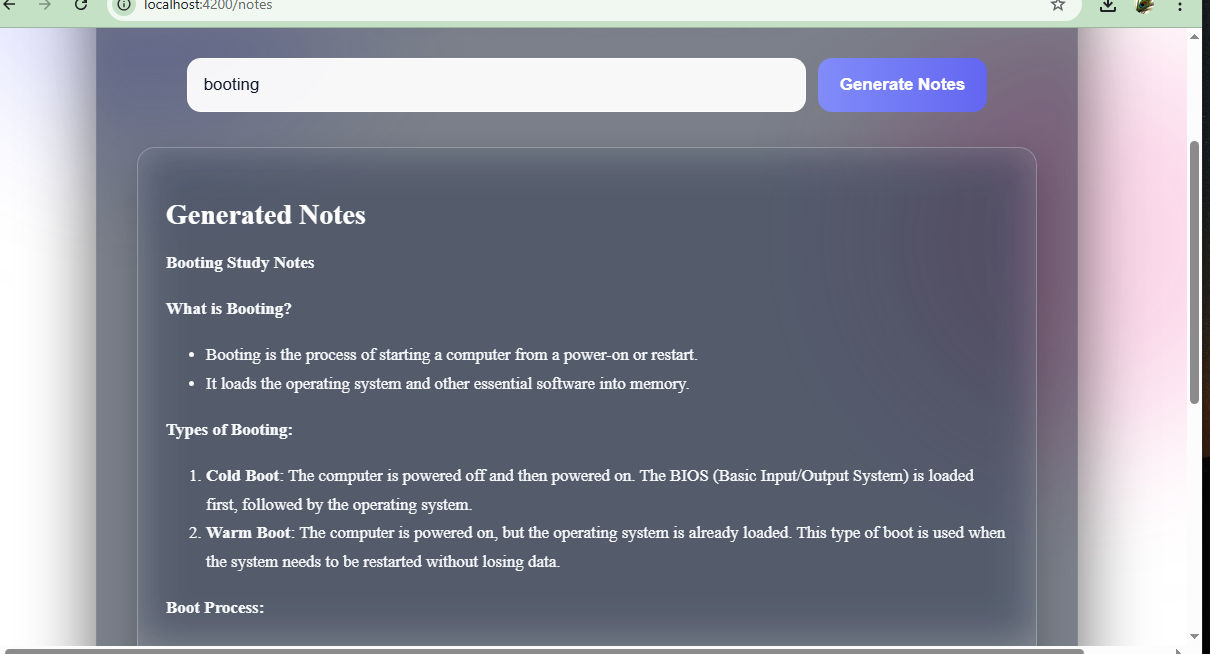
Instant AI-Generated Study Notes with Clean Glassmorphism UI
EduNote AI Project Story
Inspiration
- Problem Noticed: Students often struggle to turn raw information into clean, organized notes.
- Time-consuming Process: Searching topics, reading long articles, and then manually making notes takes a lot of time.
- Idea Spark: We imagined a tool that instantly converts any topic into readable, structured notes.
- Goal: To make learning faster, simpler, and more efficient with the help of AI.
What it does
- Instant Note Generation: Takes any topic and produces clean, well-structured study notes.
- Markdown Formatting: Generates headings, bold highlights, bullet points, and organized sections.
- Modern UI: Displays notes inside a beautiful glass morphism interface.
- PDF Export: Allows users to download perfectly formatted PDF notes.
- User-Friendly: Works for any topic — from technical subjects to simple everyday topics.
How we built it
- Frontend Framework: Built using Angular with modular components.
- Markdown Rendering: Integrated marked library to convert AI Markdown into formatted HTML.
- PDF System: Used html2canvas + jsPDF with a custom “PDF mode” for clear export.
- Styling: Designed a premium glass UI, soft gradients, blur effects, and responsive layout.
- AI Integration: Backend/AI service generates structured Markdown for any topic.
- Performance: Optimized rendering, loading, and formatting for a smooth experience.
Challenges we ran into
- Markdown Rendering Issues: AI output needed consistent formatting across browsers.
- PDF Visibility Problems: Glass UI made text look faded in PDF; solved with PDF-only styling.
- Color & Transparency Conflicts: Managing white text on dark UI vs. black text in PDF.
- Cross-Browser Rendering: html2canvas behaved differently across browsers.
- Layout Adjustments: Ensuring headings, bullets, and structure stayed readable everywhere.
Accomplishments that we're proud of
- Fully Working AI Note Generator with clean, readable results.
- Premium Modern UI that looks like a production-level app.
- Solved Complex PDF Challenges that many developers get stuck on.
- Consistent Note Formatting across UI + PDF.
- User-Friendly Experience that actually helps students learn faster.
What we learned
- Deep Understanding of Markdown → HTML conversion.
- Advanced CSS (Glassmorphism, Blur, Gradients, Responsive UI).
- PDF rendering techniques using html2canvas and jsPDF.
- Handling AI-generated structured content.
- Designing readable and accessible user interfaces.
What's next for EduNote AI
- Mind Maps generated automatically from topics.
- AI Flashcards for quick revision.
- Download to Word, Notion, and Google Docs.
- Voice Explanation Mode for audio learning.
- User Accounts + Saved Notes.
- Mobile App Version with offline support.
- Advanced formatting themes (Notion theme, Reddit theme, textbook theme).
Built With
- angular.js
- postman
- springboot


Log in or sign up for Devpost to join the conversation.