-
-
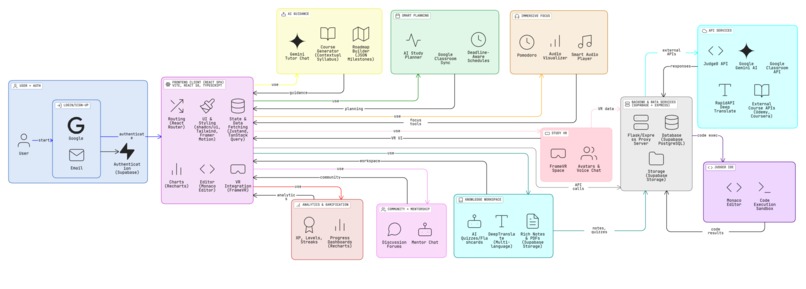
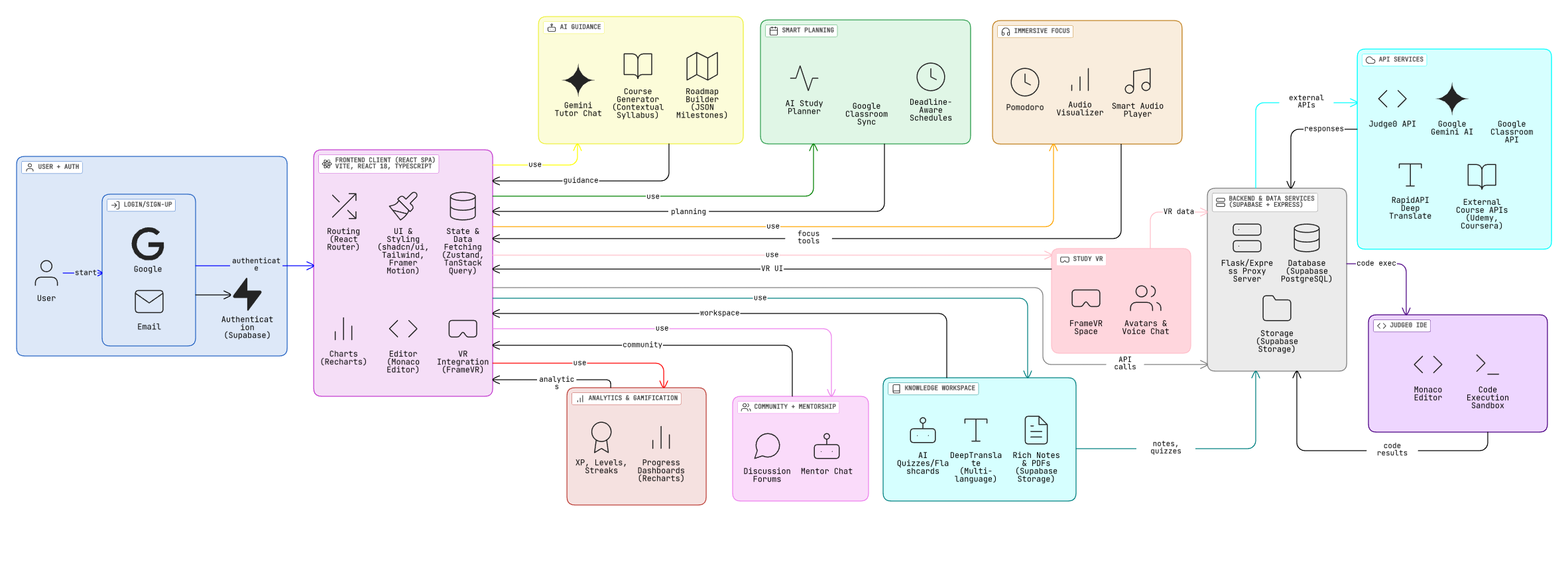
System Architecture (Click on the image to view neatly)
-
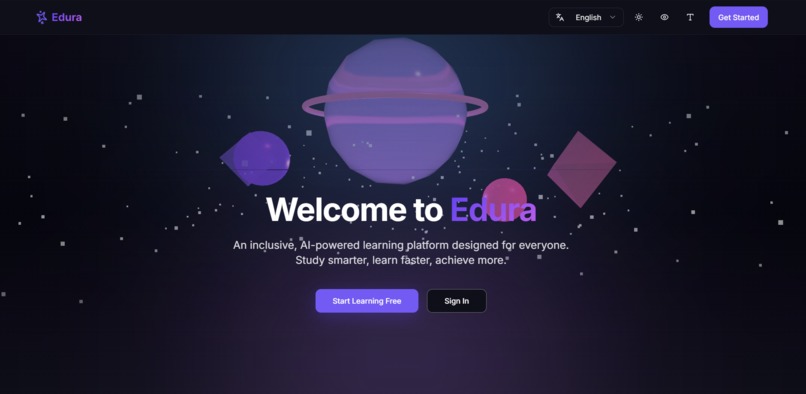
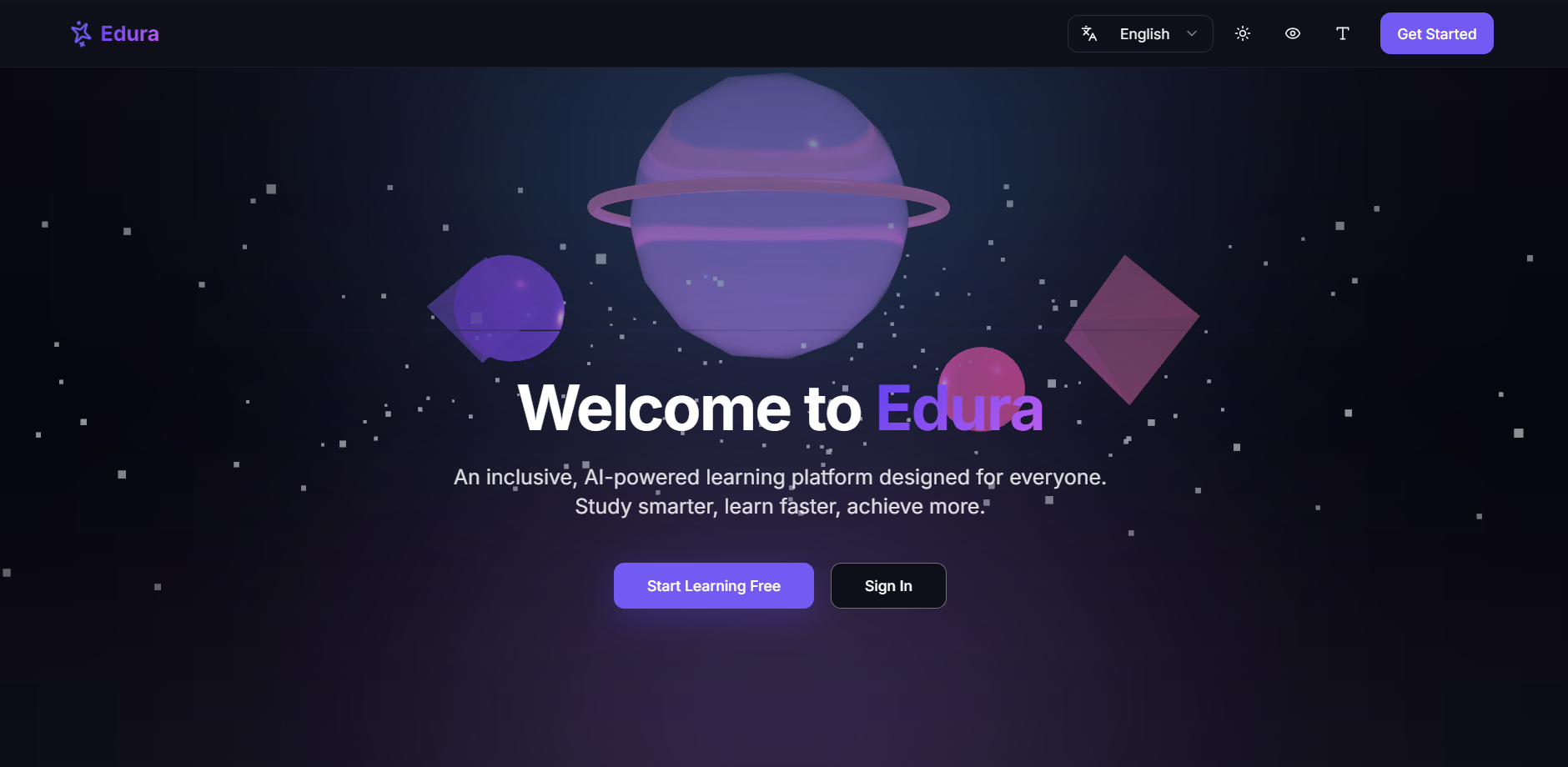
landing page
-
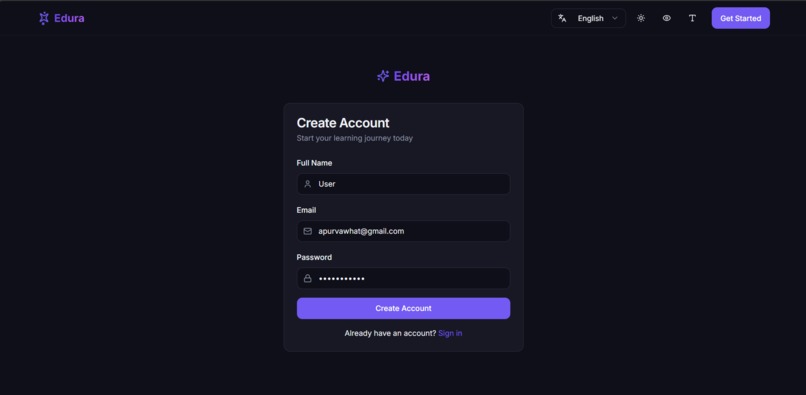
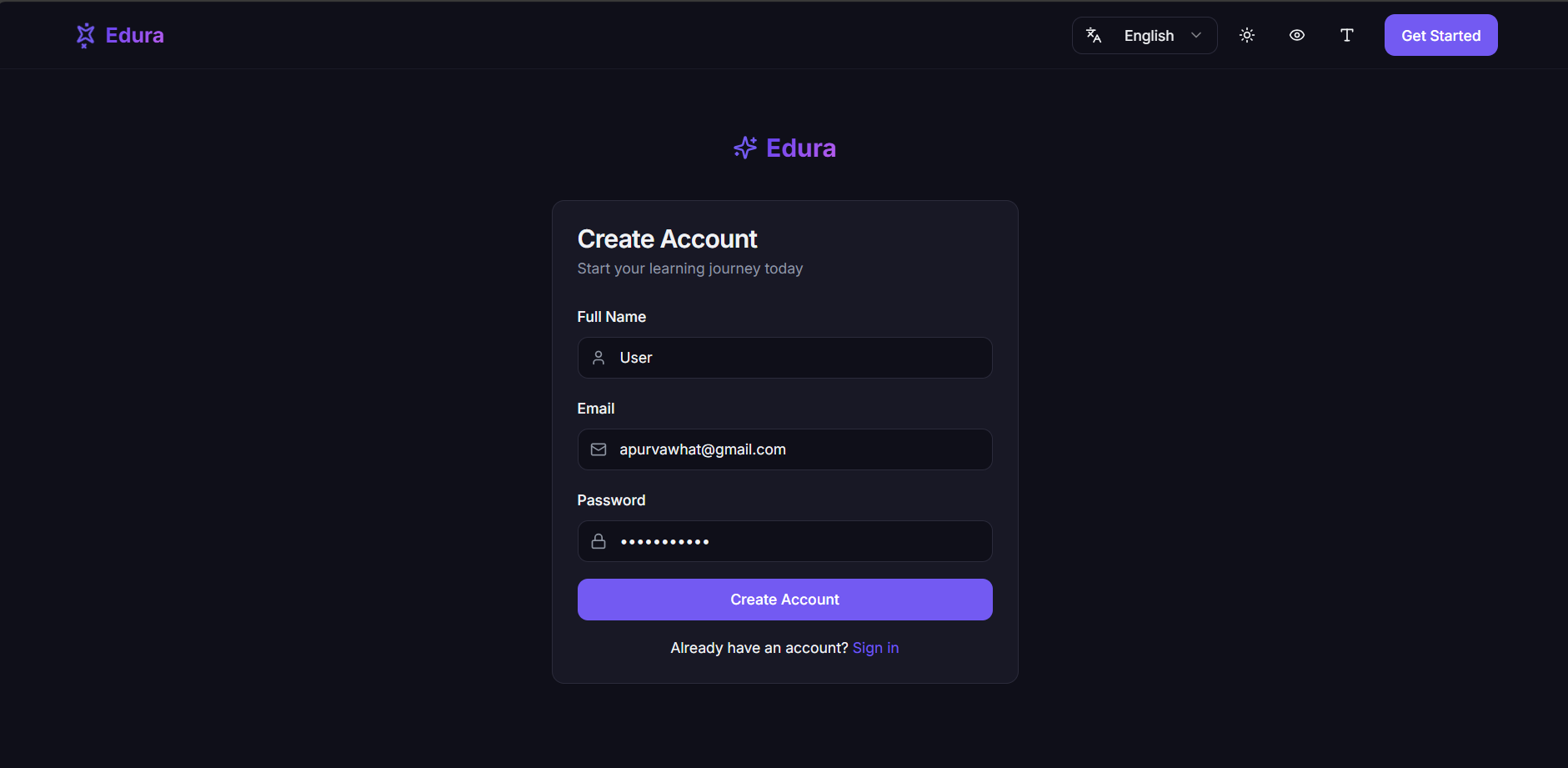
log in
-
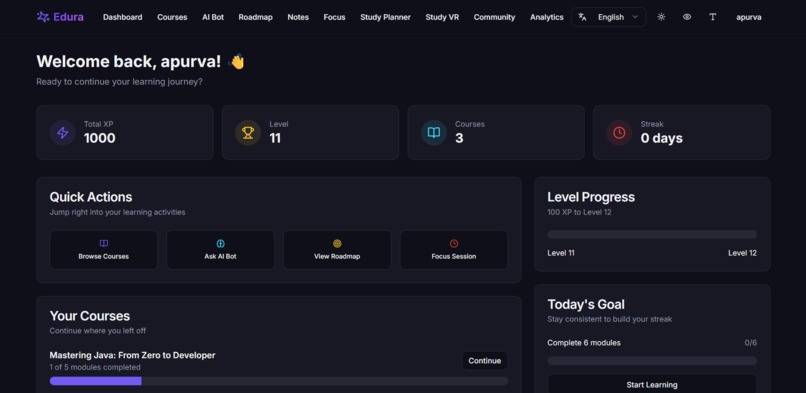
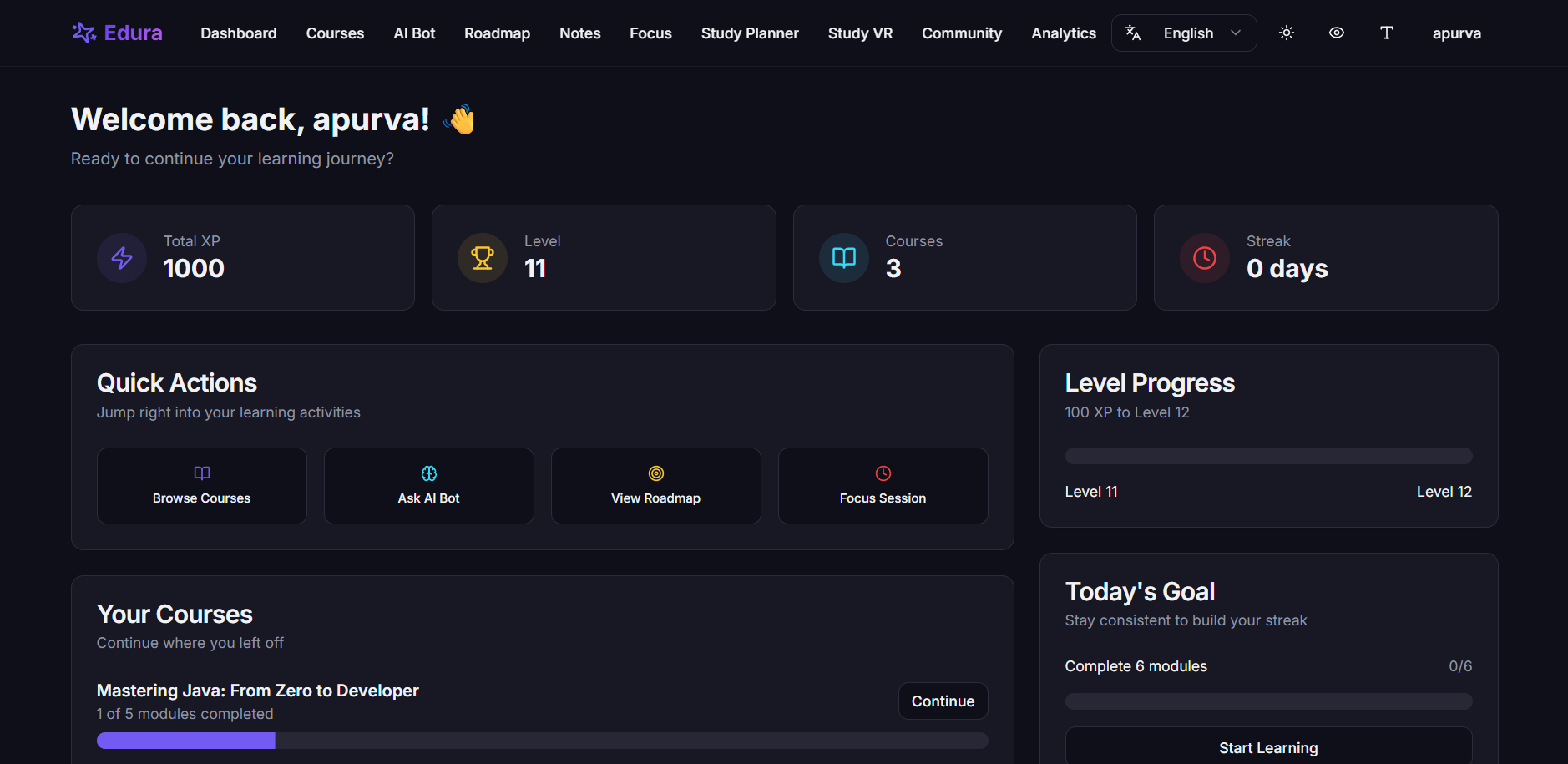
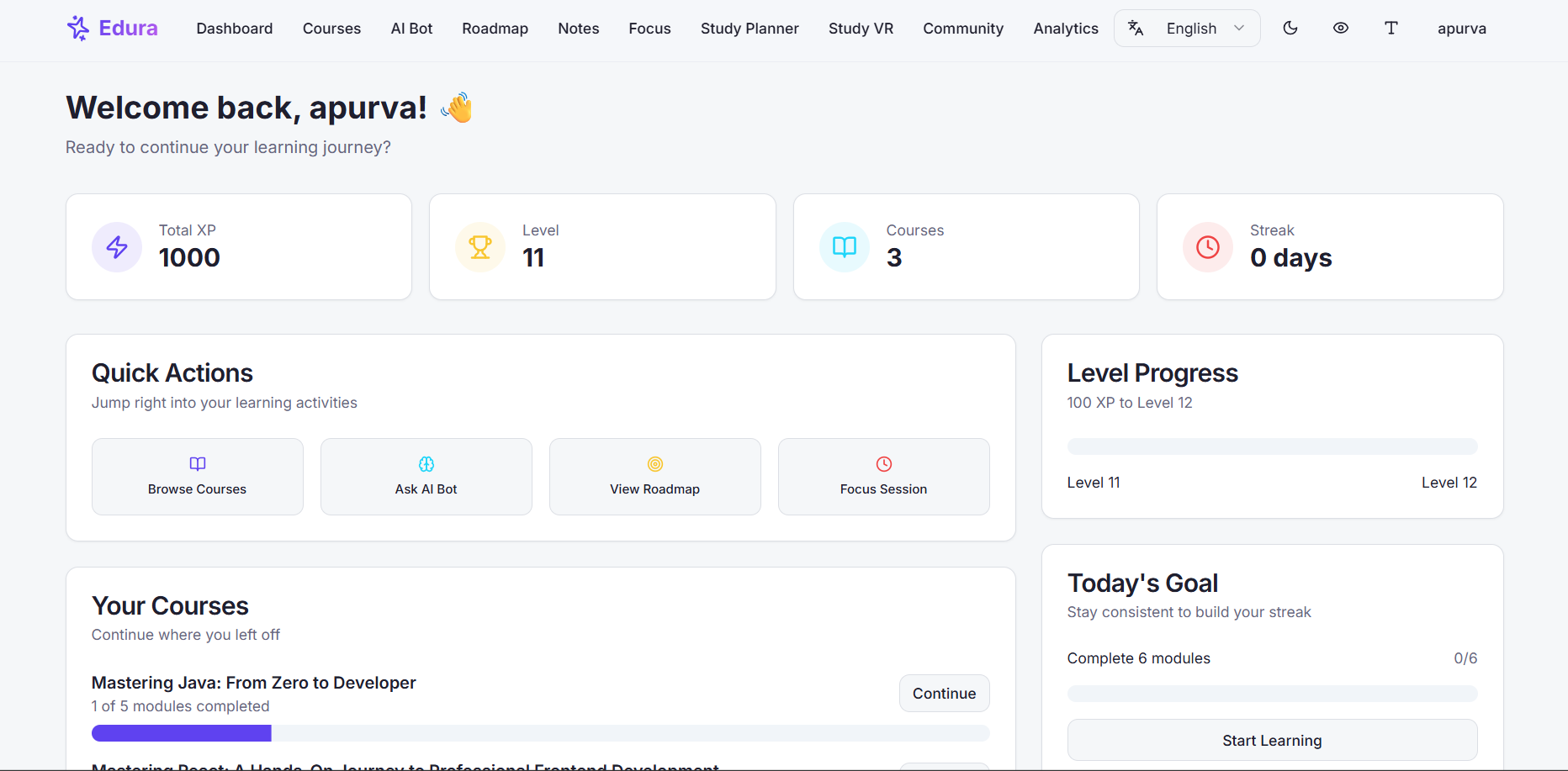
dashboard
-
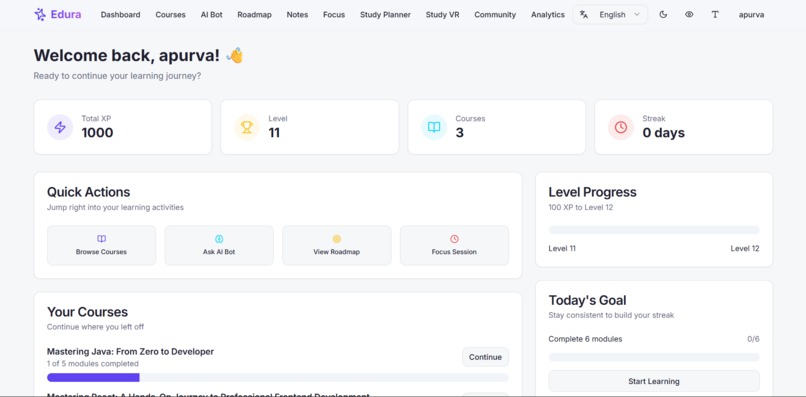
dashboard (light mode)
-
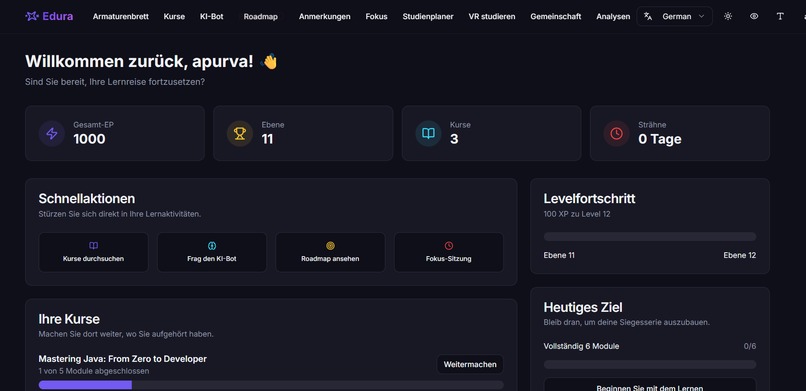
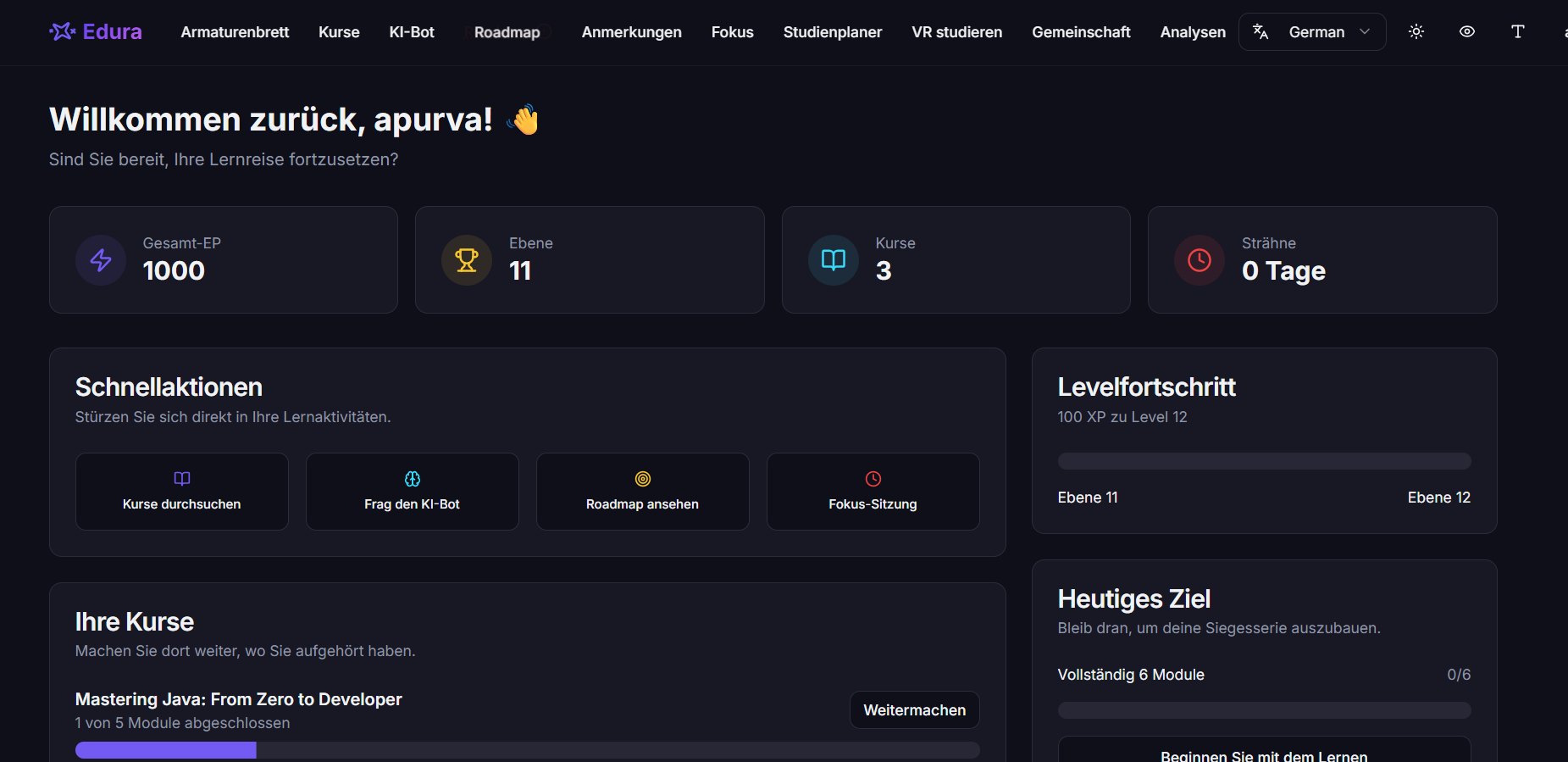
multilingual with support of 30+ languagues
-
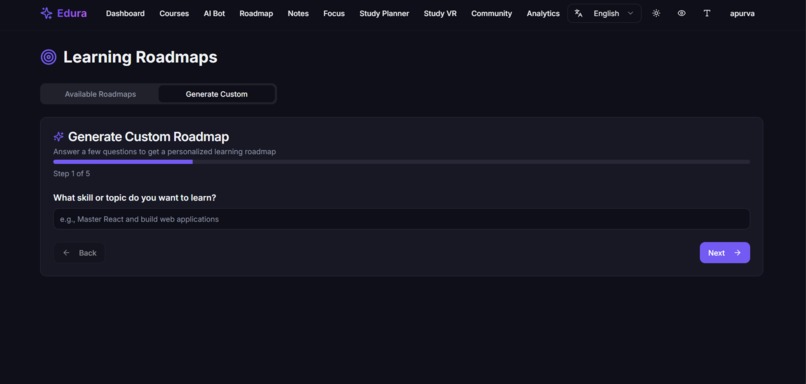
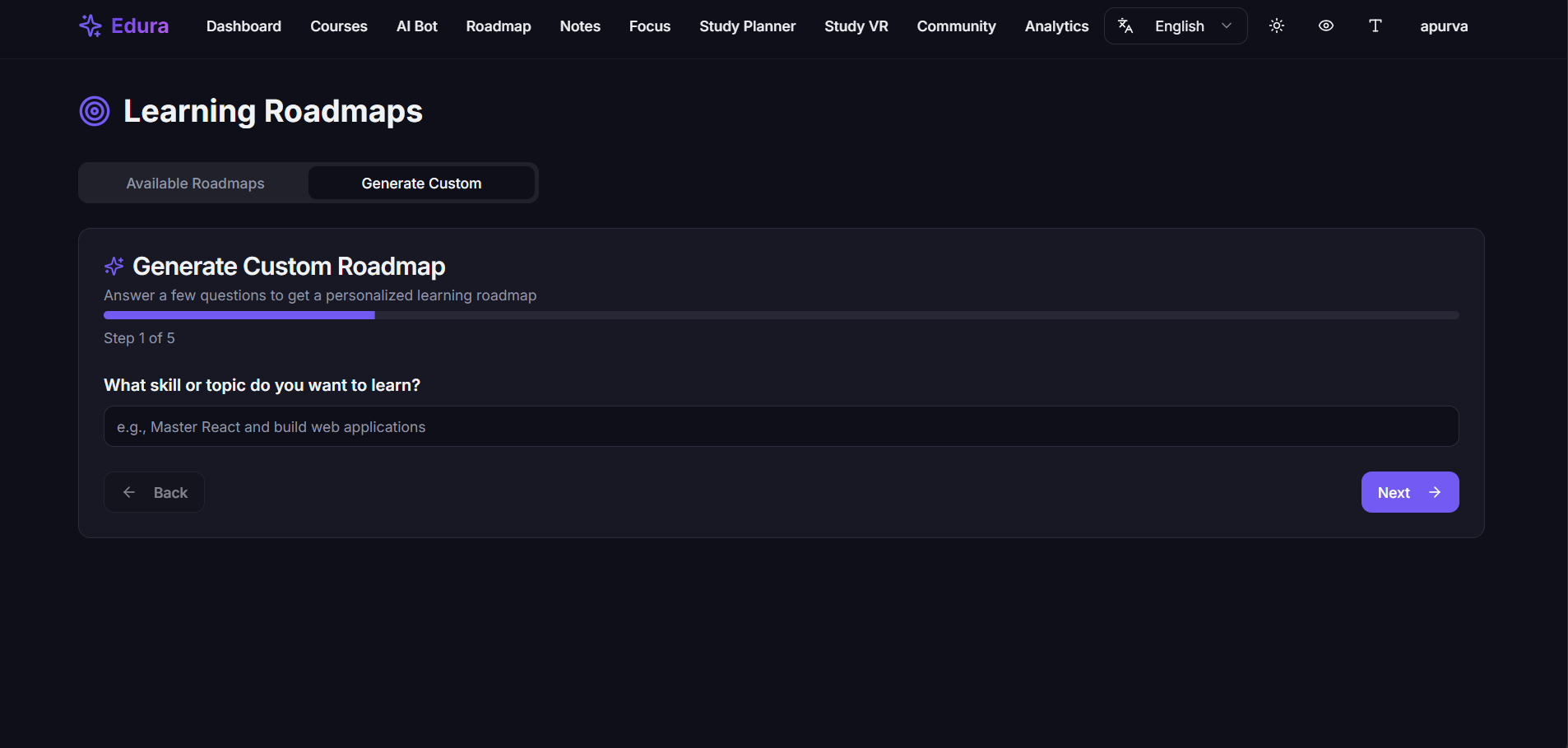
ai creates a personalized roadmap accoding to ur background and goals using prerequisite questions
-
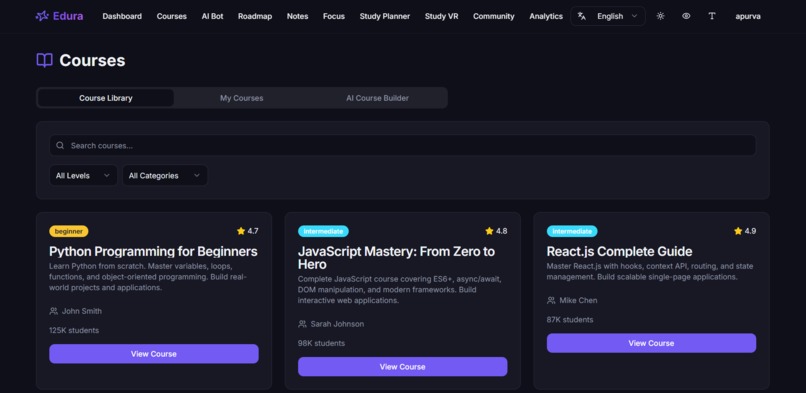
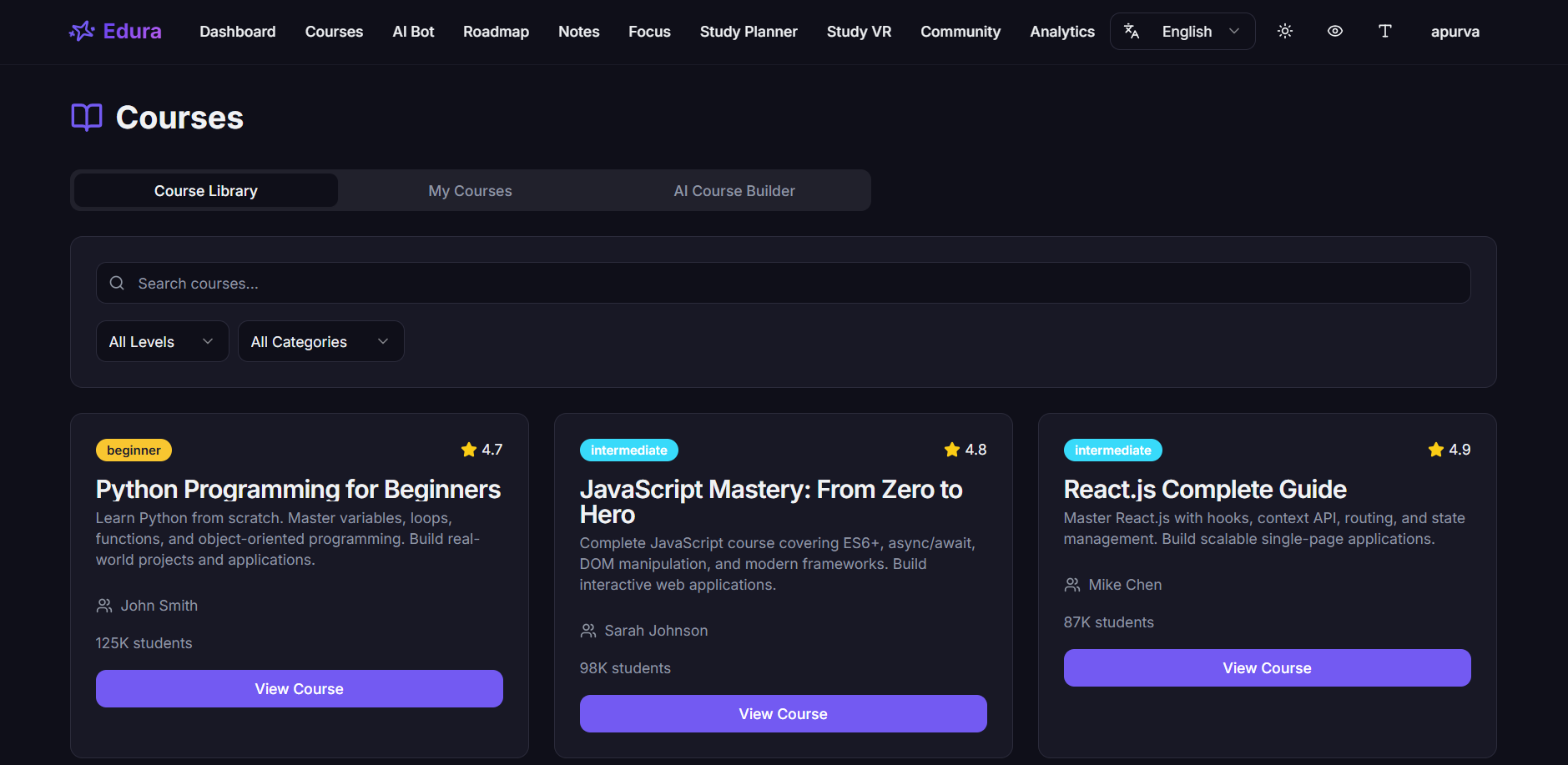
available courses
-
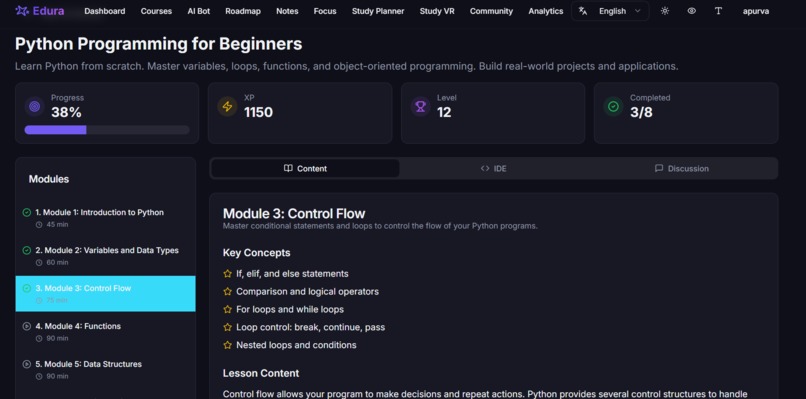
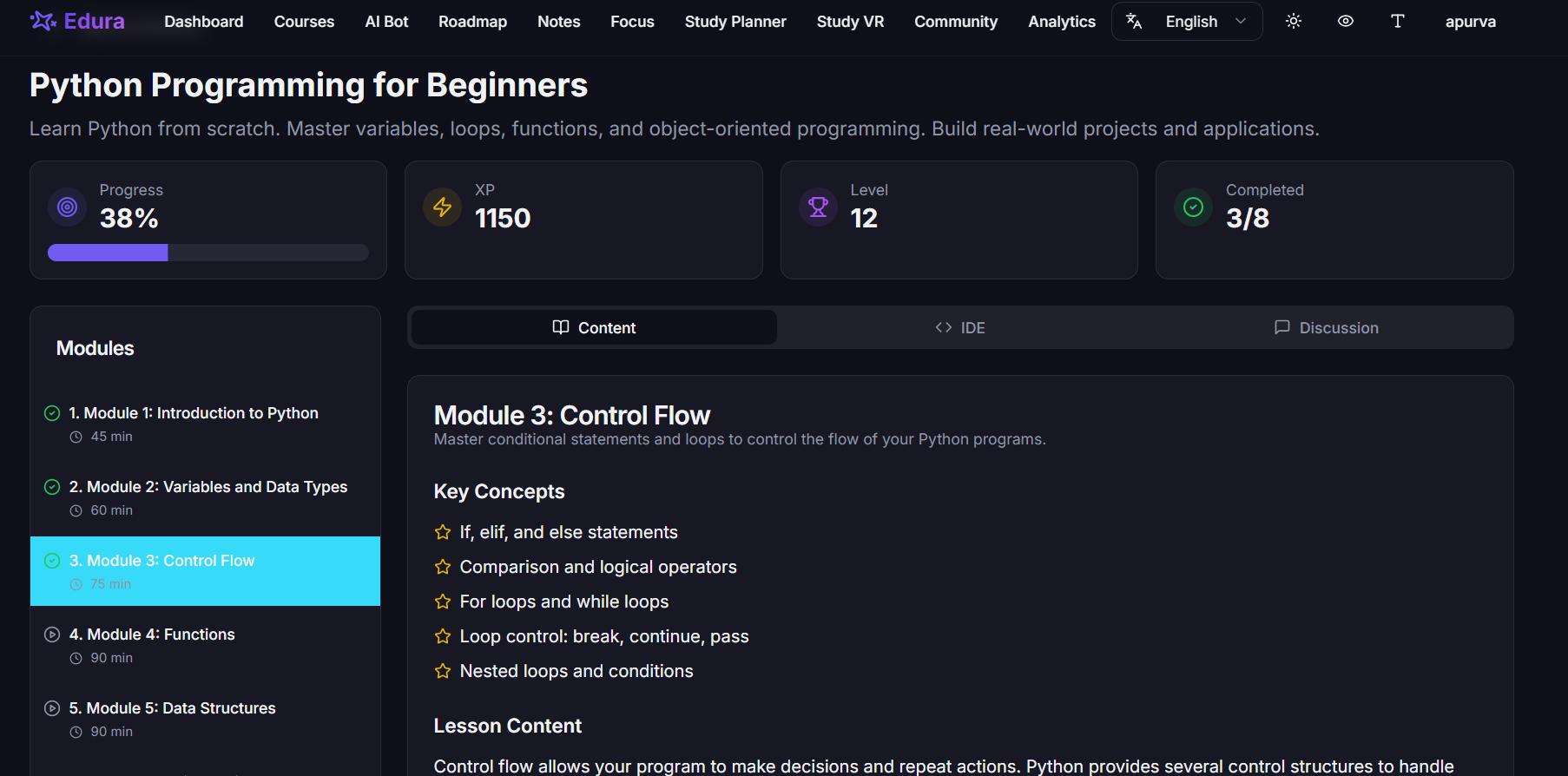
structured courses divided into modules + progress tracking
-
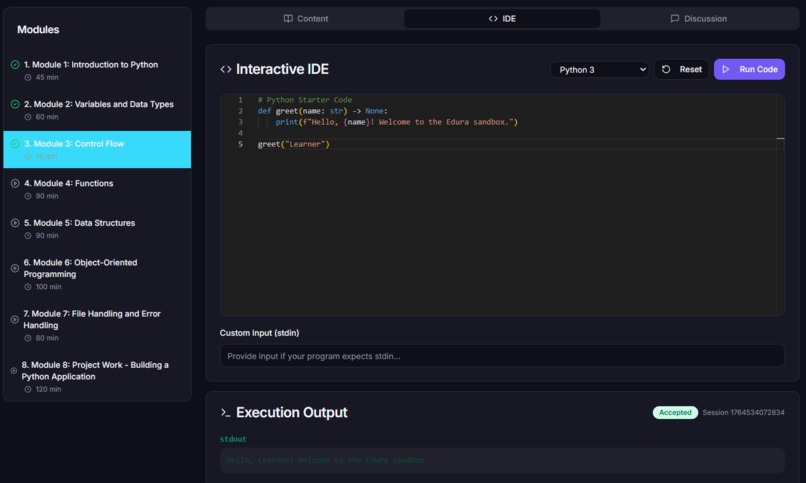
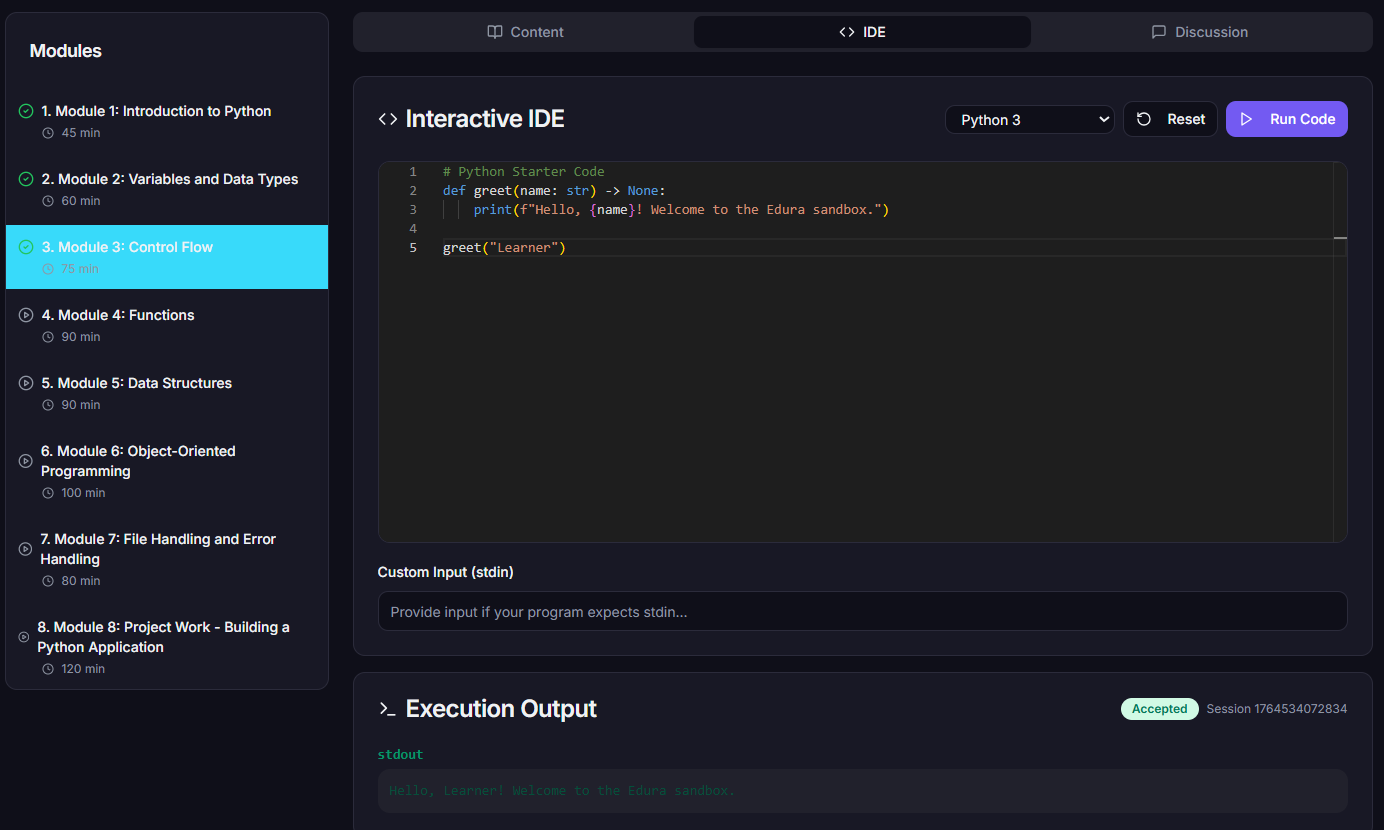
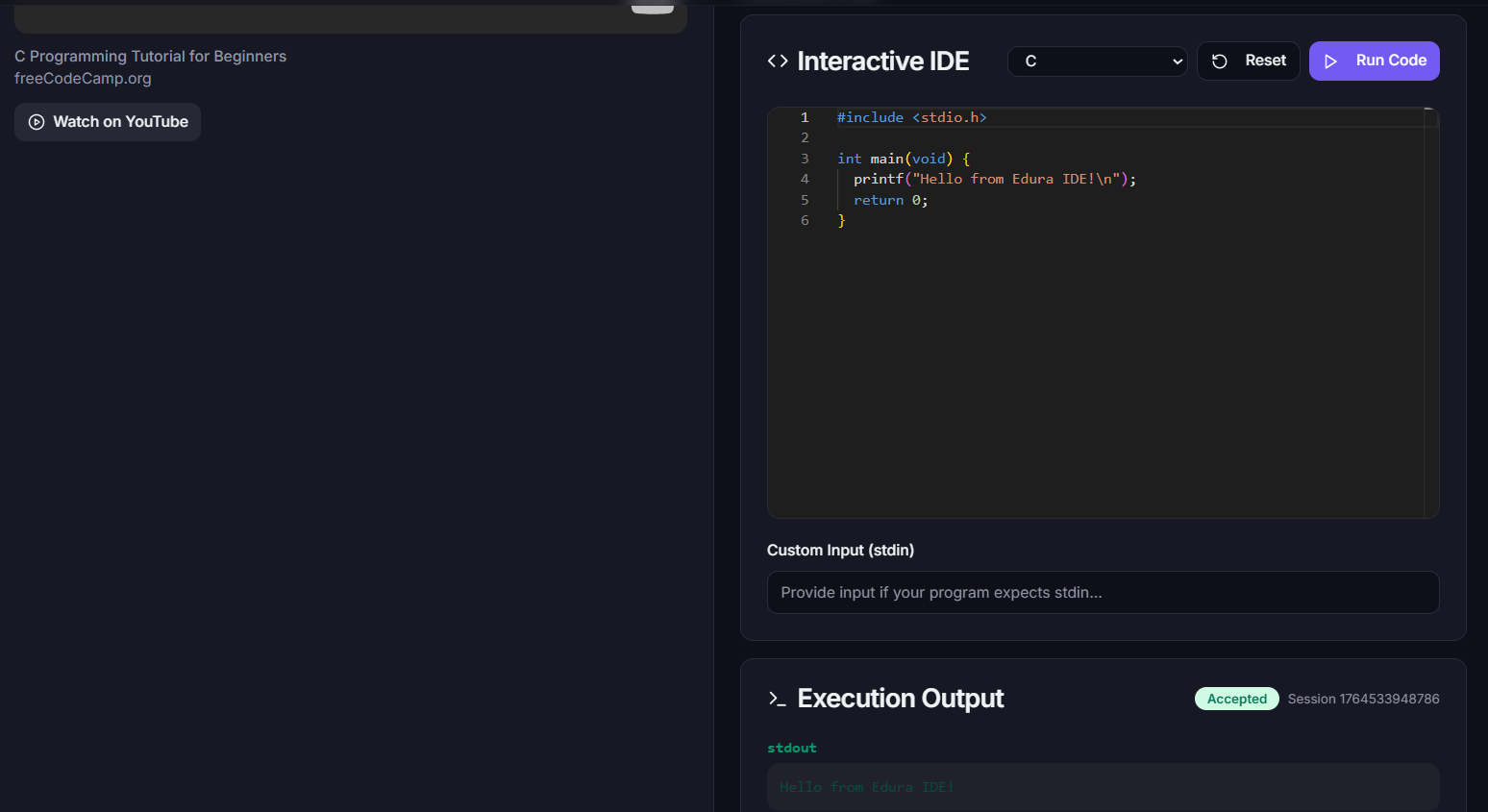
structured courses divided into modules with integrated IDE for practical learning
-
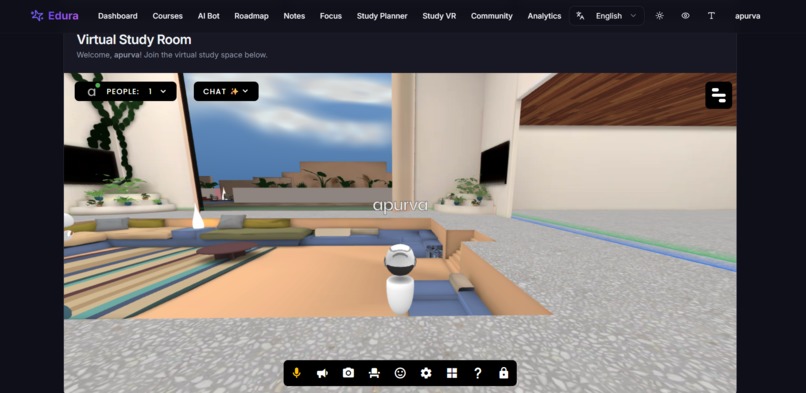
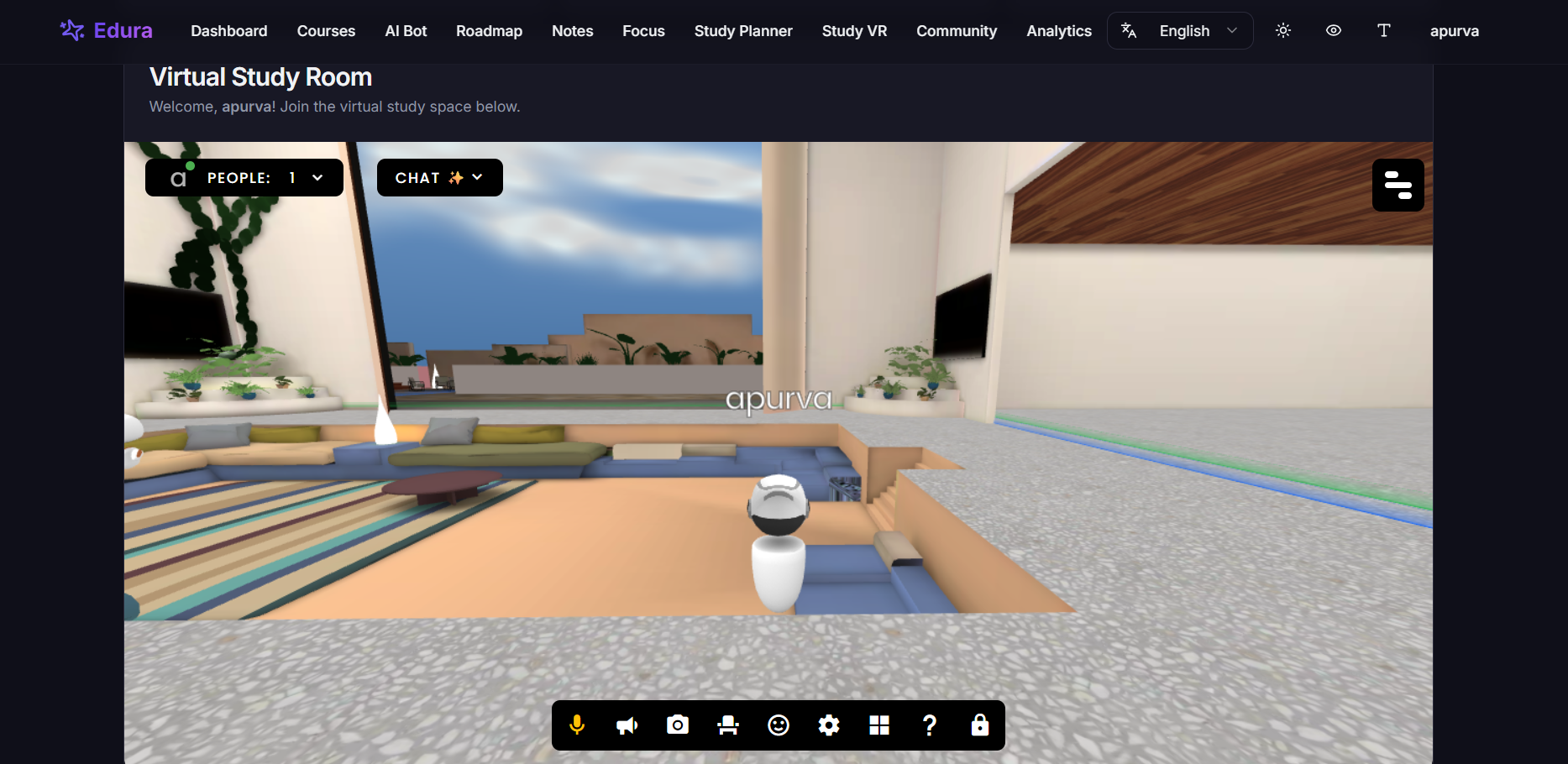
study vr(meet, collaborate with your friends)
-
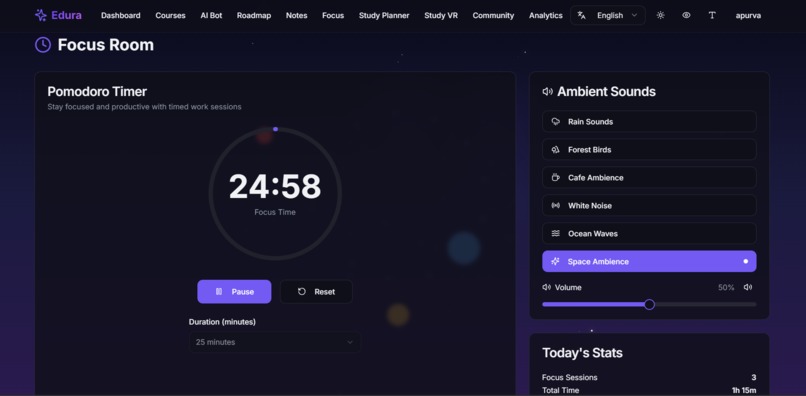
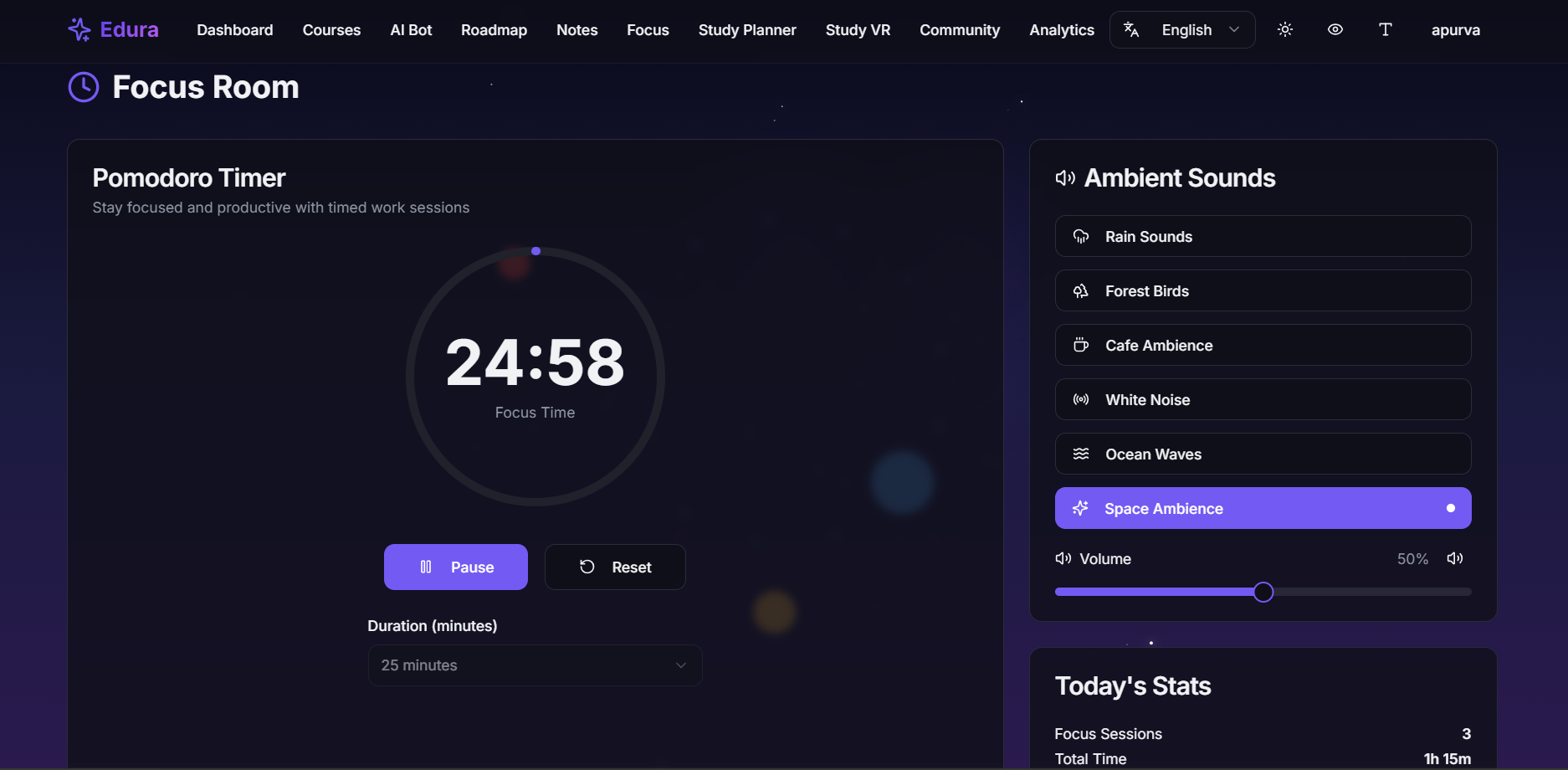
focus room
-
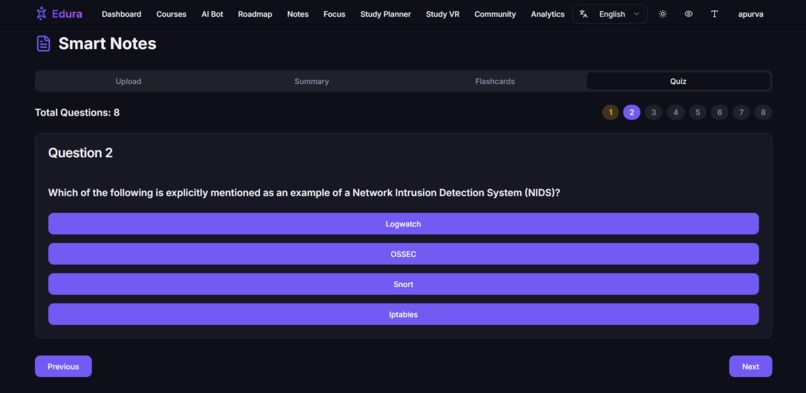
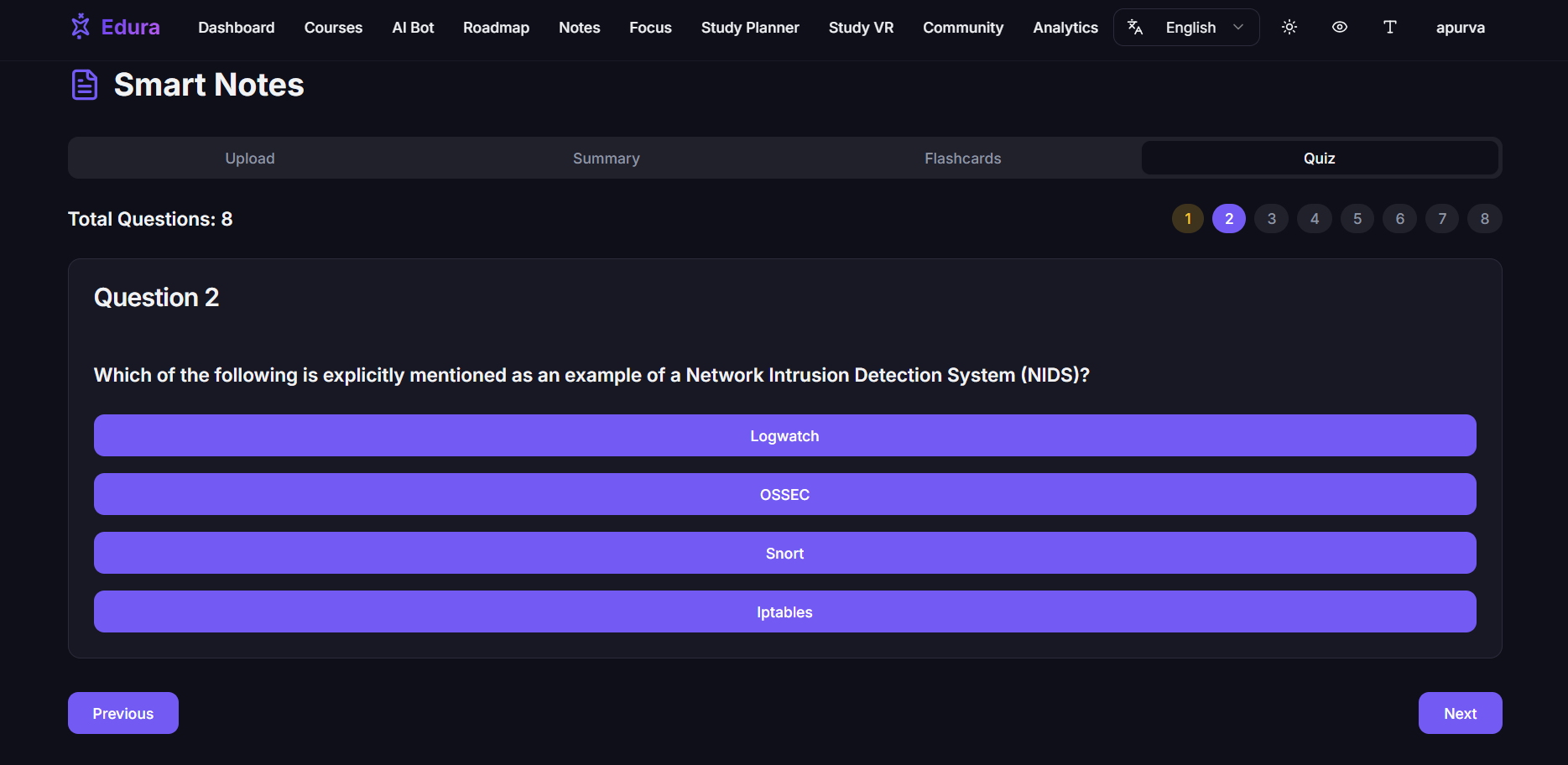
smart notes (ai generated quiz, flashcard, summaries from notes)
-
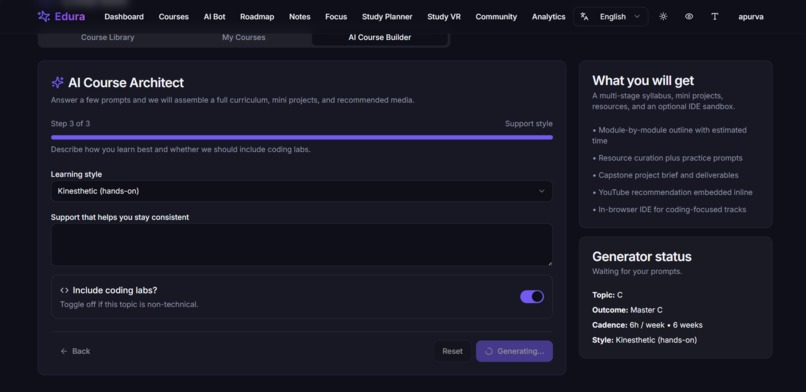
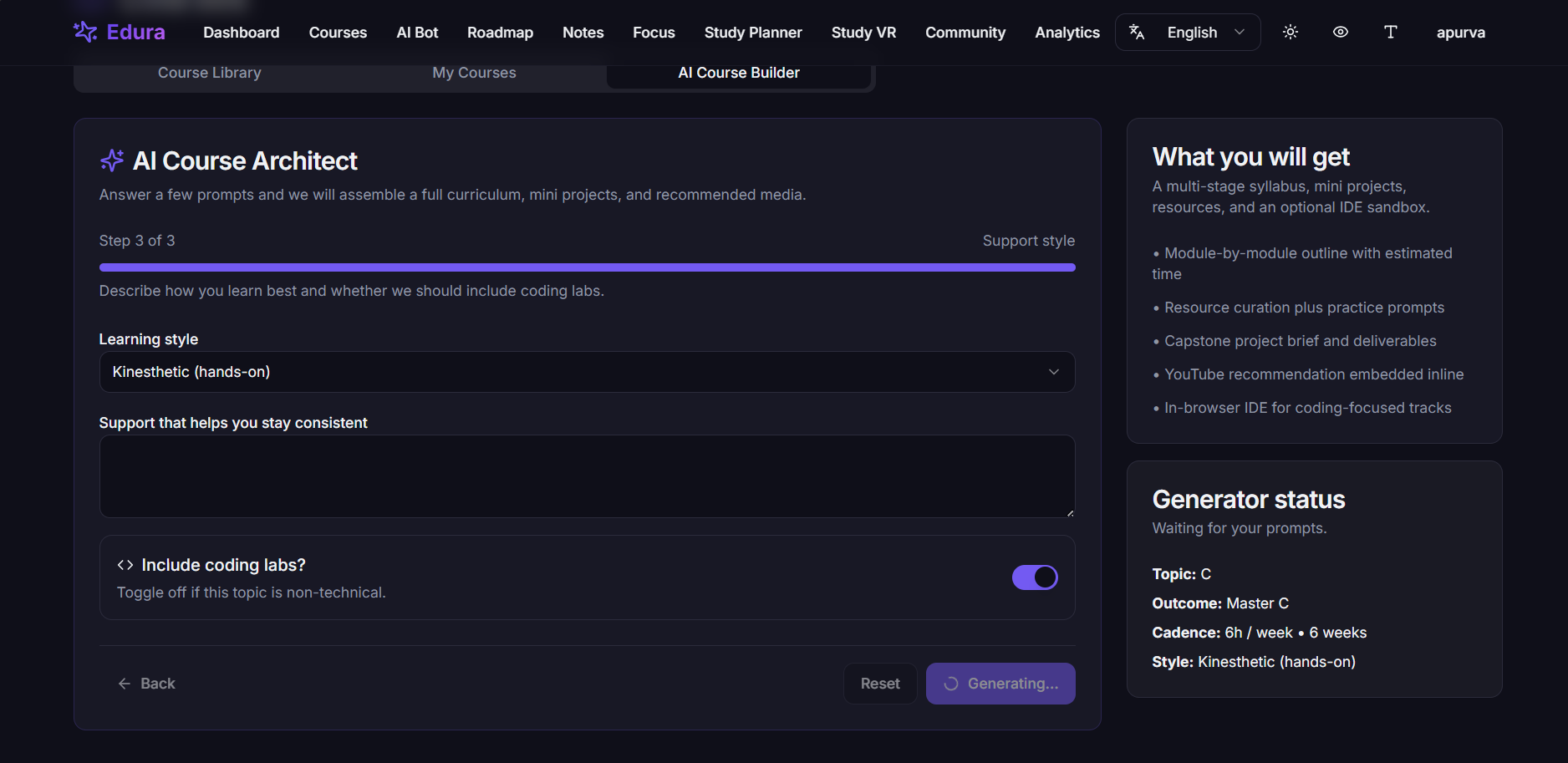
tell us your skill level, prefered time limit, learning method and using the prerequisites AI generates a structured, ready to learn course
-
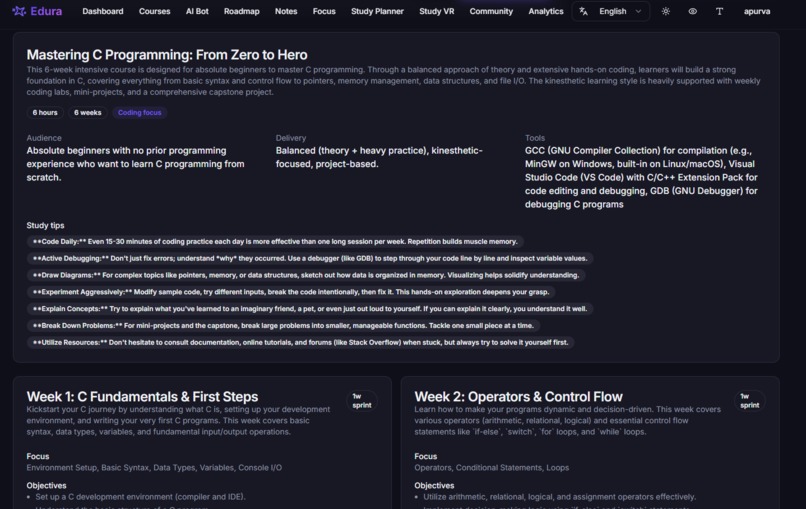
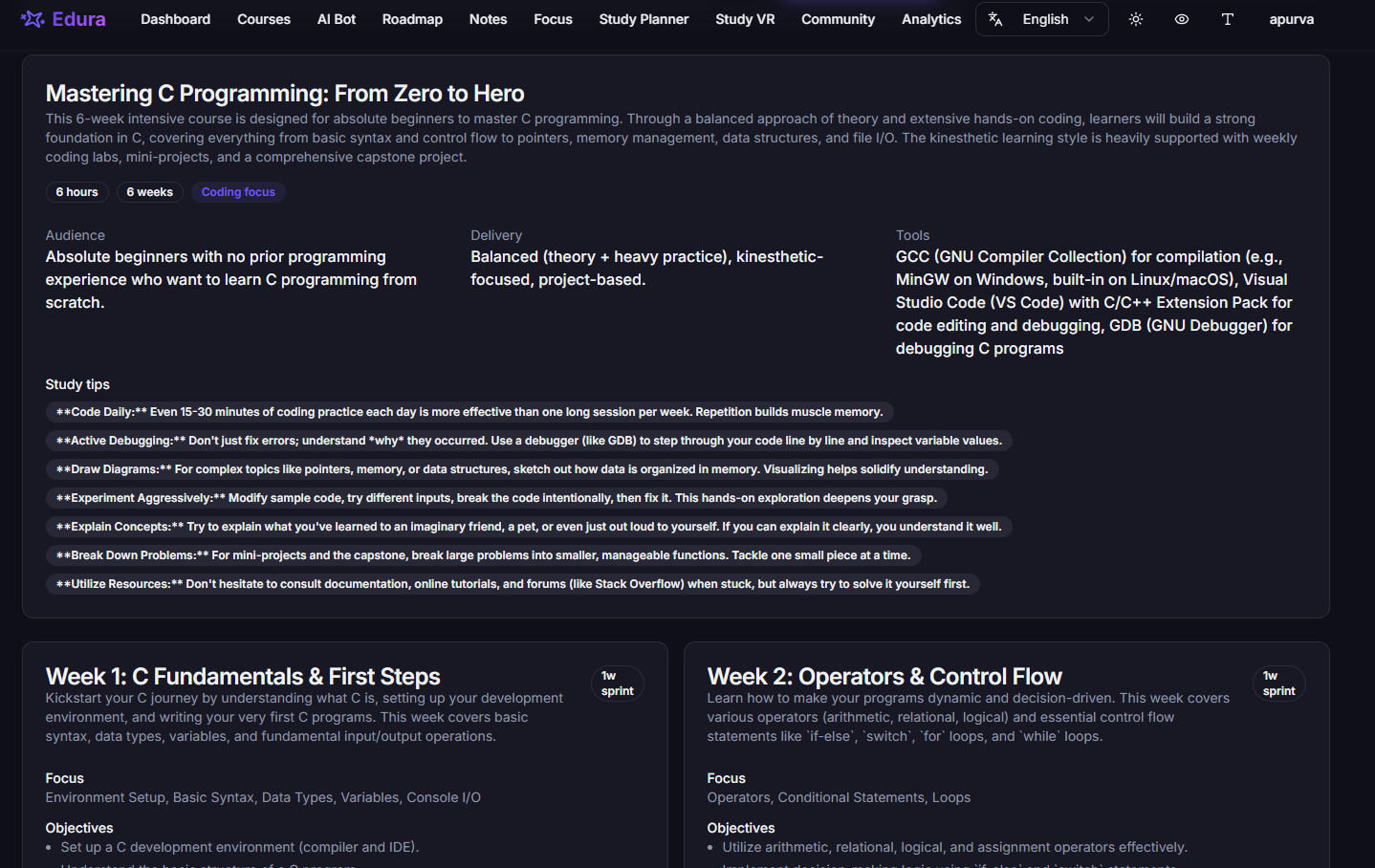
generated course along with weekly sprints, projects
-
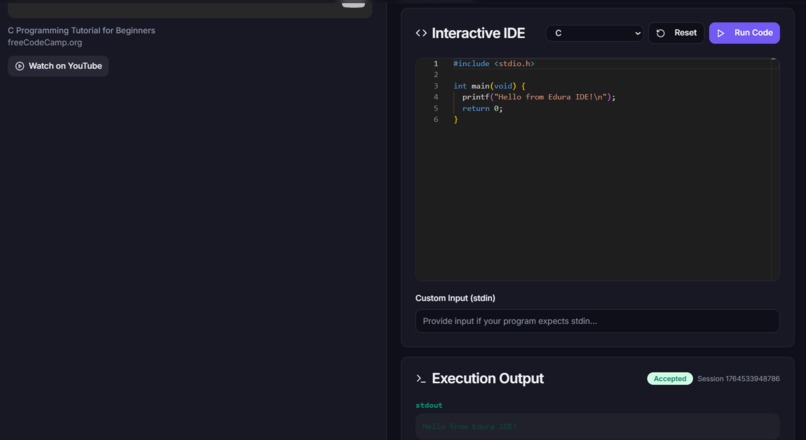
generated course along with weekly sprints, projects, Youtube resourses and inbuilt IDE for practice
Edura – AI Powered Study & Learning Companion
Inspiration
Students aren’t overwhelmed by subjects — they’re overwhelmed by the system around studying. Notes scattered across devices, PDFs lost in downloads, AI chats spread across 10 tabs, deadlines in different apps, and a constant feeling of “I’m missing something.”
I struggled with this chaos too: messy notes → no schedule → no revision → burnout.
What I truly needed was:
- one place to collect all materials
- an AI tutor who explains simply
- quizzes when I upload PDFs
- a planner that adapts to my deadlines
- a calm focus environment
- accessibility for dyslexia/ADHD
- and a system that understands my learning pace
Edura was built from this need. A tool not just for productivity — but for clarity, structure, and peace in the learning journey.
What Edura Does
Edura is an AI-powered, all-in-one learning companion that generates courses, explains concepts, builds schedules, tracks progress, and keeps everything organized in one space.
✨ Core Features
1. Ask Anything → Get Simple AI Explanations
A friendly tutor that breaks down any concept with step-by-step clarity. Supports 30+ languages and simplified explanations for beginners.
2. Upload Notes/PDFs → Get Automatic Revision Material
Edura uses AI to extract meaning from documents and instantly generates:
- MCQs
- Flashcards
- Summaries
- Concept breakdowns
- Revision packs
Perfect for tight deadlines and quick exam prep.
3. AI Course Builder (Based on Prerequisite Questions)
Students answer a few quick prerequisite questions about their level, goals, and timeline. Edura generates:
- Complete personalized courses
- Lesson modules
- Practice tasks
- Flashcards
- Quizzes
- Time estimates
The AI adapts content difficulty based on the learner’s background.
4. AI Roadmap Generator
Edura can create:
- Long-term roadmaps
- Goal-based learning paths
- Skill-level based progression
- Milestones with estimated time
- Weekly targets
- Progress trackers
Roadmaps are dynamic — they adjust as the student improves.
5. Smart Study Planner (Deadline-Aware)
Students can:
- Add their own deadlines
- OR import tasks from Google Classroom
Edura then generates a personalized daily schedule:
- prioritized study blocks
- estimated hours
- spread-out workload
- urgency-based planning
- integrated tasks from assignments and courses
All schedules appear in list view and calendar view.
6. Study Materials Hub
A single place to store:
- PDFs
- Notes
- Summaries
- AI content
- Flashcards
- Translated versions
Organized by subject, course, or tag.
7. Immersive Focus Mode
Focus tools include:
- Pomodoro
- Ambient audio
- Visualizers
- XP rewards
- Streak tracking
- Distraction-free UI
Helps build consistency and reduce study anxiety.
8. Study VR Rooms (FrameVR)
Students can study together in a virtual space with:
- avatars
- voice/video chat
- collaborative screens
- WASD navigation
- whiteboard support (coming soon)
Makes learning social and fun.
9. Learning Analytics & Gamification
Track:
- XP
- Streaks
- Subject-wise progress
- Time spent
- Module completion
- Roadmap milestones
- Study session stats
Includes charts, insights, and mastery indicators.
10. Accessibility for All Learners
Edura supports:
- Dyslexia mode (OpenDyslexic fonts, spacing tweaks)
- ADHD-friendly focus settings
- Colorblind themes (protanopia, deuteranopia, tritanopia)
- Screen-reader friendly layouts
- Multilingual UI
Built to be inclusive and neurodiversity-friendly.
How We Built It
Architecture

Frontend
- React 18 + TypeScript
- Vite
- Tailwind + shadcn/ui
- Zustand + TanStack Query
- React Router
- Framer Motion
- Monaco Editor
- Recharts
Backend
- Supabase Auth, Database, Storage
- Row Level Security (RLS)
- Real-time listeners
- Express.js microservice
AI Stack
- Google Gemini
- DeepTranslate API
- Judge0 for coding tasks
Integrations
- Google Classroom API
- FrameVR
Challenges We Faced
1. Unifying many tools into one seamless experience
Combining AI tutoring, planning, quizzes, VR, analytics, and translations required careful UX flow.
2. PDF processing & large document optimization
Chunking, summarizing, and generating quizzes efficiently was difficult.
3. Deadline-aware AI schedules
Balancing workload + deadlines + urgency needed strong planning logic.
4. Realtime XP & streak systems
Ensuring consistency across sessions and timezones.
5. Accessibility that doesn’t break design
Implementing dyslexia-friendly fonts & colorblind themes with aesthetic UI.
6. Embedding VR into React
Optimizing FrameVR inside the app without performance issues.
Accomplishments We’re Proud Of
- Built a complete AI learning ecosystem, not just a chatbot
- Generated quizzes, flashcards, and summaries from PDFs instantly
- Created AI courses & roadmaps customized to learner prerequisites
- Added deadline-aware planning + Google Classroom import
- Integrated a VR study room for collaborative sessions
- Included full accessibility modes for neurodiverse learners
- Designed a clean, modern, aesthetic UI
- Achieved subject-wise analytics and real-time XP tracking
What We Learned
- AI is powerful when it fits real workflows, not just chat
- Accessibility isn’t an add-on — it’s essential
- Students need fewer tools, not more
- Real-time systems require deliberate state design
- VR surprisingly increases remote study motivation
- A clear UX flow matters more than having many features
What’s Next for Edura
- Mobile app (React Native)
- Offline mode for notes & flashcards
- AI-generated mind maps
- Voice-based AI mentor
- Better VR collaboration tools (shared Pomodoro, whiteboards)
- Weekly planner with time distribution
- Notion/PDF export
- Smart reminders & habits
- Analytics dashboard for teachers / institutions
Built With
- ai
- codemirror
- css
- express.js
- framer
- framevr
- judge0
- postgresql
- react
- shadcn/ui
- tailwind
- typescript
- vite
- zustand


Log in or sign up for Devpost to join the conversation.