-
-

EduNav Logo
-
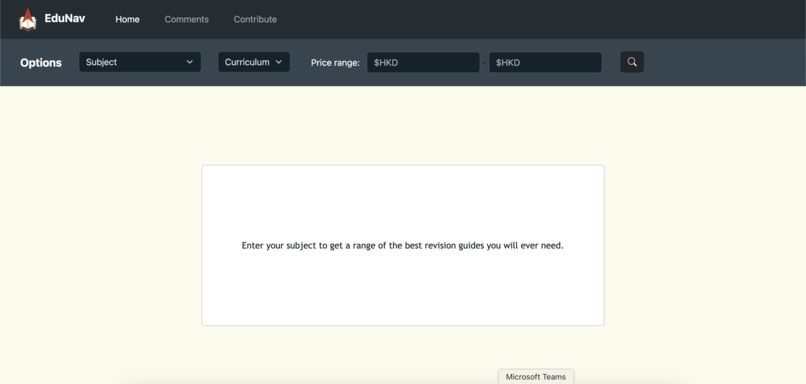
Home page
-
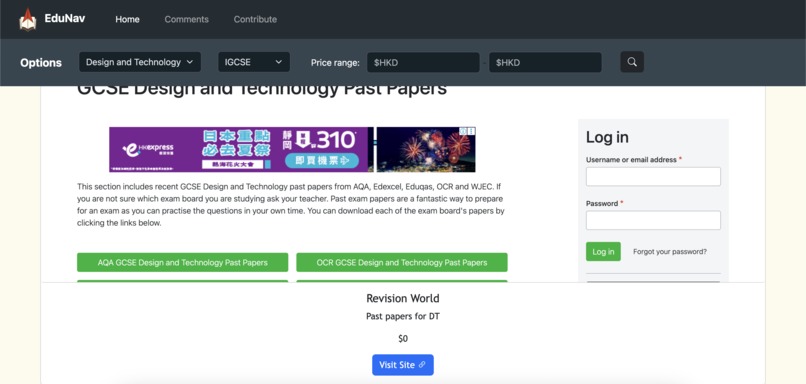
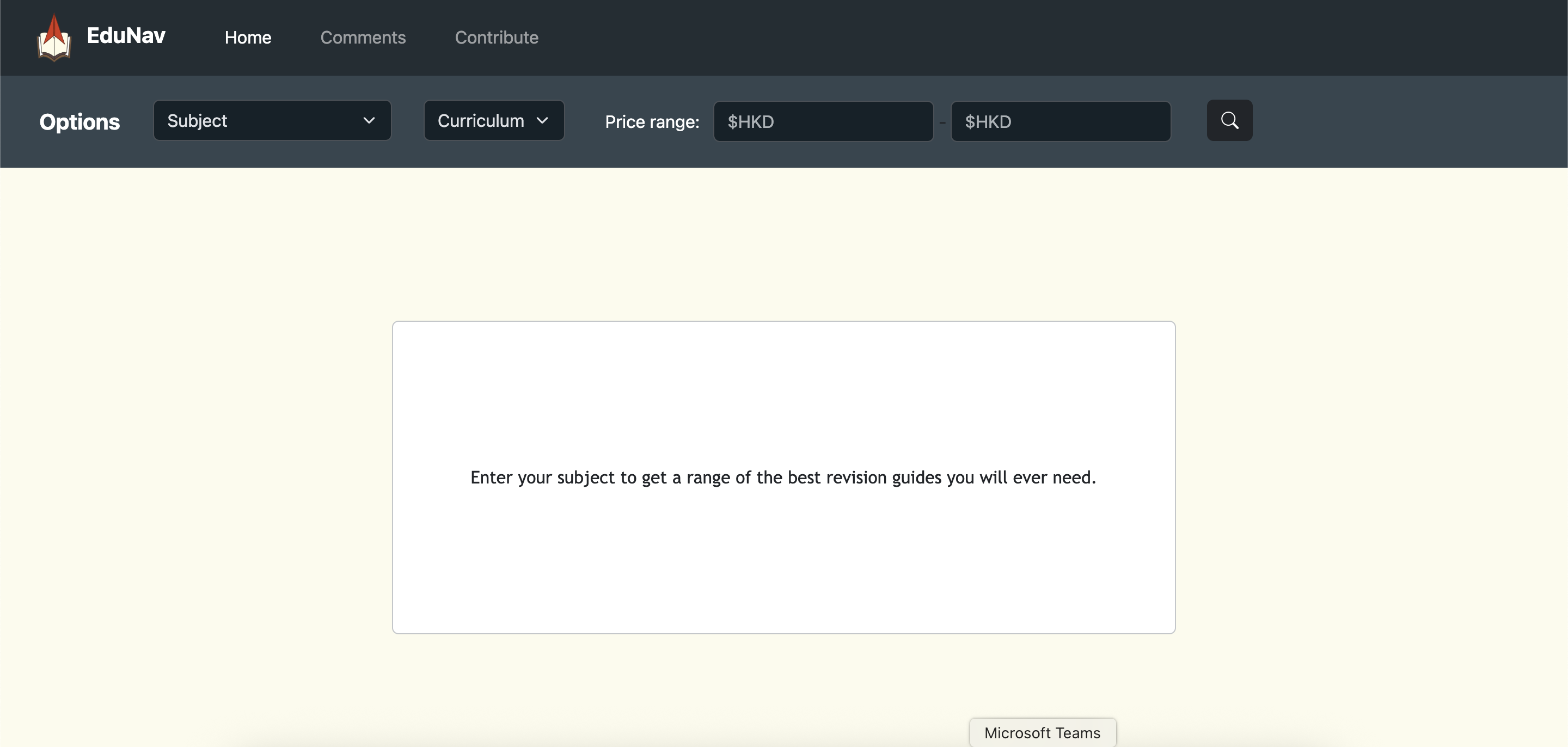
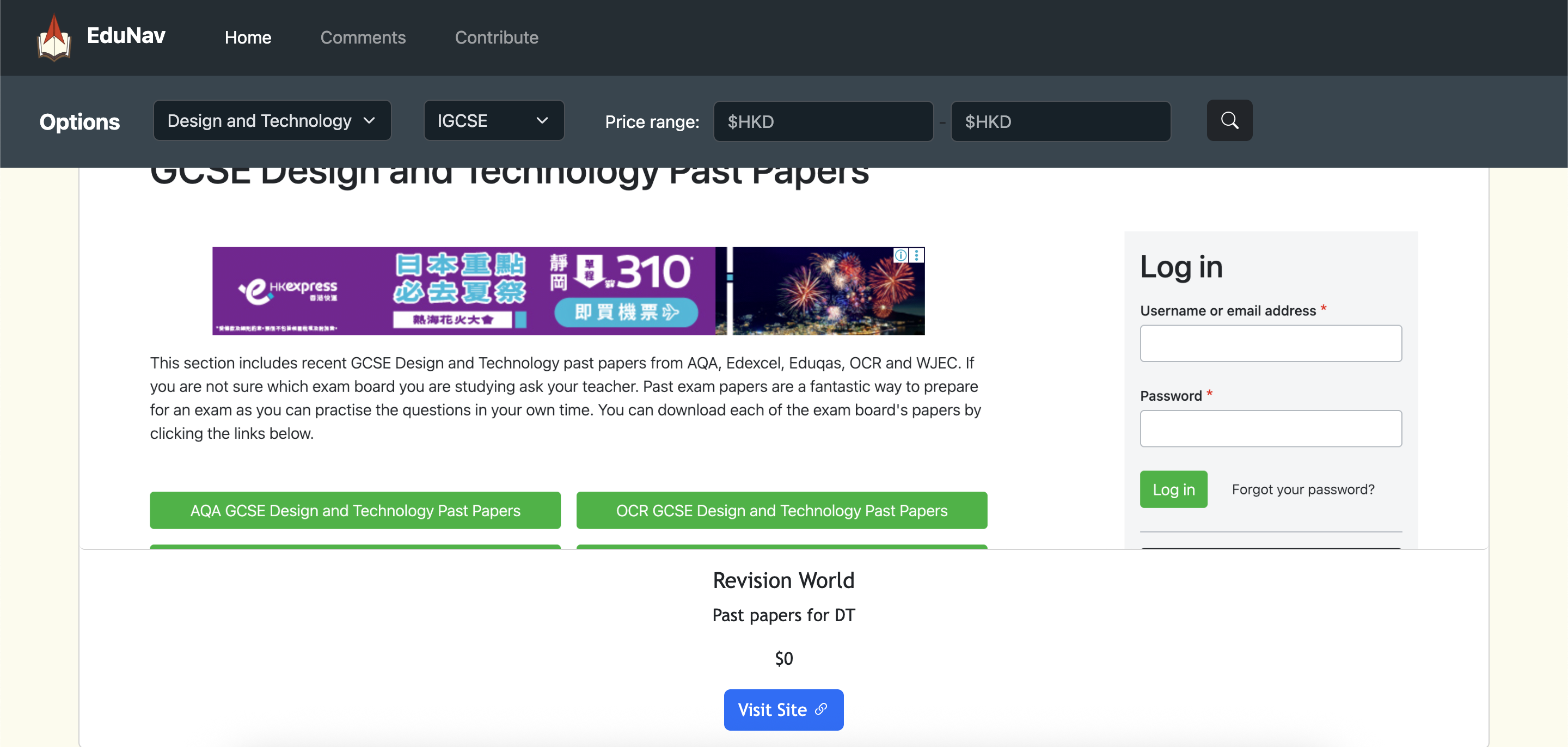
Searching for a revision guide
-
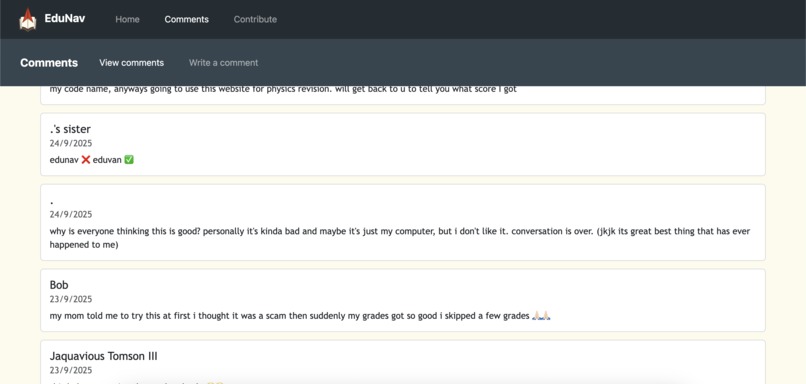
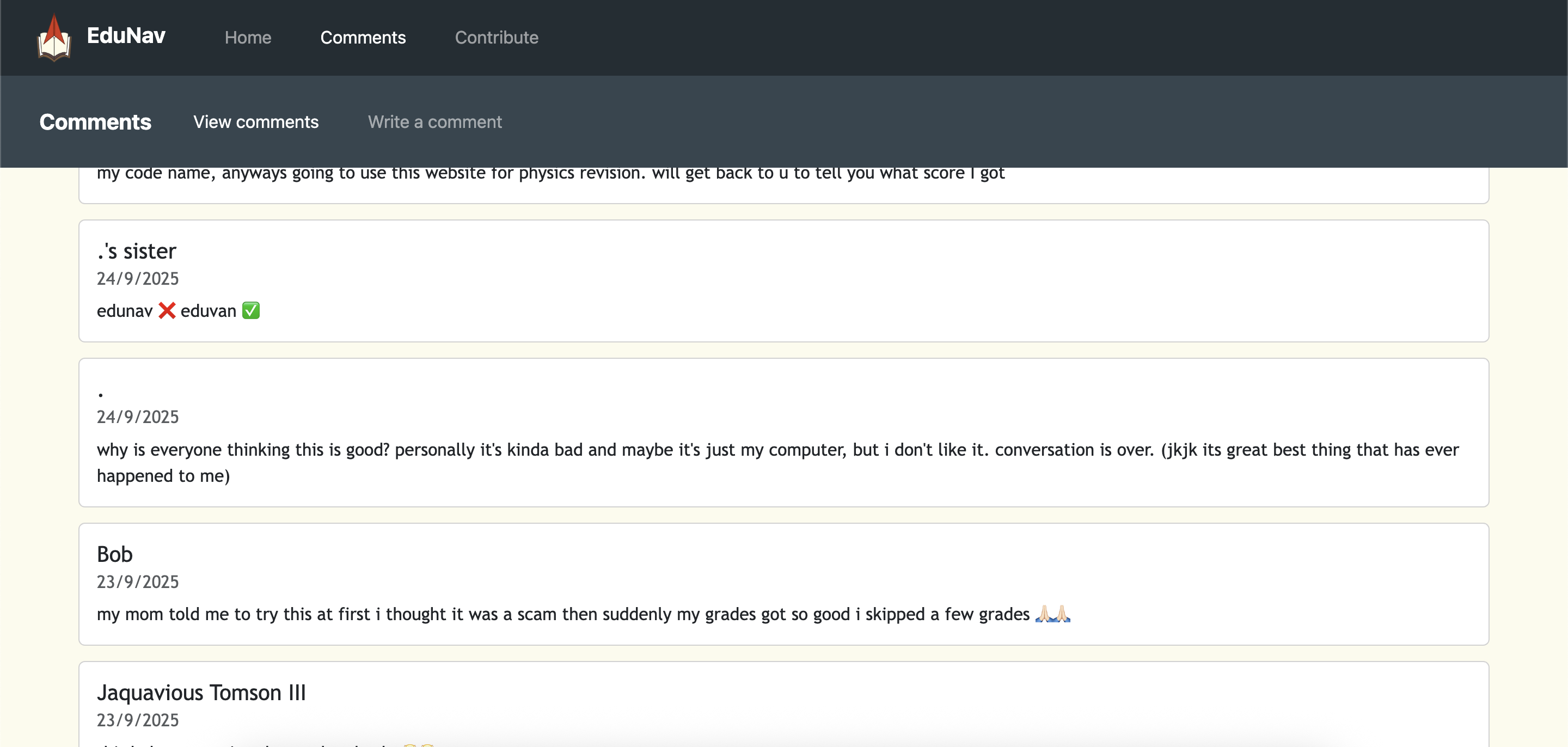
Comments
-
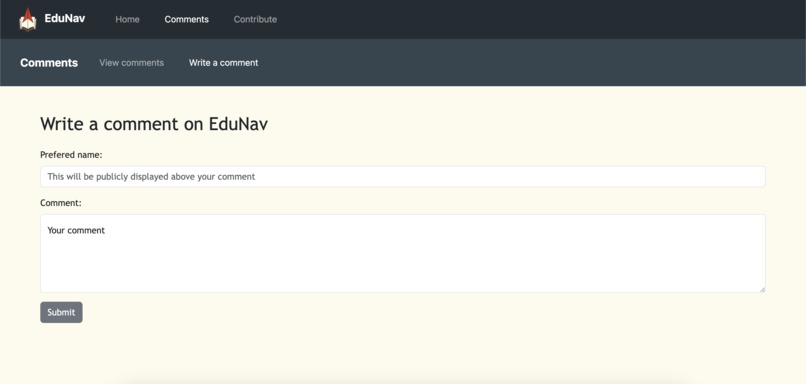
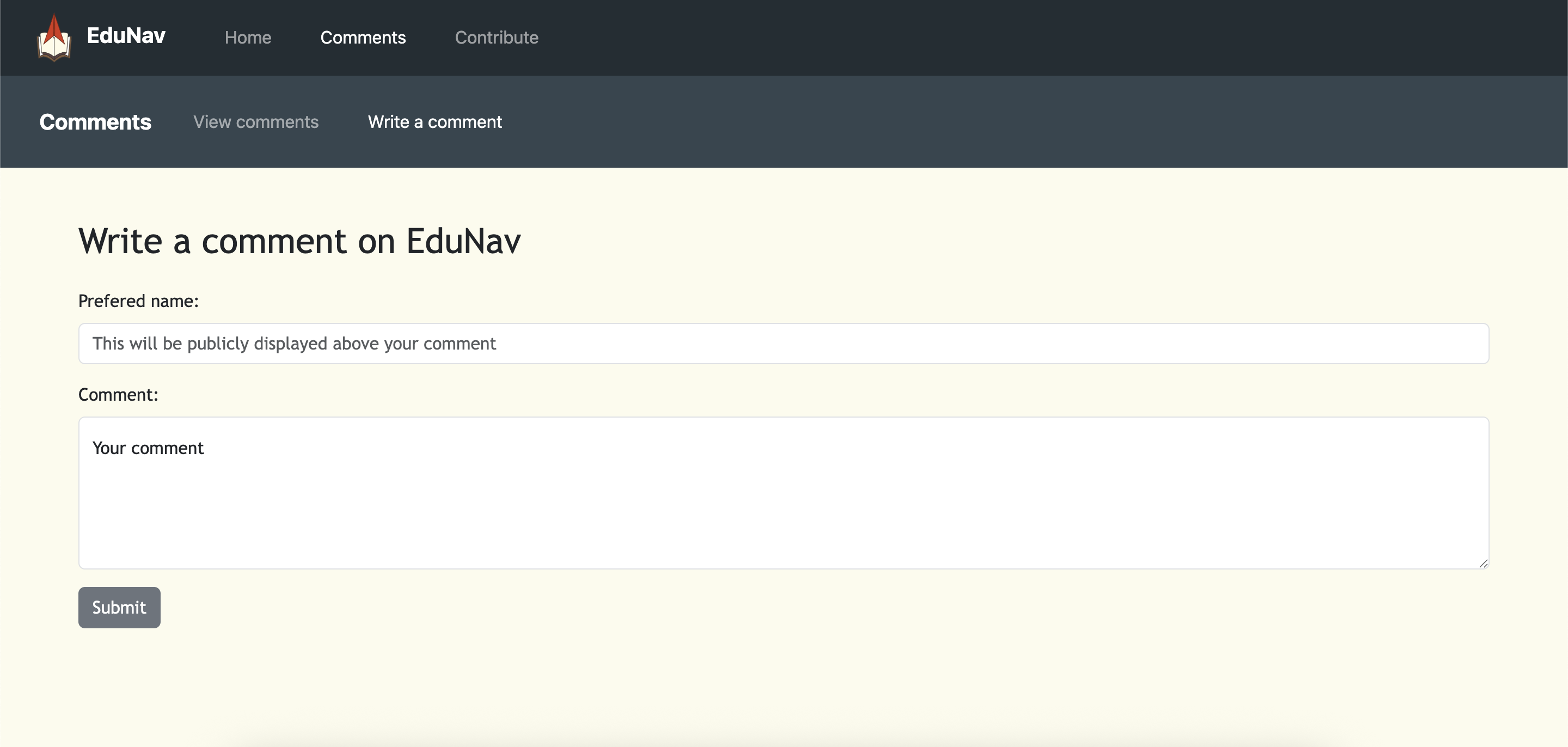
Write a comment
-
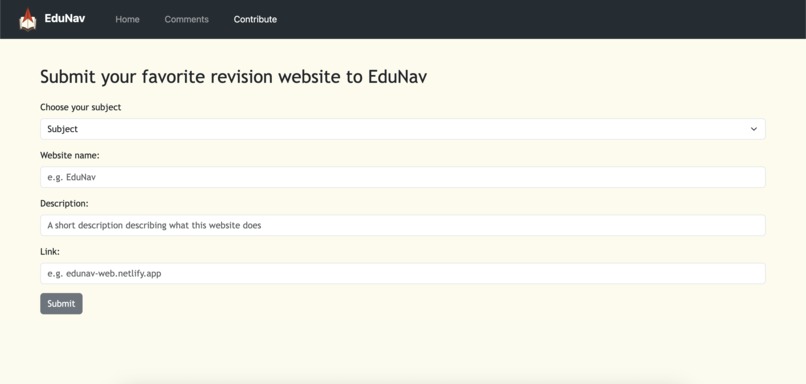
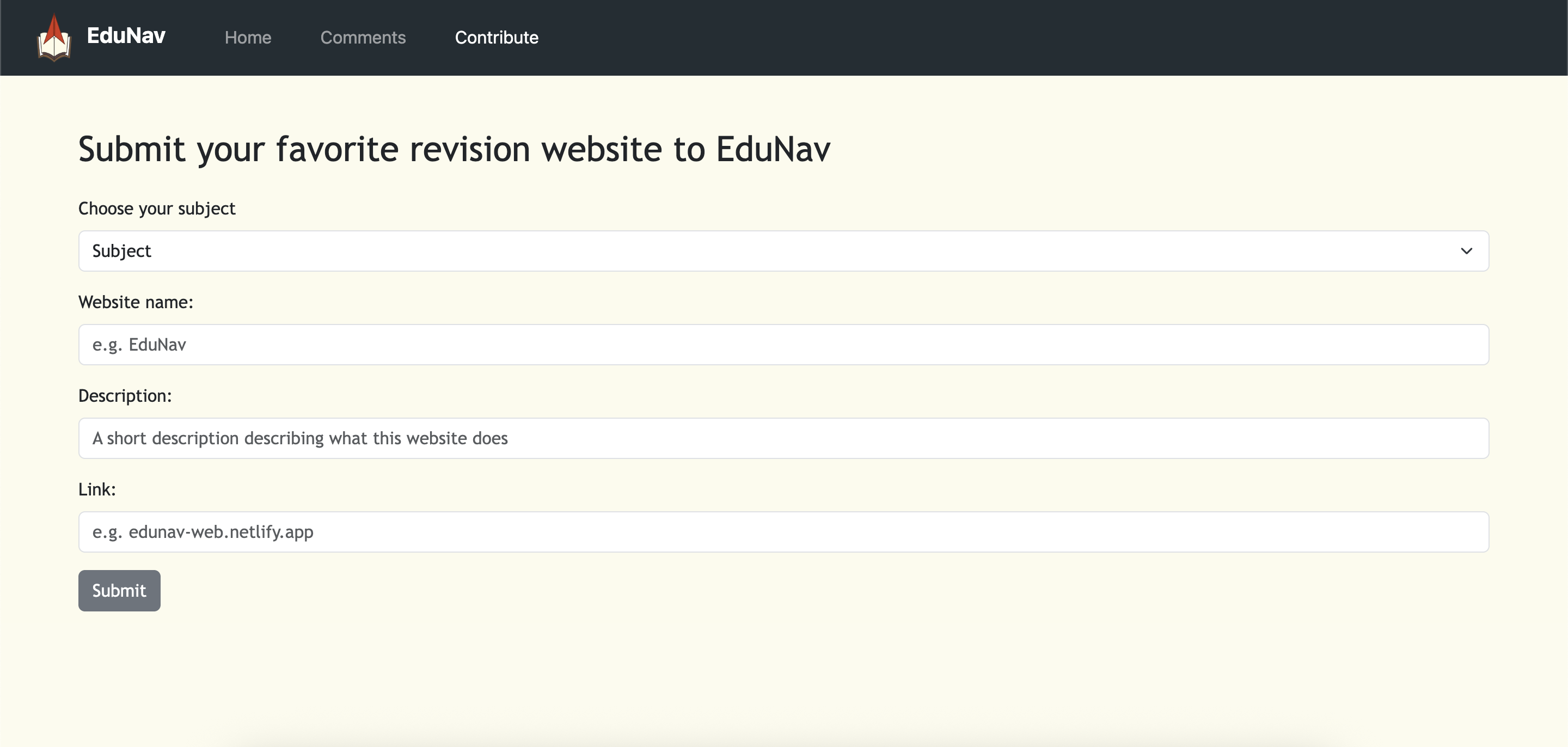
Add a contribution

The Pre-EduNav
Before we thought of the idea of EduNav, we had a couple of unrealistic initial ideas.
The first one was to create a virtual world where users chat with each other. In this virtual world, each user would be able to build and decorate their own house. Once they made their home, they could visit other houses and chat with other people in that house. Soon after, we decided that would be too challenging under the tight time frame and our limited knowledge.
Once the virtual world was declared not possible, we decided to keep the same idea as the virtual world, but without any cool graphics. We decided the houses would just be a couple images the users could choose from, and everything else would be text based. That idea hung for quite a while, but we were stuck on one major thing: we didn't know how to make a cloud texting server. We tested a lot of solutions like socket and SQL, but we eventually decided it was too much and we had to change the idea again.
Inspiration
After we decided to scrap the two initial ideas, we retraced our steps and went back to staring at the prompt. We started reading it over again, and one thing that stood out to us was "Bridging Gaps: Solutions that make education, healthcare, or resources more accessible to underserved groups." We instantly knew that was the one we were going for.
As year 10 students that recently started our GCSE's, we often felt scared and worried about the tests we were going to encounter next year. Prior year 10, we have listened to many talks and assemblies lead by older year groups giving tips about our GCSE's and all of them had the same advise: start studying now or we'll regret it later. Many of us felt lost and confused; we didn't know where to start. Although this feeling went away after some time, we decided to create EduNav to provide a starting point for future students in that situation, hoping it would help guide them in the right direction.
What it does
EduNav is a easy-to-use website that helps underserved kids find revision guides or learning platforms their school might not necessarily teach or offer. At EduNav, we aim to ensure all children have access to proper education by assisting them in finding the perfect revision guide suited for them with the appropriate price range and curriculum it will be covering.
How we built it
EduNav utilizes multiple languages such as HTML, CSS and JavaScript. It also uses bootstrap and jQuery for convenience, and Netlify as the host. We also used a CSV and Google Sheets to store data.
It started as a simple website where the only function was to input the subject and price range to search for different revision guides for the GCSE curriculum. We used AJAX to read the csv file before splitting it up into a 2D array and filtering out what the user is looking for. After filtering, a for loop is implemented, each time appending a card with the website details on it.
After that was done, we decided GCSE wasn't the only thing people were struggling with, and we needed to provide more than just 1 curriculum. We decided to include A Level content in our website as well, due to the fact that it was the next curriculum we knew best (we had to study it later). Implementing A Level was pretty much the same as GCSE. The only thing we had to add was another input box for the user to choose their curriculum, an if statement checking for the curriculum, and some more websites put onto our csv.
Once we finished that, we decided we needed to develop the impact of our website to a further stage and promote communication and collaboration. The best way to do that was to include a commenting feature (for communication), and an area where users could submit their personal favorite revision guide (for collaboration). For these, we used forms so users could type in their comments or contributions and send them to us. We utilized Netlify forms, so whenever forms were submitted, it would go through Netlify to send an email to us to notify their submission. We would then verify the content is appropriate, then add it to the csv if it is a collaboration, or the google sheet if it is a comment. The reason why we decided to use google sheets for comments was because users would be commenting constantly, and we didn't want to upload our files every time a new comment was added, so we decided to use google sheets for convenience.
Challenges we ran into
A problem we ran into was the links. If the user was to click on a link that leads to a revision guide, it would say page not found, even if the link was correct. We tried testing it multiple times but it would never work, but if we copied and pasted the link into a separate tab, it would work easily. In the end, we found out it was because the links didn't have https:// before the link. After we fixed it, everything ran smoothly.
Accomplishments that we're proud of
Overall, we were quite proud of the output of EduNav. However, one thing that stood up to us was the fact that we were able to utilize Google Sheets in the commenting function. At first, it was a nightmare whenever we received a comment. We would have to read it, place it in the csv, then upload it to Netlify (which took forever). Once we got the Google Sheets function working, we were able to take in large amounts of comments very quickly. We even advertised our website to a couple of our friends just so they could comment, because we could interpret them so quickly.
What's next for EduNav
For the future EduNav, we have a couple of ideas. The smaller ones would be to add more curriculums, subjects and revision guides to our data. Advertising it to larger groups of people would also be a good next step. Some of the larger ones would be to create accounts where users could bookmark their favorite websites and mark down which ones they already looked at. Generated suggestions could also help improve user experience. Overall, we think EduNav has a bright and convincing future, focusing on making education a more accessible environment to any group of people anywhere in the world, while maintaining a positive and inclusive atmosphere with the comments and contributions rolling in.
EduNav,
Brought to you by Leanna and Xinyi
Built With
- bootstrap
- css
- csv
- google-sheets
- html
- javascript
- jquery
- netlify


Log in or sign up for Devpost to join the conversation.