-
-
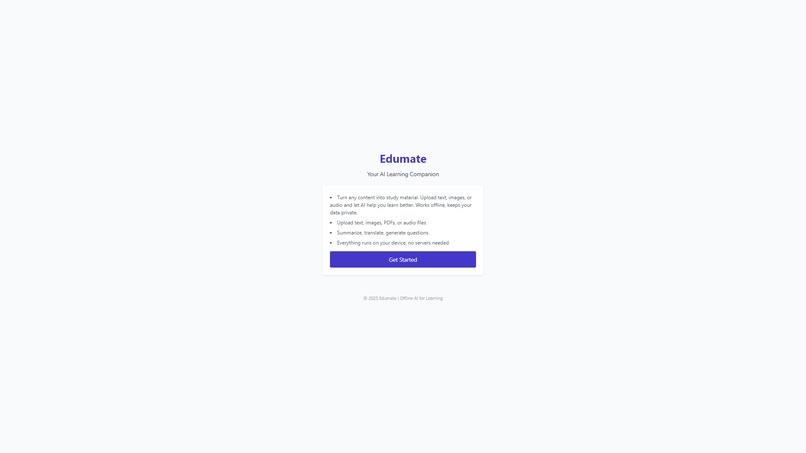
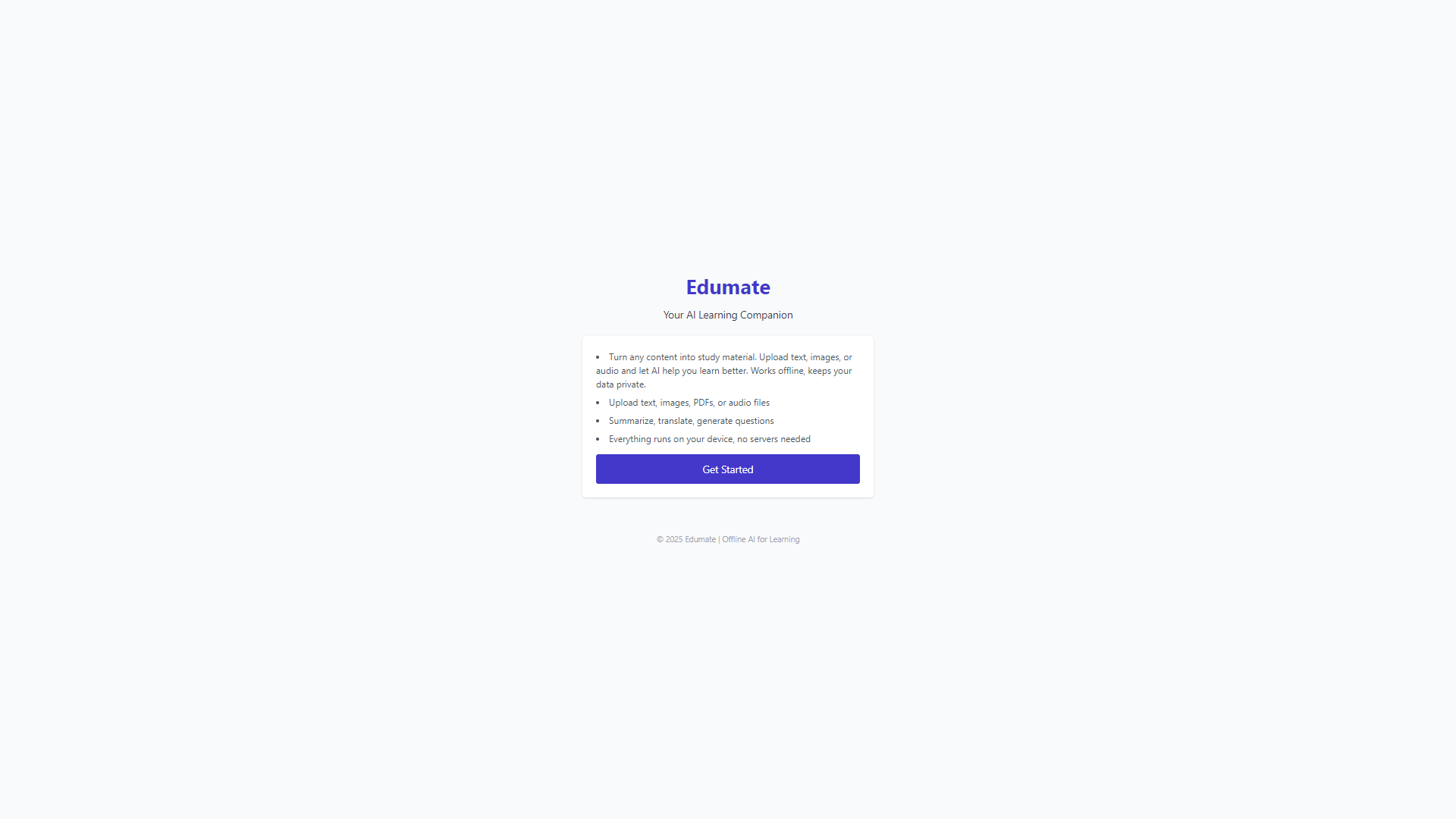
Landing page
-
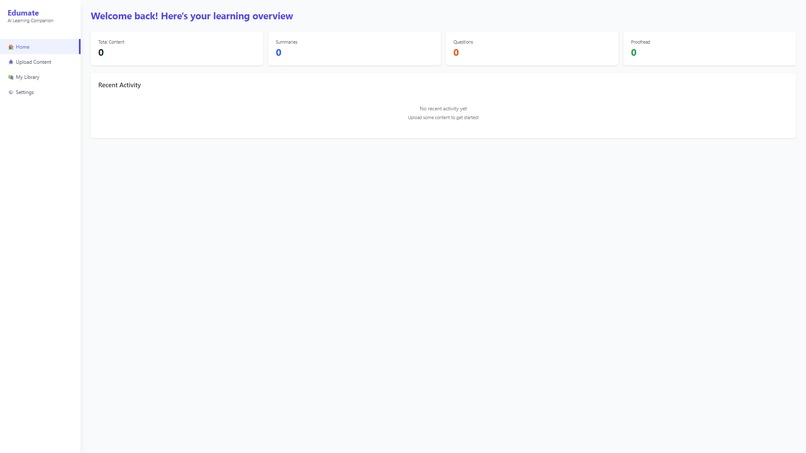
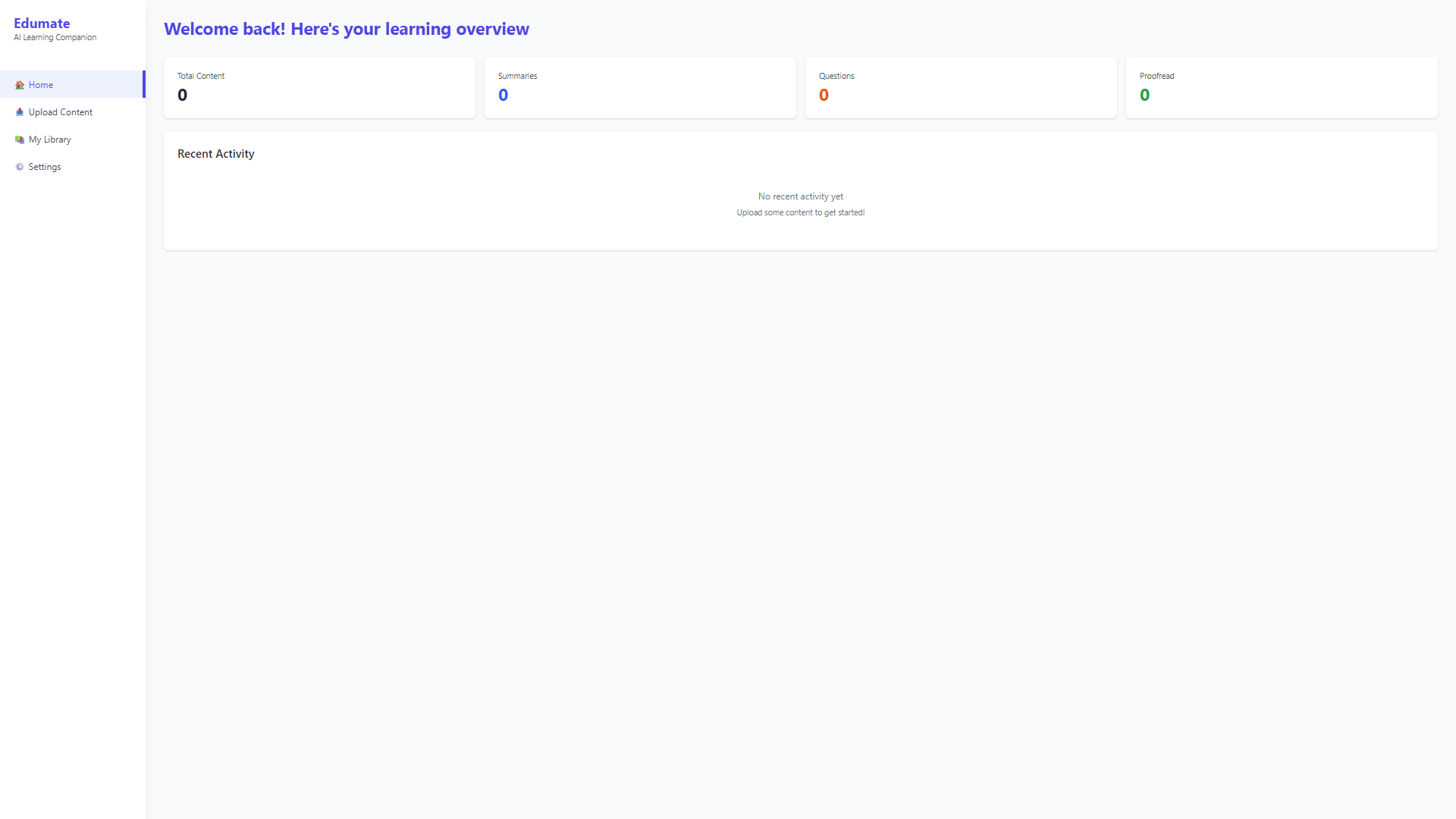
Home page
-
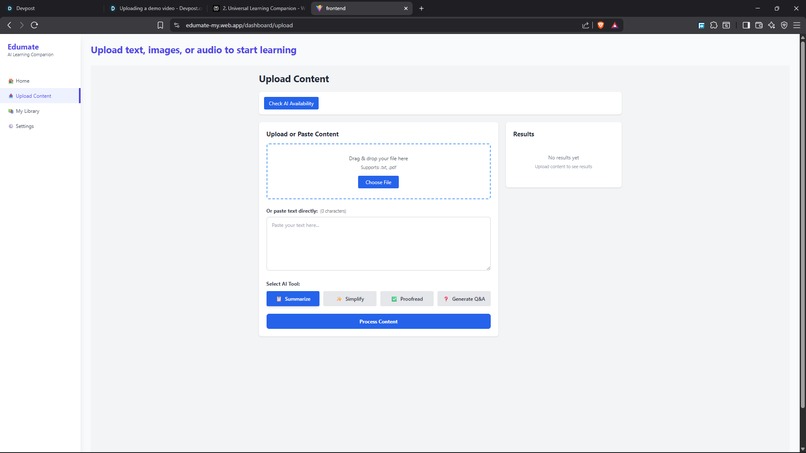
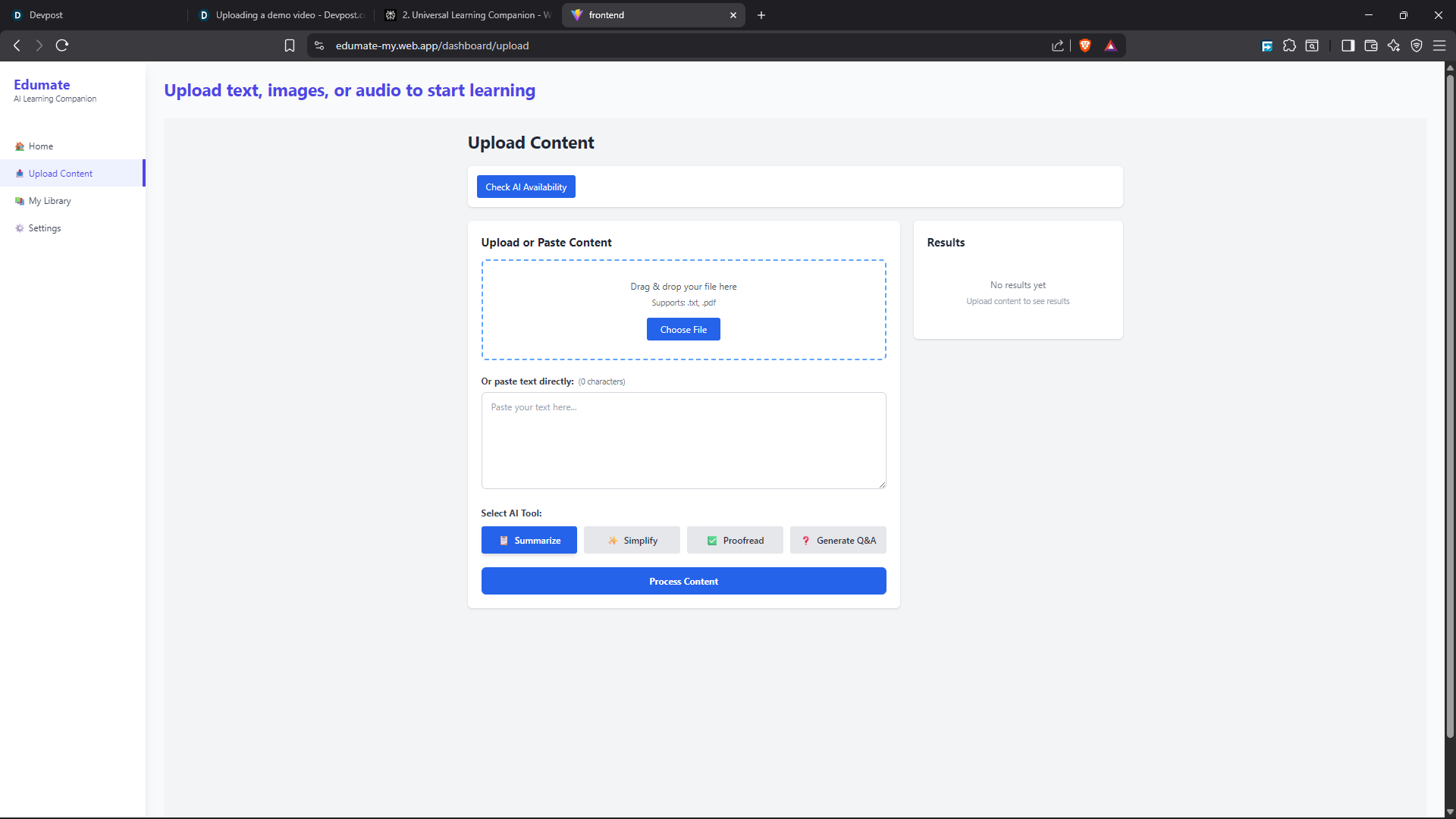
Upload page
-
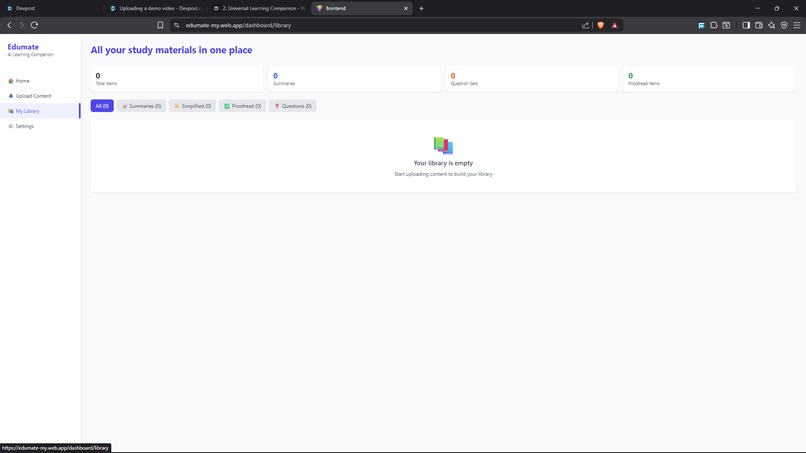
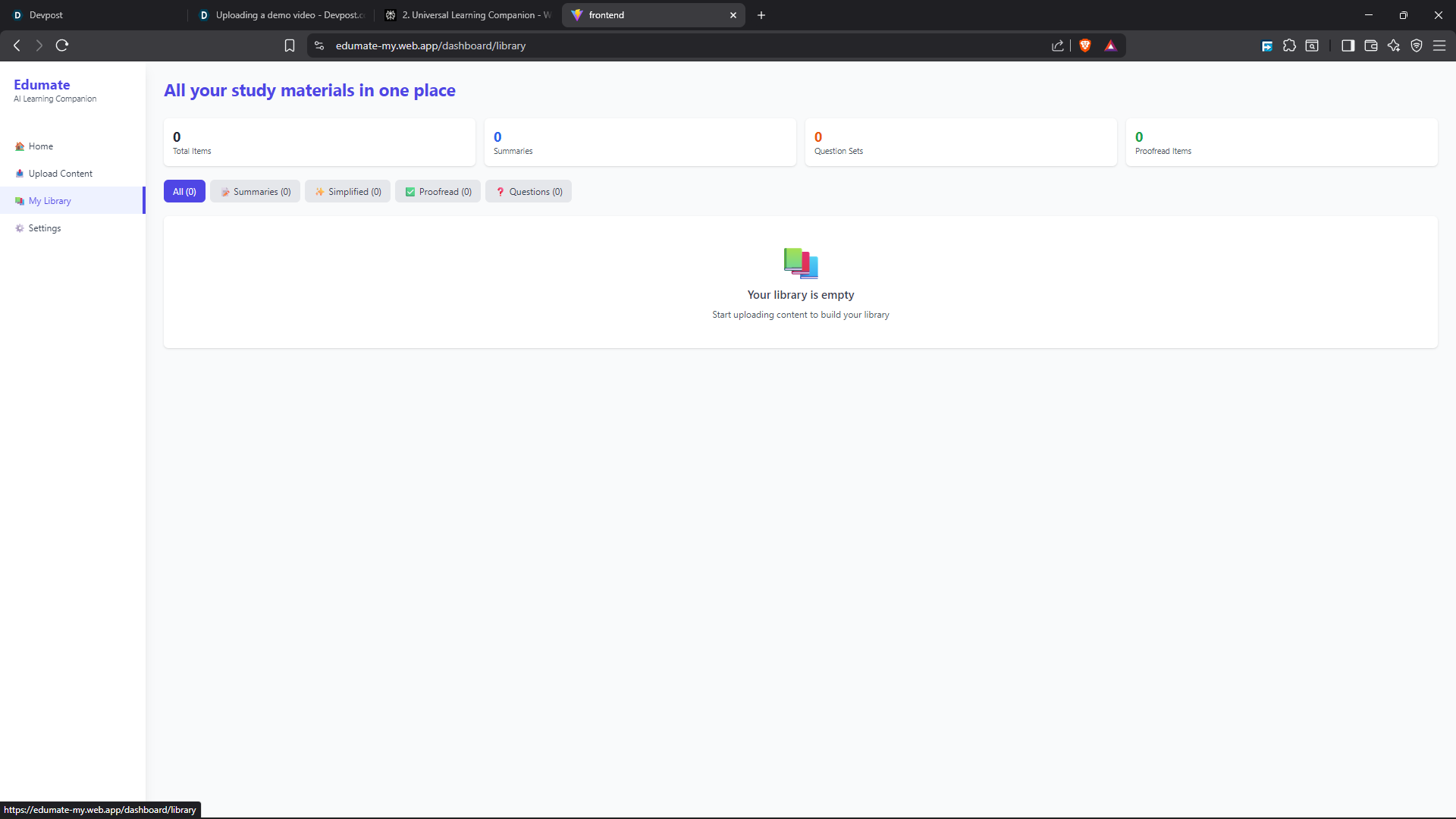
Library page
-
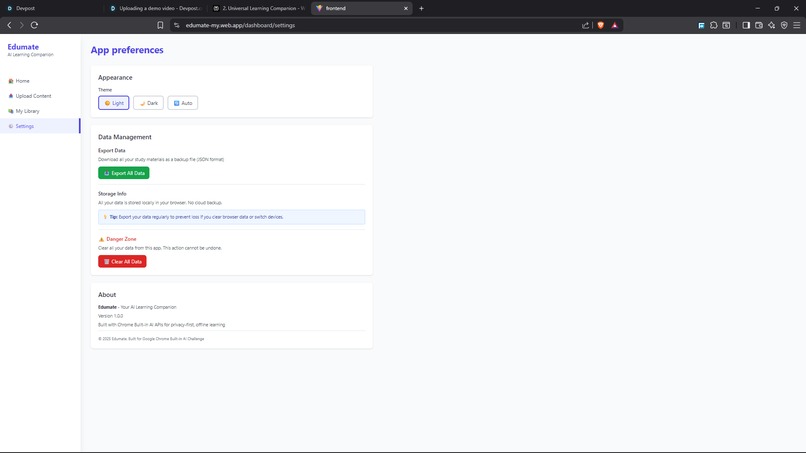
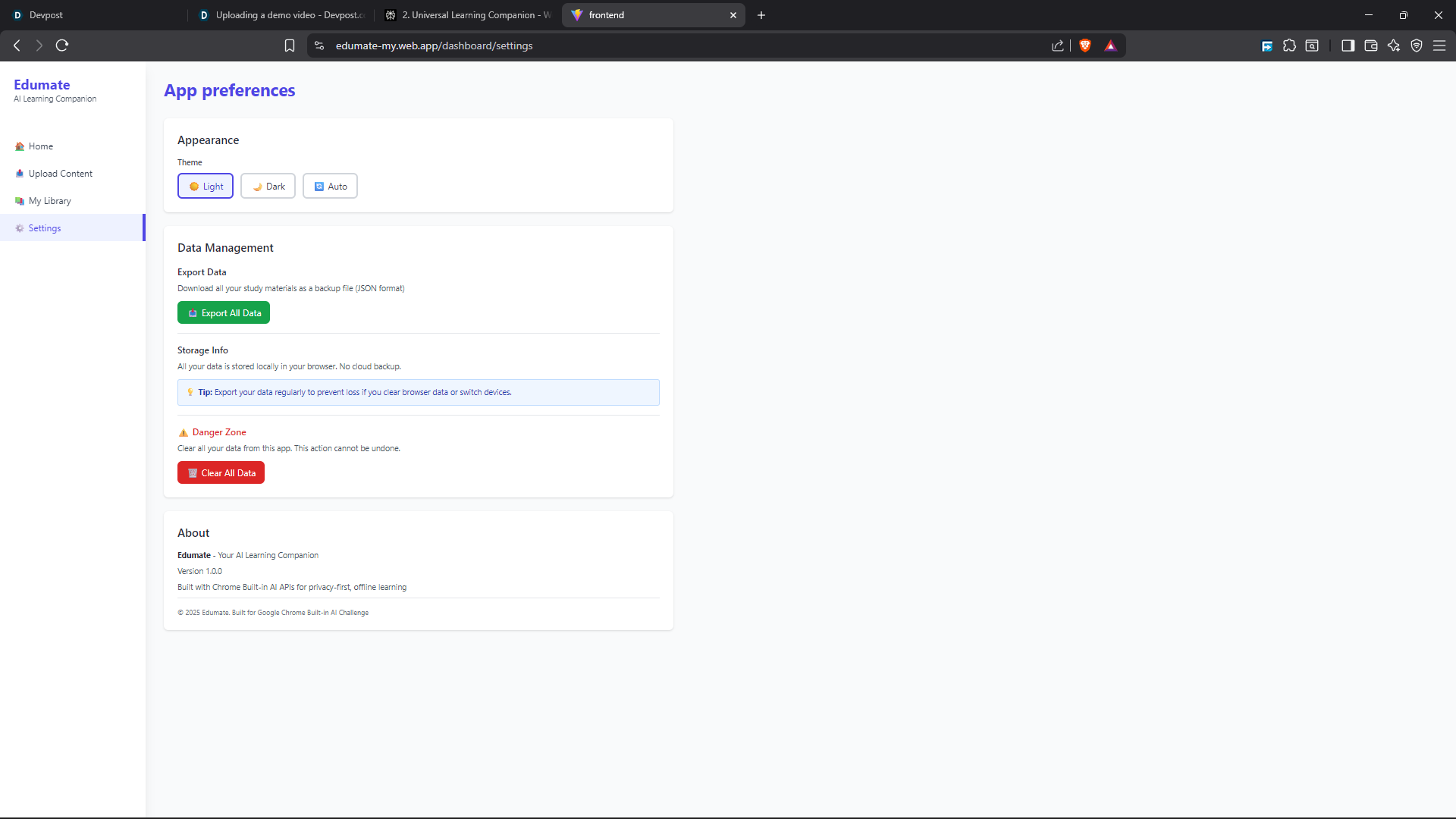
Settings page
-
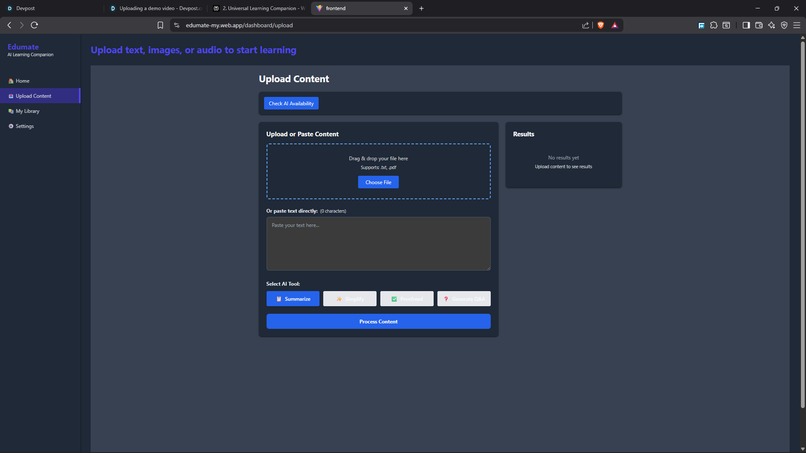
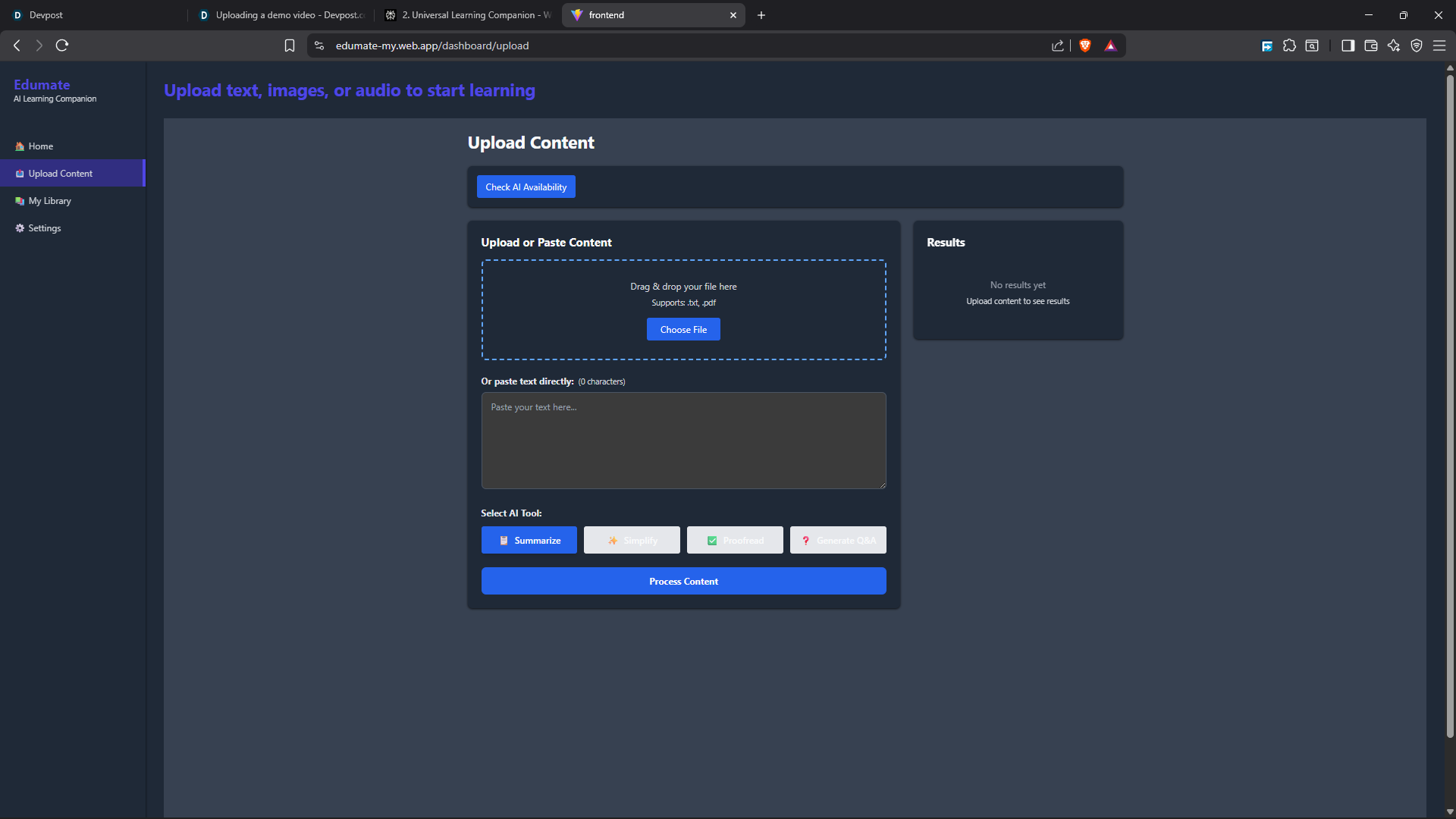
Dark mode
Inspiration
As students ourselves, we've always struggled with the overwhelming amount of content we need to process daily — lengthy textbooks, complex research papers, and endless lecture notes. We found ourselves switching between multiple online tools: one for summarizing, another for grammar checking, and yet another for creating practice questions. Not only was this inefficient, but it also meant our study materials were constantly being uploaded to the cloud, raising serious privacy concerns.
We asked ourselves: What if there was a single, unified tool that could do all of this — summarize, simplify, proofread, and generate quiz questions — without ever sending our data anywhere?
That question led us to discover Chrome's new built-in AI APIs powered by Gemini Nano. We realized we could build something revolutionary: a fully offline AI learning companion that runs entirely in the browser, keeping student data private and secure.
That's how Edumate was born.
What it does
Edumate is a fully offline web application that empowers students and learners with four core AI-powered features:
- 📝 Summarization Upload or paste any text — whether it's a research paper, article, or lecture transcript — and Edumate instantly condenses it into a concise, easy-to-read summary. Perfect for quickly grasping key concepts without reading everything.
- ✍️ Simplify Struggling with complex technical jargon or dense academic language? Click "Simplify" and Edumate rewrites the text in plain, easy-to-understand language. This makes difficult subjects accessible to everyone.
- ✔️ Proofread Writing an essay or assignment? Use the proofreading feature to instantly fix grammar, spelling, and punctuation errors. It's like having a built-in editor that ensures your writing is polished and professional.
- ❓ Generate Q&A Turn any content into practice quiz questions with one click. Edumate uses active recall techniques to help you test your knowledge and retain information more effectively — perfect for exam prep. The best part? All of this happens 100% offline after a one-time model download. No internet required. No data sent to servers. Just you and your AI learning companion.
How we built it
Tech Stack Frontend: React with React Router for navigation TailwindCSS for modern, responsive UI design Chrome Built-in AI APIs (Summarizer, Rewriter, Proofreader, Prompt) Deployment: Firebase System Architecture The AI processing pipeline follows this flow: User Input→AI Service Layer→Chrome APIs→Gemini Nano→Result
Code Snippet
export const summarizeText = async (text) => {
  let session = null;
  try {
    const available = await LanguageModel.availability();
    if (available === 'unavailable') {
      throw new Error('LanguageModel is not available');
    }
    console.log('Creating session for summarization...');
    session = await createSession({});
    console.log('Summarizing text...');
    const result = await session.prompt(`Summarize the following text concisely:\n\n${text}`);
    return result;
  } catch (error) {
    console.error('Summarization error:', error);
    throw error;
  } finally {
    if (session) {
      session.destroy();
      console.log('Session destroyed');
    }
  }
};

export const generateQuestions = async (text) => {
  let session = null;
  try {
    const available = await LanguageModel.availability();
    if (available === 'unavailable') {
      throw new Error('LanguageModel is not available');
    }
    console.log('Creating session for question generation...');
    session = await createSession({});
    console.log('Generating questions...');
    const prompt = `Generate 5 practice questions with answers based on:\n\n${text}`;
    const result = await session.prompt(prompt);
    return result;
  } catch (error) {
    console.error('Question generation error:', error);
    throw error;
  } finally {
    if (session) session.destroy();
  }
};

export const rewriteText = async (text, tone = 'formal') => {
  let session = null;
  try {
    const available = await LanguageModel.availability();
    if (available === 'unavailable') {
      throw new Error('LanguageModel is not available');
    }
    console.log('Creating session for rewriting...');
    session = await createSession({});
    console.log('Rewriting text...');
    const result = await session.prompt(`Rewrite this text with a ${tone} tone:\n\n${text}`);
    return result;
  } catch (error) {
    console.error('Rewriting error:', error);
    throw error;
  } finally {
    if (session) session.destroy();
  }
};

export const proofreadText = async (text) => {
  let session = null;
  try {
    const available = await LanguageModel.availability();
    if (available === 'unavailable') {
      throw new Error('LanguageModel is not available');
    }
    console.log('Creating session for proofreading...');
    session = await createSession({});
    console.log('Proofreading text...');
    const result = await session.prompt(
      `Proofread this text and suggest corrections for grammar and spelling:\n\n${text}`
    );
    return result;
  } catch (error) {
    console.error('Proofreading error:', error);
    throw error;
  } finally {
    if (session) session.destroy();
  }
};
Challenges we ran into
- Working with ChromeCanary as even after enabling the flags the components section didnt show me model to download.
- Device incapablity caused issues like model not appearing on my browser
- Seamless integration after downloading the ai
Accomplishments that we're proud of
✅ Built a fully offline AI app — No cloud APIs, no servers, no data leaks ✅ Integrated 4 cutting-edge Chrome AI APIs — Summarizer, Rewriter, Proofreader, and Prompt ✅ Delivered a clean, intuitive UX — Simple dashboard with instant access ✅ Solved real student pain points — All-in-one learning tool with privacy built-in ✅ Zero dependencies on paid APIs — Completely free for users forever
What we learned
- On-Device AI is the Future Running powerful AI models like Gemini Nano directly in the browser is a game-changer.
- Experimental APIs Require Flexibility Building with origin trial APIs taught us to write defensive code, check capabilities dynamically, and always provide fallback experiences for users on unsupported browsers.
- Privacy Matters More Than Ever Students are increasingly concerned about their data being sent to third-party servers. Building an offline-first app showed us how much users value privacy when it comes to their learning materials.
What's next for EDUMATE
Short-Term Goals: 🎯 Flashcard Generation — Automatically create flashcards from summaries 📚 Content Library — Save and organize study materials in "My Library" 🔄 Spaced Repetition — Schedule quiz reviews based on retention science Long-Term Vision: 📊 Learning Analytics — Track time spent, summaries created, questions answered 🤖 Personalized Study Plans — AI-generated learning paths based on user progress 🌐 Chrome Extension — Right-click to summarize any webpage instantly 🔊 Voice Transcription — Convert lecture recordings to text summaries using multimodal Prompt API
Built With
- css
- gemininano
- html5
- javascript
- react
- tailwindcss

Log in or sign up for Devpost to join the conversation.