-
-
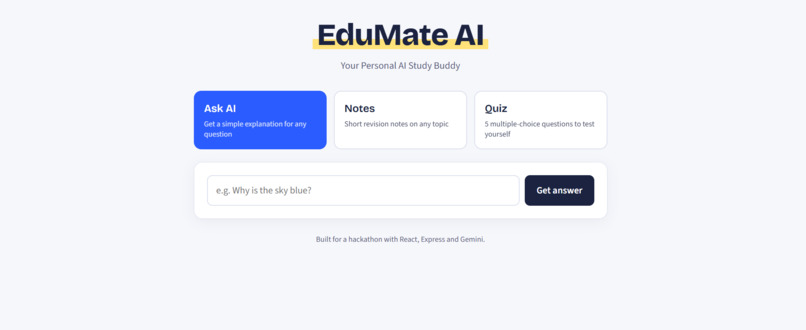
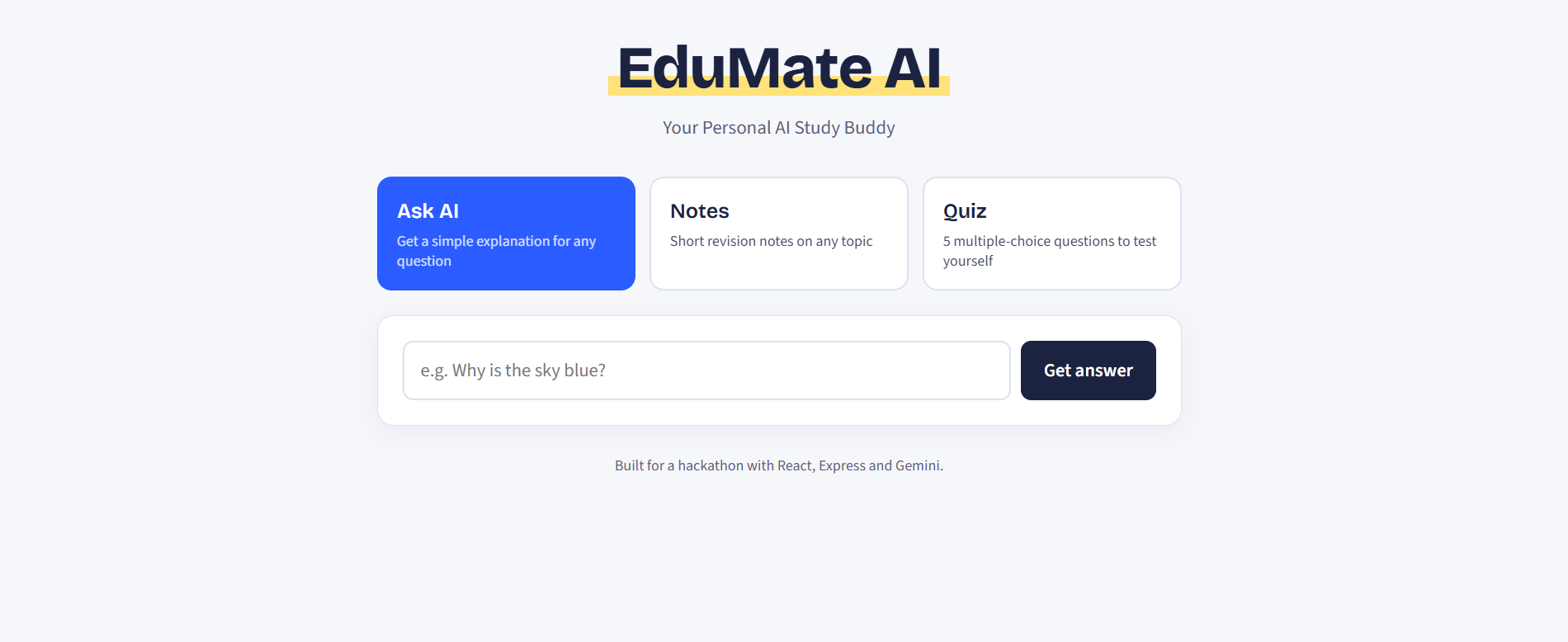
EduMate AI home screen: your personal AI study buddy with three tools, Ask AI, Notes and Quiz.
-
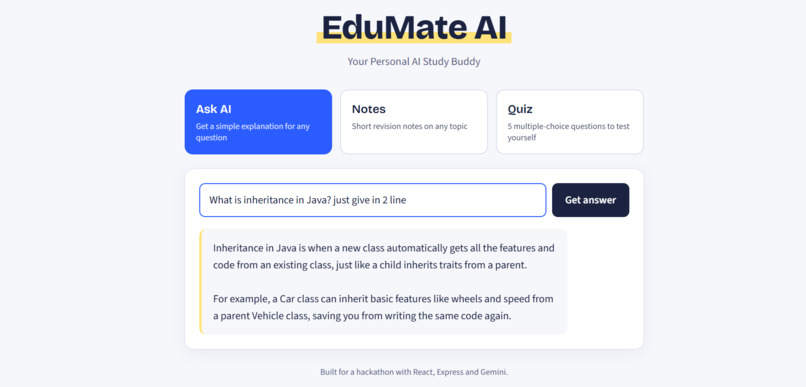
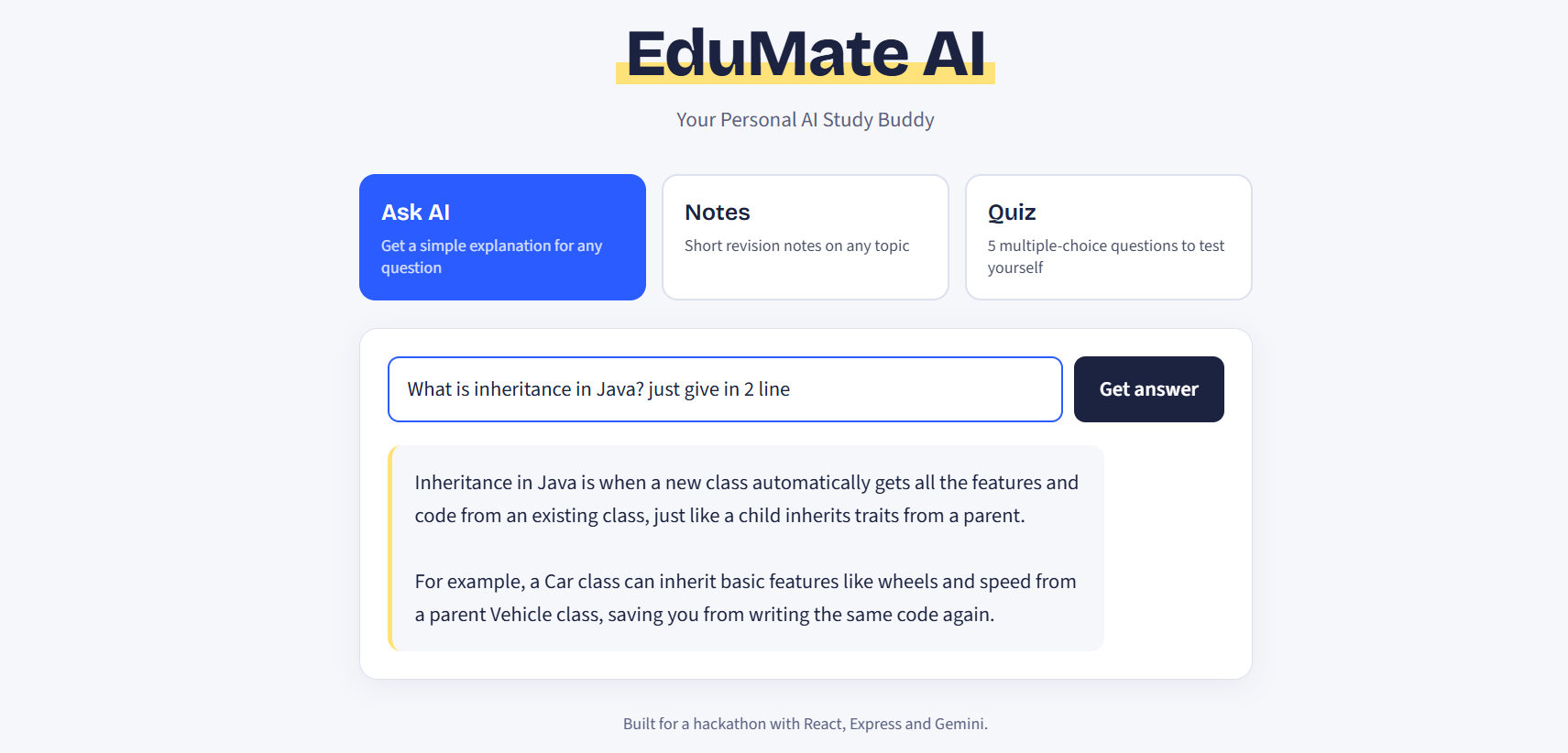
Ask AI: type any question and get a simple, student-friendly explanation powered by Google Gemini.
-
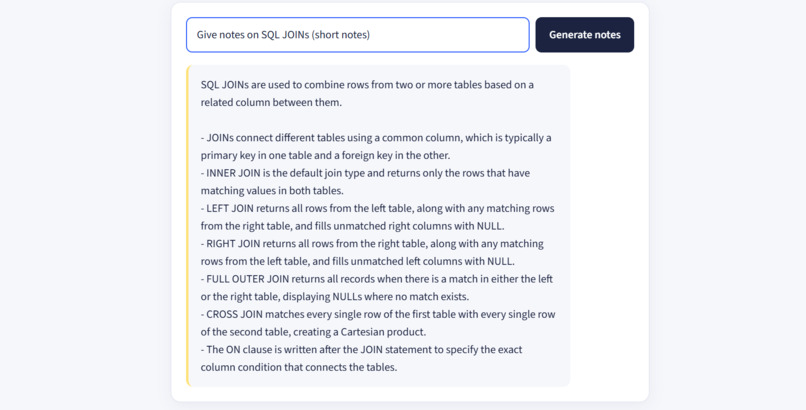
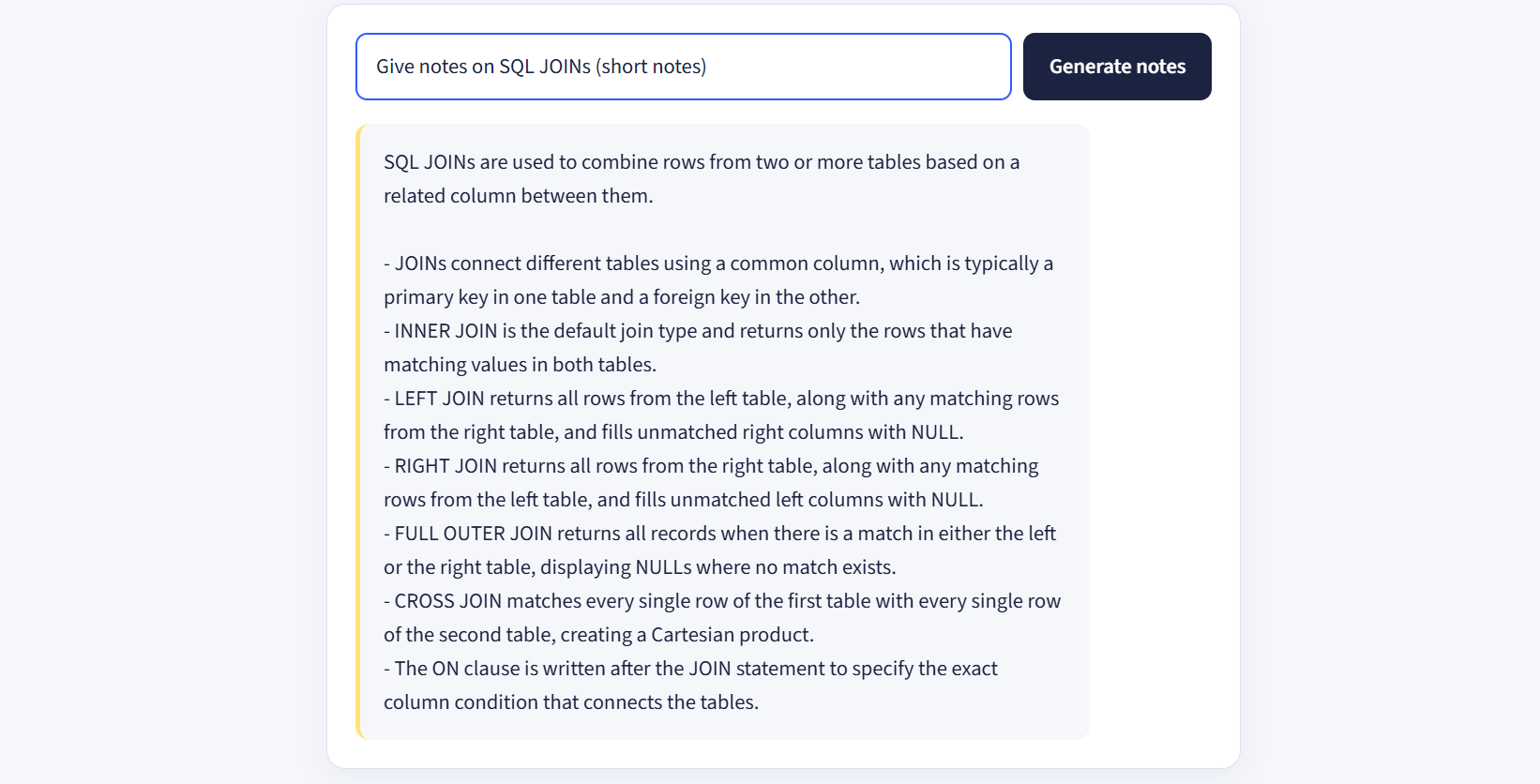
Notes: enter any topic and instantly get a short summary with key points for quick revision.
-
Notes: enter any topic and instantly get a short summary with key points for quick revision.
-
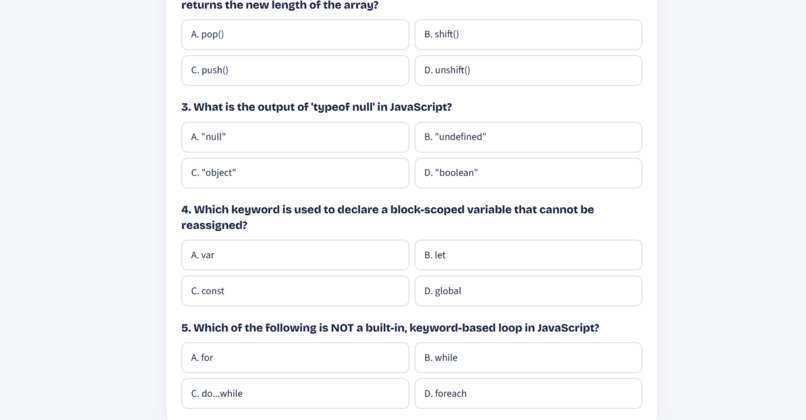
Responsive design: EduMate AI works smoothly on phones, tablets and desktops with a clean, simple layout.
Inspiration
Studying alone is hard. When you get stuck on a concept, you either search through long articles or wait for someone to explain it. We wanted a simple tool that works like a patient study buddy: one place to ask a question, get quick revision notes, and test yourself, without signing up for anything or fighting a cluttered interface.
What it does
EduMate AI is a lightweight AI study assistant with three features:
- Ask AI: type any question and get a simple, student-friendly explanation.
- Notes: enter a topic and get a short summary with key points for quick revision.
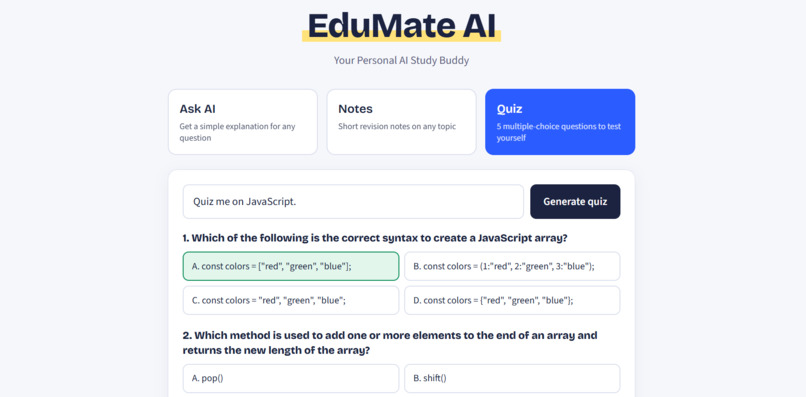
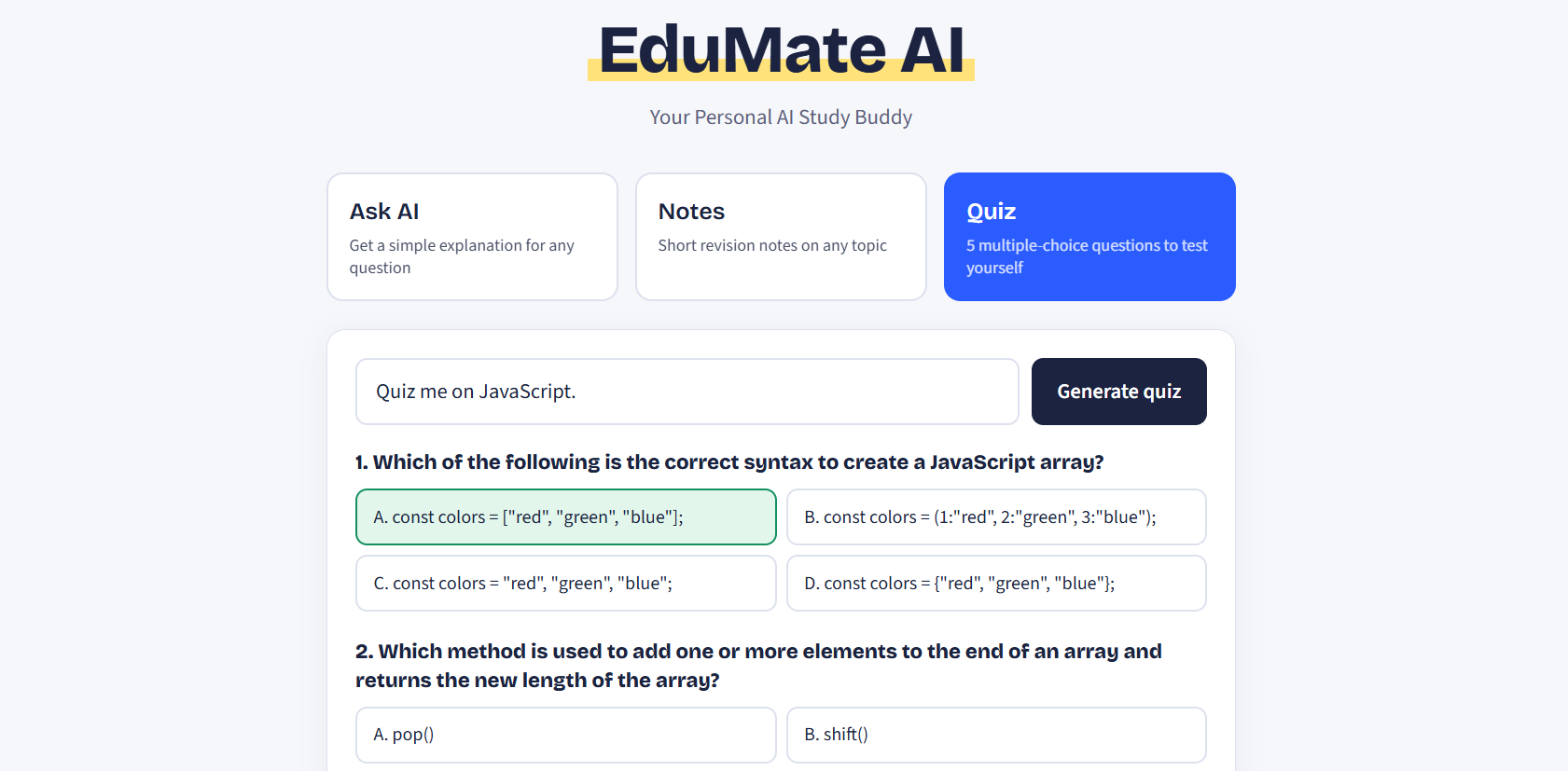
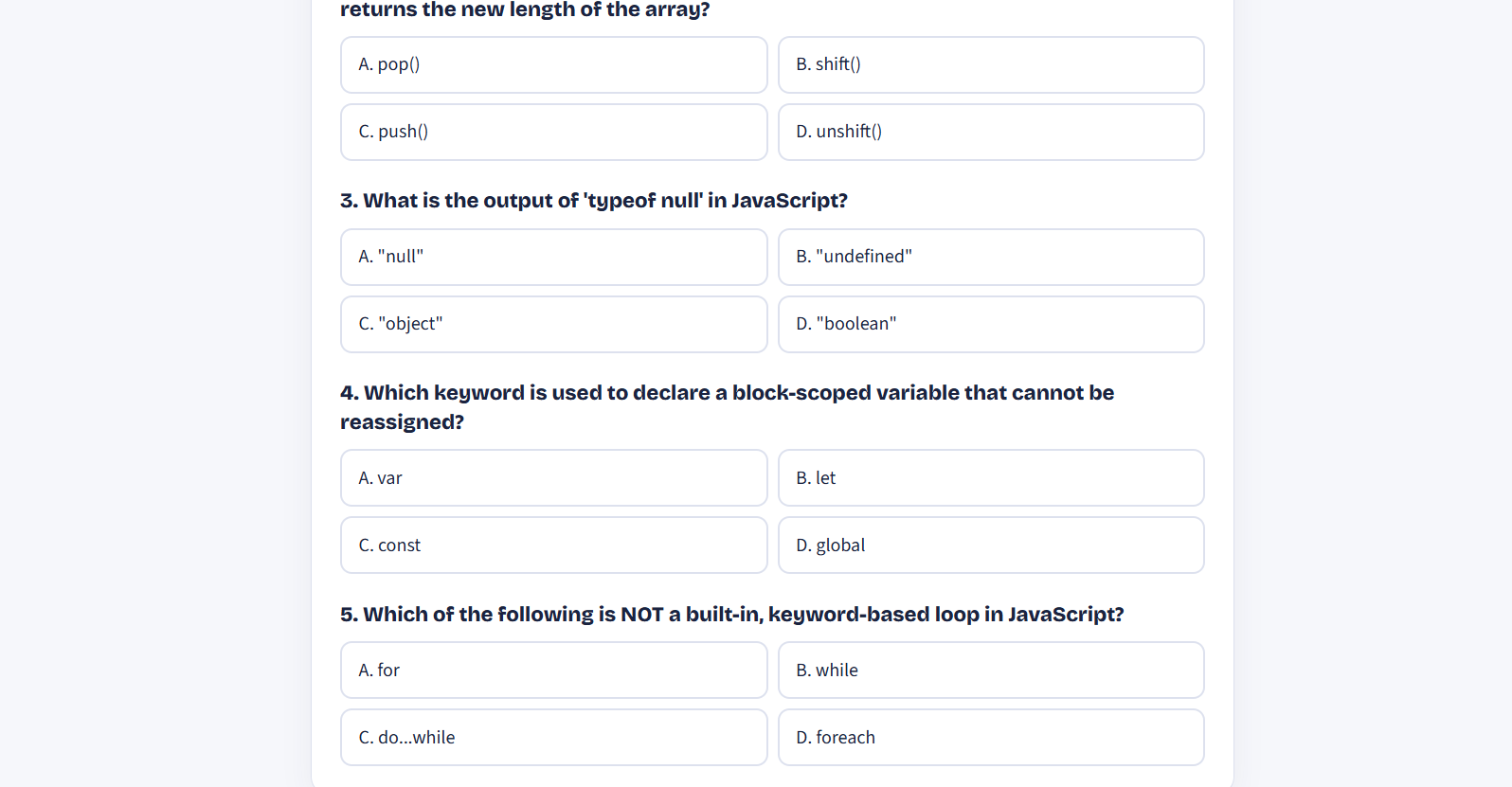
- Quiz: enter a topic and get 5 multiple-choice questions with 4 options each. Click an answer to see instantly whether you were right, and get a final score.
There is no login and no database. Open it and start learning.
How we built it
- Frontend: React + Vite, with plain CSS for a clean, responsive design that works on phones and desktops.
- Backend: Node.js + Express with three endpoints: /api/ask, /api/notes and /api/quiz.
- AI: Google's Gemini API (gemini-2.5-flash), called only from the backend.
- Security: The API key lives in backend/.env and never reaches the browser. The Vite dev server proxies /api requests to the backend, so the frontend only talks to our own server.
Each endpoint sends Gemini a different prompt. Ask AI is told to explain simply, Notes to give a one-line summary plus key points, and Quiz to return structured JSON that the frontend renders as interactive questions.
Challenges we ran into
- Getting reliable quiz output. AI text is unpredictable, and a quiz needs a strict structure. We asked Gemini for JSON with an answerIndex for each question, enabled JSON response mode, and added parsing and validation on the backend.
- Keeping the API key safe. Calling Gemini directly from React would expose the key, so all AI calls go through the Express server.
- Clean, readable output. Raw AI responses are full of markdown symbols, so we prompted for plain text and used white-space: pre-wrap to keep line breaks tidy.
- Handling failures gracefully. Missing keys, empty input, network problems and API errors each show a clear message instead of a blank screen.
Accomplishments that we're proud of
- A full-stack AI app with three working features and a simple, easy-to-read codebase.
- An interactive quiz with instant right/wrong feedback and scoring.
- A design that stays clean and usable on small screens.
What we learned
- How to build and connect a React frontend to an Express backend.
- How to call the Gemini API and shape its output through prompt design.
- Why API keys must stay on the server, and how a dev proxy avoids CORS problems.
- That good loading and error states matter as much as the AI itself.
What's next for EduMate AI
- Saving notes and quiz history
- Difficulty levels for quizzes
- Support for more languages
- Explanations for each quiz answer
Built With
- cors
- css
- dotenv
- express.js
- gemini-api
- google-gemini
- html
- javascript
- node.js
- npm
- react
- rest-api
- vite

Log in or sign up for Devpost to join the conversation.