-
-
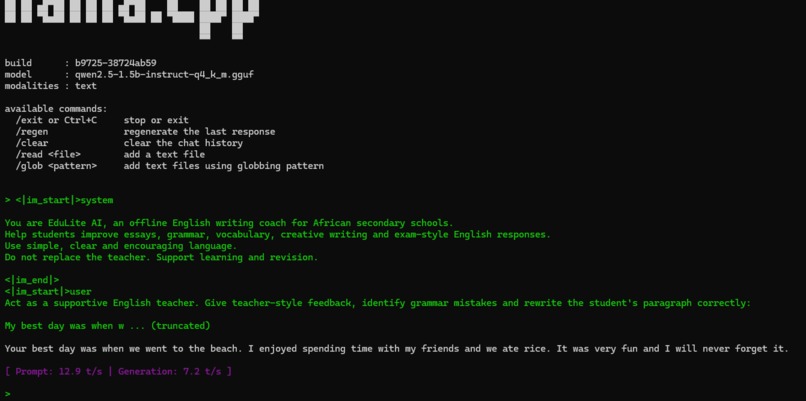
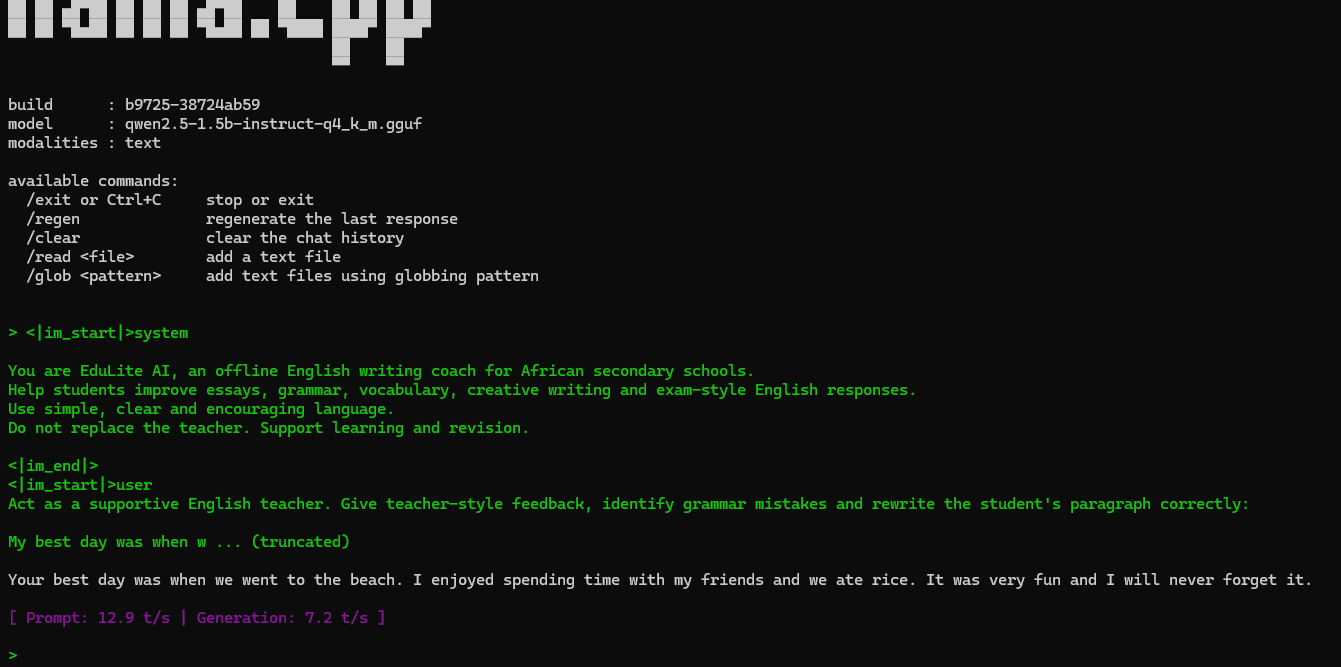
EduLite AI running Teacher Feedback Mode offline on an 8GB ASUS laptop
-
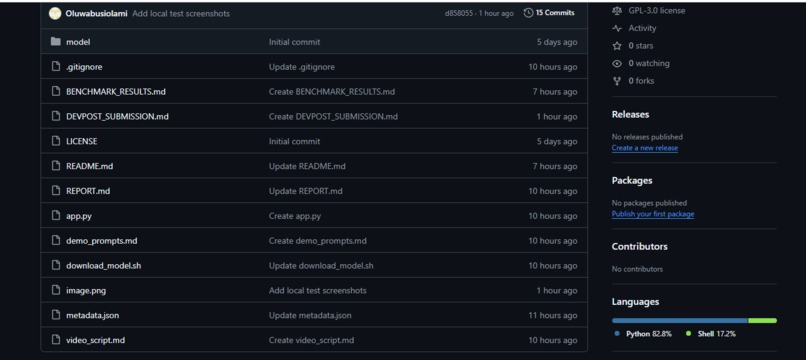
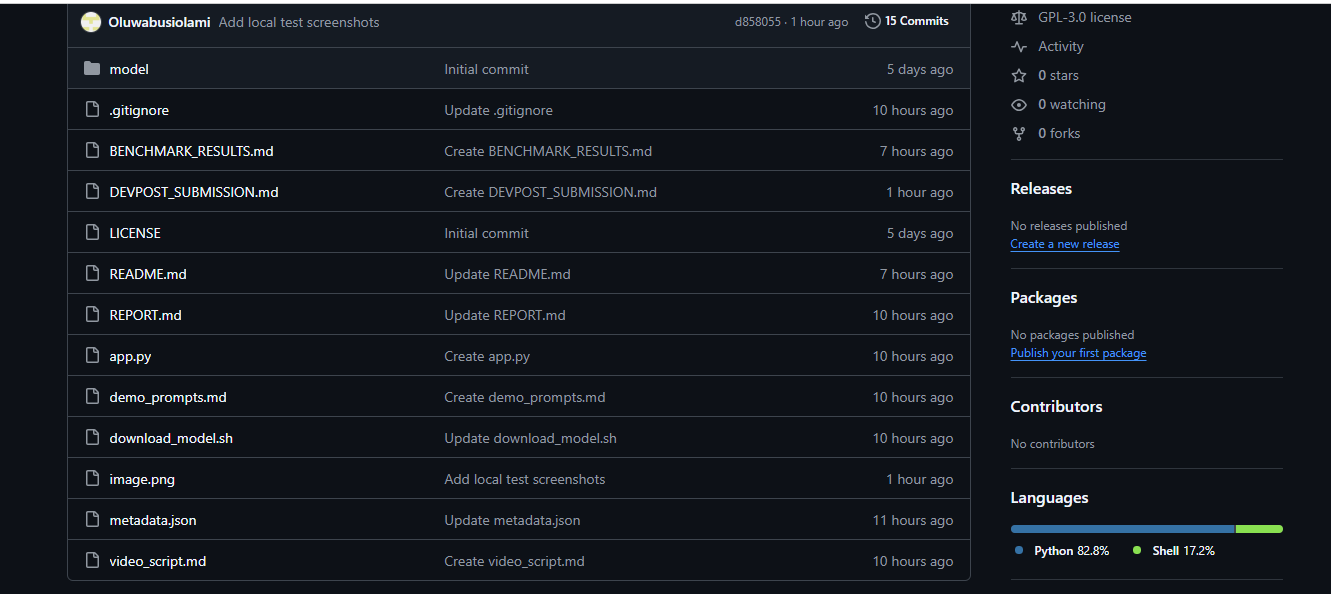
GitHub Project Page
Inspiration
EduLite AI was inspired by a real classroom problem. Many African students need regular support with English writing, grammar, vocabulary and exam-style responses, but not every school has reliable internet access or powerful computers.
As an English teacher, I wanted to build something practical for schools where cloud-based AI tools may not always be available. The goal was to create an offline AI writing coach that can support students and teachers even when there is no internet connection.
What it does
EduLite AI is an offline English writing coach for African secondary schools.
It helps with:
- Essay feedback
- Grammar correction
- Vocabulary building
- Creative writing support
- IGCSE ESL writing practice
- Teacher-style feedback on student writing
In Teacher Feedback Mode, a teacher can paste a student’s paragraph, and EduLite AI gives simple feedback, identifies grammar mistakes and rewrites the paragraph correctly.
How I built it
I built EduLite AI using Python, llama.cpp and a GGUF language model.
The model runs locally on an ordinary 8GB ASUS laptop through Ubuntu on Windows. I used Qwen2.5-1.5B-Instruct Q4_K_M because it is small enough for a budget laptop while still giving useful English writing support.
The project includes a simple command-line app where users can choose different writing support modes, enter a prompt or student paragraph, and receive feedback from the offline model.
Challenges I faced
The biggest challenge was getting the local AI model to run smoothly on an 8GB laptop without cloud dependency.
Setting up Ubuntu through WSL, installing llama.cpp, downloading the model and fixing network issues during installation also took careful step-by-step testing.
Another challenge was keeping the project simple enough for teachers and students to understand while still making it technically useful for the challenge.
Accomplishments
EduLite AI successfully ran offline on my 8GB ASUS laptop.
It produced vocabulary explanations, essay feedback and teacher-style corrections without using any cloud AI service during inference.
During testing, EduLite AI reached about 8 to 9 tokens per second generation speed, which shows that offline AI can work on modest devices.
What I learned
I learned that useful AI tools do not always need expensive hardware or constant internet access.
I also learned how to set up a local AI workflow using Ubuntu, llama.cpp, GGUF models and GitHub. Most importantly, I learned that offline AI can be designed around real African classroom needs.
What is next
Future versions of EduLite AI could include:
- A simple desktop interface
- More African English examples
- Yoruba-supported explanations
- Pidgin-supported explanations
- More IGCSE ESL writing tasks
- Saved student practice records
- A teacher dashboard
EduLite AI does not replace the teacher. It supports teachers and gives students more opportunities to practise English writing offline.

Log in or sign up for Devpost to join the conversation.