-
-
Welcome Screen
-
Login Page
-
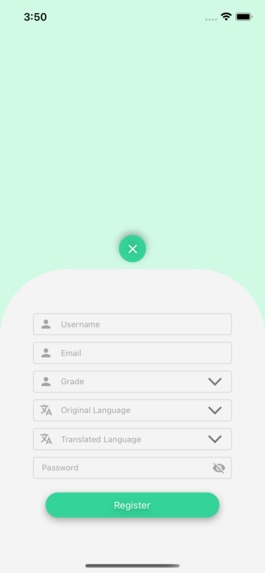
Registration Page
-
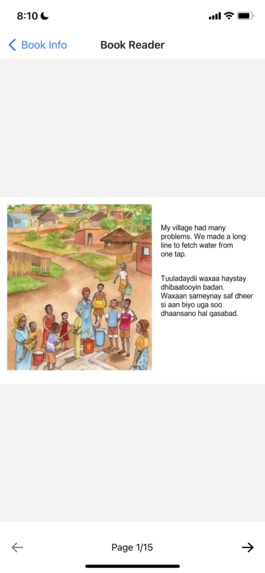
Book reading interface
-
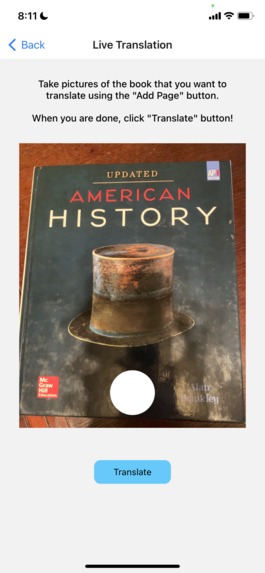
Photo interface
-
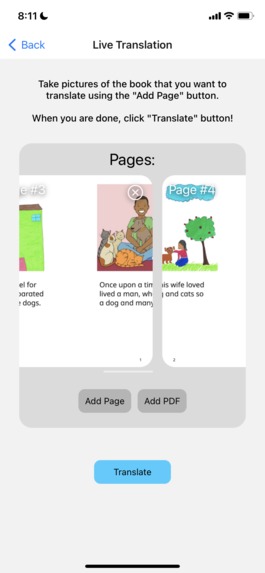
Translation interface
-
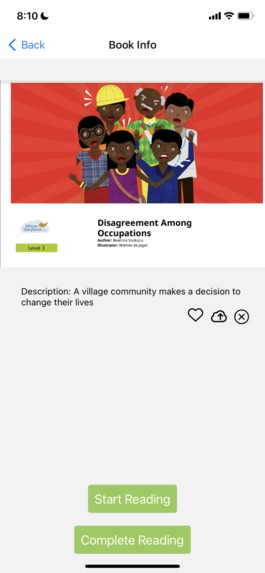
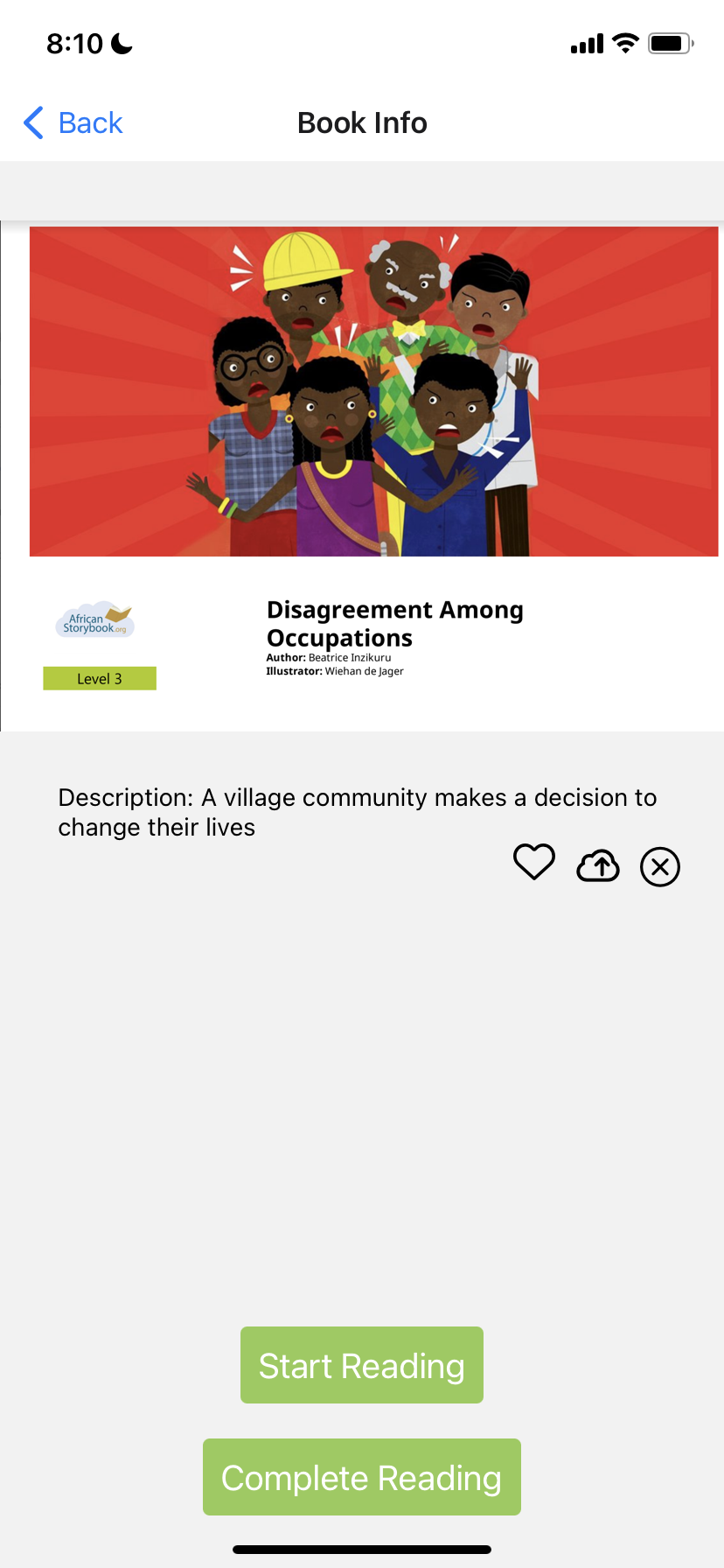
Book info interface
-
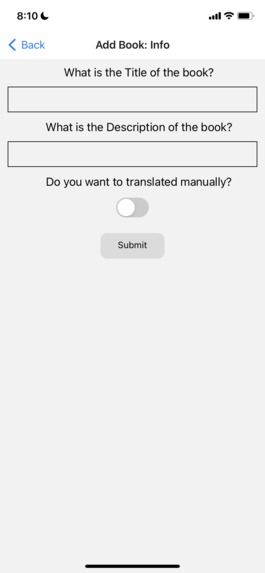
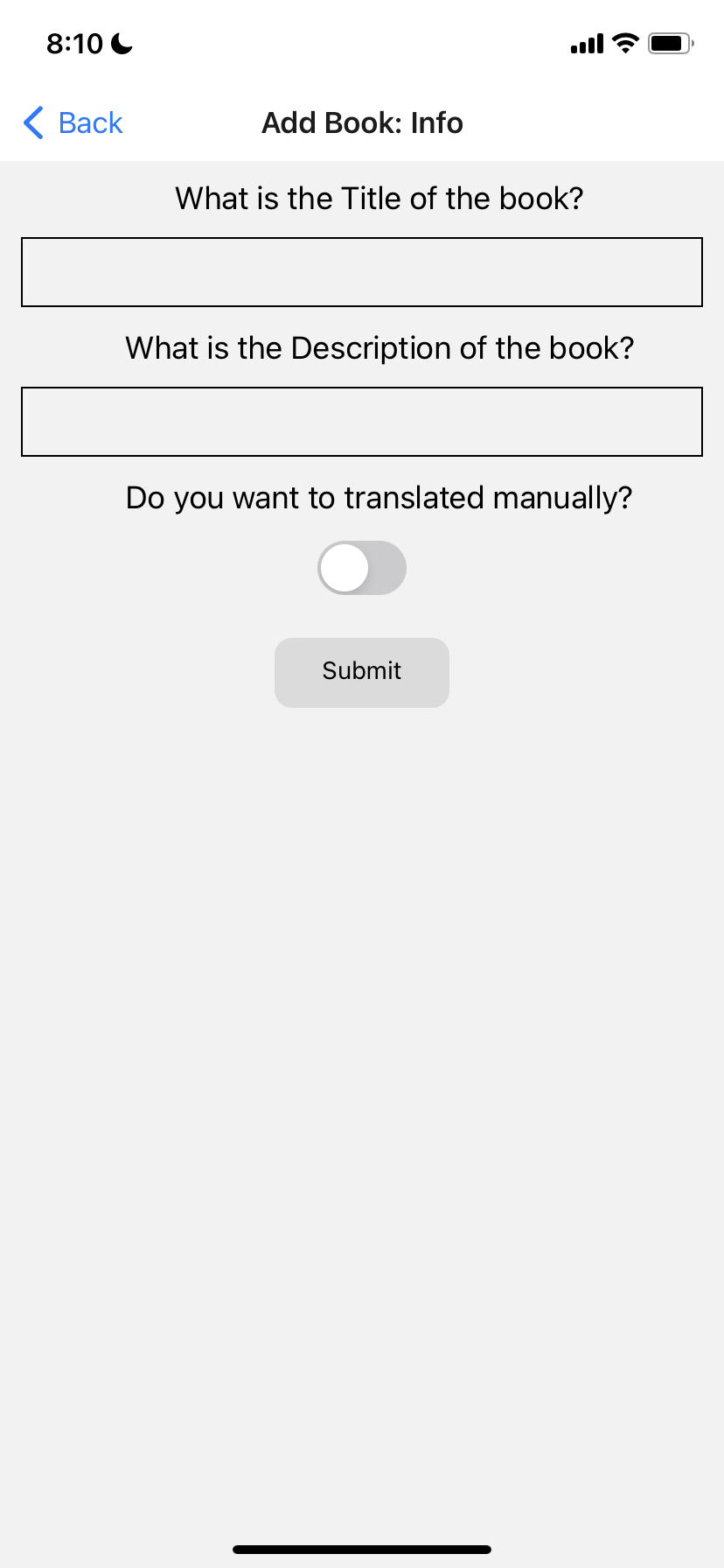
Translation details
-
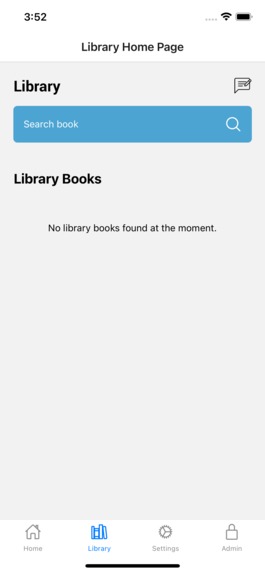
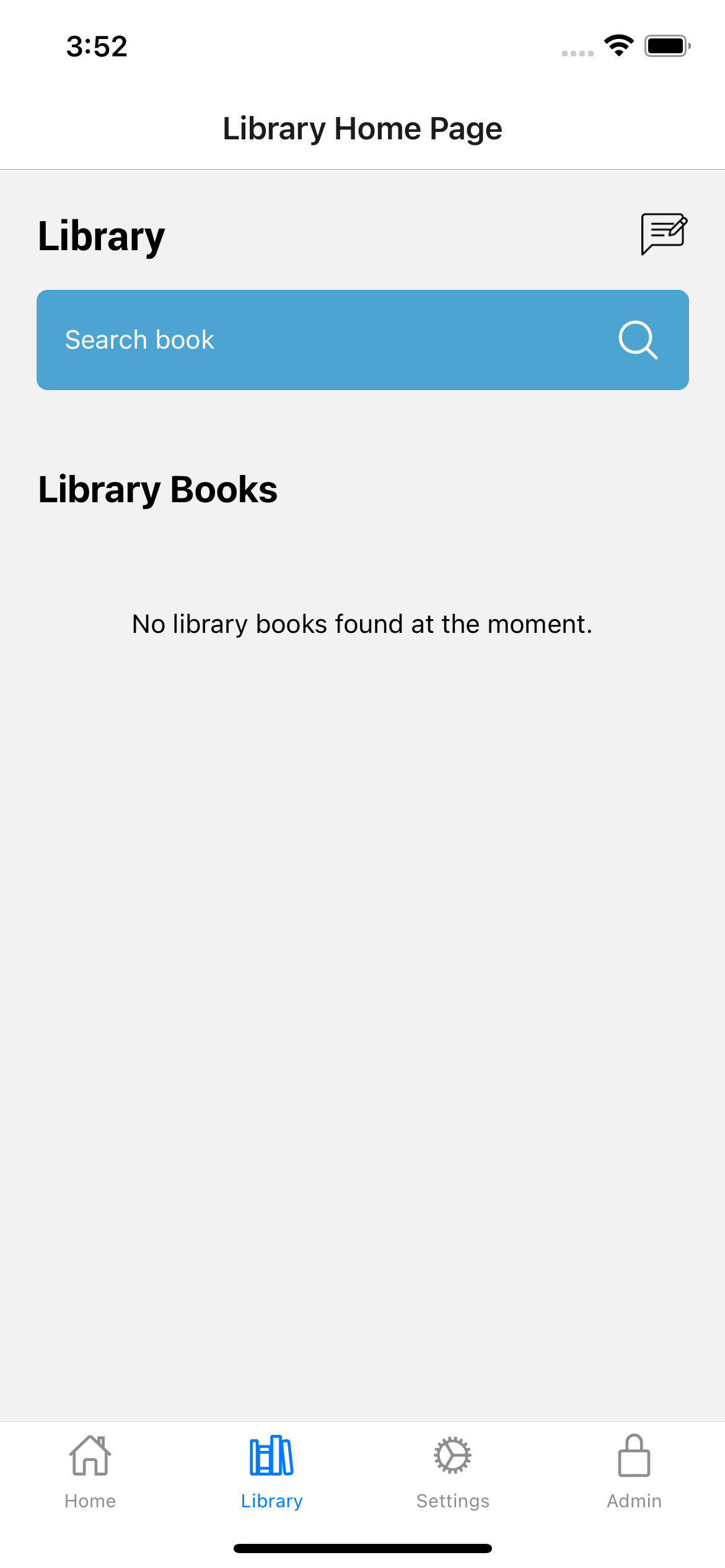
Library screen
-
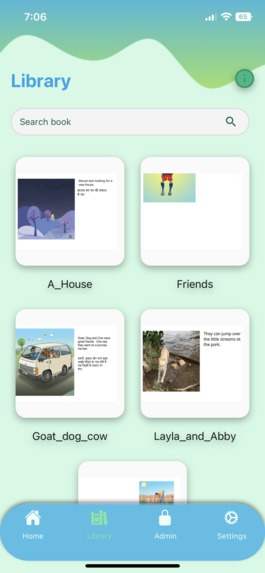
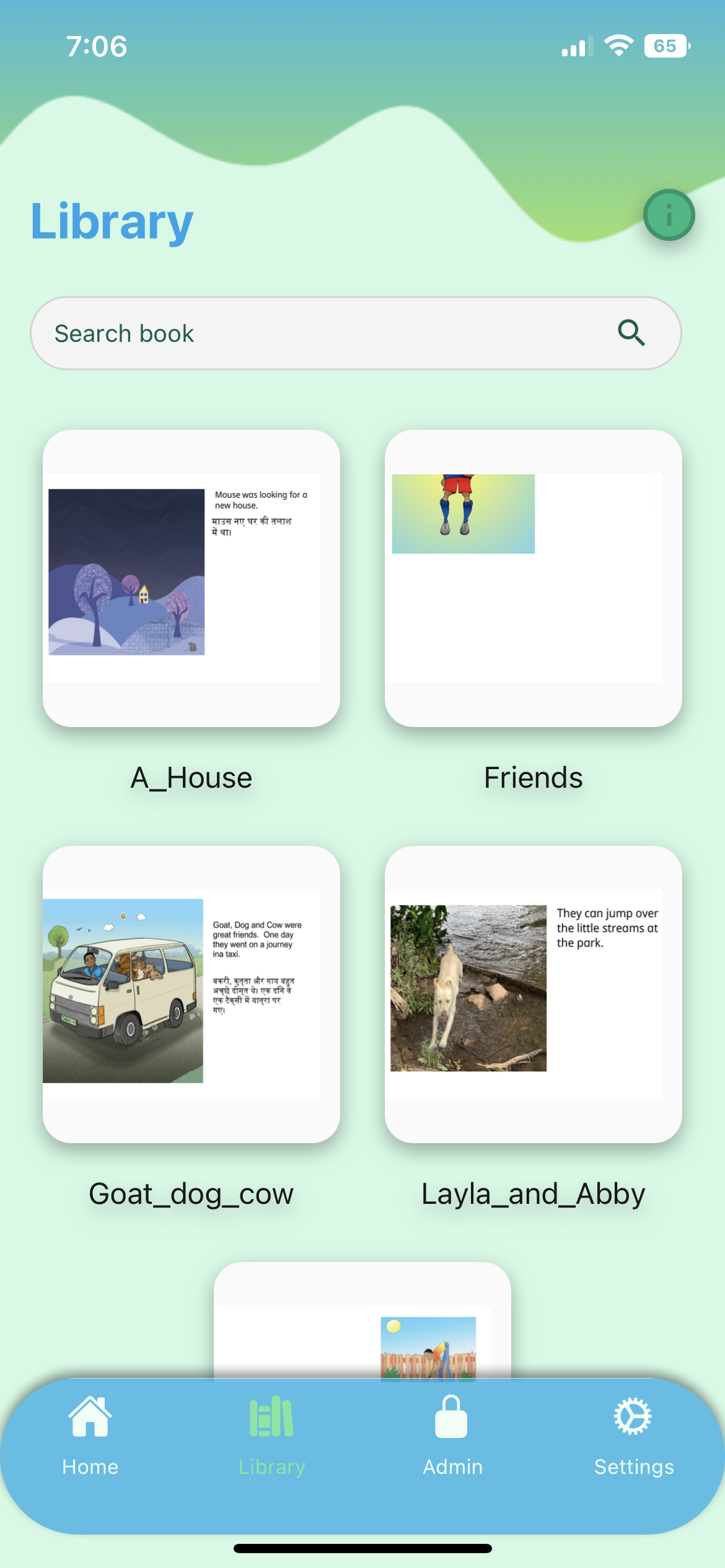
Library Interface
Inspiration
Subha has been volunteering with refugee organizations since 2020, offering STEM after-school programs. Subha noticed that many children there couldn’t take advantage of these classes because of a lack of English language skills. Eshaan was also inspired by the work that organizations were doing to help the refugee community using technology. Unfortunately, our education systems have not provided adequate resources for English language learners that can help them progress at the same pace as other learners in non-language aspects of education. The root cause lies in the inability to source teaching material and staff that is proficient in the languages spoken by these learners. Research shows that children who have a strong foundation in their home language more easily learn a second language. However, there weren’t many bilingual teachers that could communicate in the native language of the child and their family to help them.
We started exploring ways of bridging the language gap and wanted to build a scalable solution that could at least help students and families that were proficient in their own native language. Unfortunately, most commercial products in the market did not serve the low-resource languages and dialects that these families spoke. Under these circumstances, speakers of low resource languages will continue to be marginalized and the divide between them and the rest of the world will grow exponentially. If there is bilingual content in English and the native language of the learner, especially childrens’ books, these kids and their families could take advantage of that content to teach themselves English. This could only be done at scale by leveraging natural language processing. Subha met with the CEOs of a few startups that were working in the language translation domain and realized that a few of them provided APIs for language translation. Therefore, we could leverage these language translation APIs to build a multilingual mobile children’s library that augments and accelerates English language learning among kids who have a proficiency in a low-resource language. A key element of creating a multilingual library is to find content that is interesting and culturally relevant for the reader. A refugee child arriving from Africa may not relate to most American content for example.
What it does
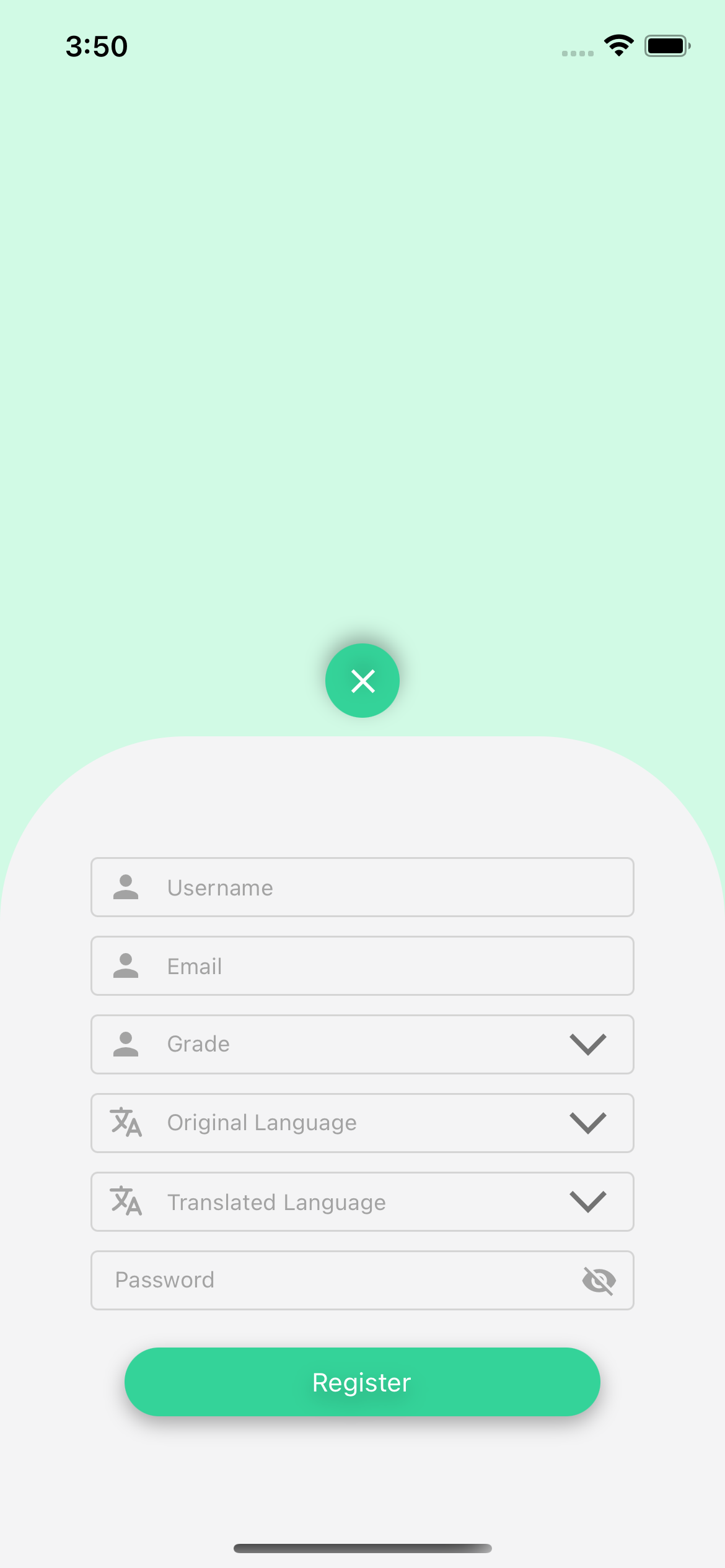
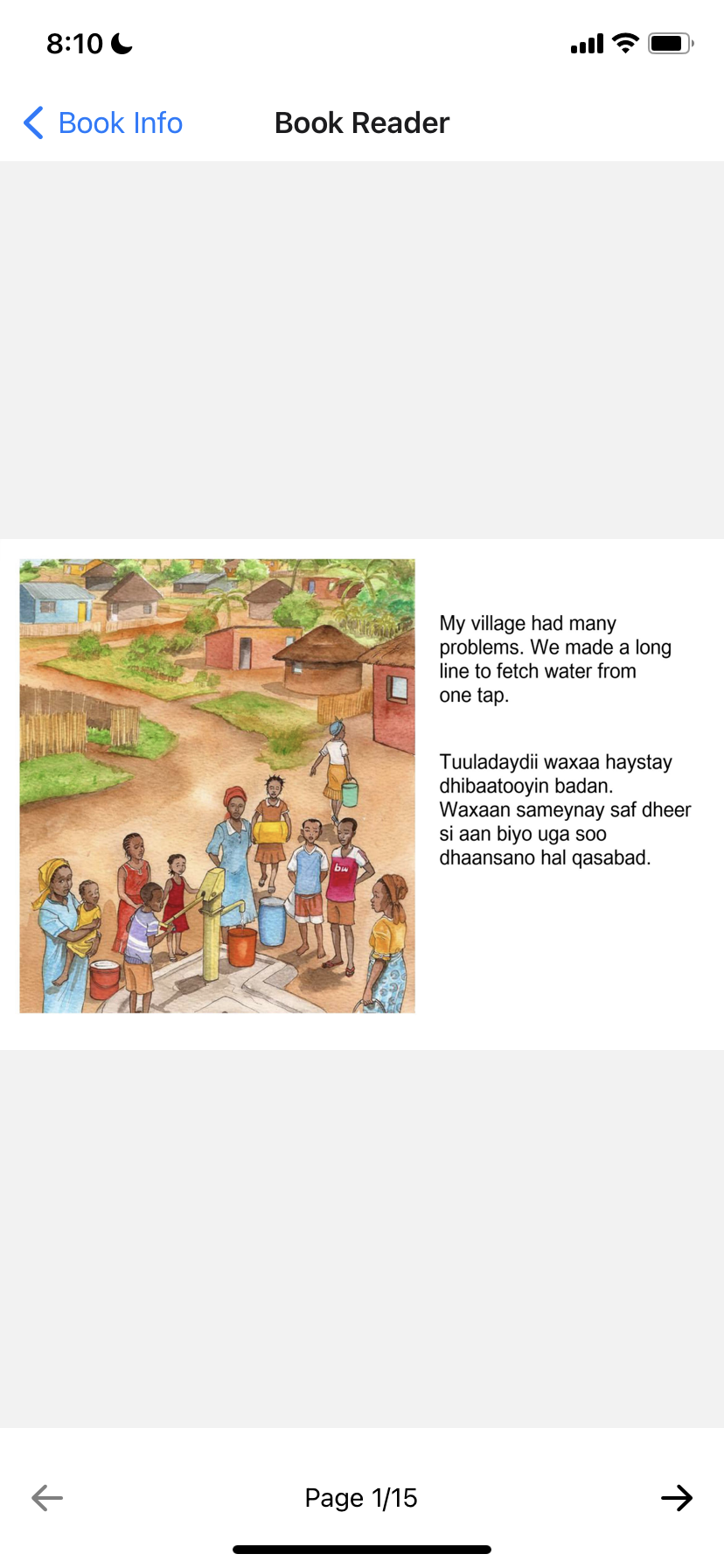
The app includes various features such as registration, login, settings/profile, search, favorites, upload and translate books. Users of the app register by providing a username, password, native language and grade level so that content can be personalized for them. Once registered, users can search and choose from hundreds of multilingual books in their native language alongside English. Apart from leveraging the extensive bilingual library that comes out of the box with the app, users can additionally upload and translate their own English books by either taking photos or by uploading a pdf of the book. The app can translate a given book into over 108 different low-resource languages and dialects! Once users upload the book, our custom-built translation system scans the text using optical character recognition (OCR), identifies paragraphs of text, translates the English text, and positions the translated text on the page to not interfere with the pictures that many children's books have. If the user’s preferred language is not yet available in the app, they can also manually translate books. EduLang’s library feature allows users to mark books as a favorite or completed, and also allows readers to upload their own books to a “books review”. These books are routed for approval by the library administrator and when approved they are made available to all users of the system who speak that language.
How we built it
In the initial stages of the app, we focused on building a basic frontend library system and then transitioned to working on the backend that ran on the users local system. The early stages of the frontend app allowed users to read and favorite books, but not upload and translate their own. All books were initially manually updated from the frontend codebase.
The early stages of the backend worked for books of a specific type - ones with clear distinction between picture and text. The early backend used pytesseract to perform OCR on the images, called the NeuralSpace API to translate the books, and then format the translated text underneath the original text, irrespective of where the image or edge of the page was.
After building an initial frontend and backend system, we worked to improve both aspects. One of the main challenges was building the backend software for this project which includes heavy use of Artificial Intelligence and Machine Learning. At first, we used the OTSU threshold, dilated the image, and then found the contours to get the text from the image. This makes sure that any heavily contrasted objects in the image (like a black text on a white background) will be detected. We also discard bounding boxes that are too big or too small. We then applied Google’s Tesseract OCR API in order to extract the text from each bounding box. However, after much testing, sometimes the system would miss entire pieces of texts and would not detect text that is too big or too small. So, we decided to try a new idea: EasyOCR. EasyOCR is an easy-to-use framework that implements not only text detection but also OCR, thus removing the need to use Google’s Tesseract OCR. However, this framework didn’t produce satisfactory results when it comes to text extraction. Sometimes, it wouldn’t detect spaces in the text, which would then produce incorrect translation. However, we found great results with the text detection in the EasyOCR. In the end, we used a combination of CRAFT Text Detector, the text detector API used in EasyOCR, and Google’s Tesseract-OCR for text extraction. A problem is that with CRAFT Text Detector, it detects only individual words and not the paragraph of text. To remedy this, we dilated the image of a black and white image of the bounding boxes found by the CRAFT Text Detector and then applied contouring over the dilated boxes. This will produce the bounding boxes of paragraphs of text, which we then applied Google’s Tesseract-OCR to extract the text and NeuralSpace’s Translation API to translate the extracted text. Once we have the text and its position, the program will find the optimal placement for the translated text. It would search for placement above, below, right and left of the original placement of the text. If any of the potential placements are out of the bounds to the entire image, then the placement is discarded. If there are multiple placements left, we assign a score to each of them that calculates the contrast of average color of each possible placement and the original bounding box’s dominant color. The program will then select the bounding box with the lowest contrast (lowest score). Afterwards, it will find the optimal font size and place the translated text above, below, right or left of the original placement of the text.
For the frontend, we used React Native to support deployment across two platforms – IOS and Android – under the same codebase. The app features a library, Home page, Live Translation and Custom Translation pages, Registration/Login page, Book Reader page, and a Book Info page. One of the most challenging aspects of the frontend was managing the storage of the book system. We wanted our users to not only select a wide-variety of books for the Library page, but also let the users upload their own books. These books will then be under review in which one of the admins would be able to accept or decline the book. If accepted, it would be added into the library for other people to view as well. If the user decides to upload a book, the images will be encoded into a base64 format and sent to the book review database hosted using Firebase. The app will also upload the title, language, and description of the book. After each login, the app will check if the user is now an admin, by getting the contents of the user database hosted using Firebase. If the user is admin, they will be able to access the “Admin” tab that can look over each book and can accept or decline the book. The admins can also read the book that the user has sent. If the book is accepted, it will then move all of its contents (including images, description, title, etc.) in the Books Review database to the Books database, which is for everyone to read. The “Library” page will get the contents of the books database to display and enable other users to read the book. The admin also has the option to upload a PDF of a book directly to the Book database.
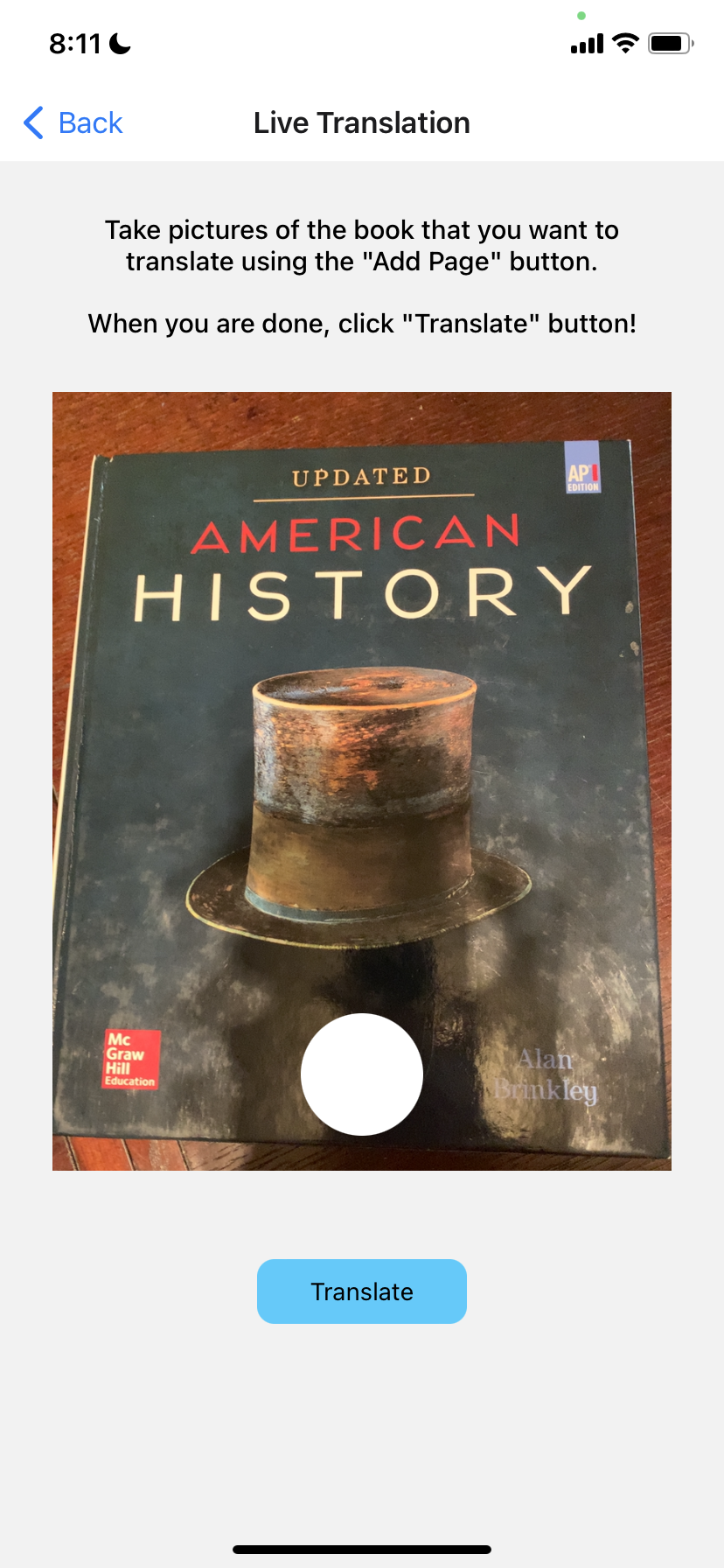
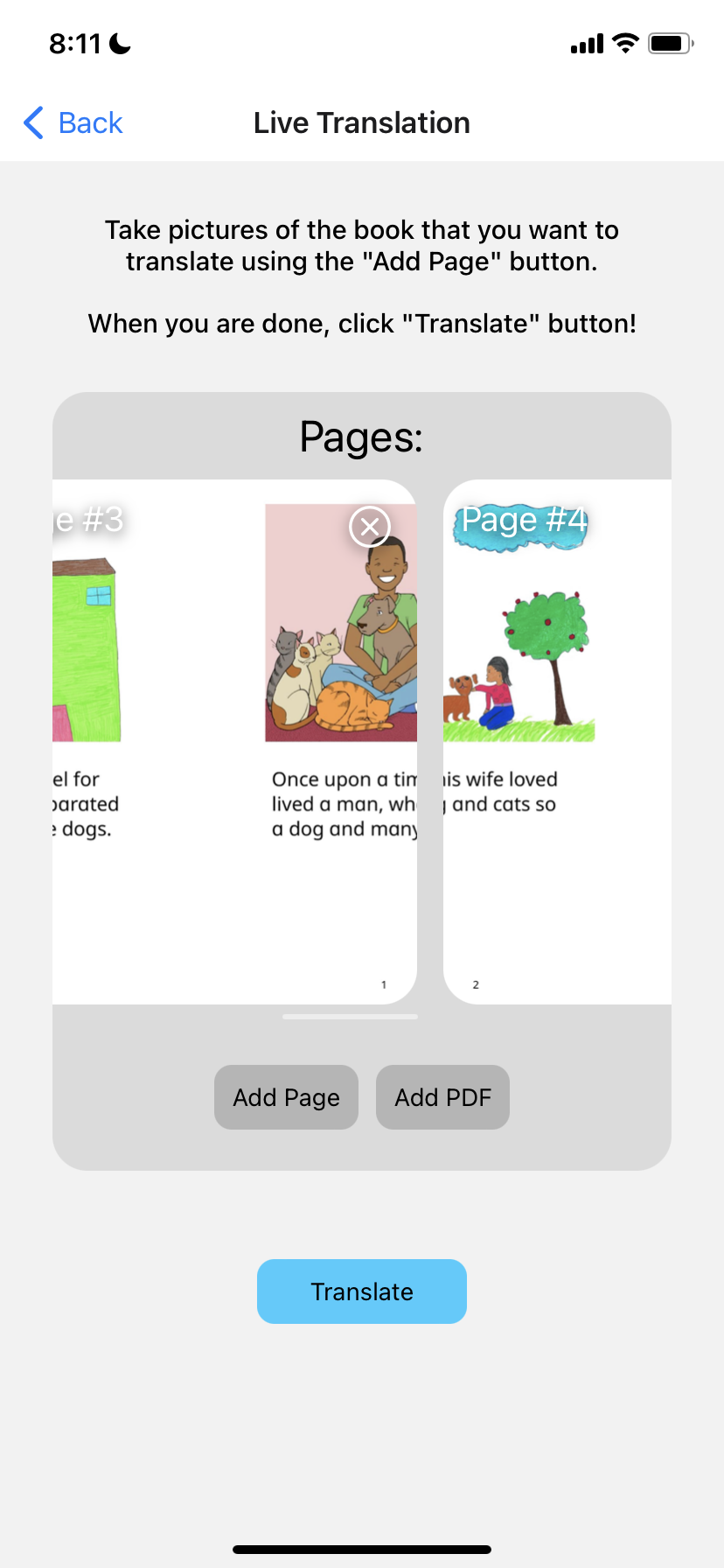
When the user wants to create a new, custom book in English, they can press the “Add Book” button which will redirect them to the Translation page. There are two modes, Live Translation and Custom Translation. Live Translation is where the backend software will do the text recognition, text extraction, and putting the text on the page. First, the app sends an HTTP request to translate a page, and the backend code hosted on an Azure server will return a new image with the translated text on the bottom. This will repeat for every page. For custom translation, the app will send a HTTP request to get the bounding boxes of an image (text extraction). Once it receives a response from the server, the user will need to enter the text of each bounding box. Finally, the app will send another HTTP request to change the image using the text inputted by the user.
Challenges we ran into
Issues with OCR: When scanning the English text from pdfs or images, the optical character recognition (OCR) technology frequently failed to detect certain characters, especially from blurry or slanted pictures. Open-source OCR technology often works best on clear text that is usually printed rather than written, which is often not the case with the images our users upload. We applied various filters to the image (saturation, contrast, etc.) before calling the OCR to read the text and also set up bounding boxes to get a general idea of the paragraphs. Finally, we decided to use a pre-trained text-detection model that is adapted to various distortions of the image, and then use Google’s Tesseract-OCR API in order to extract the text.
Storage management for the Frontend: We were struggling in how to encode storybooks into a database (which included how to encode images), and how to read/write from the database. We were also working on what information to keep in the database, and what information to store locally. For example, we stored the user’s favorite books locally but the books that the user decides to upload will be stored on the server. The user information such as the language or if the user is admin is also stored in Firebase.
Rendering PDFs and books in the app interface: We were surprised to find a significant lack of PDF readers available in react native. This prompted me to create my own custom pdf/image reader in the app itself. After rendering all of the pages as separate images, we separately called various functions to allow zoom and highlighting functionalities.
Language font and rendering issues: EduLang supports over 108 different languages, all with different writing systems. Often, languages like Middle Eastern and Indian languages wouldn’t render properly due to font issues, making the text unreadable. To solve this, we found supported fonts in the languages that didn’t render correctly and included them in our backend system. The app searches for the font for the language the user selects so the text can render properly, and users can also submit feedback if there are issues with the rendering.
Azure deployment: The app has a significant backend component for custom translation of pdfs and images, which has to be stored on a server (ie. Azure or AWS). The frontend has to call the backend successfully so users can translate books. However, because the backend functionality contains high-storage models for OCR and pytesseract, the backend couldn’t simply be uploaded to the Azure portal. This is because the models would have to redownload each time the server restarts and there were significant issues with downloading the dependencies for pytesseract. To solve these issues, we dockerized the entire backend and uploaded the backend to the Azure portal via DockerHub. This allowed us to download the dependencies permanently on the dockerfile so the deployment would go smoothly. From there, we could send post requests from the frontend whenever a user wanted to translate a book and retrieve the information.
Accomplishments that we're proud of
- We are proud of our applications ability to format the translated text on the page with correct font size, rendering, and making sure it doesn’t obscure the image or other text.
- Deploying the backend of our application to the Azure server proved to be especially difficult due to high storage packages like pytesseract. We had to work for over a month to finally get the backend to successfully deploy to the Azure system and also make sure the frontend could successfully call the backend system. When we were finally able to deploy the backend onto the Azure server, we were extremely excited because we could finally publish our app to the Google Play store!
- We were also able to successfully publish and get downloads for our app on the Google Play store!
What we learned
Subha previously had no react-native experience, so this project helped her learn javascript and how to build and deploy mobile apps to the store. She also learned more about pushing backend python projects to the Azure portal. She also learned how to dockerize apps and push these dockerfiles to dockerhub to later be stored on the cloud. She learned the basics of devops in the process of hosting the backend on the server
Eshaan learned more about Optical Character Recognition software, text recognition/detection software, and other image processing techniques such as dilation and contour detection. Eshaan learned a lot about creating frontend apps using advanced technologies such as React Native. He also learned about Storage management using Firebase services such as Firestore and Authentication API in order to handle data between server and users. Eshaan lastly learned more about the design of the front-end apps and the challenges that come along with it.
We both learned how to work and schedule projects with a team, and we kept our progress updated on Jira while making the app. We learned techniques to effectively collaborate and share work, and helped each other learn in the process of making the app!
What's next for EduLang
Going beyond reading into speech, writing, and comprehension: Many adults (and kids) face socio-psychological and economic barriers when enrolling in a school to learn English. These barriers can be overcome if we were to provide them with a comprehensive language learning solution that goes beyond reading comprehension and into speech and writing as well. I plan to expand the app by providing text to speech capabilities, so users can listen to the books as well. This will help them with listening comprehension and pronunciation. We also want to use machine learning models to generate reading comprehension quizzes when users complete a book. I can use this data to track users' progress in learning English and provide them with specialized practice in areas they struggle with.
Creating a rewards system to keep users motivated: To keep users motivated and continue their progress, we want to create a “rewards” or “points” system in which users get credits for completing books and working on reading comprehension quizzes. We believe this will be beneficial for the younger users who often need prompting to read and improve their English skills. We also want to create a weekly leaderboard which will keep users motivated to continue improving.
Going Beyond English Learning: As we interacted with organizations across the world, we realized that the problem of language learning is a common issue. Many countries have one primary or national language, which is usually a high-resource language. Unfortunately, the same unconscious discrimination happens with hundreds of other secondary languages and dialects. I plan to adapt the procedure I built for English learning to these languages by updating the OCR and library content. In this way, I can expand Edulang’s global reach.
User-focused recommendations: Users of the app are readers at different levels in their English learning journey. Currently, we are measuring a user’s reading capability based on their grade level, which is not the most accurate metric. Ideally, we want to create a diagnostic test that users can take at the start, and based on these results, users will get personalized recommendations on books at or above their level. Users will then be able to regularly test and move up in reading comprehension levels, which we will standardize with reading comprehension metrics used in schools across the nation.
Automatic question generation from the text of the book. An essential part of the reading is comprehending the contents of the book. That is why we were thinking of using a GPT-3, T5-Big, or any other pre-trained natural language processing model to generate questions based on the text extracted from Tesseract-OCR.
Built With
- azure
- docker
- firebase
- javascript
- machine-learning
- natural-language-processing
- neuralspace
- ocr
- python
- react-native
- text-detection


Log in or sign up for Devpost to join the conversation.