-
-
Together
Inspiration
Students lose over 40% of their study efficiency to digital distractions, especially in the current Age of Information where people have endless information at their fingertips, yet it heavily impacts their productivity. The Kindle's technology is perfect for minimising distraction and maximising retention, and so we found it interesting to explore.
What it does
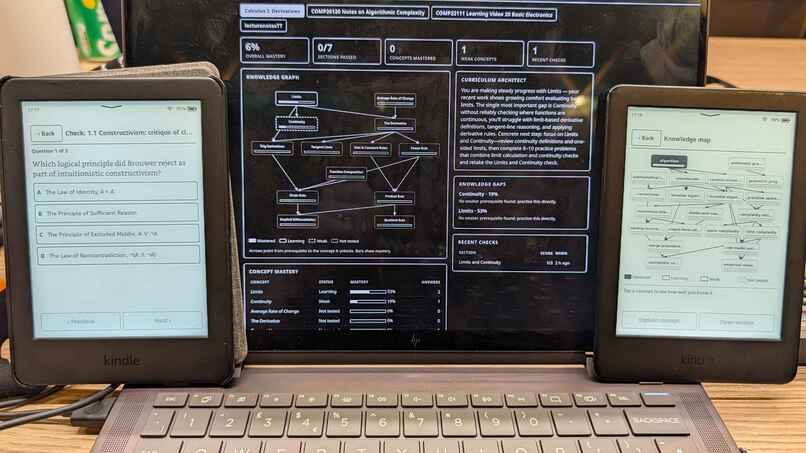
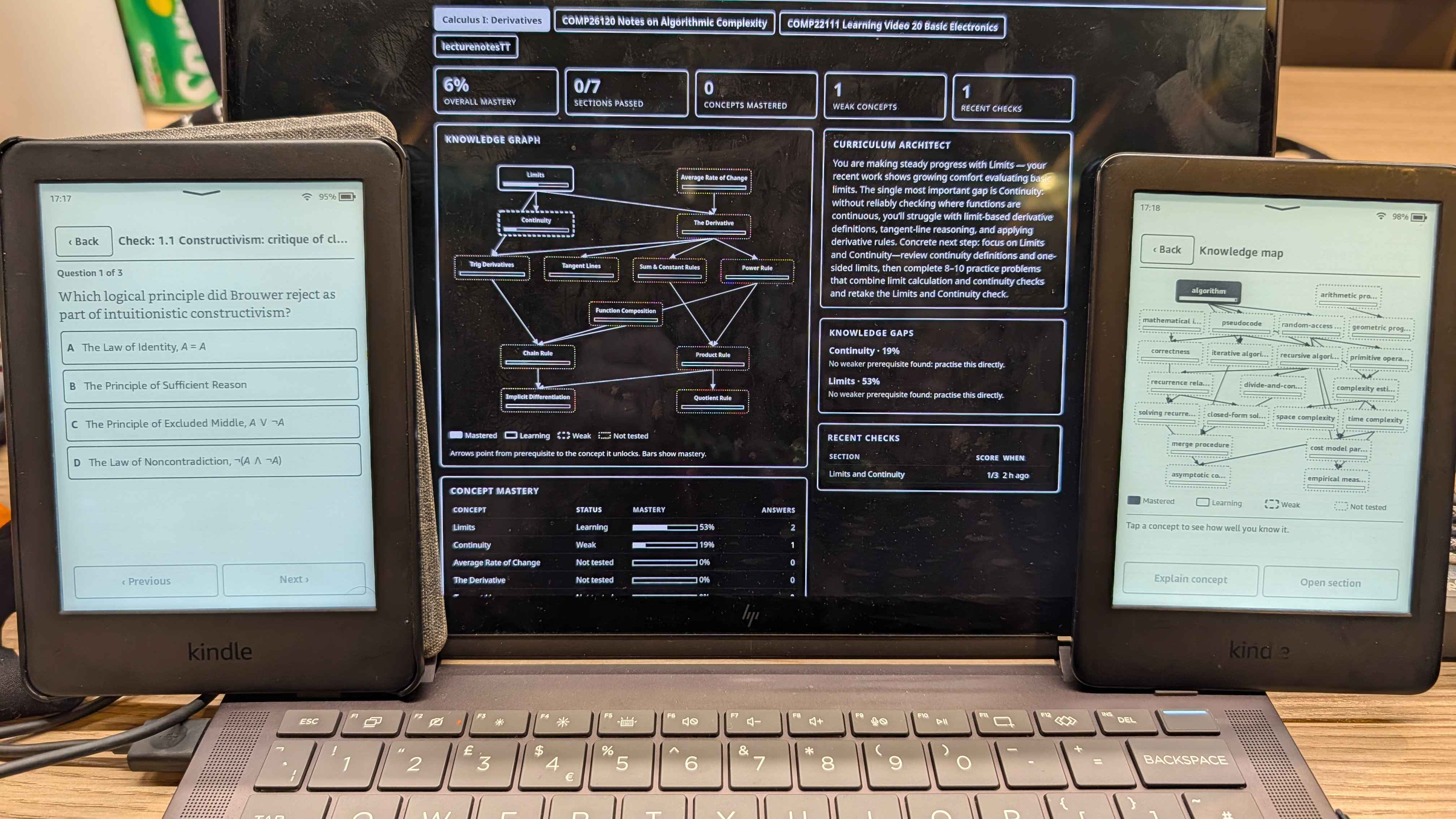
Allows you to import your notes via a desktop app to your Kindle, where it summarises text, generates mini quizzes to test your knowledge at the end of each section, provides feedback, hints and pinpoints knowledge gaps. It also maps out a knowledge graph containing each of the different topics. This employs 2 main agents, one as a Socratic Educator to generate questions and evaluate answers, and a second as a Curriculum Architect to track past performance and dynamically construct a personalised Knowledge Graph of mastery vs. weak topics.
How we built it
The Tech Stack is: Python, C, AI Agents, GTK2, Kindle (Where it is deployed across the Wi-Fi via a web server.)
Challenges we ran into
Connecting the Kindle to the app server.
Accomplishments that we're proud of
Getting a working Kindle app, successfully integrating it with the Kindle's UI.
What we learned
Kindle development, GTK development, using AI Agents together
What's next for EduKindle
Userbase service, where multiple users can share notes and pool resources together
