

Inspiration
We wanted to create a study tool to help students go beyond their study guides and homework. When studying concepts, it can be difficult to find example problems to practice with.
What it does
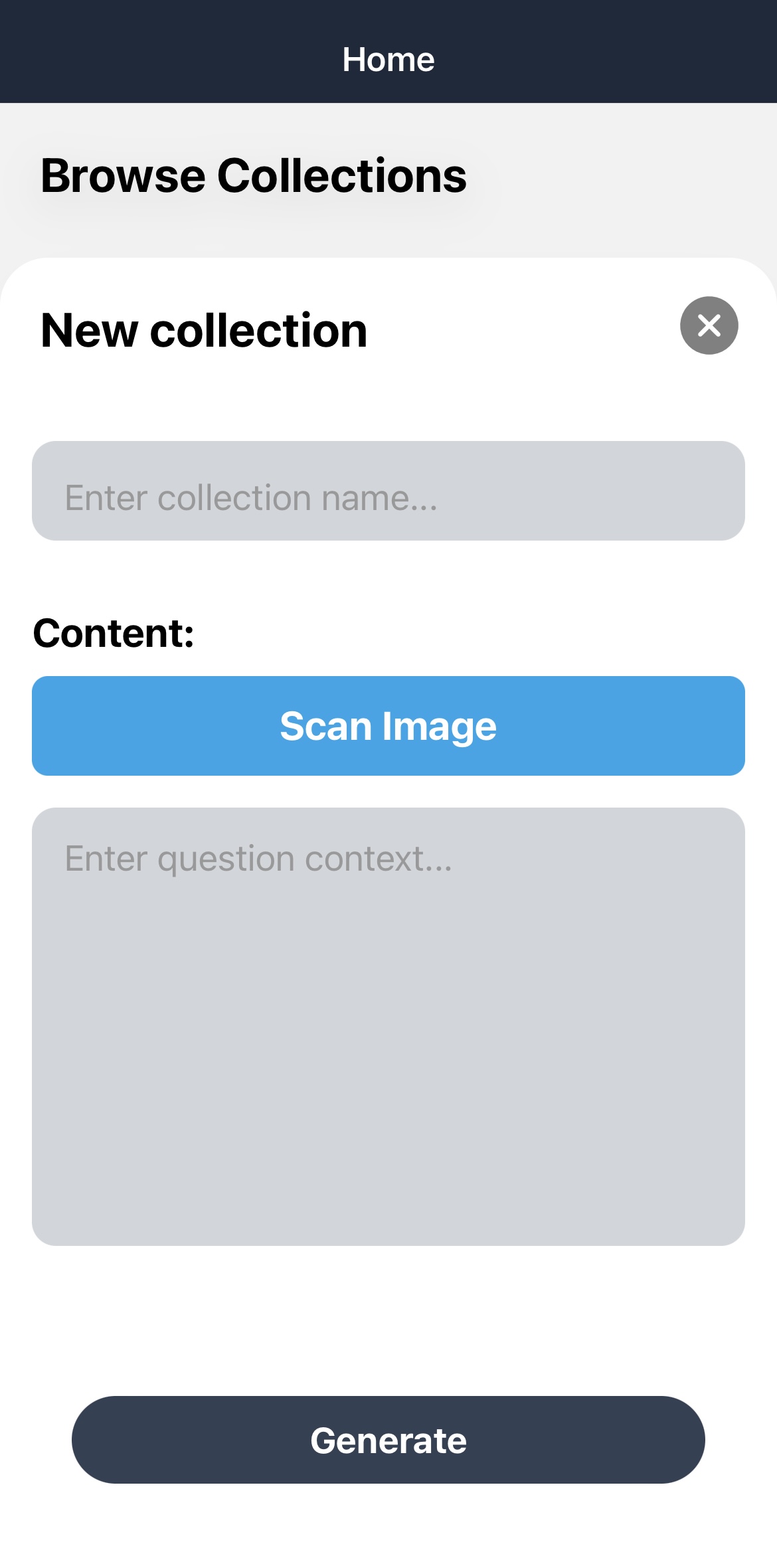
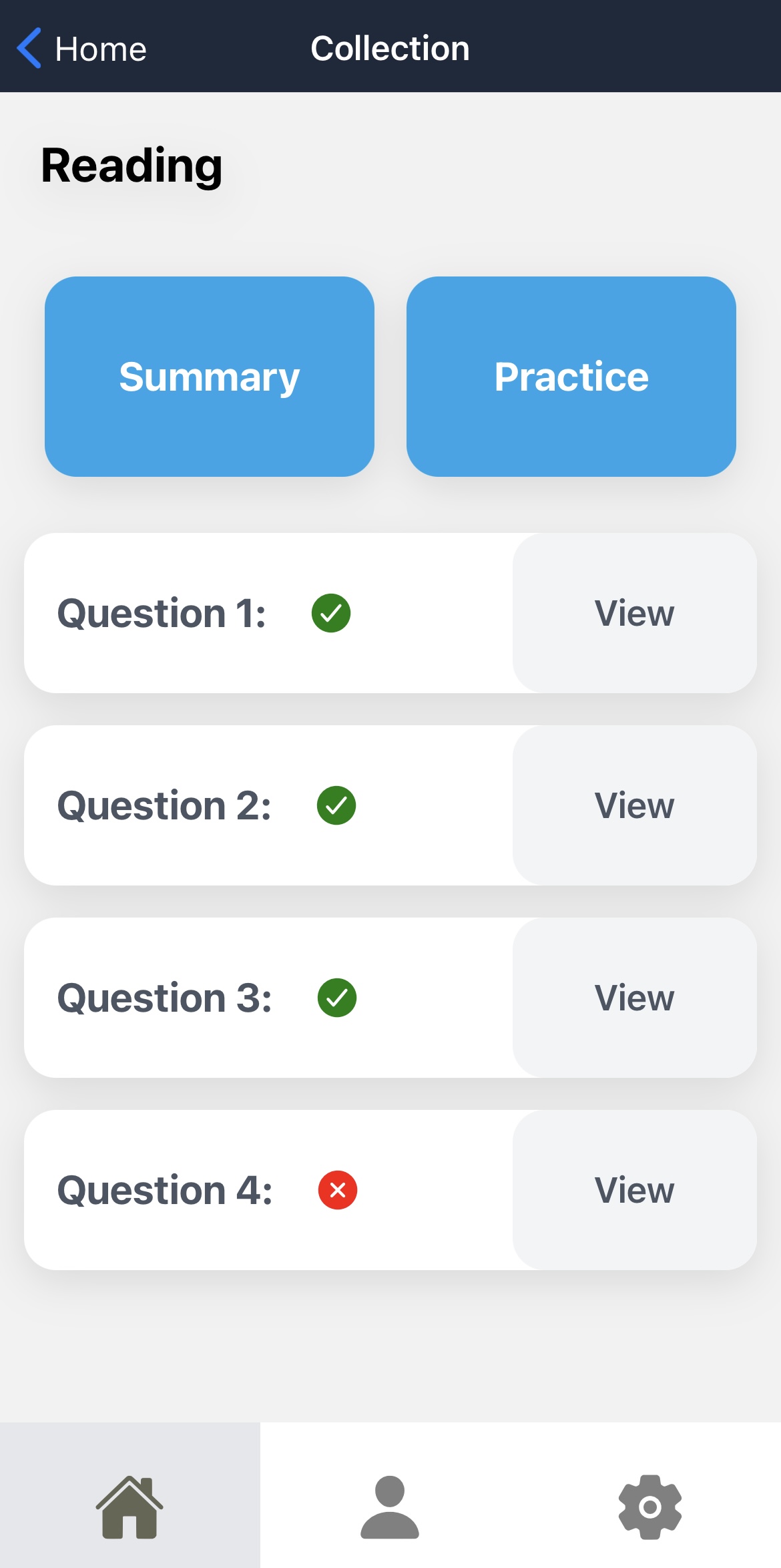
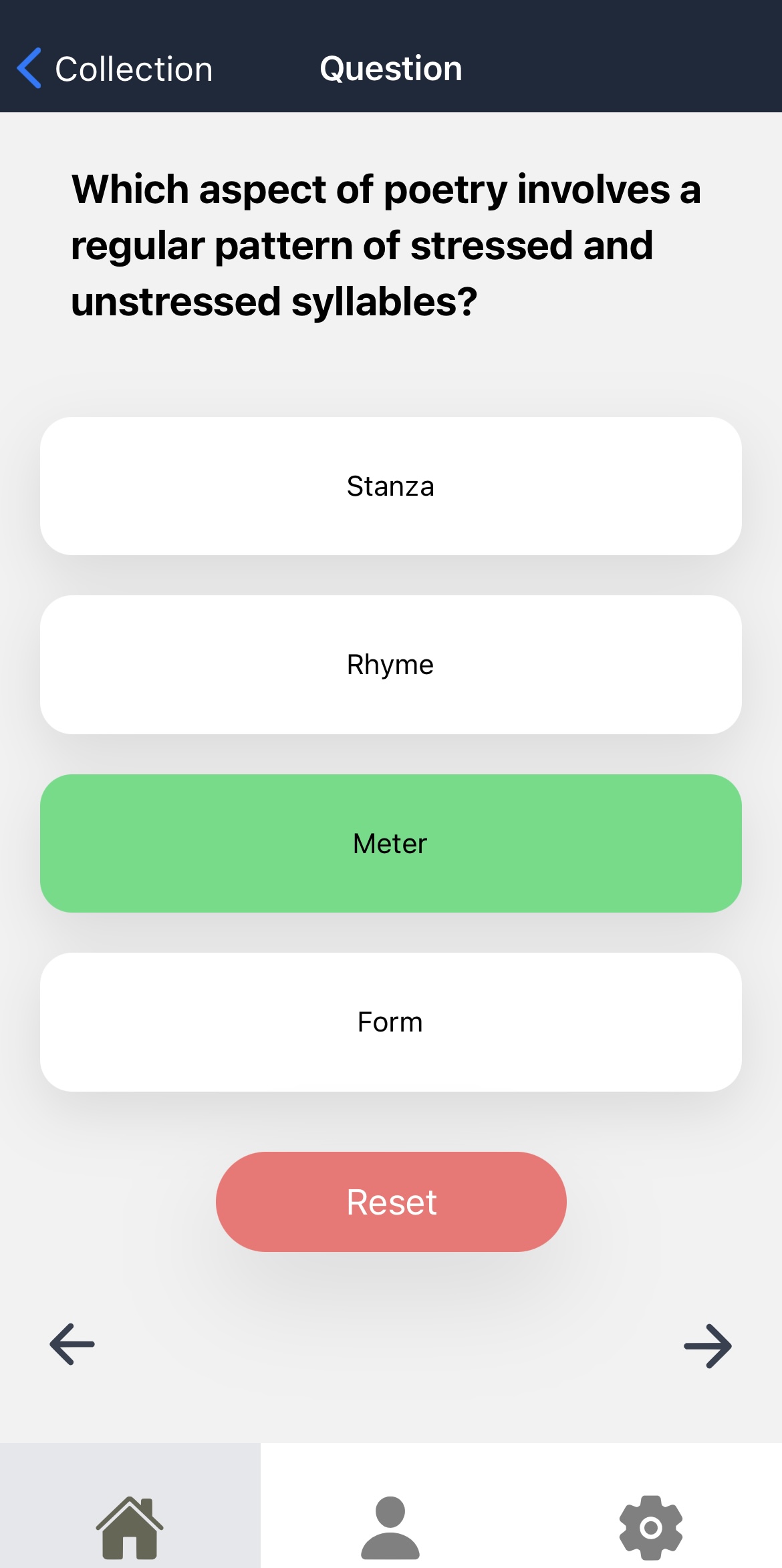
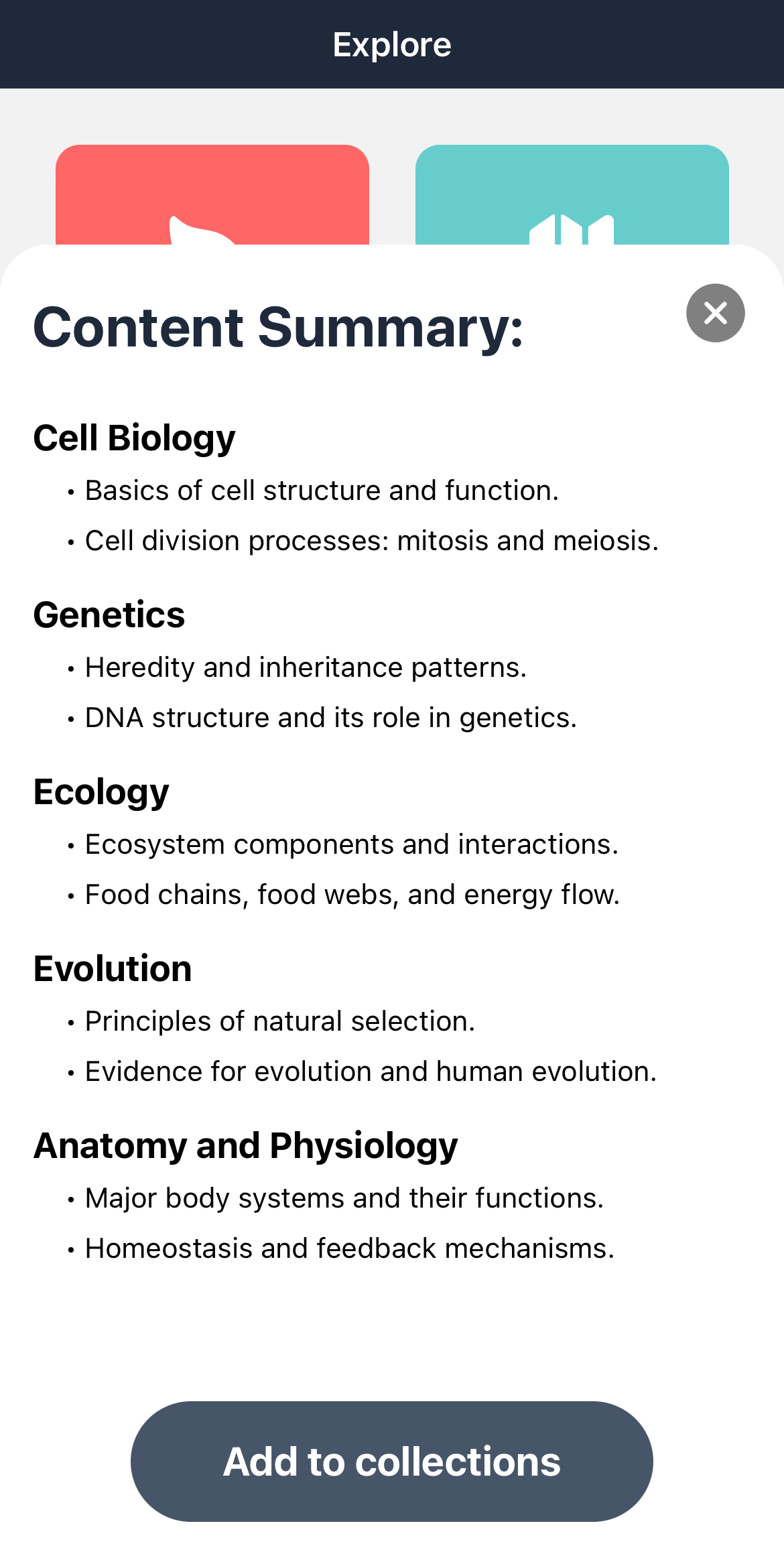
KRAM allows users to upload images of their homework and worksheets to generate practice questions covering similar concepts.
How we built it
We used React Native and Tailwind CSS for the frontend. Firebase was used for authentication and storing user information. Google Vision scans images for text. Google Gemini creates the multiple choice practice questions.
Challenges we ran into
Google Gemini is not the best with computation, so we ran into some issues with math practice problems. We pivoted more towards more conceptual practice problems, but we have some ideas to implement some form of computation checking to get correct answers from Gemini's recommended problems.
Accomplishments that we're proud of
This is our first hackathon, so we are proud of how much progress we were able to make in just a few days. We had a slow start due to lack of experience with some of the technologies, but we were able to get into a good rhythm and come up with a solid product.
What we learned
We learned a lot about mobile development (React Native, Firebase, TypeScript) which will be very useful in future projects. We also learned more about prompting LLMs and how to better obtain responses that fit our specific needs.
What's next for KRAM
We plan on continuing development and preparing KRAM for release on the iOS app store and possibly other platforms.
In future development we will focus on optimizing the LLM prompting to ensure accuracy and relevancy in the questions and answers it returns.
We have some ideas to help gamify KRAM and keep users encouraged while studying. We also would like to implement various settings to help users customize their studying experience. For example, increasingly difficult problems as user accuracy improves.
Built With
- firebase
- gemini
- google-vision
- react-native
- tailwind
- typescript

Log in or sign up for Devpost to join the conversation.