-
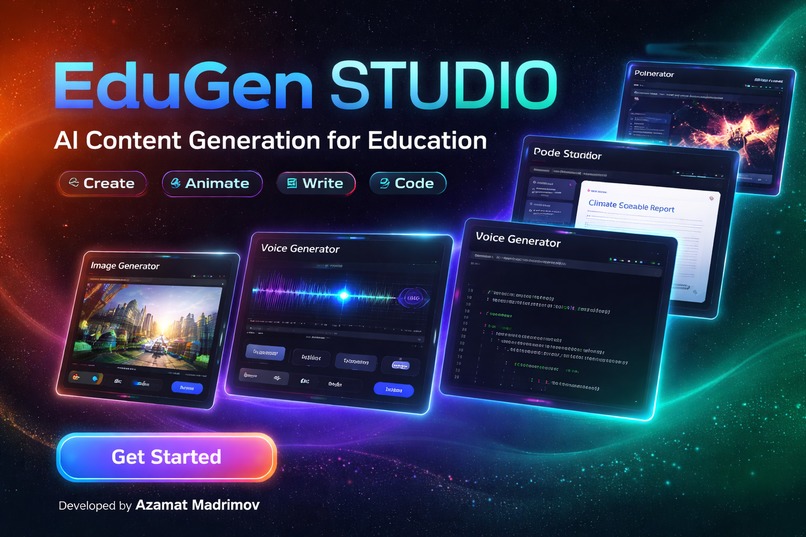
All-in-one AI workspace for education — generate images, video, audio, documents, and code instantly.
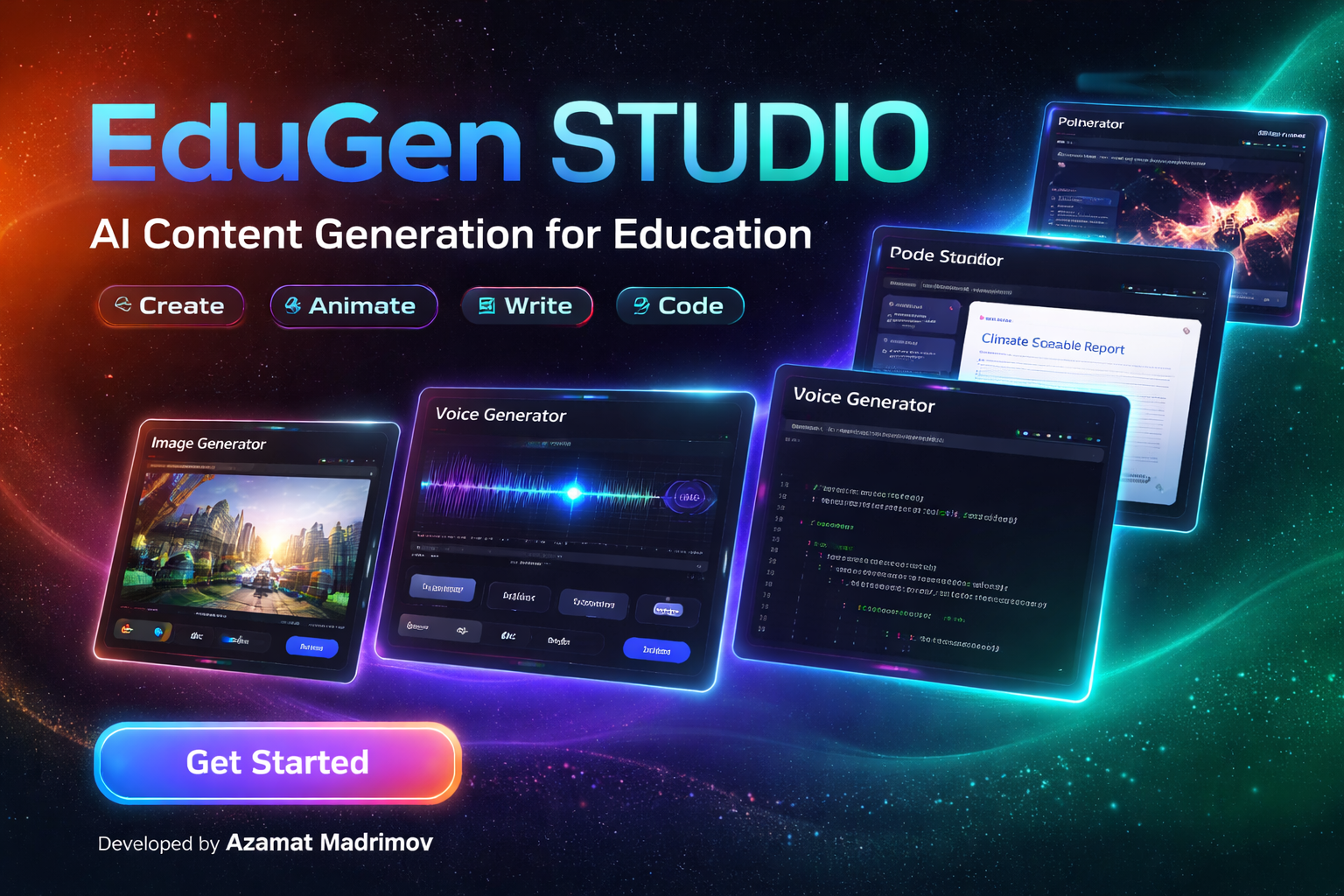
Inspiration
EduGen Studio was inspired by a simple problem: students, educators, and creators often need multiple separate tools to generate images, write documents, create presentations, extract text from images, and work with code. That workflow is fragmented, slow, and inefficient.
I wanted to build a single AI-powered platform where a user could go from idea to output in one place. Instead of jumping across different tools, EduGen Studio brings image generation, video generation, voice generation, document creation, presentation building, OCR, and code assistance into one unified experience.
I was especially motivated by the opportunity to create something useful for education, where speed, clarity, and accessibility matter a lot.
What it does
EduGen Studio is a multi-modal AI creation platform for education.
It allows users to:
- generate AI images from text prompts
- generate AI videos
- generate AI voice output in natural-sounding audio
- create structured documents and download them as DOCX or PDF
- generate presentations and download them as PPTX
- upload images and extract text with OCR, then export as DOCX
- generate, analyze, fix, and explain code
- save successful outputs in a personal library for later access
The platform also includes a bilingual UI and supports different content-generation languages, making it more flexible for real users.
How we built it
We built EduGen Studio using MeDo as the main development engine and product-building workflow.
The process started with a detailed requirements document that defined the modules, UI behavior, generation flows, storage logic, and edge cases. From there, MeDo was used to help generate and refine the application structure, interface, and user flows.
The app was organized into multiple modules:
- Image Generator
- Video Generator
- Voice Generator
- Document Generator
- Presentation Generator
- Scan to DOCX
- Code Studio
- My Library
On the technical side, the project uses a modern frontend structure with a dark SaaS-style interface, authentication, persistent storage, and real provider-based generation pipelines. We also integrated support for asynchronous generation flows, especially for media features like image and video generation.
A major focus was making the outputs real rather than placeholder-based, so the system is designed to show actual provider responses and save successful outputs automatically.
Challenges we ran into
One of the biggest challenges was managing a product with multiple different content types inside one interface. Generating images, videos, documents, presentations, OCR results, and code all require different workflows and output handling.
Another challenge was keeping the UI consistent while supporting many modules. It was important that the experience felt like one product, not several disconnected tools.
Handling asynchronous generation was also difficult, especially for media pipelines where a request may return a job ID first and require polling before the final result is ready.
We also had to think carefully about storage, output previews, success-only saving logic, and how to avoid fake placeholders while still keeping the UX clear.
Accomplishments that we're proud of
We are proud that EduGen Studio became more than a simple generator and evolved into a full AI workspace.
Some accomplishments we are especially proud of:
- building a real working multi-modal AI platform
- unifying image, video, audio, document, presentation, OCR, and code tools in one app
- creating a clean and modern SaaS-style interface
- implementing authentication and personal library functionality
- supporting persistent saved outputs across sessions
- designing the product around real provider responses instead of mock content
The strongest accomplishment is the overall product vision: one place where users can generate and manage many different forms of AI-powered content.
What we learned
We learned that building a multi-modal AI application is not just about connecting APIs. The real challenge is creating a consistent product experience across very different workflows.
We also learned the importance of structured planning before implementation. Defining requirements clearly made the build process much more manageable.
Another big lesson was how useful MeDo can be when it is used iteratively: first for structuring the product, then for generating modules, then for refining UI, and finally for polishing the user experience.
This project also taught us more about async job handling, storage design, and how to balance ambitious functionality with usability.
What's next for EduGen Studio
The next step for EduGen Studio is to improve depth, reliability, and real-world usability.
Planned next steps include:
- improving the quality and consistency of all generation modules
- expanding the educational workflows, especially for lesson creation and learning materials
- adding stronger personalization and library management
- improving multilingual support
- refining the onboarding and user guidance experience
- polishing the UI further into a more production-ready SaaS platform
- strengthening integration reliability across all provider pipelines
Our long-term goal is to turn EduGen Studio into a practical AI creation platform that educators, students, and creators can use every day.
Built With
- ai-apis
- medo
- react
- supabase
- tailwind

Log in or sign up for Devpost to join the conversation.