-
-
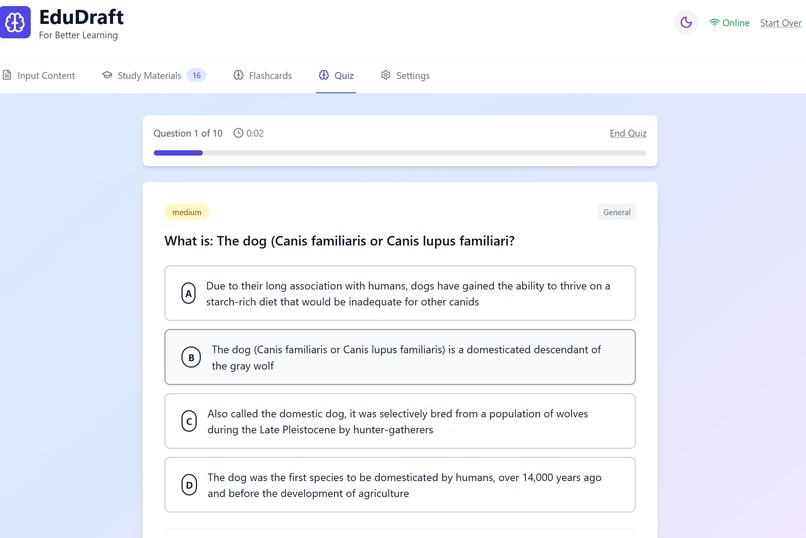
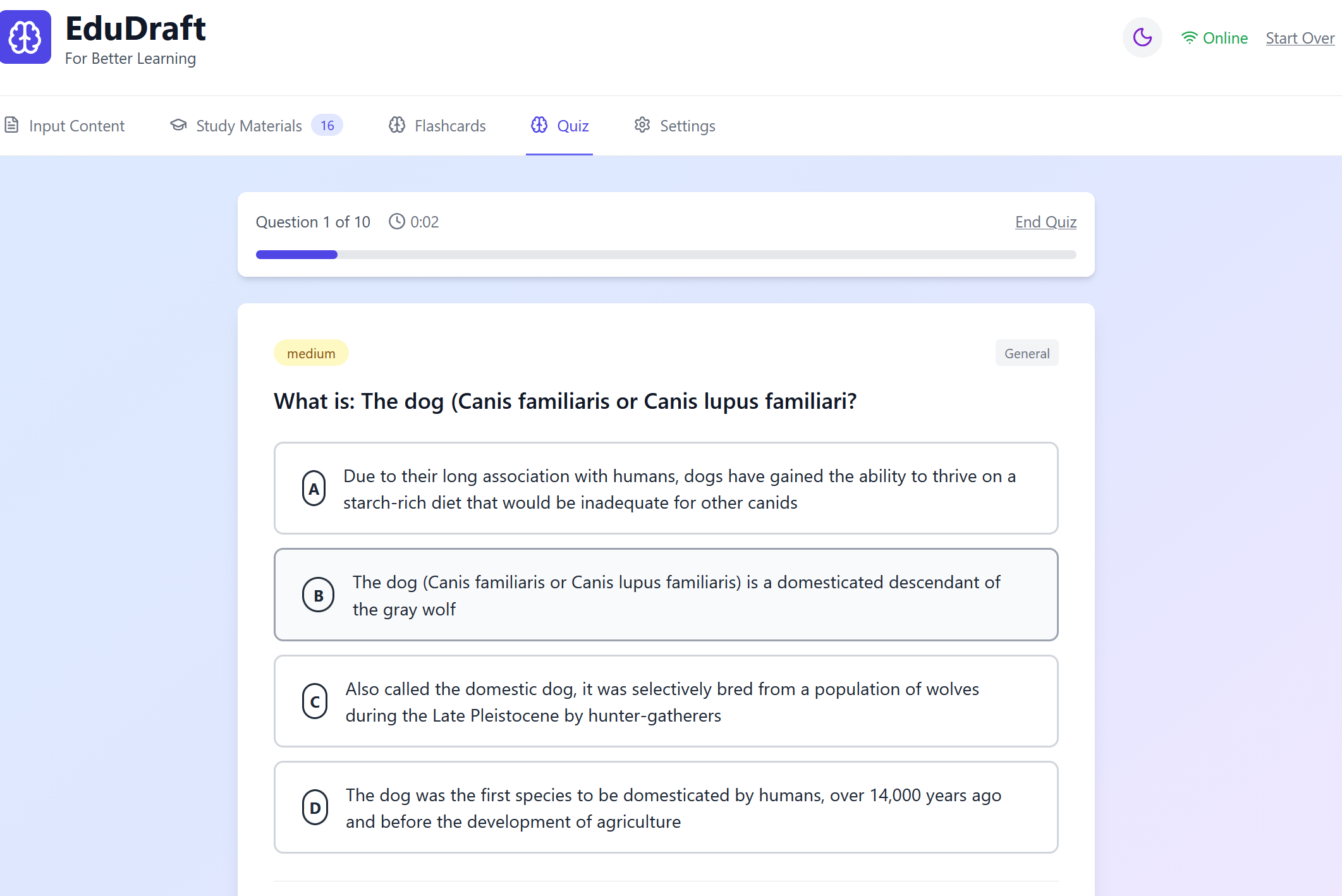
Quiz View
-
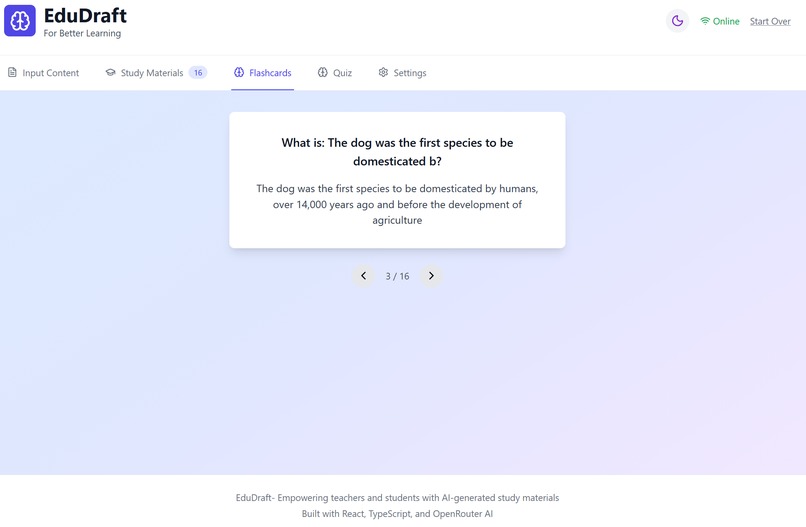
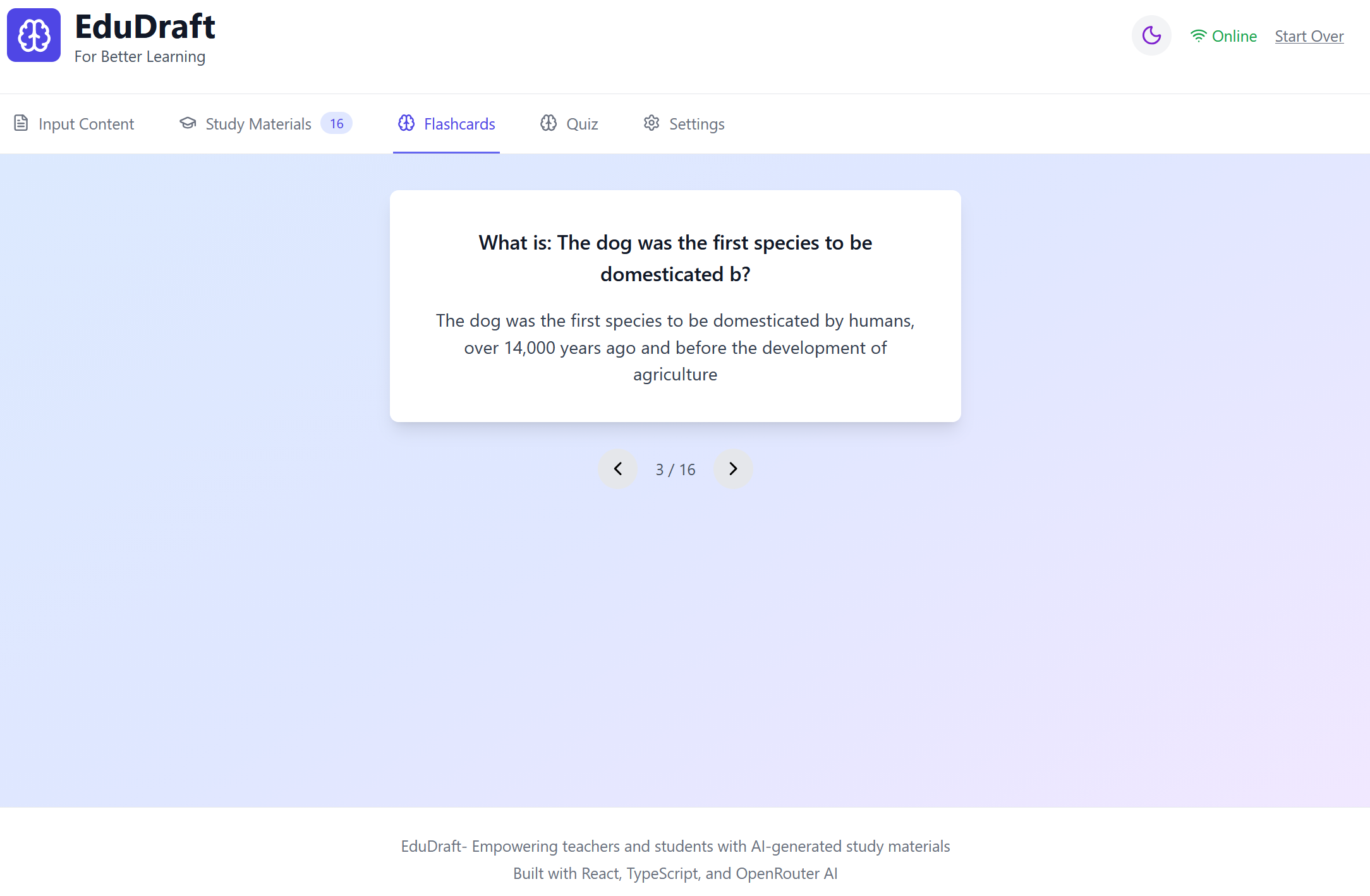
A Flashcard
-
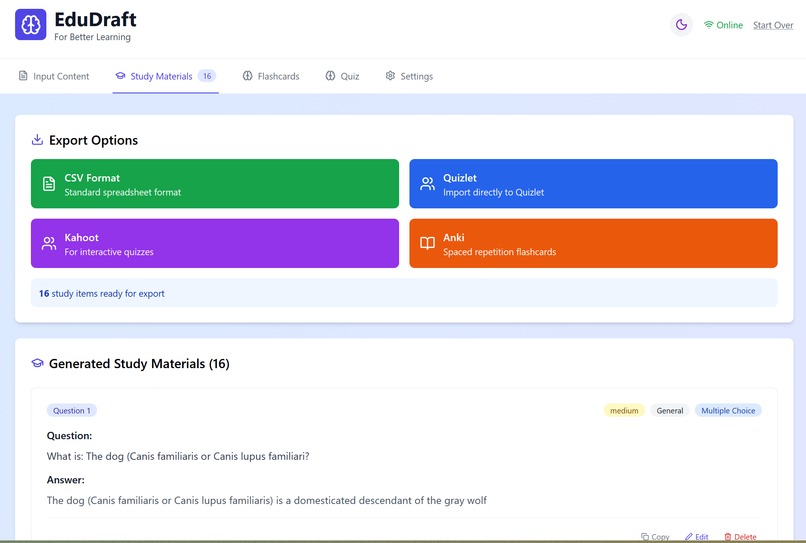
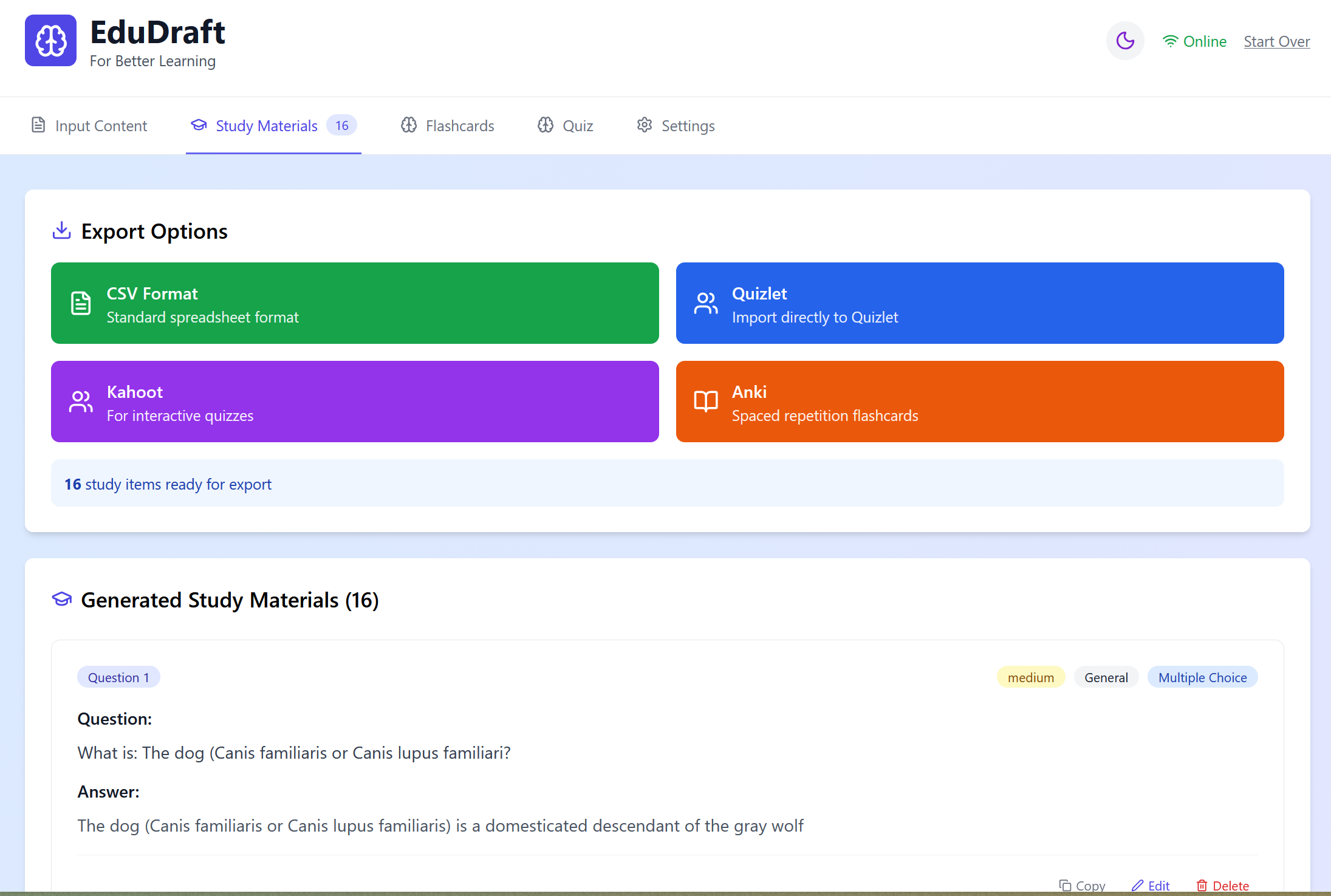
Study Material
-
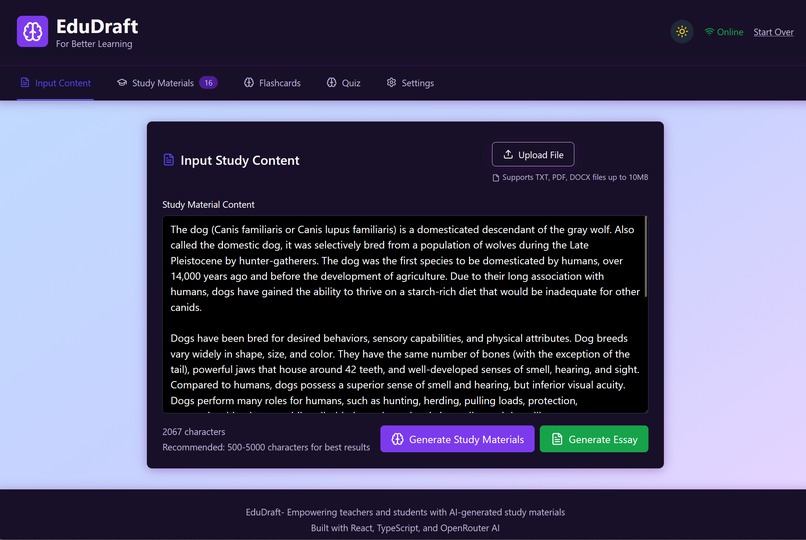
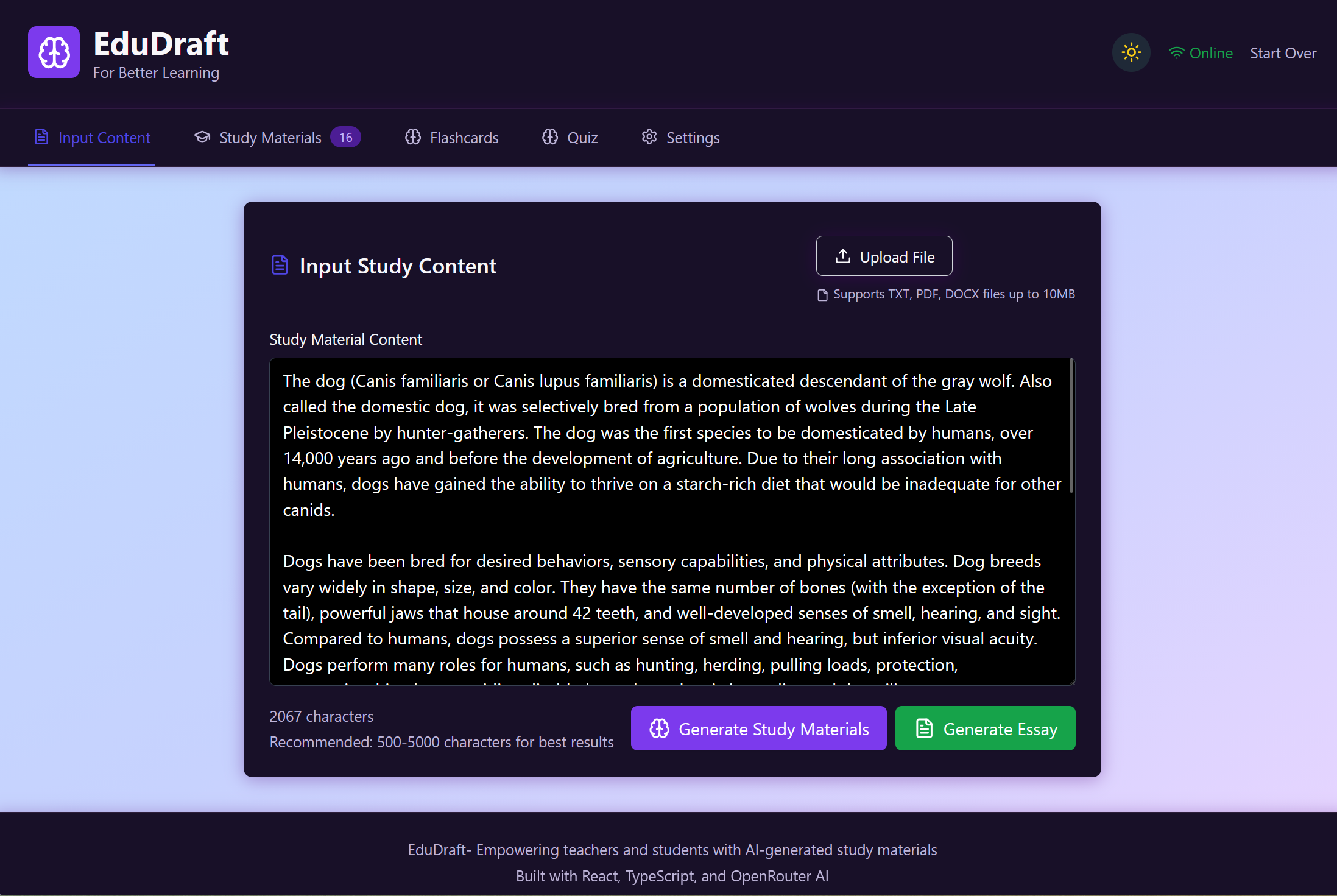
Input screen
Inspiration
After taking sloppy notes and reformatting them, students spend hours making quizzes or flashcards by hand. We wanted to create a tool that instantly transforms lectures into structured study materials so that students can concentrate on comprehending rather than merely copying.
What it does
Live lectures are converted into interactive study aids by EduDraftAI:
Real-time transcription of spoken words into text is known as live transcription.
Organised Notes: Condenses transcripts into readable, structured summaries.
Key terms and concepts are extracted into question-answer cards by AI-generated flashcards.
Practice Mode and Quizzes: This feature generates quizzes automatically to help reinforce learning. All on a single, smooth platform.
How we built it
Frontend (React + TypeScript) for recording audio, showing transcripts in real time, and offering interactive study aids.
NLP models are used in the backend (Python + FastAPI) to process transcripts, compile notes, and create flashcards and tests.
Address to: Speech Recognition-powered text for precise real-time transcription.
Transcripts, notes, and user progress are stored in a JSON.
AI models for quiz creation, flashcard creation, and summarisation (Hugging Face + DeepSeek APIs).
Challenges we ran into
Ensuring low latency transcription in real time.
Ensuring that AI-generated flashcards are clear and practical (not overly general).
Arranging lengthy lecture transcripts into notes that are easy to read.
Juggling accuracy and performance when using ML models with constrained resources.
Accomplishments that we're proud of
We Created a functional pipeline that involves lectures, transcripts, notes, flashcards, and quizzes.
Real-time transcription streaming to the frontend was accomplished with ease.
We designed an easy-to-use interface that students can use both in and out of the classroom.
What we learned
How to connect TypeScript frontends with Python backends effectively.
That note-taking and studying are very different tasks, our system must support both.
The importance of UX design in EduDraftAI, even powerful AI is useless if the interface isn’t student-friendly.
What's next for EduDraftAI
Include collaborative tools so that students can share notes and flashcards.
For accessibility, support translation and transcription in multiple languages.
For simpler exporting, integrate with Notion, Google Docs, or Anki.
Examine the mobile-first version to enable students to study while on the go.

Log in or sign up for Devpost to join the conversation.