-
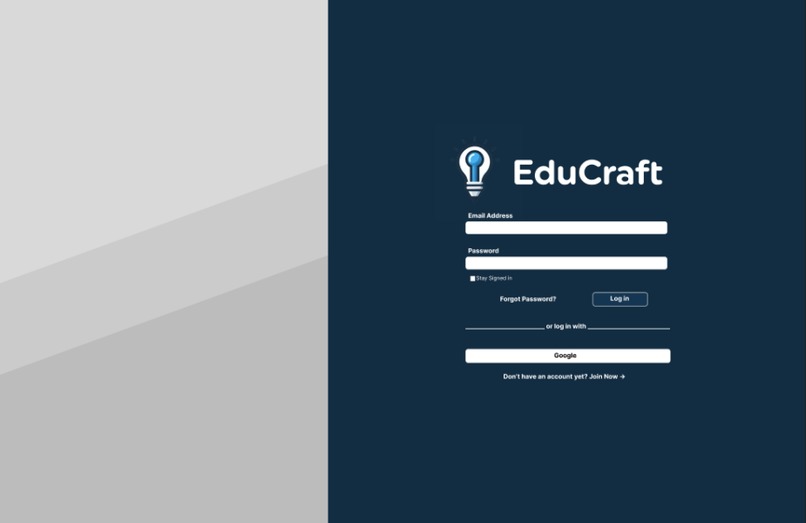
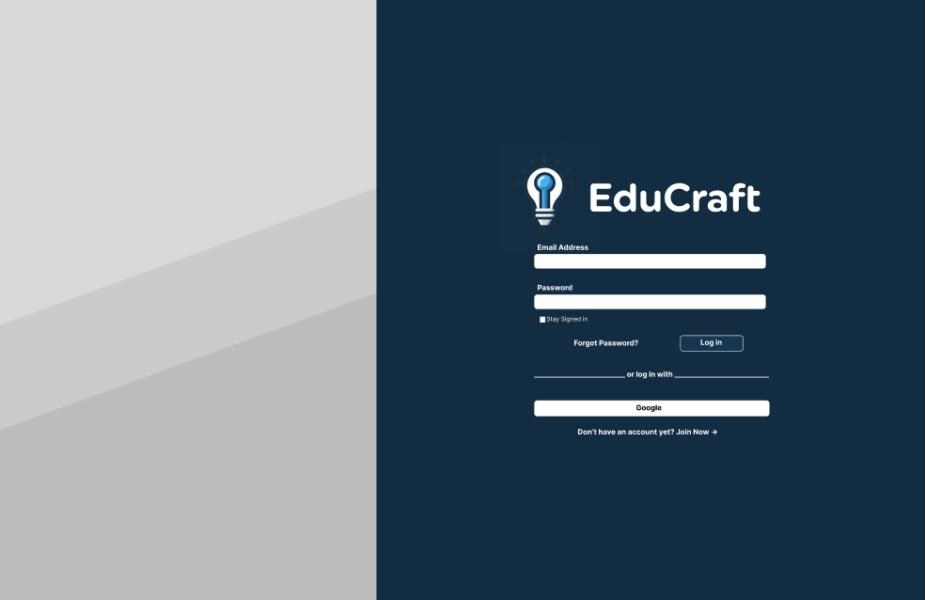
webapp login page
-
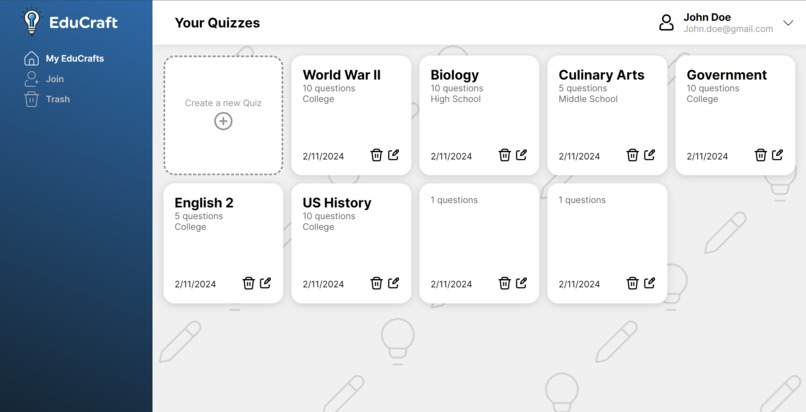
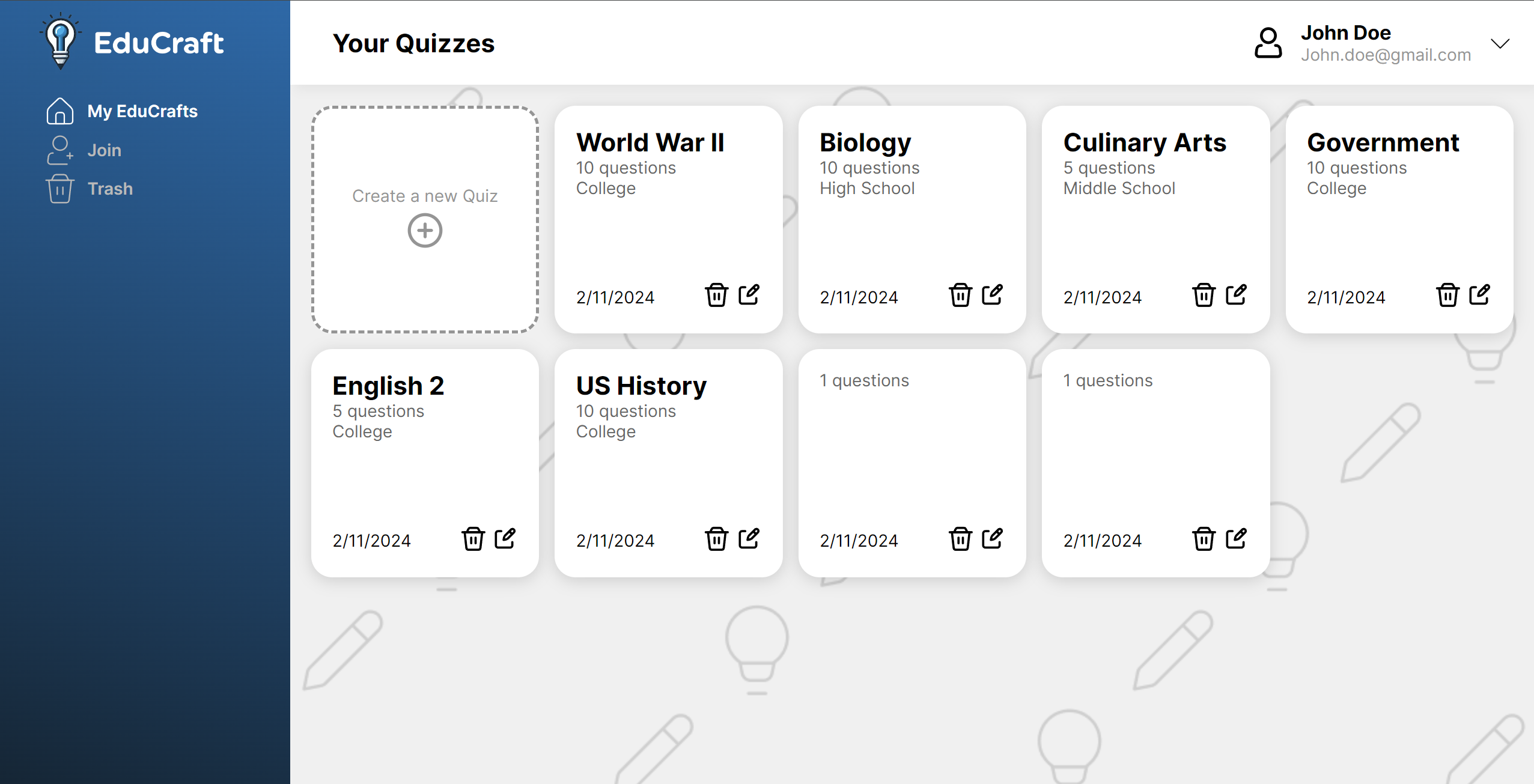
webapp dashboard
-
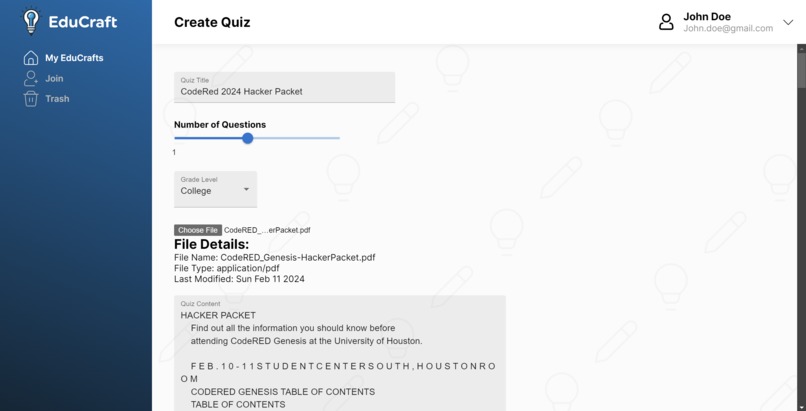
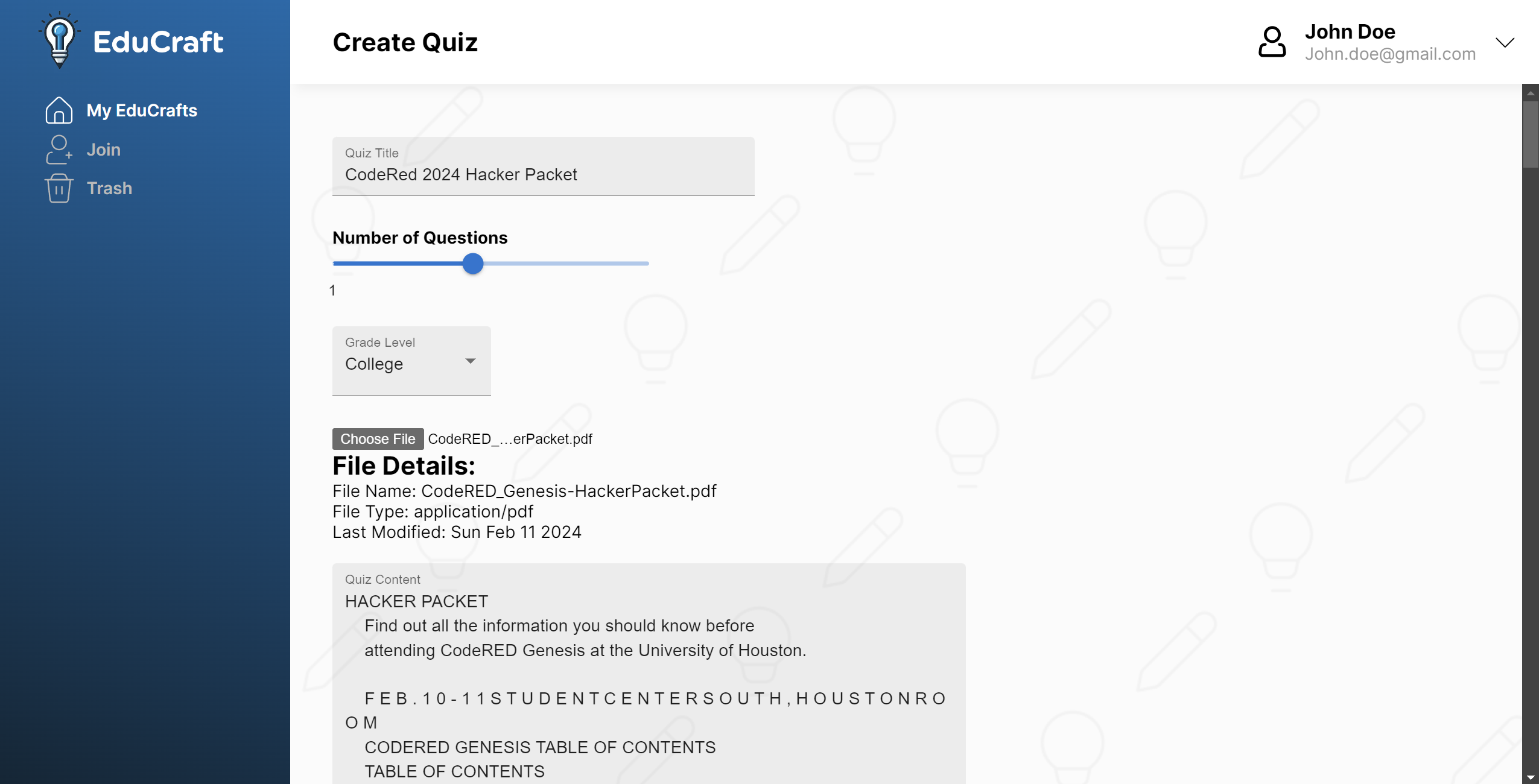
webapp create quiz form
-
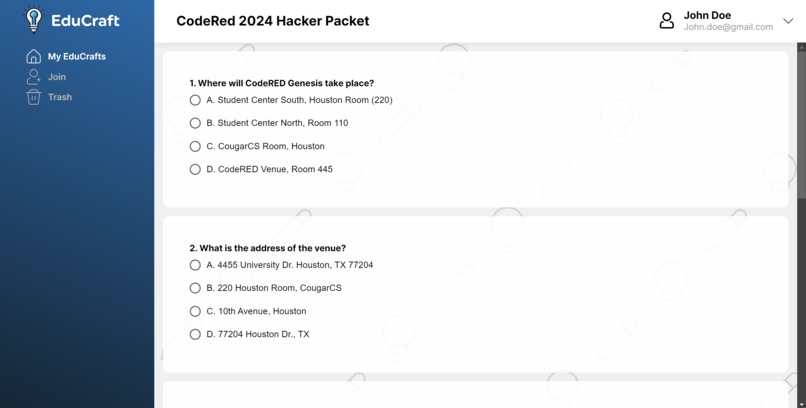
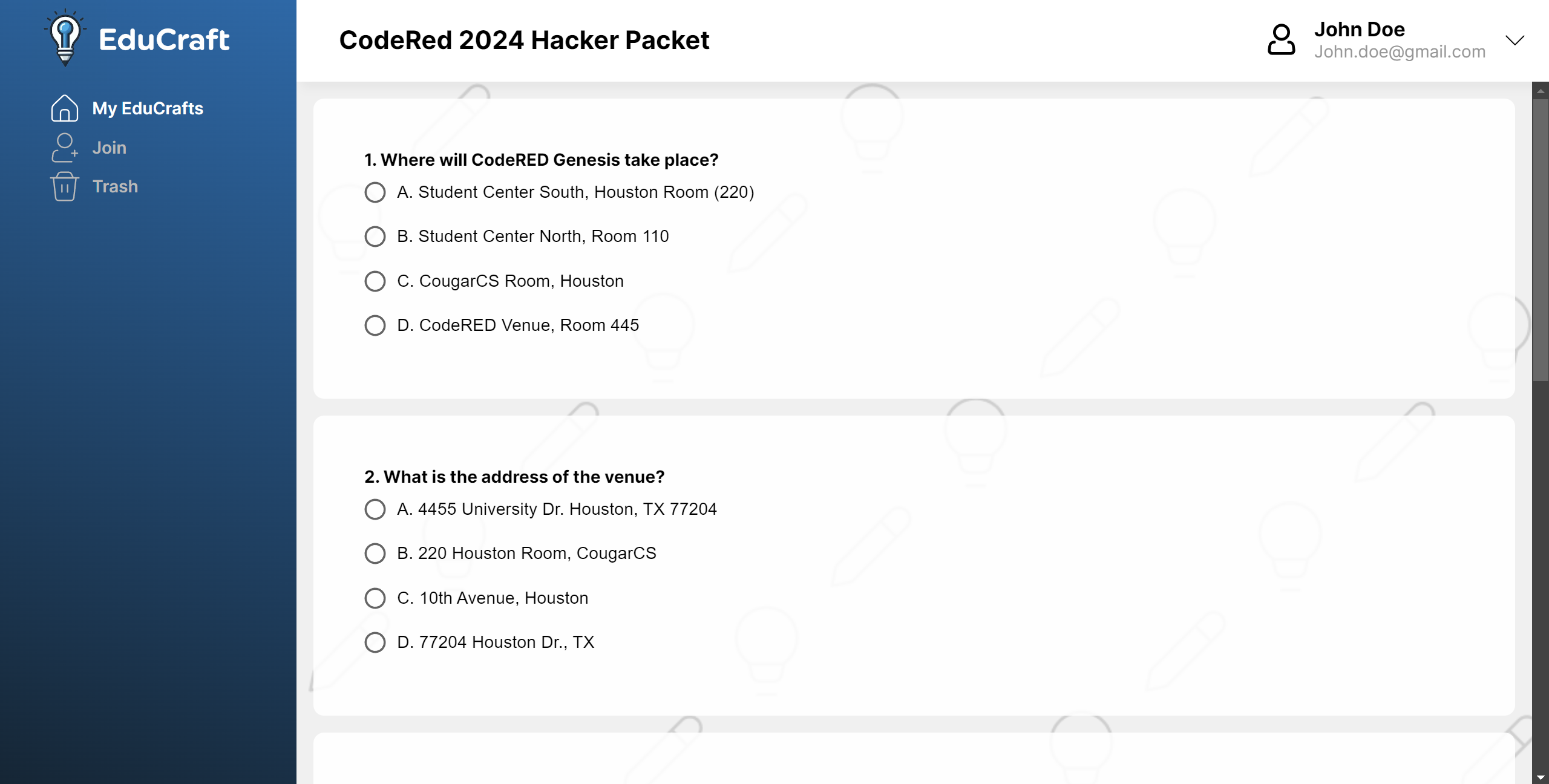
webapp quiz
-
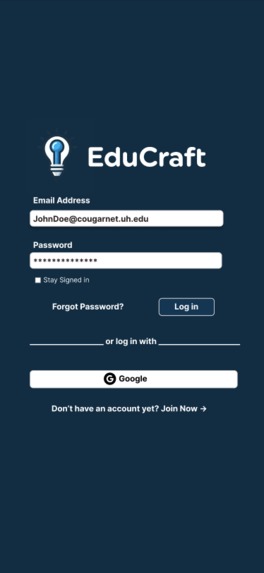
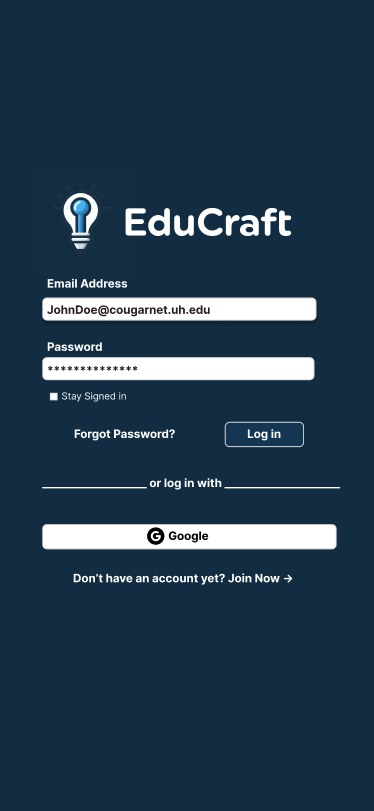
mobile app login
-
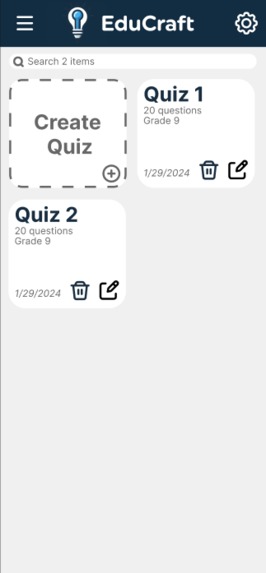
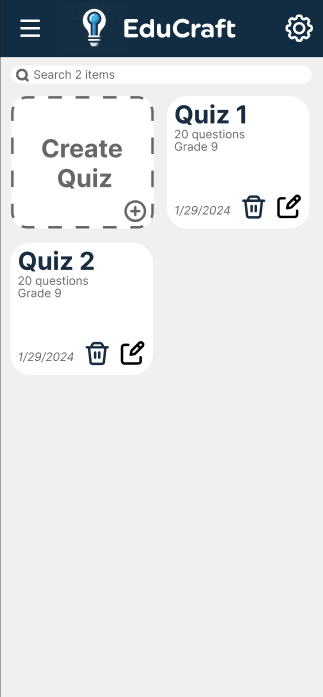
mobile app dashboard
-
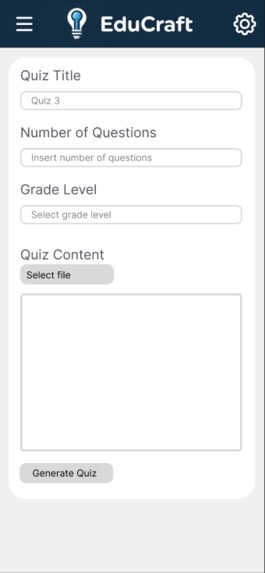
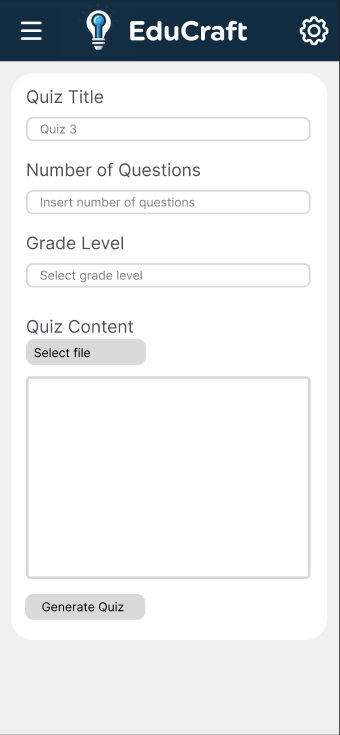
mobile app create quiz form
-
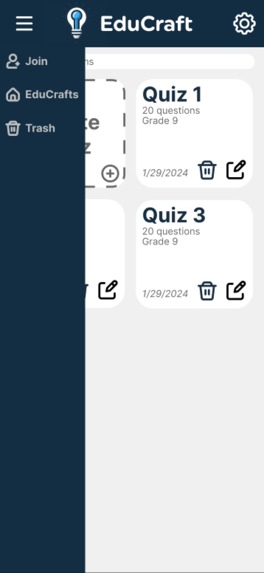
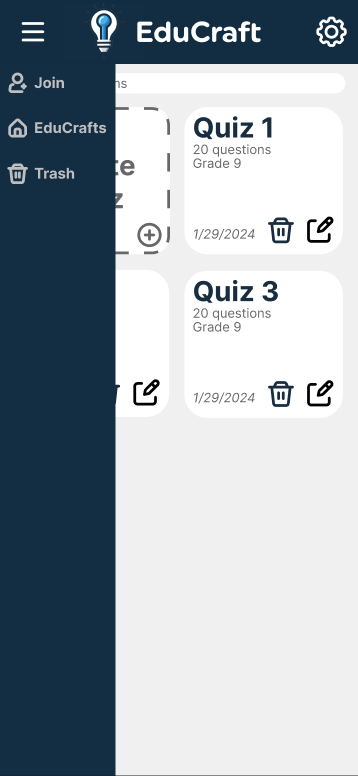
mobile app menu
Inspiration
EduCraft draws inspiration from the challenges inherent in traditional quiz creation processes, which often result in subpar assessments due to lack of relevancy or inaccuracies. Recognizing the time constraints faced by teachers who are already balancing multiple responsibilities, EduCraft aims to streamline the quiz creation process through AI-powered assistance. This not only ensures the accuracy and relevance of quiz questions but also enables teachers to focus more on instructional activities and research. Additionally, EduCraft empowers students by providing them with a platform to create their own quizzes, fostering active engagement and personalized study experiences. By leveraging AI to optimize quiz creation and enhance relevancy, EduCraft seeks to transform the educational assessment landscape, ultimately improving learning outcomes for both teachers and students.
What it does
EduCraft develops and creates quizzes based on the content provided by the user whether that be a pdf, pptx, or just plain text.
How we built it
We created two projects, a mobile and a computer application of EduCraft. We created a Next.js project and utilized the ChatGPT API to generate quizzes based on the user's suggested input.
Challenges we ran into
Some of the challenges we faced while developing EduCraft were utilizing a new tech stack (Next.js and typescript.js), setting up the ChatGPT API, parsing the output that ChatGPT produced, and the time constraints to get everything running.
Accomplishments that we're proud of
We are proud of successfully creating an application that generates quizzes based on user-suggested inputs. We had more of a focus on the UI/UX of our project and are satisfied with how it came out.
What we learned
We got exposure to an entirely new tech stack, Next.js , Typescript, Chakra UI , Materials UI, and Figma, and we also learned how to use the ChatGPT API.
What's next for EduCraft
There's many features we came up with that we couldn't get to for this hackathon, some of them include:
- Adding an edit feature, so that generated quizzes can be custom configured.
- Adding a share option so others can take your quiz (QR code, share link, code, etc).
- Adding the join page to take other quizzes.
- Adding free response questions.
- Adding statistics over quizzes (number of participants, most missed questions, average, etc).
- Implementing user authentication.
- Utilizing a database like PostgreSQL to store client info.

Log in or sign up for Devpost to join the conversation.