-
-
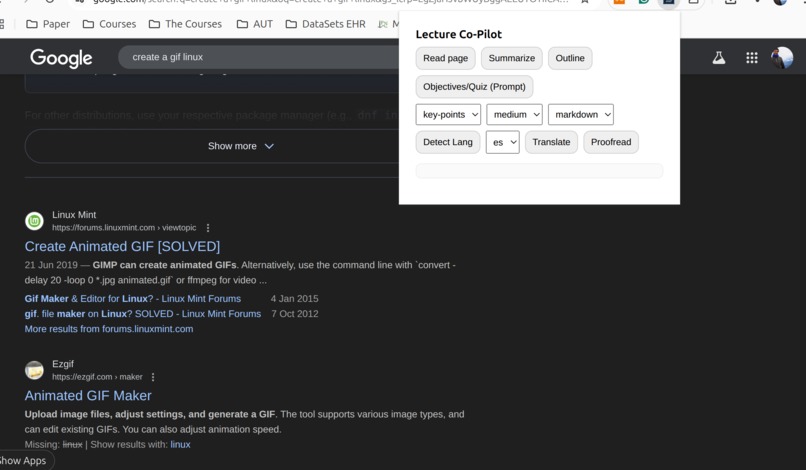
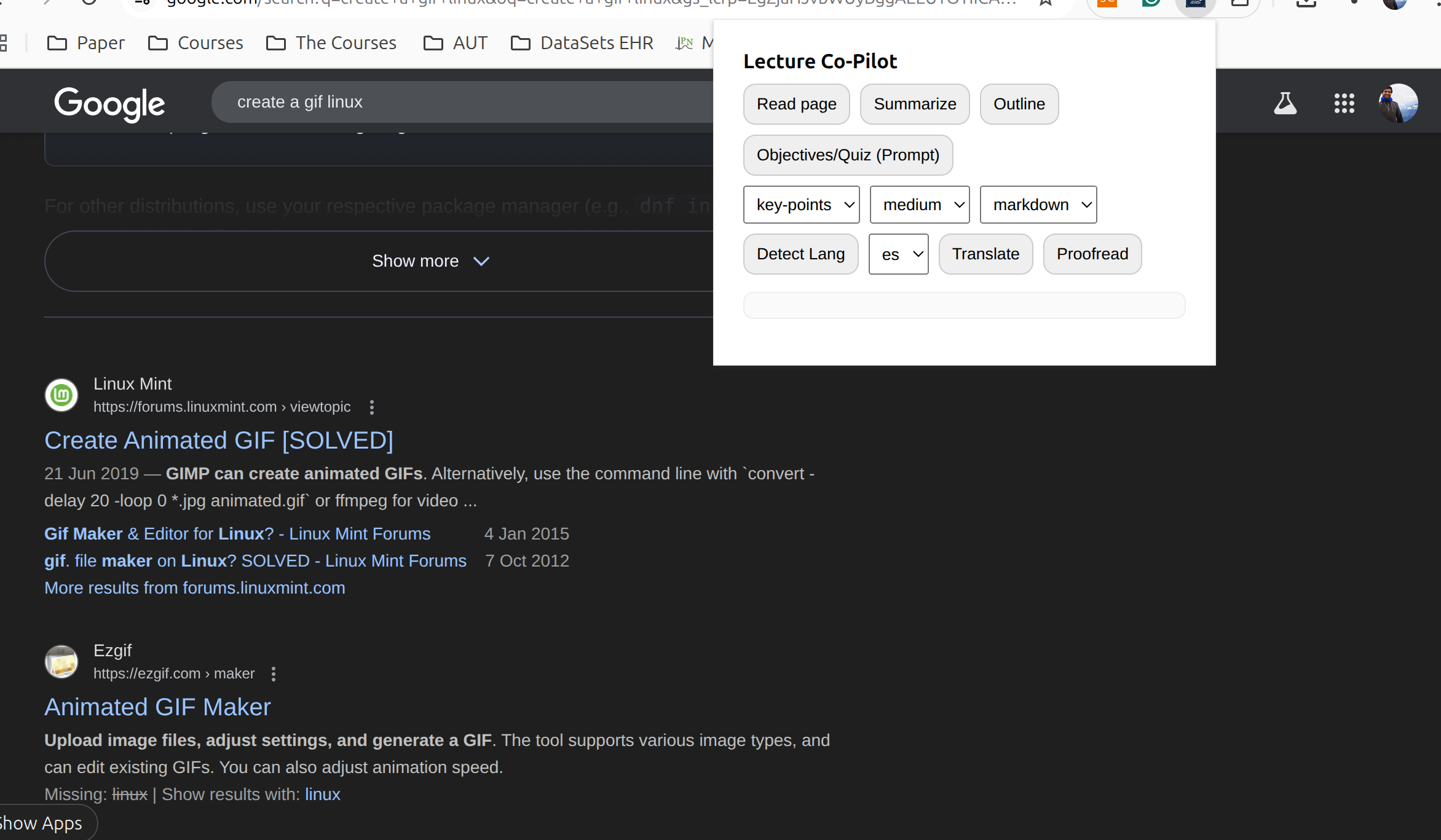
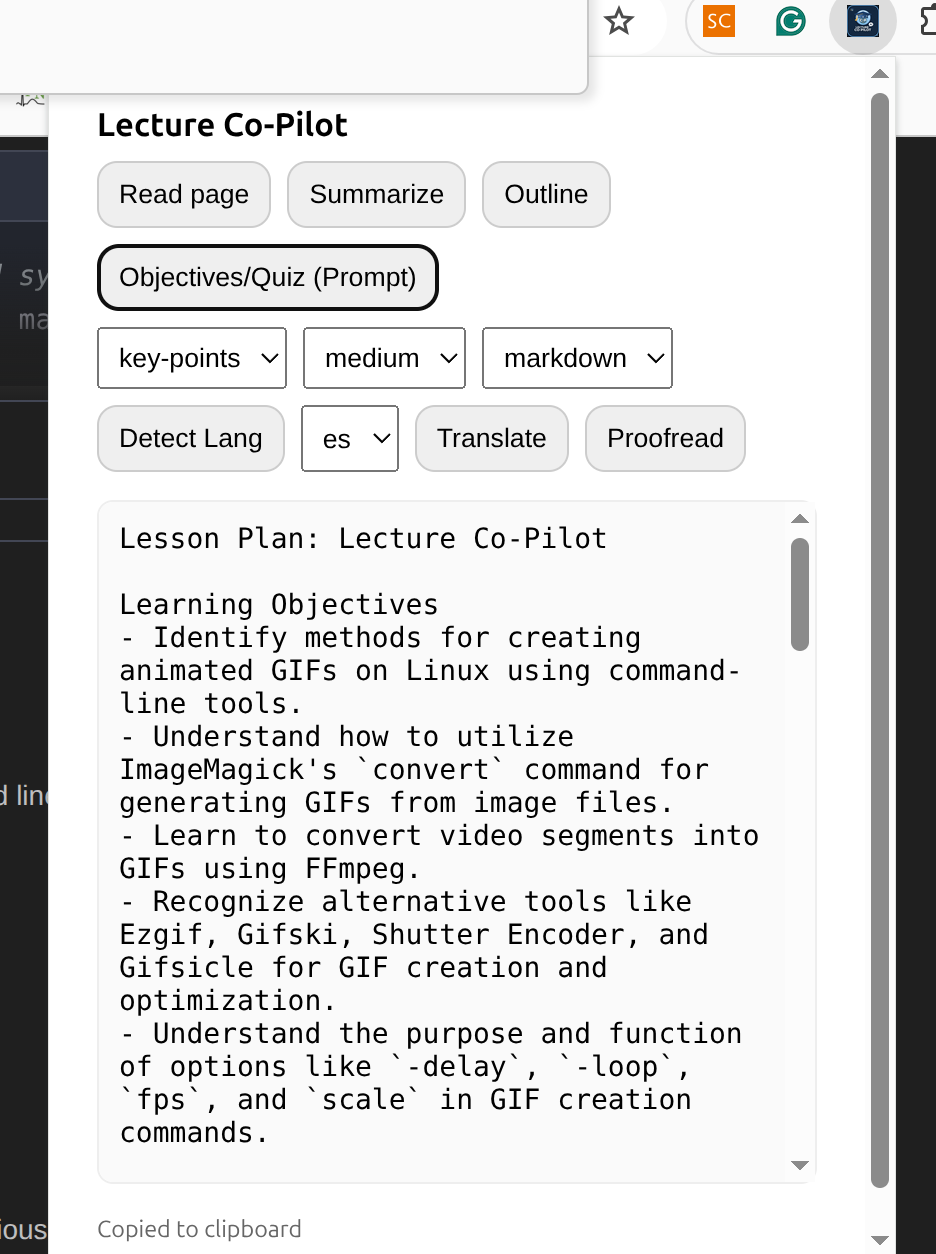
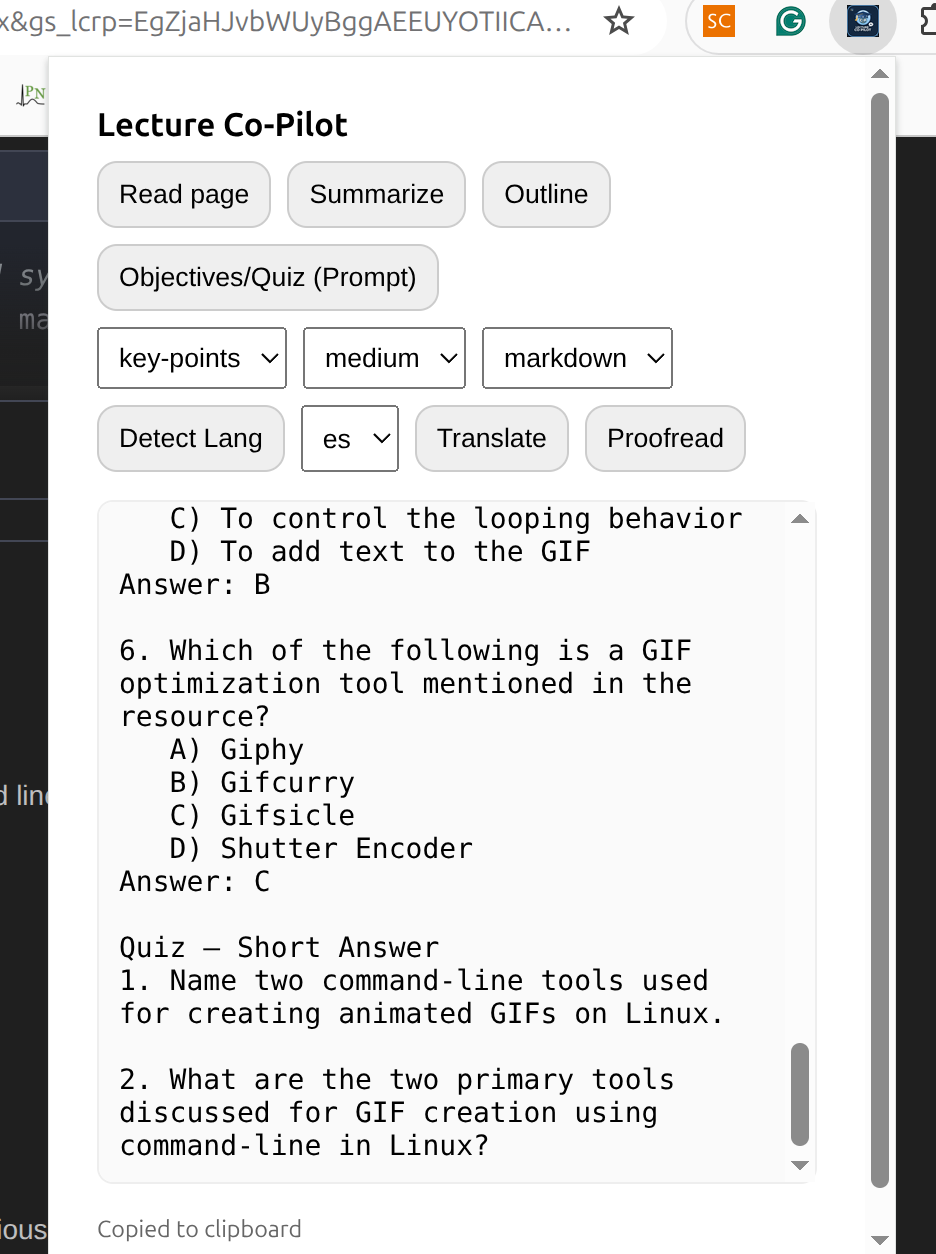
This is what the extension looks like.
-
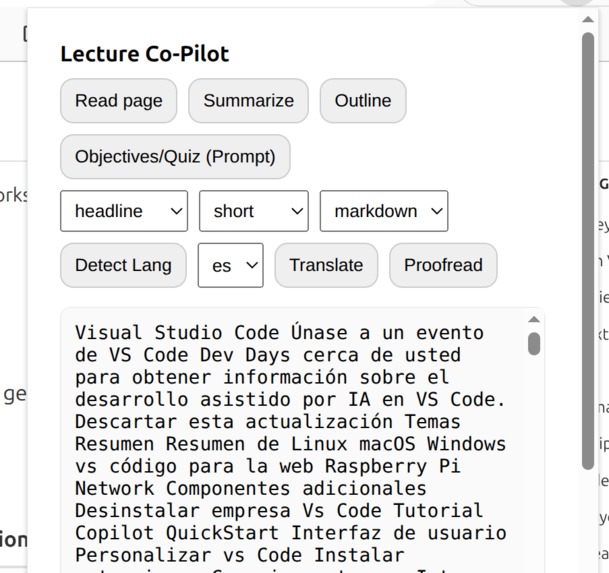
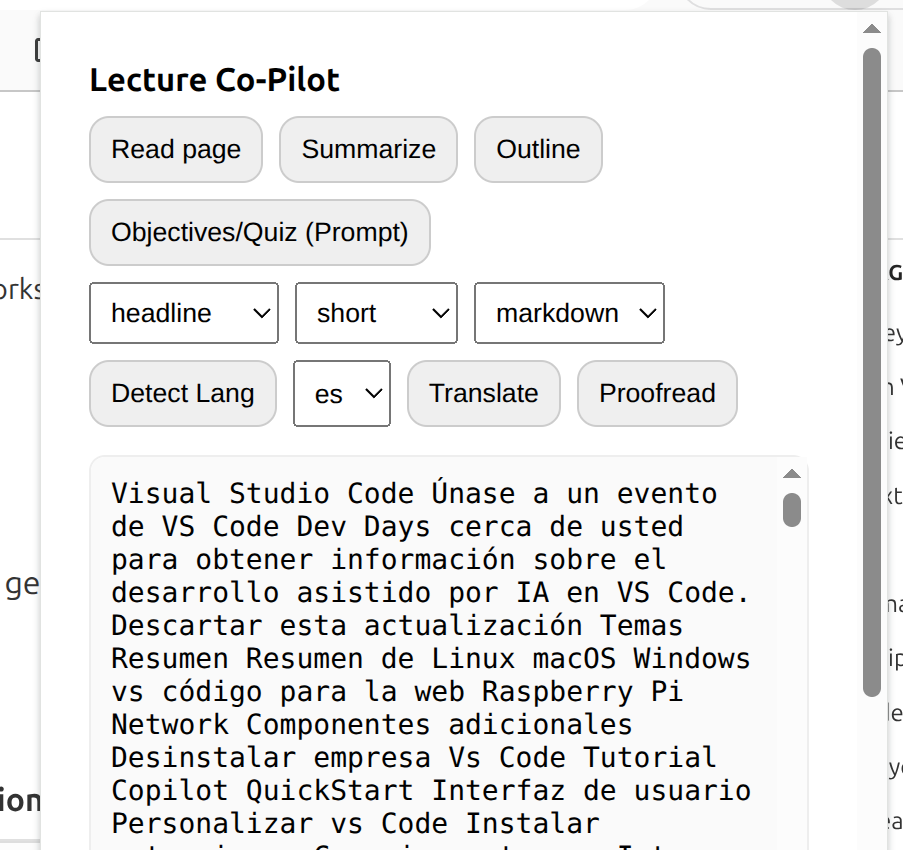
It can translate the text to languages to help the lecturers.
-
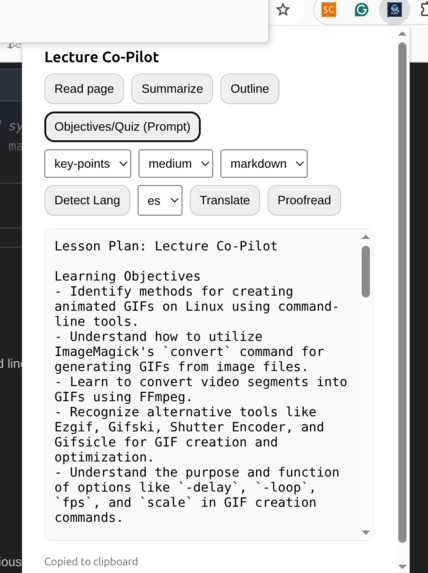
It can help write learning objectives from a text
-
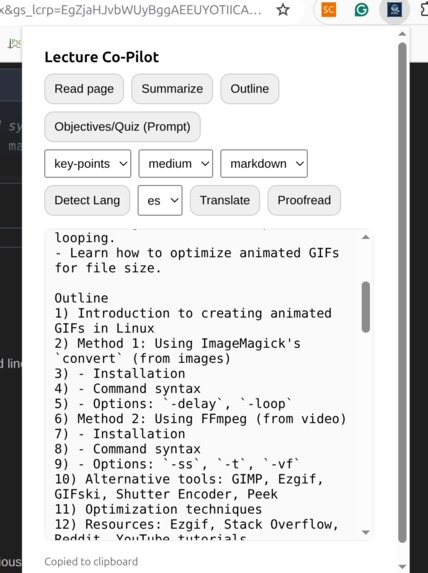
It can help create lecture outlines from a webpage
-
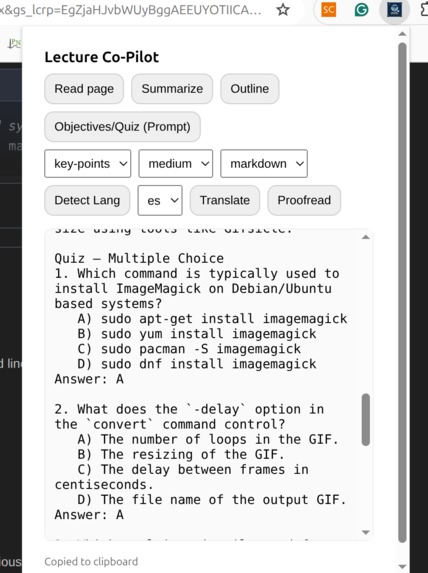
It can create quizes such as MCQs
-
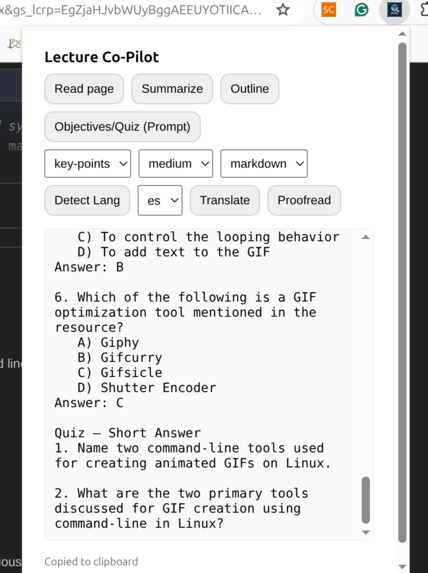
It can also create short question from the webpages


About the Project — Lecture Co-Pilot
Inspiration
Teachers told us the same thing: “I’ve got the content, but turning it into objectives, outlines, notes, and quizzes eats my prep time.” Chrome’s built-in, on-device AI (Gemini Nano) promised private, fast summarization and translation right in the browser, so we set out to turn any web page into ready-to-teach assets with one click.
What we built
Lecture Co-Pilot is a Chrome extension that:
- Reads a page’s rendered text and produces key-point summaries via the Summarizer API (type, length, format).
- (Optional) Uses the Prompt API for structured JSON outputs—objectives, outline, quiz, and notes—when enabled for extensions.
- Translates summaries/notes with the Translator API; pairs nicely with Language Detector for auto source-language. All inference happens on device after a one-time model download, keeping class material local.
How we built it
- MV3 plumbing: a content script extracts
innerText; the popup orchestrates actions; an offscreen page is available for any DOM-dependent cleanup so the service worker stays light. - Messaging: popup ↔ content script via
tabs.sendMessage; internal hops viaruntime.sendMessage. - Summarizer flow:
availability()→create({ monitor })to display download progress on first run →summarize()withtype/length/format. - Prompt flow (optional): create a model session with initial prompts and request JSON-schema-constrained output for teaching artifacts.
- Translate flow:
Translator.create()→translate()for bilingual outputs; Language Detector can auto-detect source language.
What we learned
- On-device UX matters: the first-run model download needs clear progress UI; Chrome exposes a
monitorcallback oncreate()for that. - Rendered text > raw HTML for summarization; it naturally drops navigation/boilerplate and improves quality.
- API status differs: Summarizer/Translator/Language Detector are stable in Chrome 138+, while Prompt/Writer/Rewriter/Proofreader may be origin-trial or early-preview—so we made those modules optional
Challenges
- Model readiness & device variability: handling
unavailable/downloadablestates, showing progress, and keeping the UI responsive. - Injection/messaging pitfalls: avoiding the classic “receiving end does not exist” by guaranteeing content-script presence before messaging.
- Scope control: staying within input budgets; chunking long pages without losing coherence.
A tiny bit of math 🧮
To stay within the model’s effective input window, we chunk long pages before summarizing. If (L) is the character length and the chunk size is (c) (≈ 3.5–4k chars), the number of chunks is [ n=\left\lceil \frac{L}{c} \right\rceil, ] then we summarize each chunk and run a final key-points pass over the concatenated summaries. (This mirrors the docs’ guidance to keep inputs short for best results.)
What’s next
- Schema-first Prompt sessions for richer quizzes (MCQ distractors, short-answer rubrics).
- Detector + Translator for fully automatic bilingual outputs.
- Better extraction on tricky sites (shadow DOM, virtualized lists) and PDF viewers.
Built With
- chrome-extensions-(manifest-v3)
- css
- dompurify
- html
- javascript-(es-modules)
- language-detector-api
- marked-(markdown)
- offscreen-api
- optional)-vite/rollup-bundler
- prompt-api-(extensions)
- runtime-messaging-api
- scripting-api
- service-workers
- storage-api-(chrome.storage.session)
- summarizer-api-(built-in-ai)
- tabs-api
- translator-api

Log in or sign up for Devpost to join the conversation.