-
-
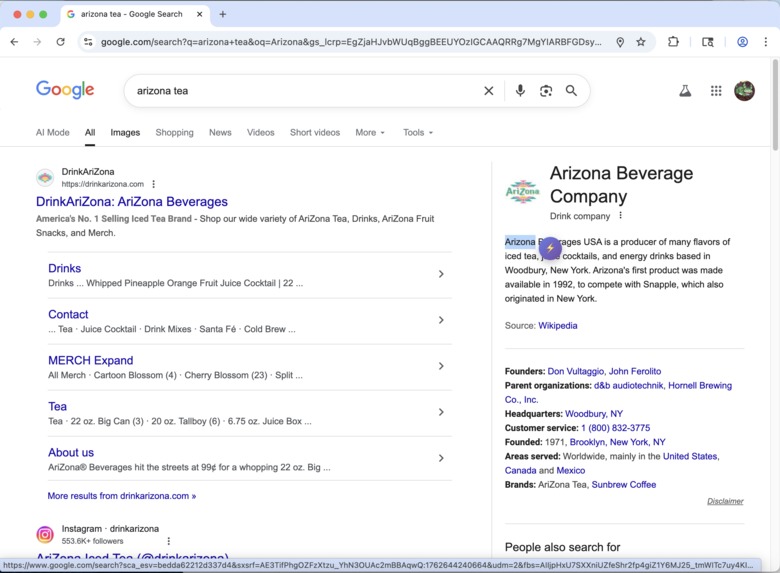
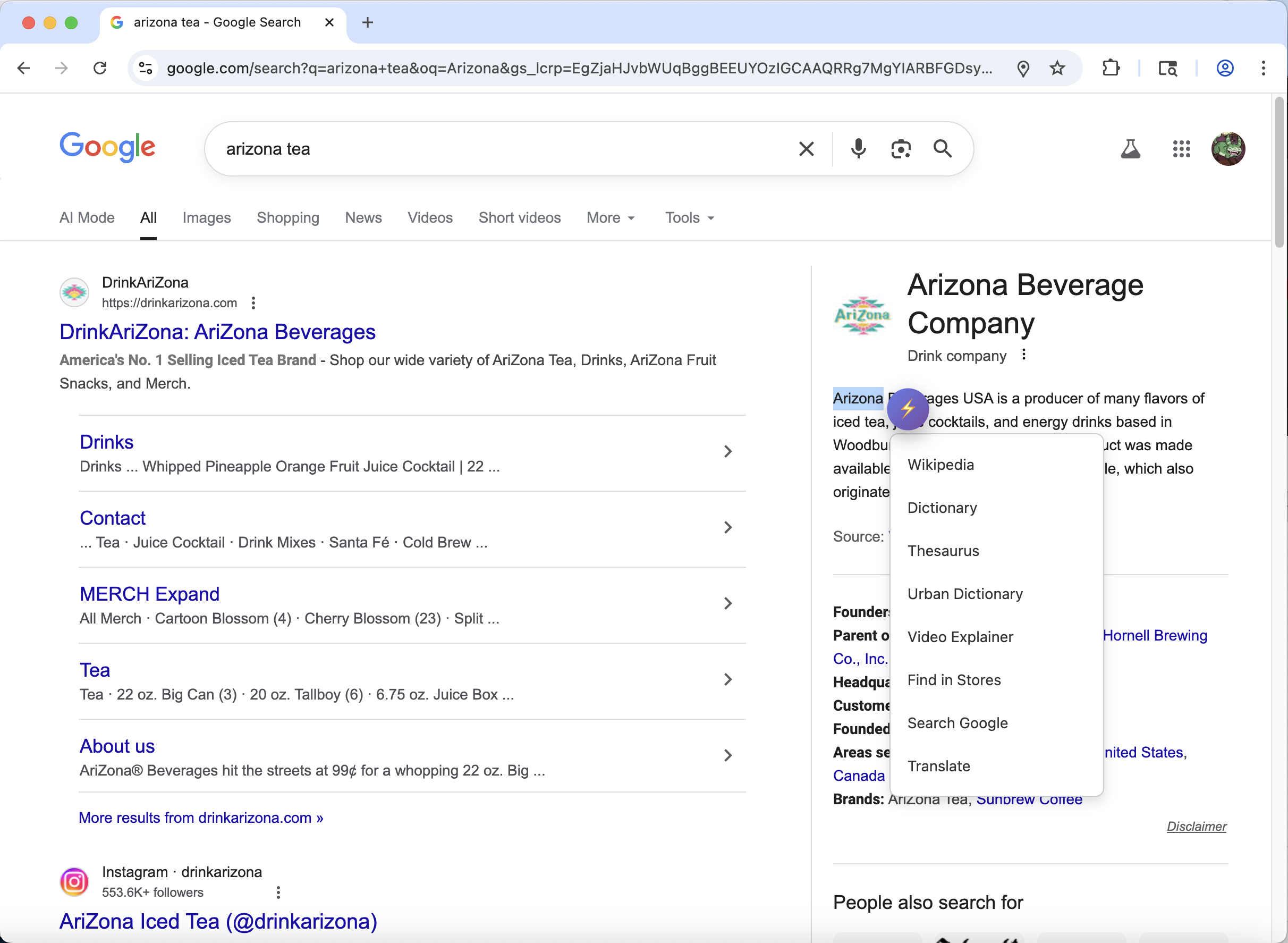
Popup Icon
-
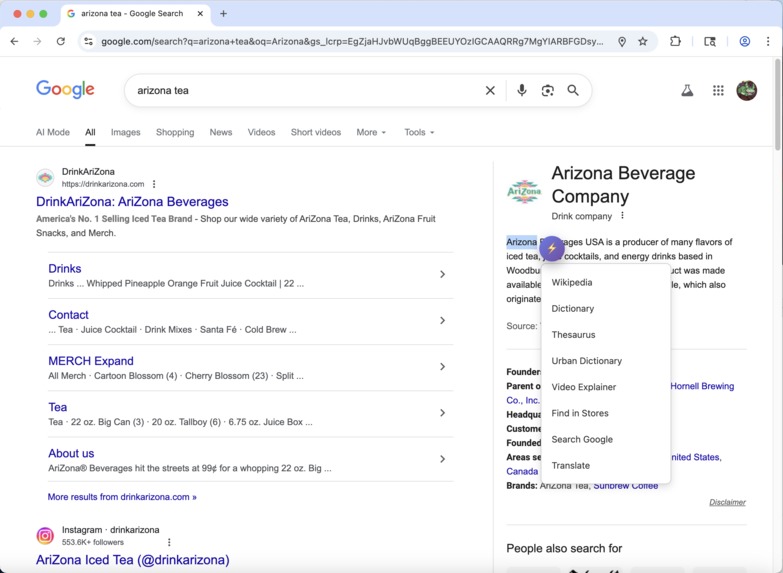
Menu Popup
-
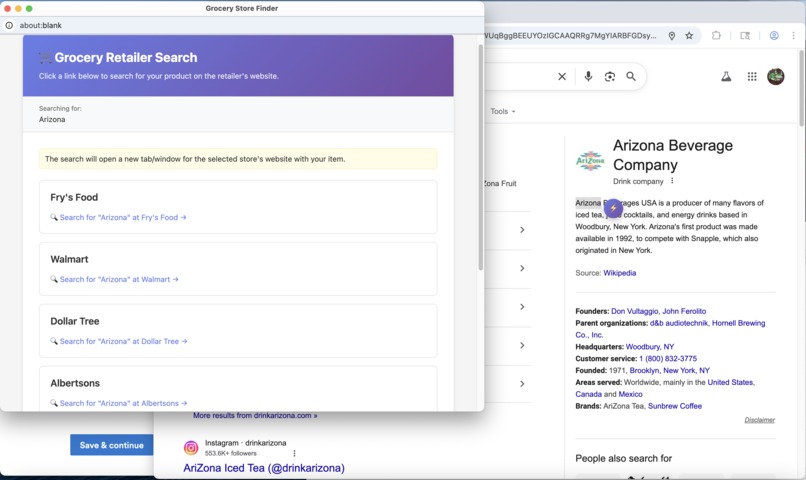
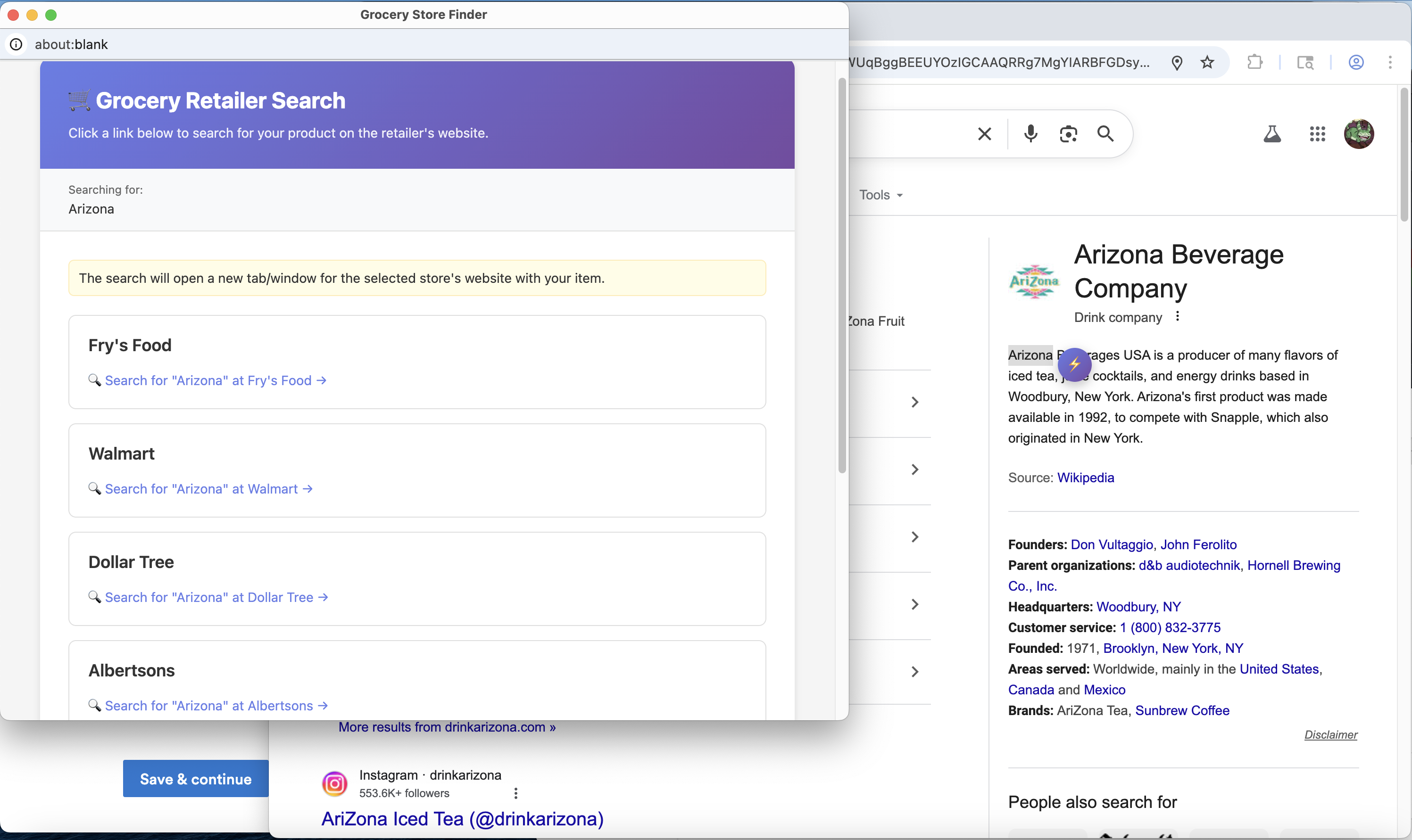
Grocery Store Search
-
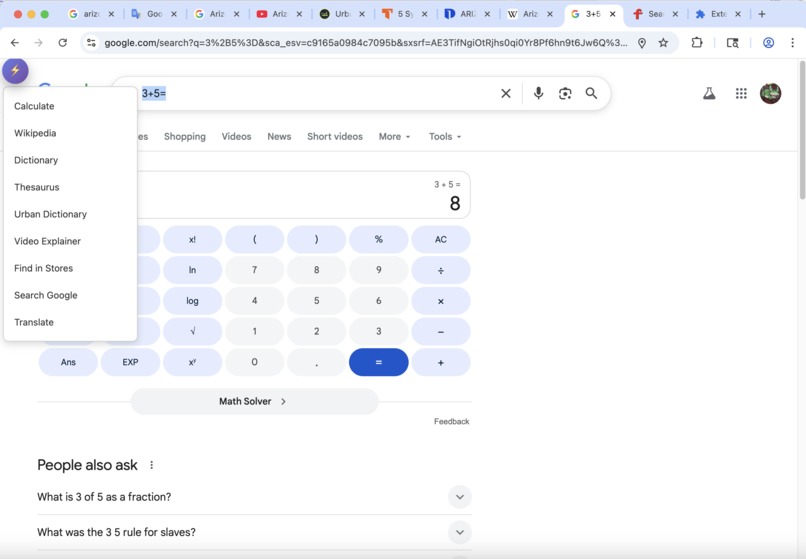
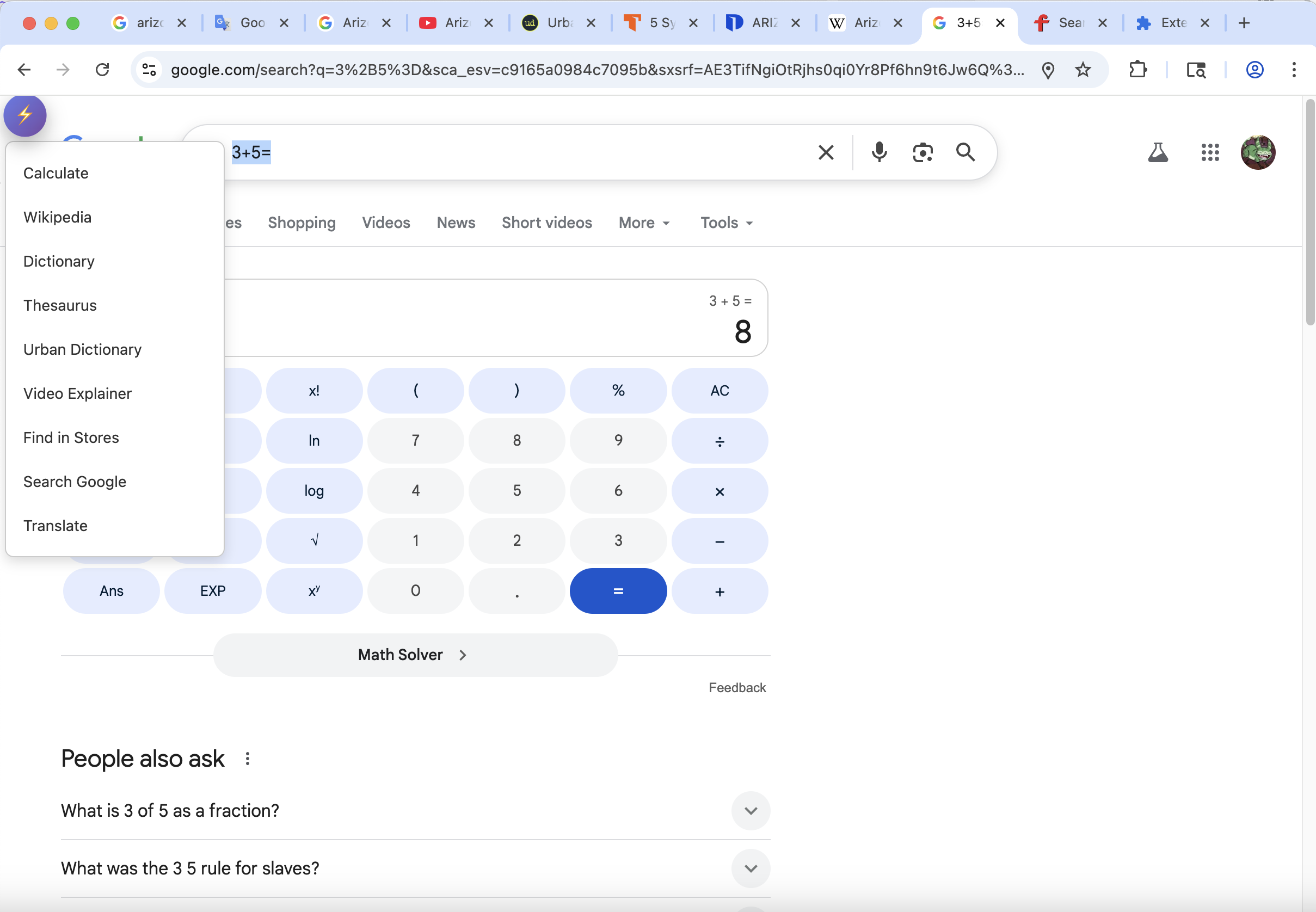
Calculator

Inspiration
I noticed that the right click feature was missing some functionalities that I would have liked it to have, such as a thesaurus or Youtube video lookup, so I decided to add it.
What it does
When you select text on a page, an icon appears. Clicking on it opens a menu with several options, such as Wikipedia search, dictionary, thesaurus, and several others.
How we built it
I asked Claude to give me a framework to work from, and used those files to build the Chrome extension. I also used Claude to help write the ReadMe file to make sure all features were accounted for.
Challenges we ran into
My API credits disappeared, so that option wouldn't work, and I ran out of conversation early on, so I had to wait to ask it to further make my code look nice. I had no experience whatsoever in coding frontend, so that took some studying to get started. Claude was very helpful in this regard, explaining what needed to be done and giving examples.
Accomplishments that we're proud of
The extension actually works, and can be used to enhance the searching experience.
What we learned
I learned about frontend coding, and how to make web requests through a third party.
What's next for Educational Searching Assistant
Adding more functionalities, possibly flashcards if I can figure out how to incorporate an editable database.
Built With
- claude
- gemini
- html
- javascript

Log in or sign up for Devpost to join the conversation.