Inspiration
The transition to digital learning highlighted a major flaw: the loss of creative freedom. Standard digital assignments (like Google Forms or basic PDFs) restrict students to typing text or clicking multiple-choice options. This is incredibly frustrating for subjects that require visual thinking, like math, physics, or art, where a quick sketch or handwritten equation is necessary. We were inspired to build a solution that brings back the flexibility of traditional pen-and-paper while harnessing the efficiency of modern digital data management.
What it does
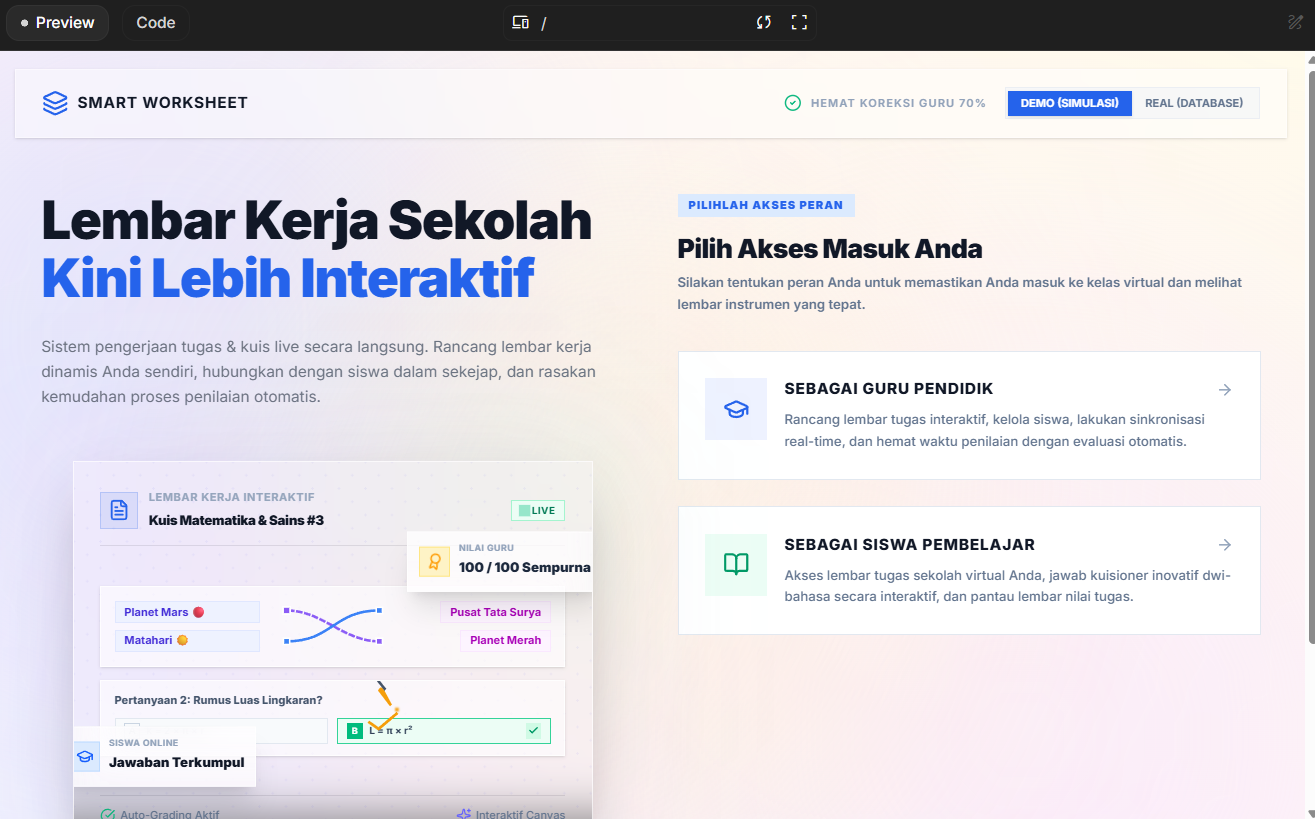
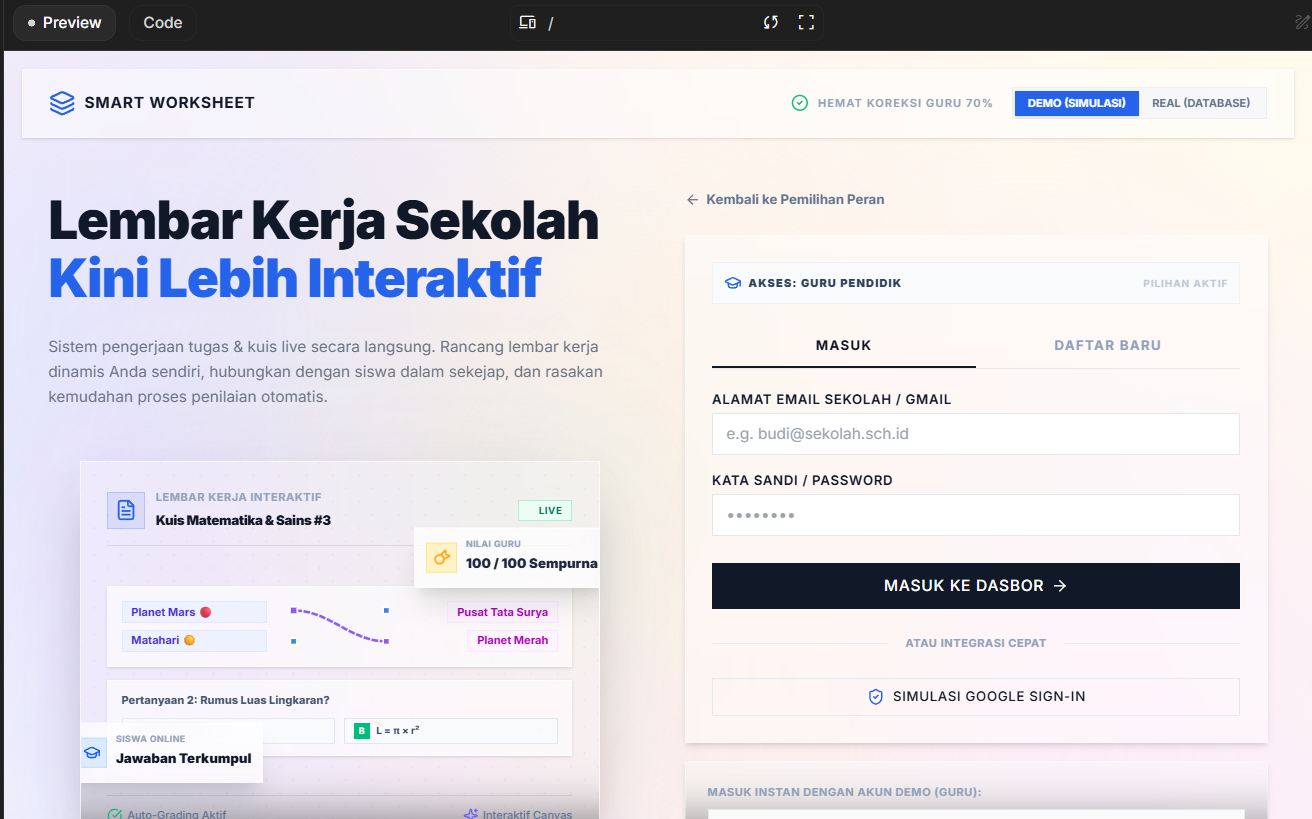
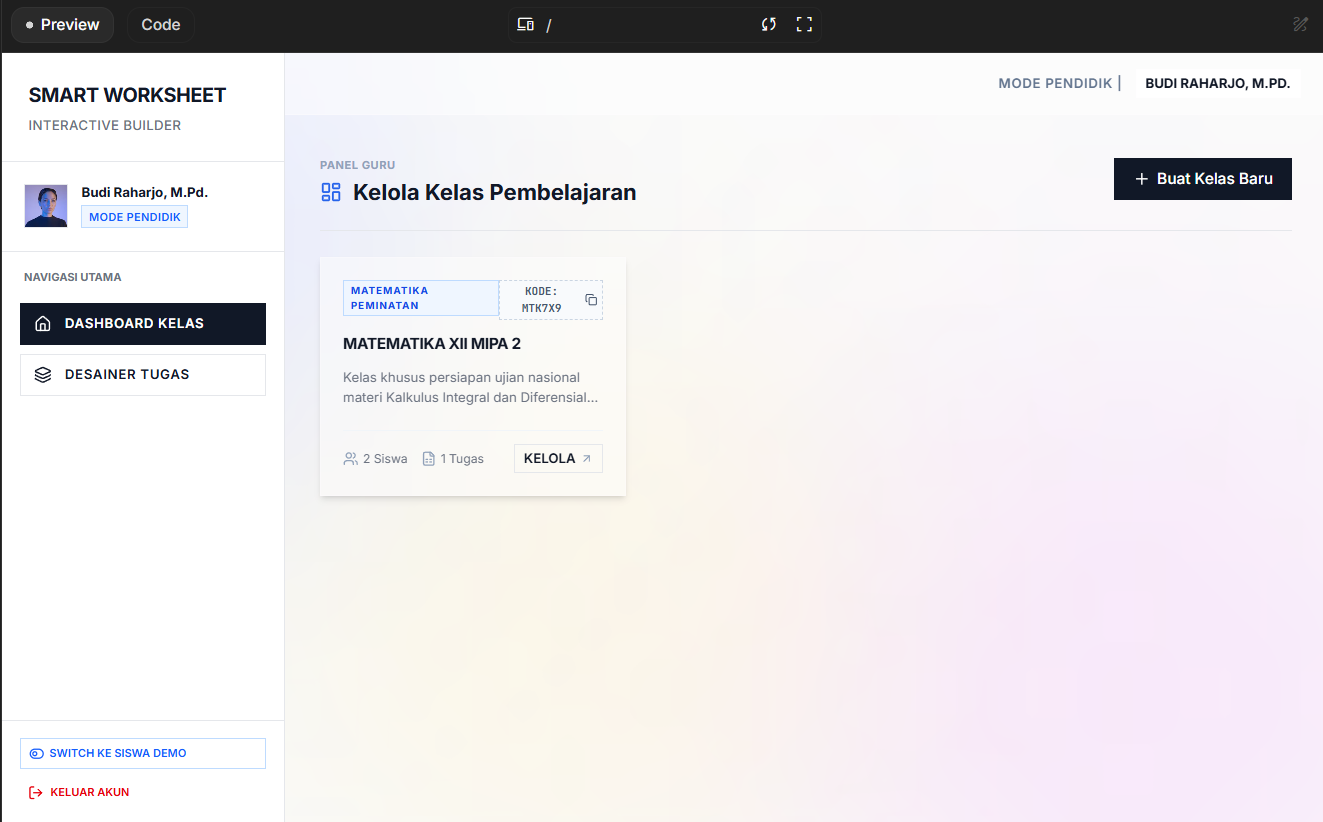
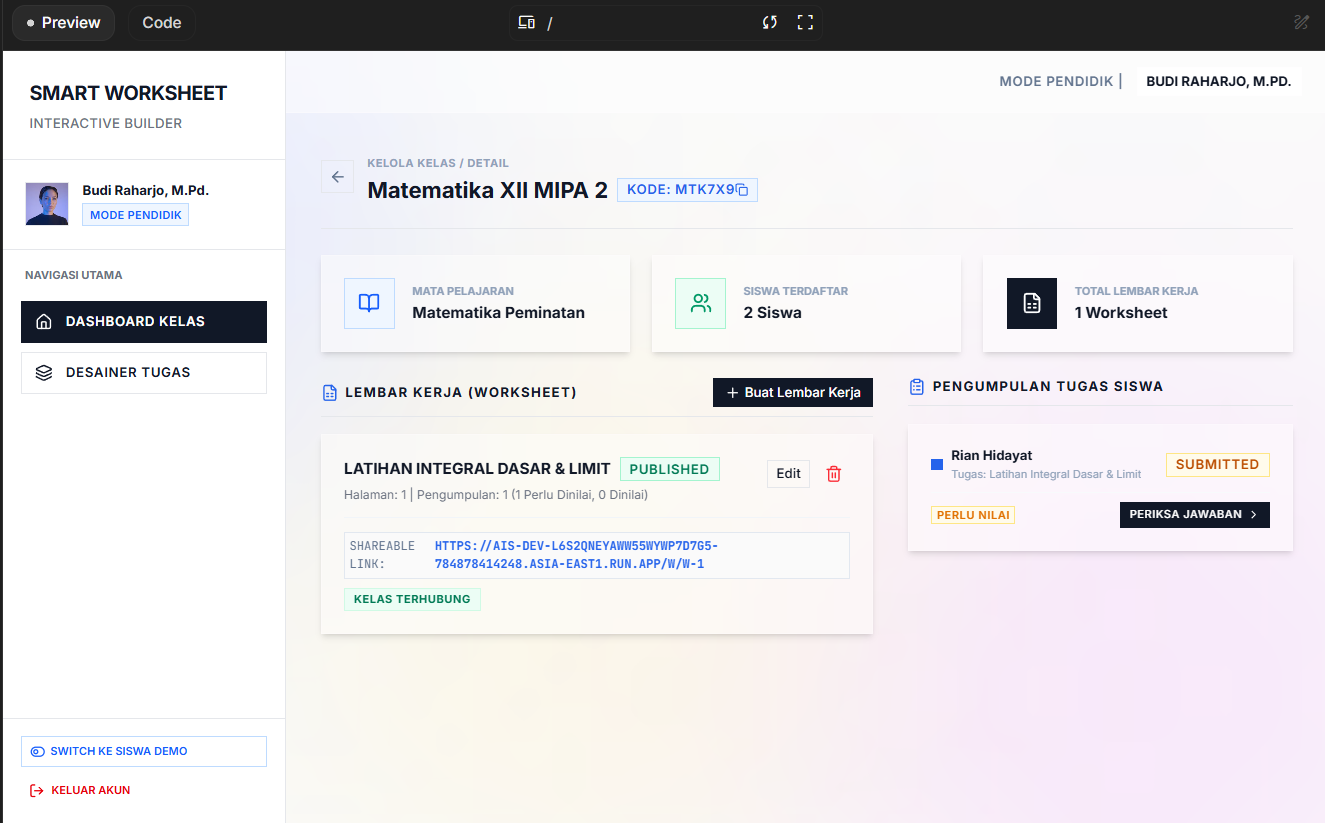
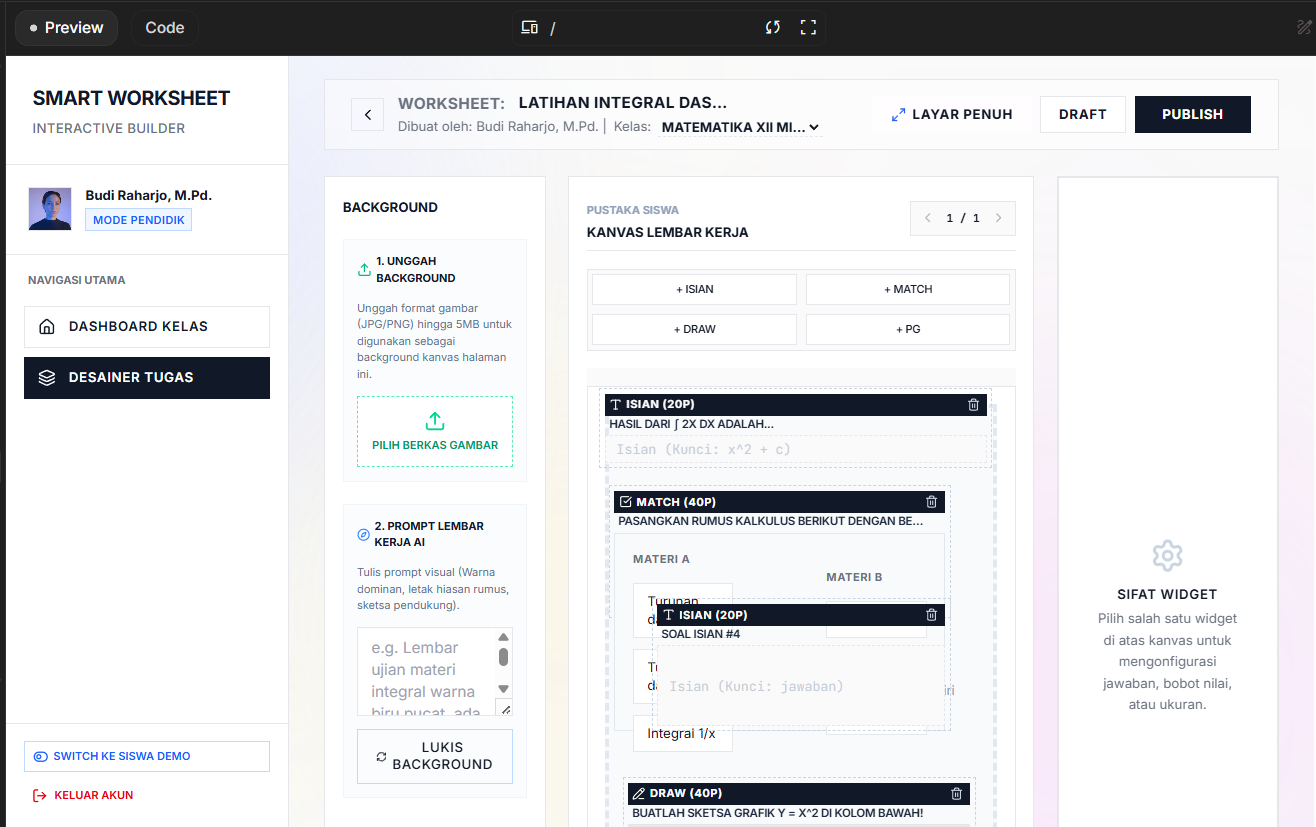
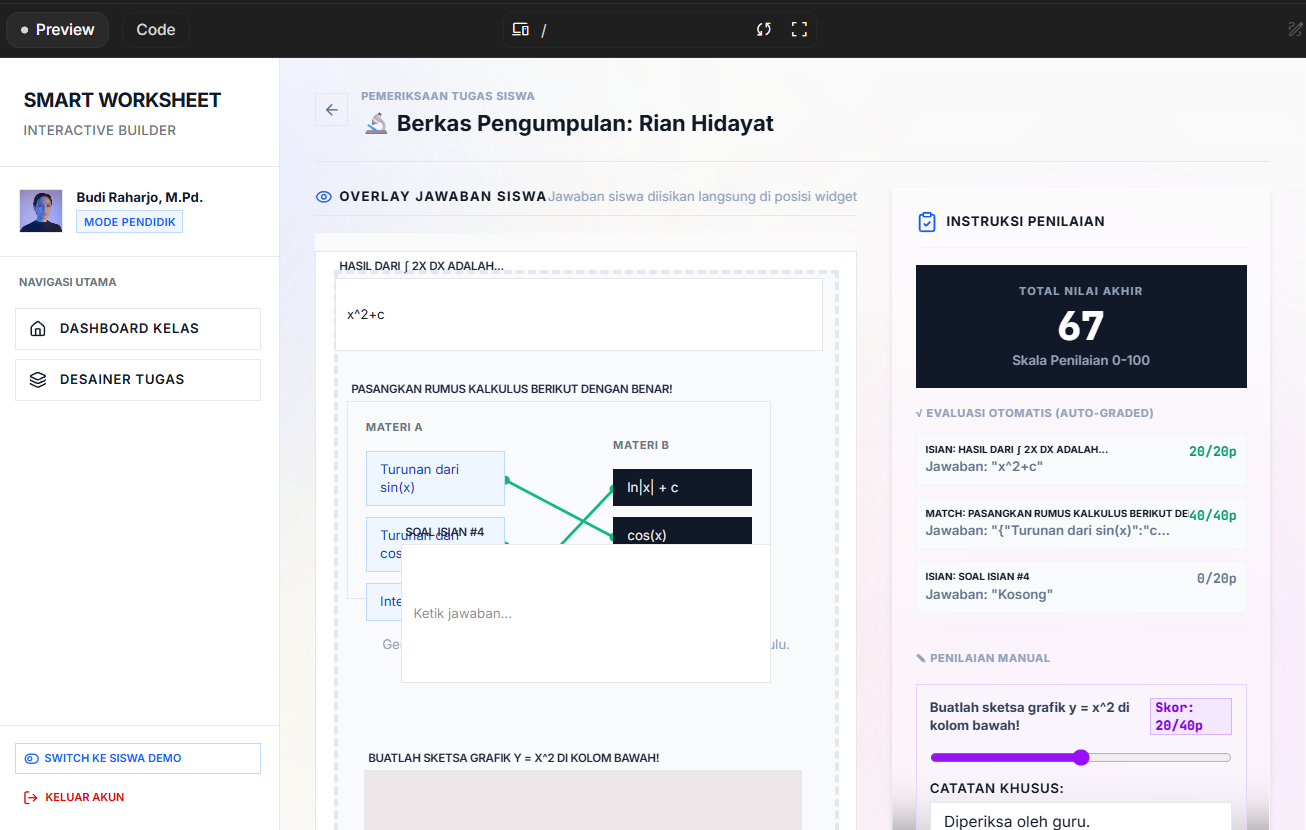
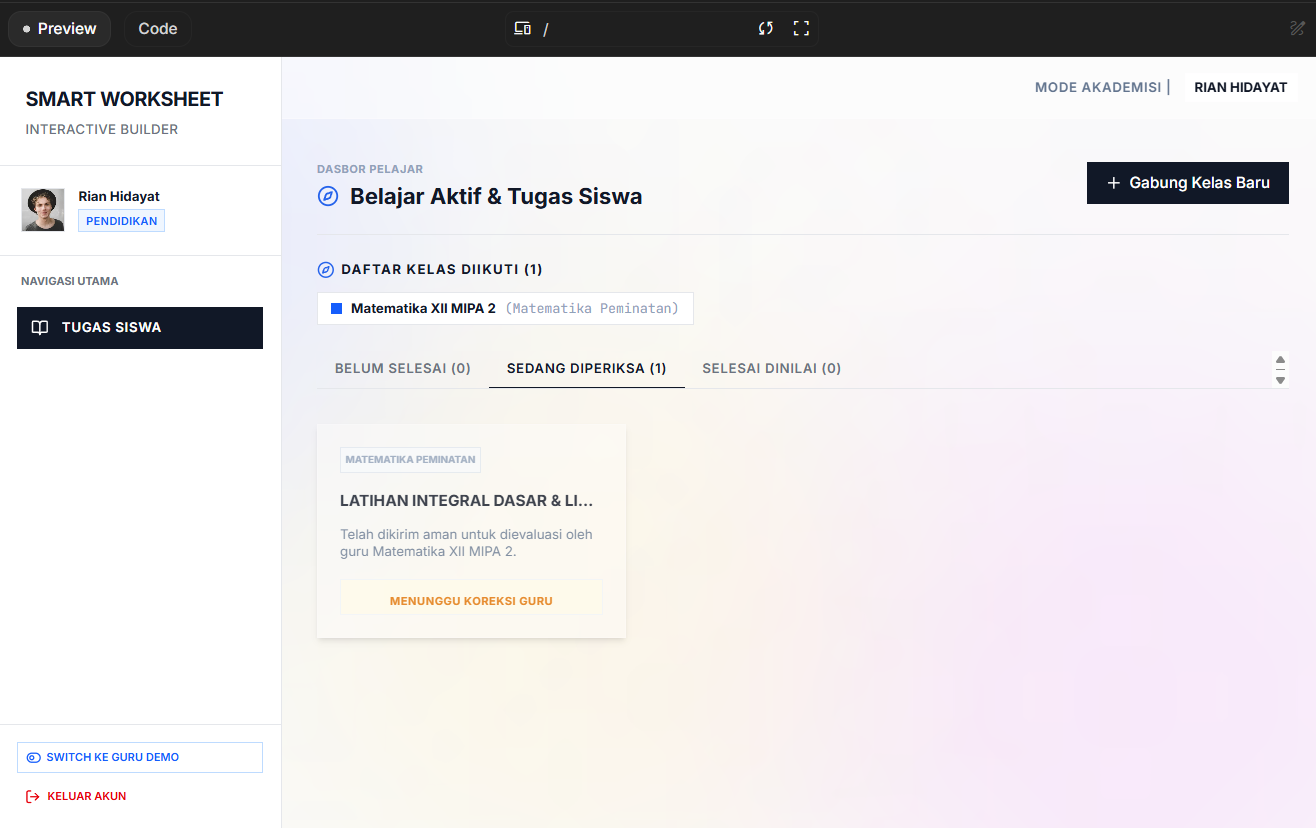
EduCanvas transforms rigid, static worksheets into dynamic, interactive learning spaces. It allows teachers to create multimodal assignments where students can type, select, and—most importantly—draw and sketch their answers on an integrated digital canvas. For teachers, it acts as a centralized dashboard to distribute tasks, monitor student progress in real-time, and grade assignments effortlessly from a single platform, eliminating the hassle of manual file exchanges.
How we built it
(Catatan: Anda dapat menyesuaikan bagian ini dengan teknologi yang benar-benar Anda gunakan. Berikut adalah contoh standar industri) We developed the frontend using React.js / Next.js to create a snappy and responsive user interface, integrating libraries like Fabric.js / HTML5 Canvas API to power the core drawing and sketching features. For the backend, we used Node.js with Express, coupled with WebSockets (Socket.io) to ensure real-time synchronization between the student's canvas and the teacher's dashboard. All assignment data, user profiles, and grading metrics are securely stored in a PostgreSQL / Firebase database.
Challenges we ran into
One of the biggest hurdles was optimizing the interactive canvas performance. Handling free-hand drawing data and syncing it in real-time without causing lag—especially on devices with lower processing power or slow internet connections—required complex state management and data compression. Additionally, designing an intuitive UI that balances a robust Learning Management System (LMS) with an open creative canvas, without overwhelming the user, took multiple design iterations.
Accomplishments that we're proud of
We are incredibly proud of successfully building our signature Interactive Canvas Workflow. We managed to create a seamless bridge between a structured grading system and a free-form creative tool. Seeing the canvas work natively within the browser, allowing students to sketch answers that instantly appear on the teacher's grading dashboard, proved that we could successfully digitize the "paper and pen" experience without losing its essence.
What we learned
Building EduCanvas taught us invaluable lessons in state management for complex UI components and optimizing real-time web applications. On the product side, we learned that educators prioritize workflow efficiency above all else; any new tool must reduce their administrative burden, not add to it. This heavily influenced our decision to keep the grading dashboard as unified and straightforward as possible.
What's next for EduCanvas
Our next milestone is to integrate AI-assisted grading tools that can recognize handwritten numbers and basic math equations, further reducing the teacher's workload. We also plan to build a Community Template Library where educators can share their interactive worksheets, and to develop seamless integrations with existing platforms like Google Classroom and Canvas LMS for easier onboarding.

Log in or sign up for Devpost to join the conversation.