-
-
eduBubble Logo
-
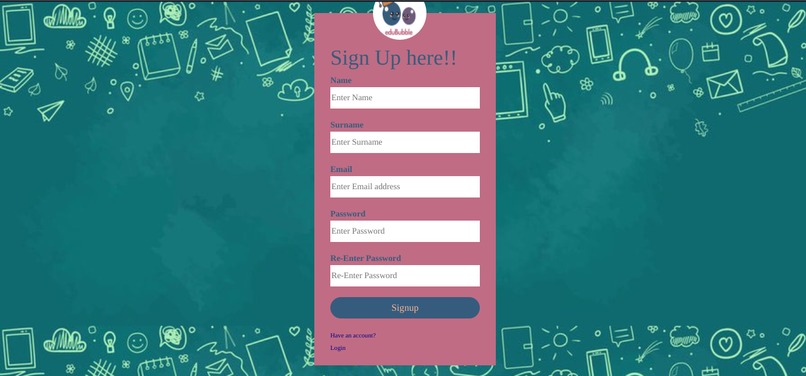
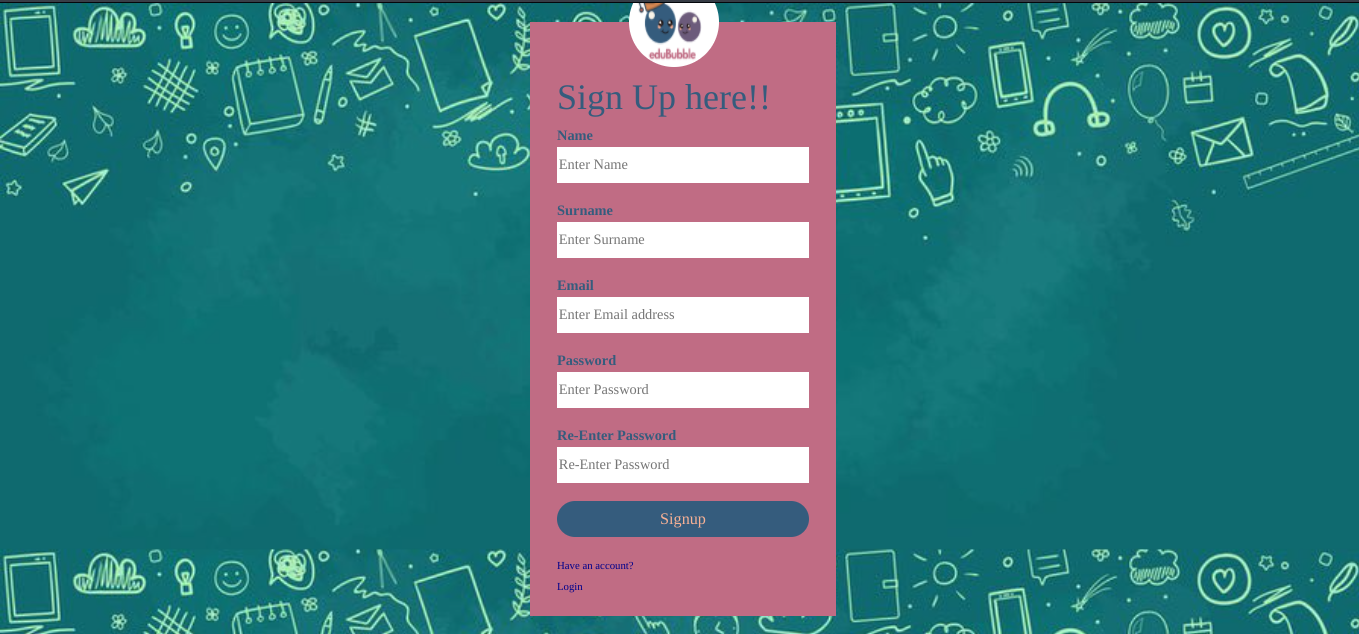
Sign up page
-
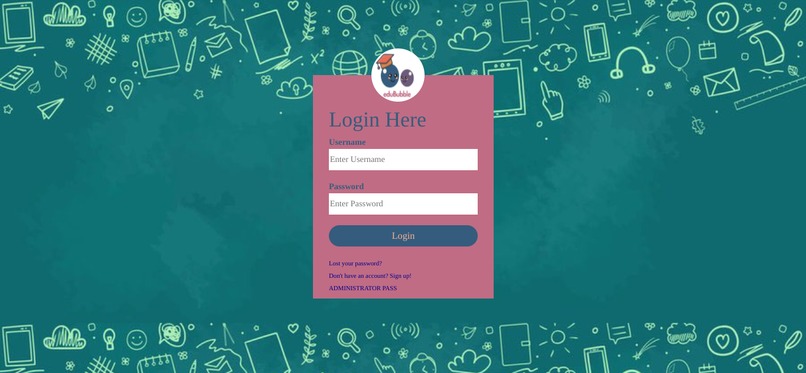
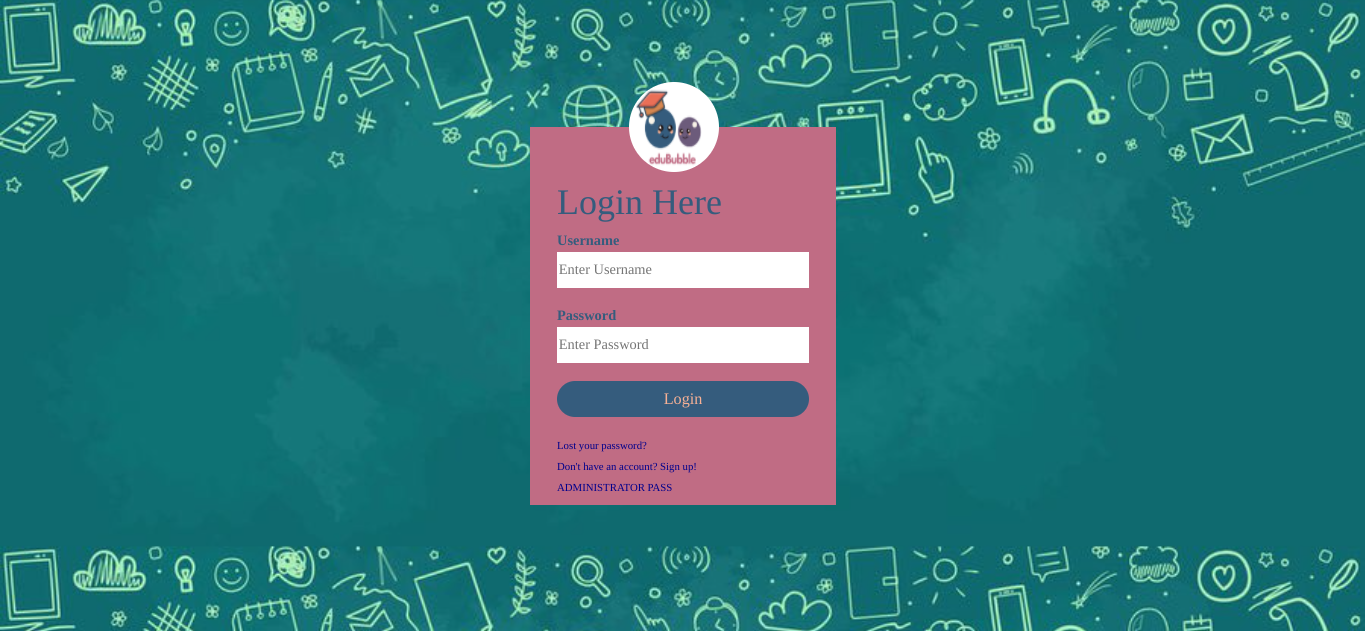
Login page
-
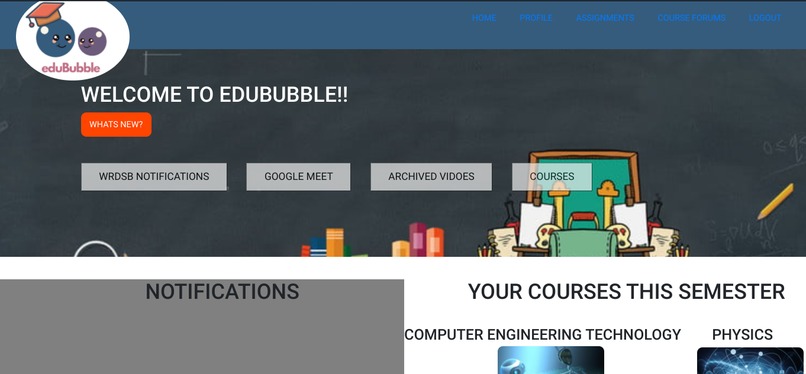
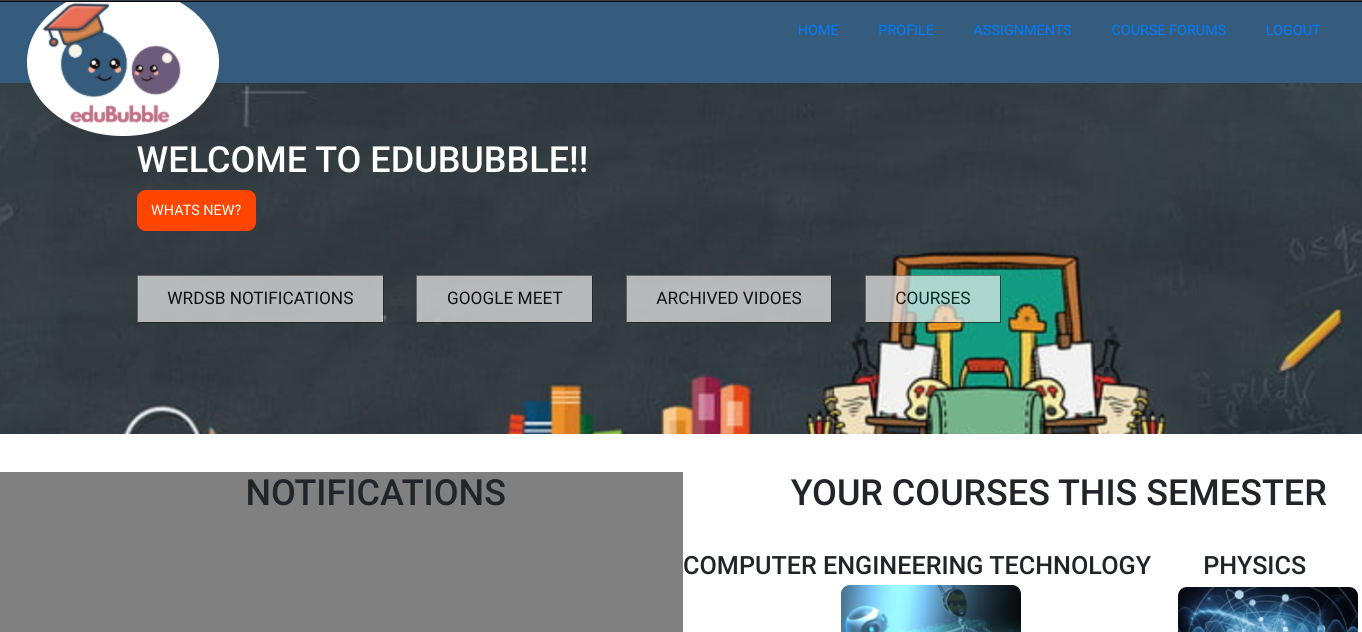
Main page
-
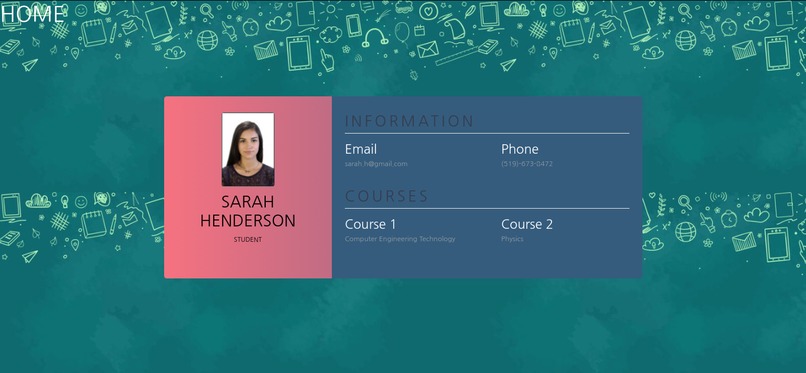
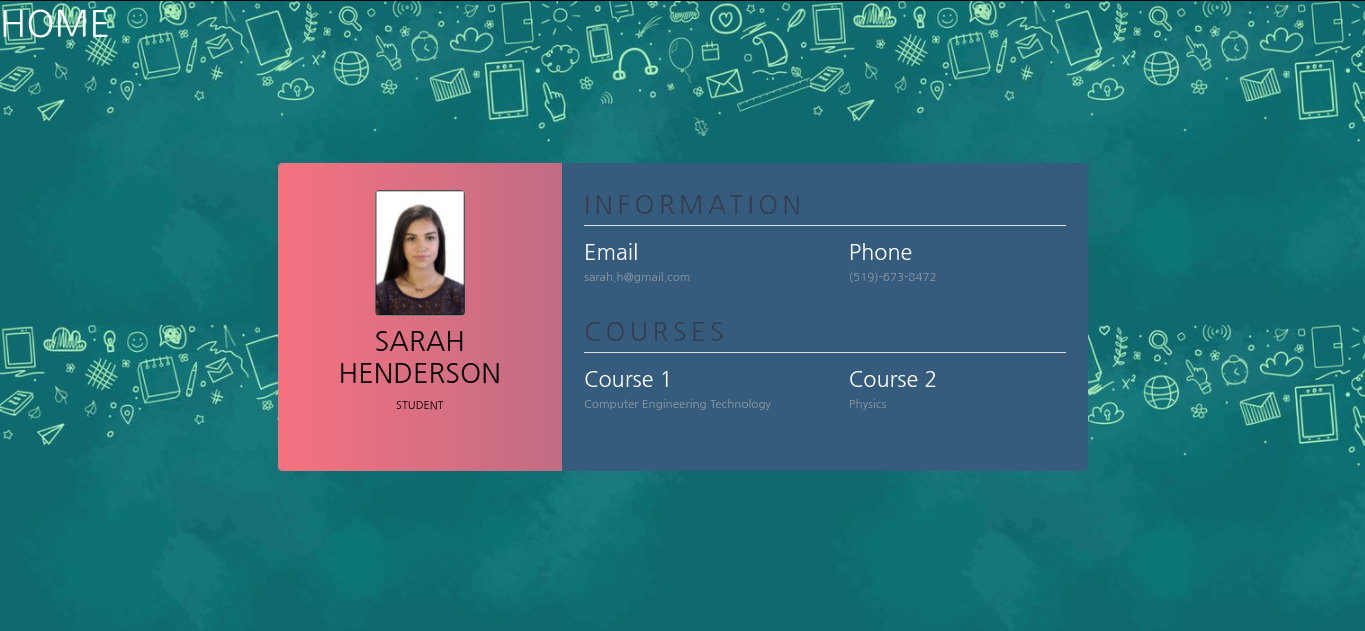
Profile page
-
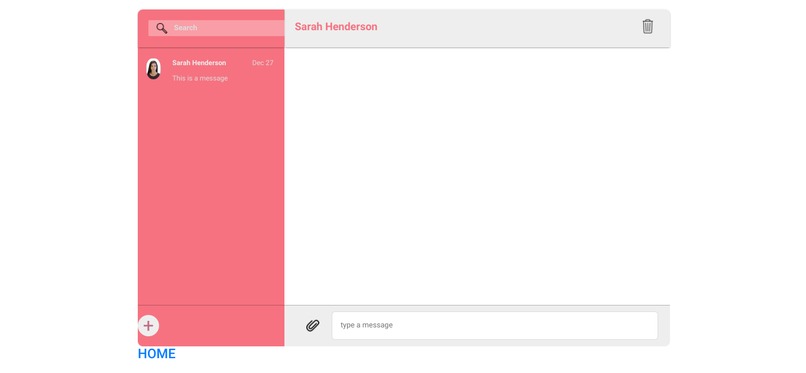
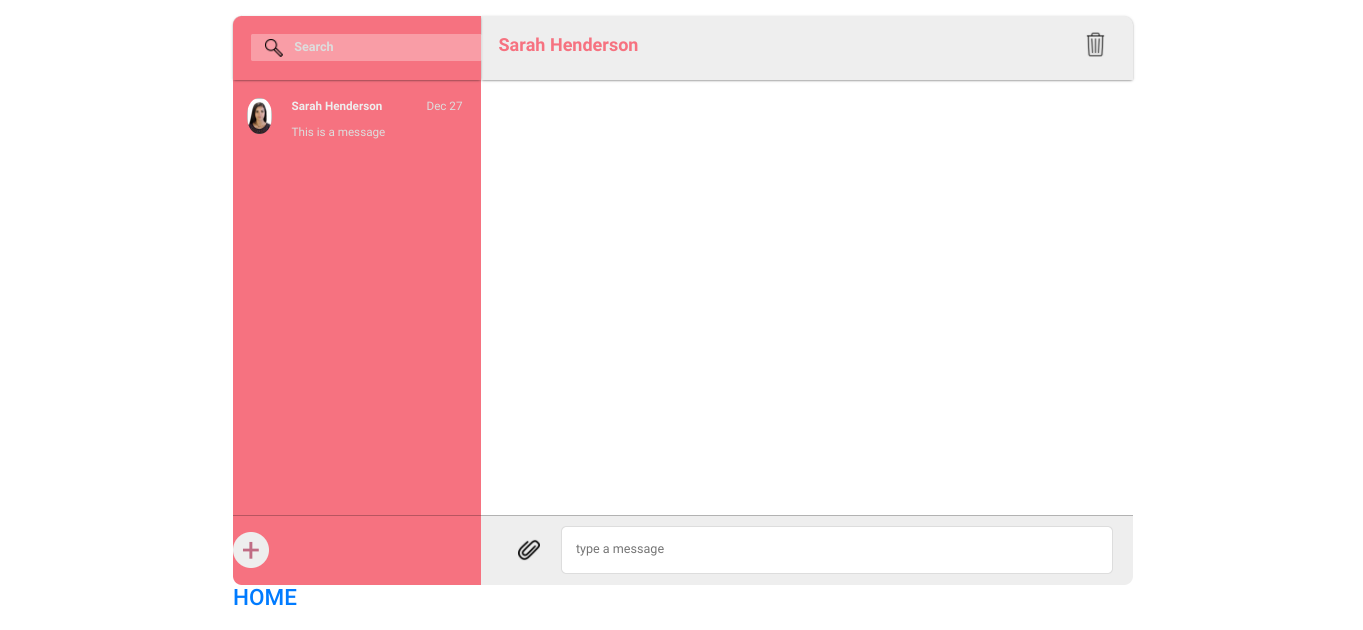
Class forum
Inspiration
During the COVID-19 Pandemic, millions of students and educators from around the world are suddenly forced to adjust to a virtual learning environment. We have realized that many learning management systems used by schools are difficult for students to use as they have to use many external applications along with the platform in order to meet needs. Some examples are Gmail, Google Meet, Zoom and social media. But what if those were all built into one platform….
What it does
eduBubble is a Learning management system (LMS) that allows students and educators to gain access to all of the applications that they would commonly use for virtual learning in one place. The platform’s design is simple and easy to navigate. Once the user logs into the platform they are brought to the main page where all the courses the user is associated with are listed. When a user clicks on one of their courses they will be redirected to the content stream of that course which includes the class list, course content, announcements from the course instructor, assignments and more. The main page also has widgets to the side of the page that show new updates from the user’s courses. We used Google Classroom and D2L’s Brightspace as a reference and inspiration for this platform. We integrated unique features into our platform that we felt were missing as well as necessary for a student’s virtual learning experience from those learning management platforms mentioned. There is a messaging system in the platform that allows students to message with other students in the class or the course instructor, one on one or in groups which allows for fast and quick responses to questions from the course instructor or fellow peers. As opposed to personally emailing or finding the social media of a classmate. There are icons at the top of the platform’s page that will direct the user to various tabs which are the settings page, course notifications, messaging inbox, scheduled events/assignments and the user’s personal profile. The settings page allows the user to make changes to their experience with the platform based on personal preference. The notifications page shows all the user’s updates regarding their courses. The messaging inbox page shows the user all their past conversations and allows for a user to create a new conversation with a peer or the course instructor. The scheduled events page shows all the user’s due dates for assignments, special events etc. and allows for the user to personally markdown new events. And finally, the user’s profile page displays all the personal information of the user and allows the user to create edits where necessary.
How we built it
We built eduBubble’s whole website platform using Virtual Studio Code, a free source code editor. The language we coded the platform with was HTML. We also used Canva, a graphic design platform for eduBubble’s icons, colours and logo.
Challenges we ran into
We coded the whole platform using HTML. Only one of us knew HTML beforehand while the rest of us didn't. This caused a hard time for us to distribute roles and tasks to each member. All the other tasks that weren't related to the coding part of the project were very minimal. Since most of us didn’t know HTML we had to learn it while coding in it for the project at the same time which in return caused us to work slowly. However, as we got to work we slowly started to get into the swing of things and managed to complete the project by the deadline through determination and perseverance.
Accomplishments that we're proud of
We are proud of learning the basics of a new coding language (HTML) in a short amount of time as well as learning to navigate a new application that none of us had used before prior to this hackathon.
What we learned
We learned a new coding language, HTML, through https://www.w3schools.com/. We also learned how to use and navigate vs code (virtual studio code), a free source code editor.
What's next for eduBubble!
We didn’t get to finish some of the pages for our platform because of time so we definitely want to finish eduBubble in the future. We also plan on making the platform multilingual. Multilingual platforms allow for international use and will allow our platform to reach more students and educators in the world. We also plan on adding more features for students to have access to in the platform, like video meetings or a page for class discussion.
Built With
- canva
- html
- virtual-studio-code


Log in or sign up for Devpost to join the conversation.