Inspiration## Inspiration
2.6 billion people still lack reliable internet access, and even more face costly, throttled, or unstable connections. Meanwhile, the current wave of AI study tools assumes an always-on connection to a cloud model. That leaves exactly the students who'd benefit most — those in rural areas, informal settlements, and low-connectivity regions — locked out. We wanted to build an AI study companion designed around that constraint from day one: capture once, get a personalized lesson and quiz, and keep working even when the connection drops.
What it does
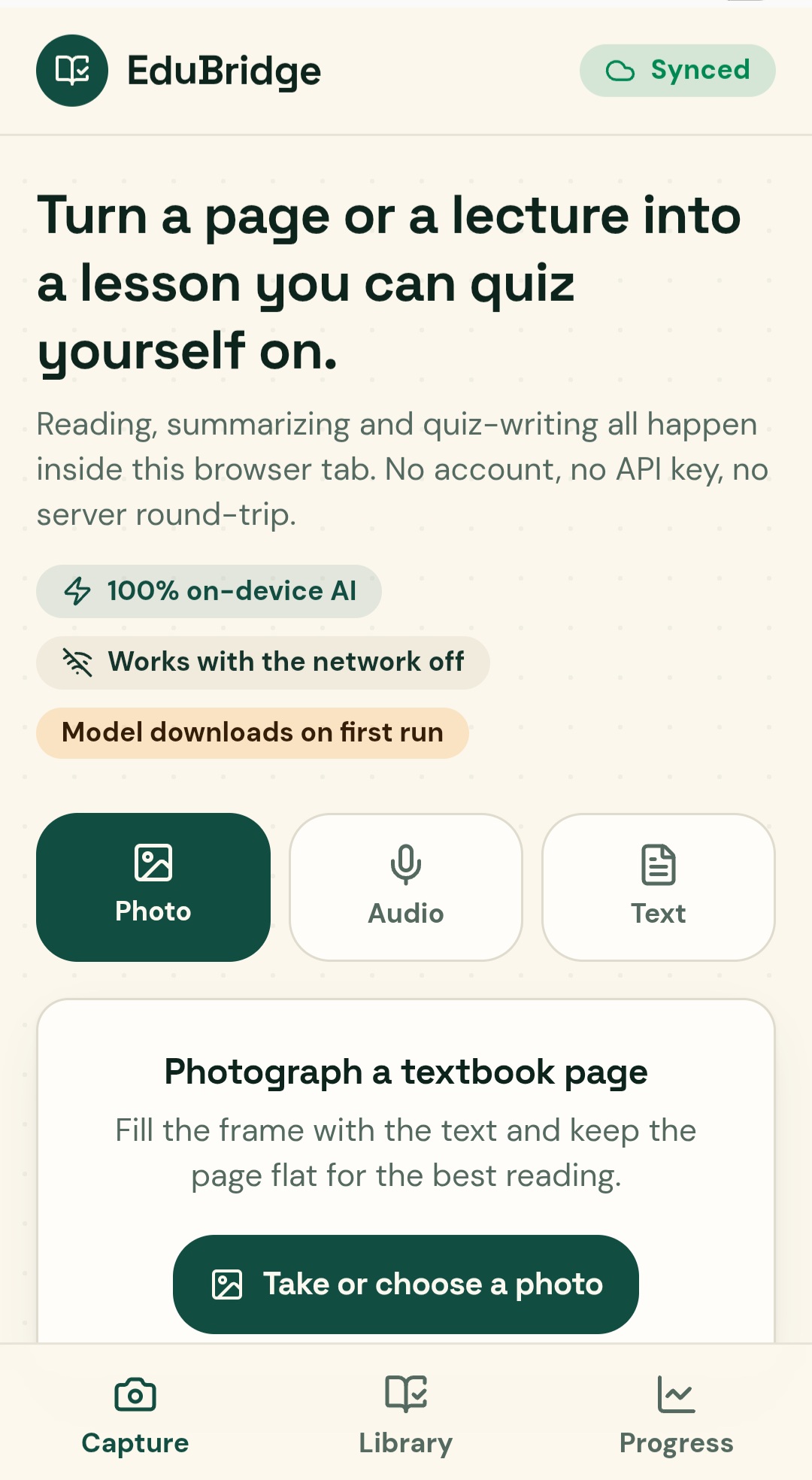
EduBridge turns any lecture recording or textbook photo into a personalized micro-lesson and quiz:
- Capture — snap a textbook photo or record a lecture
- Summarize — AI condenses it into a short, digestible micro-lesson
- Quiz — auto-generated questions check understanding and target weak spots
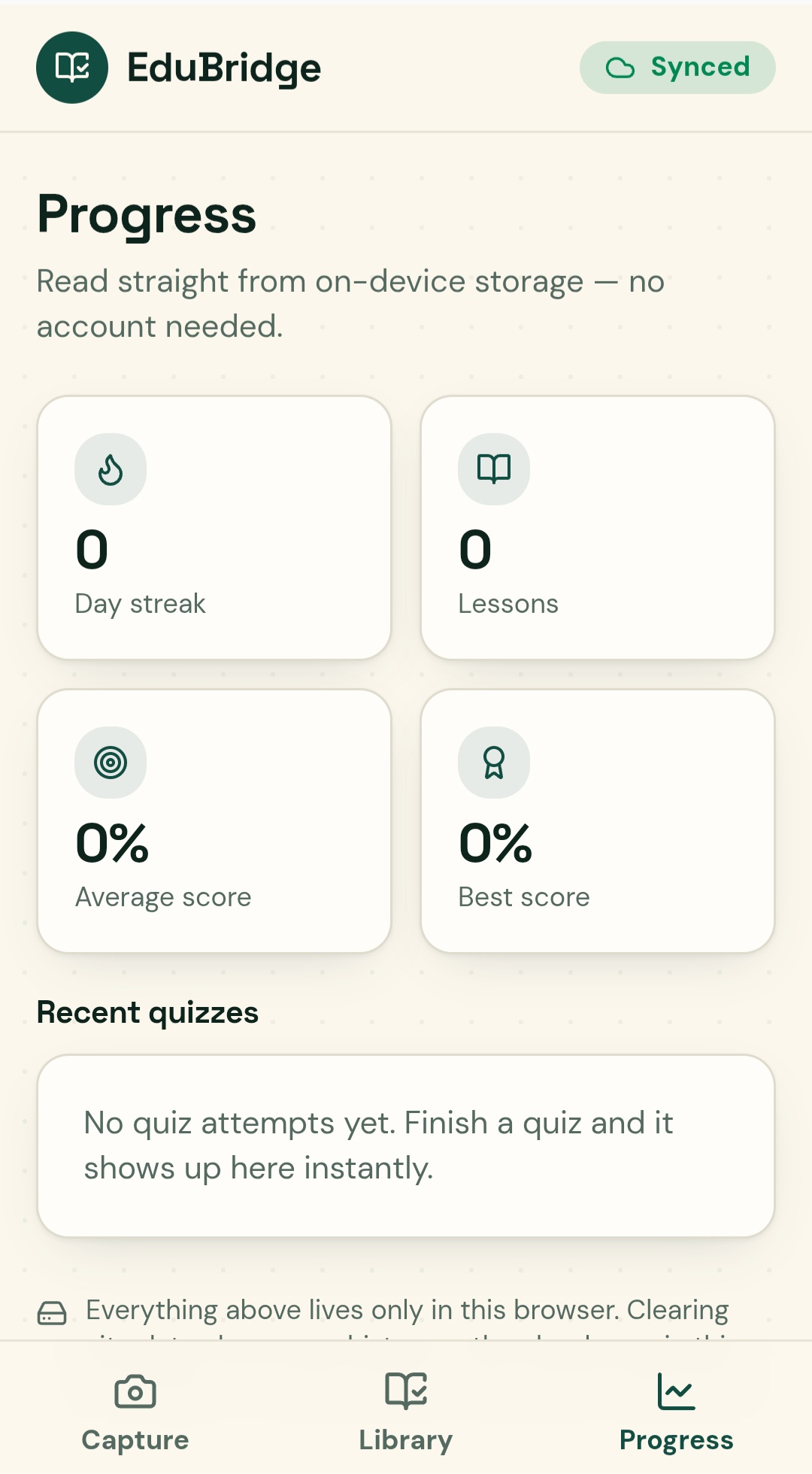
- Track progress — completed lessons and quiz scores are saved so students can see what they've mastered and what needs review
How we built it
- Frontend: React + TypeScript + Vite, built in Lovable
- UI: Tailwind CSS with shadcn/ui components
- Backend: Supabase for data storage, auth, and edge functions
- AI pipeline: Supabase edge functions call out to generate summaries and quiz questions from captured lecture/textbook content
- Local-first UX: captured content and progress are cached client-side so the app stays usable through brief connectivity drops, with data syncing back to Supabase once the connection is stable
Challenges we ran into
Getting quiz questions that were actually well-formed and matched to the difficulty of the source material took real prompt iteration — early versions produced quizzes that were either too trivial or missed the point of the passage entirely. We also had to think carefully about how much of the "offline-first" architecture we could genuinely deliver in the MVP timeline versus what we're designing toward, and decided to be upfront about that rather than fake it.
Accomplishments that we're proud of
Getting the full capture → summarize → quiz → save loop working end to end, with a clean, fast UI that doesn't feel like a hackathon prototype.
What we learned
How much of "offline-first" is an architectural discipline rather than a single feature — it shapes where AI processing happens, how data is cached, and how sync is designed, not just whether there's a "works offline" label somewhere.
What's next for EduBridge
Moving AI processing on-device (via a lightweight local model) so the core capture-to-quiz flow works with zero connectivity, not just brief drops — plus language/curriculum packs, spaced-repetition review, and distribution partnerships with school device programs, telecoms, and NGOs.
Built With
- lovable
- react
- shadcn-ui
- tailwindcss
- typescript
- vite


Log in or sign up for Devpost to join the conversation.