-
-
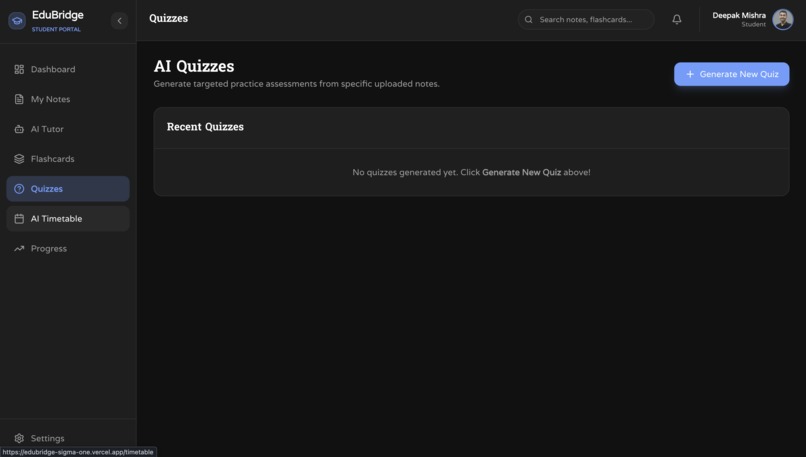
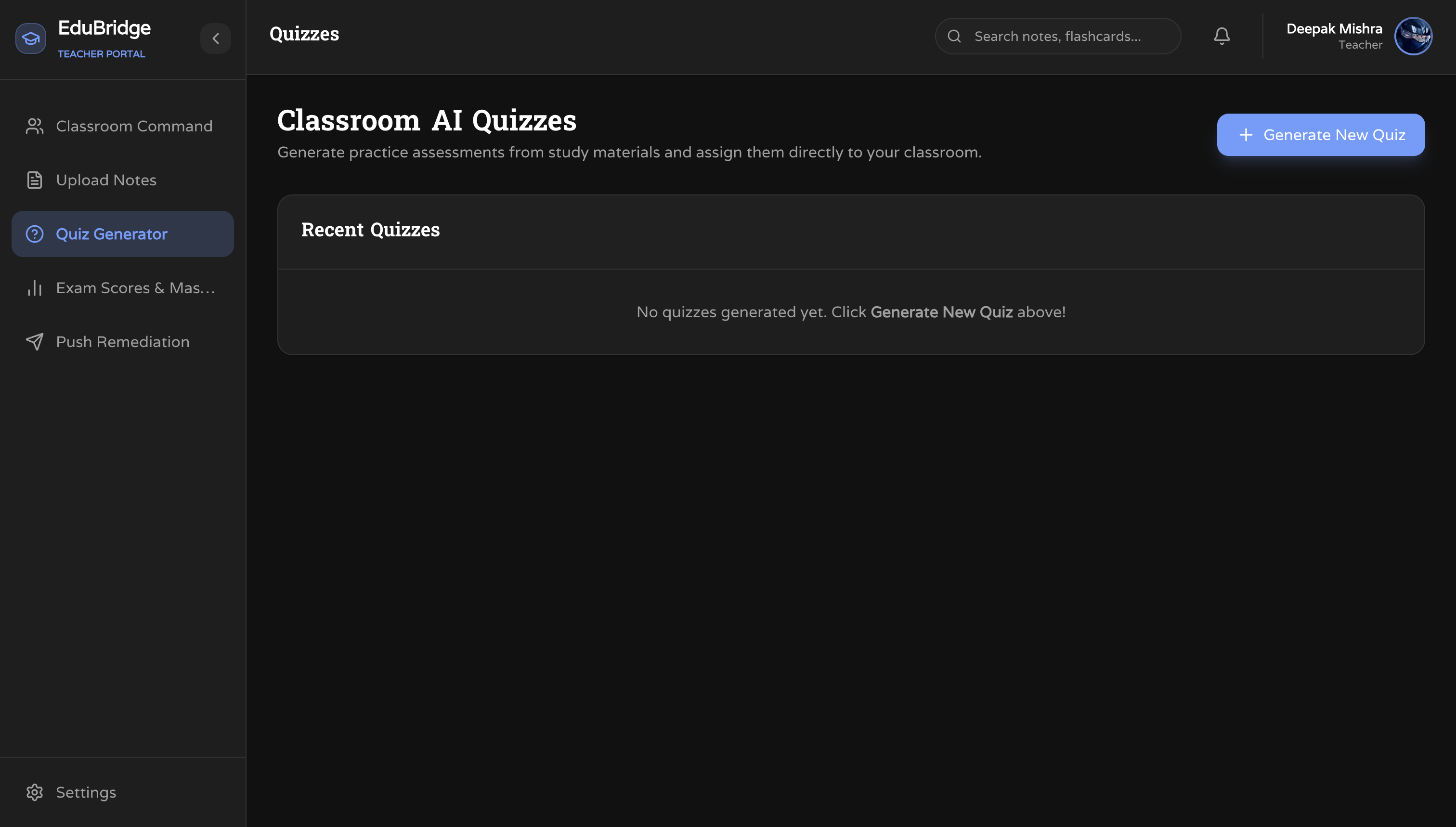
AI Quizzes
-
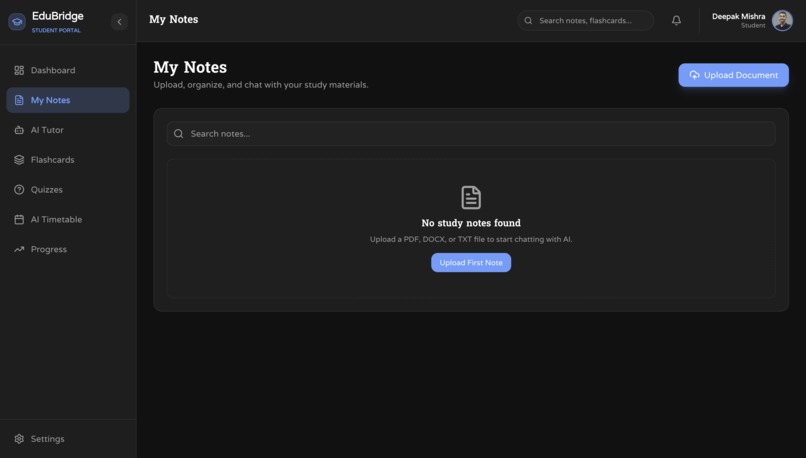
Student Notes
-
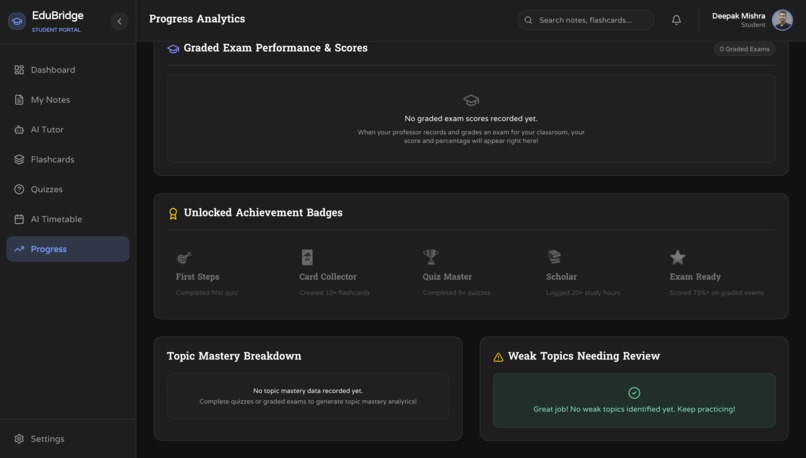
Student Progress Tracker
-
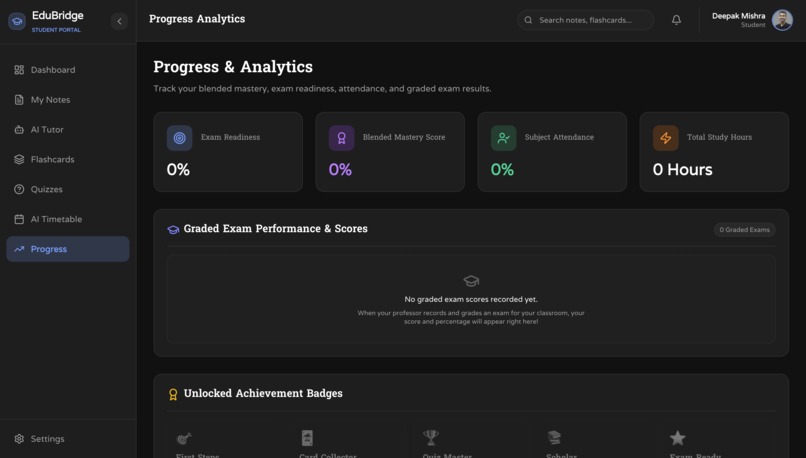
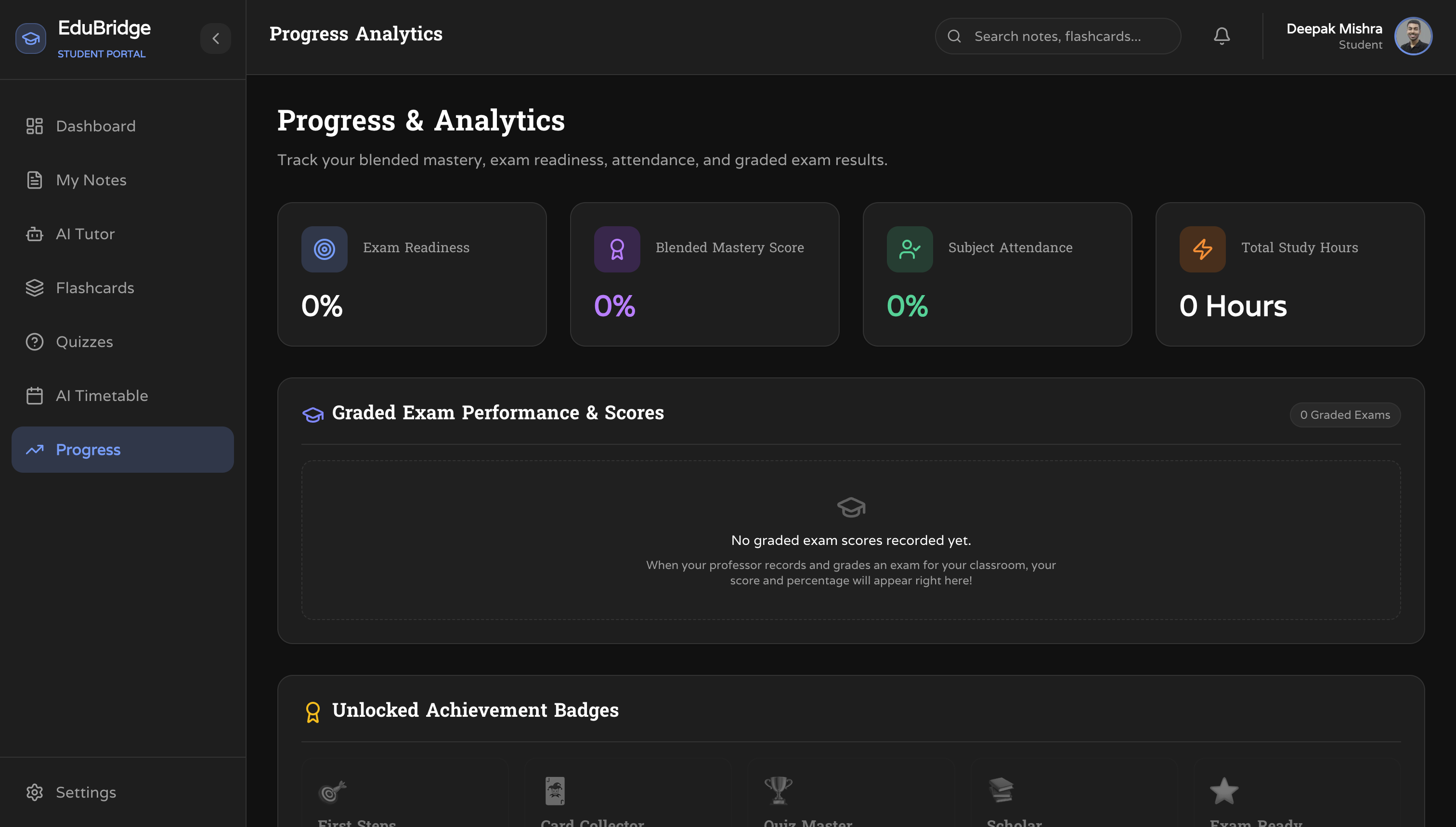
Student Progress Tracker
-
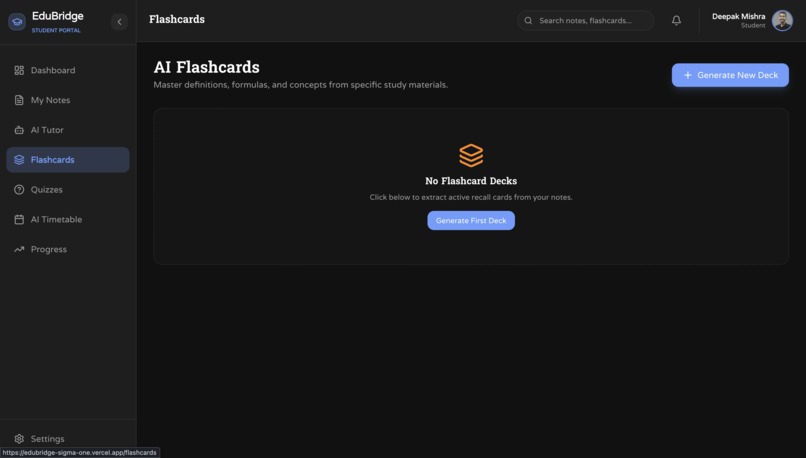
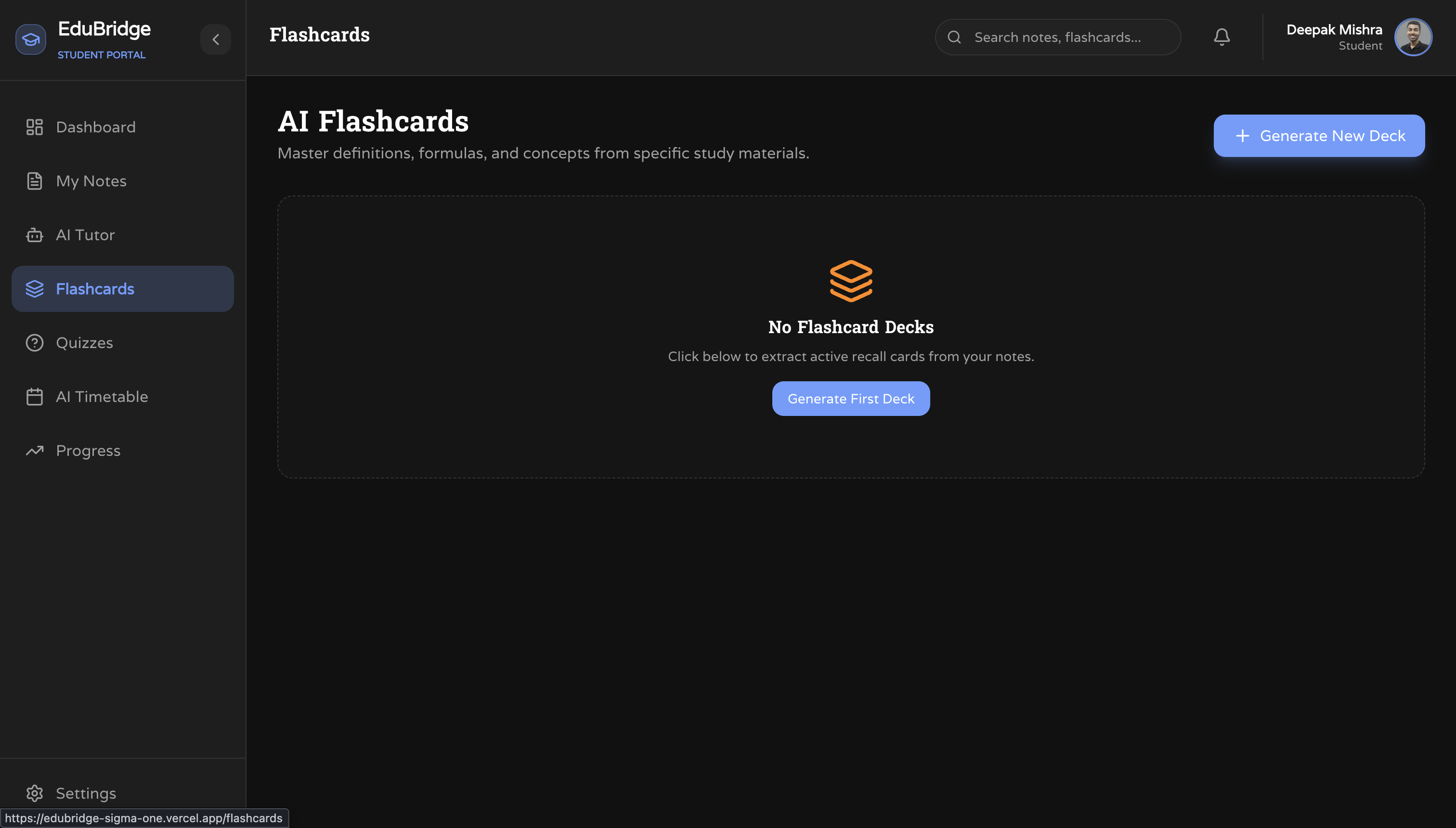
AI Flashcards
-
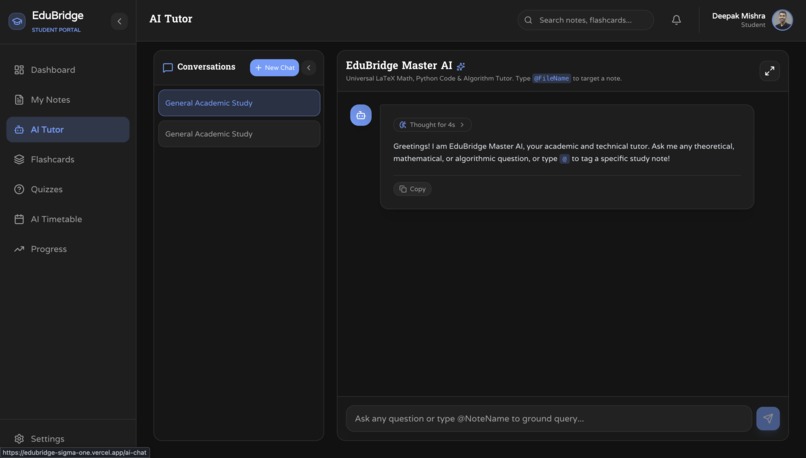
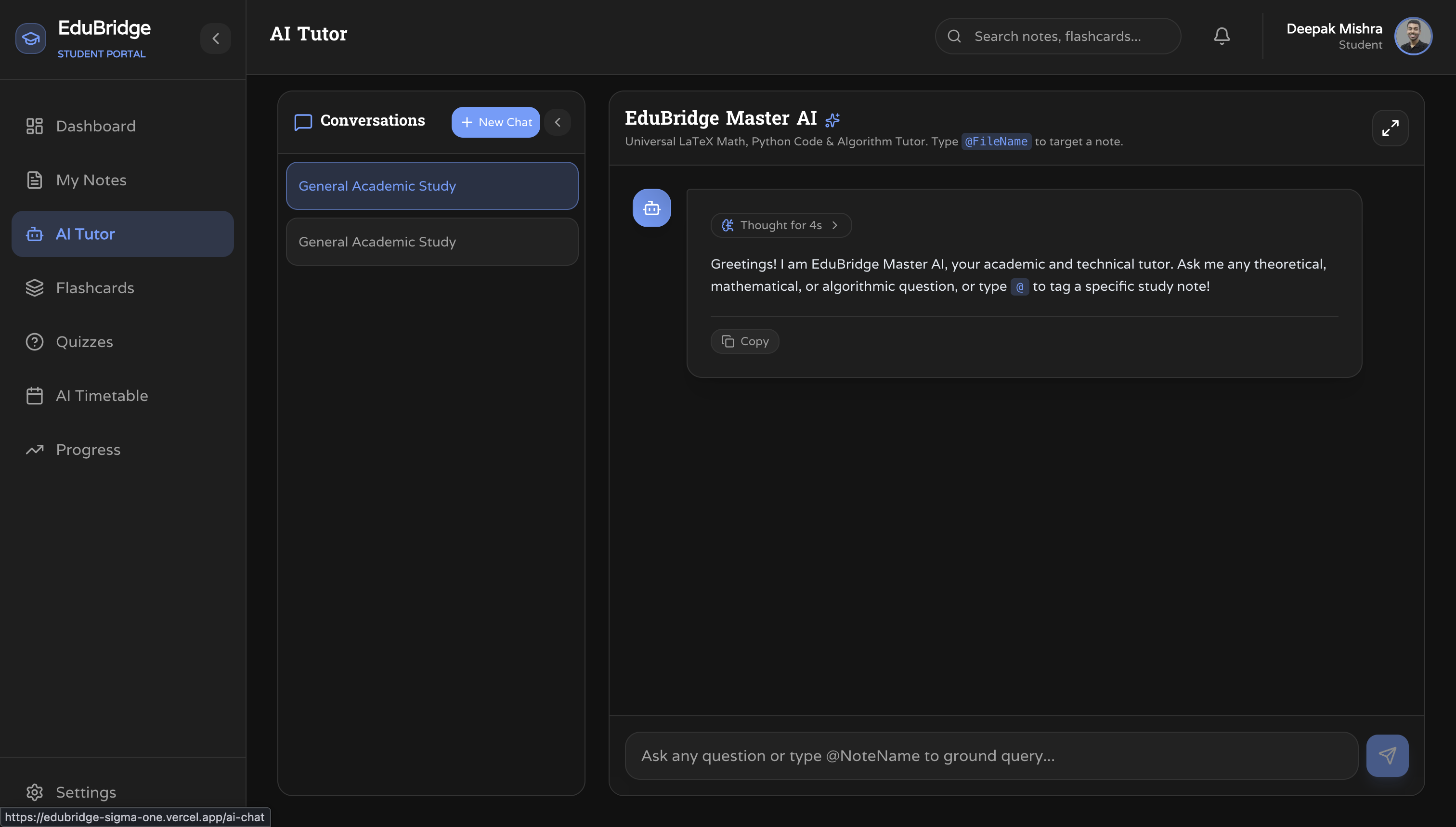
AI Tutor
-
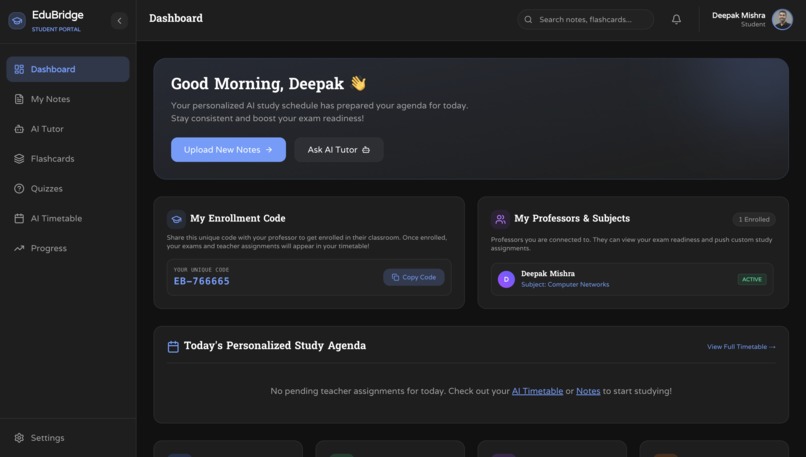
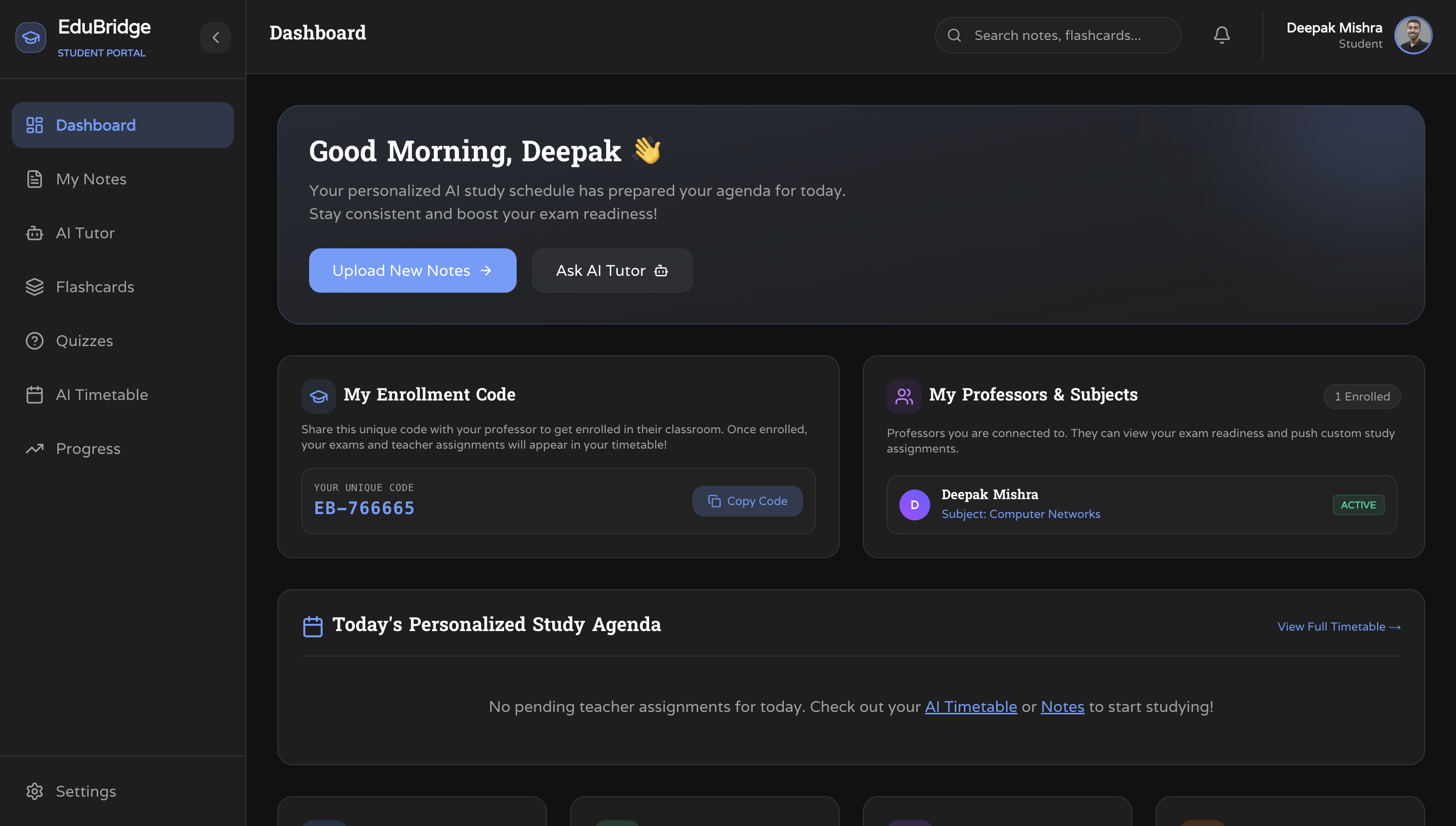
Student Dashboard
-
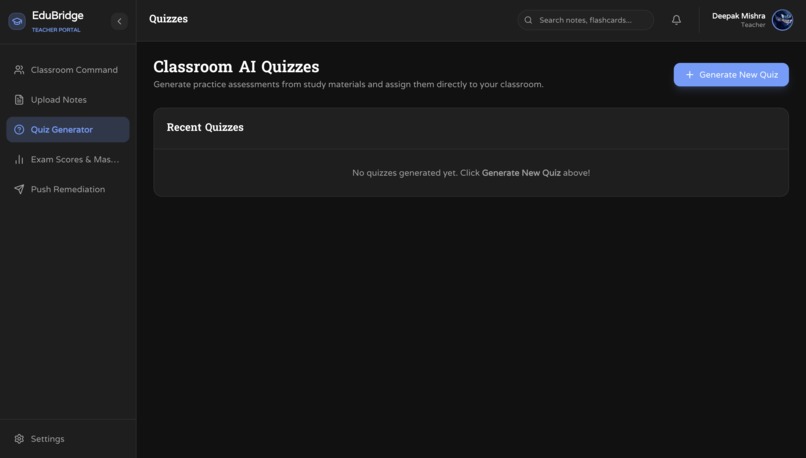
Teacher Quizzes
-
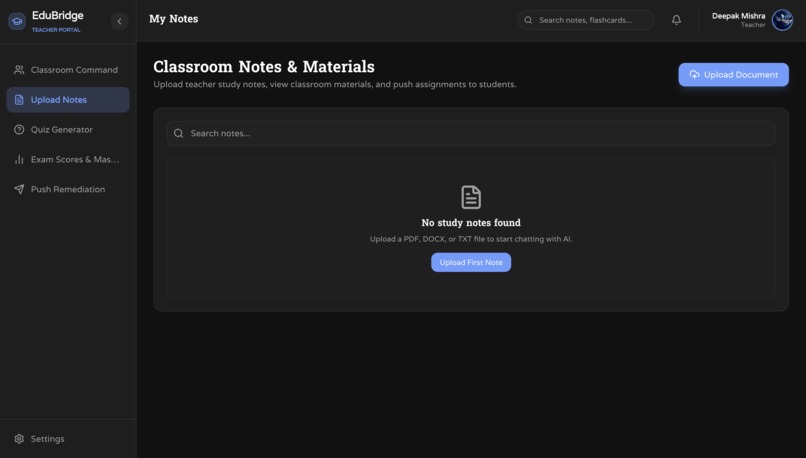
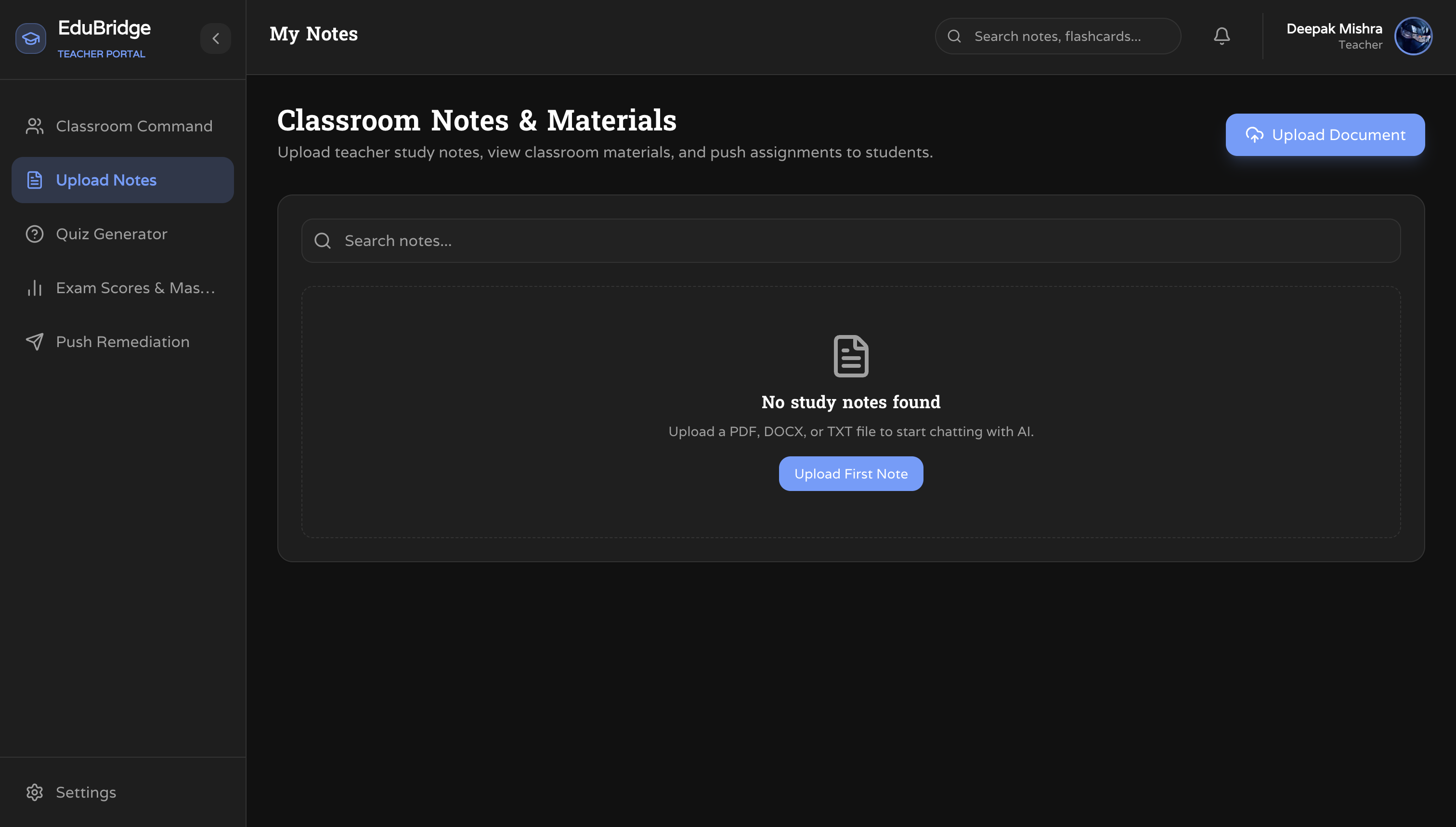
Teacher Notes
-
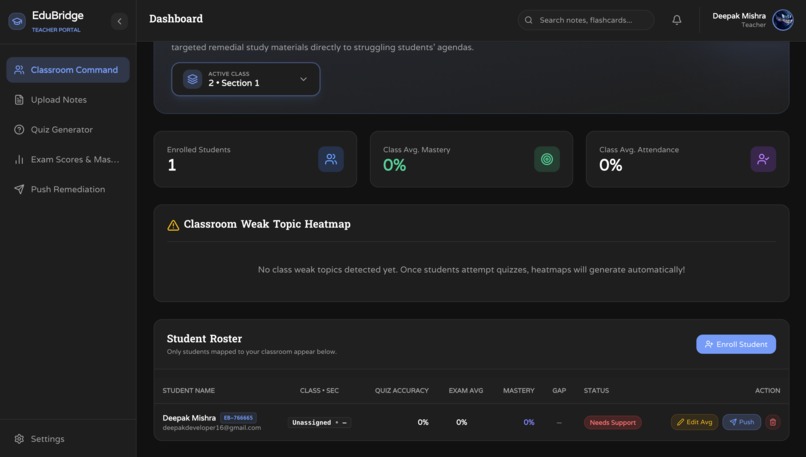
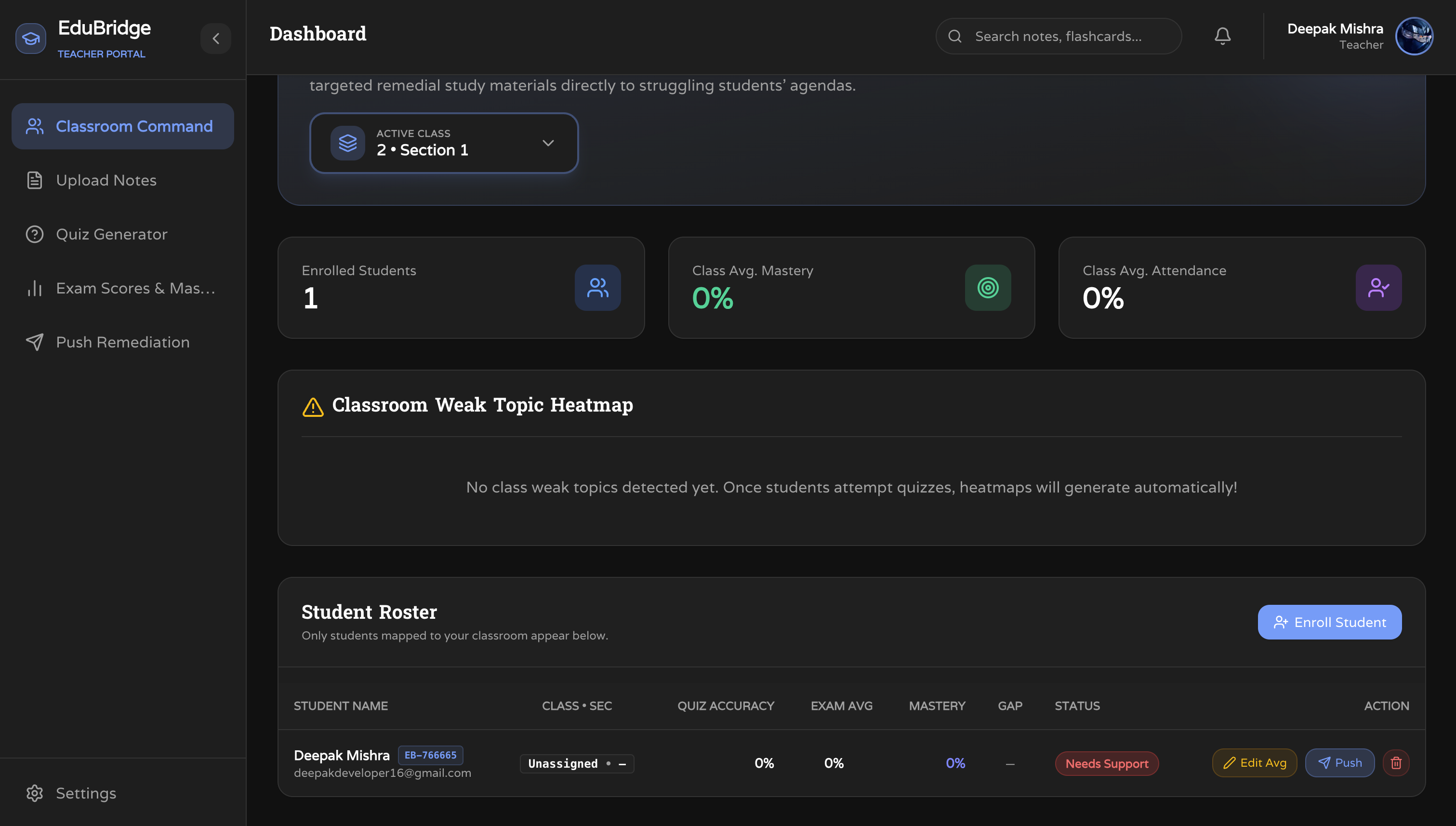
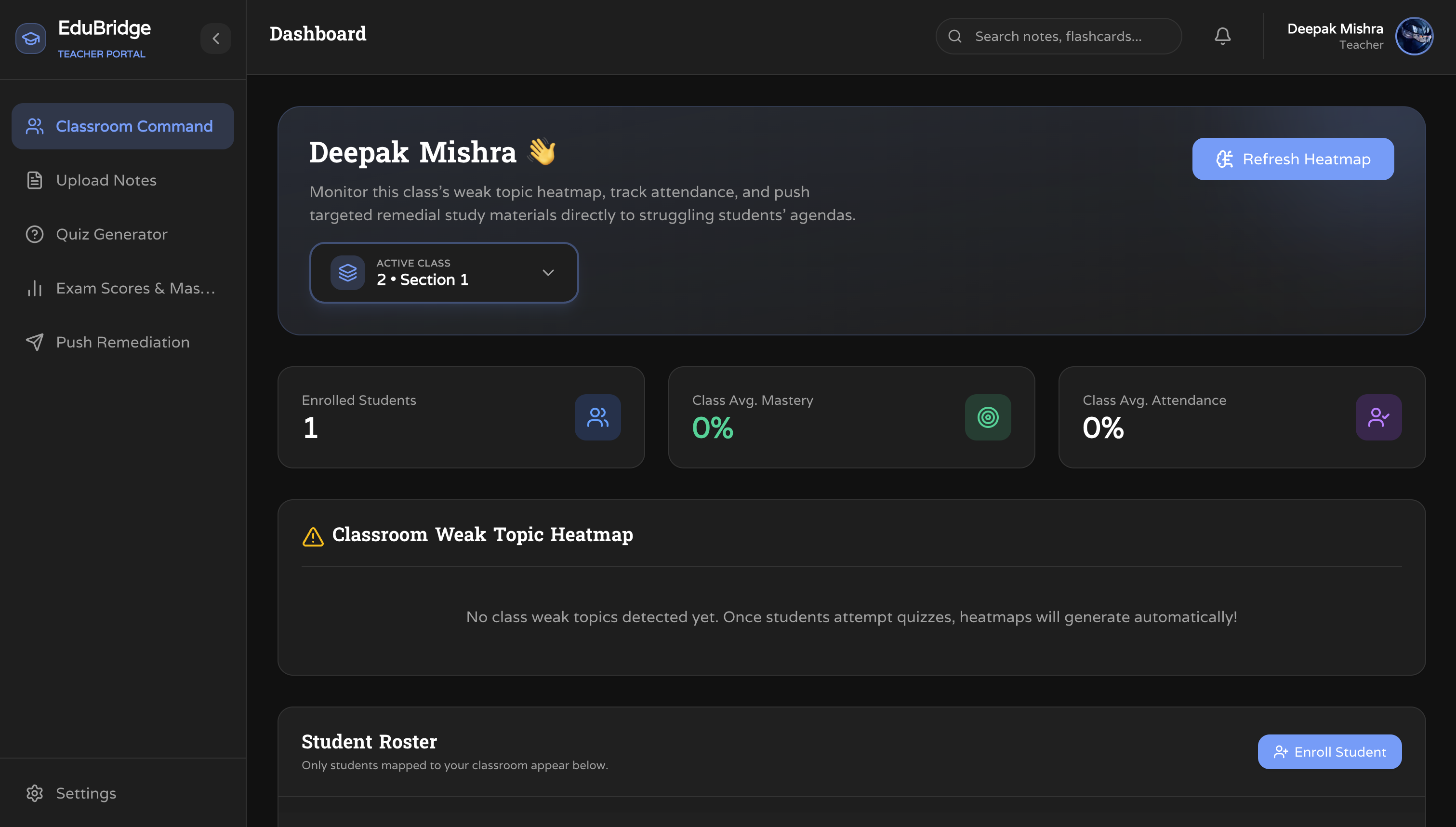
Teacher Dashboard
-
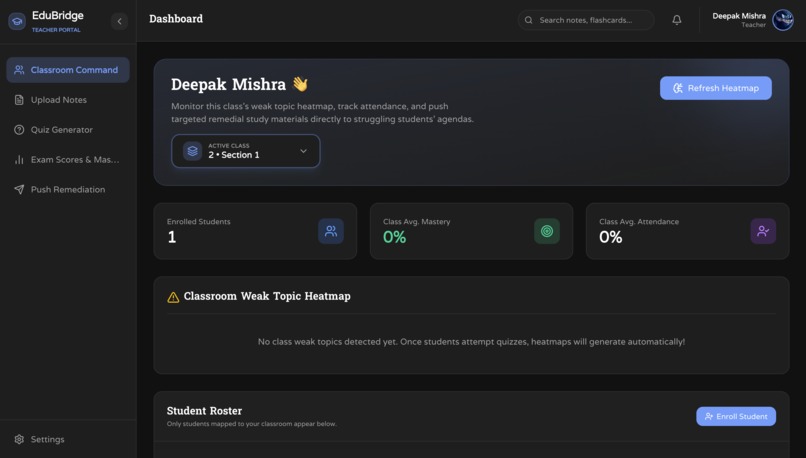
Teacher Dashboard
-
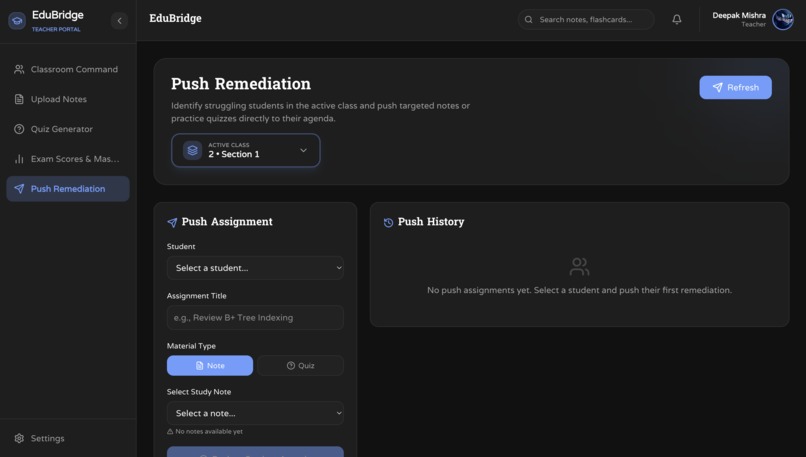
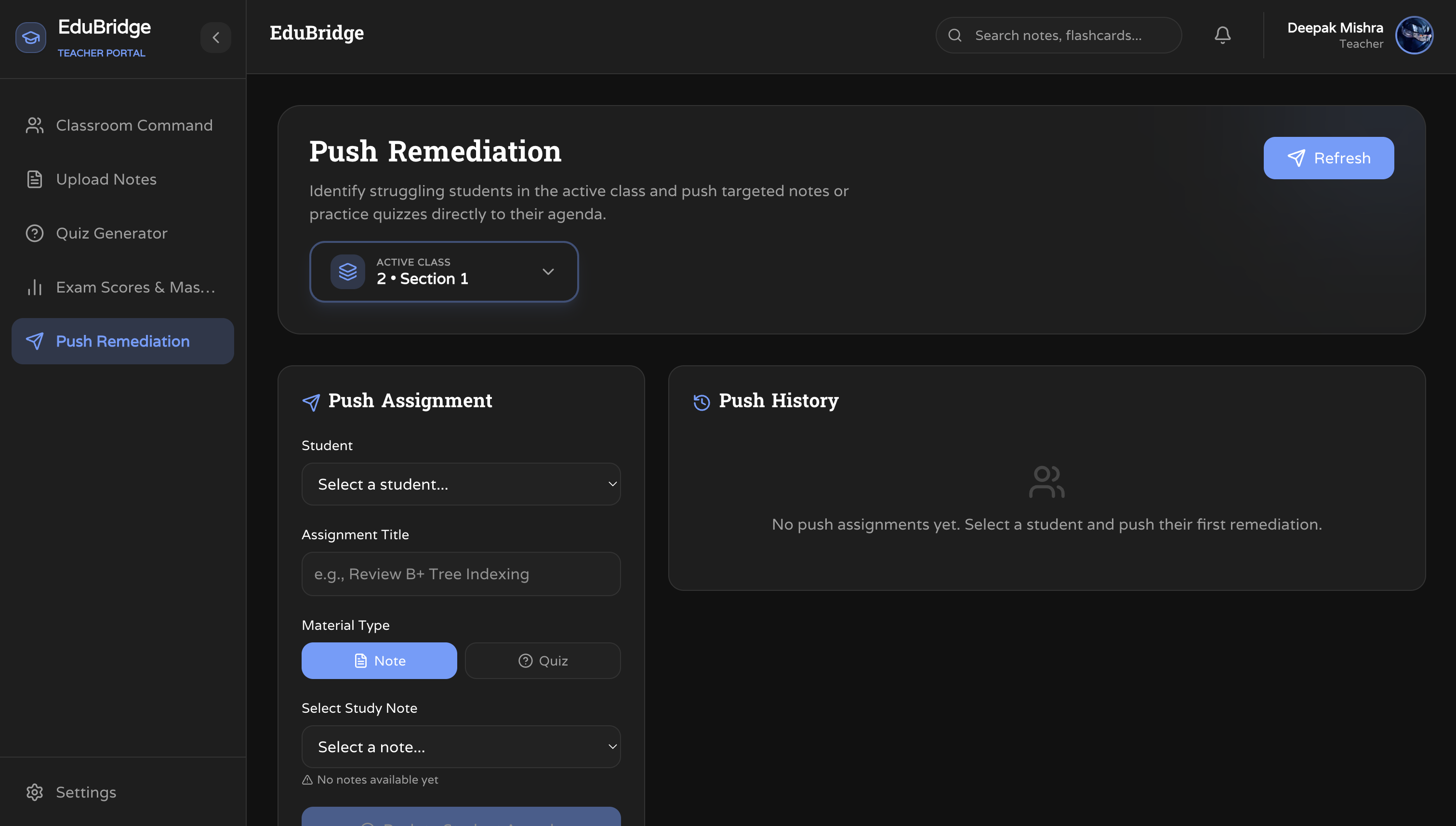
Teacher Push Remediation
-
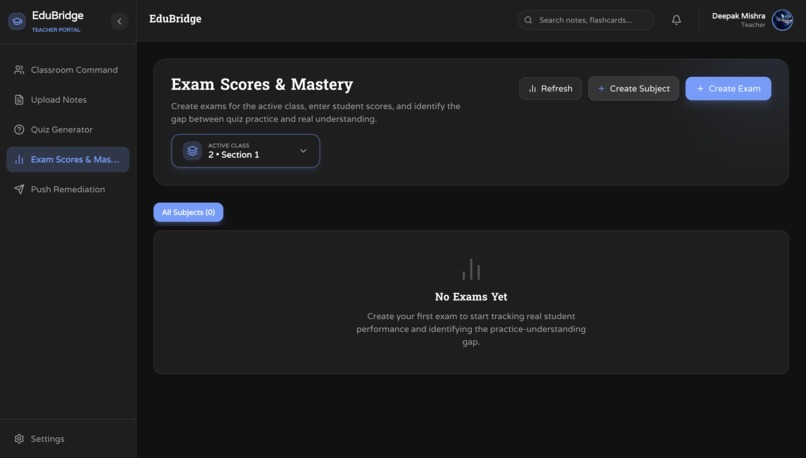
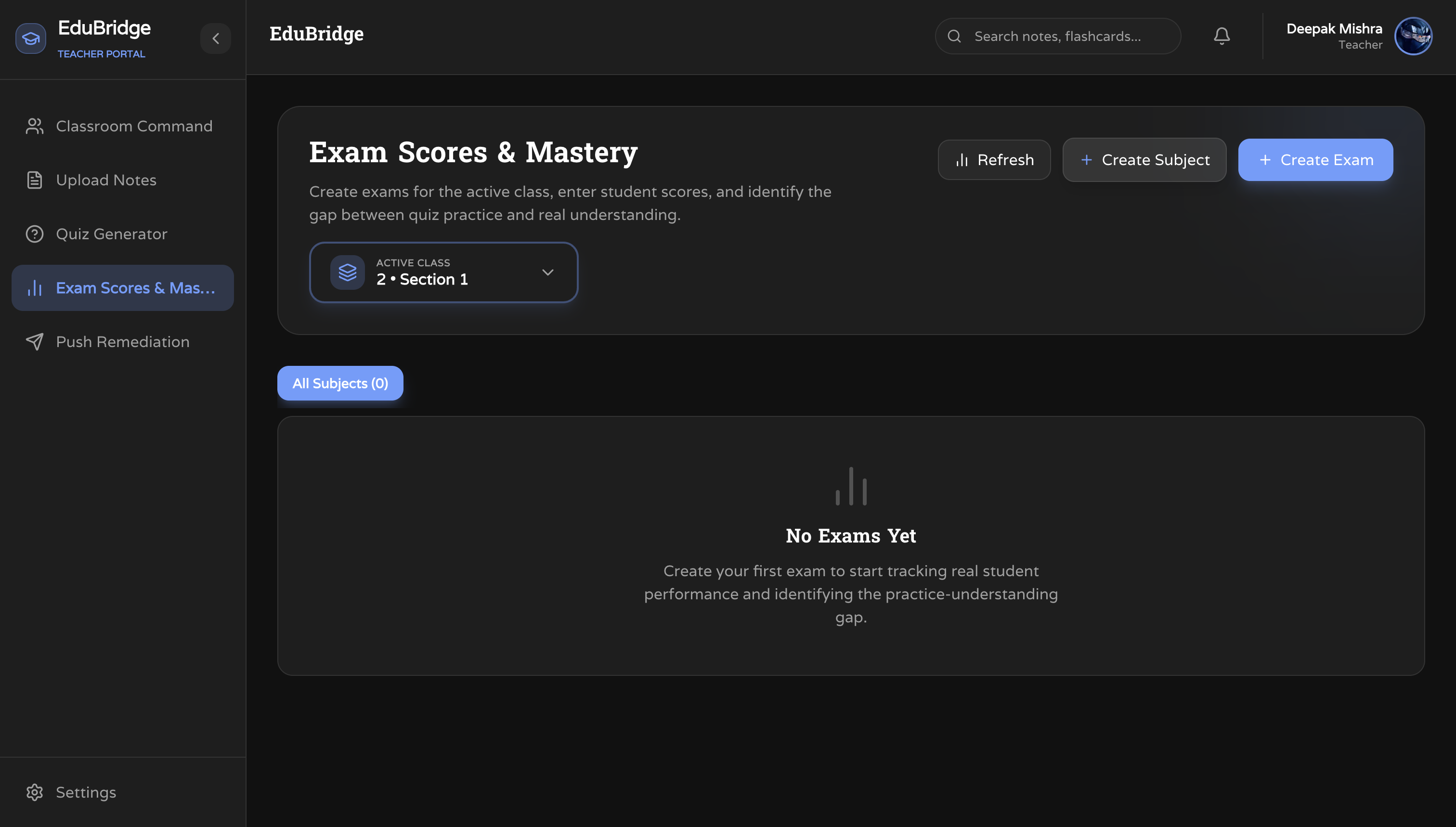
Teacher Exam Analytics
Inspiration
Every student learns differently, but most classrooms treat everyone the same. We've seen firsthand how students struggle with concepts that aren't explained in their language, with their material. Generic AI tools like ChatGPT give answers based on the internet — not on the notes a student has been studying for weeks.
At the same time, teachers are expected to individually track the progress of 30+ students, identify who is struggling, and somehow find time to provide targeted support. It's an impossible task without the right tools.
We built EduBridge to solve both problems at once — an AI that learns from your notes to tutor you, and a teacher portal that surfaces exactly who needs help and why.
What it does
EduBridge is a full-stack AI-powered learning platform with two portals:
Students can:
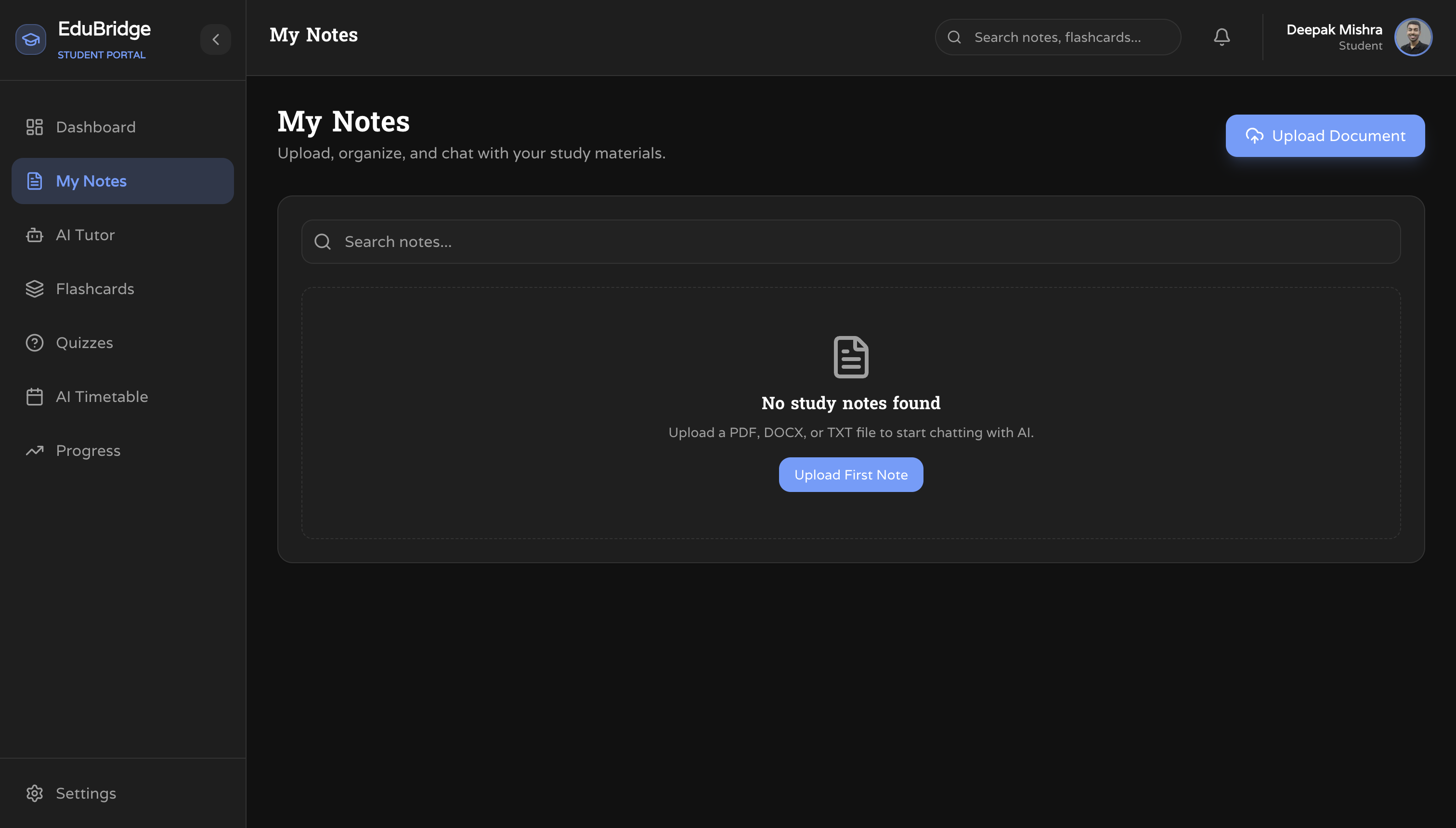
- Upload PDF notes and have them indexed into a personal knowledge base
- Chat with an AI Tutor that answers questions using only their own uploaded material (RAG)
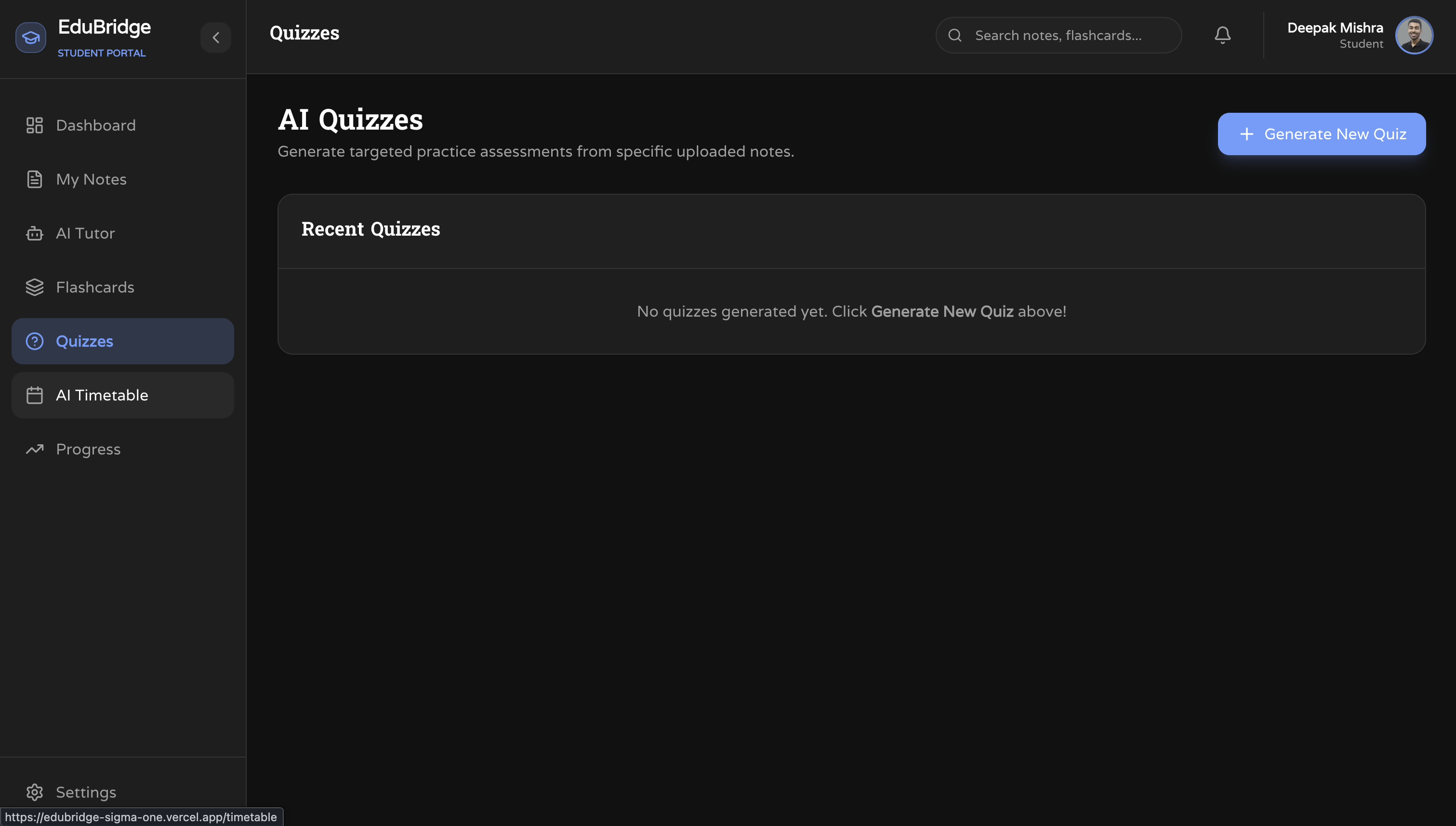
- Generate adaptive quizzes from their notes and get instant explanations
- Create AI-generated flashcards for fast revision
- Follow a personalized weekly study timetable generated by AI
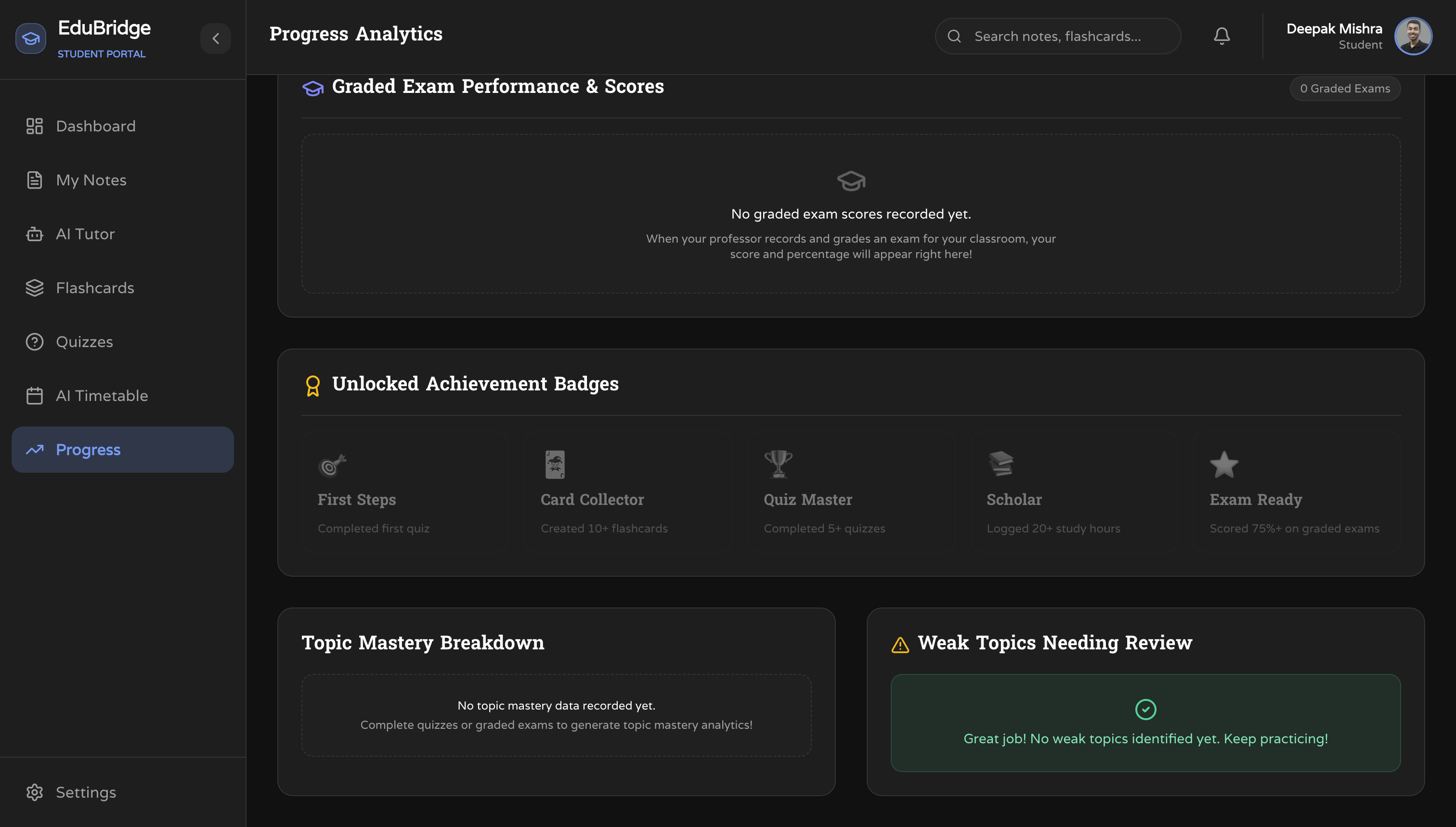
- Track their mastery, quiz accuracy, and topic-wise performance on a gamified Progress Dashboard
Teachers can:
- Enroll students and manage their classroom
- View a real-time Classroom Weak Topic Heatmap automatically built from student quiz results
- Monitor every student's quiz accuracy, exam average, mastery score, and support status
- Push targeted remedial study notes directly to a struggling student's agenda
- Manually adjust student exam averages and track learning gaps
How we built it
Frontend: Next.js (App Router), React, TypeScript, Tailwind CSS — deployed on Vercel.
Backend: Node.js, Express.js, TypeScript — deployed on Render.
Database: PostgreSQL with Prisma ORM, hosted on Render's managed database.
AI & RAG Pipeline:
- PDFs are parsed with
pdf-parse, chunked with LangChain, and embedded using Google Generative AI Embeddings - Embeddings are stored in a FAISS vector database (
faiss-node) - On every student query, FAISS performs semantic similarity search to retrieve the most relevant chunks from their notes
- The retrieved context is injected into a structured prompt and sent to Google Gemini for a grounded response
Authentication: Custom JWT with refresh tokens + Google OAuth 2.0 via google-auth-library and @react-oauth/google.
Quiz, Flashcard & Timetable generation uses structured Groq/Gemini prompts with JSON output parsing.
Challenges we ran into
- FAISS on a cloud server:
faiss-noderequires native binaries which made deployment on Render tricky. We had to carefully manage build flags and Node.js version compatibility. - CORS in production: Getting the CORS configuration right across Vercel and Render — including stripping trailing slashes from environment variables — took several debugging iterations.
- TypeScript build on Render: Render only installs
dependencies, notdevDependencies, which broke ourtscbuild step. We resolved it by moving@types/*packages to production dependencies and excluding test files from the TypeScript compilation. - Google OAuth popup blocking: Vercel's default
Cross-Origin-Opener-Policyheader blocked the Google Sign-In popup from completing its flow. We added a customsame-origin-allow-popupsheader innext.config.ts. - RAG quality: Tuning chunk sizes and retrieval counts to get responses that felt grounded in the student's material without being too narrow or too broad required multiple rounds of testing.
Accomplishments that we're proud of
- Building a fully functional RAG pipeline from scratch — PDF ingestion, semantic chunking, FAISS indexing, and context-aware Gemini responses — without using a managed vector DB service.
- Shipping a real two-sided product: a complete Student portal and a fully functional Teacher dashboard with live classroom analytics.
- Deploying the full stack (frontend on Vercel, backend + PostgreSQL on Render) with all features working in production.
- Implementing skeleton loading screens, Google OAuth, custom JWT auth, and a gamified progress system — all polished and working end-to-end.
What we learned
- How Retrieval-Augmented Generation works in practice — from embedding generation to similarity search to prompt construction.
- The complexity of deploying AI-heavy Node.js applications to cloud platforms with native dependencies.
- How to architect a multi-role application (Student vs. Teacher) cleanly with shared middleware, role-based JWT, and separate dashboards.
- The importance of environment-specific configuration — CORS origins, file storage paths, database URLs — and making them all environment-variable driven from day one.
What's next for EduBridge
- Voice AI Tutor — let students ask questions out loud and hear answers read back.
- OCR for handwritten notes — so students can photograph handwritten notes and still get AI tutoring from them.
- Mobile app — a React Native companion so students can quiz and flashcard on the go.
- Global leaderboards — friendly competition between students to boost engagement.
- Multi-language support — making EduBridge accessible to students regardless of their primary language.
- Calendar & LMS integration — syncing the AI timetable with Google Calendar and platforms like Moodle.
Built With
- gemini
- groq
- jwt
- langchain
- machine-learning
- oauth
- postgresql
- rag
- render
- tailwind
- typescript
- vercel


Log in or sign up for Devpost to join the conversation.