-
-
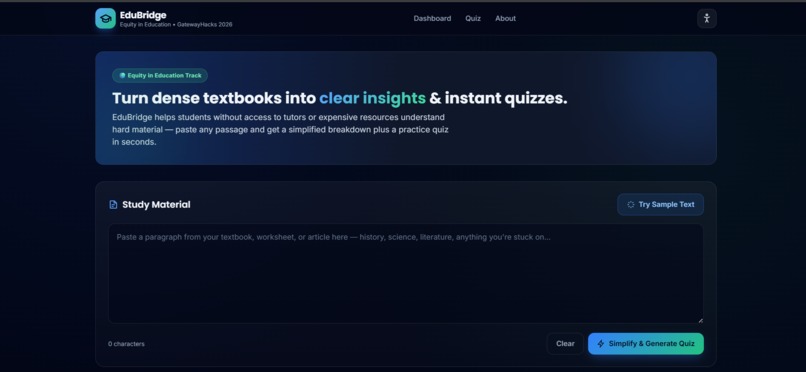
Opening Page Dashboard
-
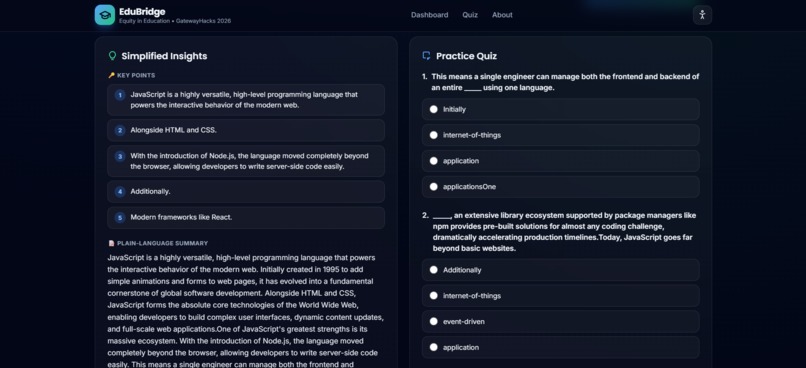
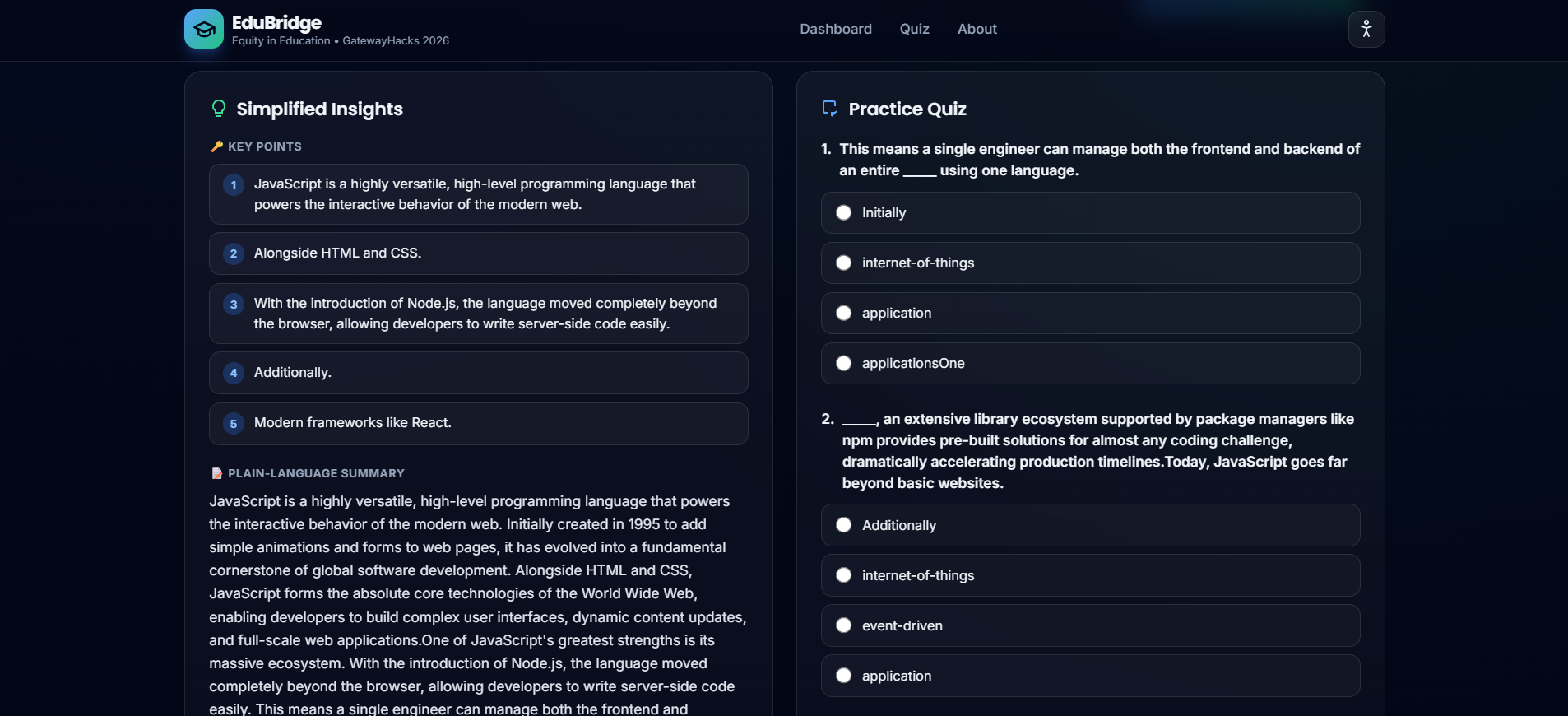
Interactive Practice Quiz View and Simplified Insights
-
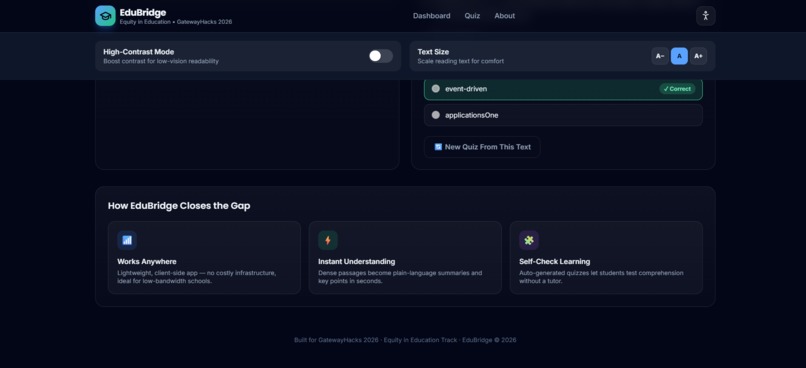
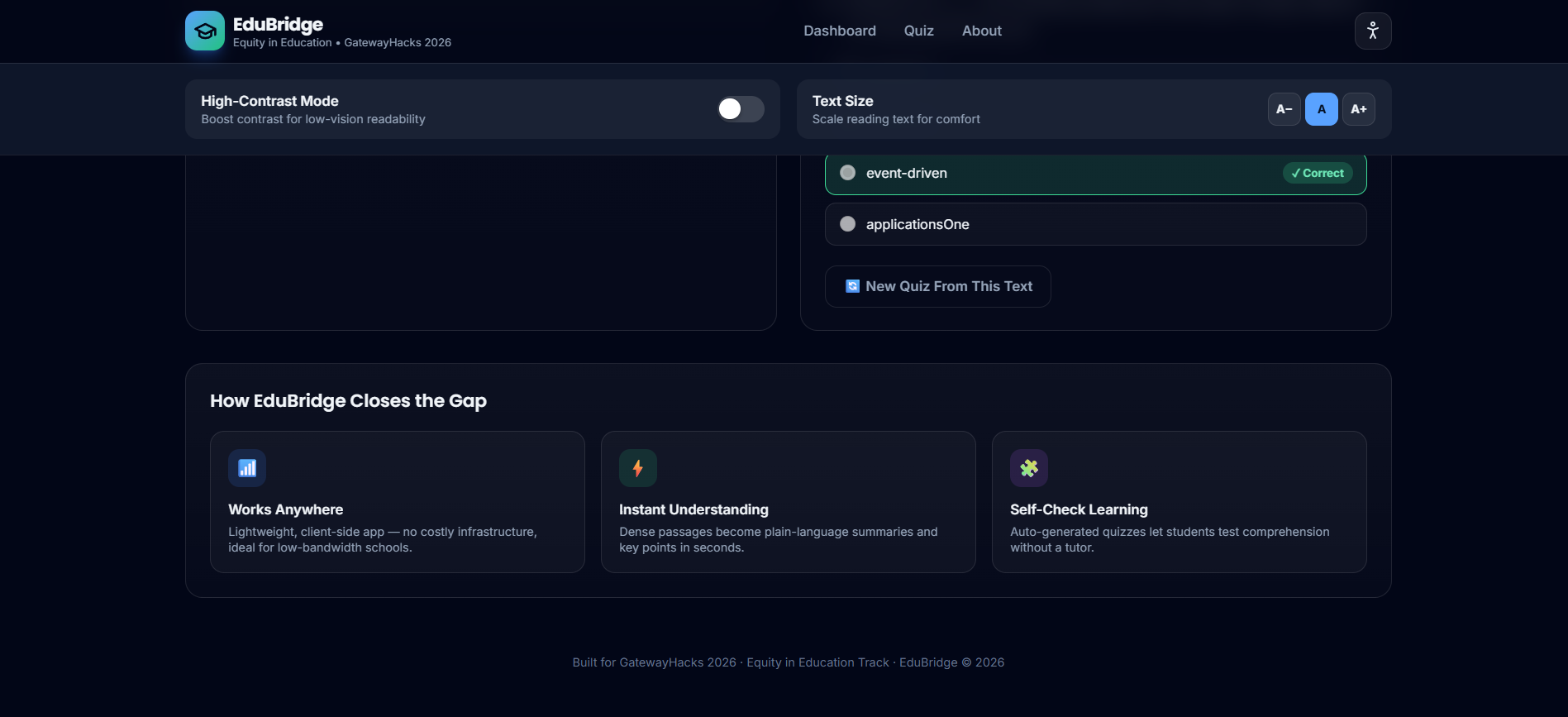
Accessibility Controls & Core Pillars View
Inspiration Millions of students lack access to private tutors, paid study applications, or reliable high-speed internet. Furthermore, textbooks and course readings are frequently written far above the reading level students are taught to expect—making them dense, jargon-heavy, and discouraging. I built EduBridge to close this digital divide rather than widen it, providing an accessible tool that levels the playing field for every student.
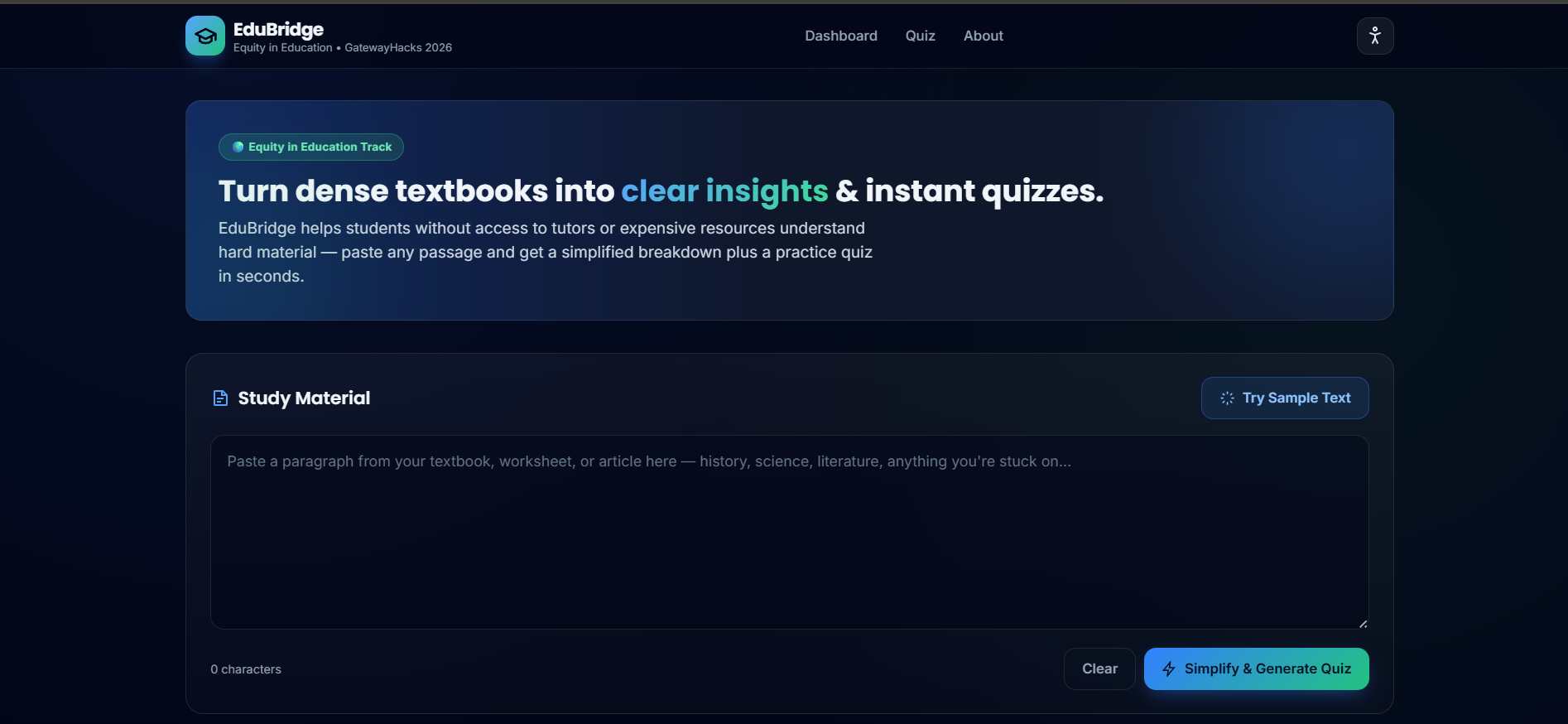
What it does EduBridge allows any student to paste a complex passage—such as a science excerpt, history reading, or literature handout—and instantly receive:
A plain-language summary and key points that strip out academic jargon.
A vocabulary glossary displaying precisely which difficult words were simplified and their definitions.
An auto-generated multiple-choice quiz that enables students to test their comprehension independently without needing a teacher, tutor, or answer key.
How I built it EduBridge is engineered as a fully client-side web application using HTML5, Tailwind CSS, and vanilla JavaScript. To ensure the platform remains entirely free and deployable in low-resource classrooms, I utilized a custom heuristic natural language processing (NLP) pipeline instead of a hosted LLM API:
Sentence Scoring: Sentences are algorithmically evaluated based on jargon density, word length, and structural complexity to isolate key information.
Vocabulary Substitution: An embedded dictionary translates academic terms into plain-language equivalents.
Distractor Generation: The quiz engine extracts key terms from the passage to dynamically build contextual fill-in-the-blank questions with plausible alternative options.
Challenges I ran into Balancing a rich, interactive user experience with a strict zero-dependency philosophy required careful optimization. Designing a rules-based NLP pipeline that could parse arbitrary student input dynamically in-browser—while keeping the interface responsive and accessible—pushed me to refine text-scoring algorithms and DOM rendering performance.
Accomplishments that I'm proud of Successfully shipping a fully functional, zero-cost, offline-capable study companion that runs instantly in any web browser without database dependencies or API keys.
Integrating robust accessibility features directly into the core user experience, including a high-contrast mode for low-vision users, text-scaling controls, keyboard navigation, and screen-reader support.
Designing a clean, professional split-pane interface with micro-interactions, skeleton loaders, and instant quiz grading.
What I learned I learned how powerful vanilla JavaScript and local heuristics can be when designing for real-world equity constraints. By avoiding heavy backend frameworks and external paid APIs, I realized that robust educational tools can be engineered to run anywhere—even on older hardware or in classrooms with limited connectivity.
What's next for EduBridge LLM Integration Roadmap: Establishing a serverless backend bridge to allow seamless integration with hosted LLM APIs while keeping the core UI modular.
Multi-Language Support: Expanding the simplification dictionary and translation pipeline to support ESL learners and regional languages.
Progressive Web App (PWA): Adding full offline caching and storage so students can install and use EduBridge as a desktop or mobile application without an active connection.
Built With
- css
- css3
- html5
- javascript
- tailwind


Log in or sign up for Devpost to join the conversation.