-
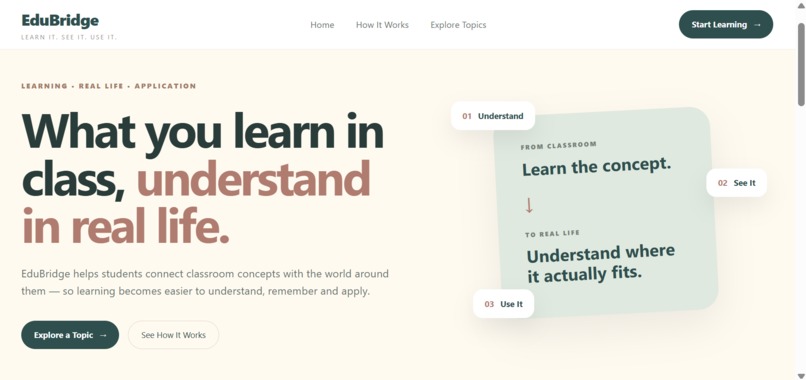
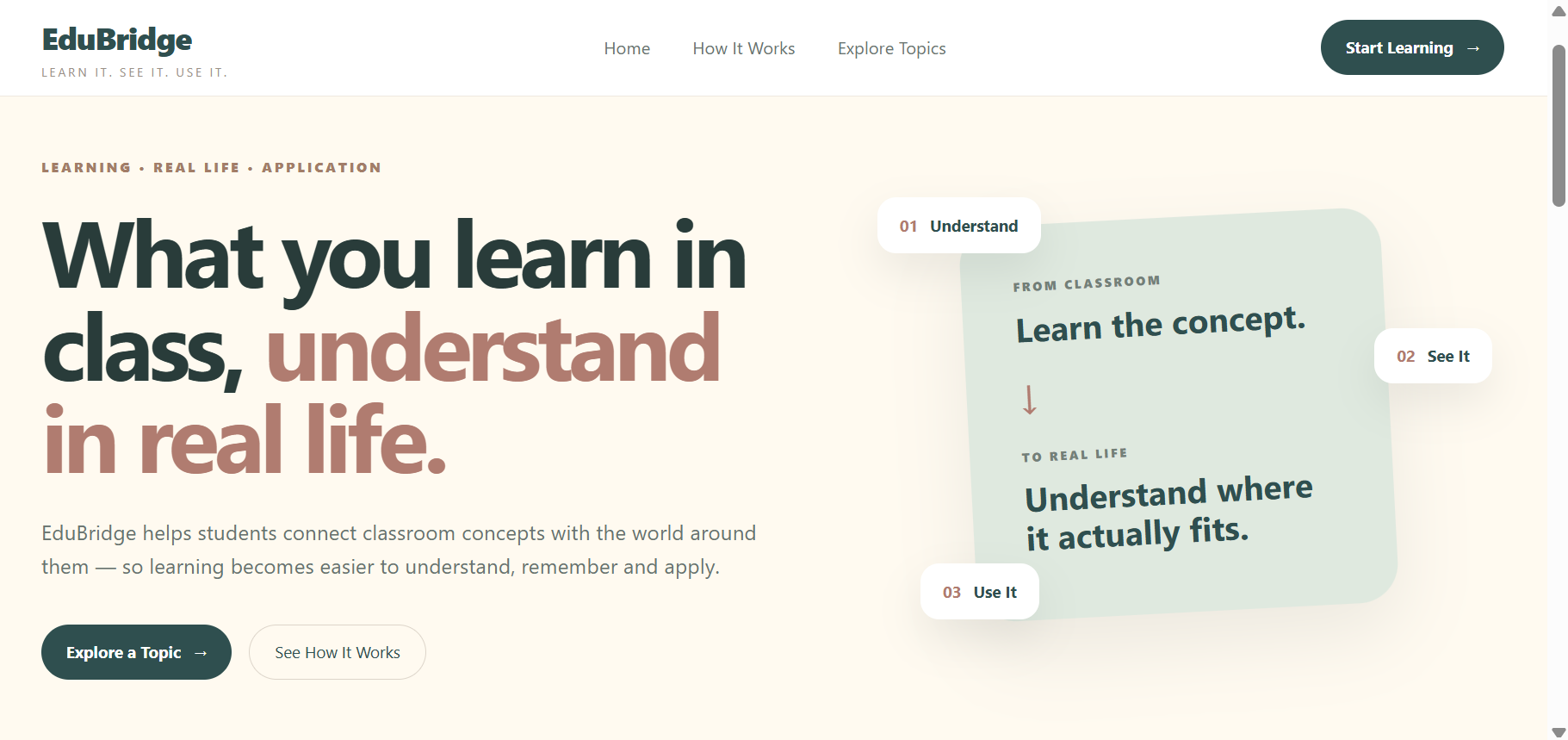
EduBridge homepage with subject based learning options
-
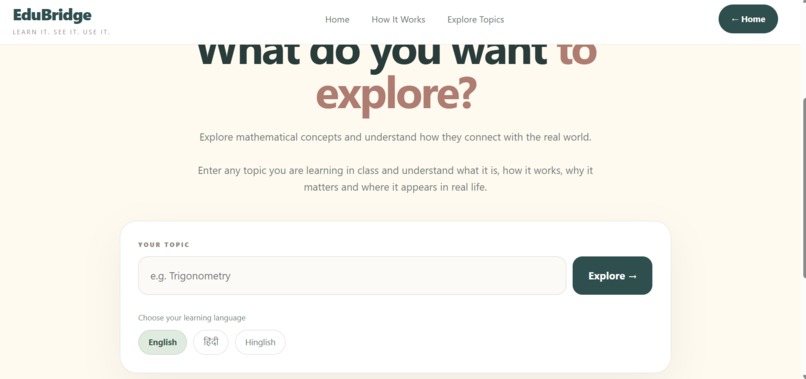
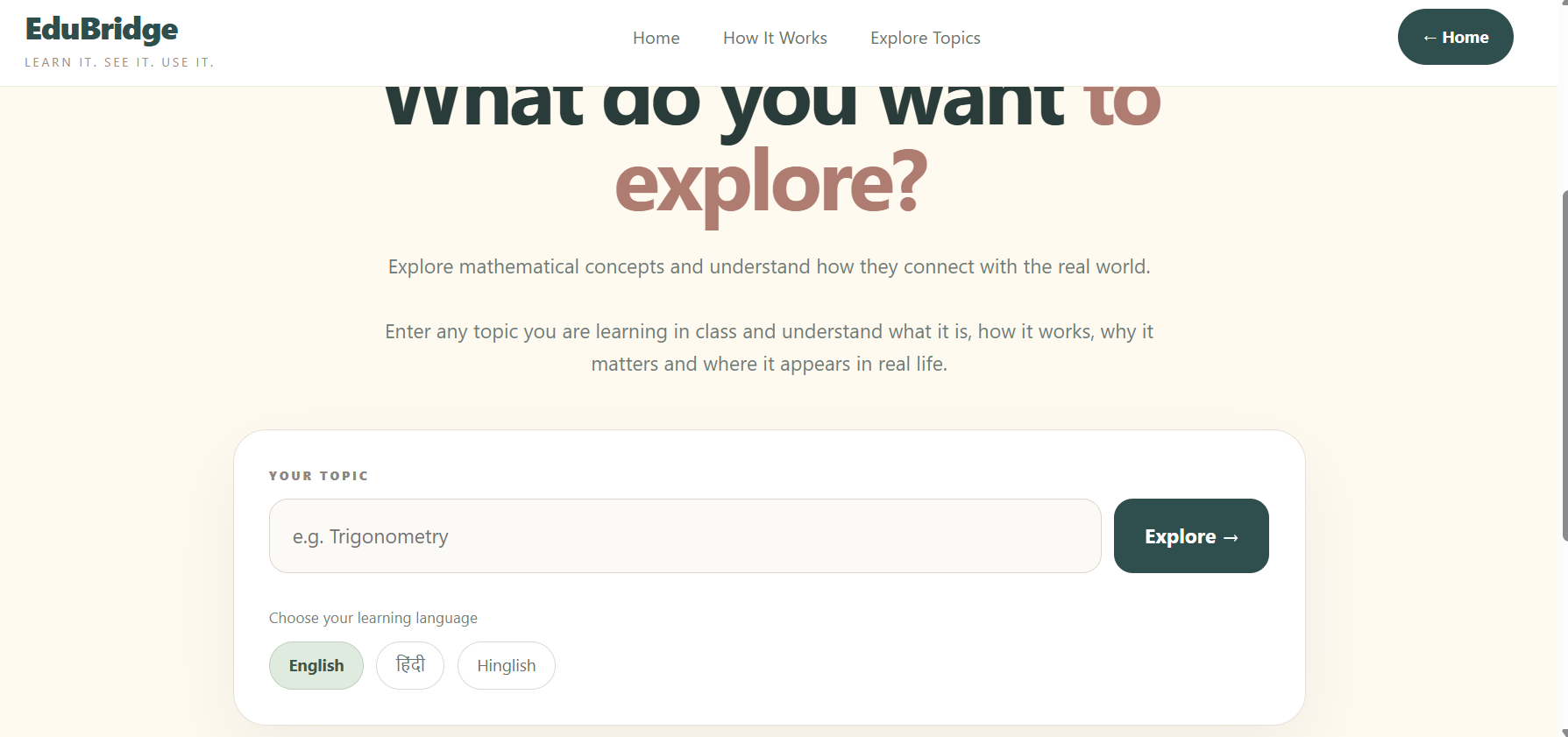
student can choose a subject and enter the topic they want to explore
-
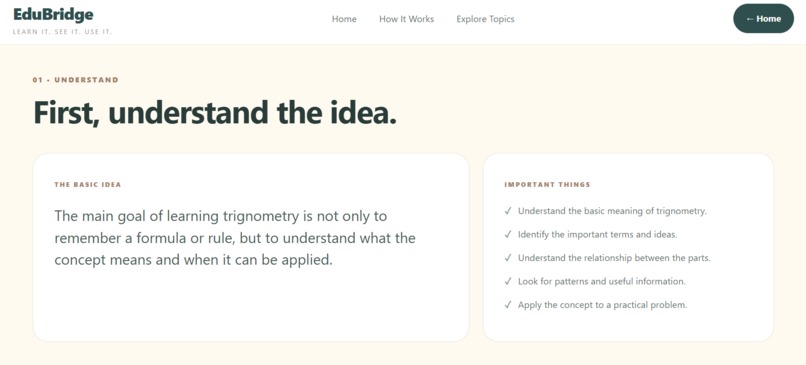
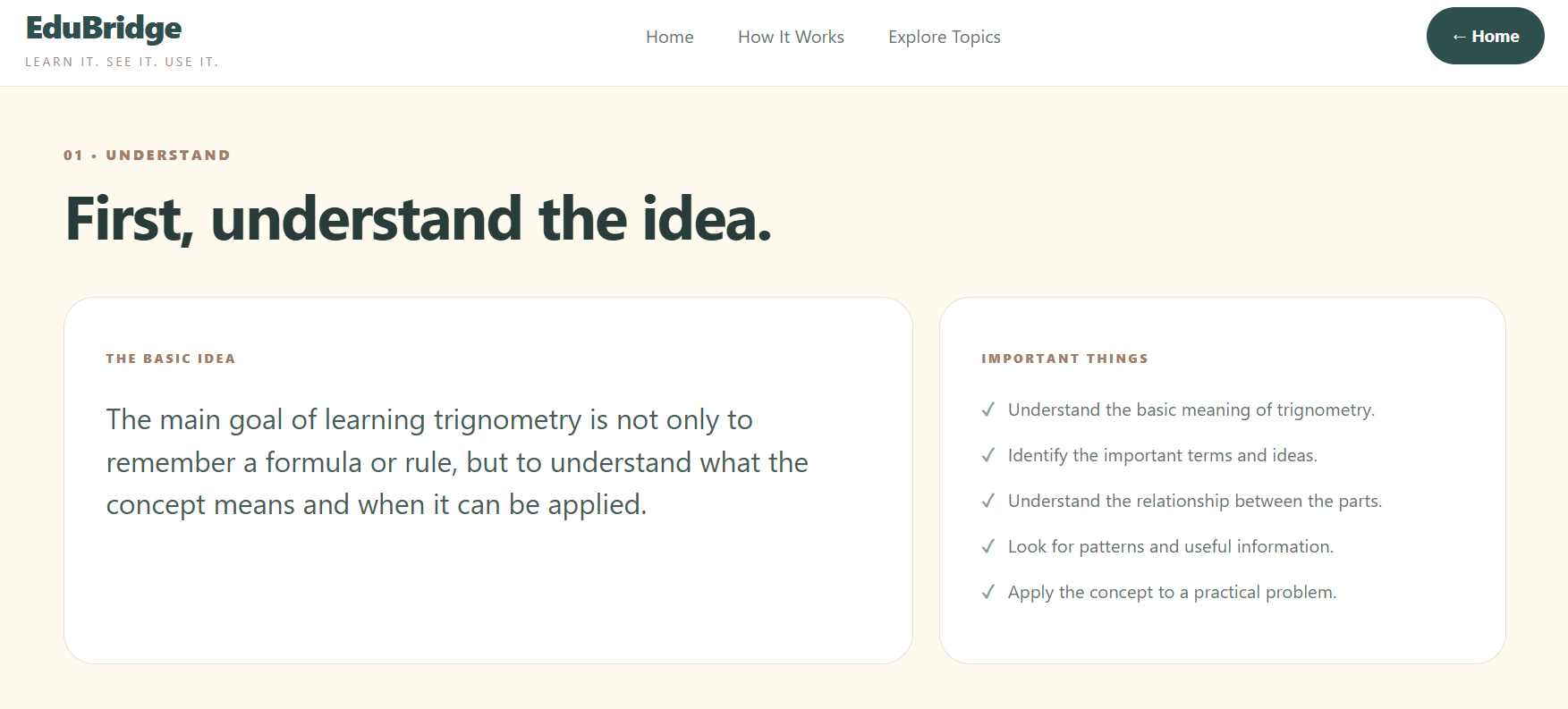
a simple explanation that helps students understand the concept clearly
-
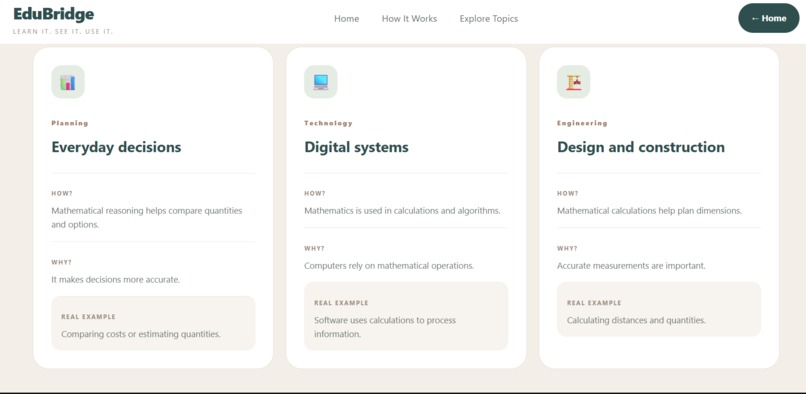
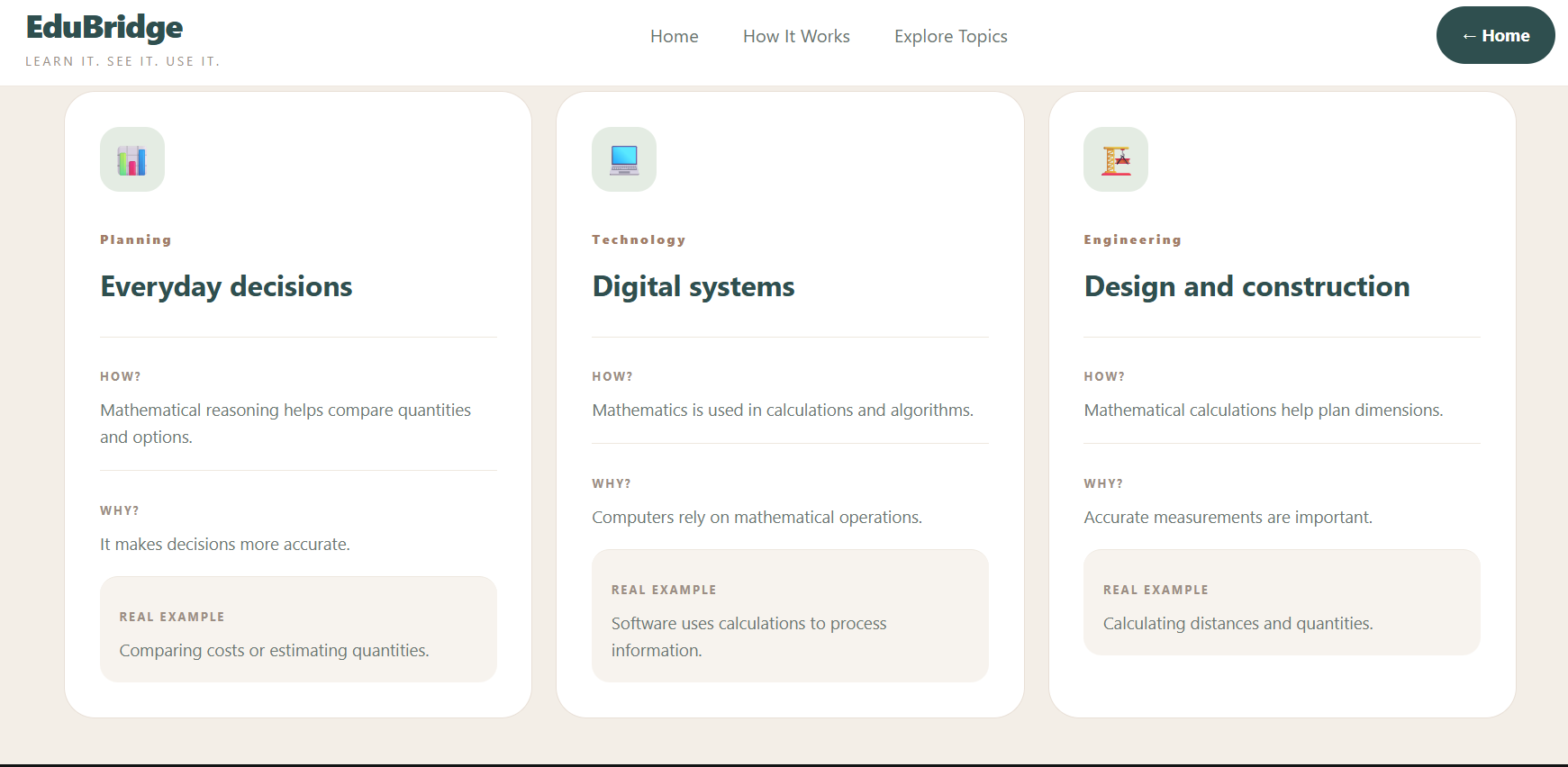
student discover where and how classroom concepts are used in real life
-
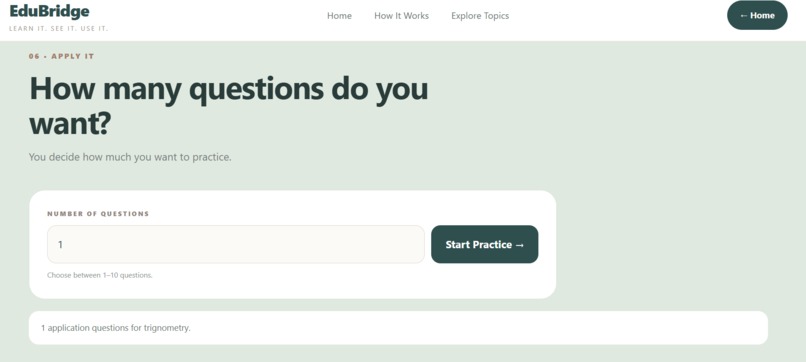
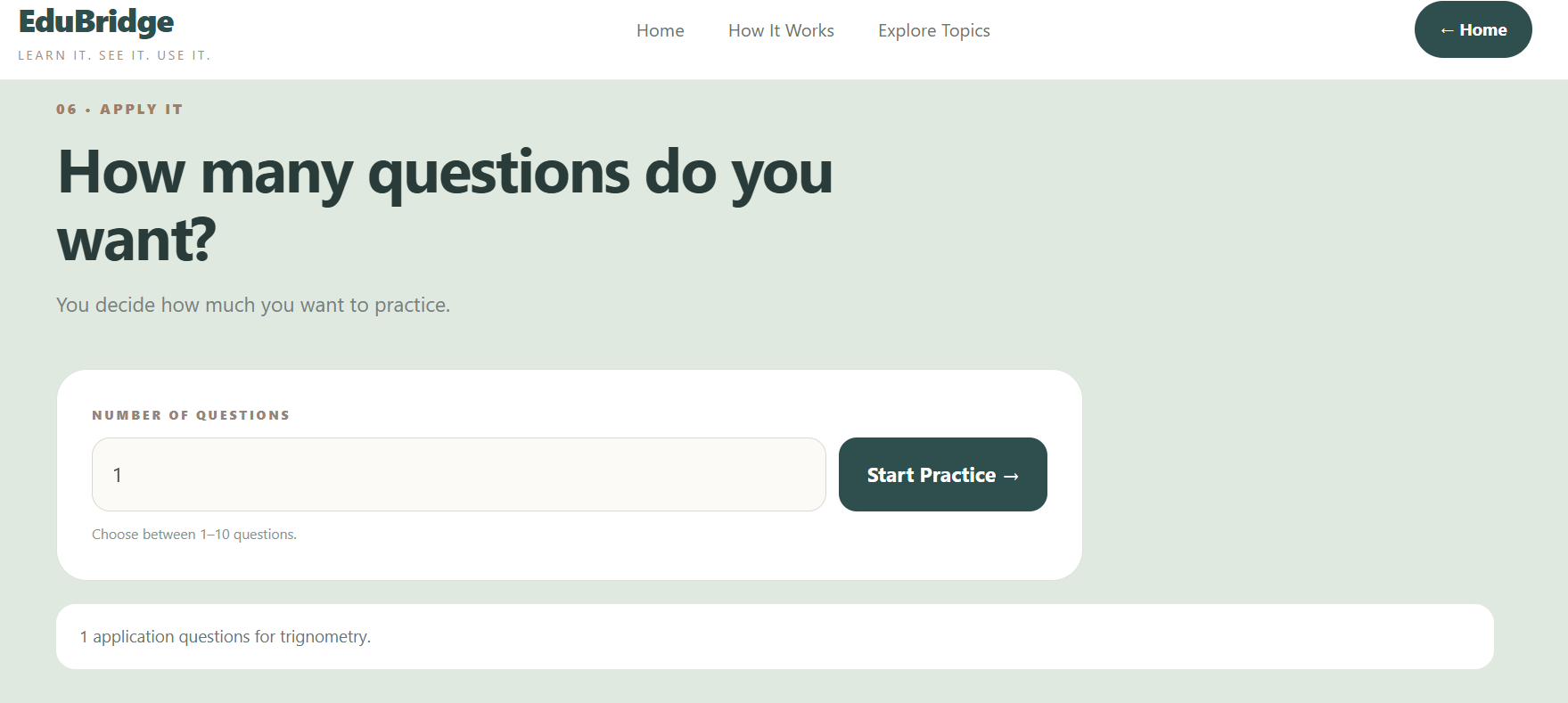
student apply what they learned through practical, real world questions.
Inspiration
Students often learn concepts to complete assignments and prepare for exams, but understanding where those concepts are used in real life can be difficult. We wanted to build something that connects classroom learning with practical situations and helps students see why a concept matters beyond the textbook.
This idea led to EduBridge — a simple learning platform built around the idea:
Learn It. See It. Use It.
What is EduBridge?
EduBridge helps students connect academic concepts with their real-world applications. Students can:
- Choose a subject such as Mathematics, Science, or Computer Science.
- Enter the topic they want to understand.
- Learn the concept in simple language.
- Explore where and how the concept is used in real life.
- Understand how to recognize situations where the concept can be applied.
- Practice through application-based questions.
The goal is not just to help students remember a concept, but to help them understand where it fits in the real world.
How We Built It
EduBridge was built as a web application using Python and Flask for the backend, with HTML, CSS, and JavaScript for the frontend. The application uses a subject-based learning flow where students can enter a topic and move through:
Understand → Connect → Apply → Practice The interface was designed to be simple, clean, and student-friendly so that learning feels more engaging rather than like another textbook.
What We Learned
While building EduBridge, we learned how to:
- Build a web application using Flask.
- Connect frontend pages with backend routes.
- Work with dynamic content using Jinja templates.
- Design a student-focused learning flow.
- Structure educational content around real-world applications.
- Handle user input and practice interactions.
- Think about how technology can solve an actual learning gap.
Challenges We Faced
One of the main challenges was deciding how to explain academic concepts without making the experience too complicated. We wanted EduBridge to remain simple while still showing meaningful real-world connections. Another challenge was designing a flow that moves naturally from understanding a concept to applying it through practical questions. We solved this by keeping the experience focused on three simple ideas:
Understand the concept → See its real-world connection → Apply it through practice.
Future Scope
EduBridge can be expanded with more subjects and topics, personalized learning paths, progress tracking, teacher-created content, multilingual learning, and a larger collection of real-world application questions.
Our vision is to make learning feel more connected to the world students see around them.

Log in or sign up for Devpost to join the conversation.