EduBox — AI Student Hub
Before I explain anything, I would like to say:
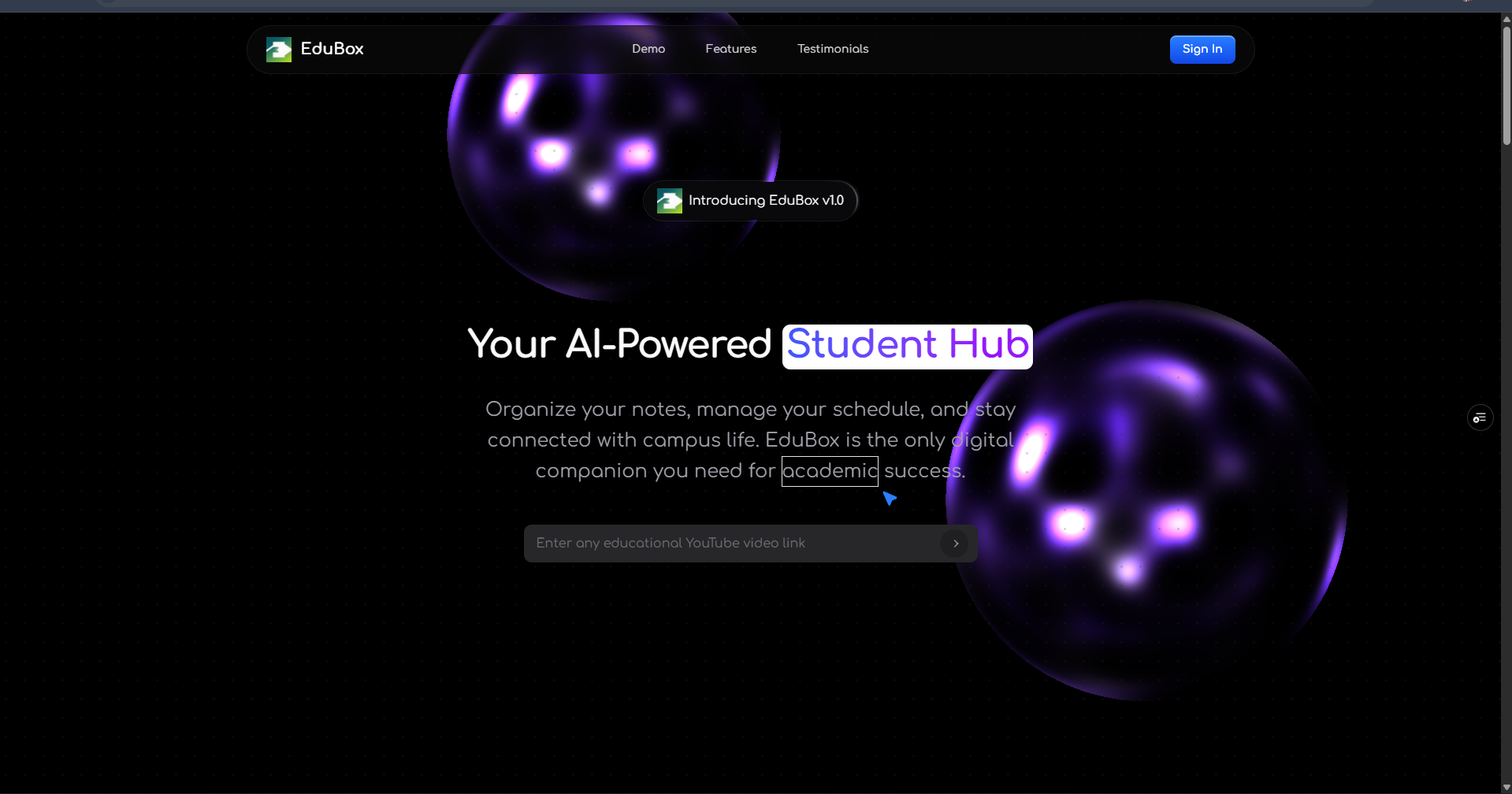
Life gets messy: deadlines change, tasks pile up, and campus life adds variables you didn’t plan for. EduBox is about balance — keeping things manageable so you can do more, worry less. Whether you're a freshman overwhelmed by schedule, or a senior juggling multiple commitments, EduBox helps you stay on top without burning out.
Inspiration
Life and study are full of small frictions: lost notes, missed deadlines, context switches between classes, clubs, and personal life. I built EduBox because I wanted a single, intelligent place that reduces those frictions and restores balance. Rather than another siloed tool, EduBox brings notes, planning, campus info, and AI-driven assistance together so students and busy professionals can stay productive without constant manual juggling. The driving inspiration was simple: make it easy to stay on top of life while preserving time for learning and rest. A multi-agent AI hub that acts as a “locker” for every part of life.
What it does
EduBox is an AI-first student and personal productivity hub that helps you manage learning and daily life by:
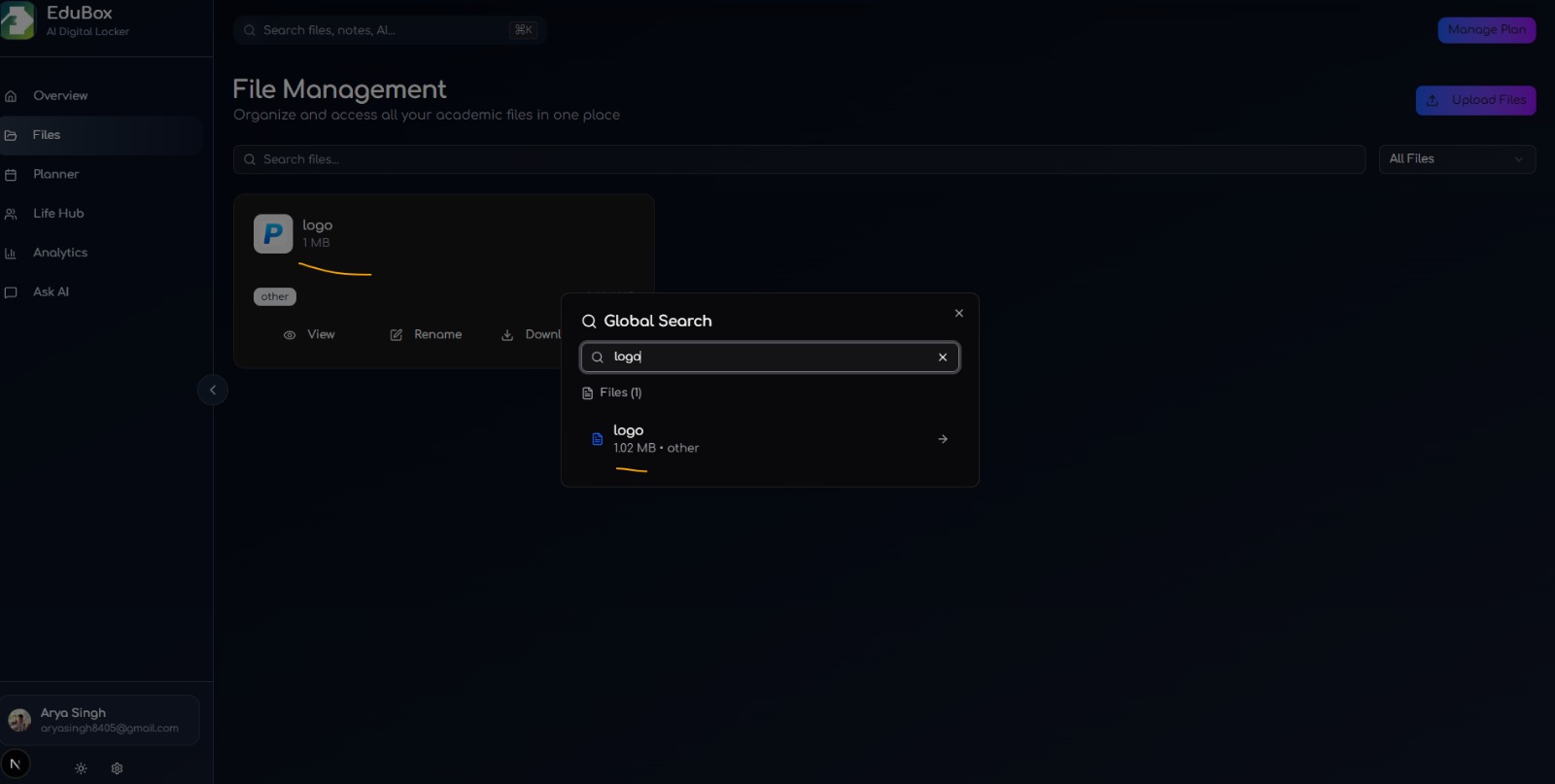
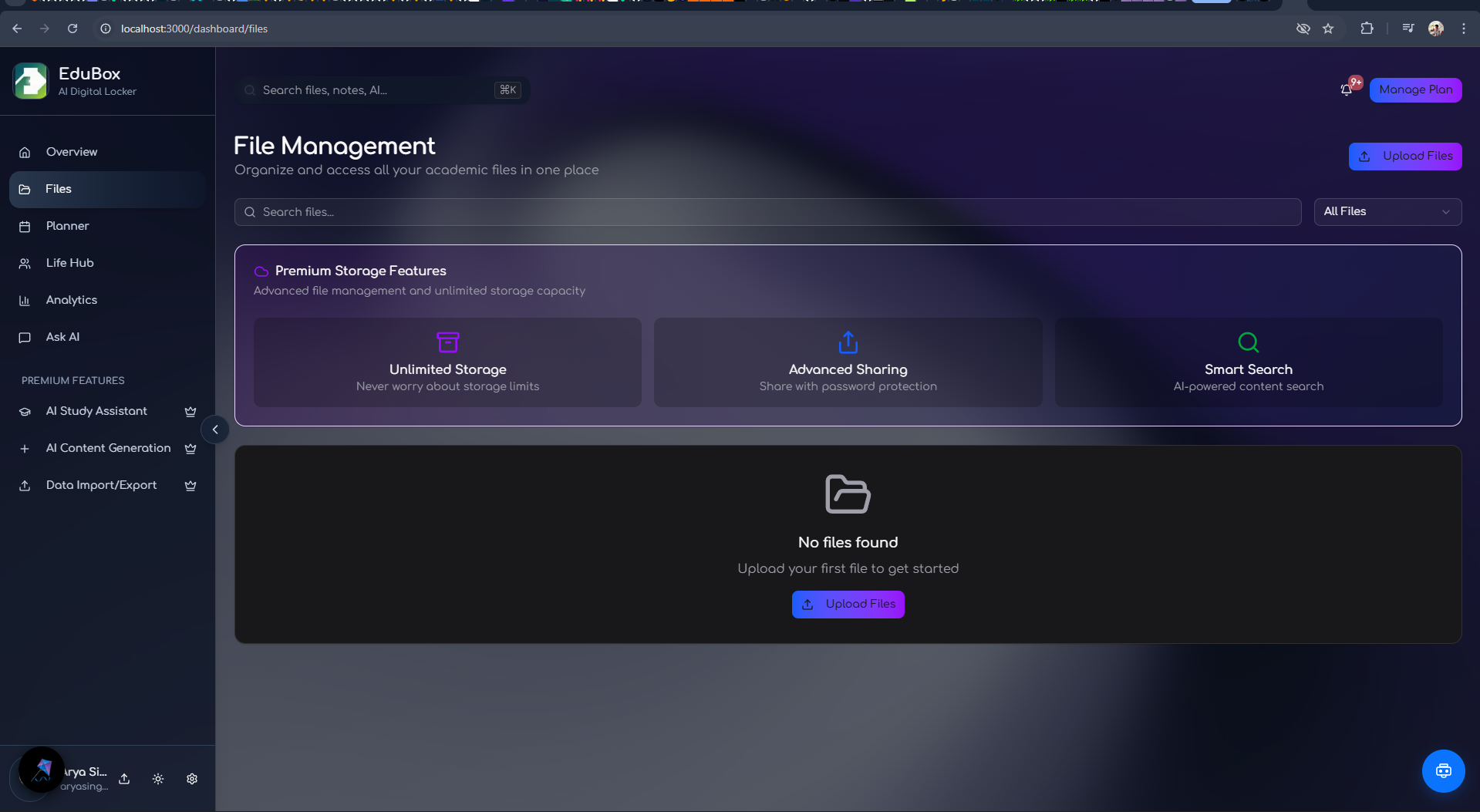
- Organizing notes and files with semantic search and automatic categorization
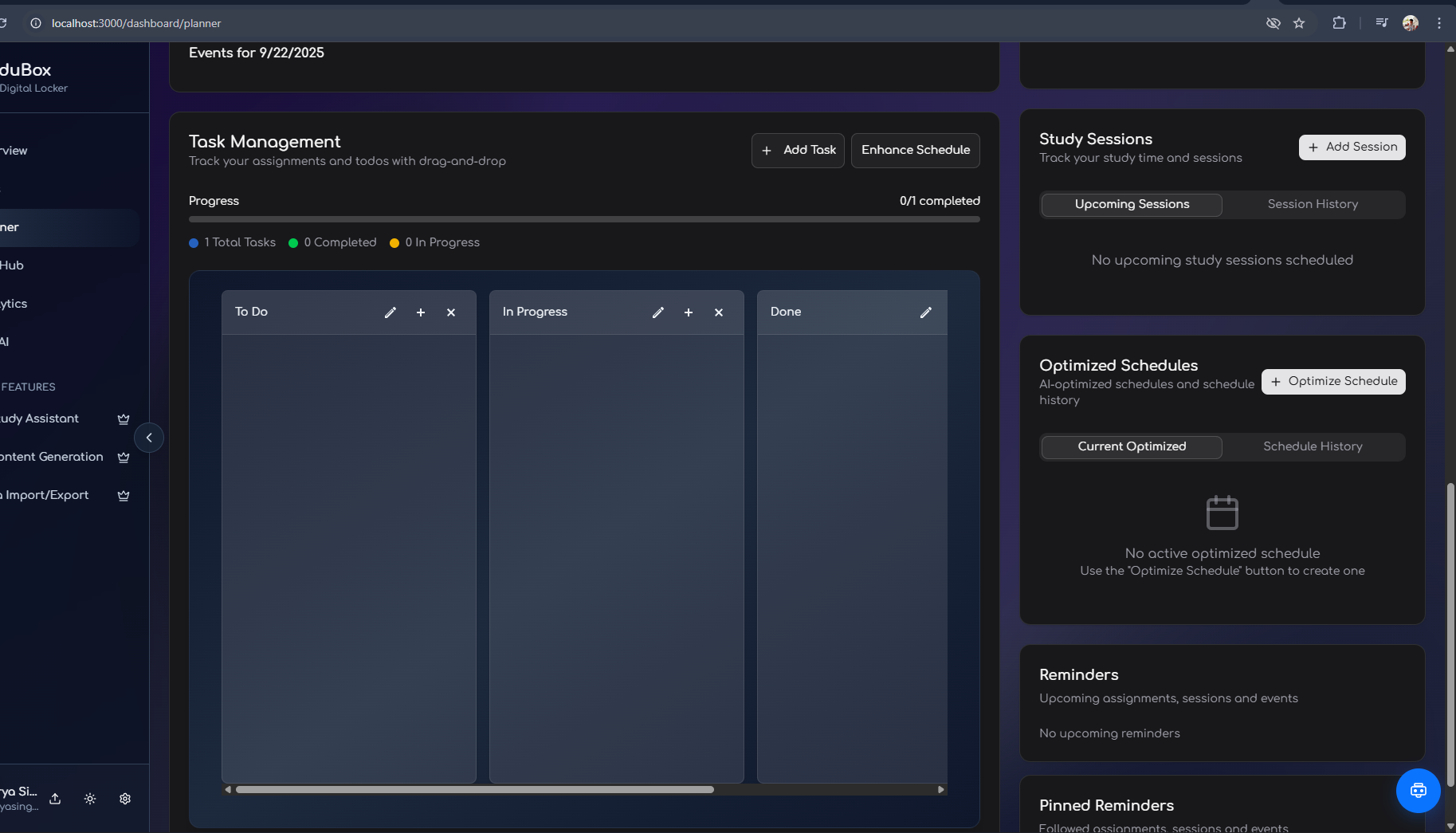
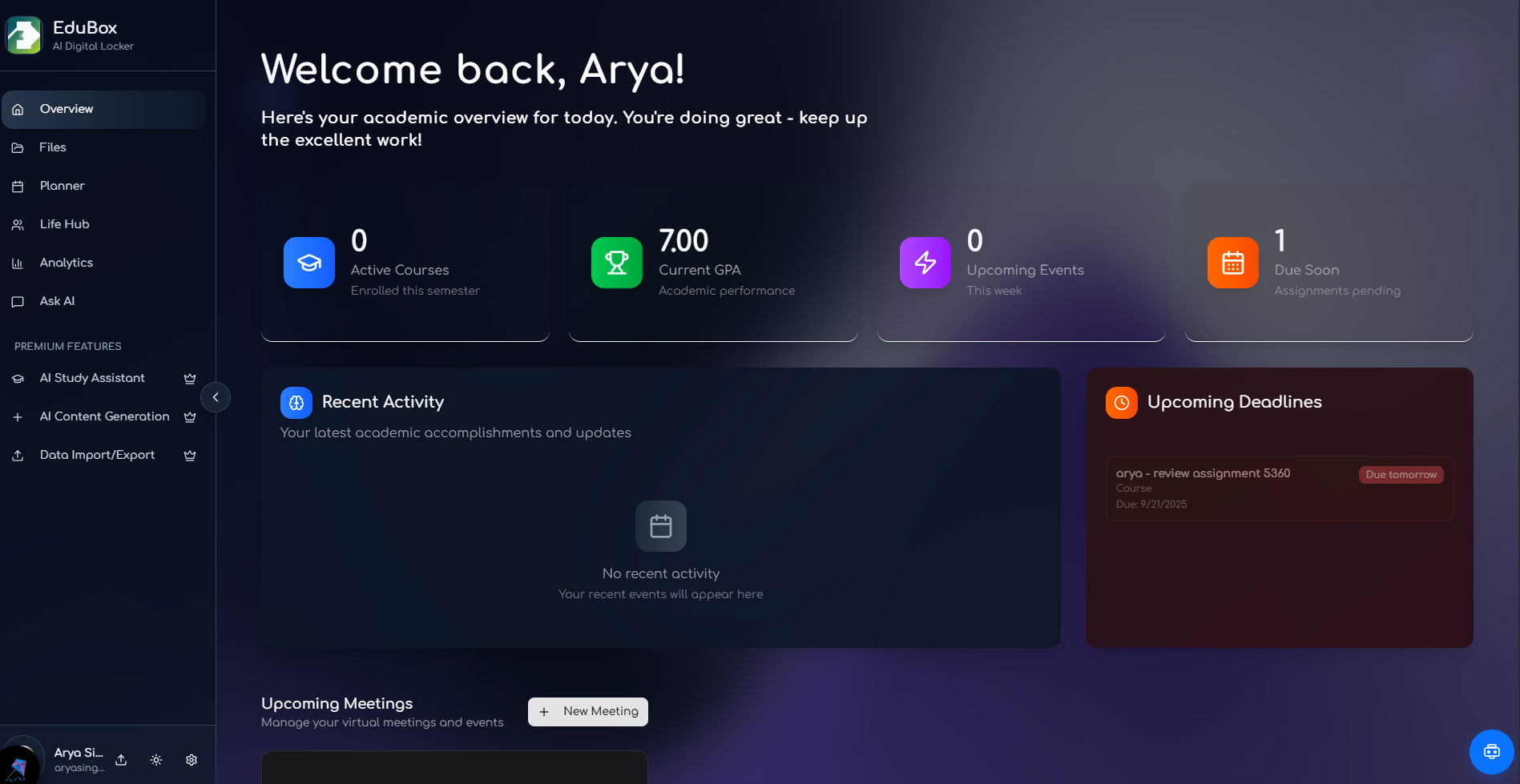
- Keeping an adaptive planner that suggests and reschedules tasks to avoid overload
- Sending timely reminders and helping you recover from backlogs
- Aggregating campus resources — events, clubs, dining — into one view
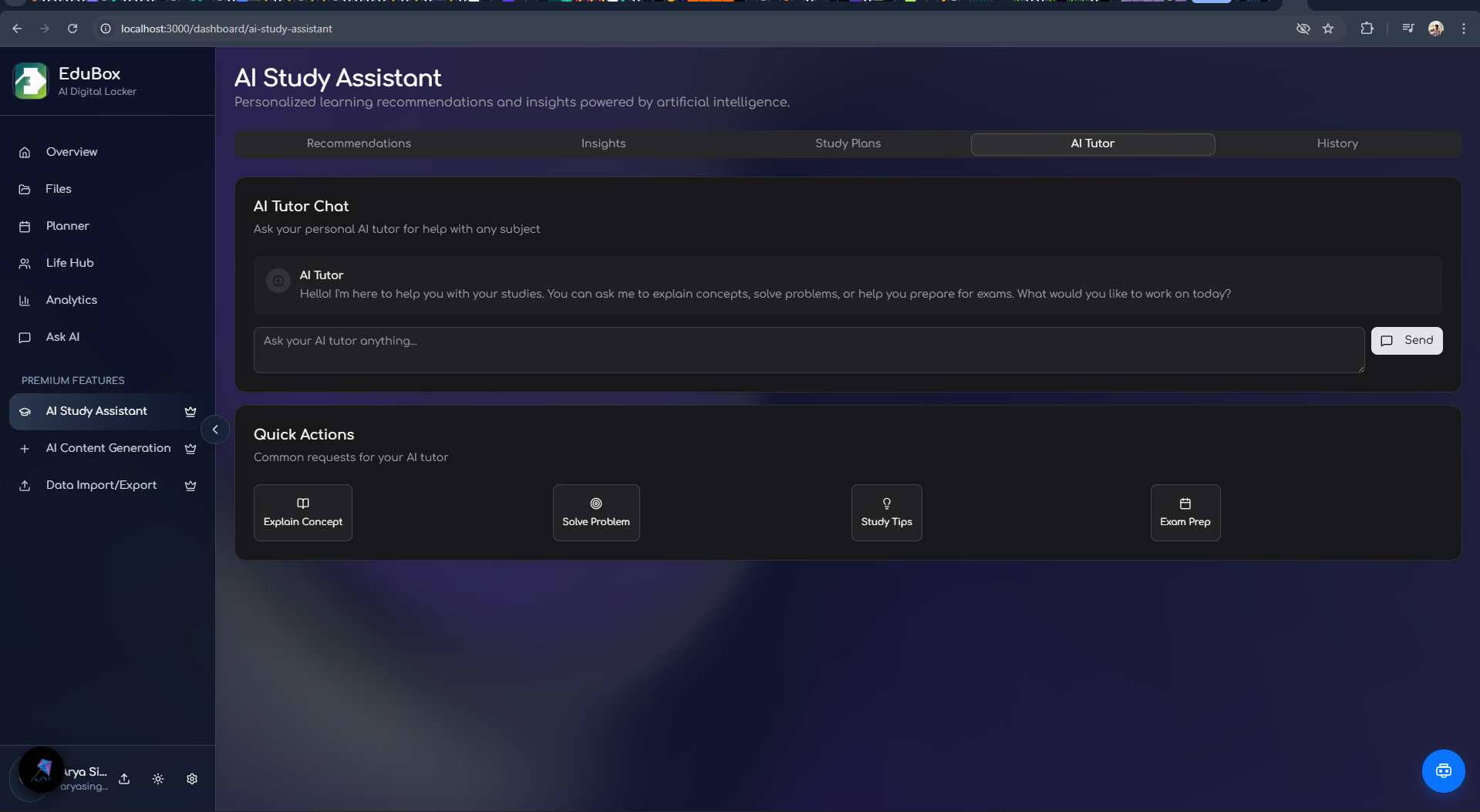
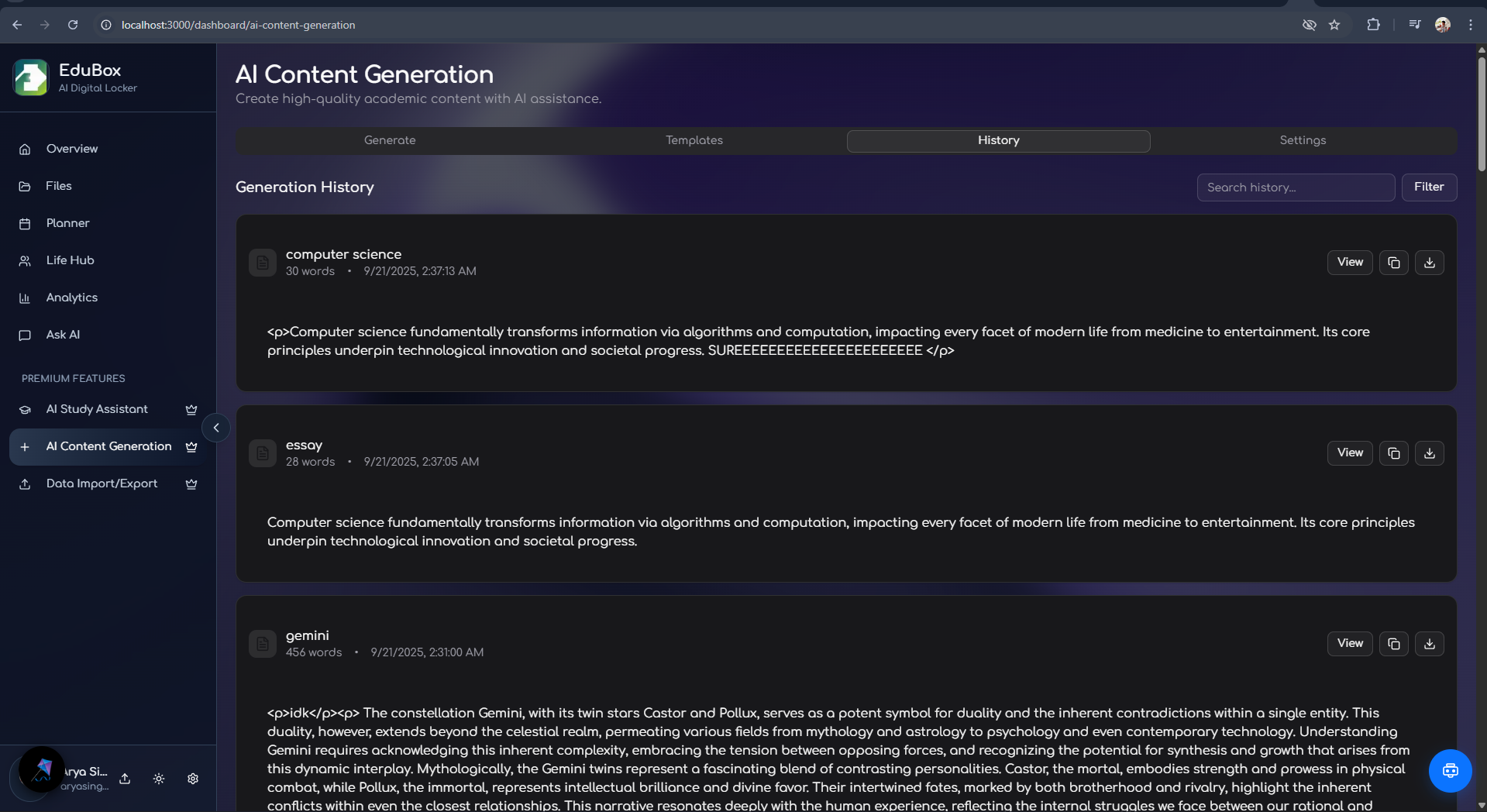
- Providing a multi-agent AI assistant to answer questions, plan study sessions, and generate study summaries
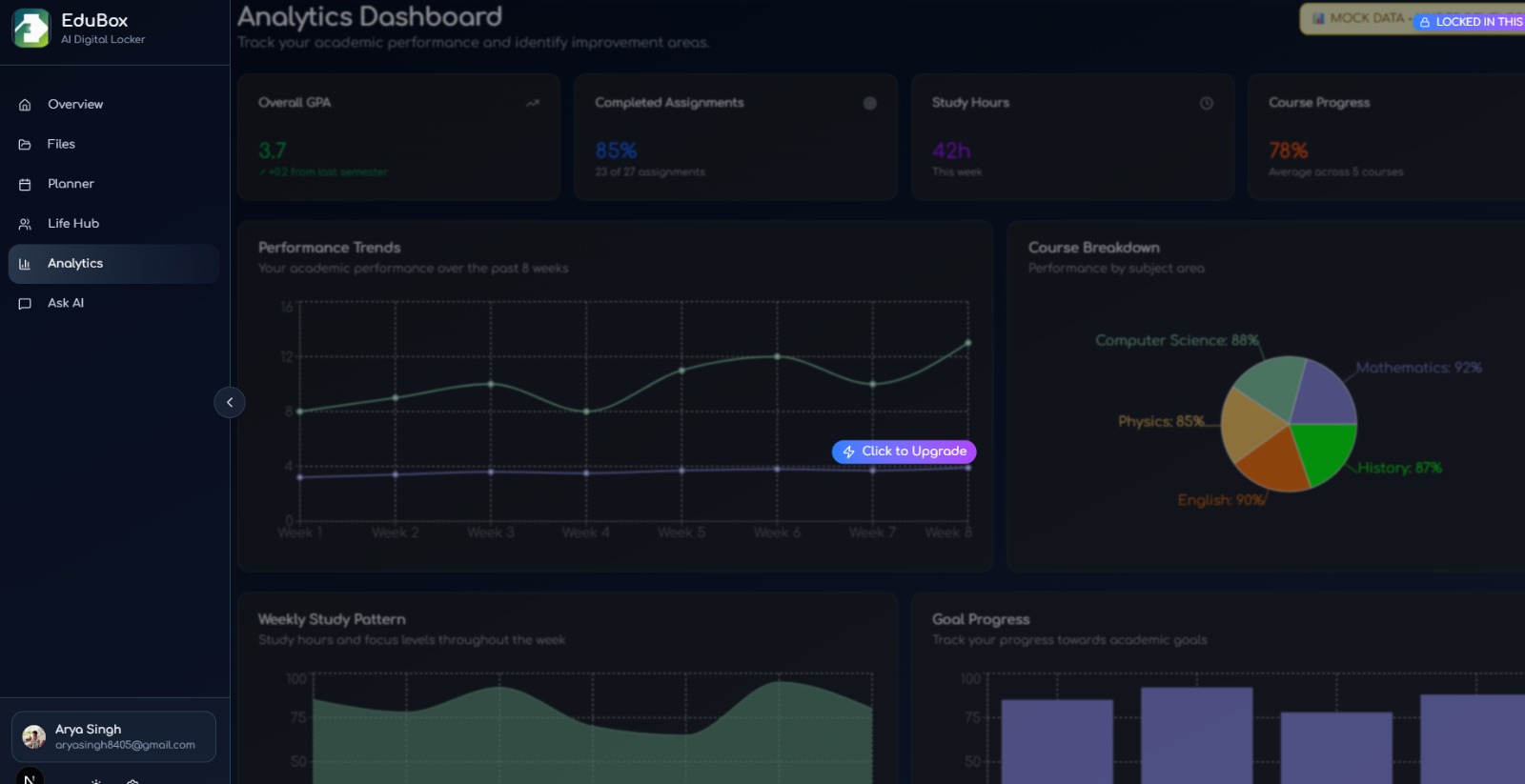
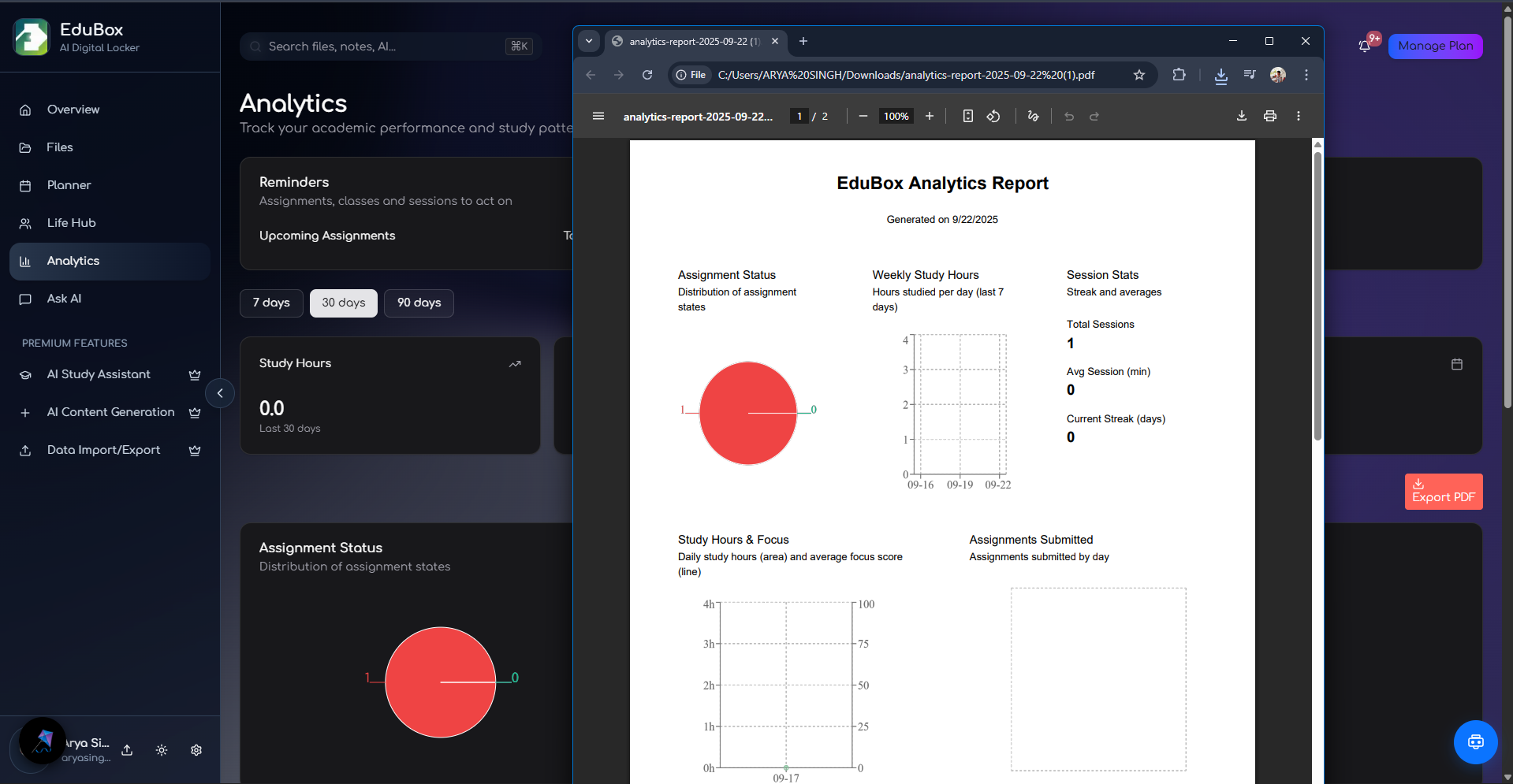
- Offering analytics to track habits, study time, and progress
In short: EduBox reduces cognitive load, automates routine organization, and helps you make balanced decisions about what to do and when.
How I built it
EduBox was designed as a modular, modern web app with AI-first architecture:
- Frontend: Next.js + TypeScript, styled with Tailwind and Shadcn/ui for a responsive, accessible UI.
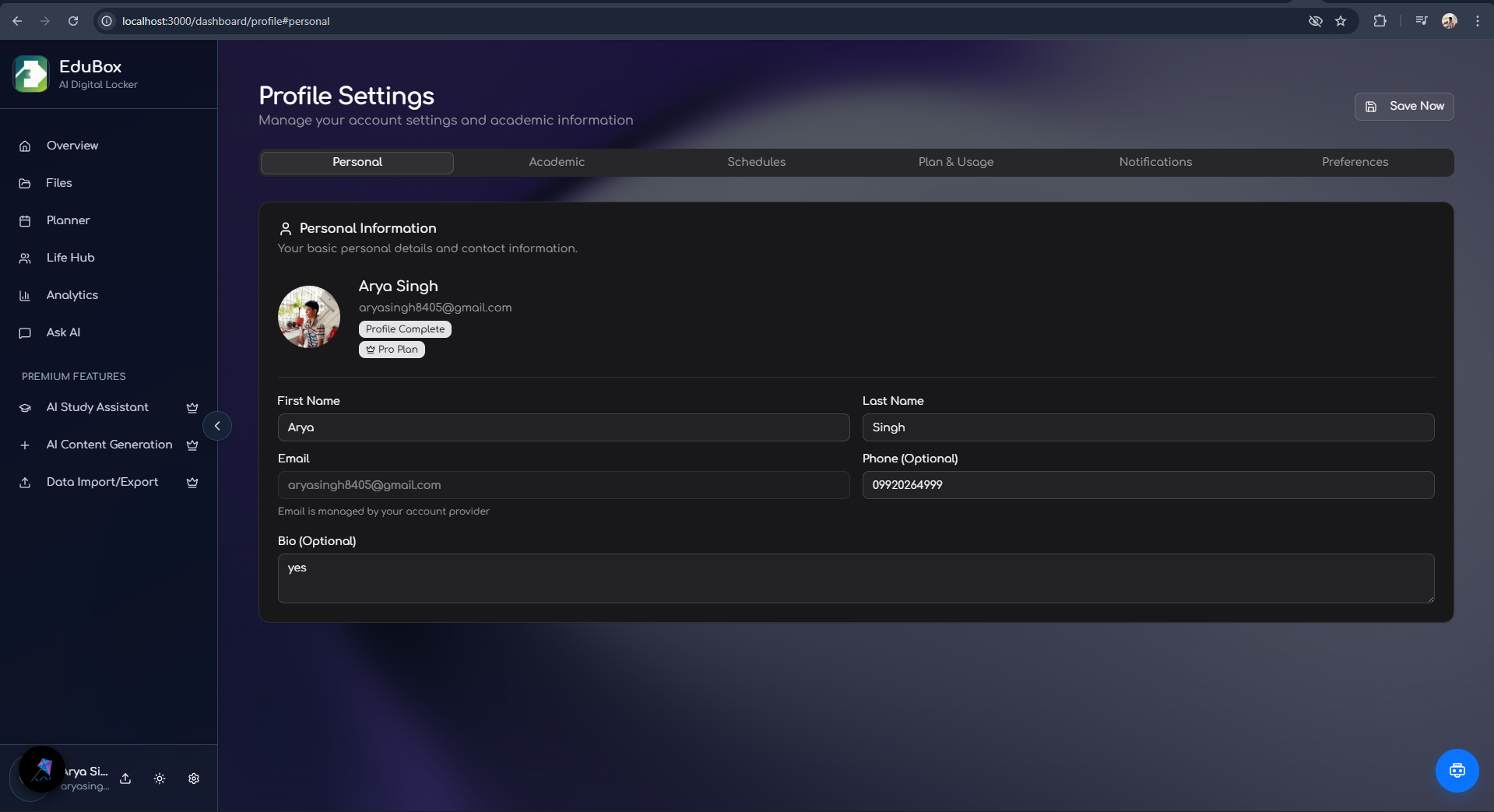
- Authentication: Clerk for secure user sign-in and profiles.
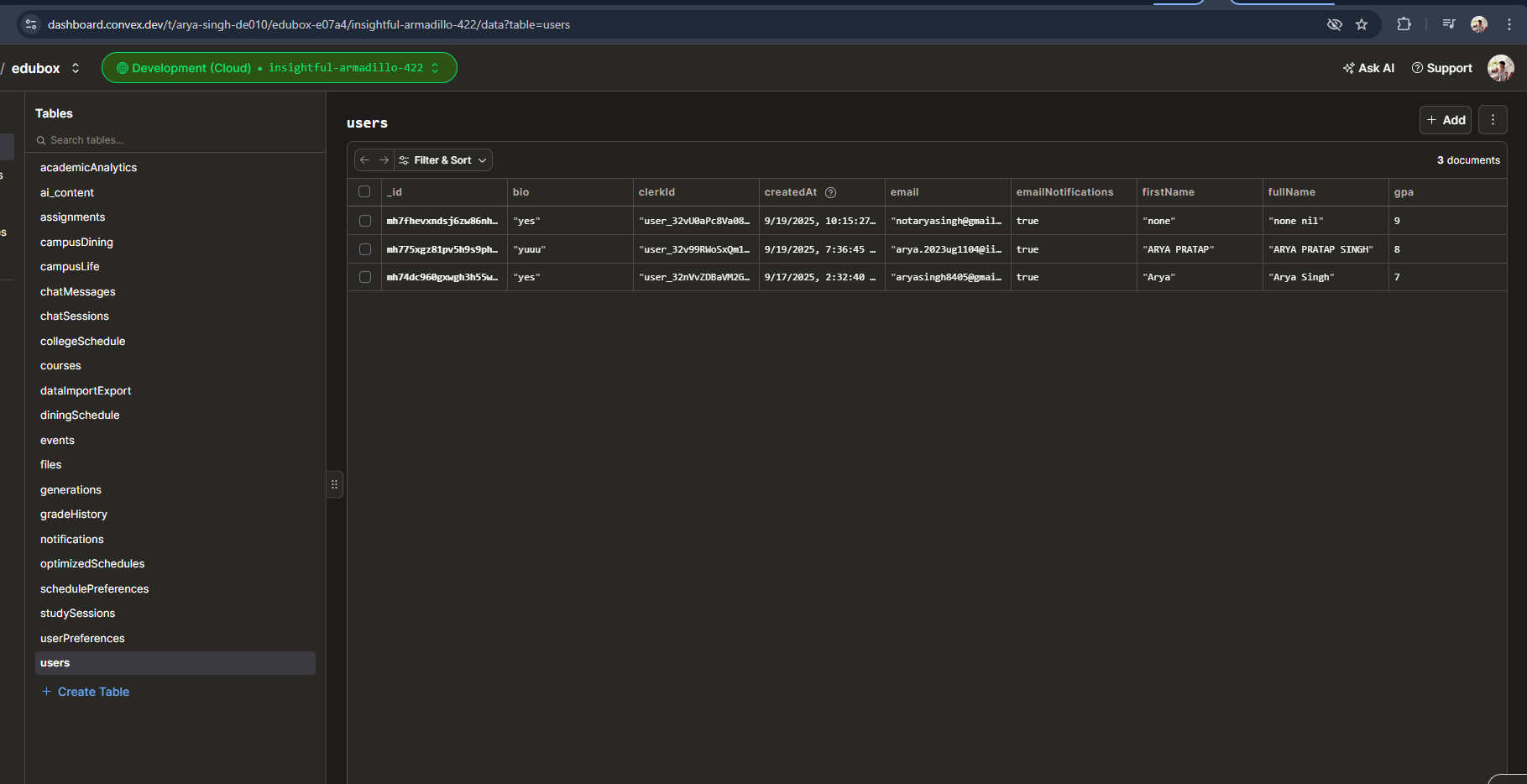
- Sync/Storage: Convex for real-time sync and simple serverless data operations.
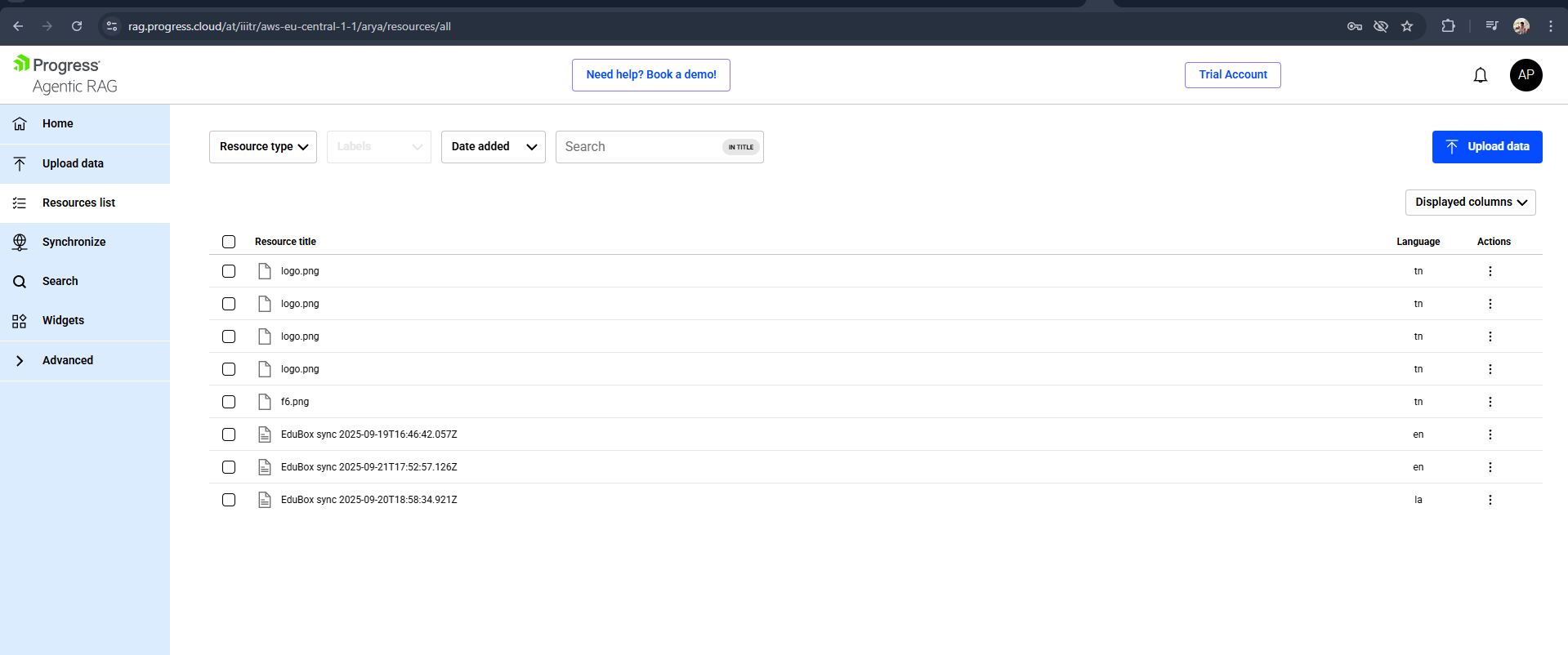
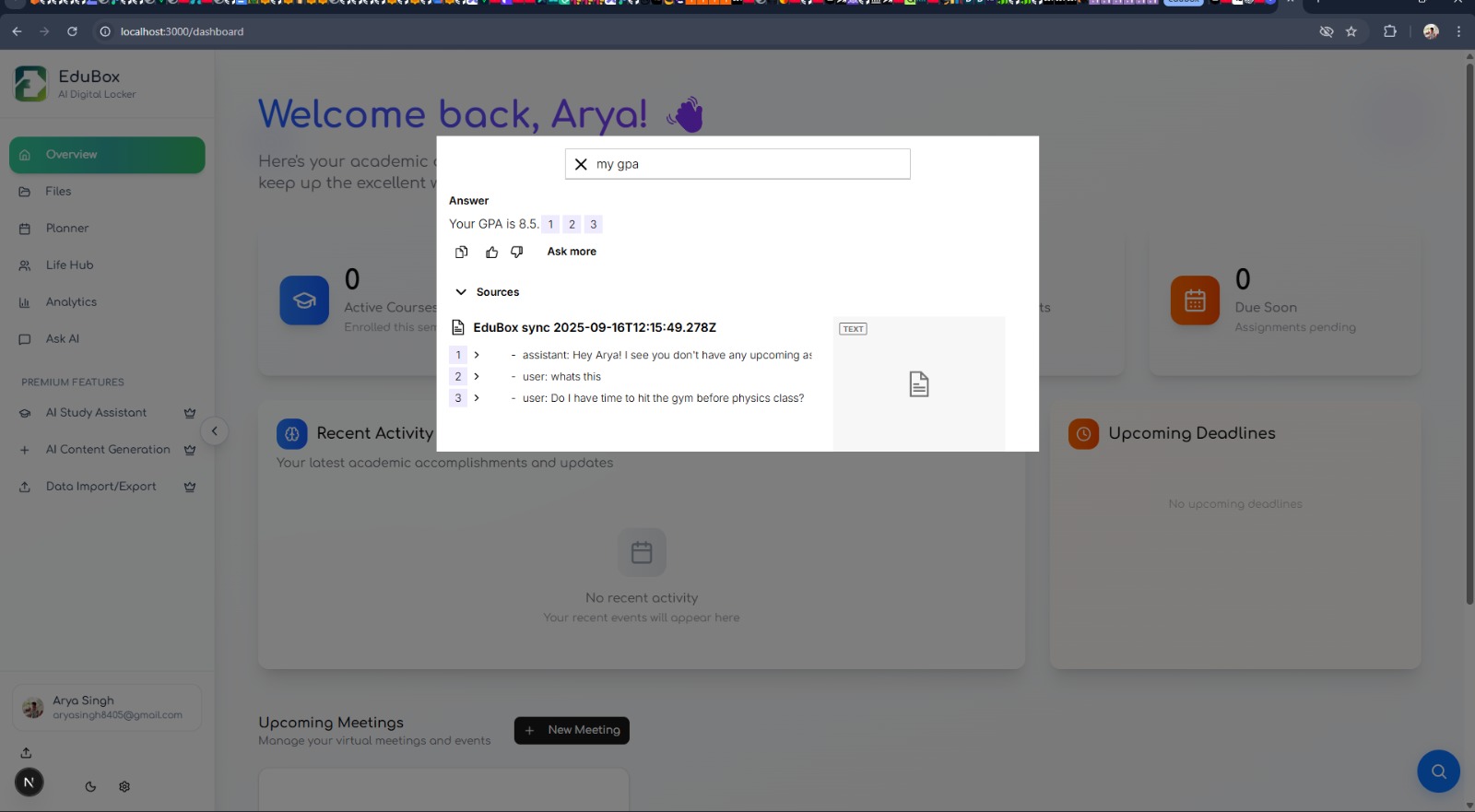
- AI & Agents: Multi-agent orchestration built with CopilotKit patterns, LLMs hosted via Vertex/ Gemini using Tools, and Kendo RAG (retrieval-augmented generation) to ground model answers in user notes and documents.
- UI/UX components: MagicUI and Aceternity - powered widgets where to speed up development.
- Deployment: Frontend - Vercel setup, Backend - Render, Both having environment-driven configuration for keys and providers.
The architecture emphasizes replaceable connectors—swap the LLM, retrieval store, or calendar provider without needing a rewrite.
Challenges I ran into
- Data privacy and context handling: designing RAG flows that give helpful context to agents while preventing overexposure of sensitive data.
- LLM behavior and hallucinations: balancing model responses with retrieval and verification so answers are reliable.
- Multi-agent coordination: orchestrating several agents (planner, assistant, summarizer) to act coherently rather than conflictingly.
- Cost and latency: serving LLM-backed features while managing API costs and keeping UX snappy.
- Real-world schedule complexity: mapping human schedules (interruptions, overlapping commitments, deadlines) into automated, trustworthy reschedules.
- Authentication and per-user telemetry: maintaining correct access boundaries while keeping a smooth onboarding flow.
Moreover UserContext Flow and Internal Handling of user data served as the biggest challenge. The latency of response and usage of multiple services without a producer/consumer architecture , that is separate microservice architecture posed a problem, that was solved using convex and kendo - thanks to their internal architecture for load handling.
Accomplishments that I am proud of
- Built a working RAG pipeline that surfaces user notes to the assistant so responses are personalized and grounded.
- Implemented semantic file organization and search that reduces time spent hunting down study material.
- Created an adaptive planner that can suggest reschedules and recovery plans when users fall behind.
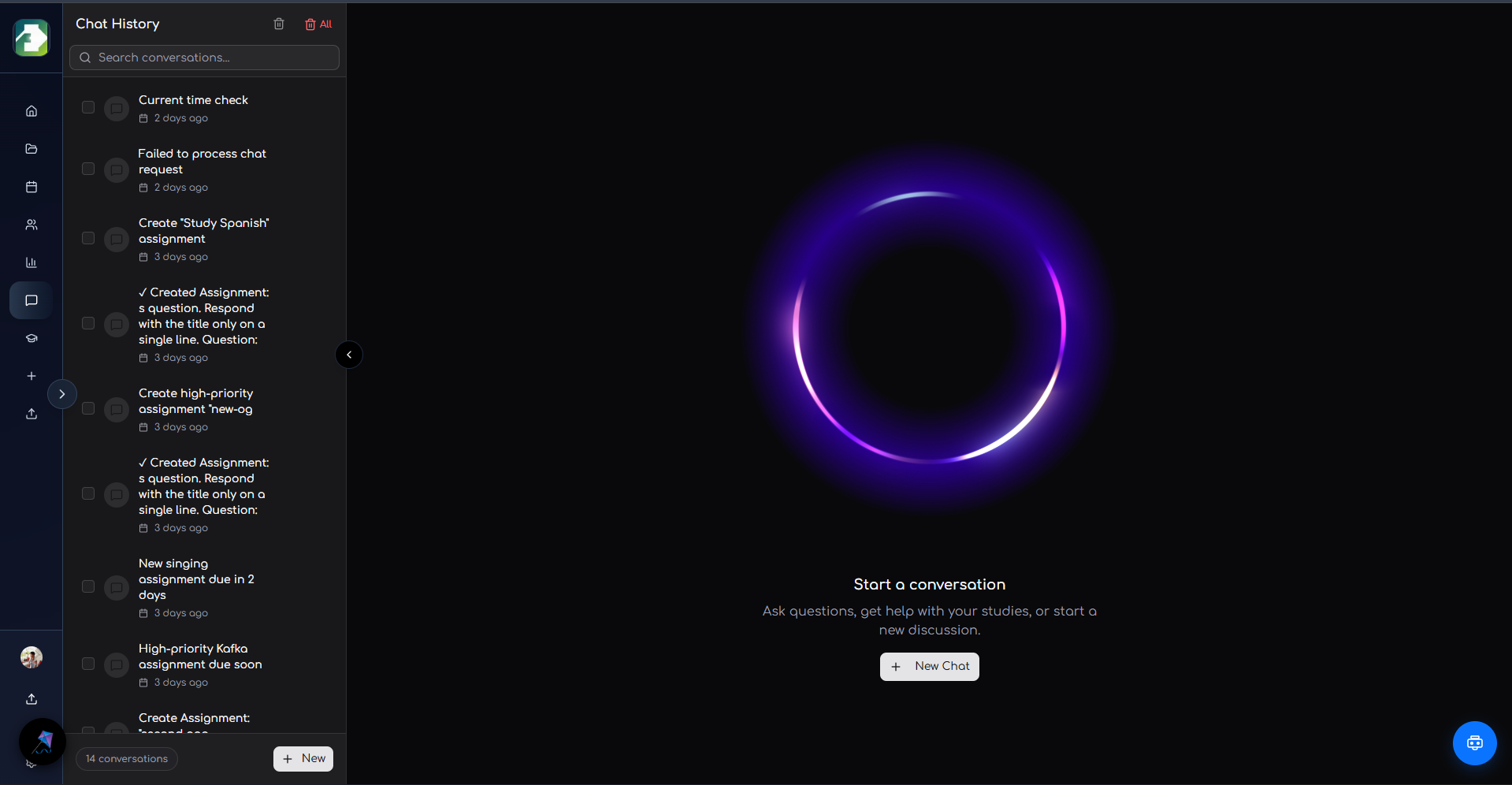
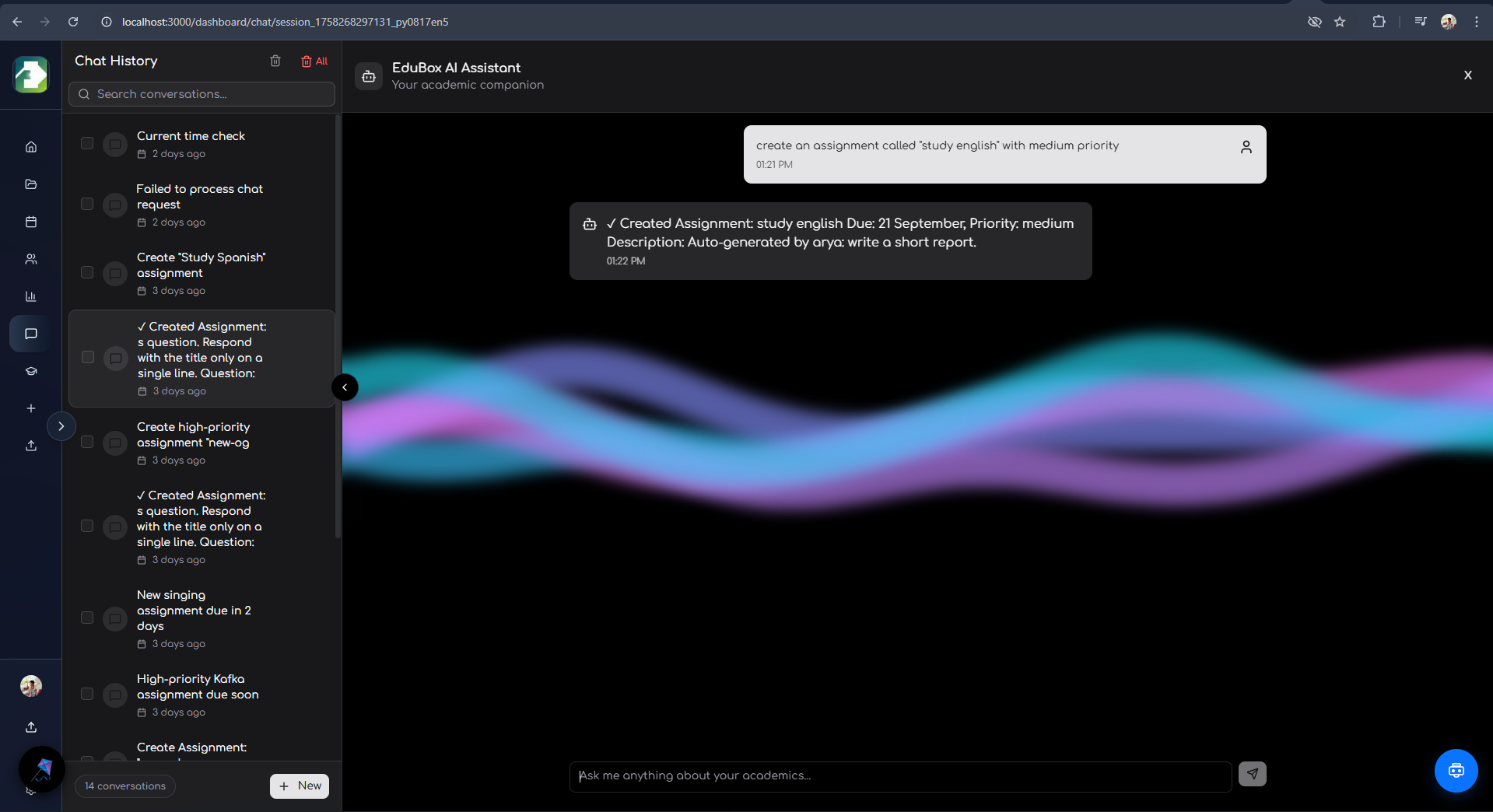
- Established a modular codebase and connector approach enabling rapid experiments with different LLM providers and retrieval stores. Along with tools provided to create events / assignments and future study sessions rightaway from your chat and add to calendar etc.
- Delivered a polished, responsive UI with light/dark themes and accessible components. Super duper landing page with very hard try to make the UI responsive.
- Prepared solid demo video and gave proper comments in files that make it easier for contributors to get started.
What I learned
- Product-first AI needs guardrails: good retrieval, prompts, and fallback logic matter more than raw model size.
- User control is essential: automatic changes (like rescheduling) must be visible and reversible to earn trust.
- Incremental automation works best: start with suggestions before doing automatic actions for users.
- Cost engineering is part of feature design: keep heavy LLM calls for tasks that materially benefit from them.
- Testing LLM-driven features requires a mix of unit logic tests and human-in-the-loop validation.
- Modular design saves time: keeping clear boundaries between UI, retrieval, and agent orchestration made provider swaps painless.
What's next for EduBox — AI Student Hub
Roadmap priorities to make EduBox more useful and production-ready:
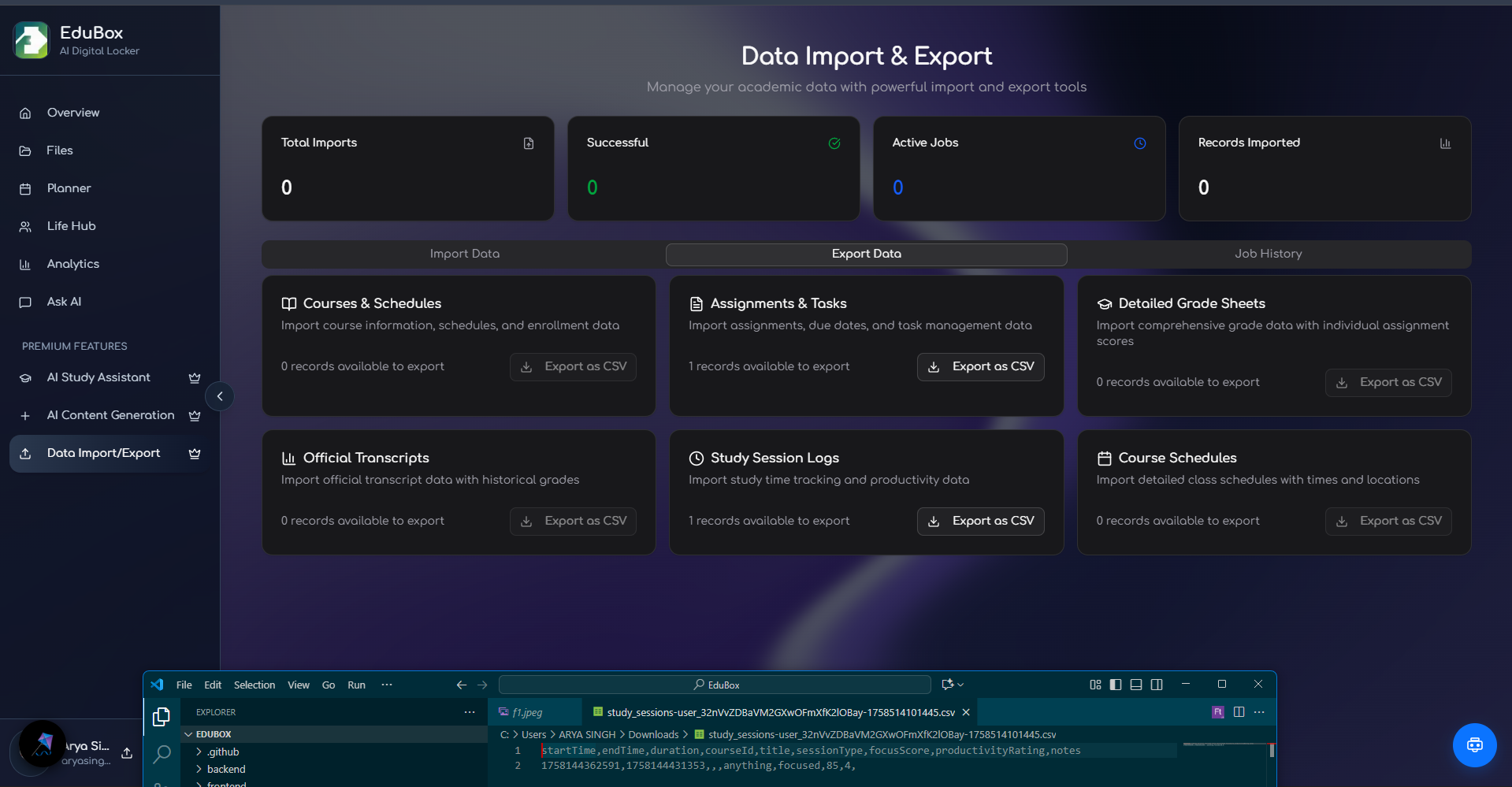
- Improved onboarding and initial setup flow so new users quickly import notes from softwares like obsidian/notion/joplin, and see value.
- Connectors like Calendar and LMS integrations (Google Calendar, iCal, Canvas/Blackboard) for two-way sync and grade/task ingestion. Zoom and Gmeet Integration, Youtube API Integration and GDrive store Integration.
- Offline-first or caching strategies so core features remain usable without connectivity.
- Personalization: model-driven study plans and habit recommendations calibrated to user goals and constraints.
- Robust monitoring and cost optimization for AI usage (adaptive sampling, caching LLM outputs).
- Mobile-first polish (PWA or native clients) and accessibility improvements.
- Plugin/connector system so third parties can add data sources or custom agent behaviors. Obviously less challenging and can be done now too but requires architectural changes to create maybe a gateway and interdependencies.
- Add testing, CI/CD, and deployment workflows (example GitHub Actions + Vercel pipeline).
Additional Info:
Project Structure:
EduBox/
├── frontend/                 # Next.js application
│   ├── app/                  # App Router pages and API routes
│   ├── components/           # React components
│   │   ├── magicui/         # MagicUI components
│   │   ├── schematic/       # Schematic billing components
│   │   └── ui/              # Shadcn/ui components
│   ├── convex/              # Convex database schema and functions
│   ├── lib/                 # Utility libraries
│   ├── hooks/               # Custom React hooks
│   └── types/               # TypeScript type definitions
├── backend/
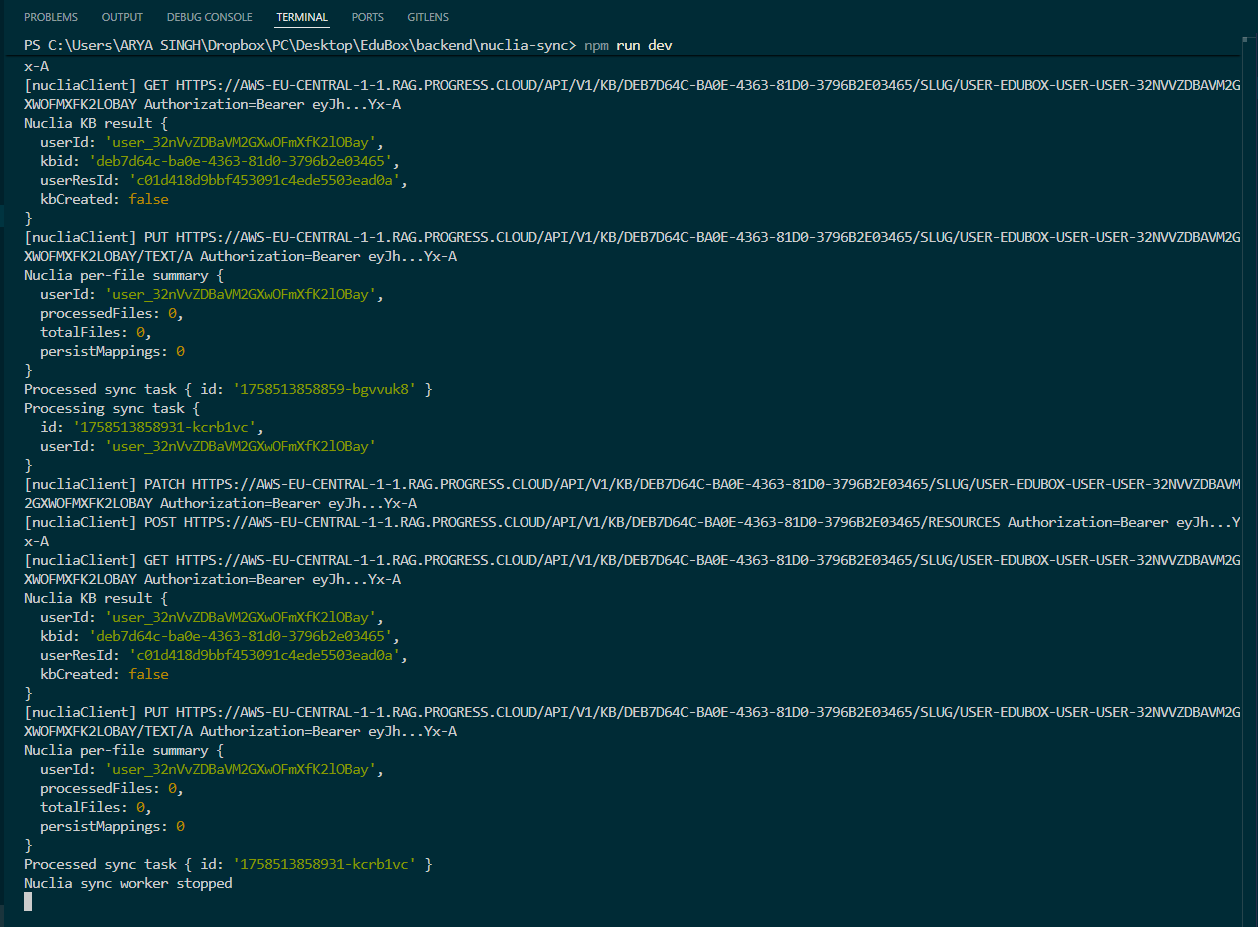
│   └── nuclia-sync/         # Nuclia document sync service
└── README.md
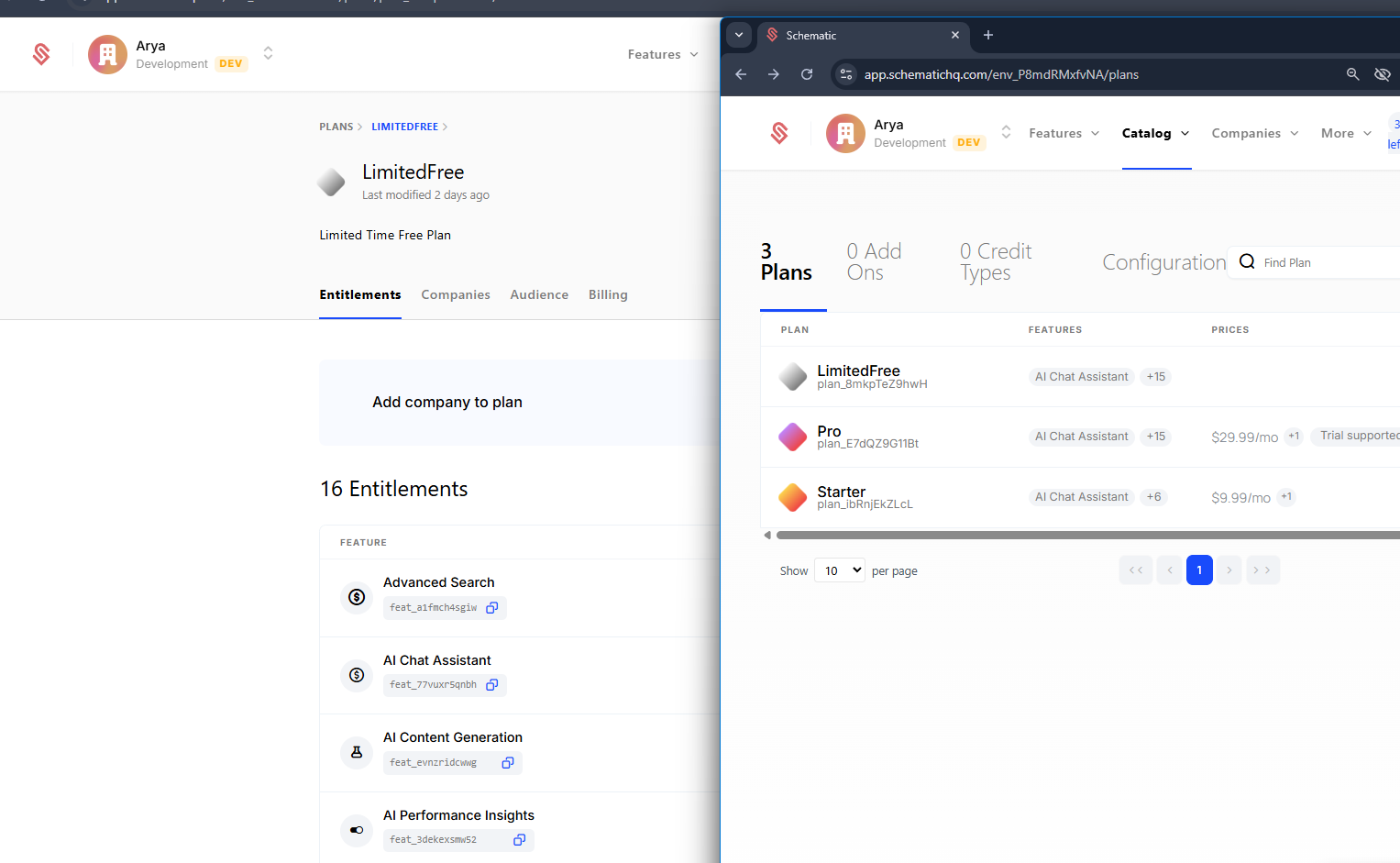
The Project also uses Schematic - which internally has stripe management to provide plan based usage. It has LIMITED-FREE/Starter/Pro Plans. Currently all users are defaulted to LIMITED-FREE plan to access all features. This is a working payment gateway solution which is efficiently managed by schematic.
Try asking:
“What’s due tomorrow?”
“Find me my biology notes from last week.”
“Do I have time to hit the gym before physics class?”
For Setup Details REFER README.md of GitHub
Built With
- aceternity
- convex
- copilotkit
- kendo-rag
- magicui
- nextjs
- schematic
- shadcn
- typescript
- vercel
- vertexai


Log in or sign up for Devpost to join the conversation.