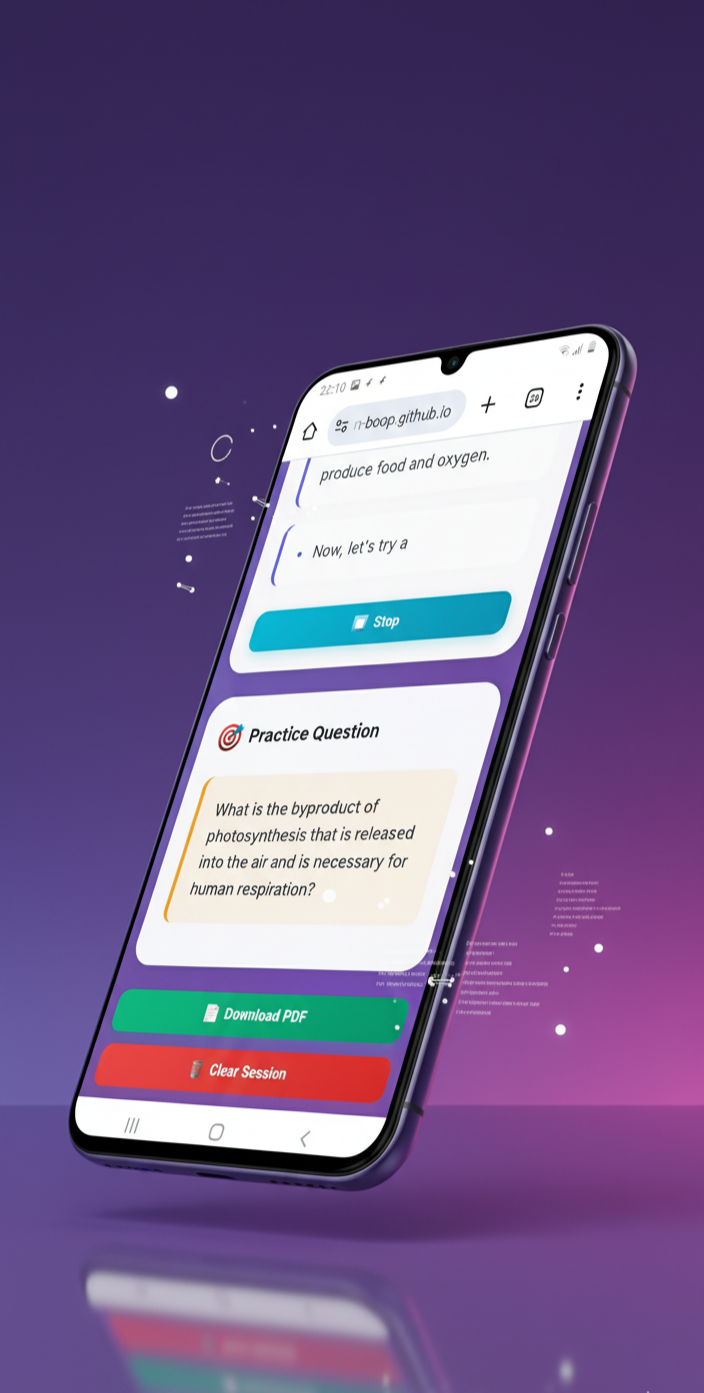
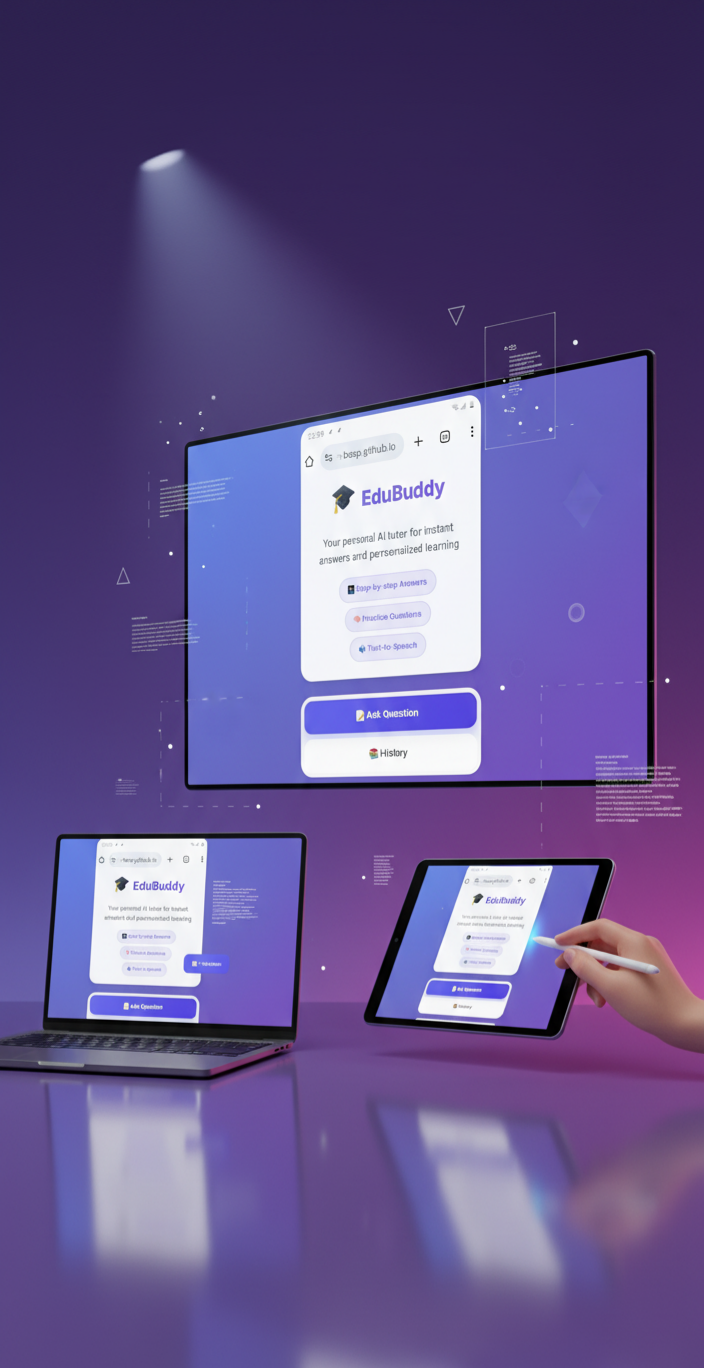
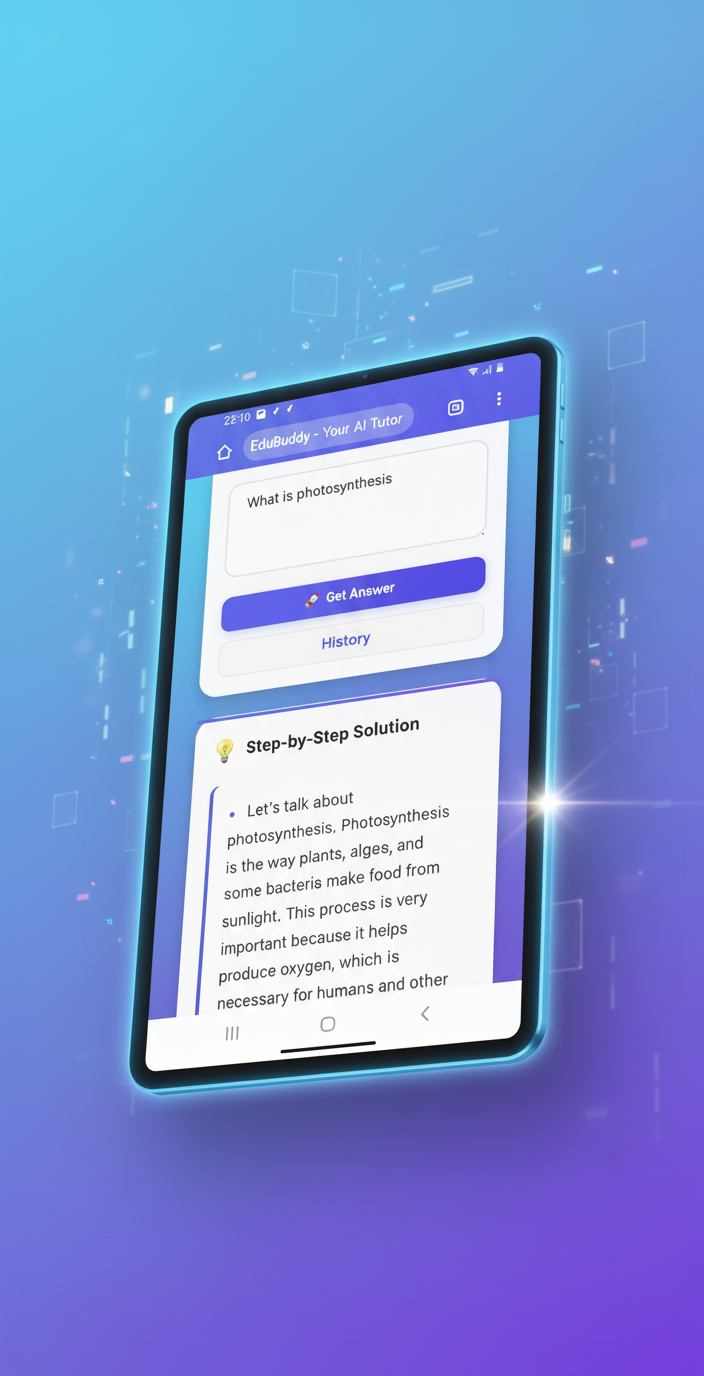
During study sessions, we noticed that many students—especially those using mobile phones—struggle to find clear, step-by-step explanations and quick practice questions in one place. Most educational tools are either too complex, require heavy apps, or don’t work well on low-end devices. We wanted to build something simple, fast, and accessible — an app that feels like having a personal AI tutor in your pocket.. That’s how EduBuddy was born: a mobile-first web app that listens to your questions, explains them clearly, gives you a related practice question, reads the answer aloud, and even lets you download your notes as a PDF — everything inside one lightweight HTML file. Our inspiration came from the idea of “learning anywhere, anytime”, powered by AI but designed for real students — not just tech experts.
EduBuddy is an AI-powered web app that acts as a personal study companion for students. It helps users understand concepts faster through simple, interactive tools — all inside one lightweight HTML file.
Here’s what it does:
🧠 Answers questions instantly — type or speak any question, and EduBuddy gives a clear, step-by-step explanation.
🗣️ Listens & speaks — it supports voice input and can read answers aloud using text-to-speech.
📝 Creates practice questions — after explaining a topic, it generates a follow-up question to test understanding.
📜 Saves study history — every question and answer is stored locally, so students can revisit previous sessions anytime.
📄 Exports notes as PDF — users can download their Q&A as a PDF file for offline study.
📱 Works seamlessly on mobile — built to run smoothly in any browser without installation.
In short, EduBuddy helps students ask, learn, practice, and revise — all in one place.
I built EduBuddy as a single-page web application using only HTML, CSS, and JavaScript to ensure that it runs smoothly on both desktop and mobile browsers — without requiring installation.
The frontend is fully responsive and designed with a clean, minimal UI for easy use on small screens.
The JavaScript logic handles user input, voice recognition, text-to-speech, and local storage for saving Q&A history.
For the AI answers, I integrated the groq API, which connects to large language models to generate step-by-step explanations and practice questions.
I used jsPDF to let users download their question and answer sessions as PDF notes directly from the browser.
To make it accessible, I added speech recognition for hands-free question input and text-to-speech so users can listen to answers.
All data is processed on the client side, and no personal data is uploaded — making the app lightweight, secure, and privacy-friendly.
My goal during development was to make a full-featured learning assistant that can run inside a single HTML file — simple to open, simple to use, but powerful enough to help real students learn faster.
Building EduBuddy as an all-in-one AI learning app inside a single HTML file came with several challenges:
🔐 API Key Security: We initially connected the GROQ API directly from the frontend, but soon realized that exposing the API key publicly could make it unsafe. Finding a secure, lightweight solution for server-side proxying was a key challenge.
🎤 Voice Recognition Consistency: Getting speech recognition to work smoothly across browsers (especially on mobile Chrome) required testing multiple APIs and handling permission issues for the microphone.
📄 PDF Generation: Integrating jsPDF in a way that exported clean, readable text — without breaking the layout — took time to fine-tune, especially for longer answers.
🧠 Parsing AI Responses: Sometimes, AI outputs weren’t structured clearly (mixing steps, examples, and practice questions). I had to build a custom parsing function to split and format the answers properly.
📱 Mobile Responsiveness: Ensuring that the app remained fast and readable on small screens with limited memory was a big design and performance challenge.
Despite these challenges, i managed to make EduBuddy stable, secure, and user-friendly — proving that powerful AI learning tools can exist even in a single HTML file.
I proud of how EduBuddy turned from a simple idea into a fully functional AI learning assistant — built completely with just HTML, CSS, and JavaScript.
Here’s what i achieved during the hackathon:
🚀 Built a complete AI tutor inside a single HTML file — no installation, no backend, just pure client-side code.
🧠 Combined AI answers + practice questions + voice features — everything students need to study effectively, all in one place.
🗣️ Enabled full speech input and output — students can talk to EduBuddy and listen to answers hands-free.
📄 Implemented instant PDF export — turning every learning session into neatly formatted offline notes.
💾 Added local history storage — allowing users to revisit old questions even without internet.
💡 Created a mobile-first, fast, and accessible design — perfect for students who rely mainly on smartphones.
My biggest accomplishment is proving that powerful, AI-driven education tools don’t need heavy apps or servers — they can run smoothly inside a simple web page, accessible to anyone, anywhere.
Building EduBuddy taught us a lot — not just about coding, but about designing real solutions for real students.
Here’s what we learned along the way:
💡 How to integrate AI safely — we learned the importance of keeping API keys secure and using backend proxies for production.
🧩 Balancing simplicity with functionality — it’s possible to pack advanced AI features (voice, PDF, practice) into a small, fast web app without sacrificing performance.
🗣️ Voice and accessibility matter — adding speech input and output made the app far more engaging and inclusive, especially for students who prefer audio learning.
⚙️ Parsing and structuring AI responses — we discovered how to clean and format large language model outputs into clear, step-by-step explanations.
🧠 UI/UX for learning tools — designing interfaces for education requires clarity, minimalism, and trust — not just visuals.
🔄 Testing across devices — mobile-first design means constant testing on different browsers and screen sizes to make sure everything feels natural.
Most importantly, we learned that innovation doesn’t need complexity — with creativity and focus, even a small team can build an AI-powered educational tool that truly helps learners.
EduBuddy started as a simple idea — an AI tutor that fits in your pocket — but this is just the beginning. We’re excited to take it even further with new features, smarter AI, and a larger impact on education.
Here’s what’s next for us:
🔐 Secure backend integration — move API calls to a protected server to safely handle AI requests and remove client-side keys.
🧮 Subject-specific learning modes — add Math, Science, and Language sections with custom AI prompts, equations (LaTeX), and diagrams.
🌍 Multi-language support — make EduBuddy accessible in Hindi and other regional languages to help more students learn in their own language.
📊 Learning progress tracking — introduce a dashboard showing topics studied, accuracy on practice questions, and improvement over time.
📱 Offline & PWA version — allow users to install EduBuddy as a Progressive Web App and study without internet access.
🤝 Collaboration tools — add group learning or teacher dashboards so students can share questions and feedback in classrooms.
Our vision is to turn EduBuddy into a complete AI-powered education companion — accessible to every learner, on any device, anywhere in the world. 🌍✨


Log in or sign up for Devpost to join the conversation.