-
-
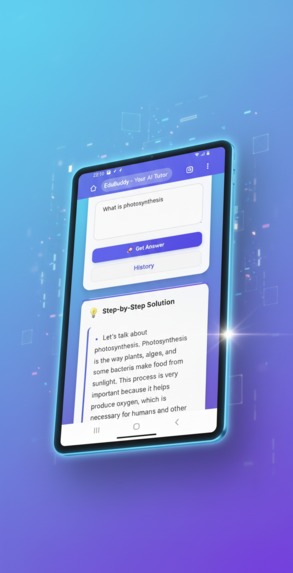
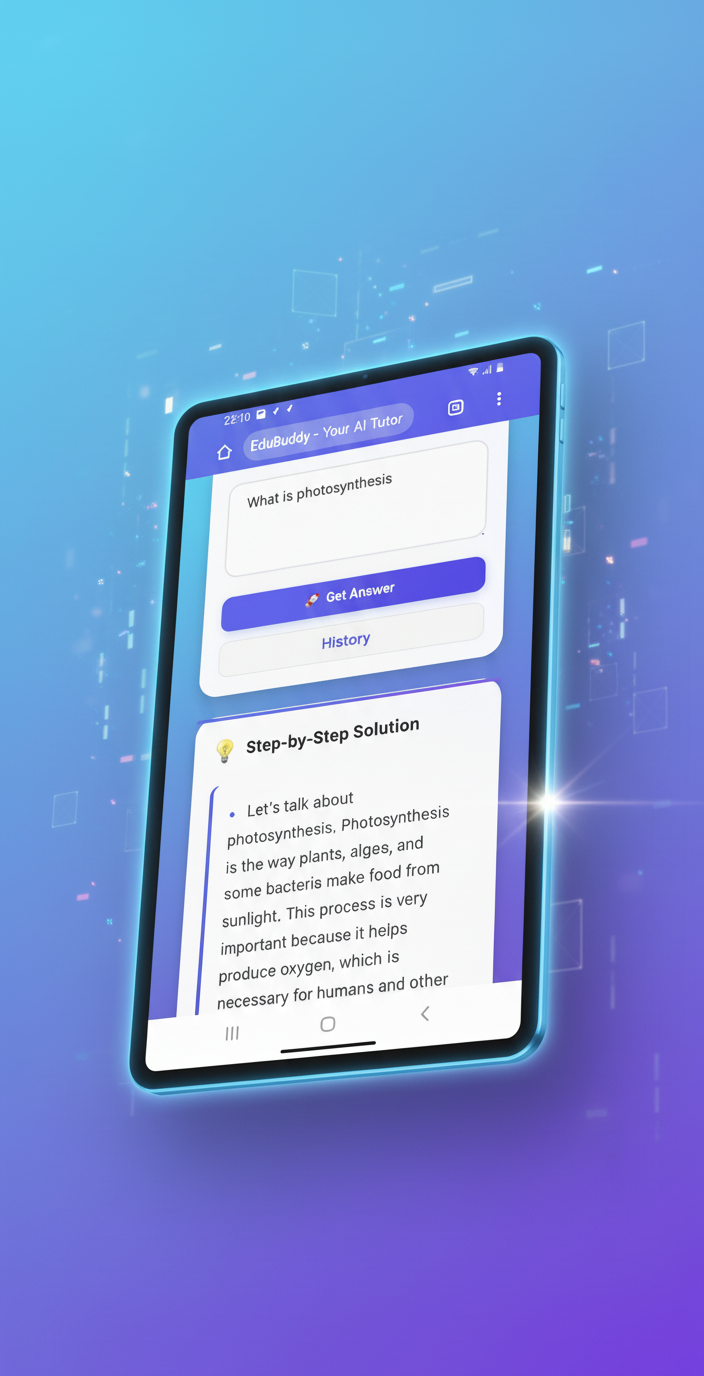
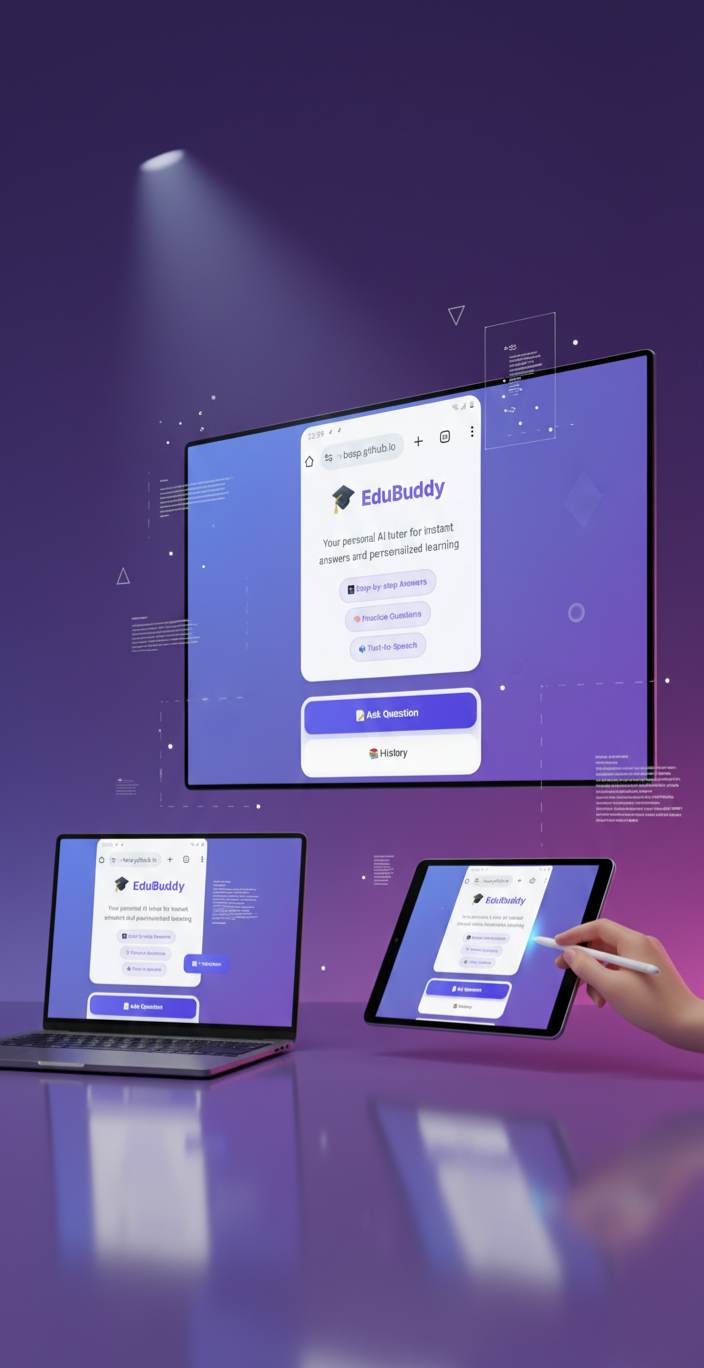
Skip hard study—EduBuddy breaks down sunlight-to-oxygen magic. Smart swipes = instant A's
-
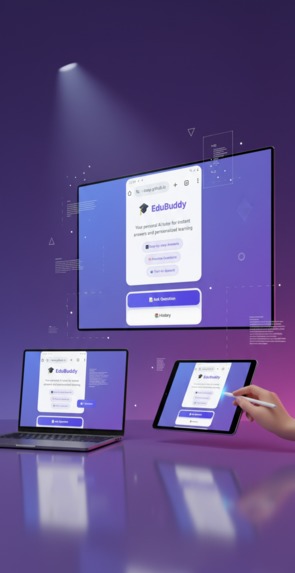
EduBuddy quizzes & voice on any screen. Homework? Hacked. Download for smart vibes!
-
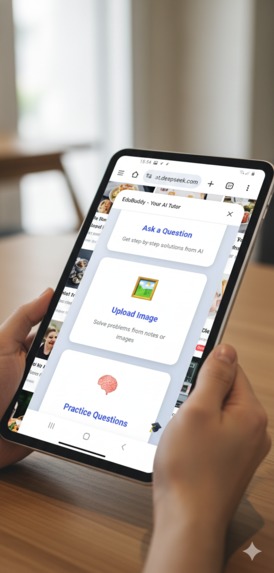
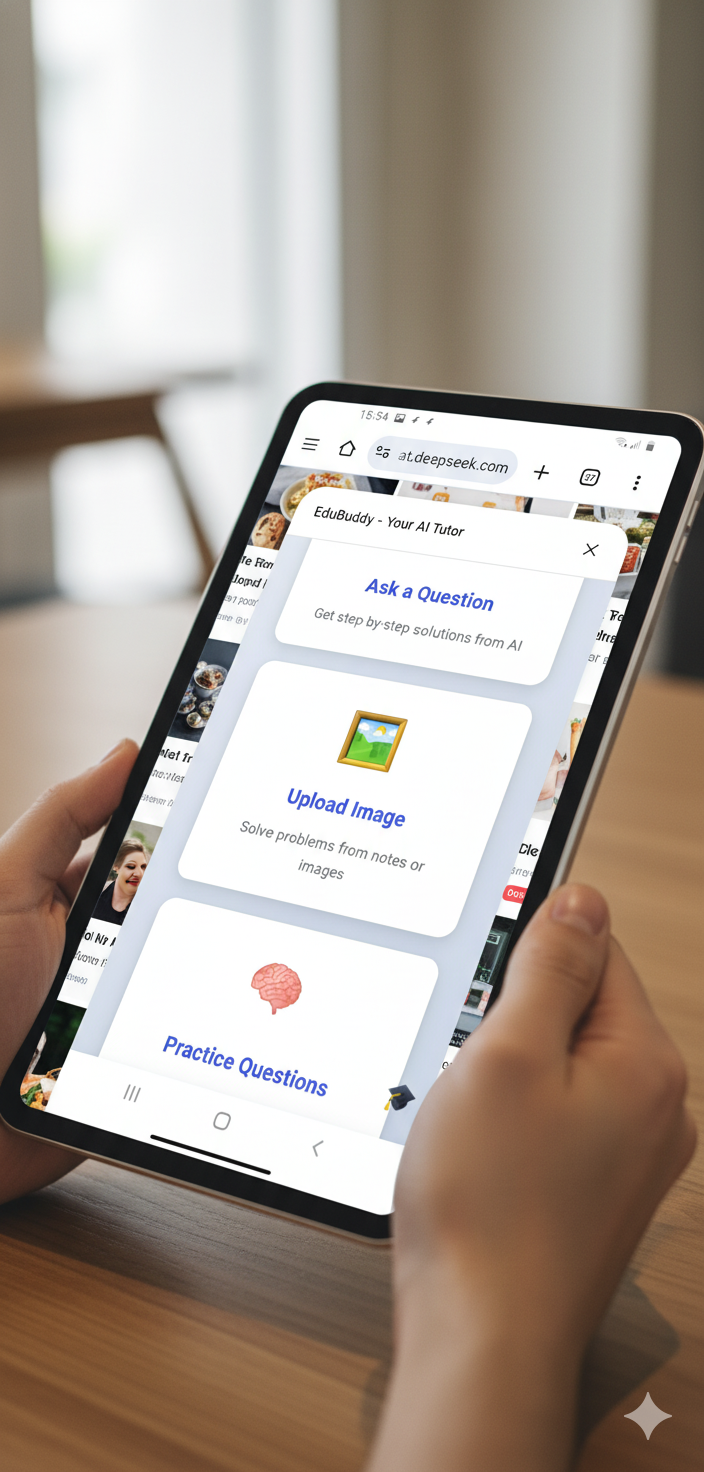
All sections are here from ask question to study hub
-
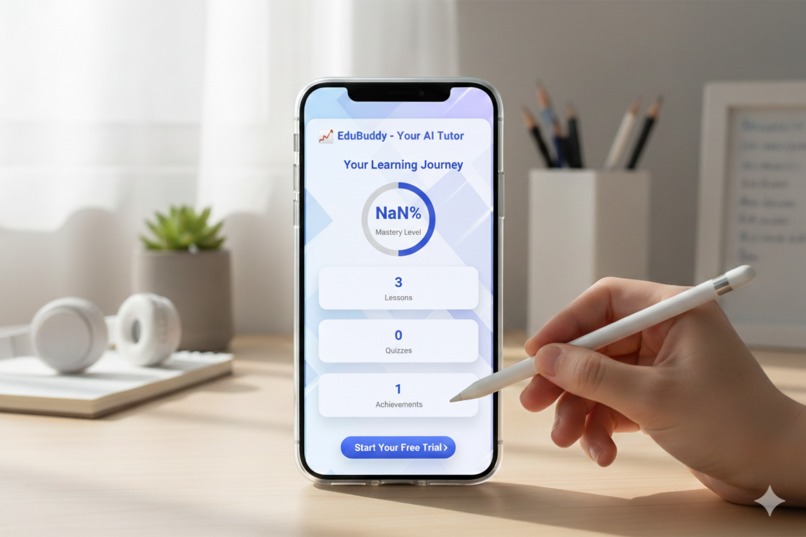
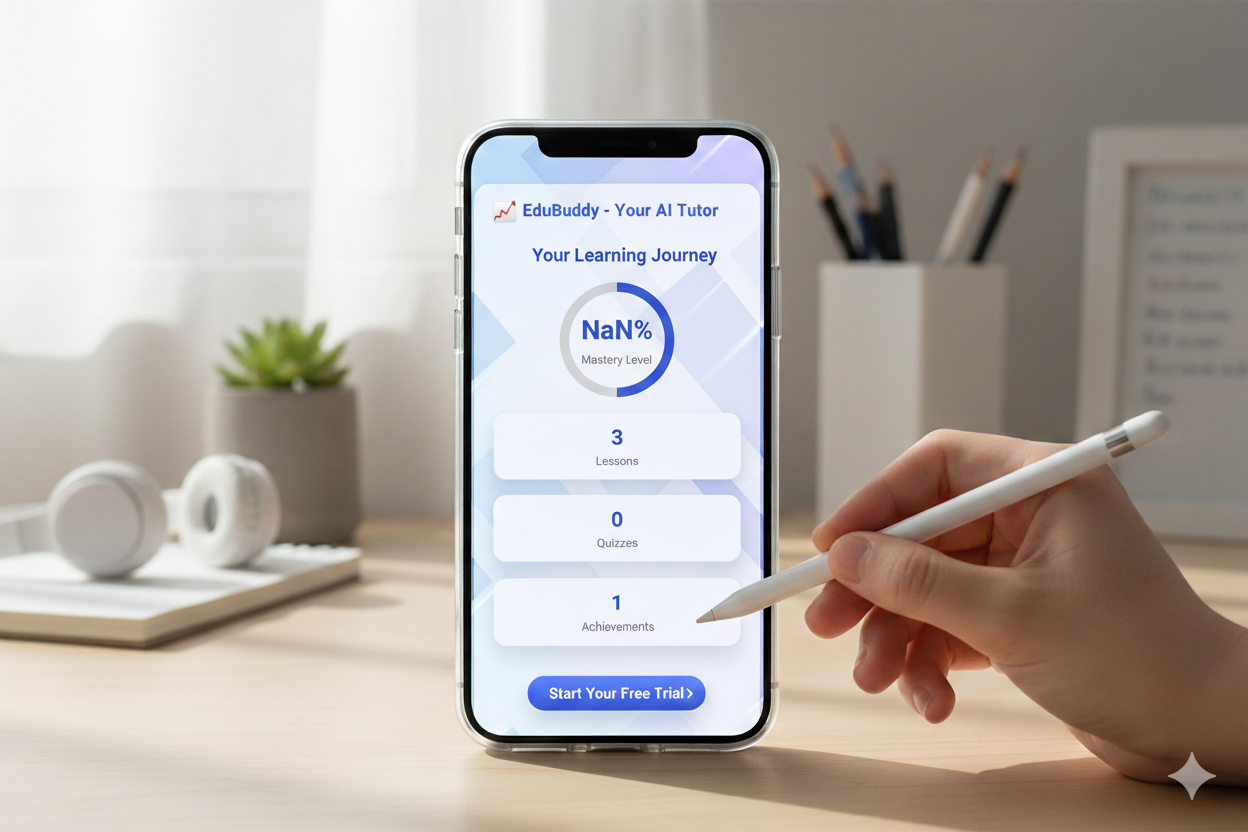
Track progress: Mastery levels, lessons, quizzes—start free trial
-
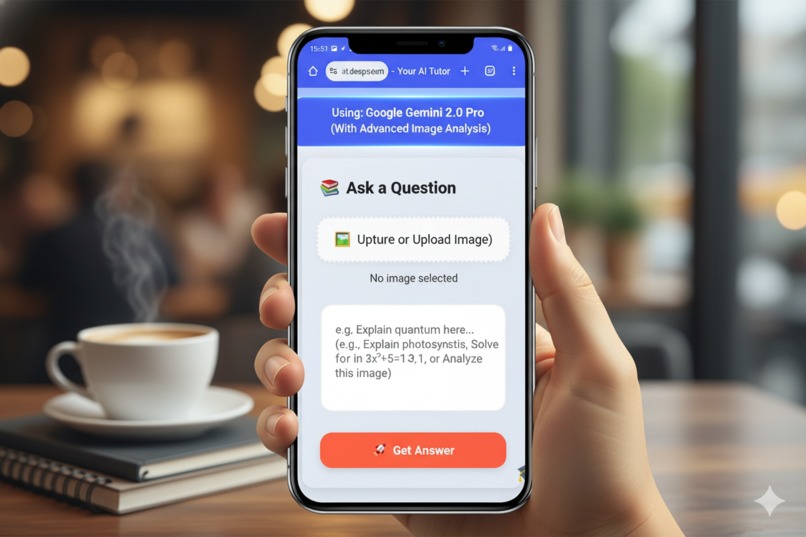
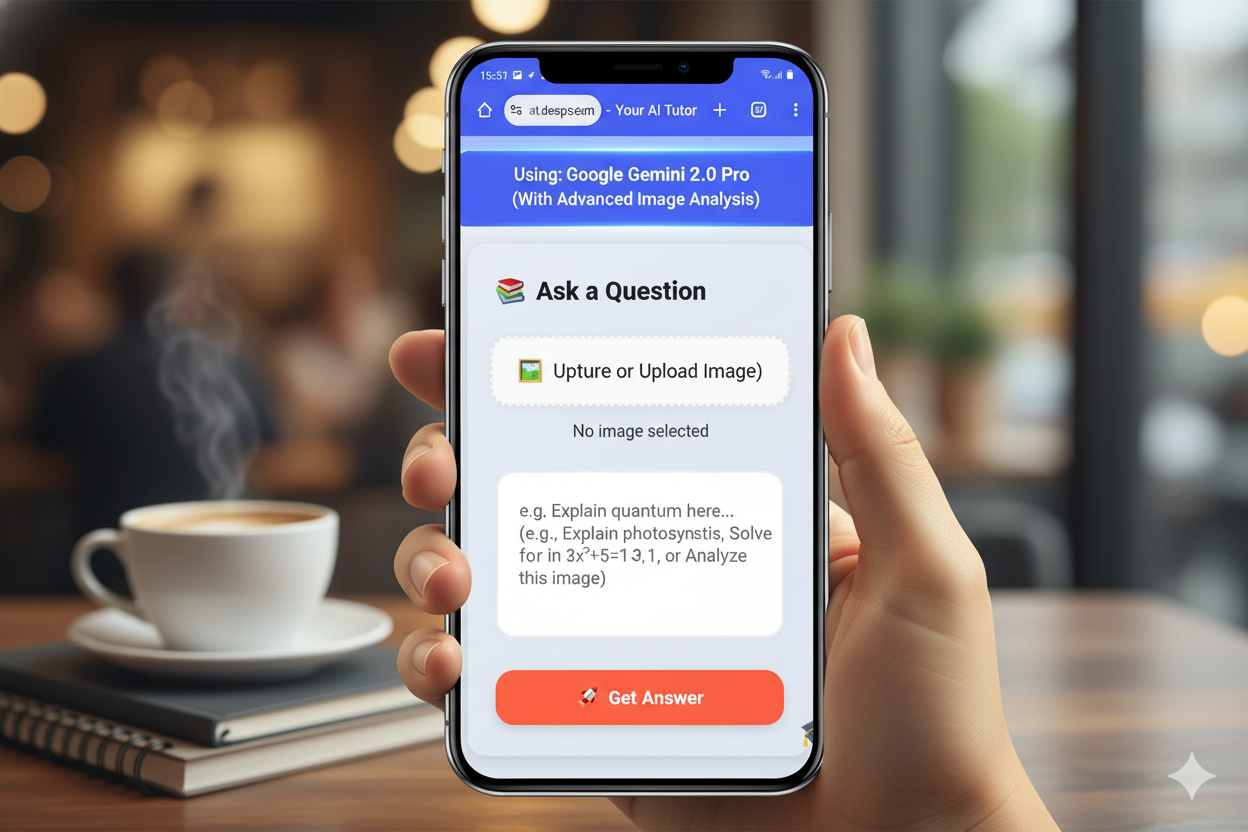
Ask, upload, solve with Gemini 2.0 Pro—AI image analysis on demand.
-
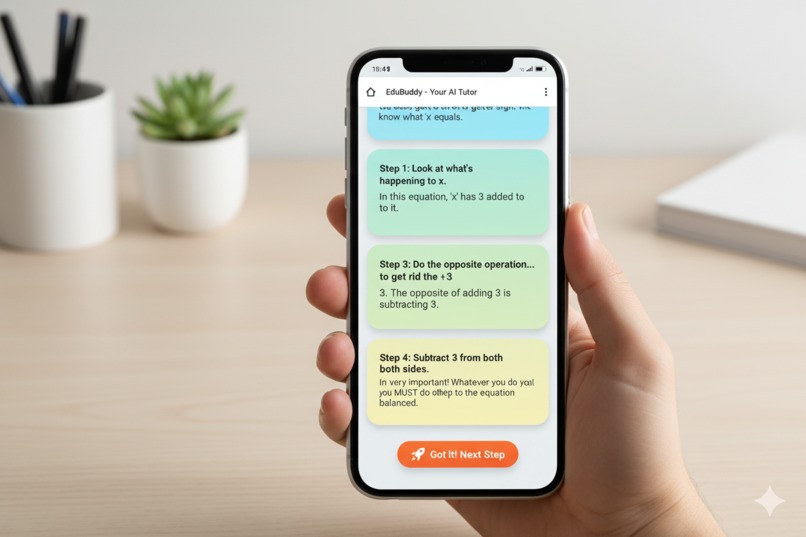
Step-by-step algebra: Balance x + 3 = 6 like a pro.
-
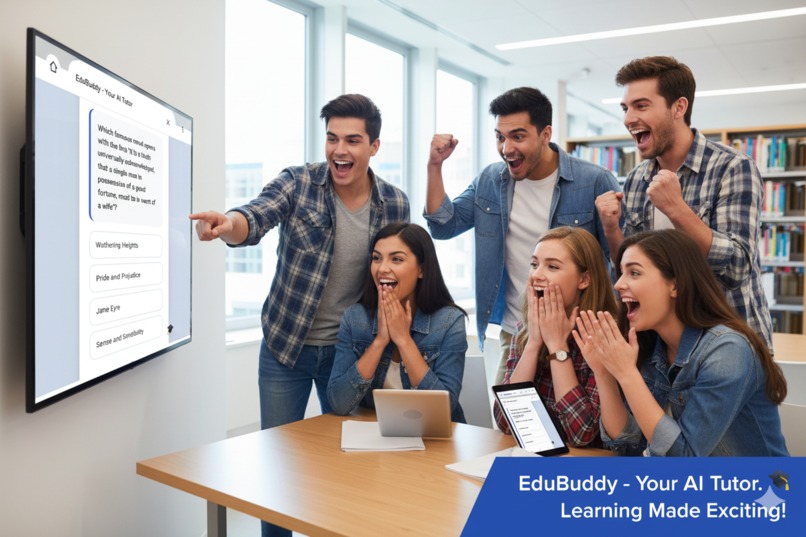
Quiz classics with friends—Wuthering Heights wins cheers!
-

Unlock AI tutoring: Instant answers, step-by-step solutions, image analysis—personalized learning starts here
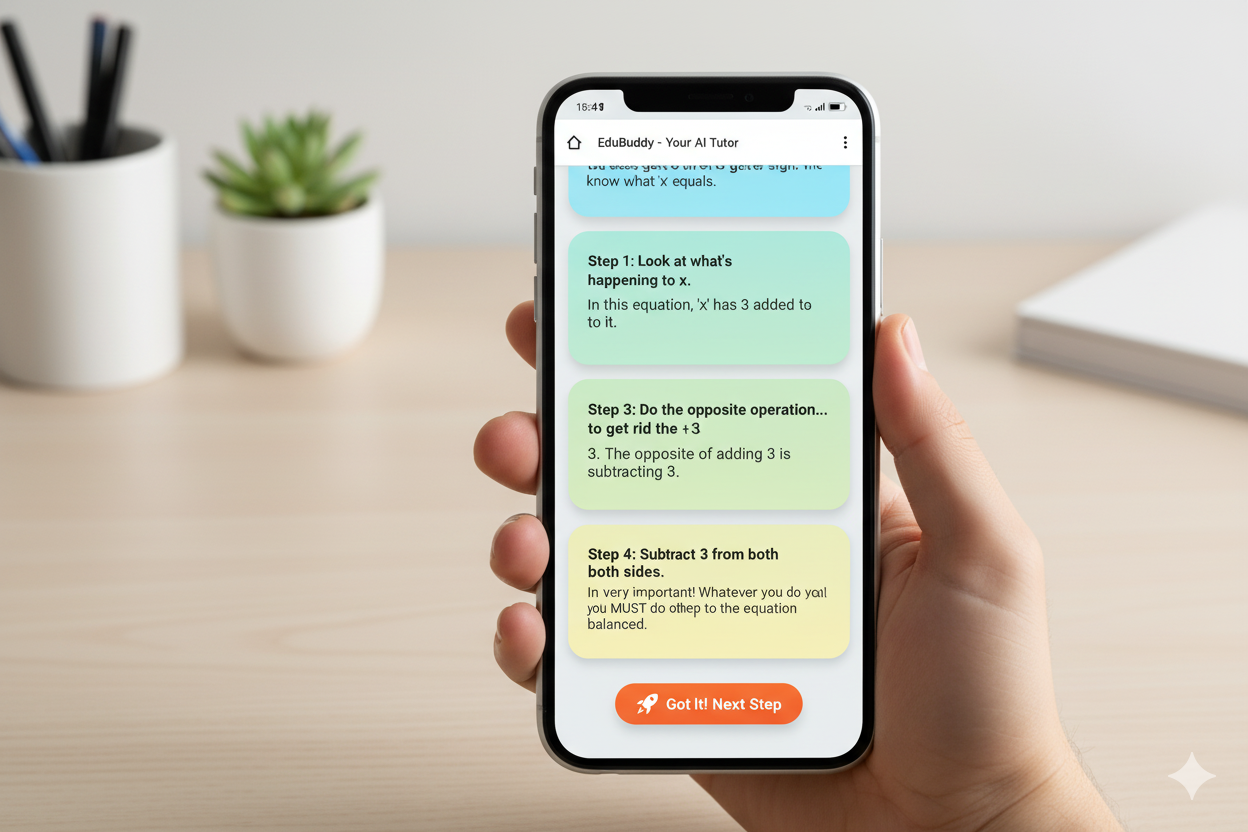
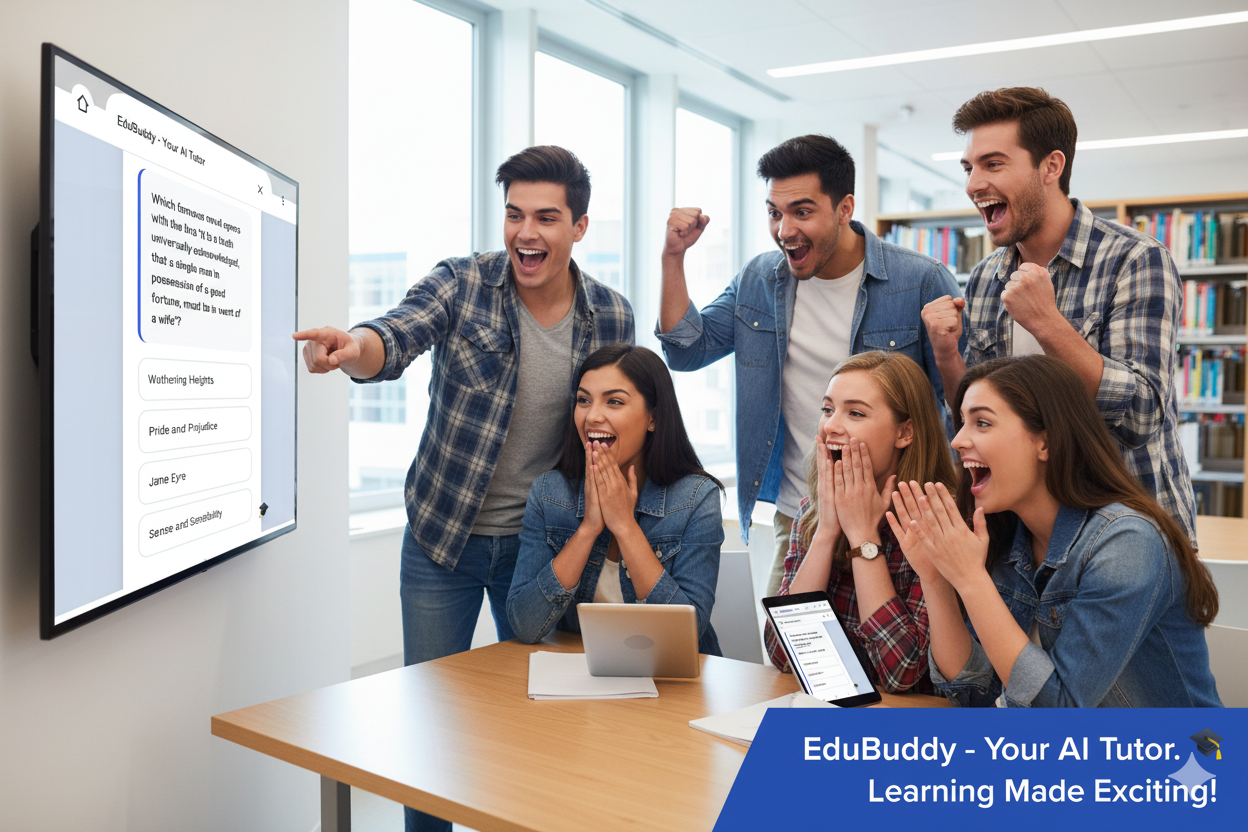
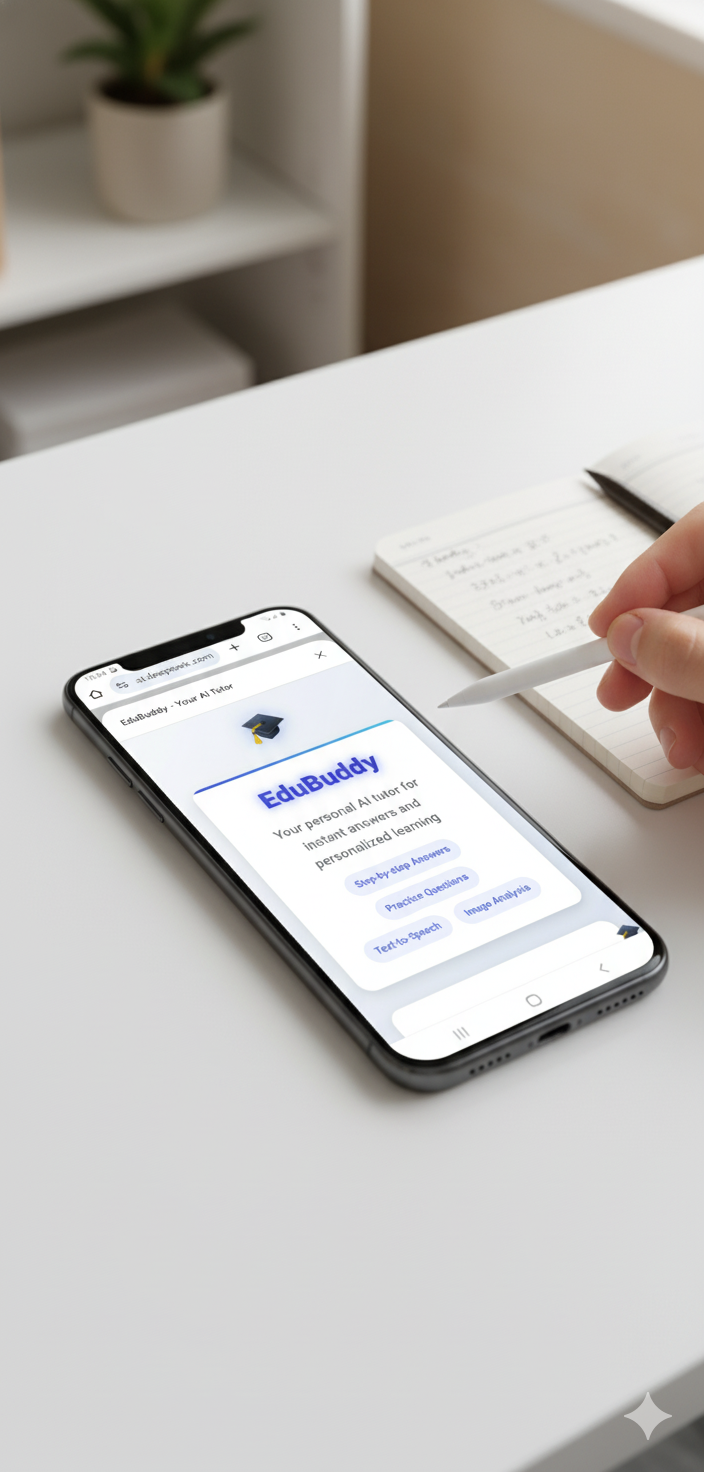
I’m a student who wanted a friendly tutor that’s always available — something that gives clear step-by-step solutions, turns notes/photos into questions, and makes practice fun. I built EduBuddy because classroom help is often slow, and many study apps are either boring or too generic. I wanted a single tool that combines instant AI explanations, image-based solving, short practice quizzes and gamified progress — all in one lightweight web app.
What it does
EduBuddy is a single-page web app that helps students learn faster by:
Taking a typed question or an uploaded photo of notes/problems and returning step-by-step answers.
Generating multiple-choice practice sets and short quizzes from AI.
Providing instant feedback, a short AI tip for remembering concepts, and an explain-why for incorrect answers.
Tracking learning with local progress & achievements (lessons, quizzes, streaks).
Letting users listen to answers (text-to-speech) and download session reports as PDF.
Supporting image analysis (solve from screenshots/handwritten notes) and light client-side image compression for faster uploads.
How we built it
Solo developer, front-end focused — stack and key pieces:
Frontend: Plain HTML/CSS/JavaScript (single HTML file) — responsive layout with modern animations.
AI: Google Gemini 2.0 Flash (Generative Language API) for text generation, question creation, and tips.
Utilities & libs: jsPDF for PDF export, canvas-confetti for celebratory animations.
Browser features: fetch for API calls, FileReader + canvas for image resizing & base64, speechSynthesis for TTS, localStorage for progress persistence.
Architecture: Frontend calls the Gemini API directly (demo/hackathon mode). All UI logic, parsing, and progress tracking live in the single page.
Development workflow: Iterative — prototype UI, wire AI calls, test parsing and quiz flow, then polish visuals and UX.
Challenges we ran into
Unstable model output formats: The AI sometimes returns slightly different formats — so parsers that expect strict markers break. Fixed by creating robust parsing (marker detection, fallback heuristics).
API key exposure vs deployment convenience: No backend initially, so the key was in the front end for demo. That’s risky — I mitigated it using obfuscation + Google Cloud referrer restrictions and set quotas.
Large image uploads: Full images caused long uploads/timeouts. I added client-side resizing/compression before sending images.
Network & rate issues: Transient failures and rate limits required adding retry with exponential backoff to improve reliability.
Edge cases in MCQ parsing: The model sometimes formats options as A. or 1) etc. I rewrote the test parser to accept multiple formats.
One-person time limits: Building UX, AI logic, and many features alone meant prioritizing core flows (Q&A, practice, progress) over extras.
Accomplishments that we’re proud of
Multimodal AI tutor in a single file — accepts text + images and gives step-by-step help.
Automatic practice generation — quizzes and short tests created on demand by AI.
Gamified progress & achievements — motivates learners and tracks growth locally.
Polished UI/UX — animations, responsive layout, TTS and PDF export all included.
Robust parsing & resilience — handles variable AI outputs and network errors gracefully.
All built by one person end-to-end (design, code, AI prompts, UI) — fast iteration and complete ownership of the project.
What we learned
Prompt engineering matters. Small prompt changes drastically affect model output format and quality, so I built prompts that reliably produce MCQs and short tips.
Defensive parsing is essential. AI outputs vary; building resilient parsers and fallback strategies prevents feature breakage.
Client-side image handling helps UX. Resizing before upload improves speed and reliability.
Security tradeoffs without backend. Easy demo deployment vs. key safety — I learned to use Google Cloud referrer restrictions and quotas when backend isn’t available.
Polish wins. Smooth animations, friendly microcopy, and quick feedback make the app feel trustworthy and useful.
What’s next for EduBuddy
Short-term (hackathon & next 1–2 months):
Add a tiny backend proxy (Express or serverless function) so the API key never reaches the browser.
Add user accounts (optional) so progress syncs across devices and leaderboard/competitions can be added.
Improve adaptive learning: use test results to generate targeted practice focusing on weak areas.
Expand content beyond general knowledge and math: subject modules (Physics, Chemistry, Grammar).
Polish accessibility (keyboard navigation, ARIA labels) and offline friendly caching for study on the go.
Long-term:
Deploy mobile app wrapper (PWA / React Native) for better offline and notification support.
Add analytics & A/B testing for prompts to continuously improve answer accuracy and pedagogy.
Integrate a moderation/validation layer to check AI answers for correctness (or a human in the loop).
Add collaborative features (study groups, shared quizzes, teacher dashboards).

Log in or sign up for Devpost to join the conversation.