-
-
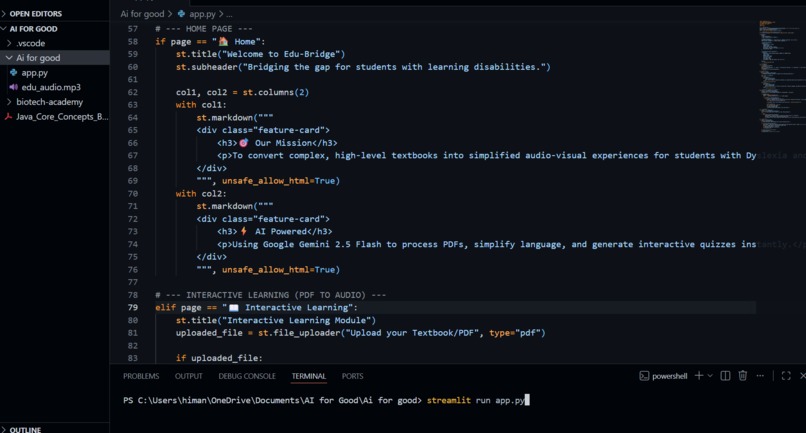
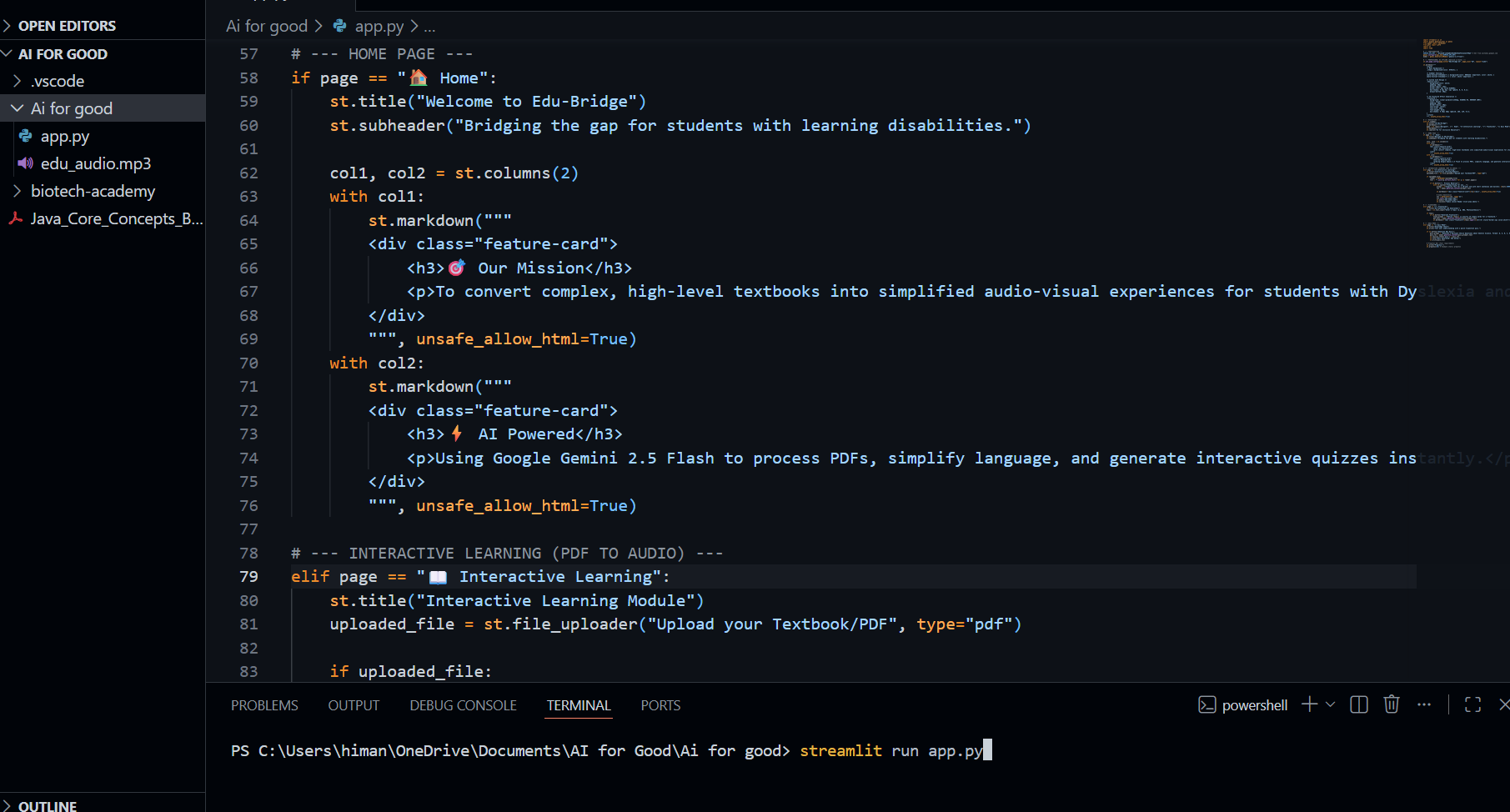
Code Part
-
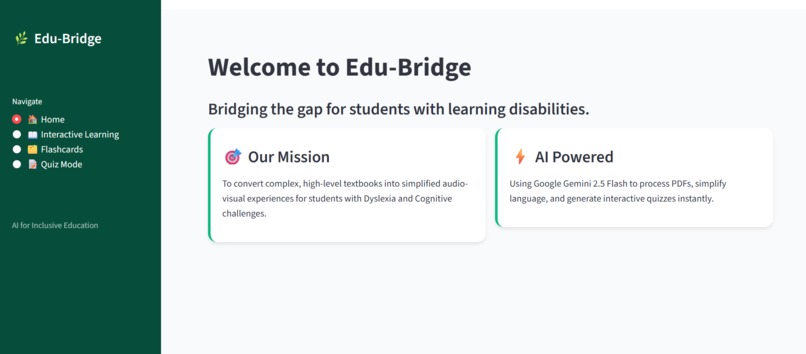
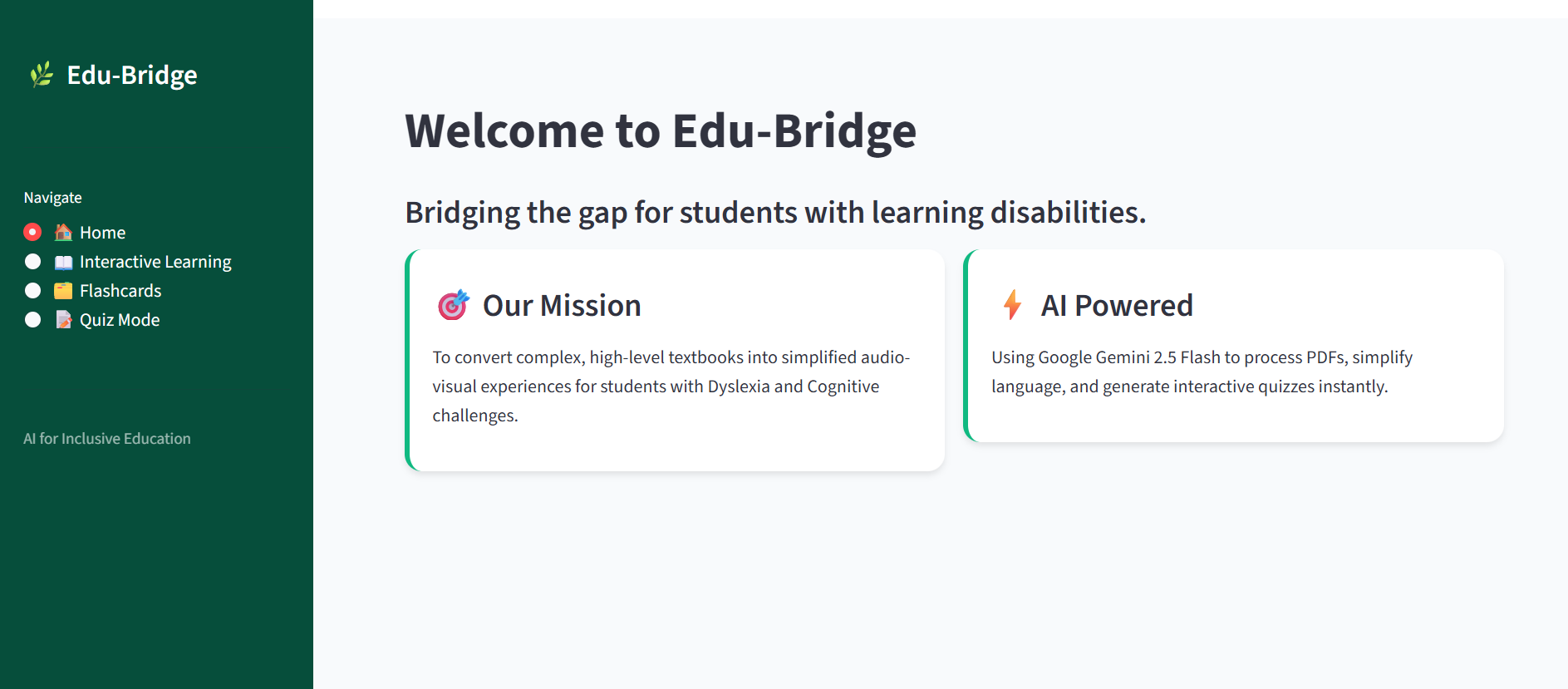
Home Page
-
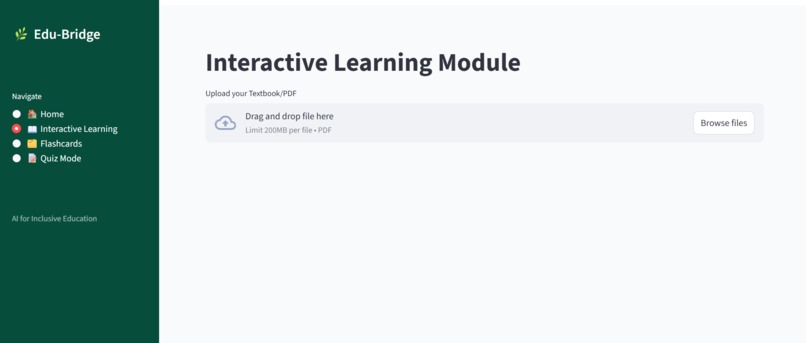
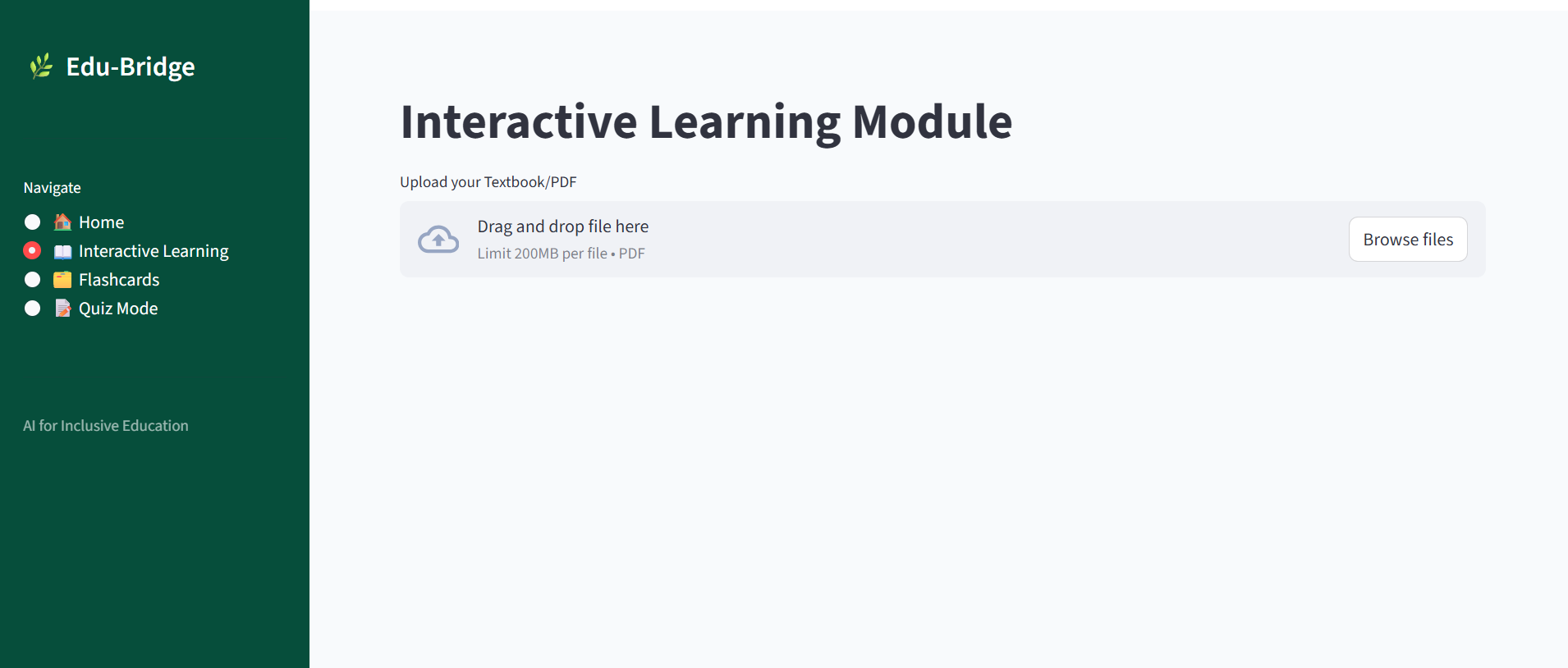
PDF Uploading Dashboard
-
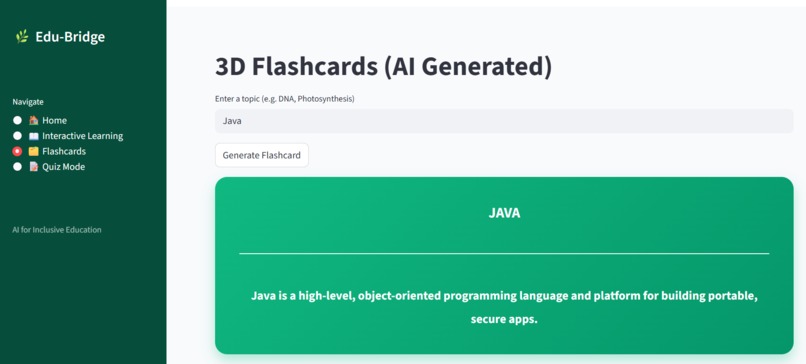
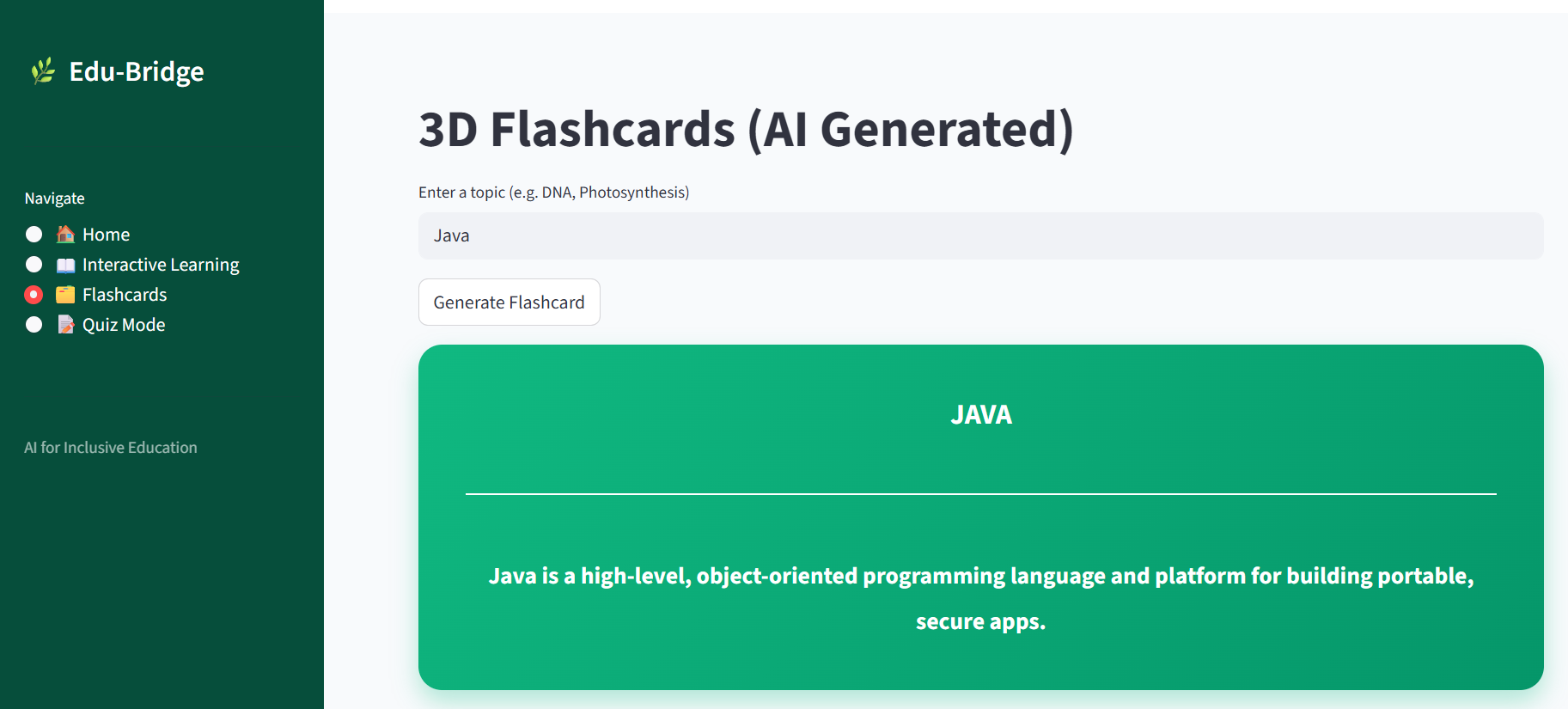
3D flashcard
Inspiration
The inspiration for Edu Bridge came from a simple observation: the digital divide isn't just about who has a computer; it's about who can understand the information on the screen. Students with Dyslexia, ADHD, or visual impairments often find traditional, text-heavy academic PDFs to be an insurmountable wall.
As a student with a background in biology and computer applications, I realized that while the information is available, the format is often the barrier. I wanted to build a "bridge" that translates complex academic jargon into a multisensory, simplified experience that anyone can grasp.
What it does
Edu Bridge is an AI-powered inclusive learning platform that transforms dense textbooks into accessible lessons. -Text Simplification: It uses Google Gemini 1.5 Flash to rewrite complex PDF content into "Grade 5" level language with short sentences and clear bullet points. -Audio Lessons: It instantly generates high-quality audio versions of the simplified text, allowing students to learn by listening. -Interactive Reinforcement: The app auto-generates 3D-style flashcards and interactive quizzes to test knowledge without the stress of reading long paragraphs. -Accessible Design: Built with a high-contrast Emerald and Slate UI to reduce eye strain and improve readability.
How we built it
The project is built using a modern, efficient Python stack designed for rapid deployment and high performance: -Frontend: Streamlit was used to create a responsive, sidebar-driven web interface that mimics a professional LMS (Learning Management System). -The Brain: Google Gemini 1.5 Flash API handles the Natural Language Processing (NLP) for text simplification and quiz generation. -Processing: I used PyPDF for extracting raw text from uploaded documents and gTTS (Google Text-to-Speech) for the audio synthesis. -Styling: Custom CSS injection was used to create the professional scientific aesthetic, including specialized containers for flashcards and progress tracking.
Challenges we ran into
One of the biggest hurdles was managing the "Context Window"—ensuring that the AI could process large PDF chapters without losing the core meaning during simplification. I had to implement text-chunking logic to handle data efficiently.
Additionally, moving from a complex React/Vite environment to a streamlined Python-based deployment in the final hours required a complete pivot in my development strategy to ensure a working prototype was ready before the hard deadline.
Accomplishments that we're proud of
I am incredibly proud of the Audio Lesson feature. Seeing a complex scientific document turn into a friendly, spoken-word lesson in under 10 seconds feels like a genuine step toward "AI for Good." I am also proud of maintaining a professional UI/UX as a solo developer, proving that accessibility tools can be both functional and beautiful.
What we learned
This project taught me the true power of Generative AI beyond just "chatting." I learned how to integrate multiple APIs to create a seamless pipeline (PDF → Text → AI → Audio). More importantly, I learned that as a developer, my most important job is to build tools that include people, rather than leaving them behind due to their learning styles.
What's next for Edu Bridge
-Multilingual Support: I plan to add support for local Indian languages (Hindi, Bengali, etc.) to help students in rural areas. -AI Vision: Integrating Gemini's vision capabilities to explain complex diagrams and charts from textbooks. -Gamified Progress: A more robust backend to track student scores over time and provide "Daily Streaks" to keep learners motivated.

Log in or sign up for Devpost to join the conversation.