
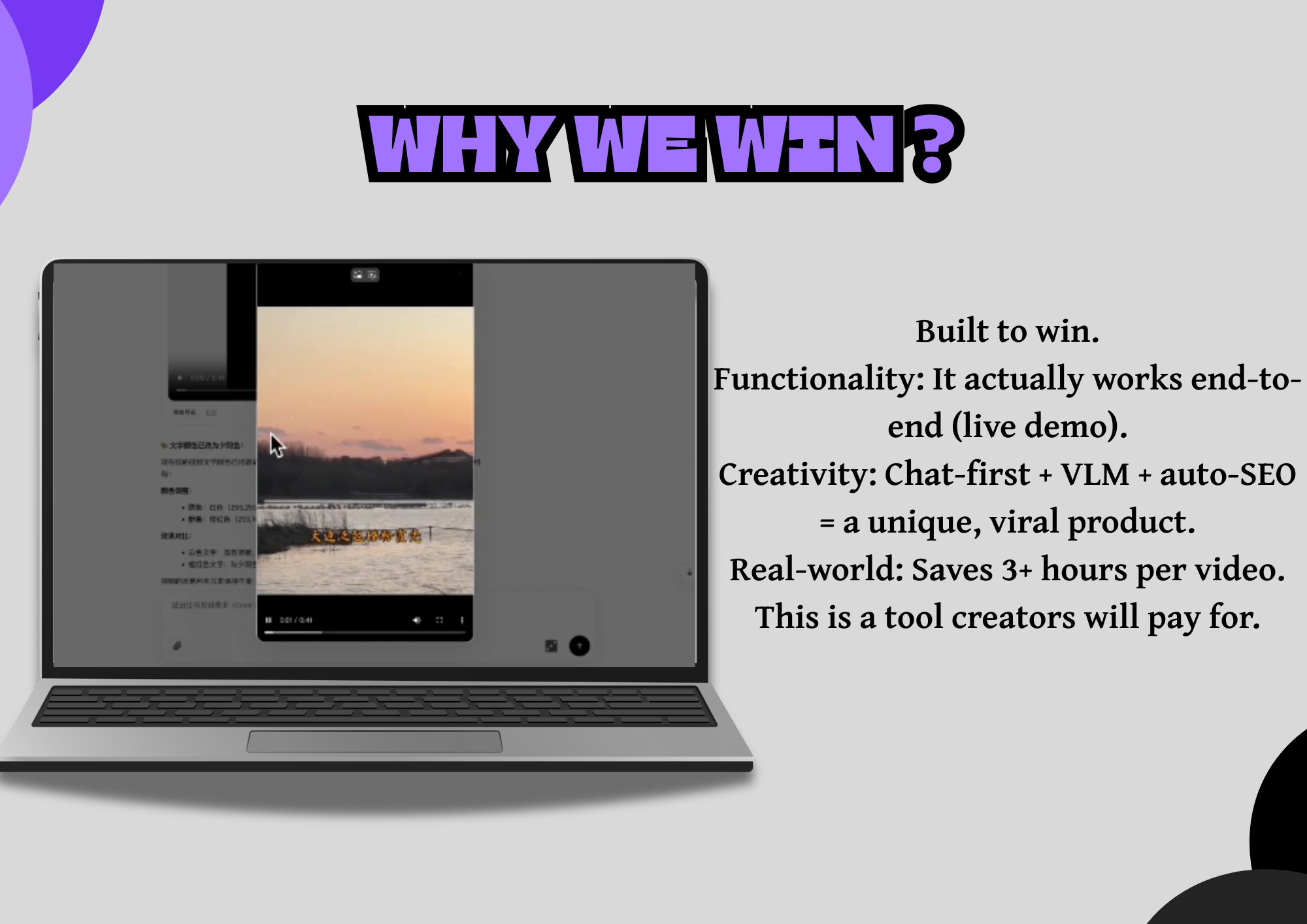
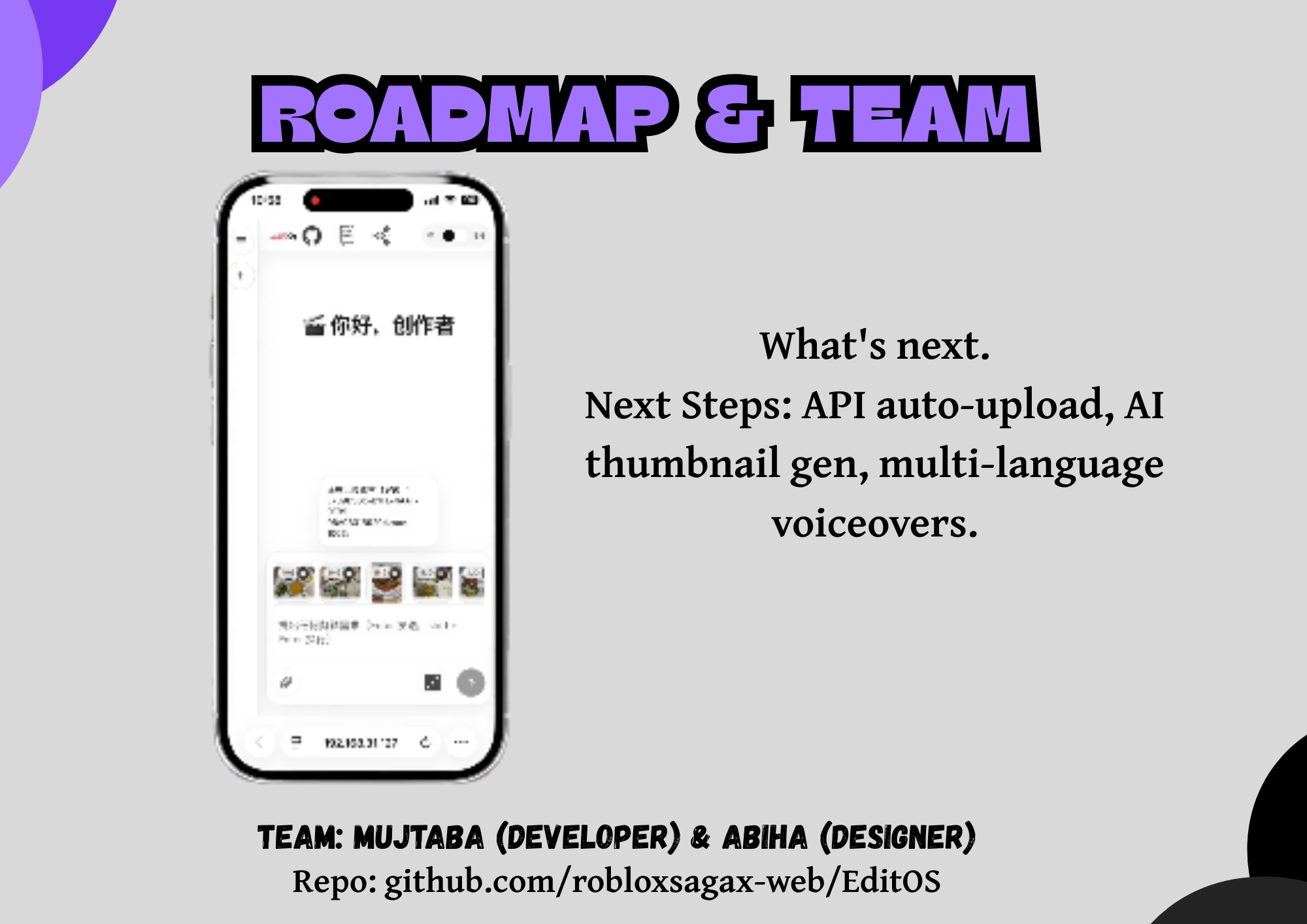
🏆 Built for CUTC: Transform Hackathon
🎬 EditOS
One sentence. A complete, broadcast-ready video — edited by AI.
An autonomous, conversational video-editing operating system that turns a plain-English request into a fully rendered, narrated, sound-tracked video.





🏆 The Inspiration
Every creator knows the same bottleneck: the idea is fast, the edit is slow.
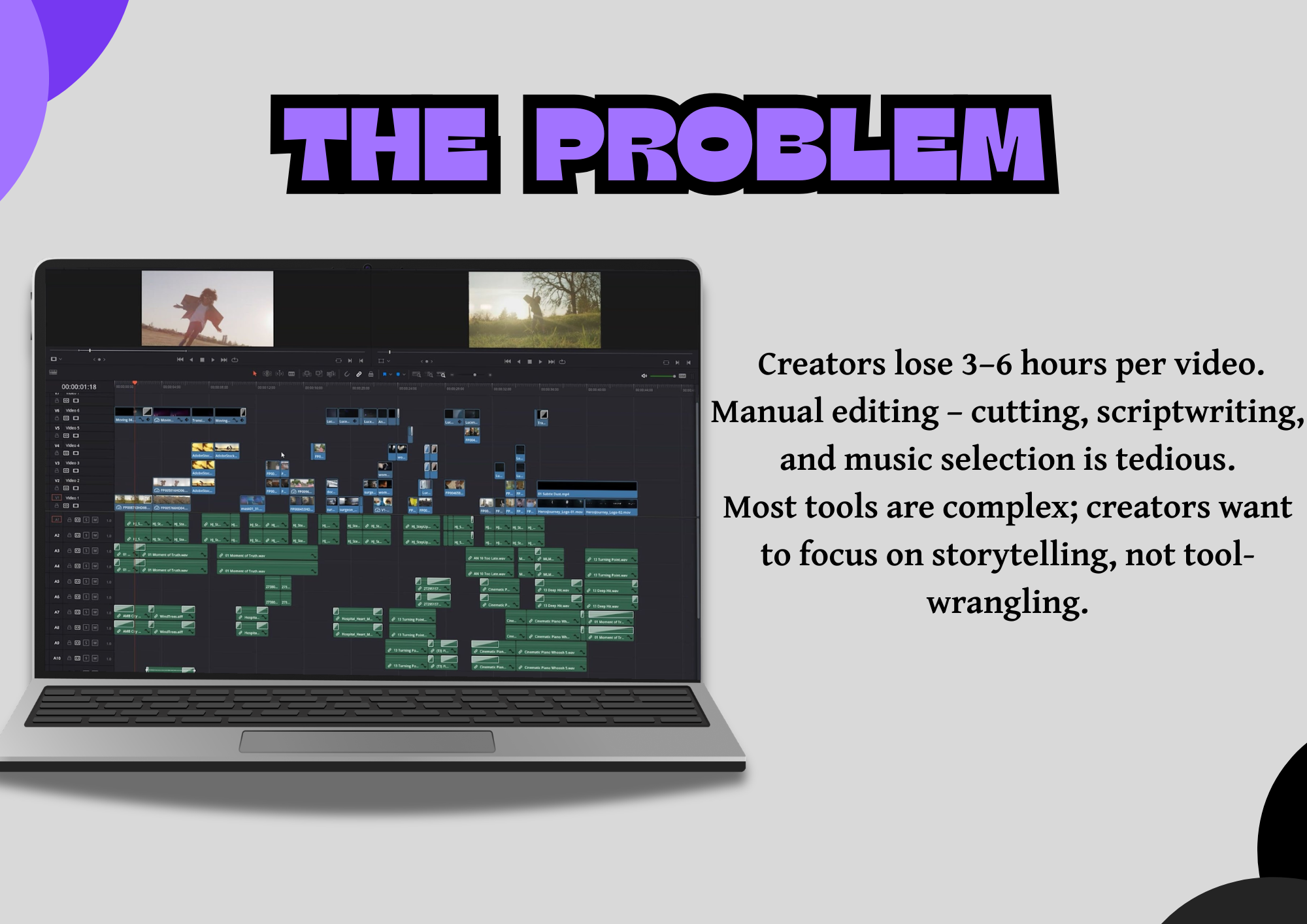
A YouTuber, a small business, or a hackathon builder can dream up a video in five minutes — then spend 3 to 6 hours turning it into reality. They wrestle with cryptic FFmpeg commands, juggle half a dozen disconnected tools for transcription, stock footage, voiceover, and music, and either burn weekends learning to edit or pay $500–$2,000 a month for a human editor.
We asked a simple question:
What if you could just talk to a video editor — and it did everything?
EditOS is our answer. It is an AI video-editing operating system where you describe what you want in natural language, and an autonomous agent orchestrates an entire professional editing pipeline — from analyzing your clips to writing the script, recording the voiceover, scoring it with music, planning the timeline, and rendering the final cut.
❌ The Problem
| Pain Point | Reality Today |
|---|---|
| ⏰ Time | 3–6 hours of manual editing per video |
| 😤 Repetition | Cutting clips, adding transitions, syncing audio — over and over |
| 💸 Cost | $500–$2,000/month per creator for a human editor |
| 🧩 Tool fragmentation | Transcription, stock media, TTS, music, timeline, render — each a separate app |
| 🚫 The real cost | Great ideas never get made because editing takes too long |
| 🤖 Existing "AI editors" | Single-shot prompt-to-video toys with no real editing control |
The last point matters. Most "AI video" tools are prompt-to-video wrappers — they generate a clip and stop. They don't let you edit, revise, or re-run just one stage. Real editing is iterative, and existing tools ignore that.
✅ The Solution
EditOS transforms complex video creation into a conversation.
You don't write FFmpeg commands. You don't manually scrub a timeline. You just say:
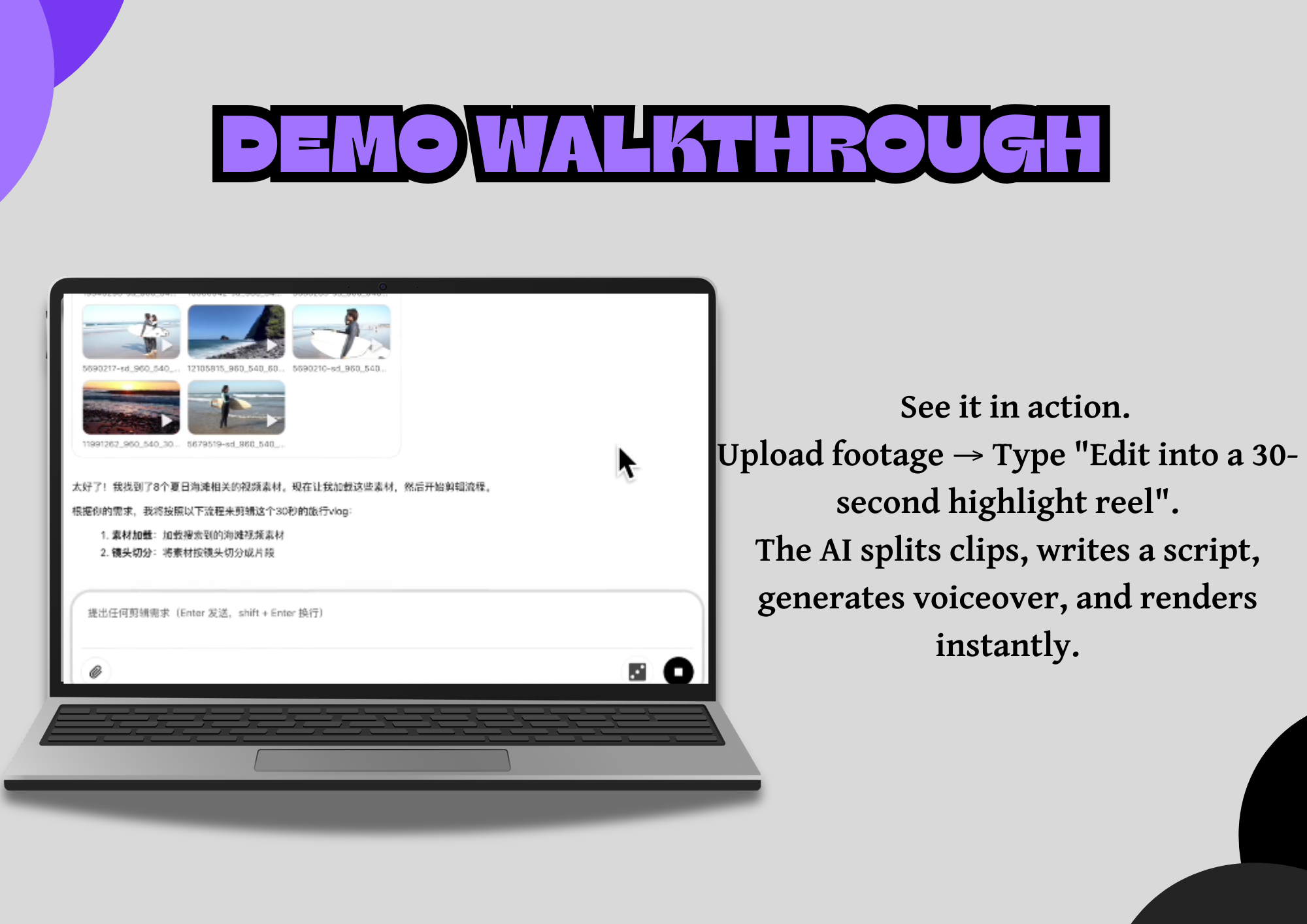
"Make a 60-second YouTube video from the clips in my folder. Cut the boring parts, add an upbeat voiceover, pick background music that fits a travel vlog, and add smooth transitions between scenes."
EditOS's autonomous agent takes it from there — and critically, you can interrupt, redirect, and partially redo any step at any time without starting over.
Before vs. After
| Before (Manual) | After (EditOS) |
|---|---|
| 3–6 hours of manual editing | 5–10 minutes via chat |
| Complex FFmpeg commands | Natural-language prompts |
| Expensive human editors | Autonomous AI workflow |
| One video at a time | Batch processing with reusable Skills |
| Restart from scratch on every change | Partial redo of any single stage |
✨ Key Features
| Feature | What it does |
|---|---|
| 🌐 Smart Media Search | Automatically searches & downloads relevant stock images and video clips (Pexels / Pixabay) |
| ✍️ AI Script Generation | Writes storylines and narration in your chosen style and tone |
| 🎵 Intelligent Audio | Recommends background music by mood/genre and generates voiceovers with TTS |
| 🎬 AI Transitions | Creates smooth, AI-powered transition effects between clips |
| 💬 Conversational Editing | Edit via natural language — no technical skill required |
| ⚡ Skill Archiving | Save and replay entire editing workflows for batch processing |
| 🔁 Partial Redo | Re-run a single pipeline stage (e.g. "change the music") without restarting |
| 🛑 Interrupt & Resume | Stop the agent mid-run, give a new instruction, continue from current state |
🧠 How It Works — The Autonomous Pipeline
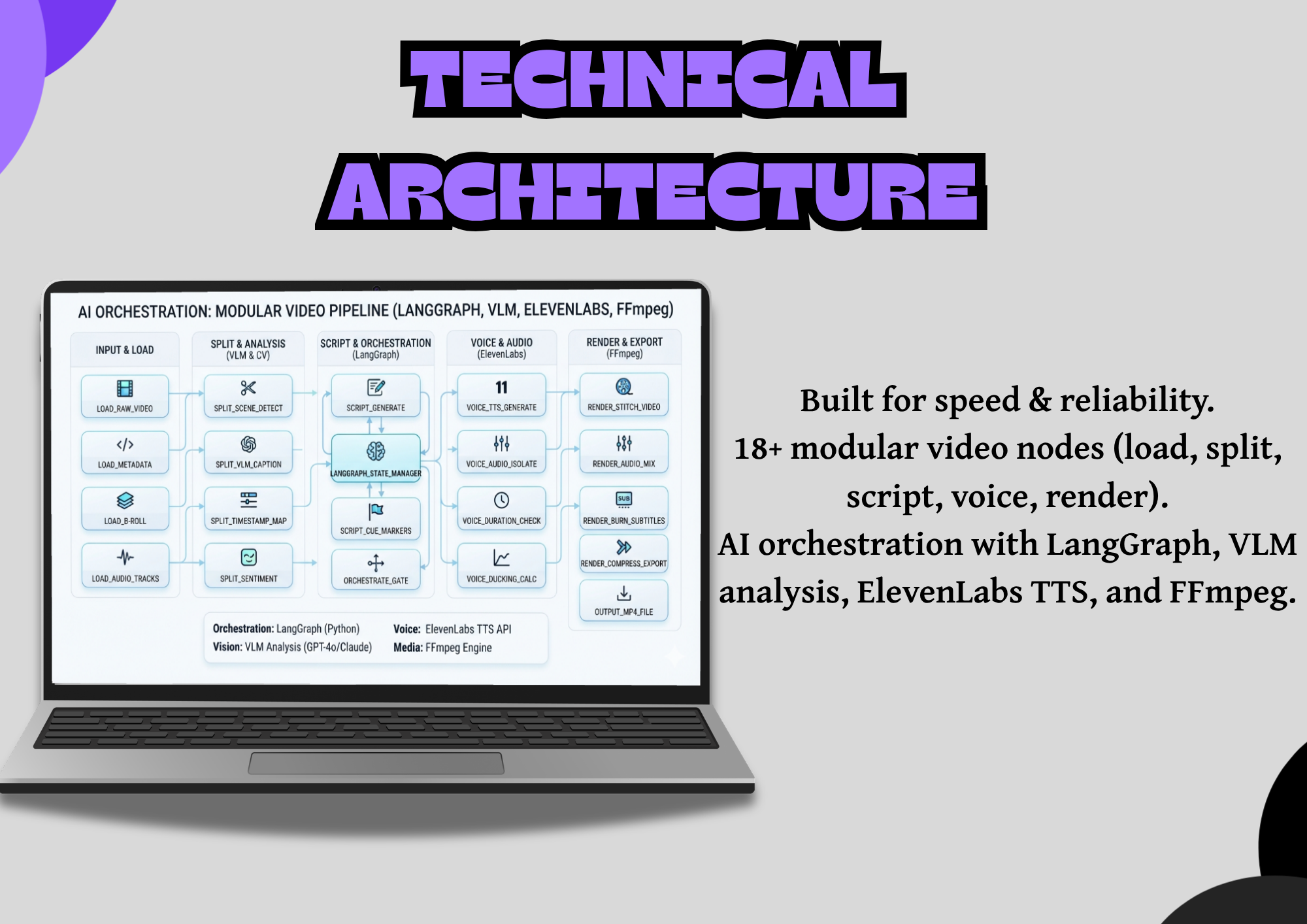
EditOS is not a single API call. It is a LangGraph/LangChain agent that drives a graph of 18 specialized video-processing nodes, each exposed as a tool through a local MCP (Model Context Protocol) server. The agent decides which node to run, in what order, based on your intent — and can replan on the fly.
You (chat / CLI)
   │  "Make a travel vlog from my clips, upbeat, 60s"
   ▼
LangChain Agent  ───►  LLM (reasoning) + VLM (vision)
   │  tools = nodes + skills
   ▼
MCP Server (Model Context Protocol)
   │
   ▼
18 Editing Nodes (a dependency-aware DAG)
   │
   ▼
FFmpeg · MoviePy · FunASR · TransNetV2 · TTS · Pexels
   │
   ▼
outputs/  →  final rendered video
The 18-Node Editing Pipeline
| # | Node | Role |
|---|---|---|
| 1 | LoadMedia |
Load & validate input media (video/image/audio) |
| 2 | SearchMedia |
Search & download stock media (Pexels/Pixabay) |
| 3 | SplitShots |
Shot detection & segmentation (TransNetV2) |
| 4 | LocalASR |
Speech-to-text transcription (FunASR) |
| 5 | SpeechRoughCut |
ASR-based rough cut for speech/talking videos |
| 6 | UnderstandClips |
VLM-powered clip content analysis |
| 7 | FilterClips |
Filter clips by criteria ("remove the sky shots") |
| 8 | GroupClips |
Group related clips into scenes |
| 9 | GenerateScript |
LLM narration/script generation |
| 10 | ScriptTemplateRec |
Recommend copywriting templates |
| 11 | GenerateVoiceover |
Text-to-speech voiceover |
| 12 | SelectBGM |
Background music selection (spectral feature matching) |
| 13 | RecommendTransition |
Recommend visual transitions |
| 14 | RecommendText |
Font/typography recommendation |
| 15 | PlanTimelinePro |
Timeline planning (pro) |
| 16 | PlanTimelineAITransition |
Timeline planning with AI transitions |
| 17 | GenerateAITransition |
AI transition effects (optional) |
| 18 | RenderVideo |
Final video render (MoviePy / FFmpeg) |
The Secret Sauce: A Dependency-Aware Node Graph
This is what makes EditOS a real editor instead of a toy. Every node declares:
next_available_node— what can run after itrequire_prior_kind— what must exist before it can runpriority— ordering when multiple nodes qualify
The NodeManager builds a directed graph from these declarations and tracks which outputs already exist in the ArtifactStore (a per-session persistence layer). So when you say "just change the background music," the agent locates the SelectBGM node, re-runs only it and downstream dependents (PlanTimeline, RenderVideo) — and reuses everything else. No restart. No wasted work.
🤖 Multi-Provider AI — Bring Your Own Models
EditOS is model-agnostic by design. Every intelligence layer can run on the provider you already pay for.
Large Language Models (reasoning & scripts)
| Provider | Example Models |
|---|---|
| OpenRouter (default) | gpt-4o-mini, claude-3-haiku, gemini-2.0-flash |
| OpenAI | GPT-4o, GPT-4o-mini, GPT-4 |
| DeepSeek | deepseek-chat, deepseek-coder |
| Gemini | gemini-2.0-flash, gemini-1.5-pro |
| Anthropic | claude-3-5-sonnet, claude-3-opus |
| Groq | llama-3.1-70b, mixtral-8x7b |
| Together AI | llama-3.1-405b, qwen-2.5 |
| Azure OpenAI | GPT-4o, GPT-4 |
Vision Language Models (clip understanding)
| Provider | Example Models |
|---|---|
| Gemini | gemini-2.0-flash, gemini-1.5-pro |
| Qwen VL | qwen2-vl-72b, qwen2.5-vl-72b |
| GLM-4V | glm-4v-plus |
| DeepSeek VL | deepseek-vl2 |
| Llama Vision | llama-3.2-90b-vision |
Text-to-Speech (voiceover)
| Provider | Notes |
|---|---|
| ElevenLabs (default) | High-quality neural voices (free-tier "Sarah" supported) |
| MiniMax | Fast & affordable |
| Fish Audio | Open-source option |
Stock Media
| Provider | Notes |
|---|---|
| Pexels | Free stock photos & videos |
| Pixabay | Free stock media |
Everything is OpenAI-compatible, so swapping a model is a one-line config change.
⚡ Skills — Reusable, Replayable Editing Workflows
This is EditOS's superpower for batch processing.
After you polish a video you love, ask the agent to summarize the editing logic — the rhythm, color tone, transition habits, narration style — and save it as a personal "Editing Skill." Next time you edit similar content, just invoke that Skill and EditOS reproduces the style automatically.
Skills are plain Markdown files (SKILL.md with YAML frontmatter), loaded at runtime via SkillKit. Anyone can author one — no code required.
Built-in Skills include:
- 🎭 Style Imitation — reproduce almost any writing style (Shakespearean, your social-media tone, etc.)
- 🪜 Default Editing Workflow — a sensible end-to-end pipeline
- ✂️ Speech Rough Cut — ASR-driven cut for talking-head videos
- 🎞️ AI Transition Editing — transition-heavy montage style
- 📝 Subtitle Imitation — match a reference subtitle style
Create a folder under
.editos/skills, drop in aSKILL.md, restart — done.
💬 The Conversational UX
EditOS is built around three editing superpowers that no prompt-to-video toy offers:
1. Intent Intervention & Partial Redo
After any step, describe a change in one sentence. The agent locates the exact node to re-run — no restart.
- "Remove the clip where the camera films the sky."
- "Switch to a more upbeat background music."
- "Change the subtitle color to match the sunset theme."
2. Interrupt & Resume
Mid-run, click Stop or just press Enter to send a new prompt. The agent interrupts, follows your new instruction, and keeps all prior progress.
3. Style Imitation
Reproduce any writing style for generated copy — "Generate the narration in a Shakespearean style."
🏗️ Architecture
┌─────────────────────────────────────────────────────────────────┐
│                         EditOS ARCHITECTURE                     │
└─────────────────────────────────────────────────────────────────┘
                              ┌────────┐
                              │  USER  │  (Web UI / CLI)
                              └───┬────┘
                                  │  natural language
                                  ▼
┌─────────────────────────────────────────────────────────────────┐
│            AGENT LAYER — LangChain / LangGraph                  │
│  create_agent(model=LLM, tools=nodes+skills, middleware)        │
│  • Multi-turn tool-calling loop  • Streaming WebSocket replies   │
│  • Context schema (ClientContext) • API-key validation           │
└───────────────────────────────┬─────────────────────────────────┘
                                │  streamable-http
                                ▼
┌─────────────────────────────────────────────────────────────────┐
│            MCP SERVER — Model Context Protocol                  │
│  FastMCP · session lifespan · sampling handler                  │
│  Registers 18 nodes as tools + loads Skills (SkillKit)          │
└───────────────────────────────┬─────────────────────────────────┘
                                │
                                ▼
┌─────────────────────────────────────────────────────────────────┐
│            NODES — 18 video-processing stages                   │
│  Load → Search → SplitShots → ASR → Understand → Filter →       │
│  Group → Script → Voiceover → BGM → Timeline → Render           │
│  (NodeManager DAG: partial redo, dependency-aware execution)    │
└───────────────────────────────┬─────────────────────────────────┘
                                │
                                ▼
┌─────────────────────────────────────────────────────────────────┐
│            MEDIA / AI ENGINE LAYER                              │
│  FFmpeg · MoviePy · TransNetV2 · FunASR · ElevenLabs · Pexels   │
│  + LLM (OpenRouter…) + VLM (Gemini / Qwen-VL…)                  │
└───────────────────────────────┬─────────────────────────────────┘
                                │
                                ▼
                    outputs/  →  rendered video
              ArtifactStore (per-session persistence)
Why MCP?
We expose every editing node as a Model Context Protocol tool. This is the modern, standard way to give LLMs access to external capabilities — it means the agent's tools are decoupled from the agent runtime, individually testable, and reusable across any MCP-compatible client. The sampling handler even lets the MCP server delegate LLM/VLM calls back to the agent's configured models, so there's a single source of truth for AI credentials.
🛠️ Tech Stack
| Layer | Technology |
|---|---|
| Agent runtime | LangChain 1.2 + LangGraph 1.1 |
| Tool protocol | MCP 1.26 (FastMCP) + langchain_mcp_adapters |
| LLM / VLM | OpenAI-compatible (OpenRouter, OpenAI, DeepSeek, Gemini, Anthropic, Groq, Together, Azure) |
| Backend / API | FastAPI + Uvicorn (WebSocket streaming) |
| Shot detection | TransNetV2 (PyTorch) |
| Speech-to-text | FunASR |
| Video render | MoviePy 2.2 + FFmpeg + PyAV |
| Audio analysis | librosa + FAISS (music feature matching) |
| TTS | ElevenLabs / MiniMax / Fish Audio |
| Stock media | Pexels / Pixabay |
| Skills | SkillKit 0.4 |
| Config | TOML + Pydantic (env-var substitution) |
| Frontend | Vanilla JS + HTML + CSS (WebSocket chat UI) |
| Deployment | Docker · ModelScope · HuggingFace Space · Local |
| Language | Python ≥ 3.11 |
📁 Project Structure
EditOS/
├── src/edit_os/                 # Core application
│   ├── agent.py                 # LangChain agent + API-key validation
│   ├── config.py                # Pydantic settings (TOML → typed config)
│   ├── mcp/                     # Model Context Protocol server
│   │   ├── server.py            # FastMCP server + session lifespan
│   │   ├── register_tools.py    # Node → tool registration
│   │   ├── sampling_handler.py  # LLM/VLM sampling delegation
│   │   └── hooks/               # chat middleware, node interceptors
│   ├── nodes/
│   │   ├── core_nodes/          # 18 editing nodes
│   │   ├── node_manager.py      # dependency-aware DAG
│   │   ├── node_schema.py       # Pydantic schemas (Clip, Media, Subtitle…)
│   │   └── node_summary.py
│   ├── skills/                  # Skill loader (SkillKit)
│   ├── storage/                 # agent memory, file I/O, session manager
│   └── utils/                   # ffmpeg, prompts, parse_json, recall…
├── agent_fastapi.py             # FastAPI web server + WebSocket chat
├── cli.py                       # Terminal chat client
├── web/                         # Frontend (chat UI, node-map visualizer)
├── prompts/tasks/               # Bilingual LLM prompt templates (EN/ZH)
├── scripts/                     # config updater, BGM/script labeling
├── docs/                        # guide, api-key, faq
├── config.toml                  # runtime config
├── Dockerfile                   # local + ModelScope deployment
└── README.md
🎯 What Makes EditOS Different
| Prompt-to-Video Toys | EditOS | |
|---|---|---|
| Editing model | Single shot, generate-and-done | Iterative, multi-turn conversation |
| Control | None — take what you get | Full pipeline, every stage inspectable & re-runnable |
| Revision | Start over from scratch | Partial redo of any single node |
| Architecture | One API call | Autonomous agent over an 18-node DAG |
| Tool access | Hardcoded | Standard MCP tools — reusable & decoupled |
| Reuse | None | Save & replay editing Skills for batch work |
| Models | Locked to one vendor | Bring any OpenAI-compatible LLM/VLM/TTS |
🌍 Deployment
EditOS ships ready for three environments:
- Local —
run.shstarts the MCP server + web server together - Docker —
Dockerfile(Python 3.11-slim, FFmpeg, healthcheck, port 7860)
Configuration is generated from a template (modelscope_config.toml.template) with ${OPENSTORYLINE_*} env-var substitution, so the same image runs anywhere with no code changes.
📊 Real-World Impact
| Metric | Manual Editing | With EditOS |
|---|---|---|
| Time per video | 3–6 hours | 5–10 minutes |
| Cost per creator | $500–$2,000/month | API costs only (~cents/video) |
| Tools needed | 6–12 subscriptions | 1 platform |
| Editing skill required | Professional | None — just describe it |
| Iteration on feedback | Restart from scratch | Re-run one stage |
| Batch production | Impossible at scale | Reusable Skills automate it |
Who it's for: YouTubers, small businesses, educators, hackathon builders, indie marketers — anyone with a story to tell and no time to learn Premiere Pro.
🗺️ What's Next
- 🎤 Voice-driven editing — speak your edits instead of typing
- 🧩 Plugin marketplace — community-contributed nodes & skills
- 📈 Analytics feedback loop — auto-optimize edits based on published-video performance
- 🎞️ Multi-cam & live-stream editing support
- 🔌 More MCP clients — drive EditOS from any MCP-compatible IDE or agent
🧑💻 Team
Built with an autonomous-agent-assisted workflow and A young dev.
**One sentence in. A complete video out.** **EditOS — the operating system for AI video editing.**

Log in or sign up for Devpost to join the conversation.