Inspiration
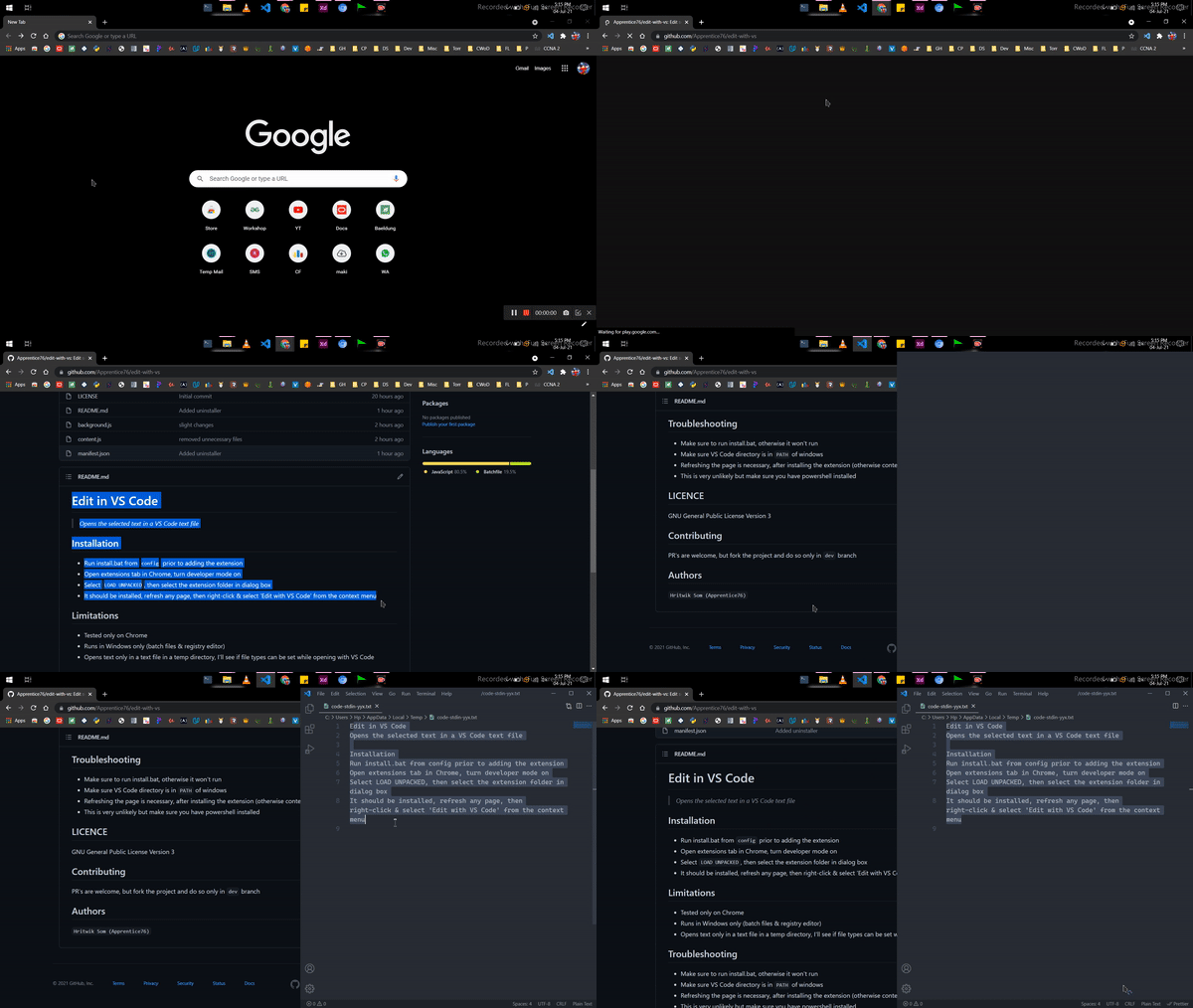
I made this because it was very annoying for me when I sometimes found an intresting code snippet, I had to copy it, I had to minimize chrome, open vscode, then paste it. This extension reduces the process to a right click followed by left click (obviously you still need to select the text)
What it does
Opens a selected body of text in VS Code
How I built it
I referred to chrome developers docs initially then had to refer stackoverflow for fixing development bugs
Challenges I ran into
The most difficult one was the line-breaks were not preserved when code was copied to clipboard and pasted on VS Code, it was frustrating because this issue could actually break the main focus of the extension, i.e, editing code snippets.
Accomplishments that I'm proud of
I eventually resolved the above issue and am kinda proud of this as I had to do this on my own by researching out the clipboard-copy process, turns out just had to change I simple line, At first I thought that the text was not pasted properly in VS Code after copying, and it was boggling as to how to fix this. But the issue was the text was not copied properly (with line breaks) hence the pasting part was also affected.
What I learned
Everything was new, as this is my first chrome extension. Hence I learned a lot, but if I had to point out one thing it would be native-messaging with chrome extensions, It wasn't that scary as I thought it to be.
What's next for edit-with-vscode
I'll try adding a functionality to save the code with a default name, but I'm not sure if it can be done via command line yet. If it can then I'll allow users to set the default name in an extension popup.
Built With
- batch
- javascript
- powershell


Log in or sign up for Devpost to join the conversation.