-
-
Example
-
Example
Inspiration
AI tools can now add or remove objects in a photo so well that it is hard to tell by eye. Most detectors answer one question: real or fake. But a newsroom, a marketplace, or an insurance team needs to know where to look. We wanted a tool that points at the edit itself.
What it does
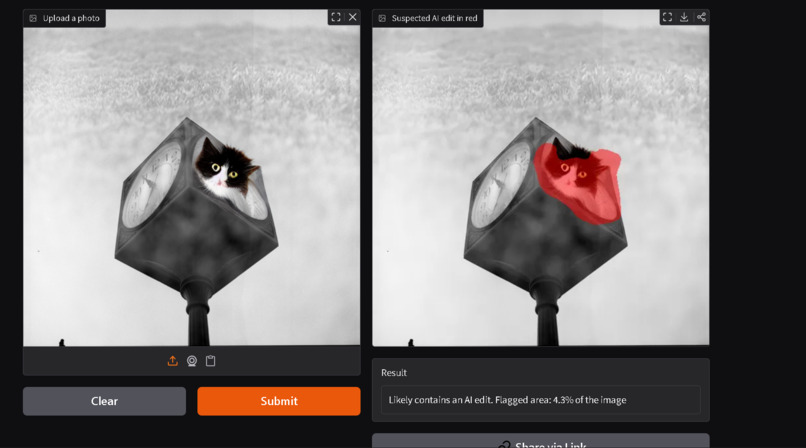
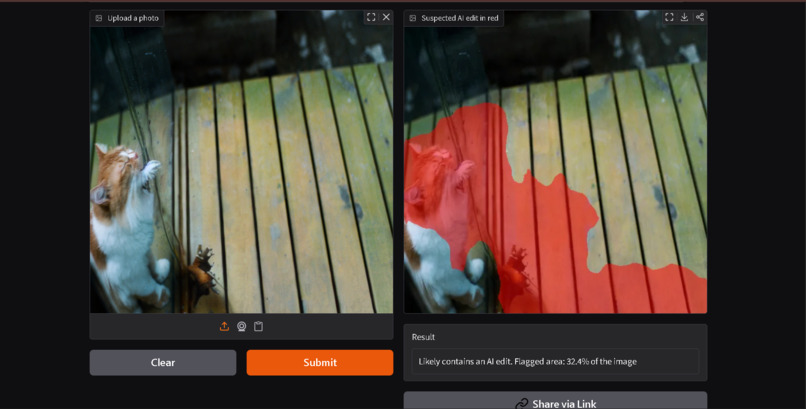
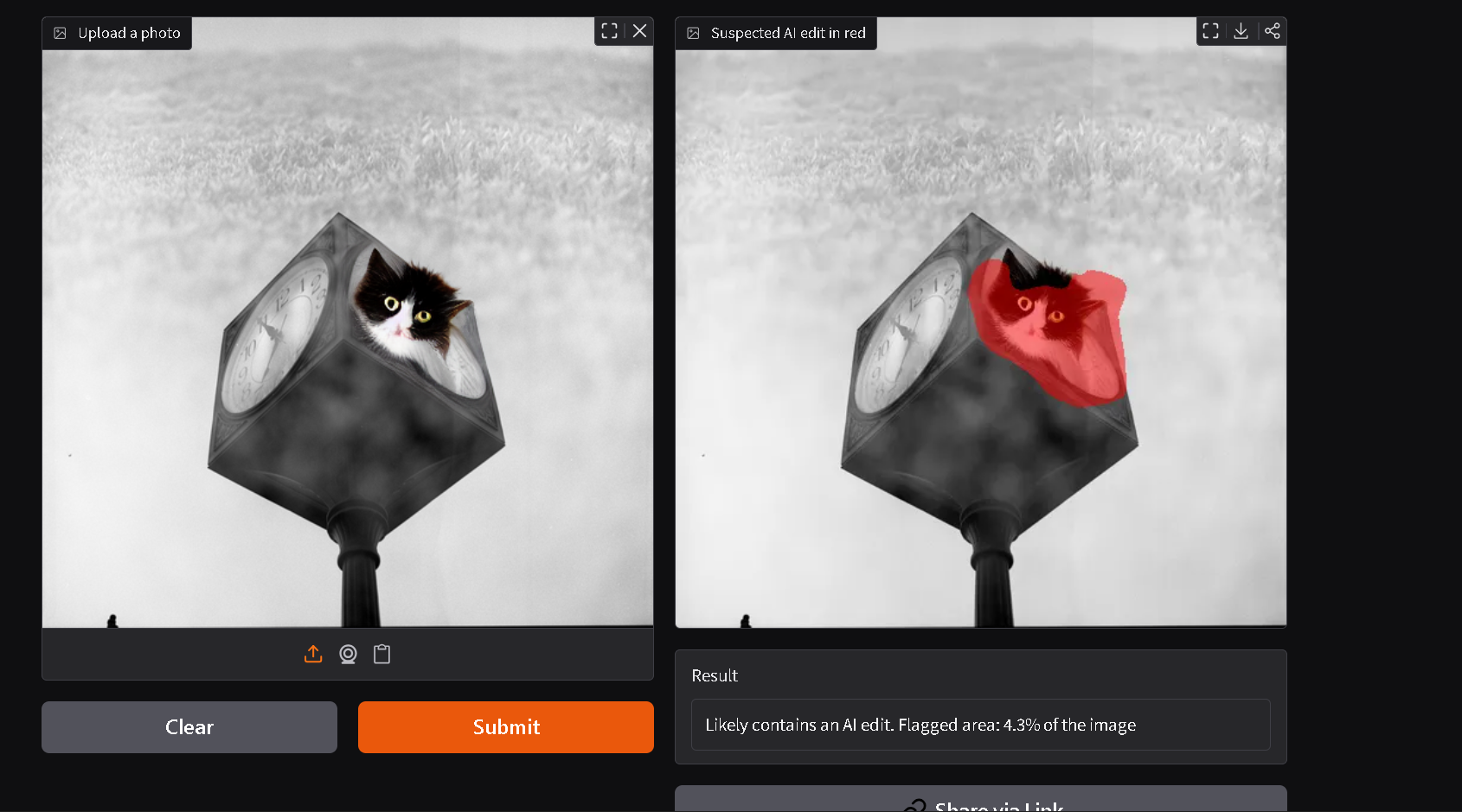
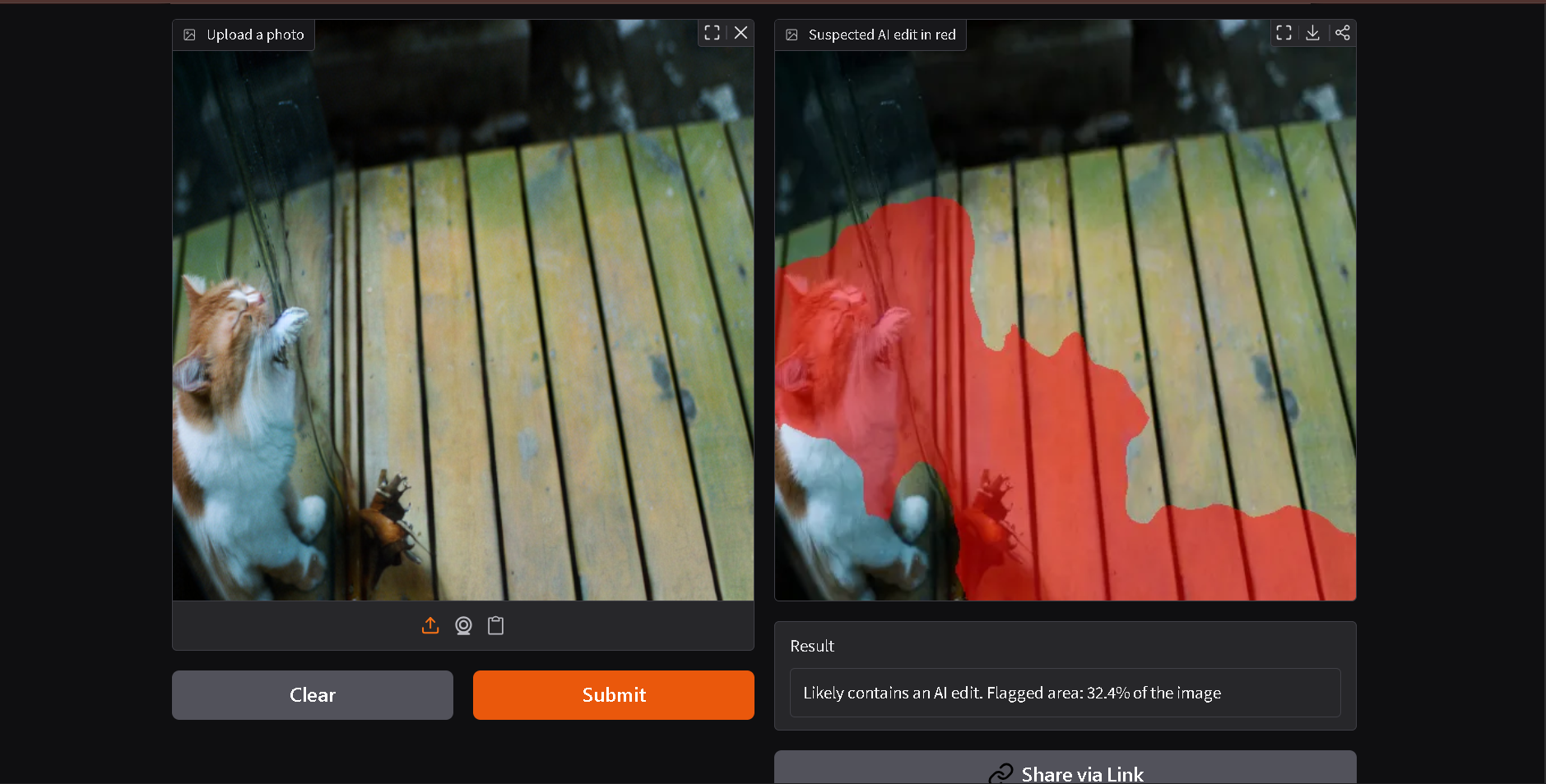
Edit-Trace takes a photo and colors the area it suspects was edited by AI in red, then reports how much of the image was flagged. It is live, and anyone can upload a photo: Try Edit-Trace
It is trained on object replacements made with Stable Diffusion 1.5 and Stable Diffusion 2 inpainting, so it works best on that kind of edit.
How we built it
- Built our own labeled data. We took real photos from COCO, replaced one object in each with Stable Diffusion 1.5 (and Stable Diffusion 2 for a second set), and kept the exact edit area as a mask. Every image came with a perfect answer key, with zero hand labeling.
- Trained a segmentation model. A U-Net with a ResNet34 backbone looks at every pixel and decides whether it was edited.
- Measured it honestly. We scored how well the red area matches the true edit on photos held out from training, using an overlap score from 0 (no match) to 1 (perfect match).
- Deployed it as a Gradio app on Hugging Face Spaces.
Tools: PyTorch, segmentation-models-pytorch, Hugging Face diffusers, pycocotools, Gradio, Google Colab.
Challenges we ran into
- No labeled data existed for our problem. We solved it by generating our own: edit real photos ourselves, so we know the exact edited pixels.
- Models love shortcuts. If edited images differ from real ones in file format or have a hard pasted edge, a model can learn that instead of the edit. We matched formats and sizes, blended the edited region with a soft edge, and verified that pixels far from the edit were identical.
- Unstable training. Our first model's scores jumped around from one round to the next. A lower learning rate with a smooth decay and longer training steadied it and pushed the overlap above 0.5.
- One AI tool was not enough. A model trained on a single generator learned that generator's habits. We added a second generator to training so it recognizes more than one style of edit.
- Tight free compute. GPU quotas ran out mid-training, so we saved checkpoints to Drive after every round, resumed from the best one, and picked the final model by comparing candidates side by side. When the original Stable Diffusion 2 inpainting repository was no longer available, we switched to a community mirror.
- Deployment on free hardware. The free Hugging Face tier runs on ZeroGPU, so we restructured the app around a GPU-decorated function and got it live.
Accomplishments that we're proud of
- A full pipeline in one weekend: data creation, training, evaluation, and a live public demo.
- On held-out photos edited with Stable Diffusion 1.5, the red area overlaps the true edit with a score of about 0.6.
- We tested across two generators and used what we found to improve the model.
What we learned
- When labeled data doesn't exist, you can build it, but you have to hunt for shortcuts the model might use.
- A good score on the generator you trained on says little about other generators, so cross-generator testing matters.
- Careful evaluation shows you what to build next.
What's next for Edit-Trace
- Train on more generators and test on ones the model has never seen.
- Handle images that are redrawn as a whole, not just pasted-in edits.
- Check it on public forgery benchmarks such as TGIF.
- Pilot it with newsroom, marketplace, or insurance partners on real cases.
Built with: Python, PyTorch, Stable Diffusion, COCO, Gradio, Hugging Face Spaces


Log in or sign up for Devpost to join the conversation.