-
-
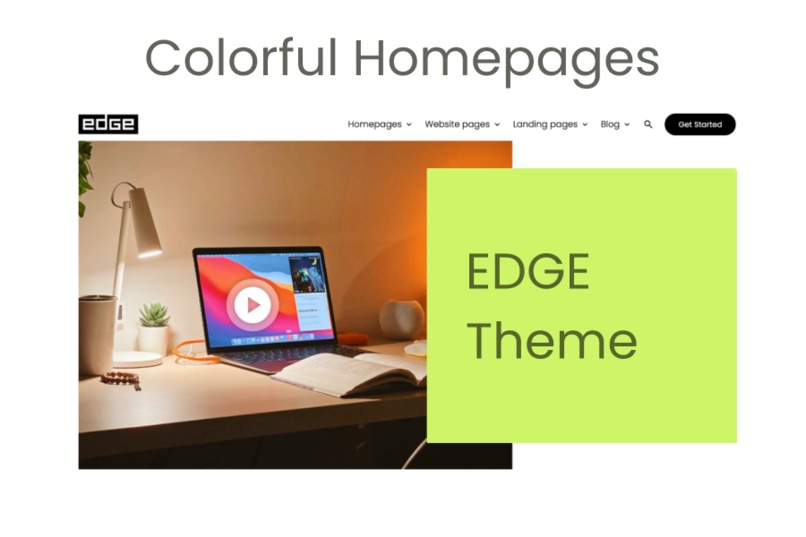
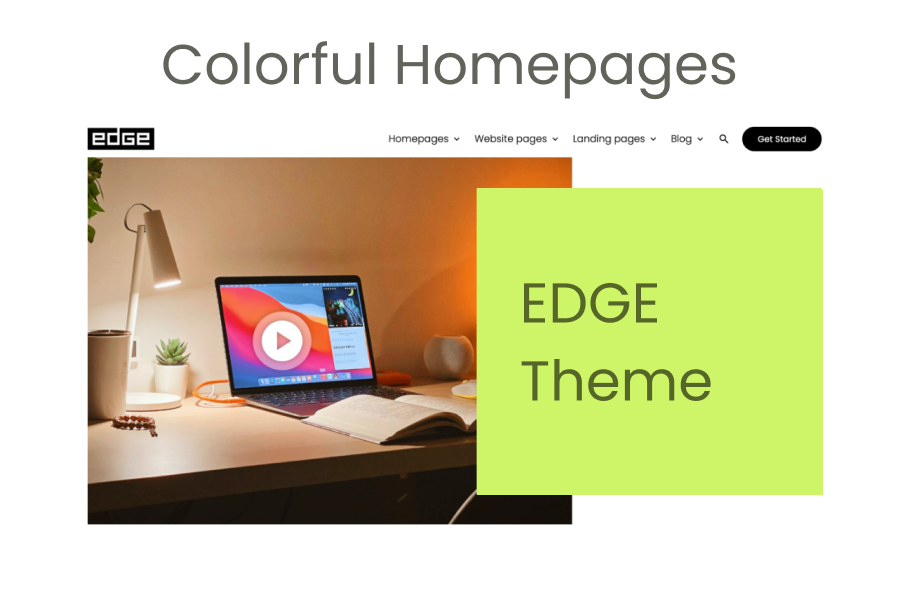
Colourful Homepage Templates
-
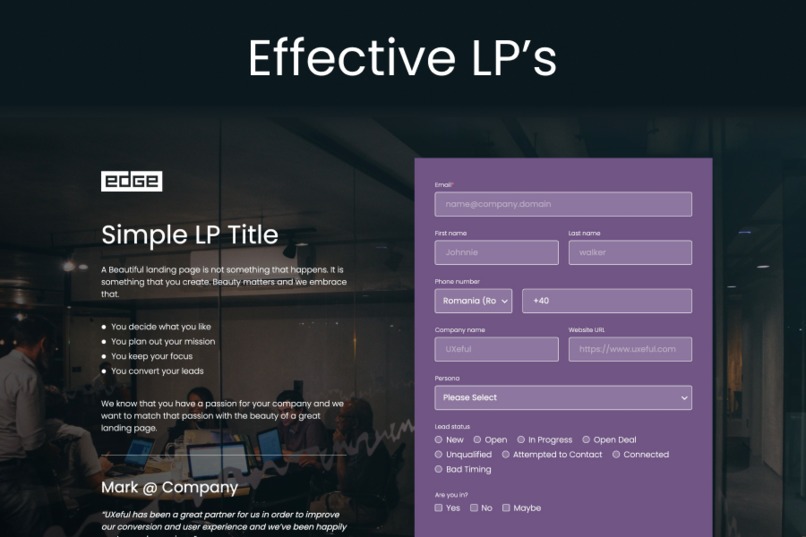
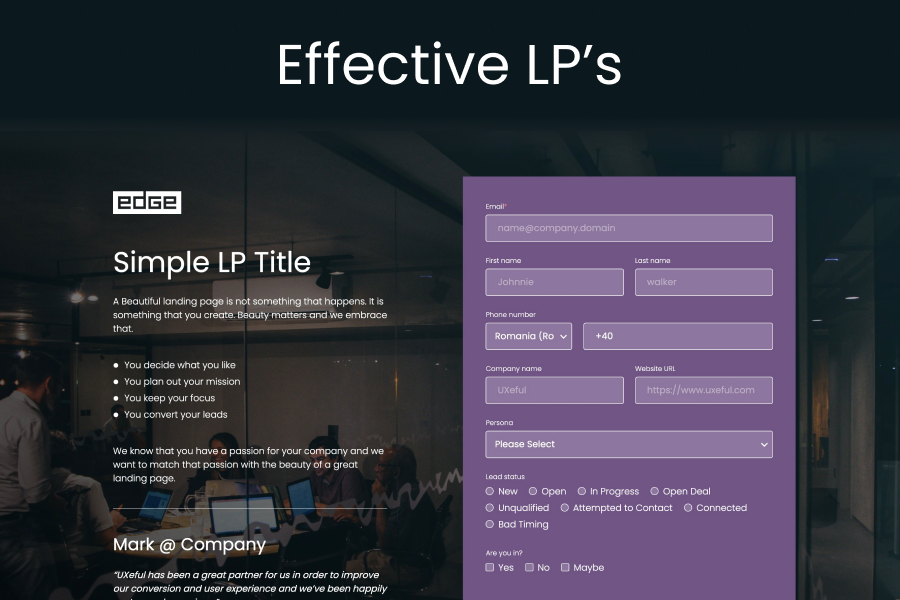
Effective Landing Page Pack
-
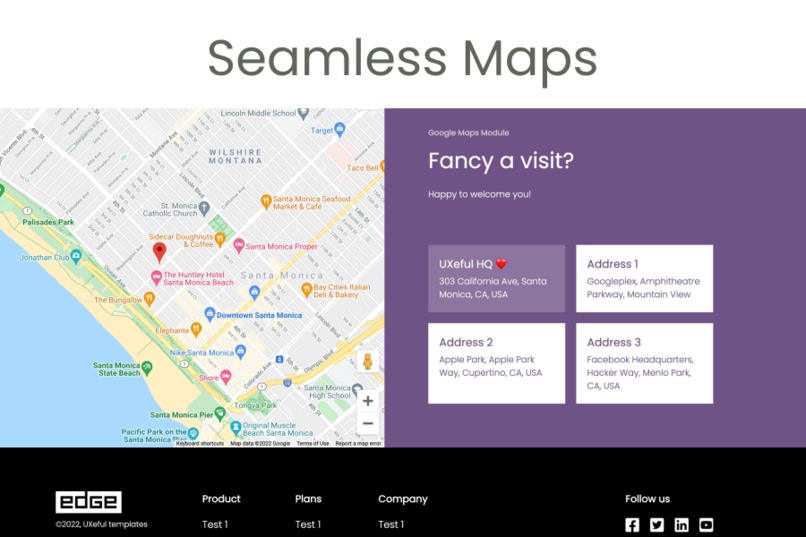
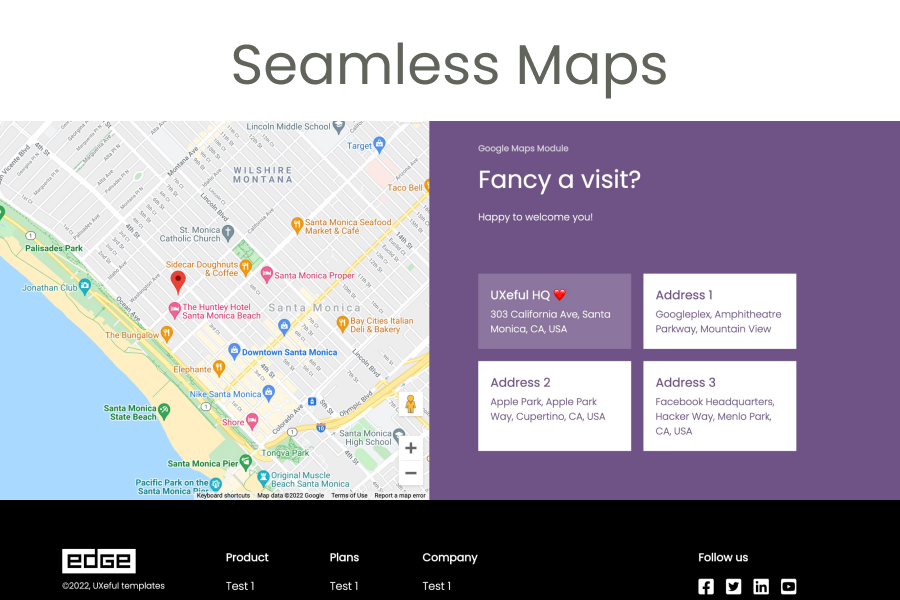
Seamless Google Maps Integration
-

Beautiful Image and Video Galleries
-
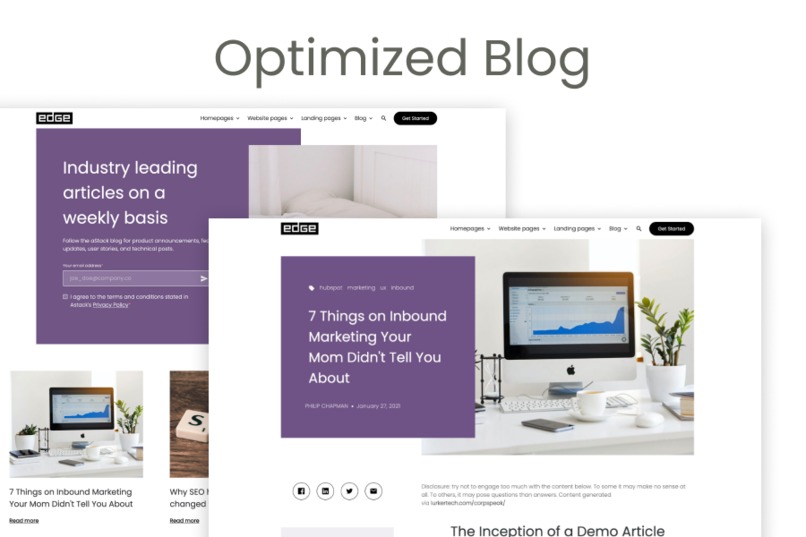
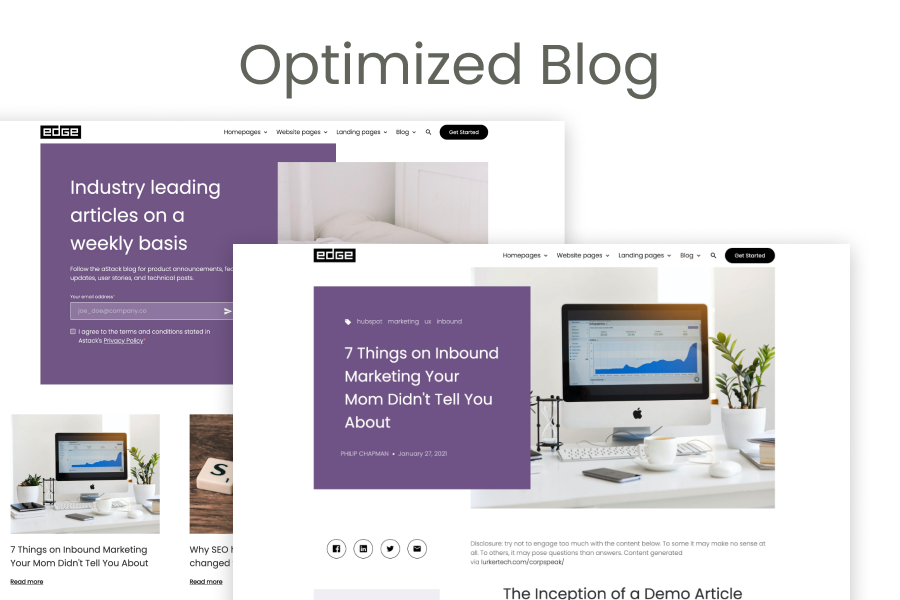
Optimised Blog

Inspiration
We took inspiration from the beautiful colors of the year published by Pantone when we realized that websites should be just the same: colorful, vivid, beautifully blending retro and modern, as well as form and function. We also take a lot of inspiration from our users, by listening to them and working with them side by side to get their projects up and running
What it does
EDGE is a powerful, clean yet simple, and effective theme for HubSpot that capacitates the best features of HubSpot's CMS. The theme is super customizable, colorful, and has modules for literally everything. We've put a lot of work on the coding side so that our users don't have to worry about that. They can simply use the WYSIWYG editor, the seamless drag-and-drop functionality HubSpot's so famous for, and never have to worry about writing a line of code.
How we built it
We took our design, UX, and front-end development expertise and combined it with our experience working with HubSpot templates and themes and HubL and sprinkled some of our in-house seasoning of mobile responsiveness, SEO optimization, and accessibility principles to bring EDGE to life, our proud new theme.
Accomplishments that we're proud of
Popup forms
By running split tests with customers on various occasions we learned that forms that open in a modal or popup convert much better (sometimes as high as 75% more) than forms hosted on independent pages that require a redirect. This is why we've implemented a special feature where forms can be embedded as modals while keeping landing pages clean and working on building the visitor's excitement.
Deep links in documentation
We really practice what we preach, and because we care about great, well-documented software, we also built a tool (that we use ourselves) to craft documentation for assets we provide. This took makes use of a smartly designed module that allows editors to simply create FAQ's or thorough documentation articles as part of a help center, and even though it's all hosted within a singular template, we've also implemented a nice way of linking directly to a piece of content by adding a smart array oh parameters after the hash element in the URL. This way, customers supporting their end users over chat and email have a nice and convenient way of sending over helpful material.
Google maps module with geocoding API
Map modules are so much sought-after, but usually pretty hard to configure. Until now. We combined the power of the Maps API with that of the Geocoding API from Google, to give users a seamless experience when adding or editing physical locations. They simply need to enter their address, then by the use of the Geocoding API, we get the map coordinates that we then use to display the Maps location. This resulted in a very easy-to-use module and a brilliant editing experience for our users.
Masonry-style image gallery
By deploying a set of smart CSS rules and a really nice image gallery, we built a very elegant solution for showcasing images with a masonry-style layout that's super simple to use.
What's next for EDGE
We can't wait to start getting user feedback and keep improving the theme by adding new templates and modules and by continuously developing existing ones. We treat it like a product that we're so happy and proud to be working on.

Log in or sign up for Devpost to join the conversation.