-
-
EdBox Logo
-
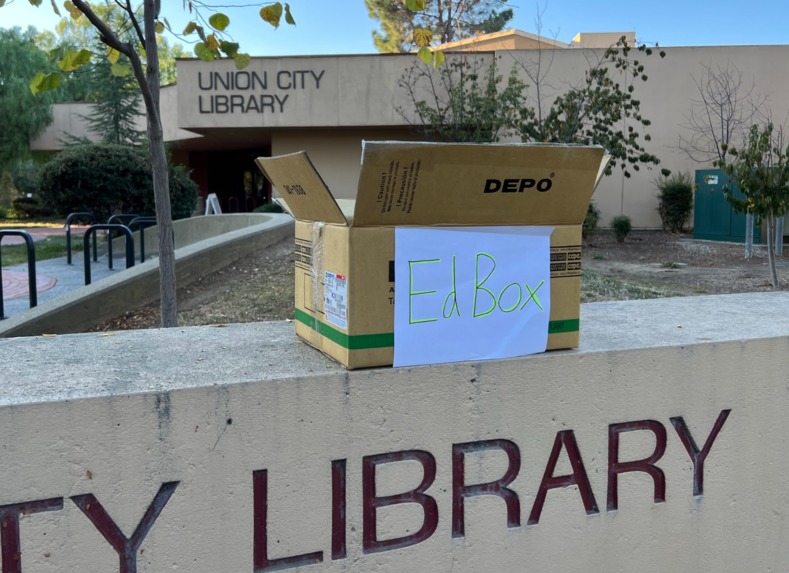
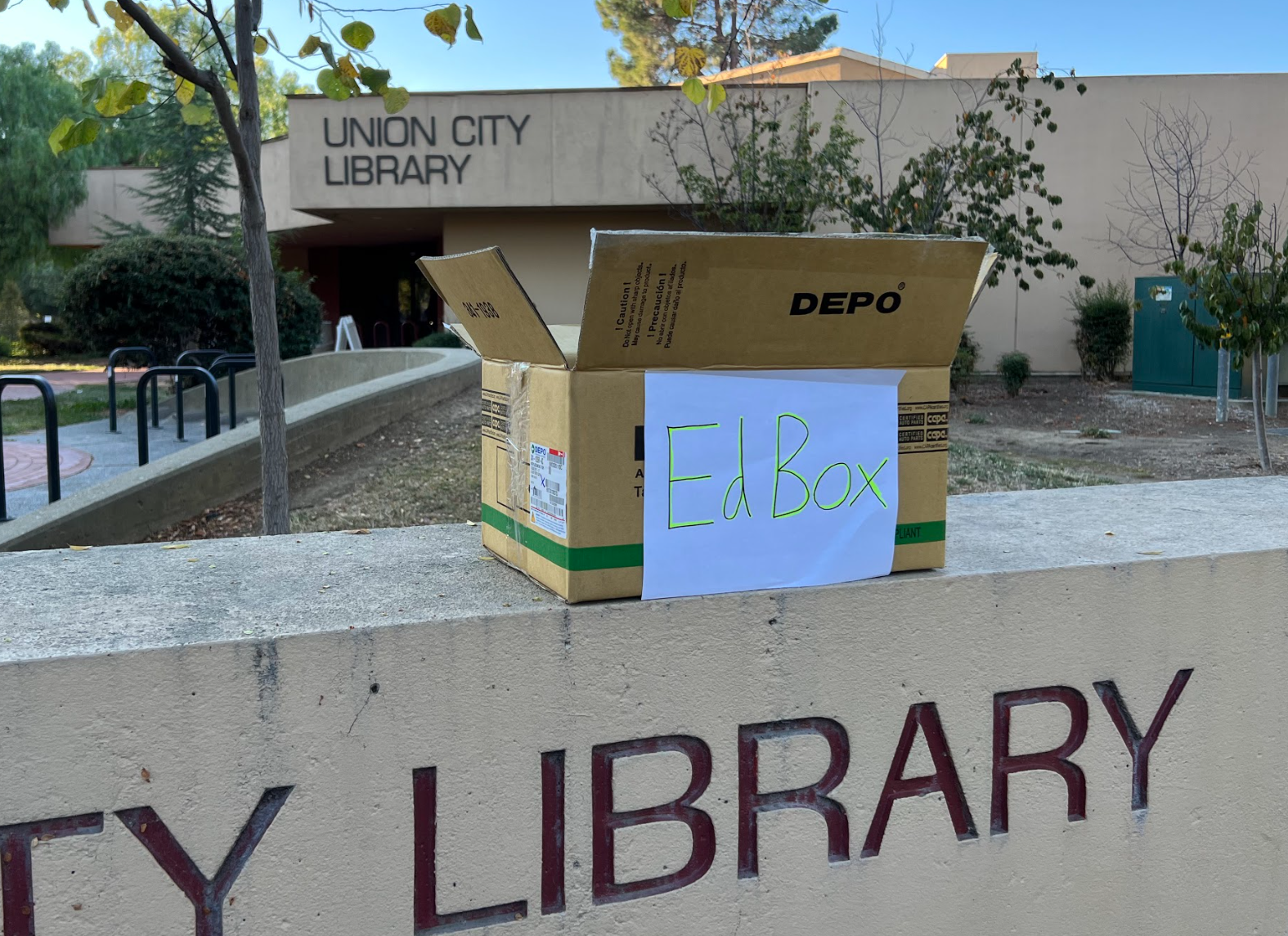
Physical Edbox at the library
-
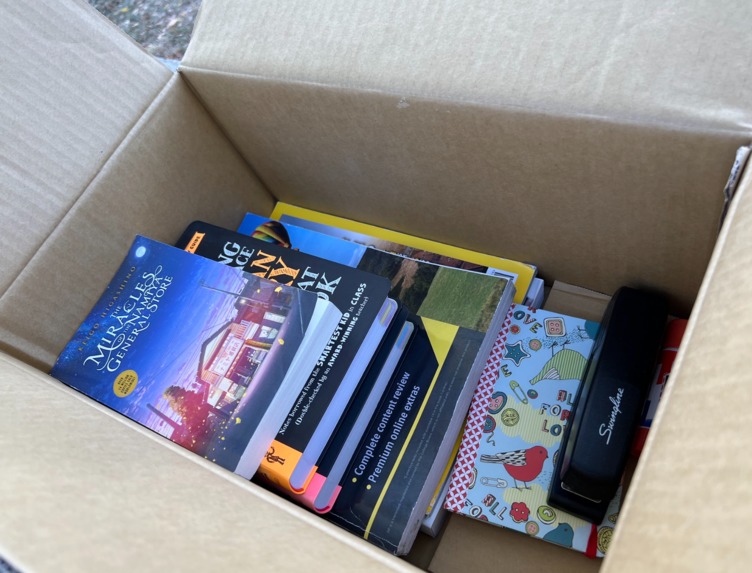
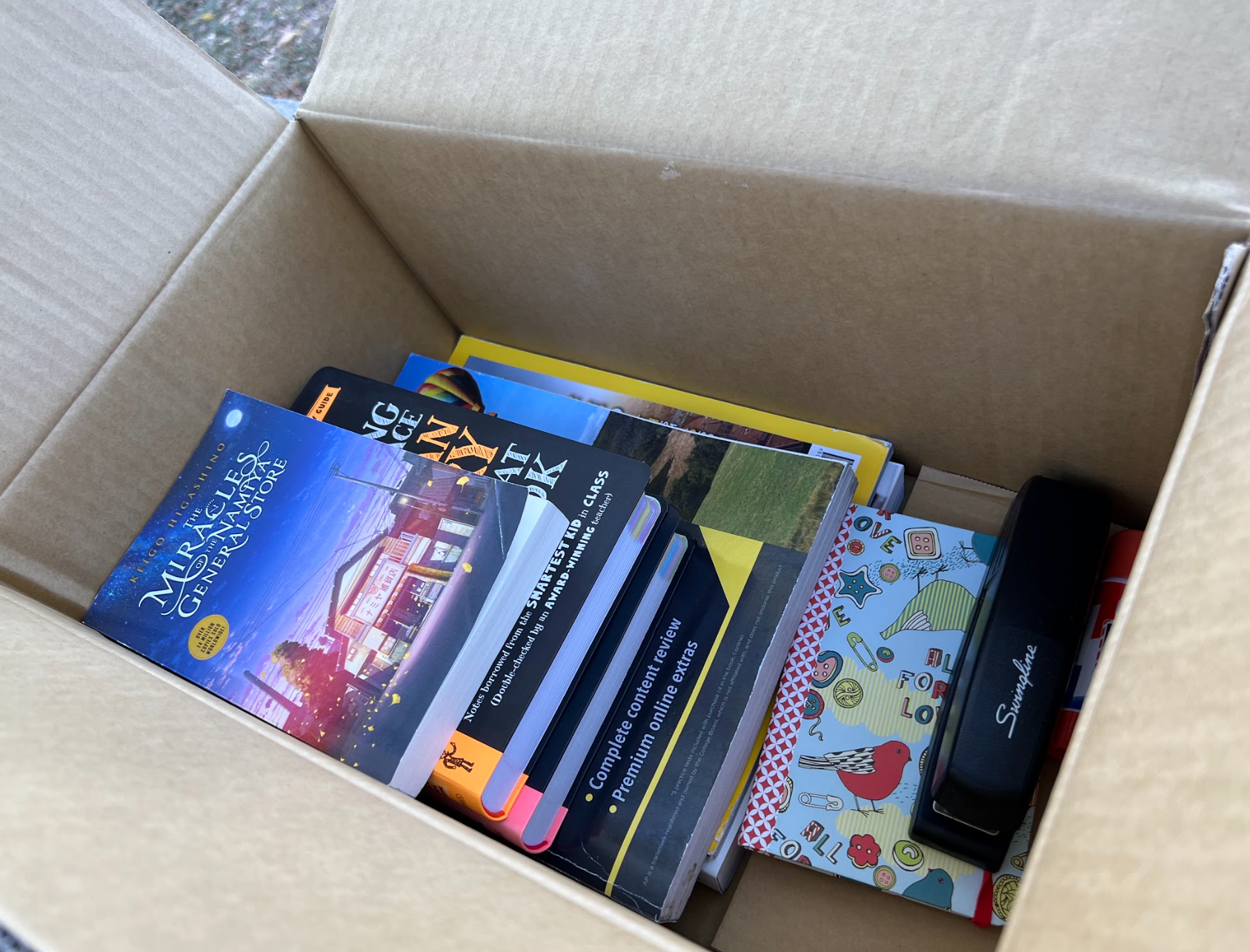
Physical Edbox - example of inside
Inspiration ✨
You probably remember a time when you were younger and you had to buy a textbook or calculator for school. It was also at this time that you probably thought, "wow, education is expensive." A major priority of modern-day society is getting everybody on an equal playing field so that everyone can reach their full potential, and public education is a major step towards achieving that goal. However, many things such as educational materials can be extremely expensive, and when the public educational institutions cannot uphold that cost, it ends up getting dumped onto the students, some of whom are in an economically disadvantageous situation. Textbooks cost hundreds of dollars, AP testing costs hundreds of dollars, even simple calculators can cost over a hundred dollars. Students sometimes can't afford these insane costs, prioritizing just having something to eat and somewhere to live. Without outside sources to help them, they aren't getting the education that they need and deserve. With this issue comes a solution: EdBox.
What it Does 📚
EdBox is a mobile app that serves as a platform to connect students together for the purpose of redistributing educational materials. To accomplish this goal, we allow users to put their educational materials on display with a name, description, location, and some images and tags. They would also be given some suggestions of libraries nearby to give away their item. If others need a certain material, such as a textbook, they can search for items near their location and contact their owners with the click of a button. By streamlining the process of putting an item on display, we hope to encourage more people to share their resources for the greater good. In addition, our app teaches users to reuse through experience, getting them into the habit of giving away unused materials that could really change someone's life.
How We Built It 🛠️
To build EdBox, we used MIT App Inventor for the frontend and a Node JS server on the backend. To host our backend, we used Docker with Oracle Cloud Infrastructure, and to host our MySQL database, we used PlanetScale. For image storage, we used Google Cloud Storage so that we could easily upload and view images. On our frontend, we didn't use any App Inventor extensions, but on the backend, we used many packages.
For our database, we used Prisma as an ORM to make dealing with the database much easier. For our base server, we used express.js to simplify routing, and for distance calculations, we used OpenRouteService. To geocode user and item addresses, we used OpenStreetMap's REST API, and to send emails when users request items, we used nodemailer. Our user authentication system is custom with all users stored inside the SQL database.
To handle cities, we imported a file with thousands of US cities and stored it in our database for efficient querying. To get images in and out of Google Cloud, we would generate an upload URL along with an entry in our database, have our frontend PUT their image onto the URL, and then display the public URL.
Challenges We Ran Into 🛑
During the app’s creation, we ran into some challenges, and due to the time restraint, we could only polish the app to a certain extent.
- Distance - We were stuck on complete opposite ends of the US, as Richard is in Connecticut, while Tianyi is in California, so we had to do everything over facetime for coordination, being fairly difficult.
- Emails - We used Gmail for sending emails as it made things simpler, but there were some issues with our authentication to Gmail, so we had to regenerate a google cloud project and give the app more permissions.
- Geocoding - We had some issues with turning addresses into coordinates and getting accurate distances for filtering. For one, our location API did not have good documentation, so it took much research, trial, and error to get working. For accurate location distances, things were inefficient, so we had to use a three-step process: finding nearby cities, filtering those cities to be within a certain radius, and then calculating GPS directions for a correct driving distance.
- Networking - App Inventor isn't the nicest coding language to work with, especially when it comes to web requests. Their system is very similar to networking in the old days, so connecting it up to our backend server took quite a bit of work.
Accomplishments We Are Proud Of 🏆
The biggest thing we're proud of is getting out a working version within the deadline. We worked through many issues and got a fairly good quality product. We truly believe that this app can be production-ready with a few modifications and that this could really make an impact on the world.
What We Learned 🧠
Under the time constraint of a single day, we managed to figure out how to use APIs for geocoding and distance calculations as well as networking with MIT App Inventor. We managed to hook our project up to a CI/CD pipeline, and we learned a lot about dealing with locations in code.
What's Next for EdBox 📜
In the future, we can expand upon this method of education through experience rather than just reading a textbook. Rather than only teaching reuse through action, we can reach out to other fields to form memories that will stay with people, learning with far more effectiveness than research. In addition, we can collaborate with volunteer organizations all over the United States to have a further impact. We could set up a portal for organizations to pick up and redistribute materials in bulk, getting materials to harder-to-reach locations. We also wish to expand on our features to make them more polished and easily accessible such as automatic object detection to fill in some fields when displaying an item, streamlining the process and encouraging more people to share. These are just some of the possible ideas for improvement, and the potential of EdBox is unlimited with many more aspects waiting to be enhanced. We are incredibly excited to present this app to MetroHacks this year.

