
Inspiration
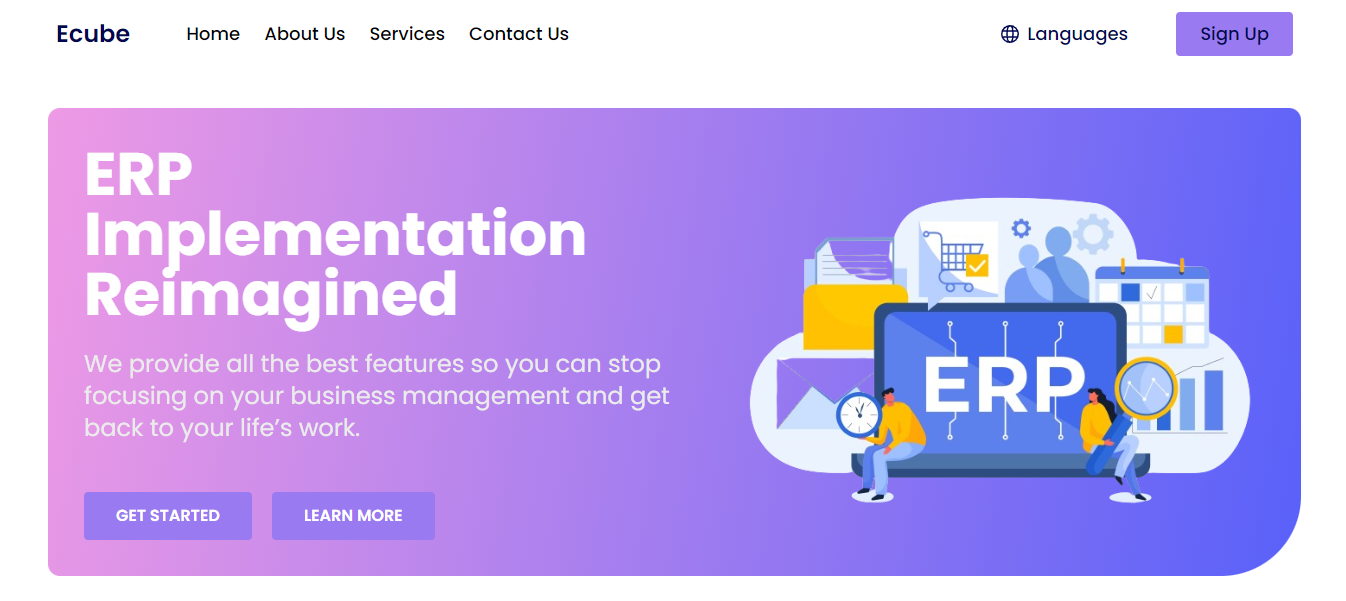
Enterprise Resource Planning (ERP) systems are often notorious for clunky interfaces and outdated designs. We envisioned a future where ERPs could be as intuitive and user-friendly as the applications we use every day.
What it Does
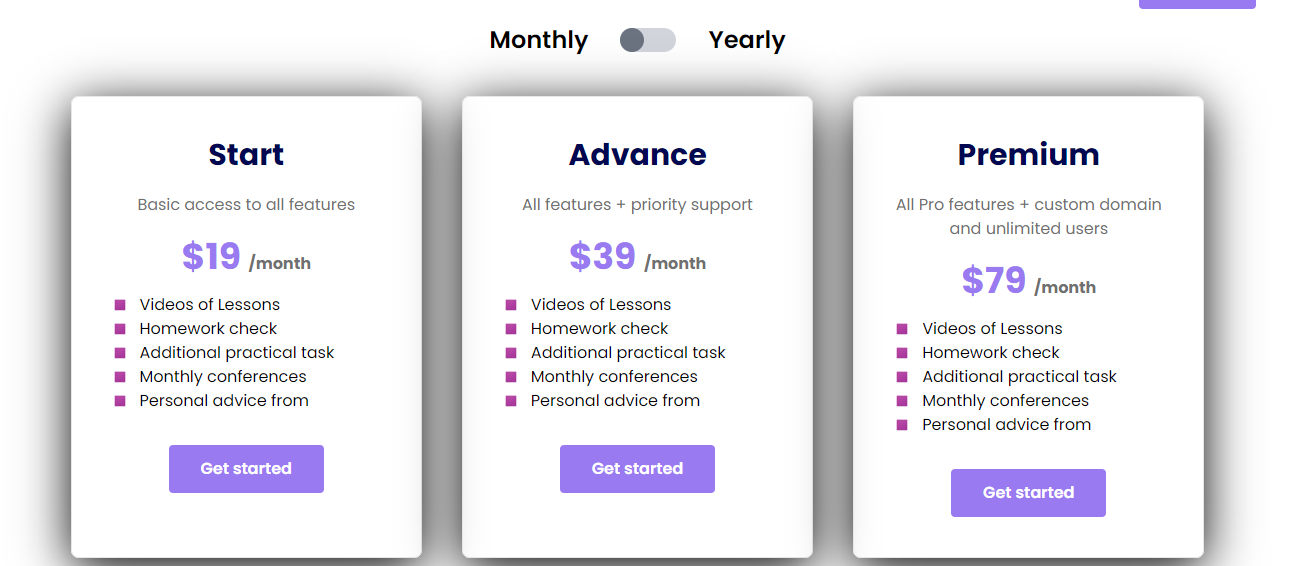
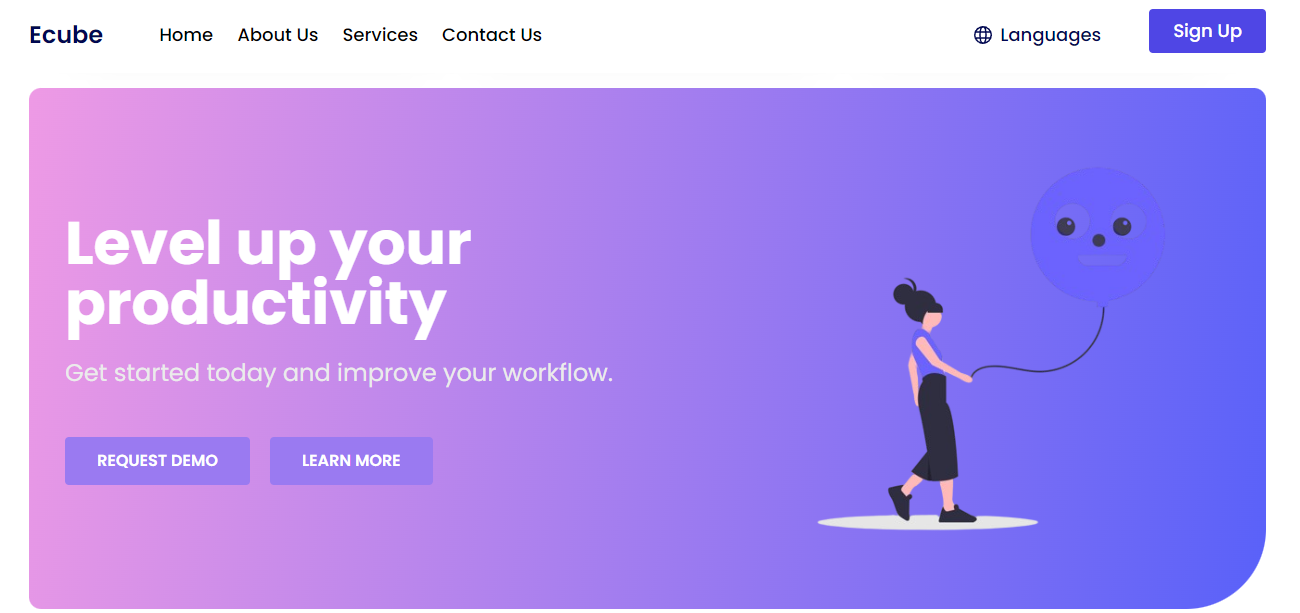
Ecube is a modern frontend for ERP systems built with React and Tailwind CSS. It delivers a responsive, single-page application experience, allowing users to navigate seamlessly between functionalities like inventory management, customer relationship management (CRM), and financial reporting.
How We Built It
React: React's component-based architecture enabled us to create a modular and reusable UI, facilitating future development and maintenance.
Tailwind CSS: Tailwind's utility-first approach provided us with a rapid and flexible styling system, ensuring a consistent and visually appealing interface.
Challenges We Ran Into
Integrating with Legacy Systems: Connecting seamlessly with existing backend systems required careful planning and API development to ensure smooth data flow.
Balancing Design and Performance: Creating a visually engaging interface while maintaining a fast and responsive user experience demanded optimization techniques.
Accomplishments We're Proud Of
Intuitive Navigation: Ecube's clean design and streamlined workflows enhance user experience and efficiency.
Highly Customizable: The modular design allows businesses to tailor the interface to their specific needs.
Performance Optimization: Ecube delivers a smooth and responsive experience even with large datasets.
What We Learned
React's component-based approach is ideal for building complex and scalable ERP interfaces.
Tailwind CSS empowers developers to create visually appealing and performant user interfaces quickly.
What's Next for Ecube
We're continuously refining Ecube to integrate with more ERP systems and explore advanced functionalities like interactive dashboards and data visualization tools.
Note: This description focuses solely on the frontend development aspects using React and Tailwind CSS. You can adjust the "What it Does" section to highlight specific ERP functionalities relevant to your project.


Log in or sign up for Devpost to join the conversation.