-
-
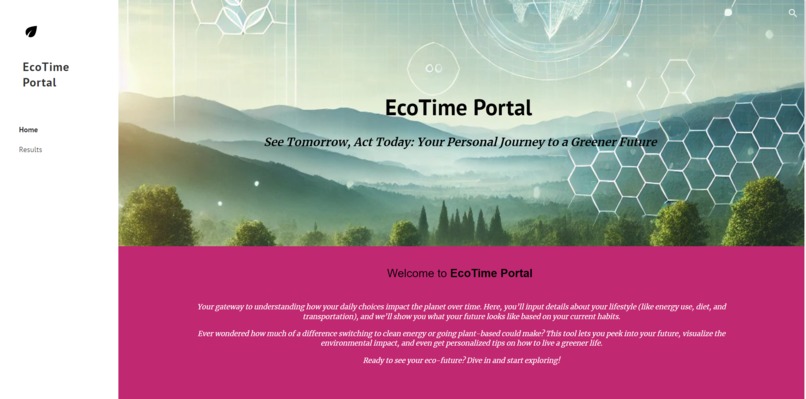
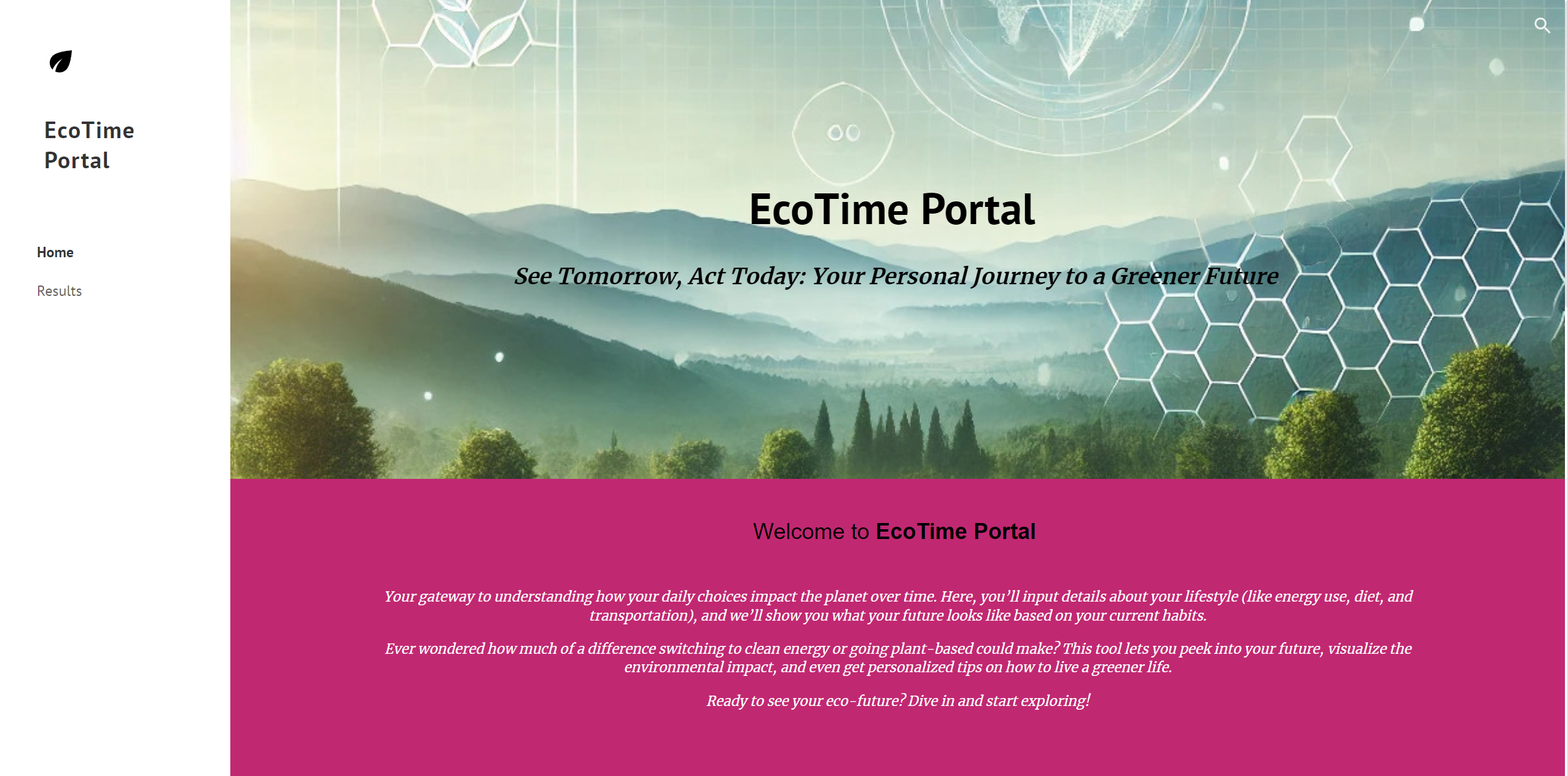
EcoTime Portal Website
Inspiration
The inspiration behind EcoTime Portal came from our personal efforts to live more sustainably. We wanted to create a simple, automated way for people to track their environmental impact and take actionable steps to reduce it. While we had already been making small changes in our daily lives, we realized that if we could build a tool that makes tracking these changes easy, more people would adopt sustainable habits. The project reflects our own journey and desire to make an impact beyond ourselves.
What it does
EcoTime Portal is a personalized environmental impact tracker. Users fill out a form with their daily habits like energy consumption, transportation mode, and diet and the system automatically generates a tailored report, breaking down their carbon footprint. It doesn’t just show data; it provides actionable insights on how users can reduce their environmental impact based on their unique lifestyle. The platform ensures that users get real-time updates and clear, personalized results on a simple, user-friendly webpage.
How we built it
We used a combination of technologies to fully automate EcoTime Portal. The core is built using Google Apps Script, which dynamically pulls user data from Google Sheets (captured via Google Forms) and generates a personalized Google Doc for each user. Zapier was key in automating the workflow, it triggers document creation and embeds the results on our Google Sites frontend whenever a new form submission is made. We integrated the OpenAI API to add personalized insights to the reports, offering users more than just data. Finally, the entire platform is hosted on Google Sites, ensuring that users can access their results in real time.
Challenges we ran into
We started this project with very little coding experience, which was a major hurdle. Learning to use Google Apps Script and figuring out how to integrate multiple tools (Google Sheets, Google Docs, Zapier, and OpenAI API) took time and persistence. We also ran into issues with managing the OpenAI API credits since they are not free, so we had to buy credits and monitor usage carefully. Another challenge was deciding to skip the data visualization aspect with charts, as time was tight and we wanted to focus on delivering a simpler, more streamlined user experience.
Accomplishments that we're proud of
We’re proud of how quickly we learned and integrated multiple tools we had never worked with before. Despite starting late, we managed to fully automate the entire system and create a seamless user experience. Another accomplishment was the successful integration of the OpenAI API to generate personalized insights, making the reports both informative and actionable. Automating the document creation process with Google Apps Script and having real-time updates on the site through Zapier was a technical achievement we’re really happy with.
What we learned
This project taught us a lot about automation, APIs, and integrating different services to build a functional product. We learned how to use Google Apps Script to handle dynamic data, work with Zapier to trigger workflows, and integrate the OpenAI API for generating personalized insights. We also learned a lot about time management and how to focus on the most impactful features rather than overloading the project with unnecessary complexity.
What's next for EcoTime Portal
Next, we plan to enhance EcoTime Portal by bringing back the data visualization aspect using Google Charts to make the insights even clearer for users. We also want to improve the AI-generated recommendations and add more sustainability tips based on user data. Another goal is to make the platform more scalable, so it can handle larger amounts of data and serve more users. We’d also like to explore other integrations, like connecting with more sustainability APIs or adding gamification features to encourage users to take action based on their results.
Built With
- dall-e
- google-app-script
- google-app-script-api
- google-docs
- google-drive
- google-sheets
- google-sites
- javascript
- openai-api
- zapier

Log in or sign up for Devpost to join the conversation.