-
-
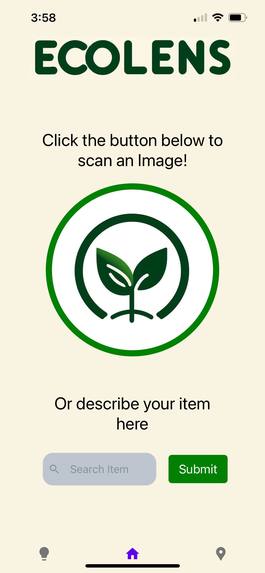
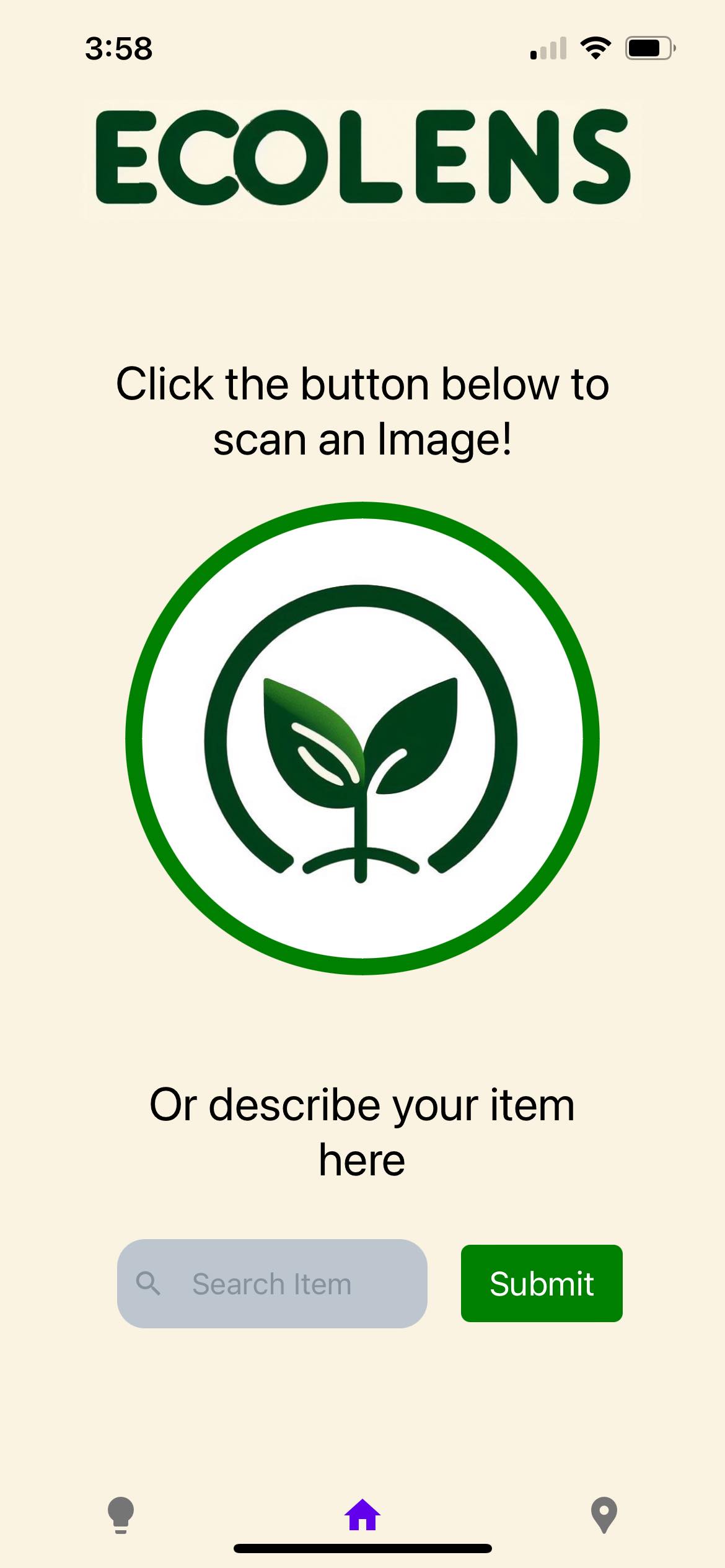
Home page
-
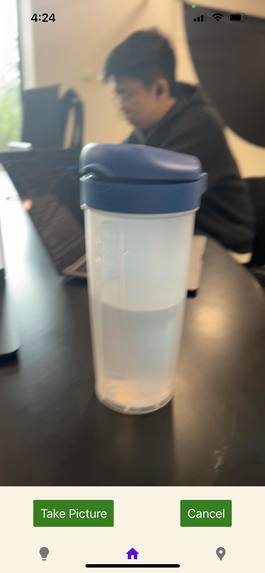
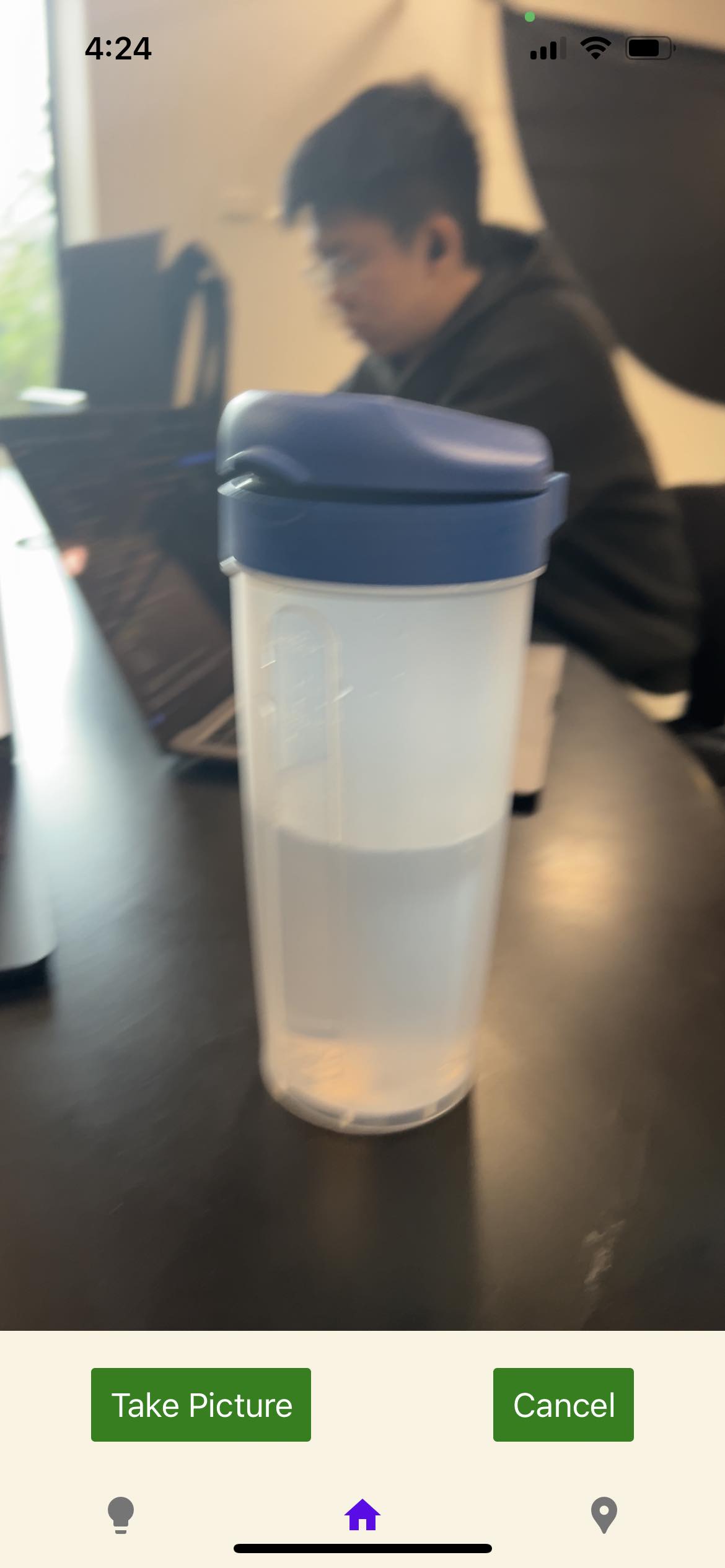
camera page
-
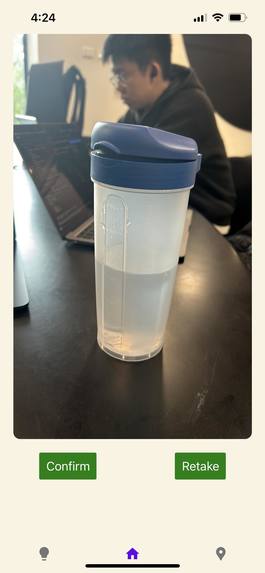
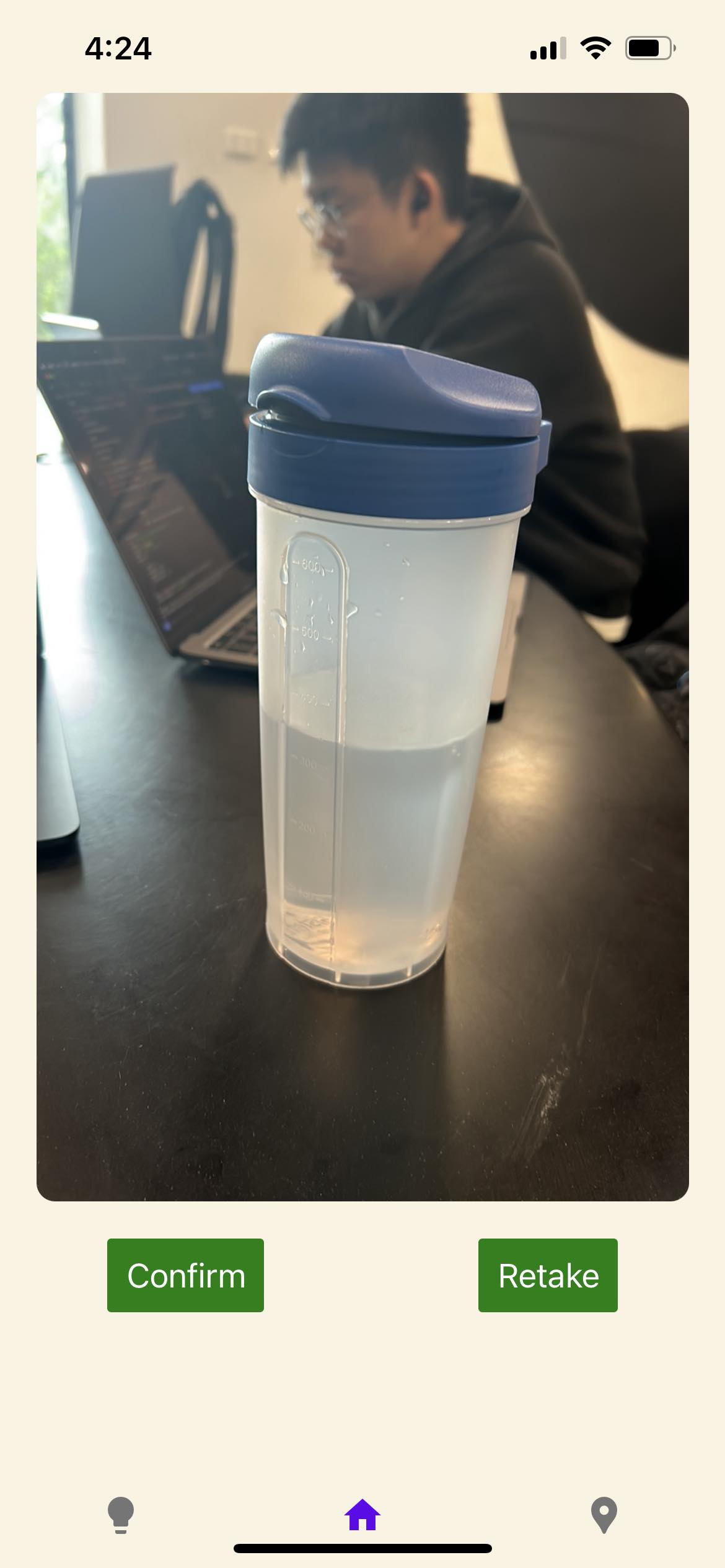
Image preview page
-
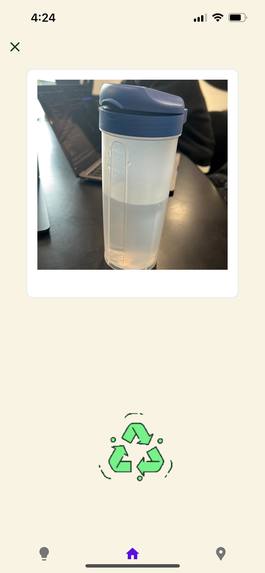
loading page
-
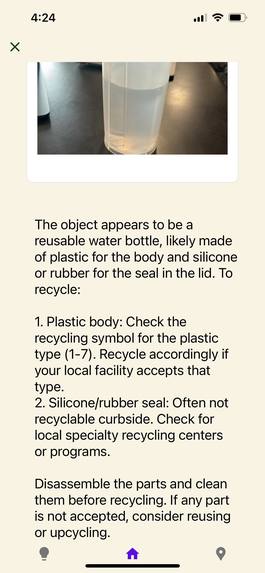
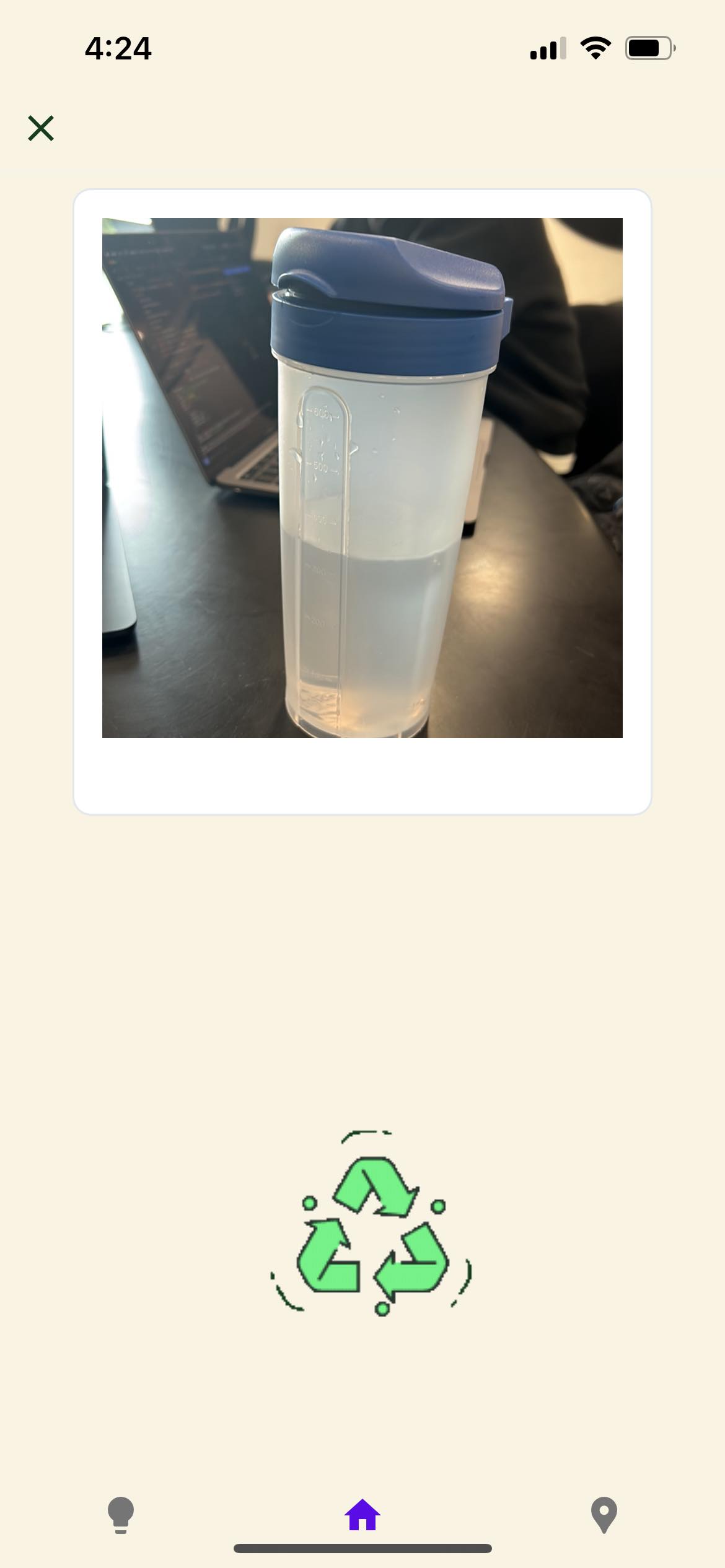
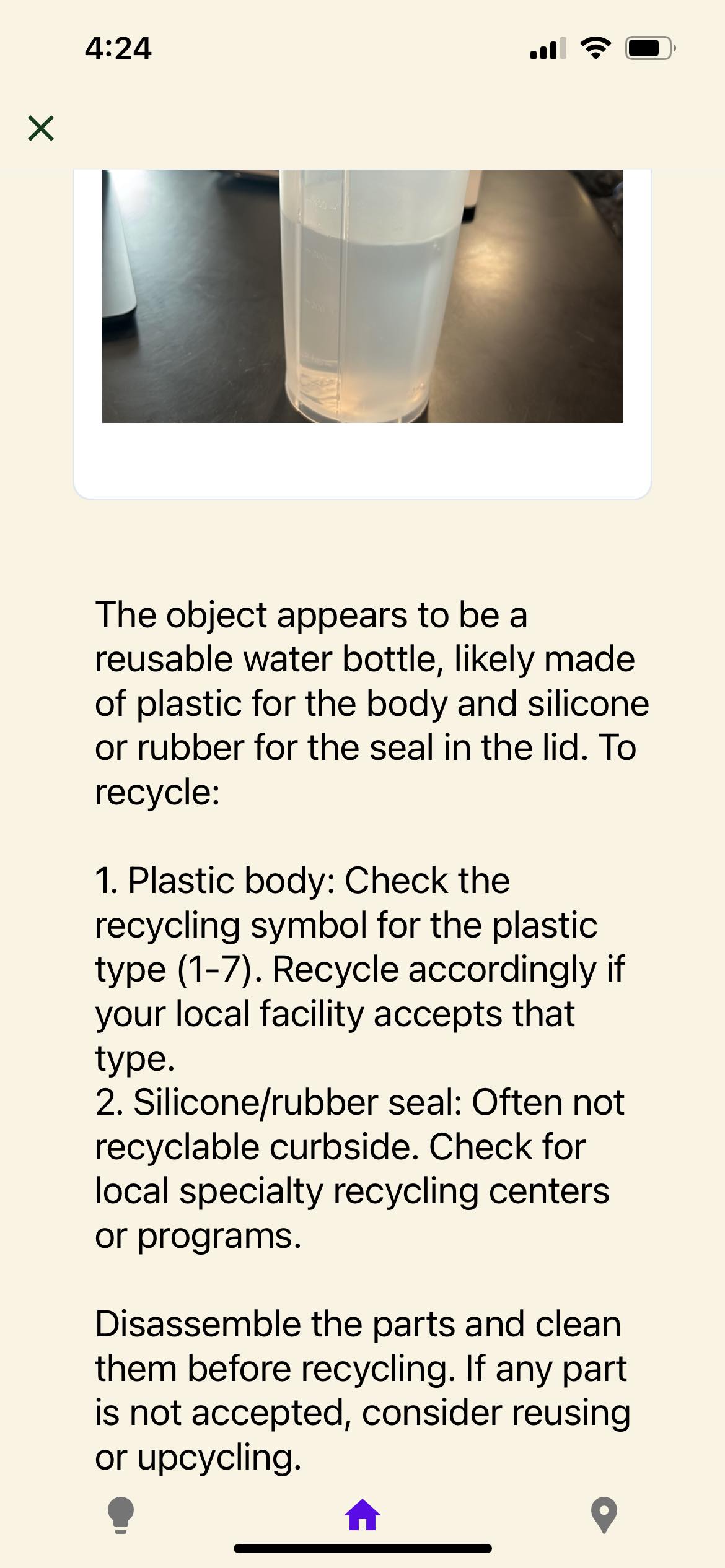
image results
-
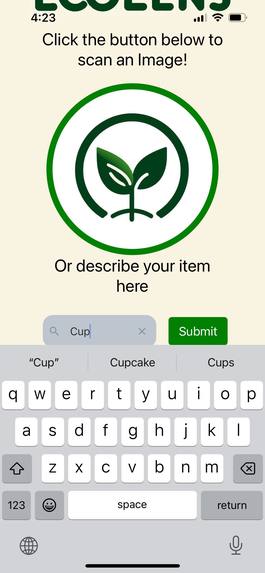
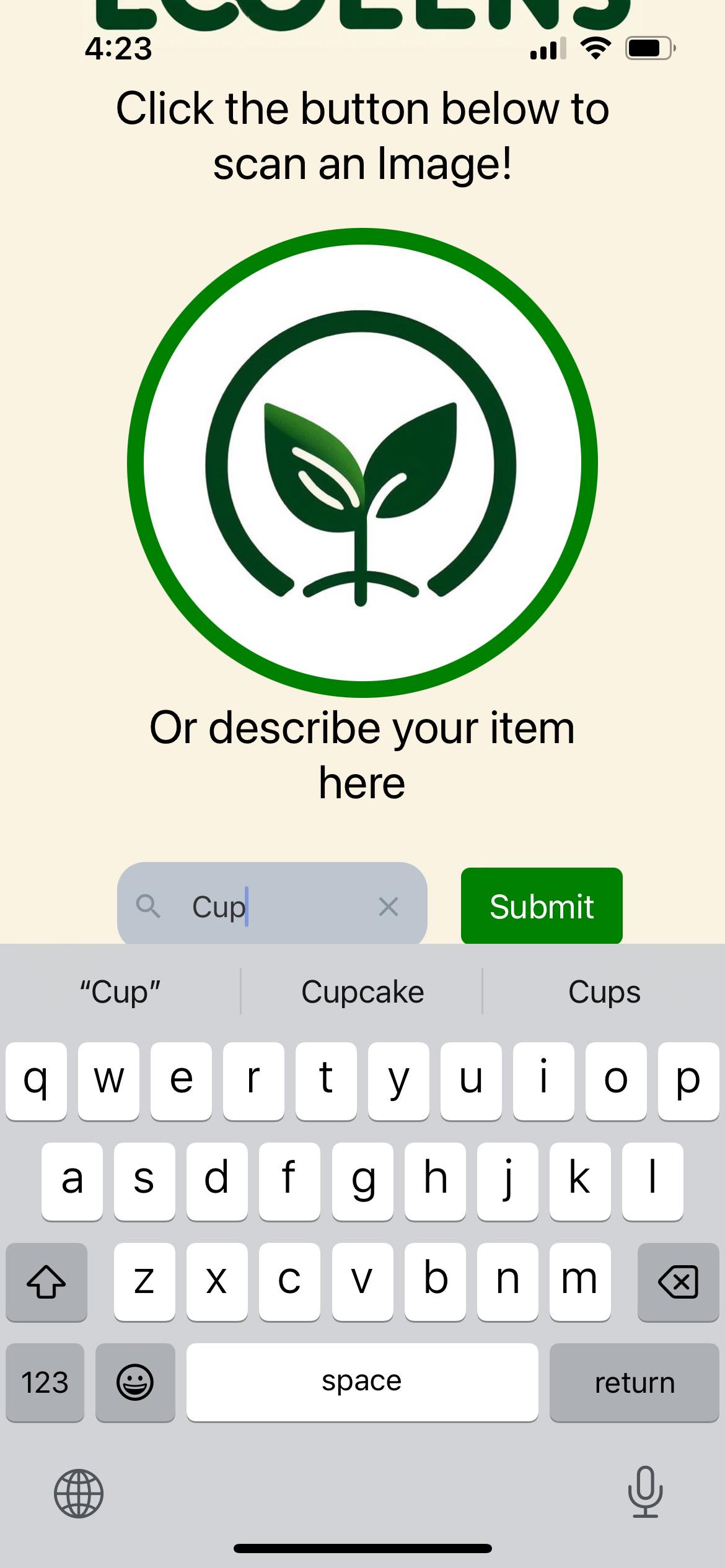
search bar
-
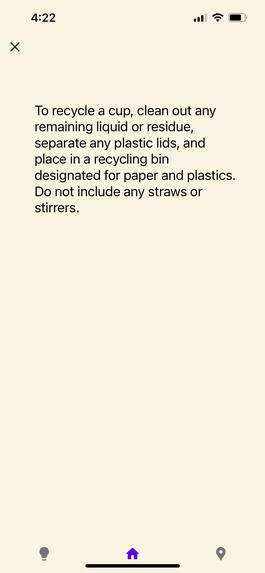
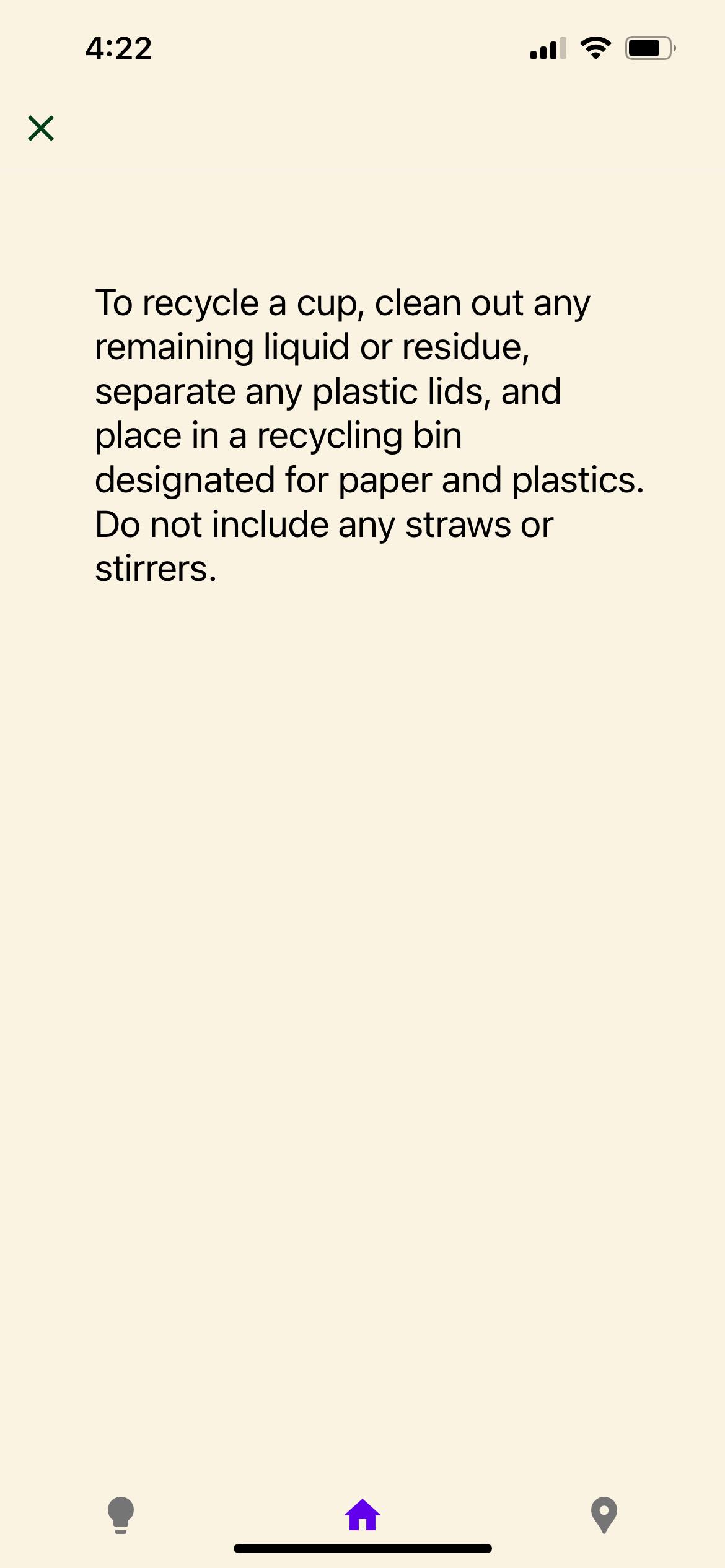
search results
-
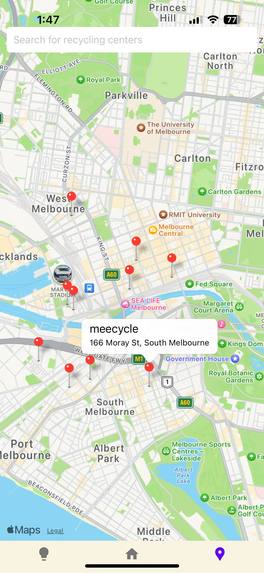
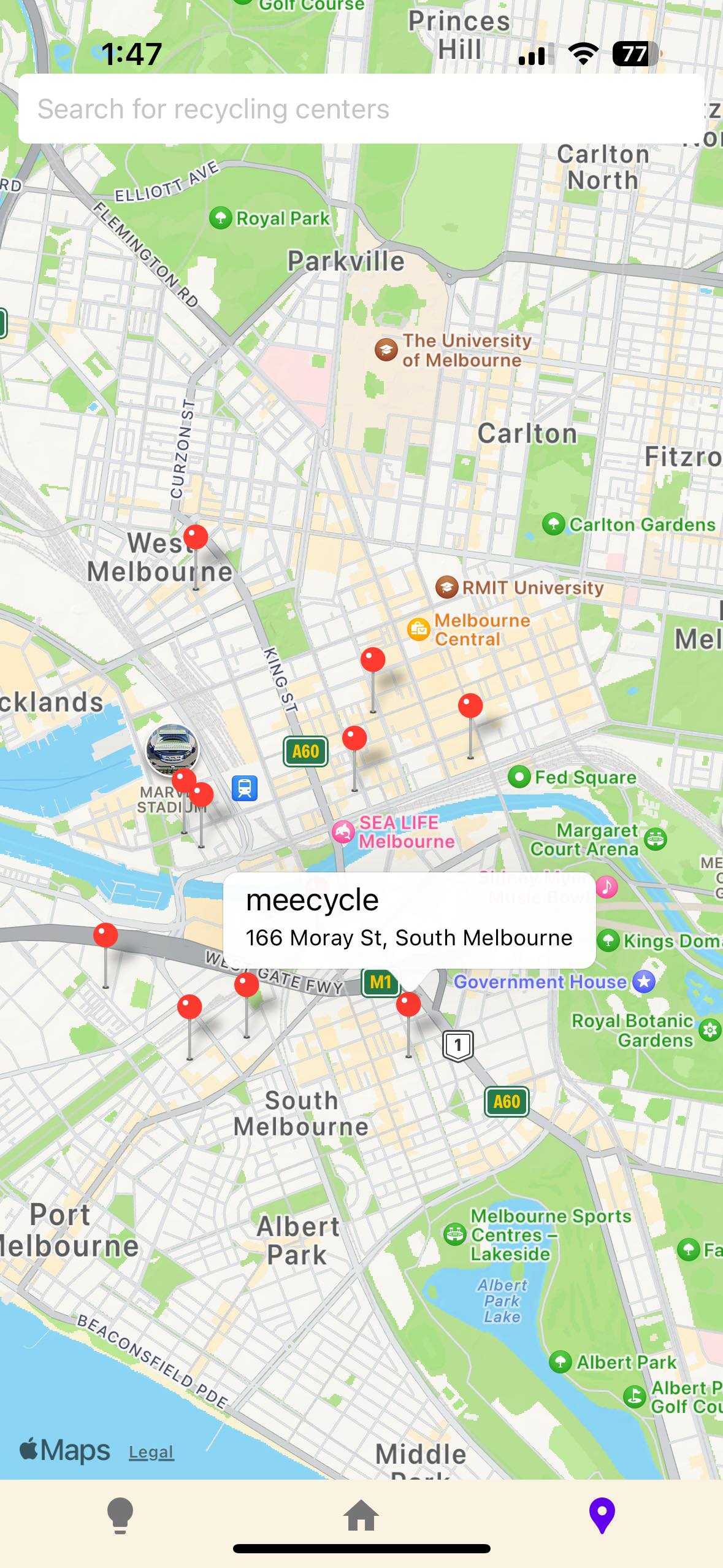
maps
-
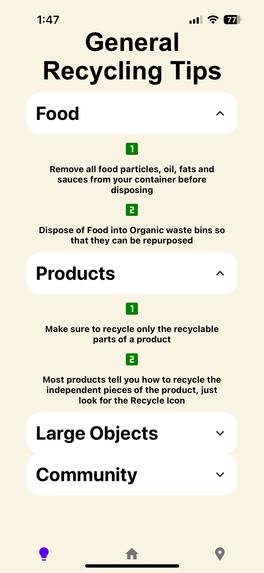
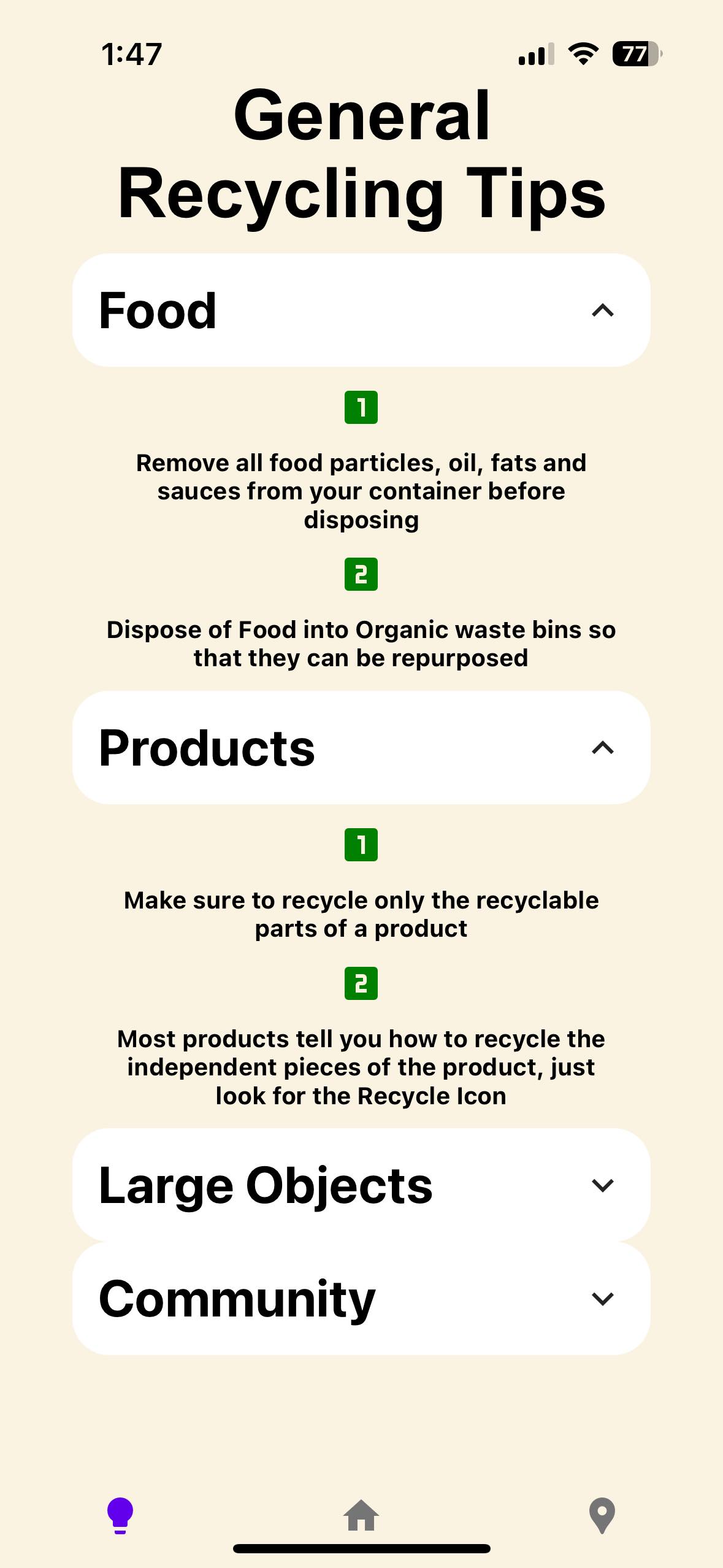
general recycling tips
Inspiration
In our day to day life, we noticed that we often found ourselves in situations where we weren't quite sure how to properly dispose of certain items. Is this coffee cup recyclable? What do I do with this water bottle? With the growing awareness of global waste, the world is shifting towards eco-friendliness, we wanted to create a way to push the regular person to become environmentally conscious. How do we simplify this journey? Our solution takes inspiration from the music app, Shazam's simplicity. At the click of a button, our tool can effortlessly guide you towards achieving your recycling goals by offering personalised on-the-fly advice with the help of generative AI.
What it does
EcoLens is an app which allows users to snap a picture of an object (that you are about to dispose of) and gives you tailored advice about what the object is, and how to recycle it with the use of OpenAI's GPT-4. There is also an option to describe the object in text if needed. The app also gives you general recycling tips for any recyclables and provides you with a map (Google Places API) that displays the closest recycling centres to you when given a location. It is an all-round eco-friendly Tech-life convenience app which makes it incredibly easy to transition into responsible recycling (which is becoming increasingly important).
How we built it
To bring our vision to life, we leveraged some cutting-edge technologies to create a seamless user experience, as well as simplify our development. To create the app's frontend, we used React Native, a powerful mobile development framework which provides a cross-platform solution. We also used the component library React-native-elements to simplify the creation of components.
On the backend, we used Node.js as well as express for our API endpoints. We also used base64-js and Multer to upload images to our server.
But our ambitions don't stop there, to provide up-to-date, accurate and personalised messages to the users, we integrated OpenAI's GPT-4-Vision API. This was used to analyse the images we uploaded and to generate the messages for the user. We used prompt engineering to optimize our prompts so that we could get more accurate information for our needs, as well as to significantly reduce the costs. This reduced the spending by almost 75%!
And finally for the last feature, we implemented the Google Places API as well as using its Autocomplete library so that users can easily find their location, as well as see markers for all nearby recycling centres.
Challenges we ran into
Spending on GPT-4 Models was quite high at first as each request was using a huge number of tokens, however, after reading OpenAIs prompt engineering documentation, we were able to cut the number of tokens down significantly, while still maintaining the accuracy and detail of the output.
Image uploads were quite difficult too because the GPT-Vision API required the image to be either base64 or in a url. We didn't use any database for our project so we opted for the base64 input, which was quite difficult as we hadn't worked with it before and couldn't get the pictures to send from our phones to the server. We managed to solve this by first converting the images to binary blob and then converting them back to base64 on the server before sending it to the API.
Font styling was difficult because android and IOS systems do not have the same native fonts, and so displaying fonts on one system, may not translate properly onto another system. We attempted to download google fonts and integrate them in our styles but we ran into many difficulties.
Utilisation of the Google Places API was unfamiliar to us and we had to read through a lot of google documentation to get the right queries working. Additionally, we had trouble with updating the map view as some markers seemed to jump around. We minimized this effect by locking the zoom functionality but it can still occur if the user scrolls around.
Accomplishments that we're proud of
We were really happy we could integrate GPT-4-vision API into our app for both image recognition and recycling advice along with cutting the costs with prompt engineering since we hadn't had much exposure to integrating external APIs into our own apps before, and also didn't even know prompt engineering existed until this project.
The integration of the Places API was something we were especially happy with as we implemented a way for users to easily search for nearby recycling centres.
We didn't have many issues merging our branches and managed to not spend too much time trying to fix and conflicts. This reflected our effective collaboration and well-structured coding practices.
We were really proud of our idea and thought that it was a really creative solution to a community that is growing every day. The world is increasing its awareness on recycling awareness, and the community of people who care about the environment is growing. We thought that providing them with a tool that simplifies this process would not only help the community but also grow it faster.
What we learned
We had to learn how to use Open AIs GPT-4 Vision API which we hadn't previously used before, and we hadn't had much experience using external APIs in general too. We also had to learn how to convert images from our phone apps to upload them to the server and fit the format required by the API. We also had to learn how to make our prompts use less API tokens to reduce the cost of each query.
Learning how to use the Google Places API was interesting as it was something we haven't worked with in the past and that we believe can be brought forward for our future projects.
What's next for EcoLens
Add a rewards system to gear EcoLens more towards a social platform for recycling to incentivise users to scan and recycle more often. This could include things like leaderboards for how many scans, or seeing friends scans etc.
Make Google maps API more personalised so that you can get the top 5 closest recycling centres and can use zoom into places more accurately.
Structure Recycling advice into sections so the UI/UX is better and doesn't require so much reading. Make the recycling prompts more clear in the future.
Keep history of Recycled objects so that users can go back to their products and see if it was recyclable, and just follow the same advice. Or for just general reference to recycled products before.
Upload picture so you can use a picture that someone else sent to you in the app and provide advice on already taken photos.
Refactor the code to be more efficient, and extensible for future changes.
Built With
- css
- google-maps
- javascript
- node.js
- openai
- react-native
- react-native-elements


Log in or sign up for Devpost to join the conversation.