-
-
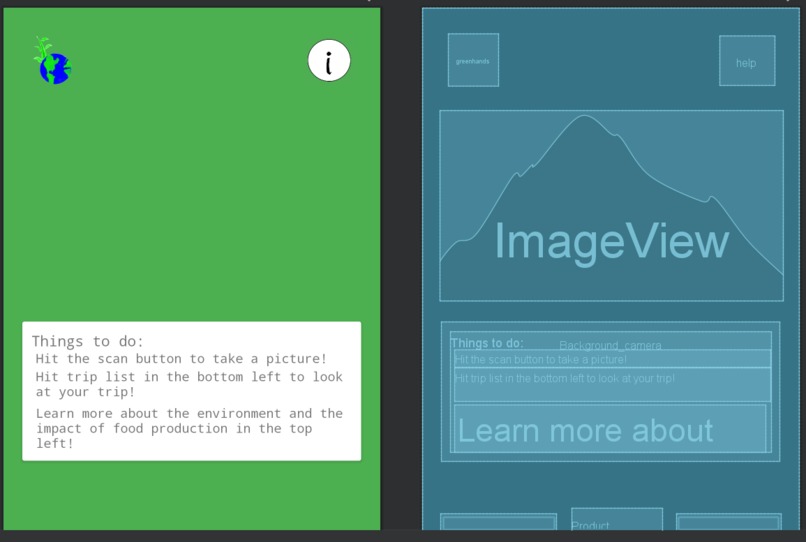
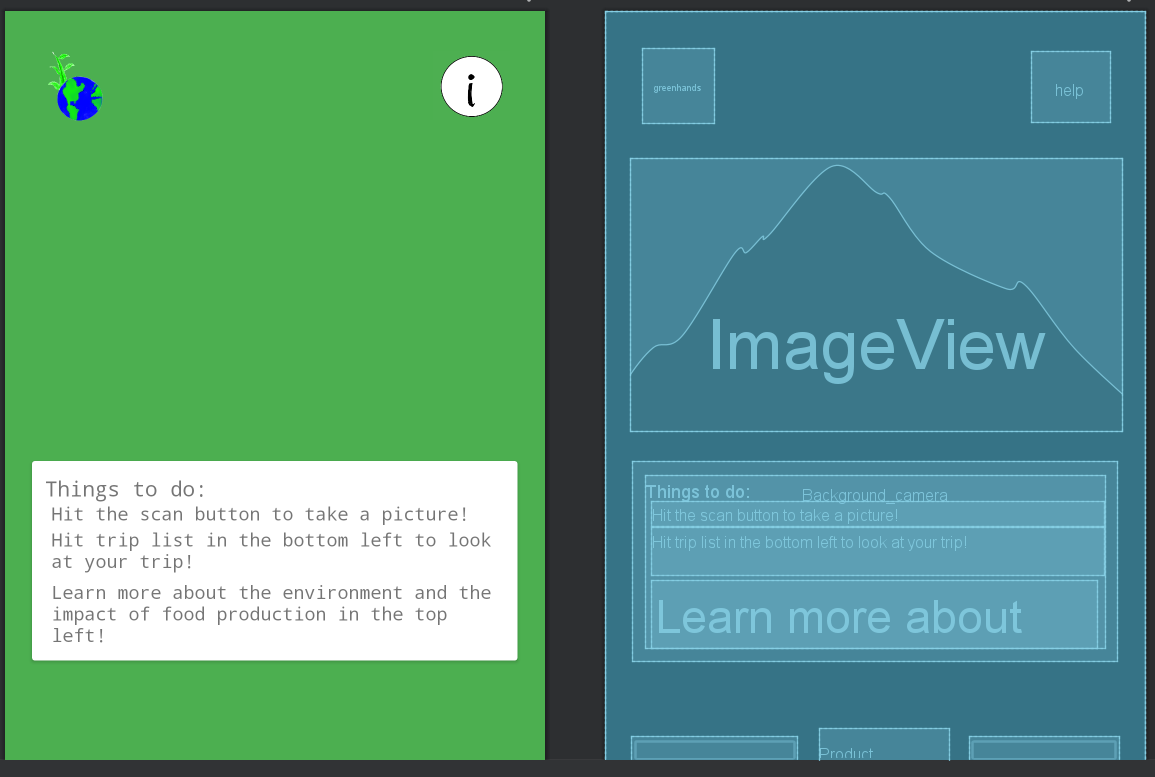
XML View Main Page
-
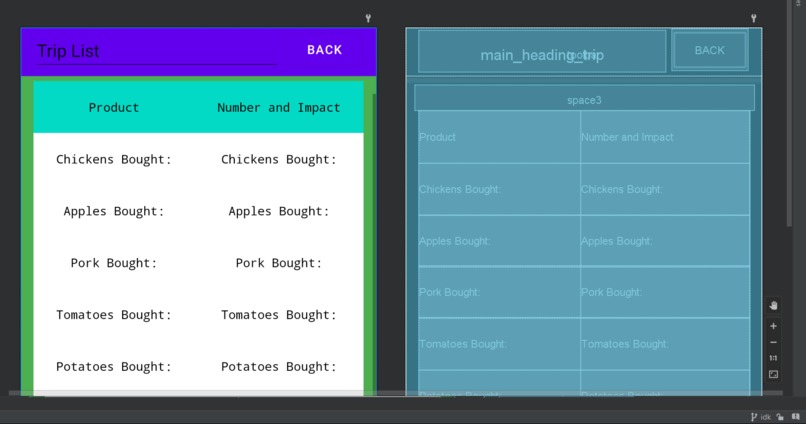
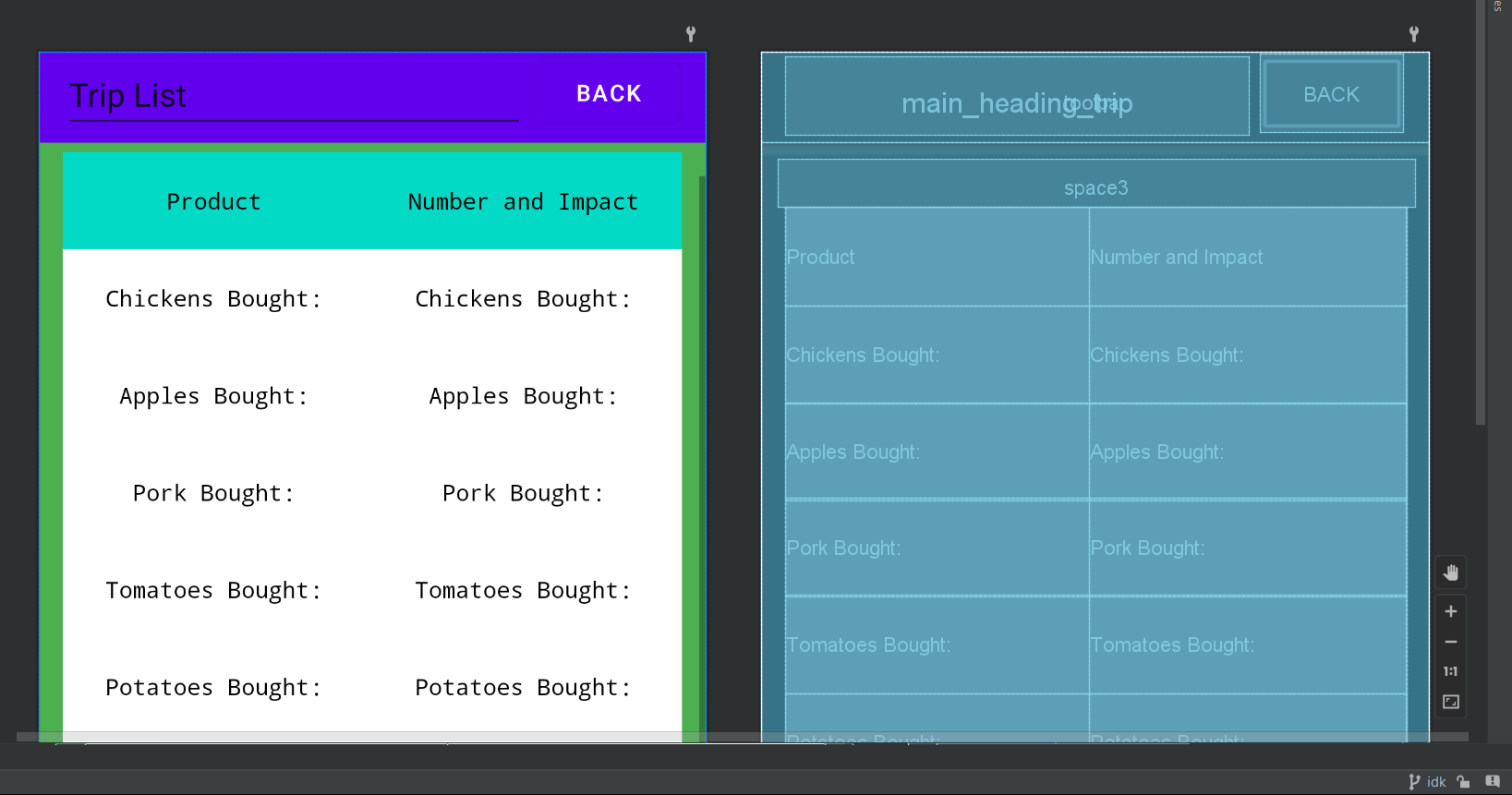
XML View Trip List
-
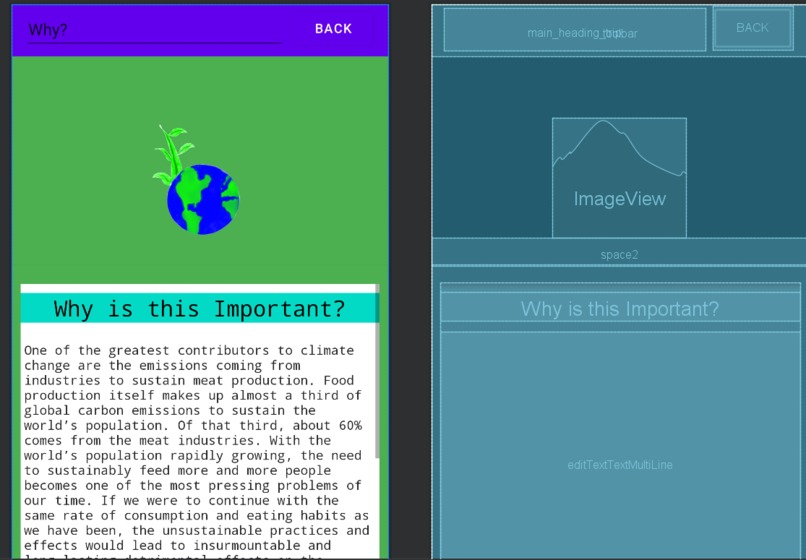
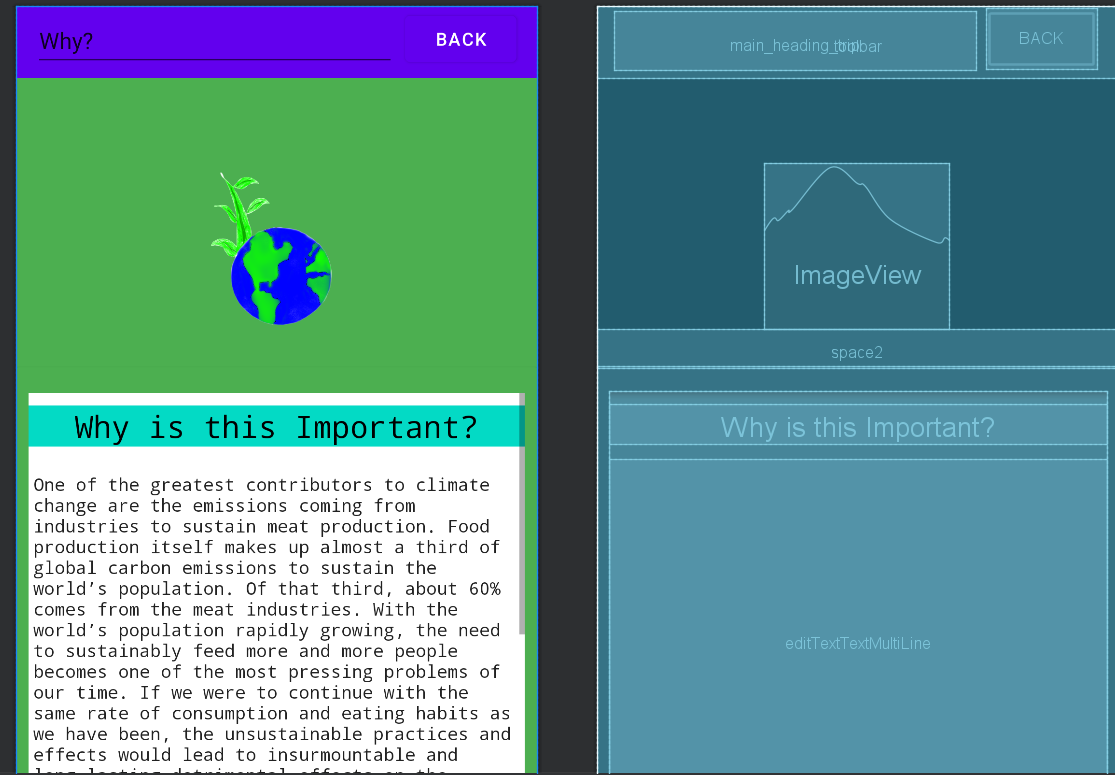
XML View Information
-
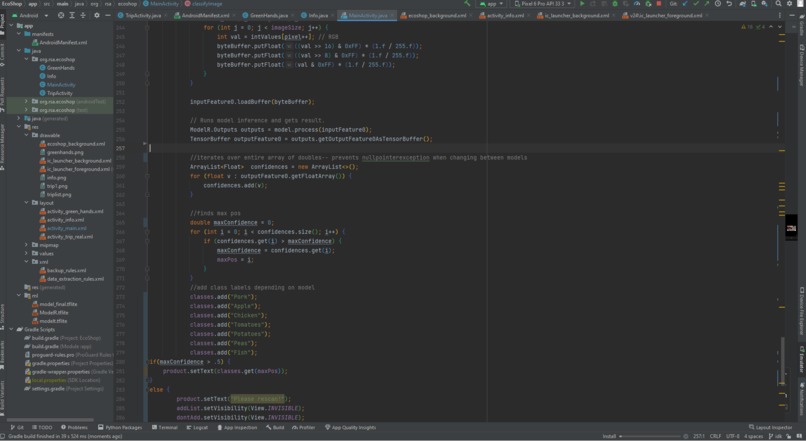
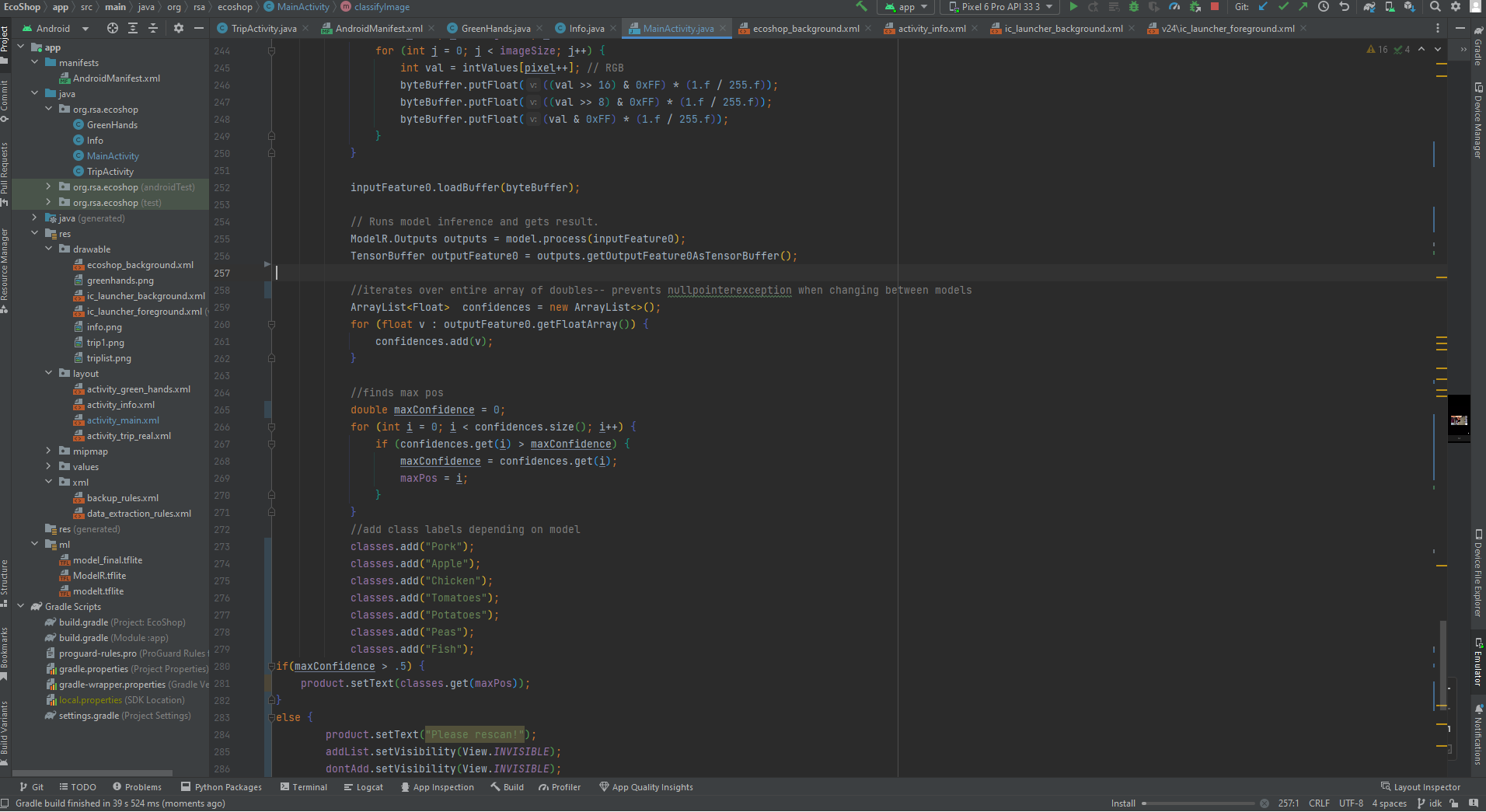
Android Studio Project Structure Overview
Inspiration
Sitting in our AP Environmental Science class, we took a firsthand look at the impact of the agricultural industry on climate change through a documentary on the topic. But, the data was largely overwhelming. So much information is available on climate change-- but the next time we went to the store, we couldn't use any of that information to analyze our own consumption choices and lifestyle, due to the large amount of available information and it being unrealistic for us to deeply research each and every product that we bought. This was our guiding philosophy in developing EcoShop- to create a simple way to keep ourselves and hopefully others aware and accountable for our consumption choices.
What it does
EcoShop relies on the key feature of object recognition in order to provide immediate information on the carbon emissions of products that a person is considering to buy, by having the user take a picture of the object and having that object recognized as one of the food types that we support currently. A user can then decide to either add the product to their shopping list totals for that trip, or decide to not add the product-- which will then be added to a seperate list of products not bought.
How we built it
EcoShop was built using Android Studios, GitHub, and Teachable Machine. We wrote all of our app logic and XML files inside of Android Studios, being able to constantly iterate and collaborate together on different aspects of the app through the use of GitHub branches. Then, once our app logic and layout was finalized, we used Teachable Machine to create our TFLite model. Teachable Machine allowed us to train our model on hundreds of images when existing datasets for certain products were not present online. This was then exported to Android Studios, where the TFLite model is fed image input and outputs product names. This data is then called upon by the trip list page, which displays the information.
Challenges we ran into
With no prior experience in machine learning, and no prior experience with native Android development, we were left with what seemed like an impossible task ahead of us. Every step we took lead to more problems, but we managed to, in the end, successfully create the app.
We started our development process with a very specific plan for the UI, modeled after other apps that utilized image recognition software such as Google Lens. However, this proved to be a difficult task due to the nature of the Android Camera API. The original plan was for the image path of the last image taken to be read, and then sent to a Flask Webserver using the OkHttps library, where a ResNet50 model would then read the image file and output the image classification. However, with challenges having the image sent to the webserver at all, we changed our approach to using on app recognition, and finally discovered Teachable Machine- which allowed us to create a machine learning model without any prior experience with machine learning.
We also faced challenges creating the UI- as we had experience with design on tools such as Canva and paper and pencil, but needed to create the UI for our app using XML.
Accomplishments that we're proud of
We all are proud of being able to create this app, which we were told would be incredibly difficult for us to create. Each one of us also were able to show our own individual strengths in the creation of the app as well. Ayaam was able to successfully implement the machine learning model despite many failures, Karen was able to successfully create the XML while on a tight timeline and no prior knowledge, and Precious was able to guide the team through the development process with project management skills.
What we learned
We learnt technical skills such as Android Studios development, and machine learning, but we also learnt strong interpersonal skills. We were able to successfully communicate with each other and collaborate to figure out how we should approach the project when none of us had prior experience with the specific things that we were required to do for the development of the app.
What's next for EcoShop
In future, we hope to be able to recognize our original UI hopes that we had to ultimately move away from, with a camera preview before the Camera UI is pulled up. We also hope to be able to better visualize the climate impact of purchases, possibly with animations of ice melts or other impacts of climate change.
Built With
- android-studio
- github
- java
- teachable-machine
- tflite


Log in or sign up for Devpost to join the conversation.