-
-
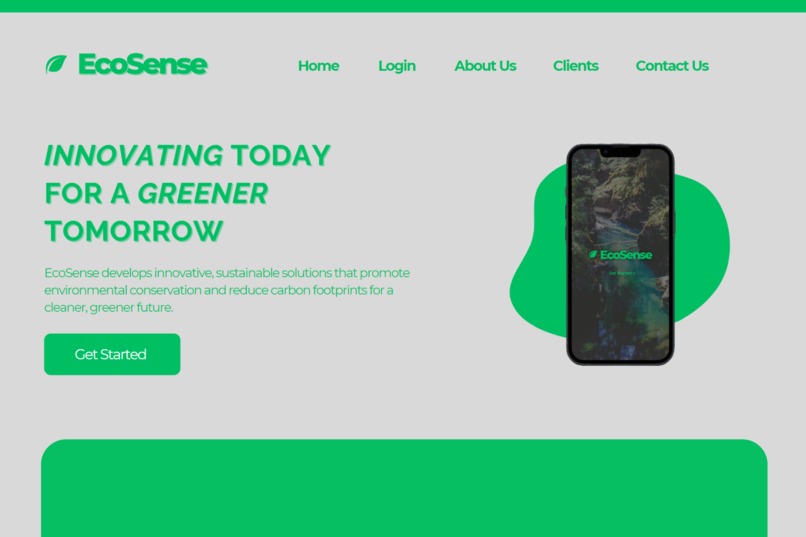
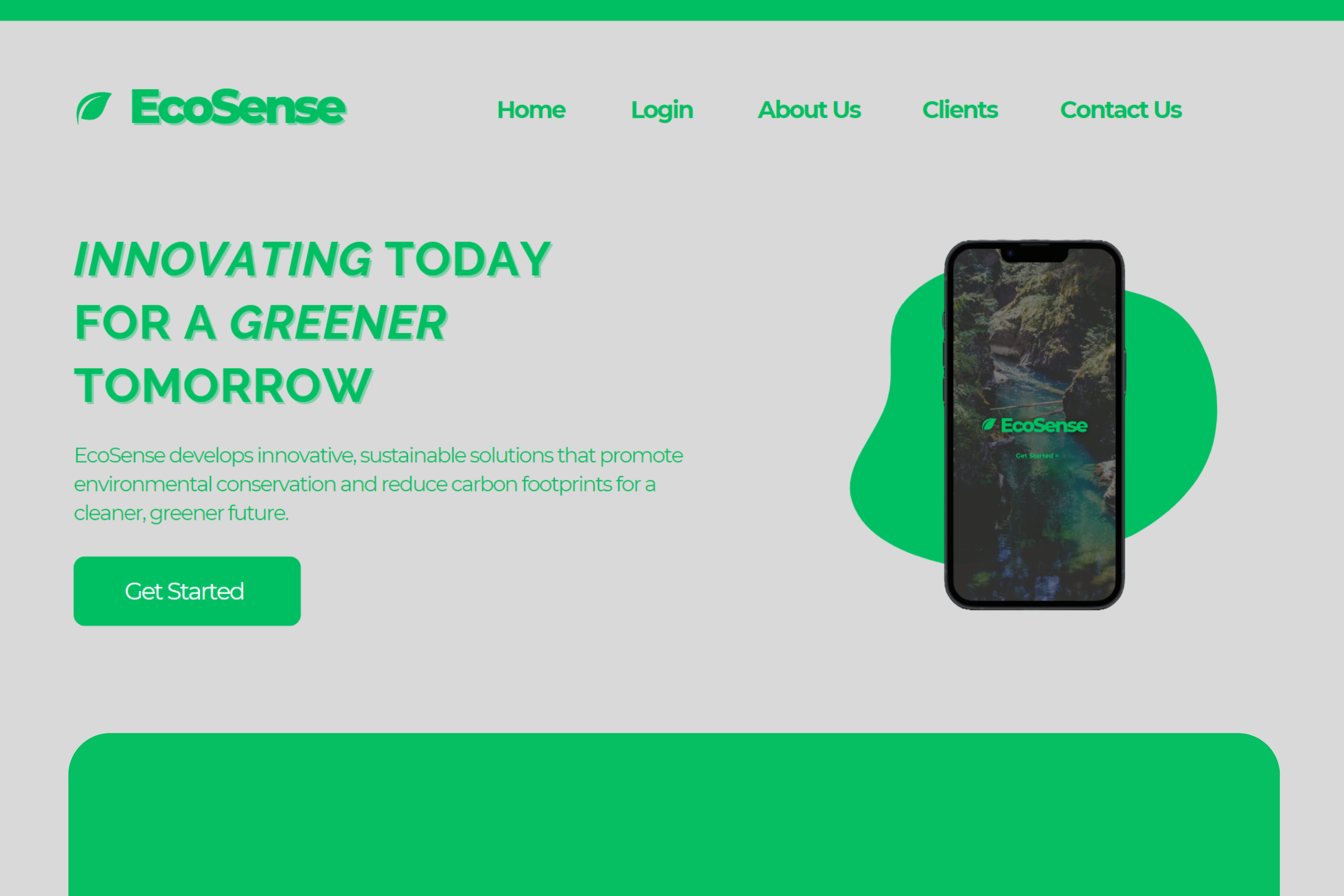
Website Landing Page
-
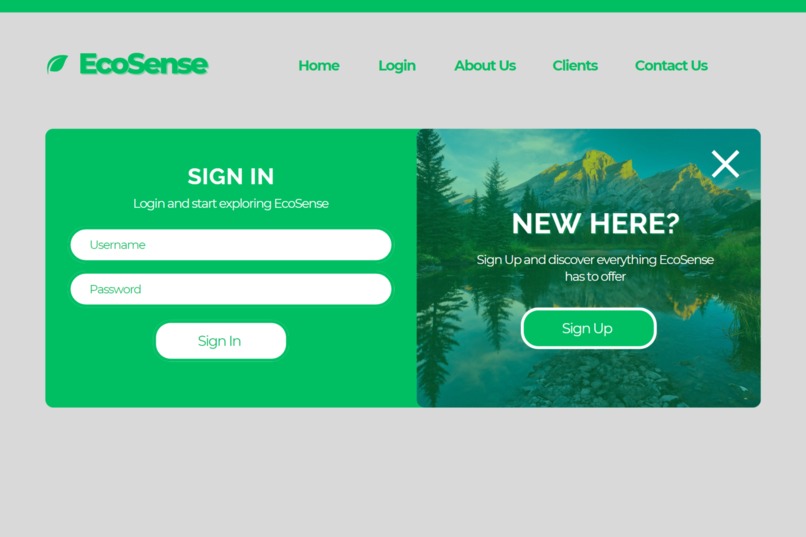
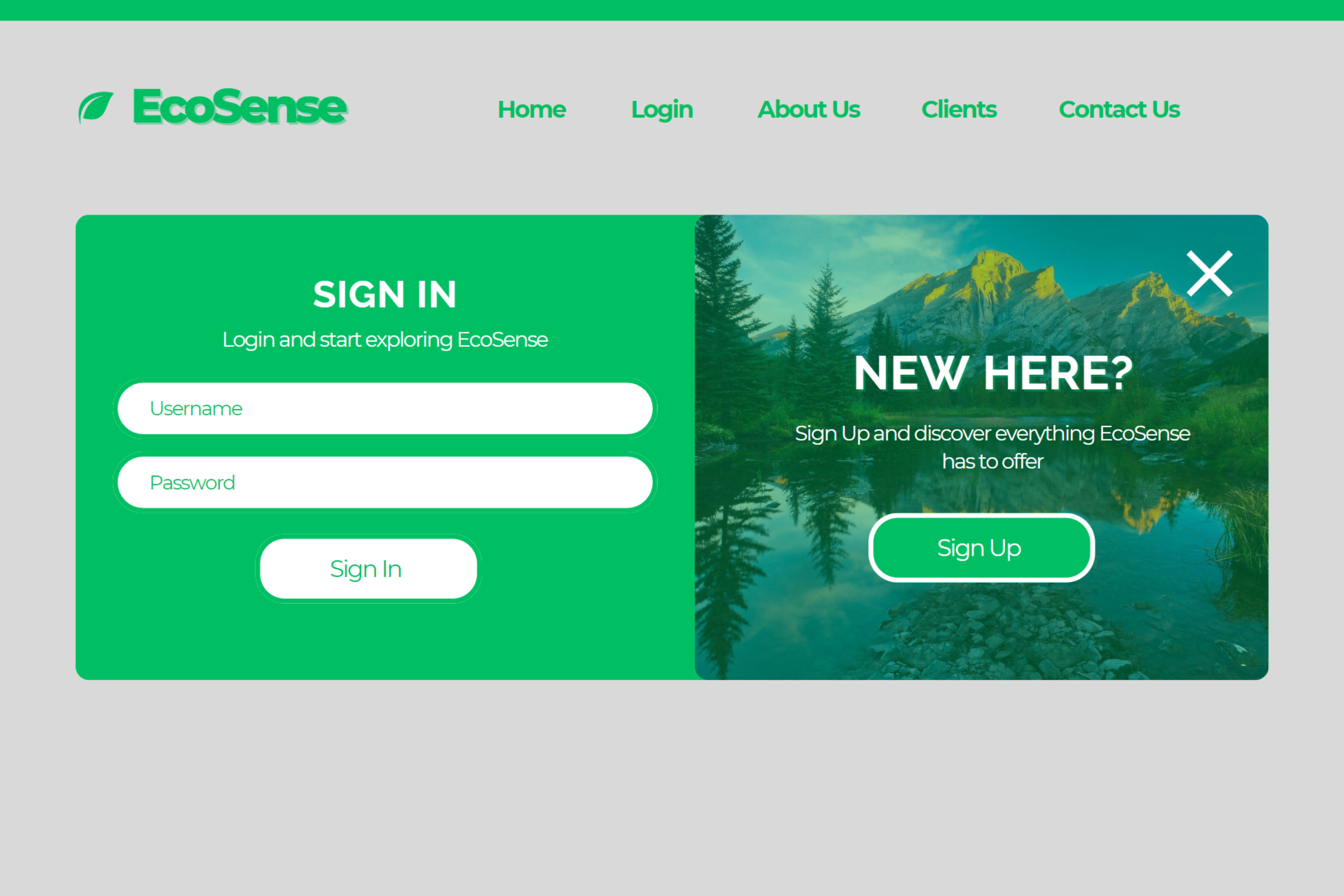
Website Sign In/Sign Up Page
-
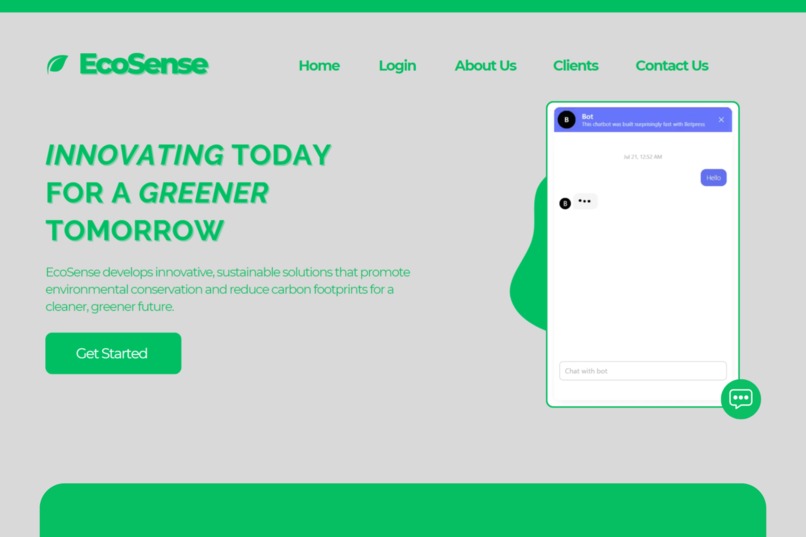
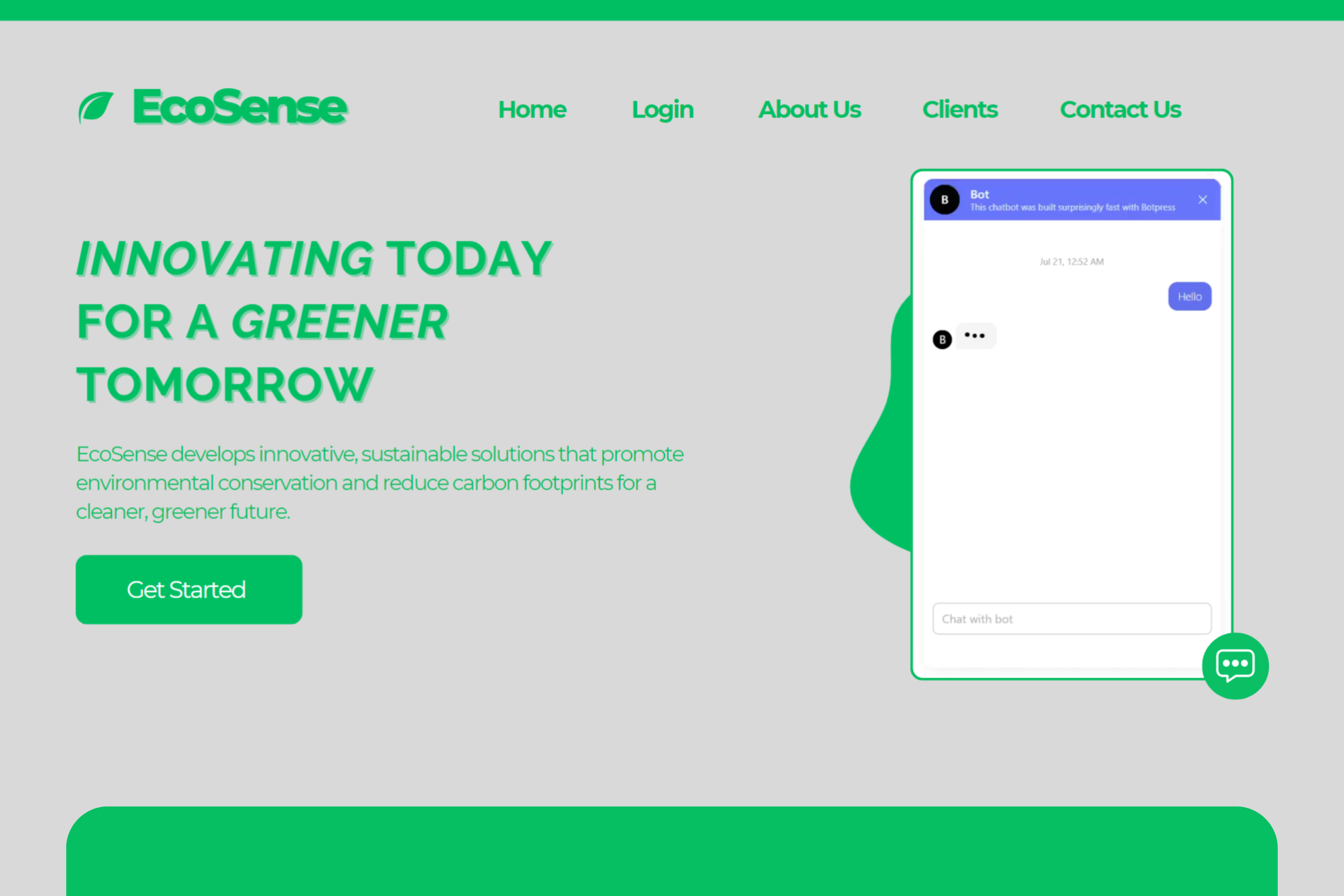
EcoSense Chatbot
-
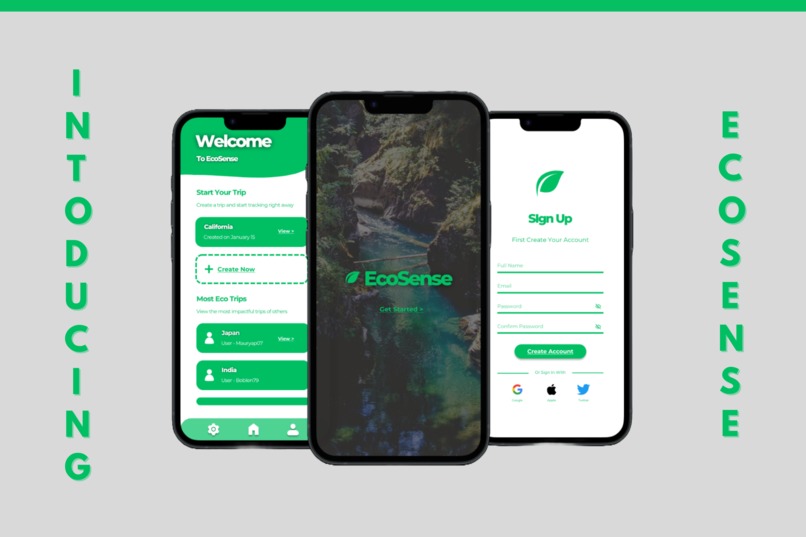
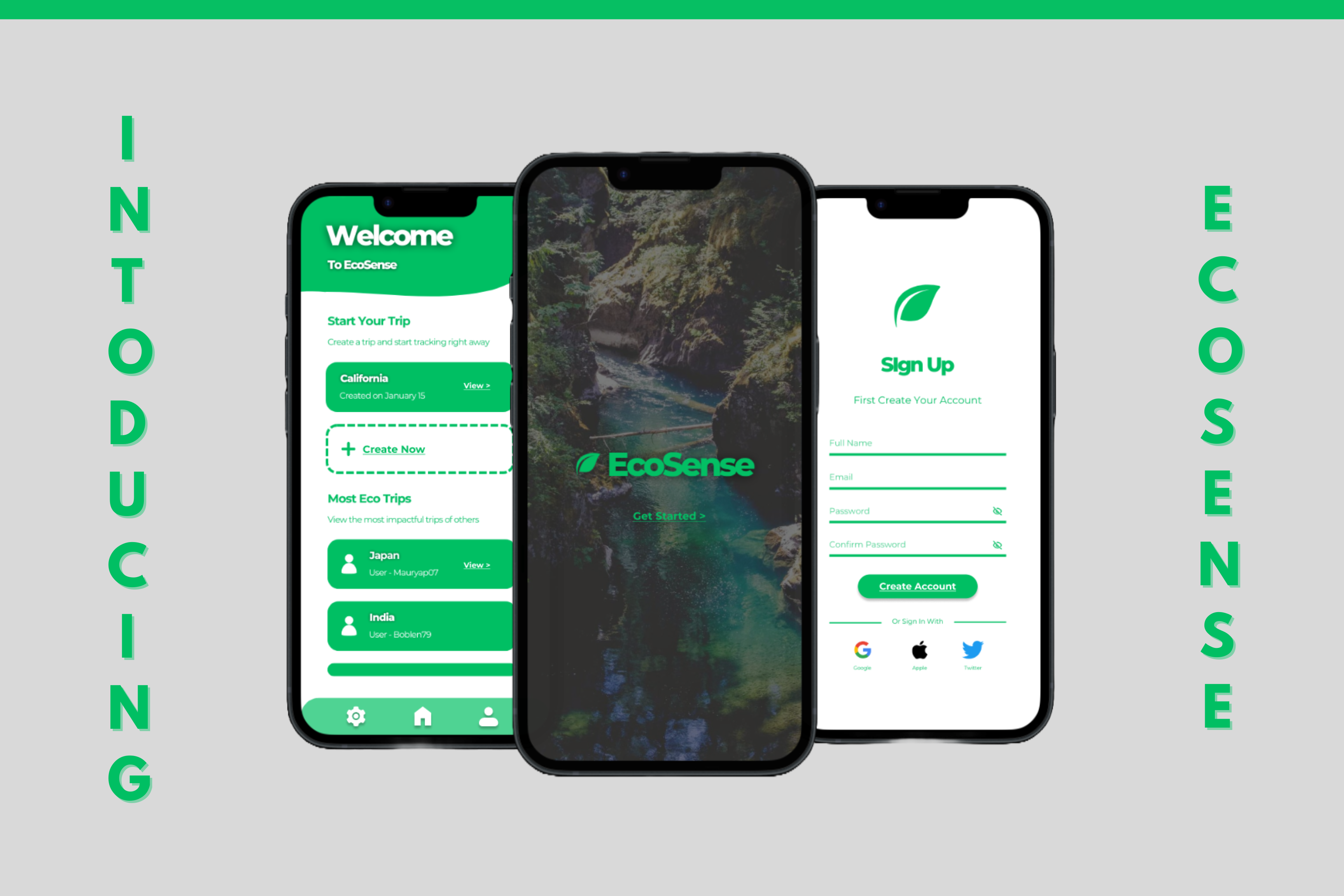
EcoSense Application
EcoSense
Table of Contents
- Inspiration
- What is EcoSense?
- How we built it
- Challenges
- Accomplishments we're proud of
- What's Next for Ecosense?
Inspiration
The inspiration for developing EcoSense stemmed from a deep passion for environmental conservation and a love for travel. Our team recognized the growing impact of tourism on our planet and wanted to create a tool that empowers travelers to make more sustainable choices.
For instance, one of our team members was particularly struck by the unsustainable and wasteful nature of cruises. They are notorious for their massive carbon footprints, excessive fuel consumption, and significant waste production. Experiencing this firsthand motivated us to develop a solution that would help travelers minimize their ecological footprint. With a special focus on providing eco-friendly alternatives, EcoSense aims to reduce the carbon footprint of travelers.
About EcoSense
EcoSense is a platform designed to help travelers make more sustainable choices by offering alternatives for vacation activities with lower carbon emissions.
- EcoSense App: Designed in Figma. Offers a way to manage your sustainable travel experience directly from your mobile device. Documents trips, tracks personal carbon footprint, sets sustainability goals, and measures individual progress. Has an intuitive interface that is both simple and portable.
- EcoSense Website: Developed on Replit and built using HTML and CSS for frontend development, and Java for backend logic. Features a login portal, company insights, client testimonials complete with ratings and reviews, and contact section to assist with any additional information.
- AI Chatbot: Integrated AI chatbot designed to enhance your experience on the EcoSense website. Available 24/7 to help navigate the app, find eco-friendly alternatives tailored to desired destination and activity.
How we built it
Website
Overall, this code combines HTML for structure and CSS for styling to create an informative and visually appealing webpage for EcoSense.
- Declaration - The document starts with a standard HTML declaration and specifies the language as English. In the head section, it includes character set, viewport settings, and the page titles. It also links to Google Fonts for custom fonts (Montserrat and Raleway).
- Head Section - The CSS styles are embedded within the head section, defining the visual presentation of each page.
- Body Section - Header: Contains the website's logo and navigation links. Logo: Displays the EcoSense logo with specific dimensions. Navigation: Provides links to different pages such as Home, Login, About Us, Clients, and Contact Us.
Sample Homepage
 <!DOCTYPE html>
<html lang="en">
<head>
    <meta charset="UTF-8">
    <meta name="viewport" content="width=device-width, initial-scale=1.0">
    <title>EcoSense</title>
    <link href="https://fonts.googleapis.com/css2?family=Montserrat:wght@400;500&family=Raleway:wght@700&display=swap" rel="stylesheet">
    <style>
        body {
            font-family: Arial, sans-serif;
            margin: 0;
            padding: 0;
            background-color: #D9D9D9;
        }
        .top-line {
            background-color: #00a651;
            height: 5px;
        }
        .navbar {
            background-color: #D9D9D9;
            color: #00a651;
            padding: 1rem;
            display: flex;
            justify-content: space-between;
            align-items: center; /* Center items vertically */
            margin-left: 160px; /* Aligns with main content */
            margin-right: 160px; /* Aligns with main content */
        }
        .navbar .logo {
            margin-left: 0; /* Reset margin to 0 */
        }
        .navbar .logo img {
            height: 60px; /* Increased height */
        }
        .navbar a {
            color: #00a651;
            text-decoration: none;
            margin: 0 1rem;
            font-weight: bold;
            font-size: 1.2rem; /* Increased font size */
            font-family: 'Montserrat', sans-serif; /* Applied Montserrat font */
        }
        .navbar a:hover {
            text-decoration: underline;
        }
        .main-content {
            padding: 2rem;
            color: #00a651;
            display: flex;
            align-items: center;
            height: calc(100vh - 75px);
            margin-left: 160px; /* Aligns with navbar */
            margin-right: 160px; /* Aligns with navbar */
        }
        .main-content .text {
            flex: 1;
            padding-left: 2rem;
        }
        .main-content h1 {
            font-size: 2.5rem;
            margin-bottom: 1rem;
            font-family: 'Raleway', sans-serif; /* Applied Raleway font */
            font-weight: 700; /* Made the text bold */
        }
        .main-content h1 .italic {
            font-style: italic;
        }
        .main-content p {
            font-size: 1.2rem;
            margin-bottom: 2rem;
            font-family: 'Montserrat', sans-serif; /* Applied Montserrat font */
            font-weight: 400;
        }
        .main-content button {
            background-color: #00a651;
            color: white;
            border: none;
            padding: 1rem 2rem;
            font-size: 1rem;
            cursor: pointer;
            border-radius: 25px; /* Added border radius for rounded button */
            font-family: 'Montserrat', sans-serif; /* Applied Montserrat font */
        }
        .main-content button:hover {
            background-color: #008a44;
        }
        .phone-image {
            margin-right: 100px; /* Moves bubble image to the left */
        }
        .phone-image img {
            width: 400px; /* Increased width */
            height: auto;
        }
    </style>
</head>
<body>
    <div class="top-line"></div>
    <div class="navbar">
        <div class="logo">
            <img src="Log.png" alt="EcoSense Logo">
        </div>
        <div class="menu">
            <a href="#">Home</a>
            <a href="login.html">Login</a>
            <a href="aboutus.html">About Us</a>
            <a href="clients.html">Clients</a>
            <a href="contactus.html">Contact Us</a>
        </div>
    </div>
    <div class="main-content">
        <div class="text">
            <h1><span class="italic">INNOVATING </span> TODAY FOR A <br> <span class="italic">GREENER </span> TOMORROW</h1>
            <p>EcoSense develops innovative, sustainable solutions that promote environmental conservation and reduce carbon footprints for a cleaner, greener future.
            </p>
            <button>Get Started</button>
        </div>
        <div class="phone-image">
            <img src="bubble.png" alt="EcoSense App Image">
        </div>
    </div>
</body>
</html>
Chatbot
Botpress Webchat Integration:
<script src="https://cdn.botpress.cloud/webchat/v1/inject.js"></script>- Integrates Botpress webchat into the page.
-
<script src="https://mediafiles.botpress.cloud/eaba2d13-9aae-4d5f-9bde-01c308a8b853/webchat/config.js" defer></script>- Loads configuration for the Botpress webchat.
App
- Developed using Figma
- Main Frame: Frame tool to create a frame sized for the target device (iPhone interface).
- Header Design: Text tool styled heading appropriately. Inserted EcoSense logo.
- Bottom Navigation Bar: Inserted icons for navigation items (settings, homepage and profile).
- Final Adjustments: Align elements, ensure consistent spacing, adjust colors and styles, and set up interactive prototypes using the prototype tab.
- Main Frame: Frame tool to create a frame sized for the target device (iPhone interface).
Challenges
- User -Interface: Designing an intuitive and seamless user experience requires balancing functionality with simplicity. It was challenging to effectively present complex data, such as carbon footprint calculations and comparison charts, in a user-friendly manner.
- Consistent Styling and Design Maintaining a consistent visual style was a priority throughout each platform. This includes uniform use of fonts, colors, and spacing. Ensuring that styles are applied consistently across different pages and components can be challenging, particularly with complex designs.
- AI integration: Another challenge was ensuring that we developed a chatbot that accurately understands and responds to user queries. It required NLP algorithms that ensured the chatbot can handle diverse questions about sustainable travel and provide relevant answers.
What's Next for EcoSense
Advanced Personalization Implement tailored recommendations Use machine learning algorithms to offer customized activity suggestions based on user preferences and past behavior.
Integration with Travel Platforms Partner with popular travel booking platforms (e.g., Expedia) using API integrations to provide seamless integration for activity bookings directly through EcoSense.


Log in or sign up for Devpost to join the conversation.