-
-
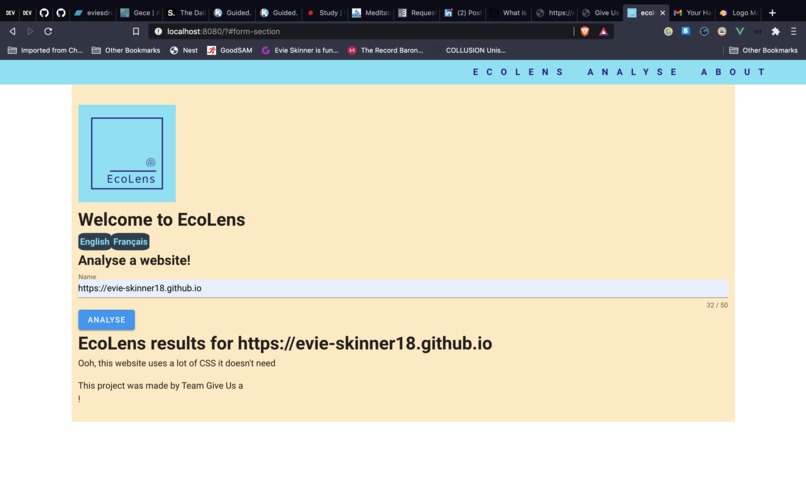
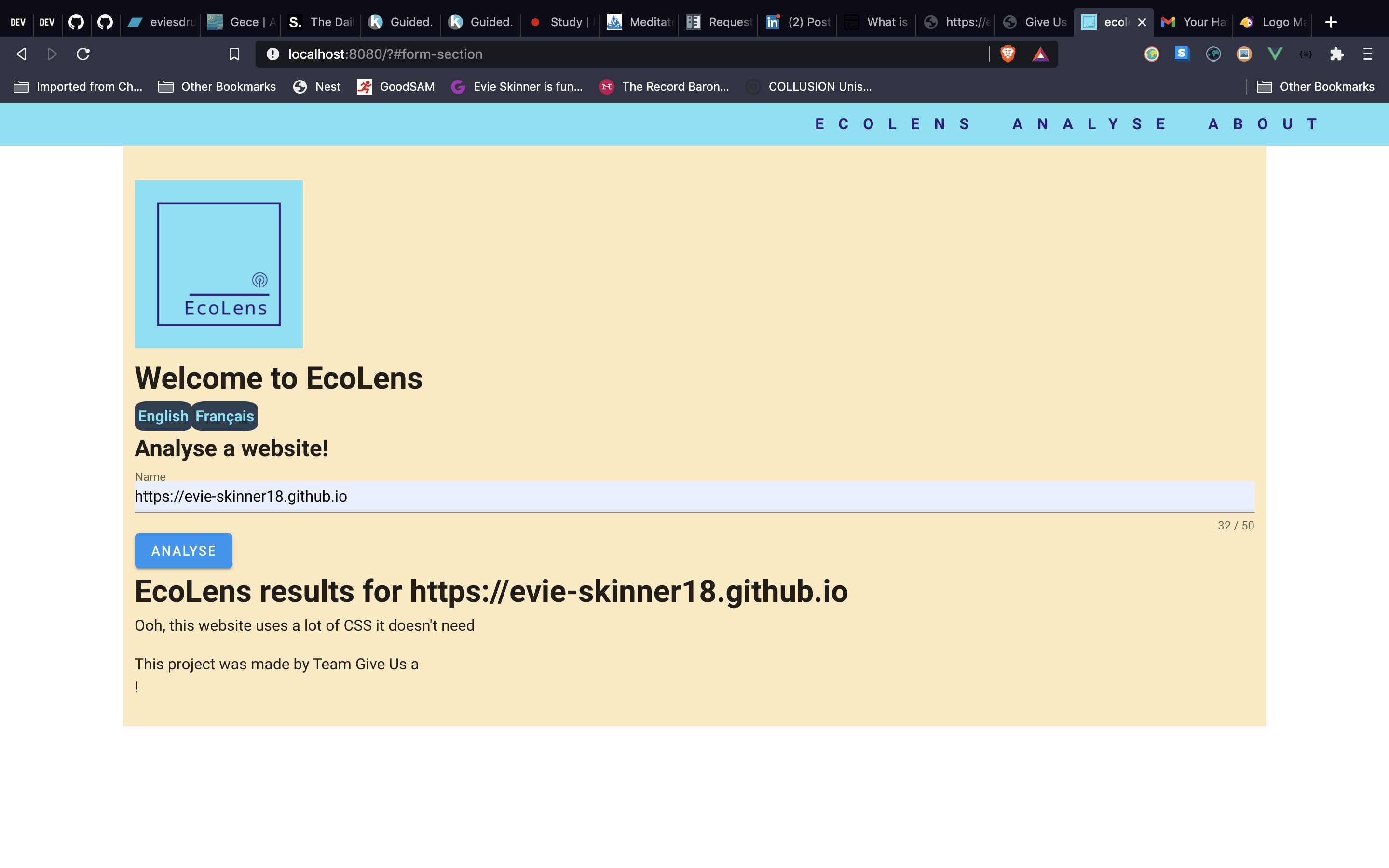
Image of the frontend app
Inspiration
An average website produces 4.61g of CO2 for every page view. For websites that have an average of 10,000 page views per month, that equals 553kg CO2 per year. And as more services move to the cloud, large data centres are part of the problem. The amount of processing power involved is using more resources and having a negative impact on the environment. Moving to digital is very important in terms of paper reduction, but we need to consider the infrastructure we are moving to, so we can reduce the amount of data being sent. This is why website sustainability is an important factor in sustainable app development, and fits in well with the circular economy, as we aim to design out waste and pollution.
This information inspired us to create EcoLens. We wanted to increase the visibility of the environmental impact that websites can have, and advise users on how to improve this.
What it does
EcoLens is an application built to analyse websites from an environmental perspective. It collects various metrics, detailed below, and feeds these back to the user via the UI, in the form of a report. This would give the user a score, and detail ways to optimise their site, to make it more ecofriendly.
One thing we focussed on is code coverage. Poor code coverage means there is unused code in a file, and so unnecessary data is being processed. If we can increase code coverage, it would reduce the amount of data being processed, and therefore reduce the resources used. With more time we would also have liked to analyse the images and video of a site, to ensure they are optimised, and also to analyse the number of HTTP requests made. This information would further inform the report we produce on a site.
What we learned
- How to make a basic web scraper in Python
- How to make an API in Python/Django
- How to use Lighthouse to check a website
- How to make and deploy an Azure app service using Powershell
- Learnt about performance features and code coverage data in Chrome dev tools
- There was a protocol defined by Chrome dev tools to insepct chromium browsers
- How to use Puppeteer - a high level API providing control to a headless Chromium via the devtools protocol
- Brushed up on Node.js
- Introduced to Python


Log in or sign up for Devpost to join the conversation.