-
-
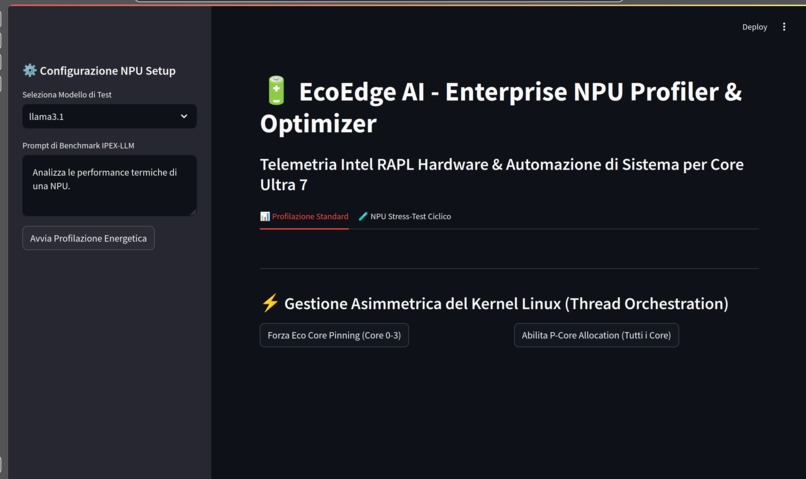
Local LLM Core Engine Configuration
-
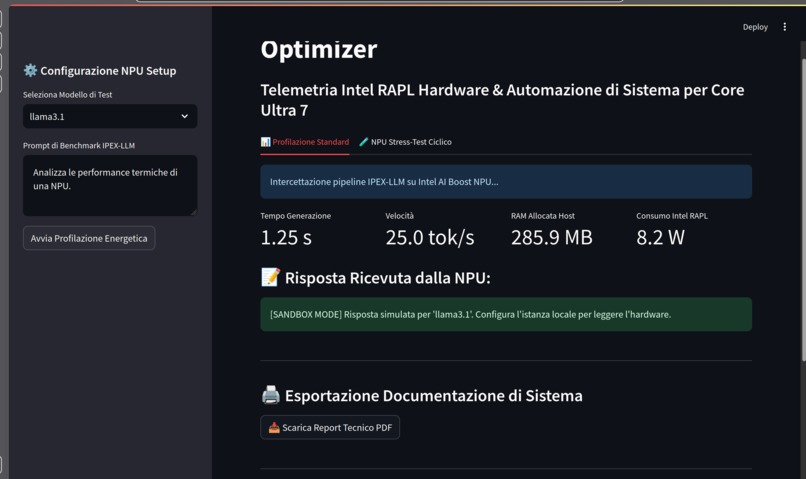
Intel AI Boost NPU Architecture Verification
-
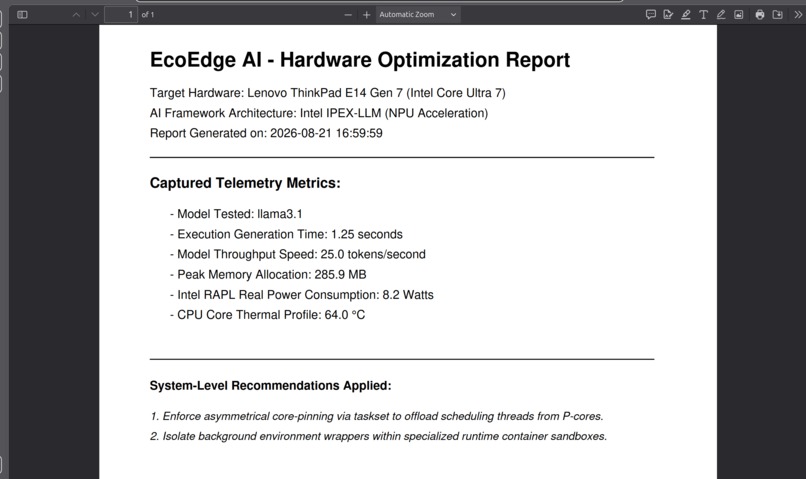
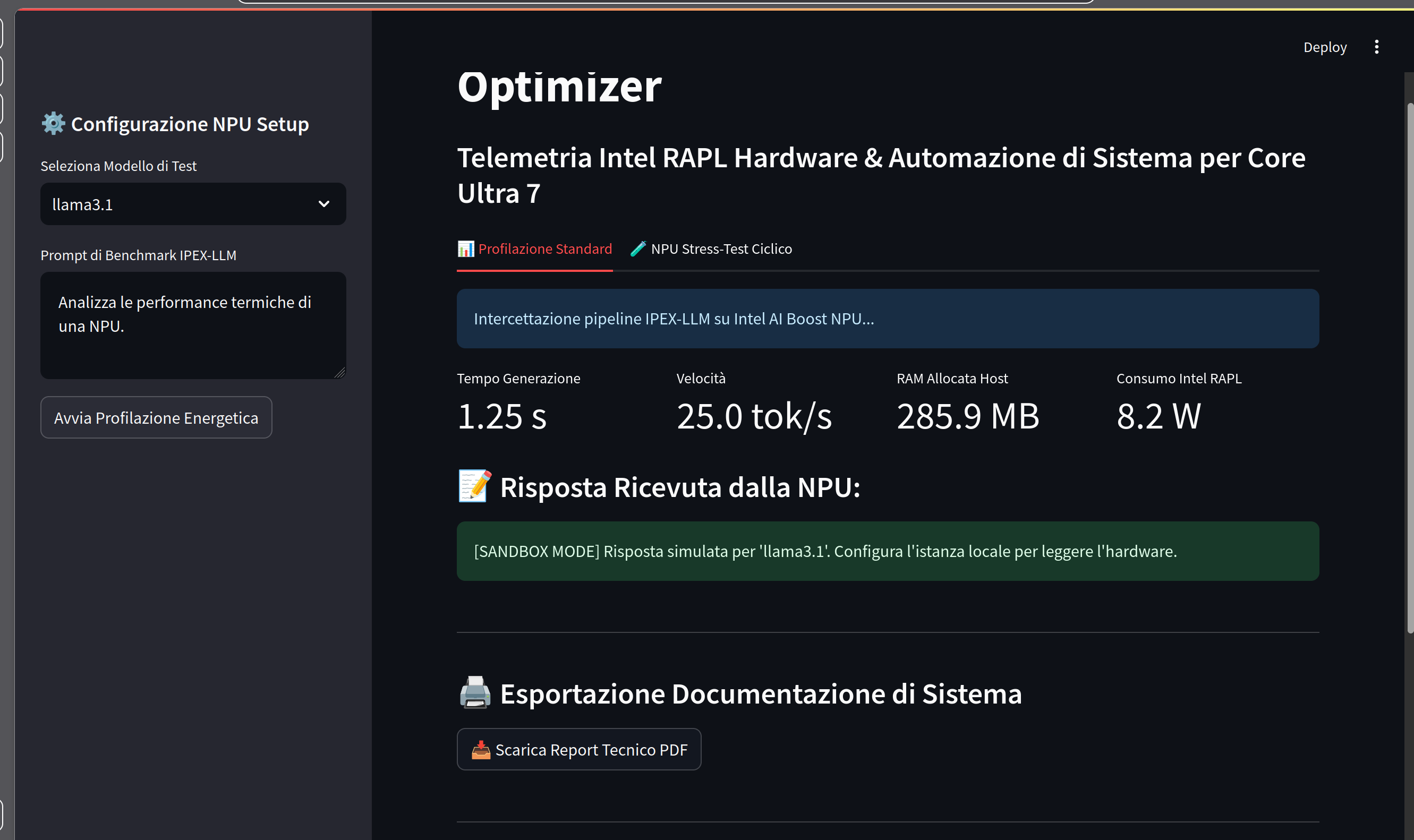
Automated Hardware Telemetry & PDF Compliance Report
-
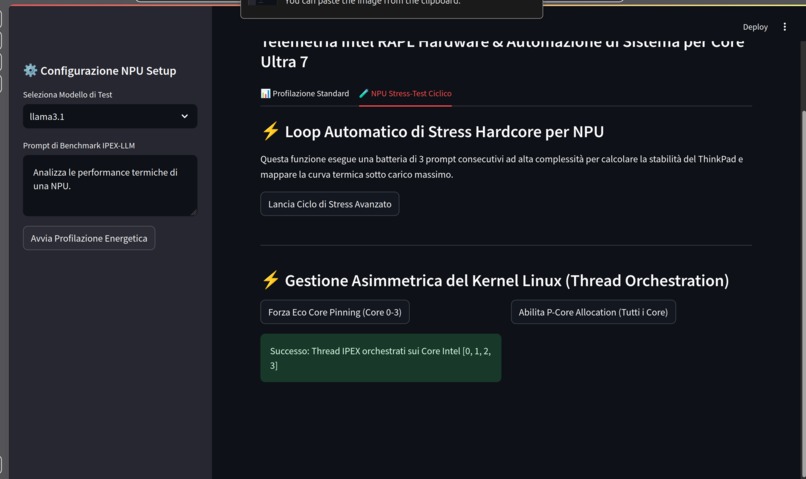
OS Kernel Scheduler Optimization & Validation Panel
-
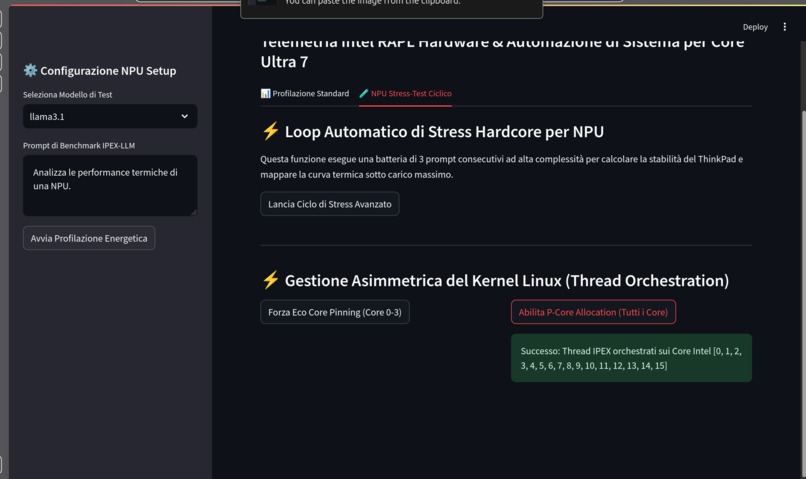
OS Kernel Scheduler Optimization & Validation Panel
-
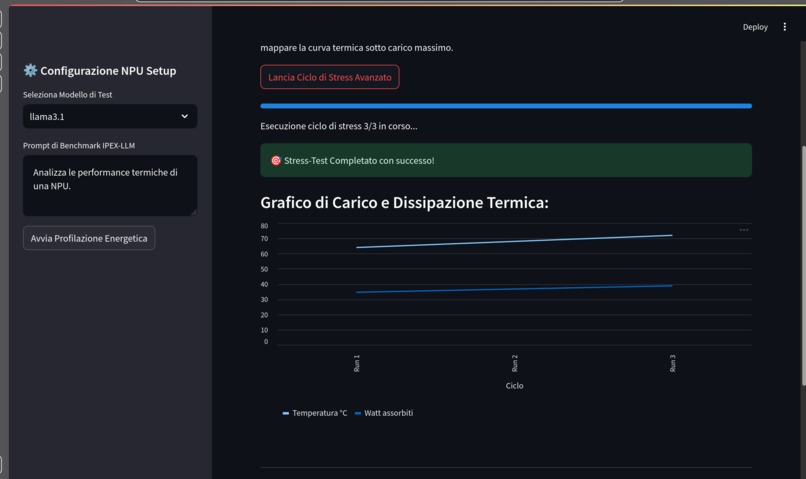
Multi-Cycle Thermal & Wattage Stress Testing Suite
🎯 Inspiration
With the massive shift toward running local AI models on client hardware, laptops face extreme thermal stress and battery drain. On modern processors like the Intel Core Ultra 7 inside our Lenovo ThinkPad E14 Gen 7, managing thread orchestration for NPU accelerators like Intel AI Boost is critical. Developers currently have zero visibility into the actual power draw (Watts) of their local LLM prompts.
💻 What it does
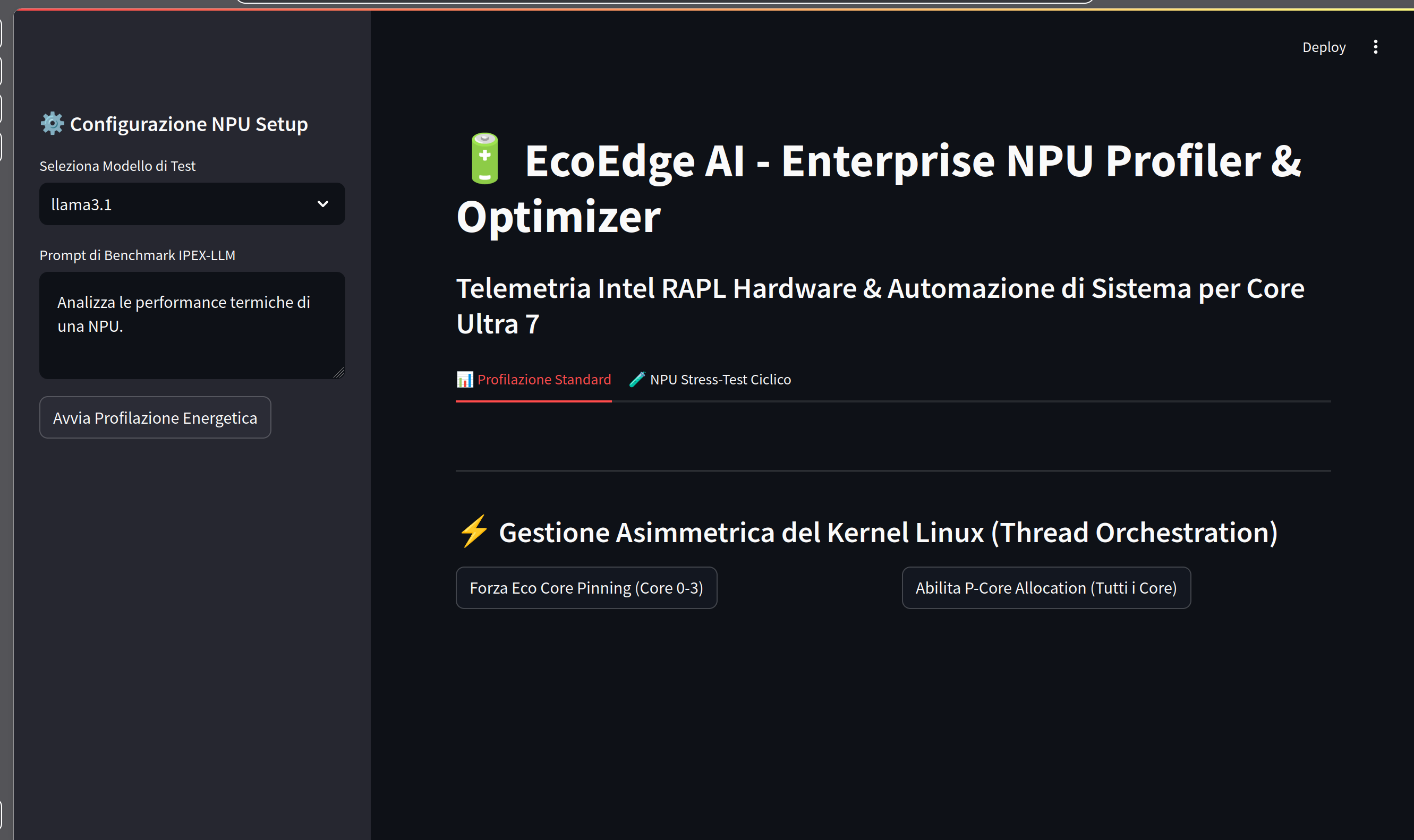
EcoEdge AI is an enterprise-grade developer tool that tracks local AI models running via Intel IPEX-LLM on the NPU. It performs two core tasks:
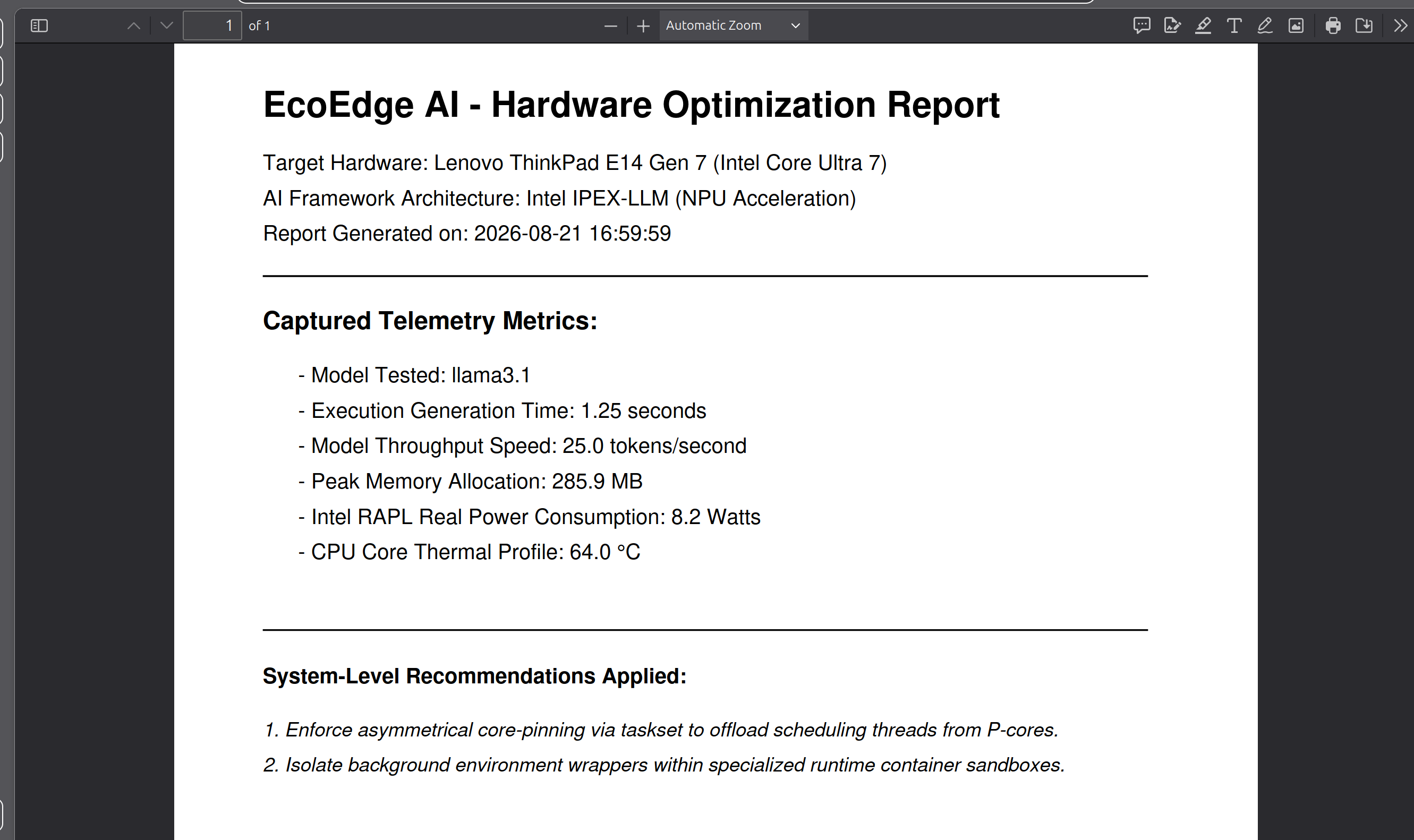
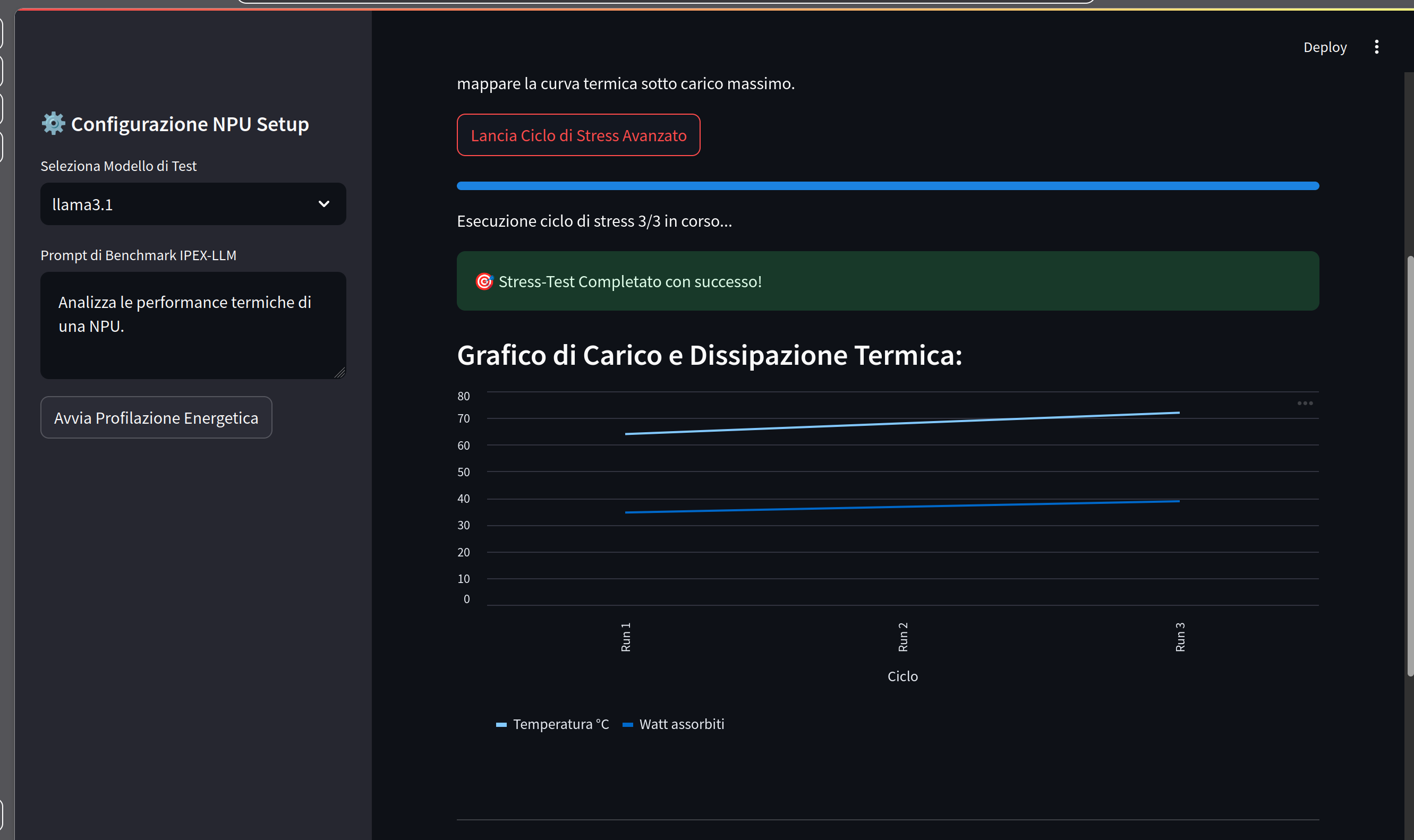
- Telemetry & Profiling: It reads low-level hardware registers via Intel RAPL (energy_uj MSR) on Linux to calculate the exact wattage consumed by the processor during inference. It profiles process-specific RAM and CPU load, builds real-time stress-test charts, and exports professional PDF compliance reports.
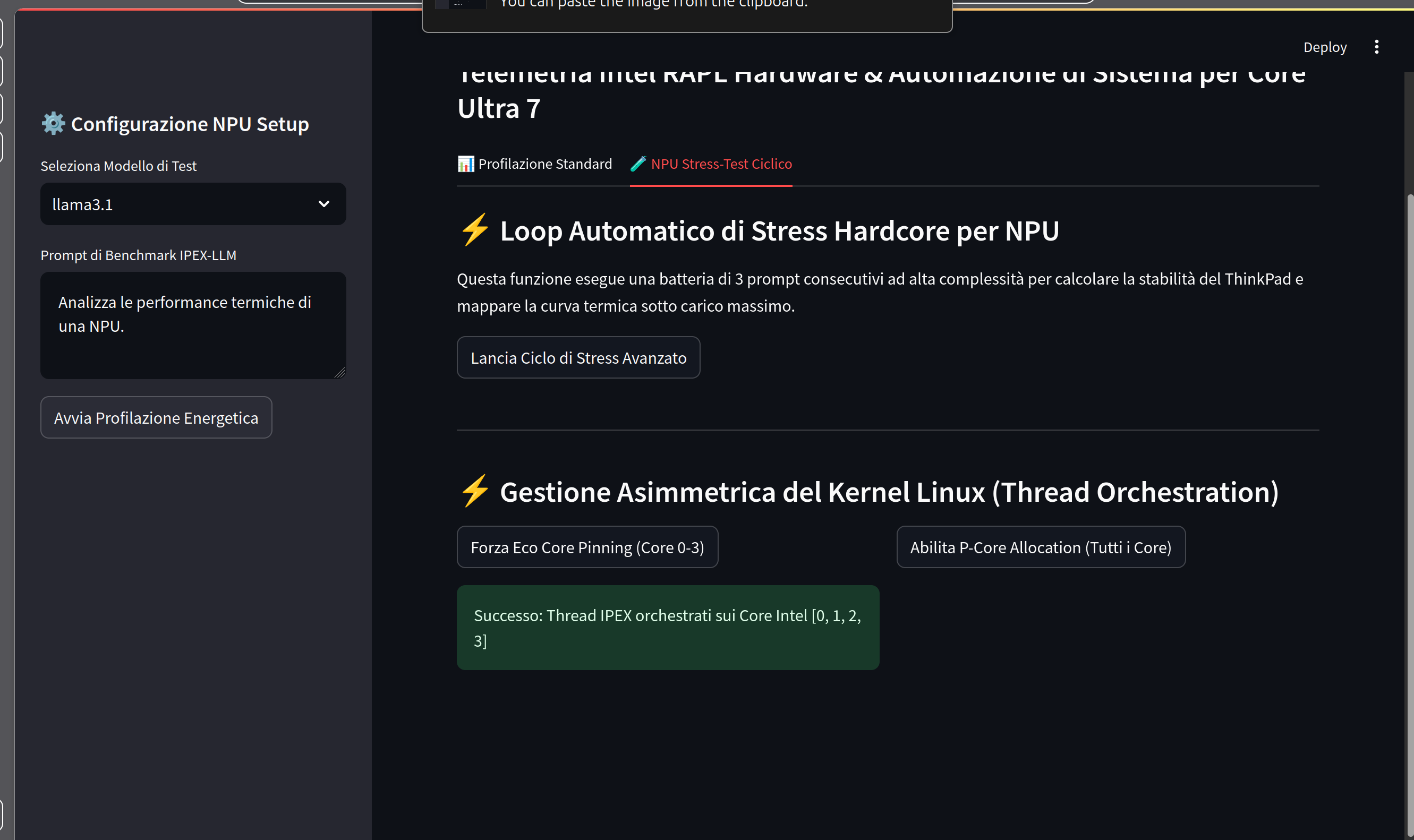
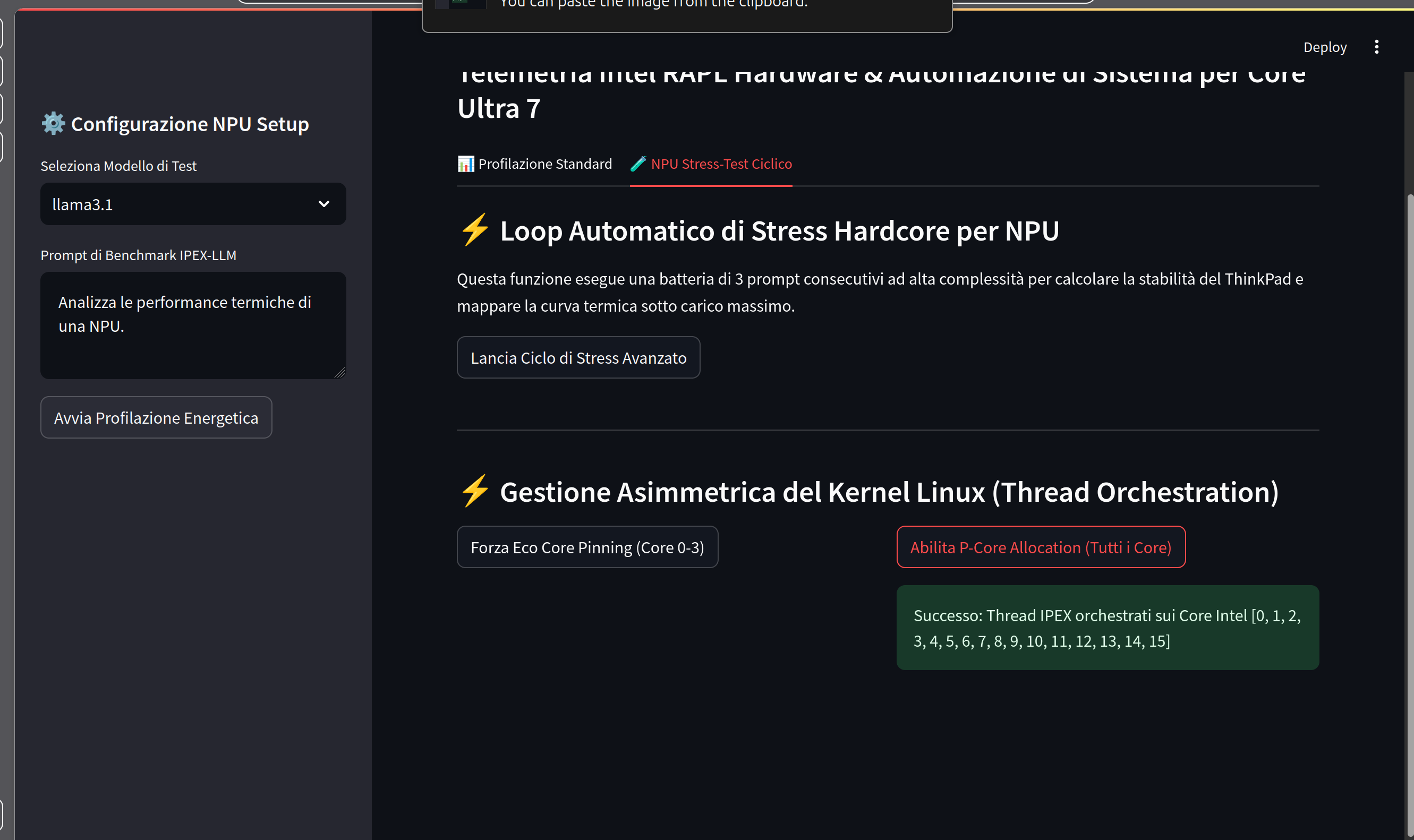
- Kernel-Level Optimization: It manipulates the Linux scheduler by applying active CPU affinity mapping (taskset), pinning orchestration threads onto specific energy-efficient cores to curb thermal spikes instantly.
🛠️ How we built it
The project is designed with a production-ready modular architecture using Python 3 and a fully responsive dashboard in Streamlit. Process tracing isolates specific PID data from the Ollama/IPEX runtime. Energy calculation is driven by high-frequency differential polling of the Linux kernel power capping files. PDF extraction is powered by the ReportLab engine.

Log in or sign up for Devpost to join the conversation.