-
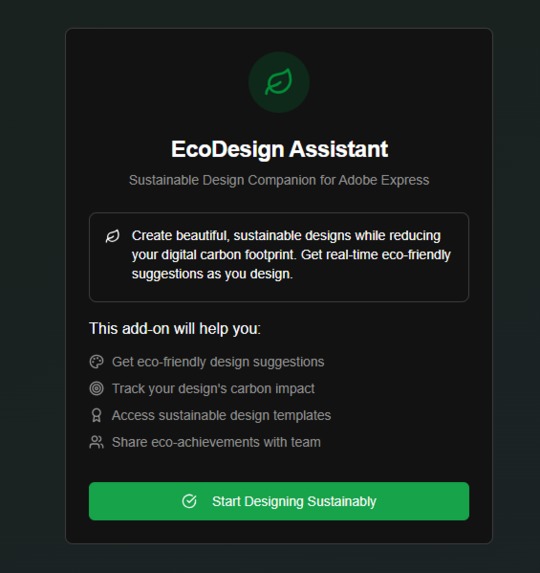
landing page
-
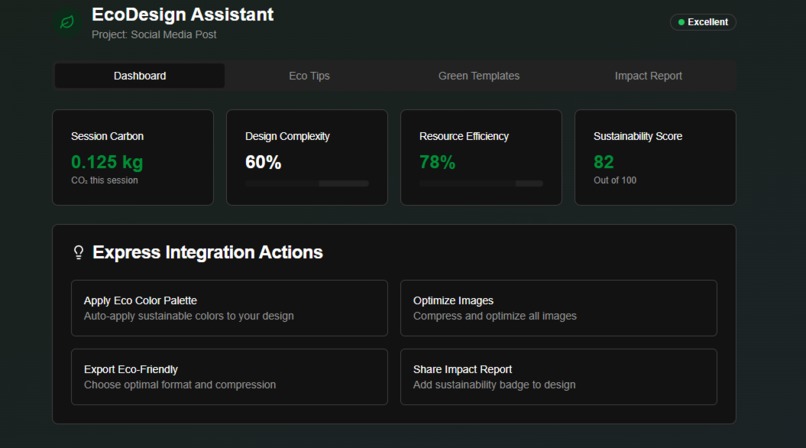
home page
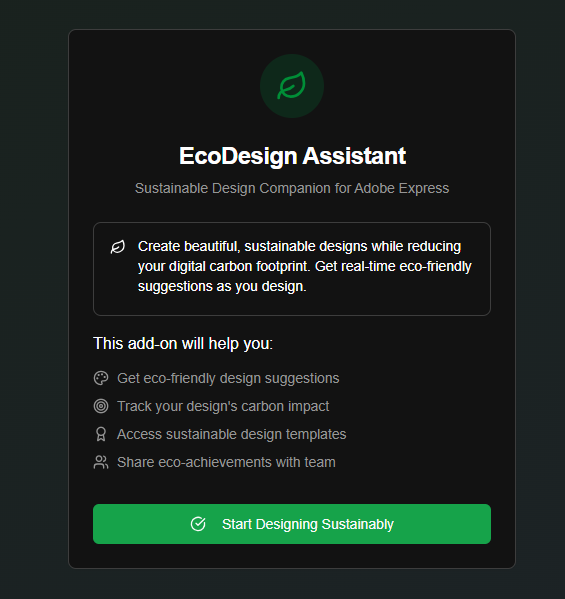
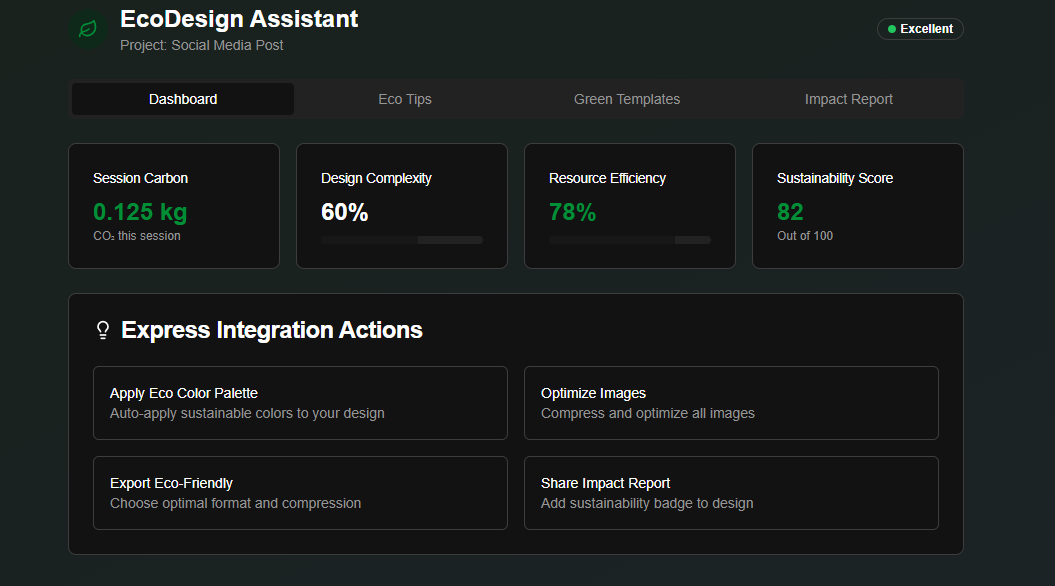
Inspiration
The inspiration for EcoDesign Assistant struck me when I learned a startling fact: the digital world, often perceived as "clean," actually contributes significantly to global carbon emissions. Digital design and content creation, in particular, are energy-intensive processes. Designers, while creating beautiful and impactful visuals, often have no visibility into the environmental footprint of their work. This lack of awareness and tools to address it became my driving force. I envisioned a solution that could empower the vast community of Adobe Express users to create not just aesthetically pleasing, but also environmentally responsible designs.
What I Learned
Building EcoDesign Assistant was a profound learning experience. I delved deep into the emerging field of digital sustainability, understanding how design choices (like image compression, color palettes, and complexity) translate into energy consumption and carbon emissions.
Technically, I gained extensive hands-on experience with the Adobe Express Add-on SDK, learning how to integrate a web application seamlessly into the Express environment. A significant learning curve involved securely handling sensitive data and API keys. Initially, I faced a deployment error where my NEXT_PUBLIC_CO2_SIGNAL_API_KEY was exposed on the client. This forced me to learn and implement server-side API routes with Next.js to fetch data securely, ensuring that sensitive environment variables are never bundled into the client-side code. This was a critical lesson in full-stack security for web applications. I also learned the intricacies of the Adobe Add-on CLI and, when faced with installation challenges, how to set up a robust development environment manually using http-server.
How I Built My Project
I built EcoDesign Assistant iteratively, starting with a core React-based prototype to visualize the dashboard and user interface. This allowed for rapid iteration on the user experience.
The project's architecture is divided into a client-side UI and a server-side data fetching layer:
- Client-side (Adobe Express Add-on): This is the main interface built with React, styled with shadcn/ui, and integrated directly into Adobe Express using the Adobe Express Add-on SDK. It displays real-time metrics, eco-suggestions, and allows users to trigger optimization actions.
- Server-side (Next.js API Routes): To securely fetch real-time carbon intensity data (e.g., from CO₂ Signal API) and potentially other external services, I implemented Next.js API Routes. This ensures that API keys are kept secret and that heavy data processing can occur off the client's device.
For local development, after encountering issues with the Adobe CLI's init command, I adopted a manual setup. I used http-server to serve the add-on locally, which proved to be a flexible and reliable way to test the add-on within the Adobe Express development environment. The scripts/build-addon.js handles packaging the add-on into the .ccx format for submission.
Challenges Faced
- Adobe CLI Installation & Initialization: Initially, I struggled with installing the Adobe CLI tools and using the
ccweb-add-on initcommand. This led me to pivot to a manual project setup, which ultimately gave me a deeper understanding of the add-on's structure and dependencies. - Environment Variable Security: The most significant challenge was ensuring the
NEXT_PUBLIC_CO2_SIGNAL_API_KEYwas not exposed on the client. This required refactoring the API integration to use a Next.js API Route as a secure proxy, which was a crucial learning point for production-ready applications. - Real-time Data Simulation & Integration: While the prototype simulates real-time data, integrating actual live data from various APIs (CO₂ Signal, browser performance APIs) and making it feel responsive within the add-on environment required careful planning and asynchronous programming.
- Adobe Express SDK Interaction: Understanding the nuances of the Adobe Express SDK, especially how to interact with the document, apply changes, and trigger native Express functionalities, required thorough experimentation.
Built With
- css3
- html5
- javascript
- react
- typescipt
