Animals don’t have it easy nowadays. Over 10% of animal species in the UK are now considered endangered – down to their last few “lucky” members.
Scientists are now touring the UK looking to identify their habitats, protect them from invasive species and steer them away from extinction. But they lack the proper tools.
“Ecode” is a web application that enables field teams to report sightings of animals to a single, central repository.
Users are either “Contributors” – field scientists reporting sightings or “Admins” – office scientists reviewing the field reports.
Tech stack
“Ecode” is a full-stack web application with a custom API and a database.
- The presentation layer is written in HTML, CSS, Vue.js and a few other minor libraries.
- The domain layer is written in ASP.NET Core (C#). Several controllers act as API endpoints and pass filtered requests to the data layer.
- The data layer is also written in ASP.NET Core and makes use of Entity Framework Core to manage a database connection.
- The permanent storage is a code-first MS SQL database.
Functionality
Login and register (available to all users)
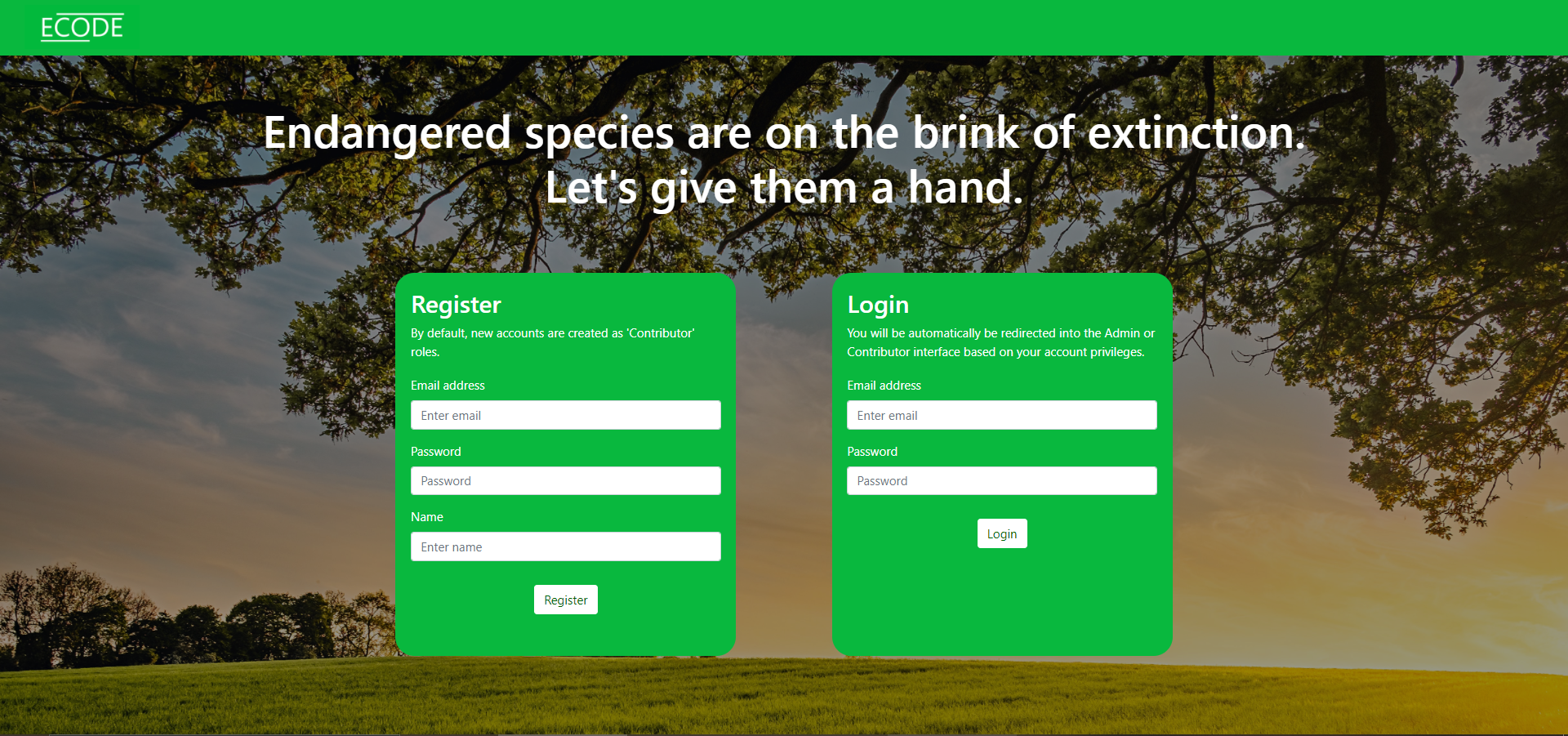
The initial screen features a login and registration form. Depending on whether the user is recorded as a Contributor or an Admin in the database, they are automatically redirected to either the “Report a sighting” or “Review all sightings” interface.

Report a sighting (available to Contributors only)
The user can:
- Enter basic details about the animal seen,
- Upload an image
- Drop the pin to the location of sighting
- Select a geographic area to quickly jump to another part of the country

Review all sightings (available to Admins only)
A map displaying all reported sightings.
The admin can:
- Click “Load reports” to load or refresh reports
- Select a geographic area to quickly jump to another part of the country
- Click “Add new area” to be taken to the “Add new geographic area”
- Click on a marker (= reported sighting) on the map to view details, including an image
- Click on the “Delete” button inside a marker to delete a report for all users
- Click on “Load Raptor incidents” button to fetch an external dataset which is overlayed on the map. This can be useful to judge if endangered animals are at risk of raptors.

Same screen but with raptor incidents displayed:

Create new geographic area (Admin-only)
A form enabling the creation of a new geographic area. Geographic areas are useful as shortcuts to jump to specific locations, for example where a field team is deployed.
The admin can:
- Input the name of the location (e.g., Dundee)
- Drop the pin on the map to the centre of the geographic area.


Log in or sign up for Devpost to join the conversation.