EcoBuddy: Your Personalized Environmental Assistant
Inspiration
EcoBuddy was inspired by the growing need for individuals to adopt more sustainable lifestyles. We wanted to create a simple yet effective tool that empowers people to make eco-friendly choices every day. We aimed to combine engaging design with functional tools to help users track their impact on the environment and adopt greener habits.
What it does
EcoBuddy is a web application that:
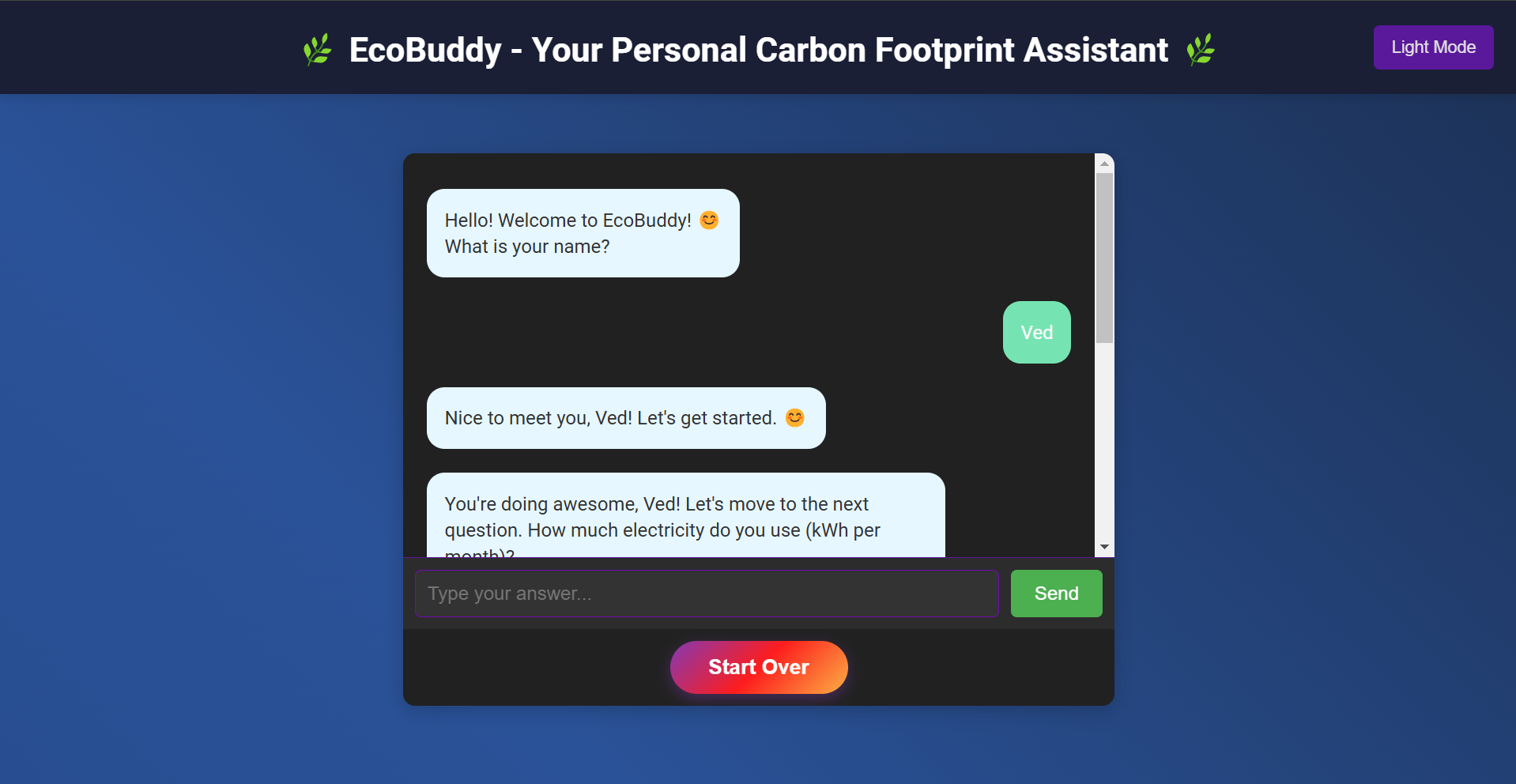
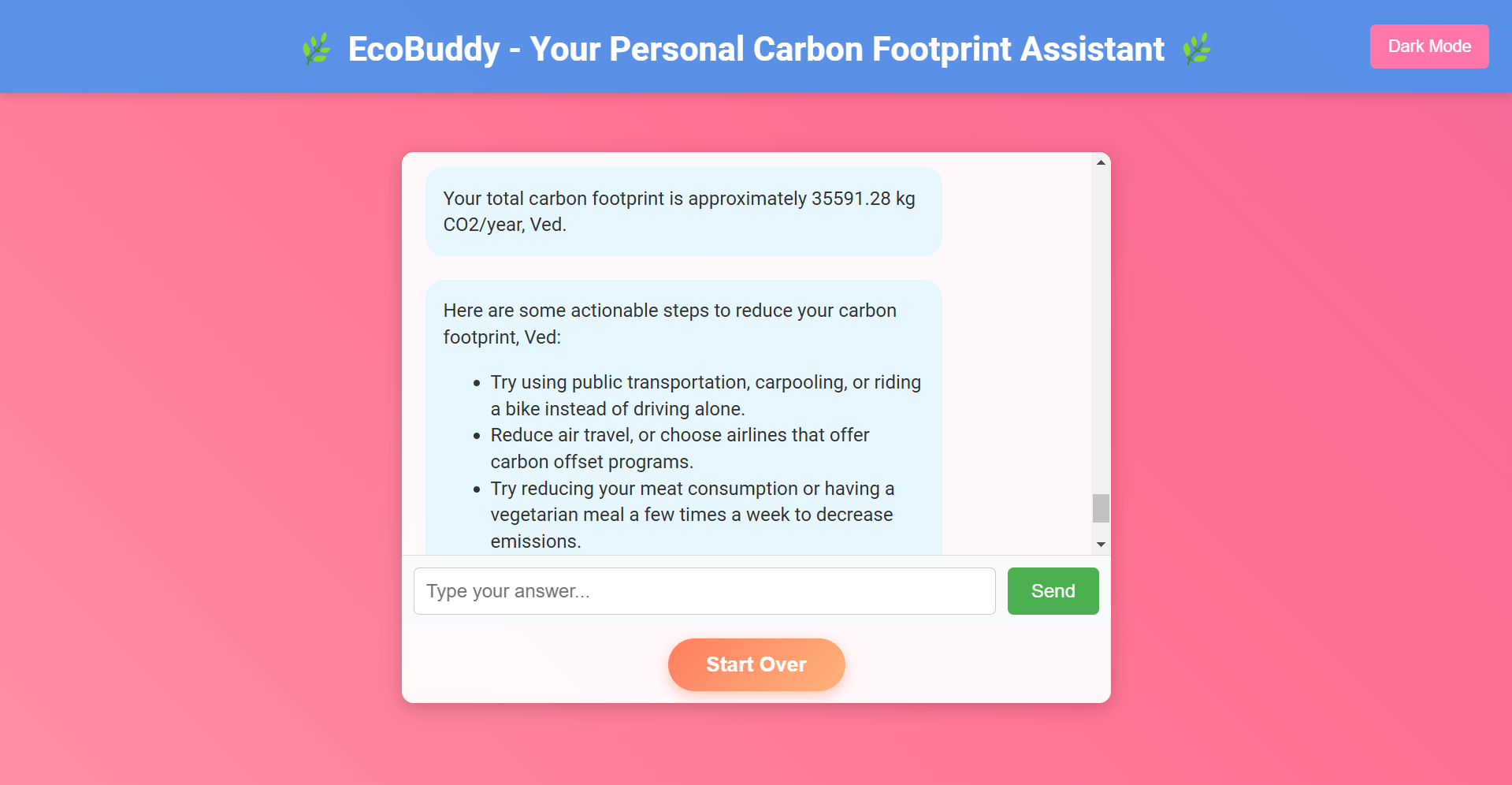
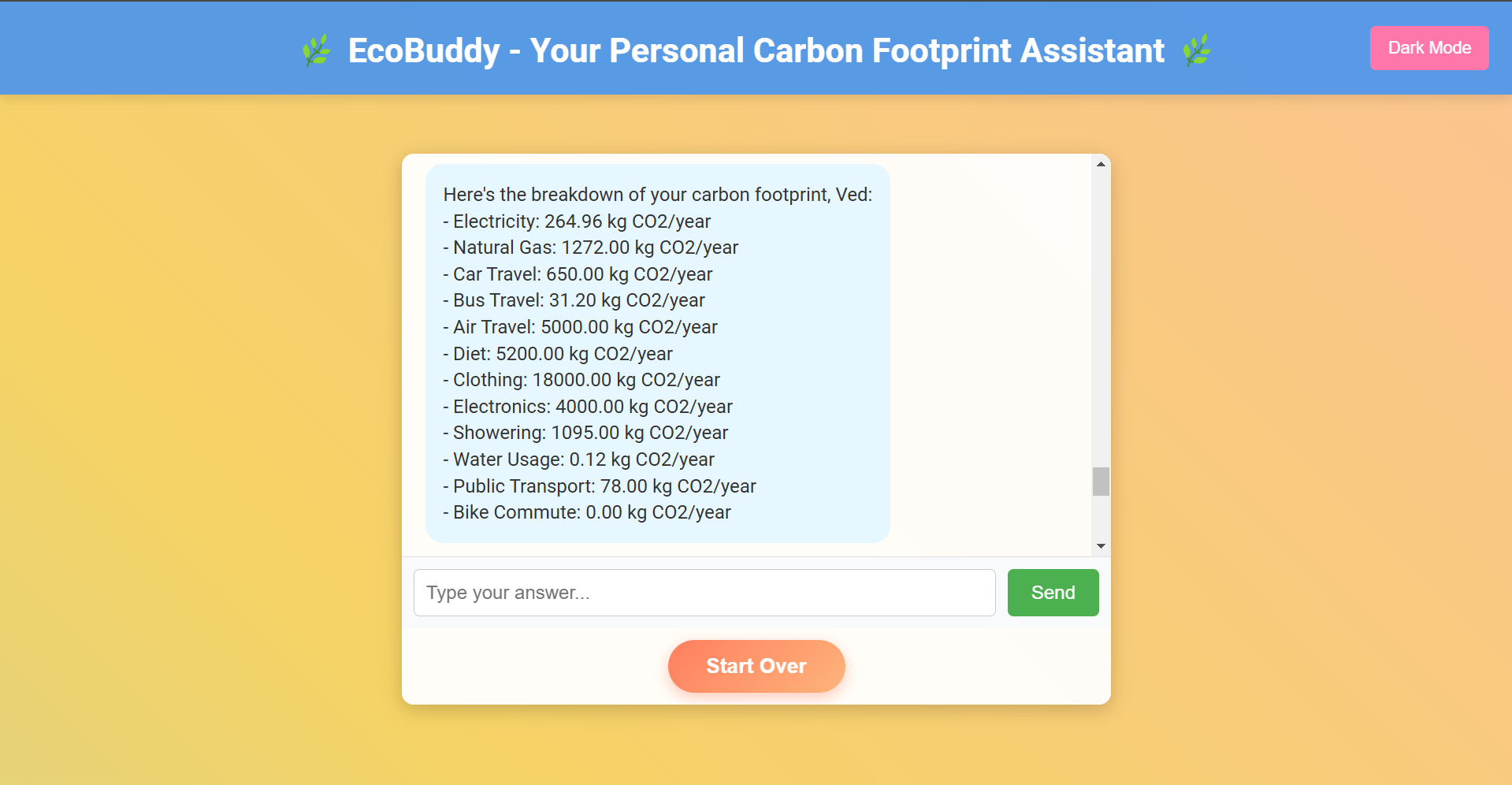
- Allows users to input daily activities and calculate their carbon footprint.
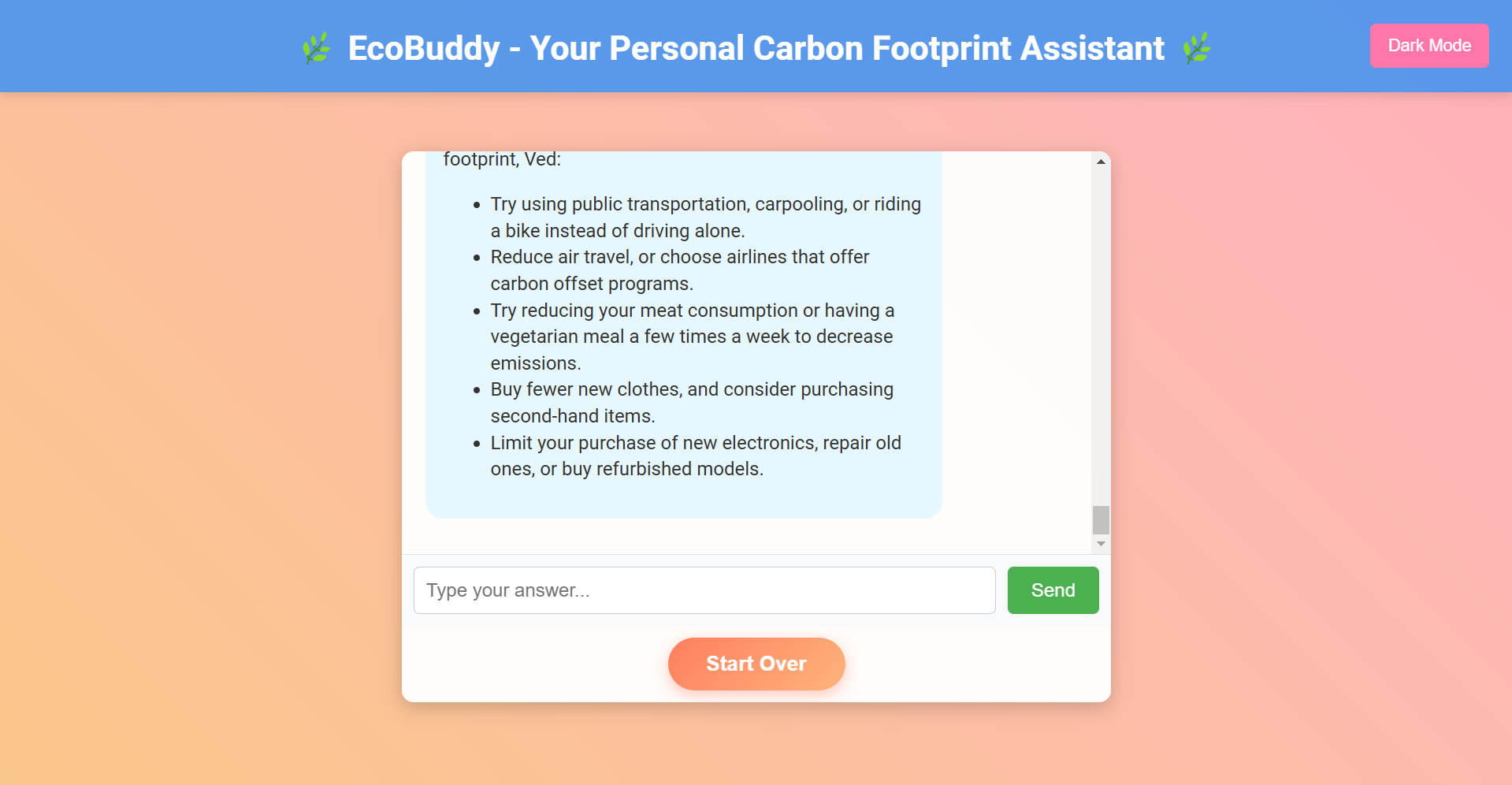
- Provides tailored eco-friendly tips based on user inputs.
- Displays a progress tracker to help users monitor their sustainability journey.
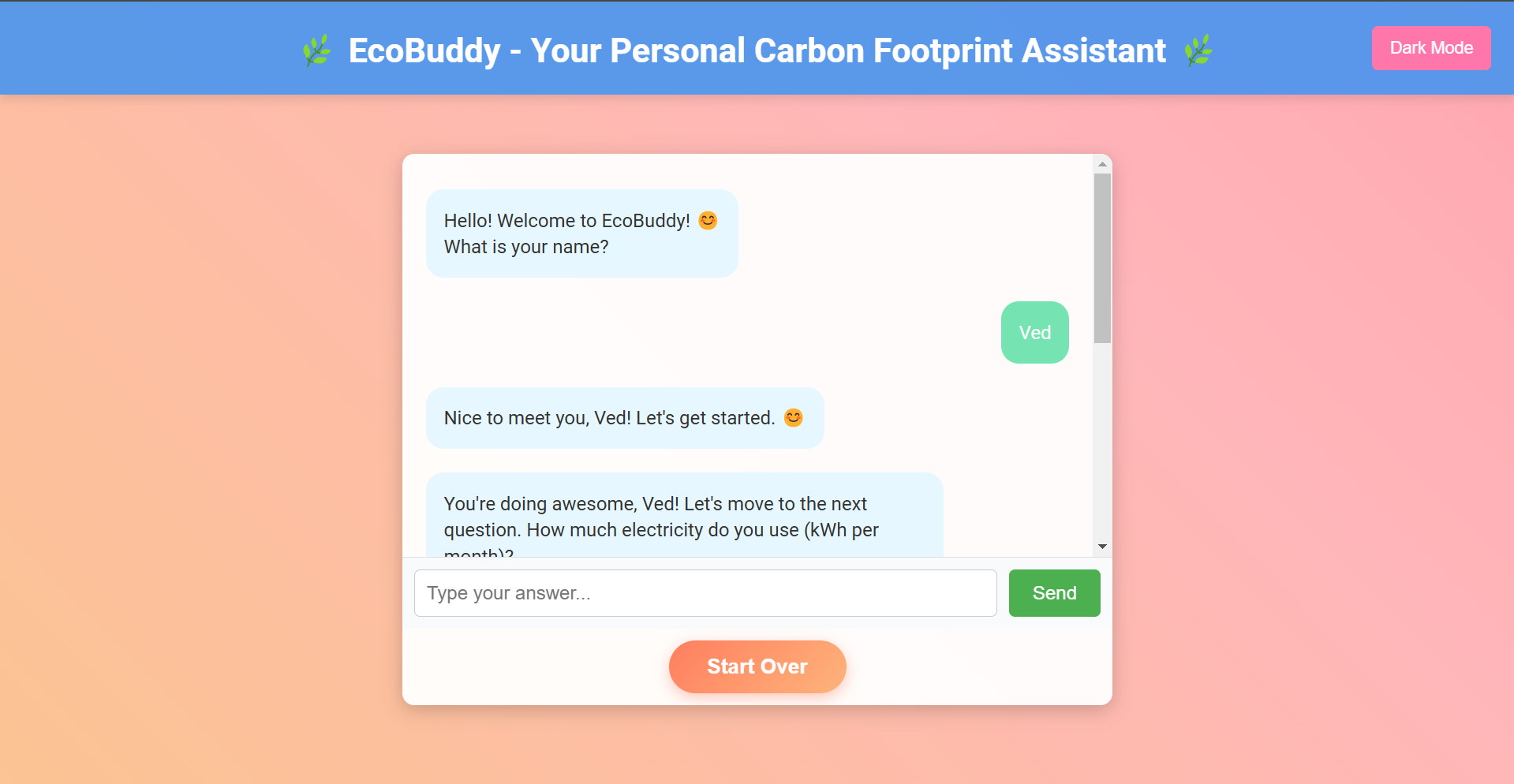
- Includes an interactive and visually appealing interface for an enjoyable user experience.
How we built it
- Frontend:
- We designed the user interface using HTML and CSS to create a responsive and user-friendly layout.
- CSS animations were used to make the interface more engaging.
- Functionality:
- JavaScript was used to handle the logic, including:
- Processing user inputs.
- Calculating carbon footprint estimates based on predefined formulas.
- Dynamically updating the DOM to display results and progress.
- Data was managed within the app using JavaScript objects and arrays to keep things simple and lightweight.
Challenges we ran into
- Carbon Footprint Logic: Determining accurate formulas and integrating them with user inputs required research and careful implementation.
- Dynamic Updates: Managing DOM manipulation in JavaScript to ensure smooth, real-time updates was initially tricky.
- Responsive Design: Ensuring the app looked good and functioned well on different devices using only HTML and CSS was a challenge.
Accomplishments that we're proud of
- Successfully building a fully functional web application using only JavaScript, HTML, and CSS.
- Creating a responsive design that works well on both desktop and mobile devices.
- Designing an intuitive user interface with smooth animations and interactivity.
- Providing a meaningful tool that encourages users to adopt sustainable practices.
What we learned
- Advanced JavaScript concepts like DOM manipulation and event handling.
- The importance of responsive design and how to achieve it using CSS.
- How to simplify complex ideas (like carbon footprint calculations) into user-friendly features.
- The value of user feedback in improving design and functionality.
What's next for EcoBuddy
- Persistent Data: Implementing local storage to save user progress and data across sessions.
- Enhanced Tips: Adding a larger database of eco-tips and dynamically fetching them.
- Gamification: Introducing badges and rewards to further motivate users to stay consistent.
- Community Engagement: Adding features like forums or shared progress boards to foster a sense of community.
- Mobile Optimization: Refining the app for better performance and usability on mobile devices.


Log in or sign up for Devpost to join the conversation.