Inspiration
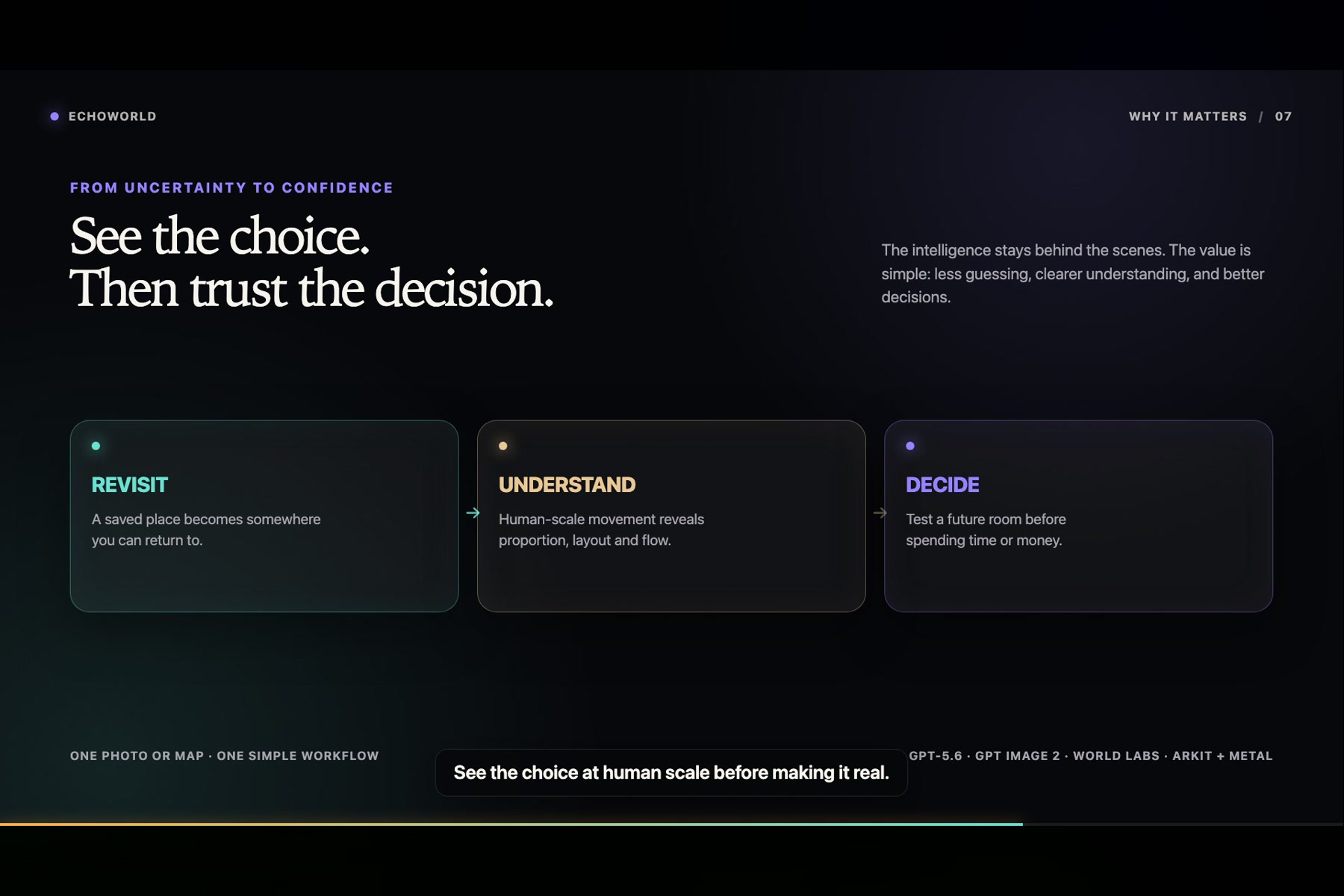
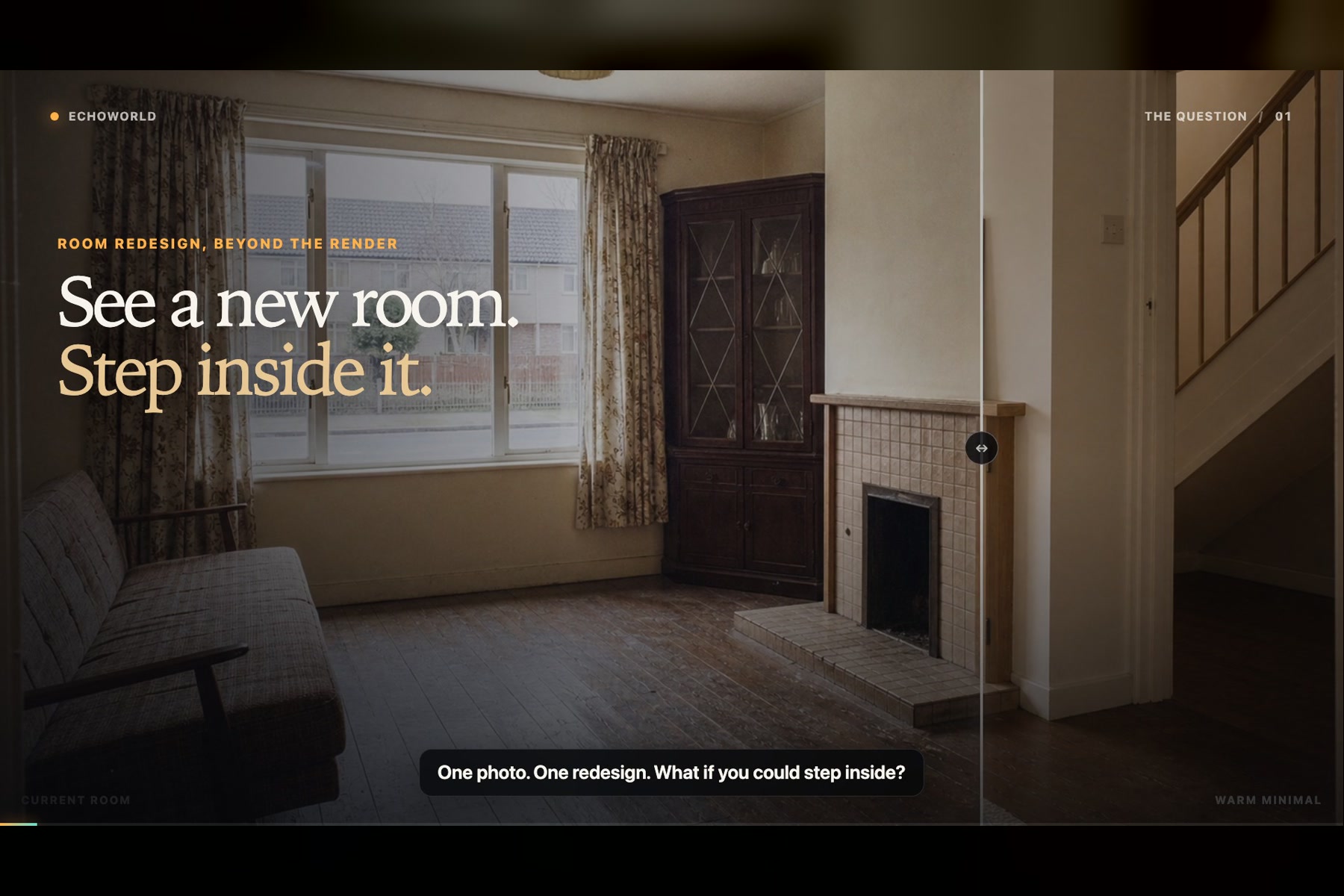
Photos are good at preserving how a place looked from one position, but not how it felt to be surrounded by it. The same limitation appears in interior design: a beautiful concept image can still leave you guessing about scale, circulation, and whether the room will feel right in real life.
EchoWorld began with one question: what if a flat image could become somewhere you could revisit, inspect, and move through?
What it does
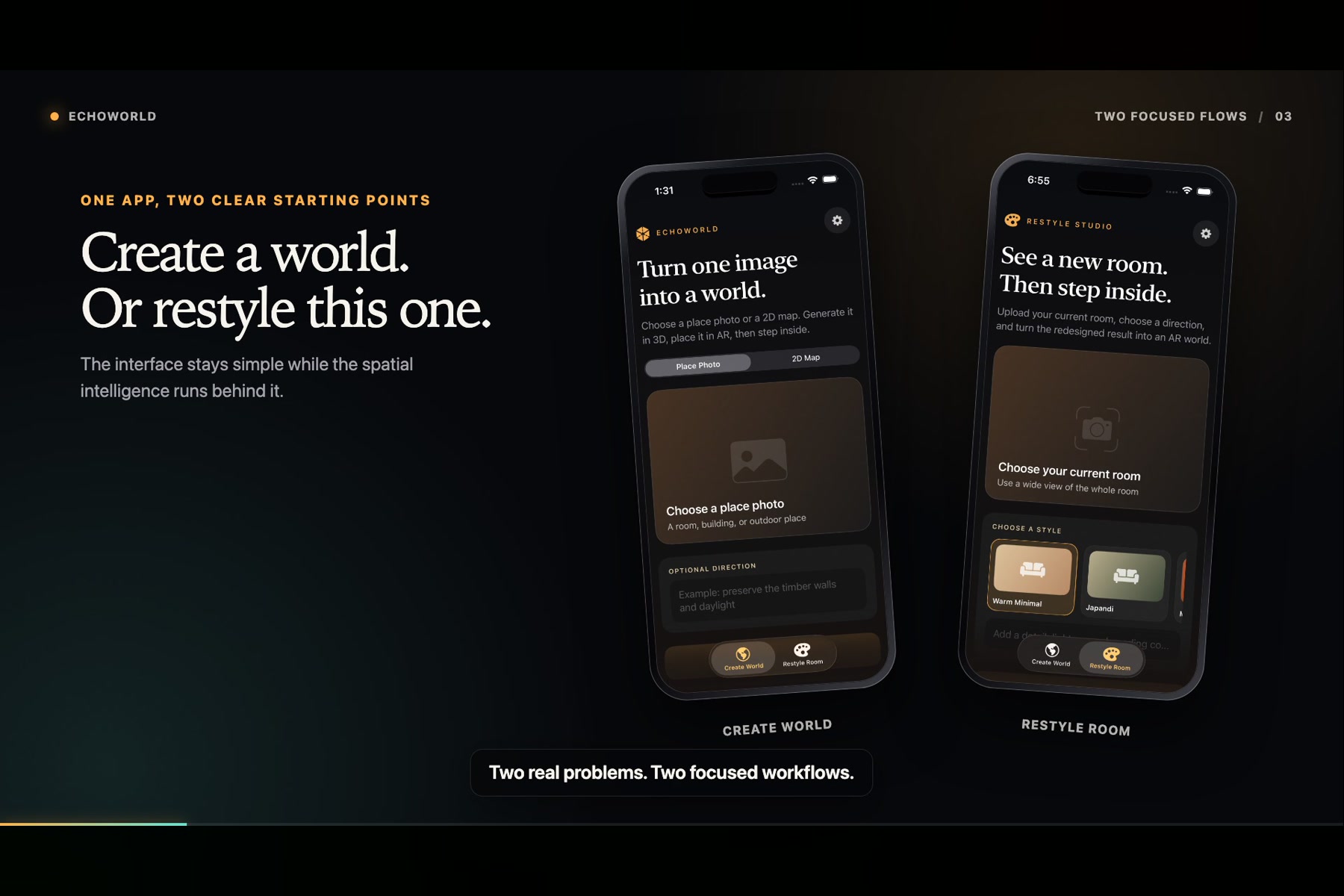
EchoWorld is a native iPhone app with two focused workflows:
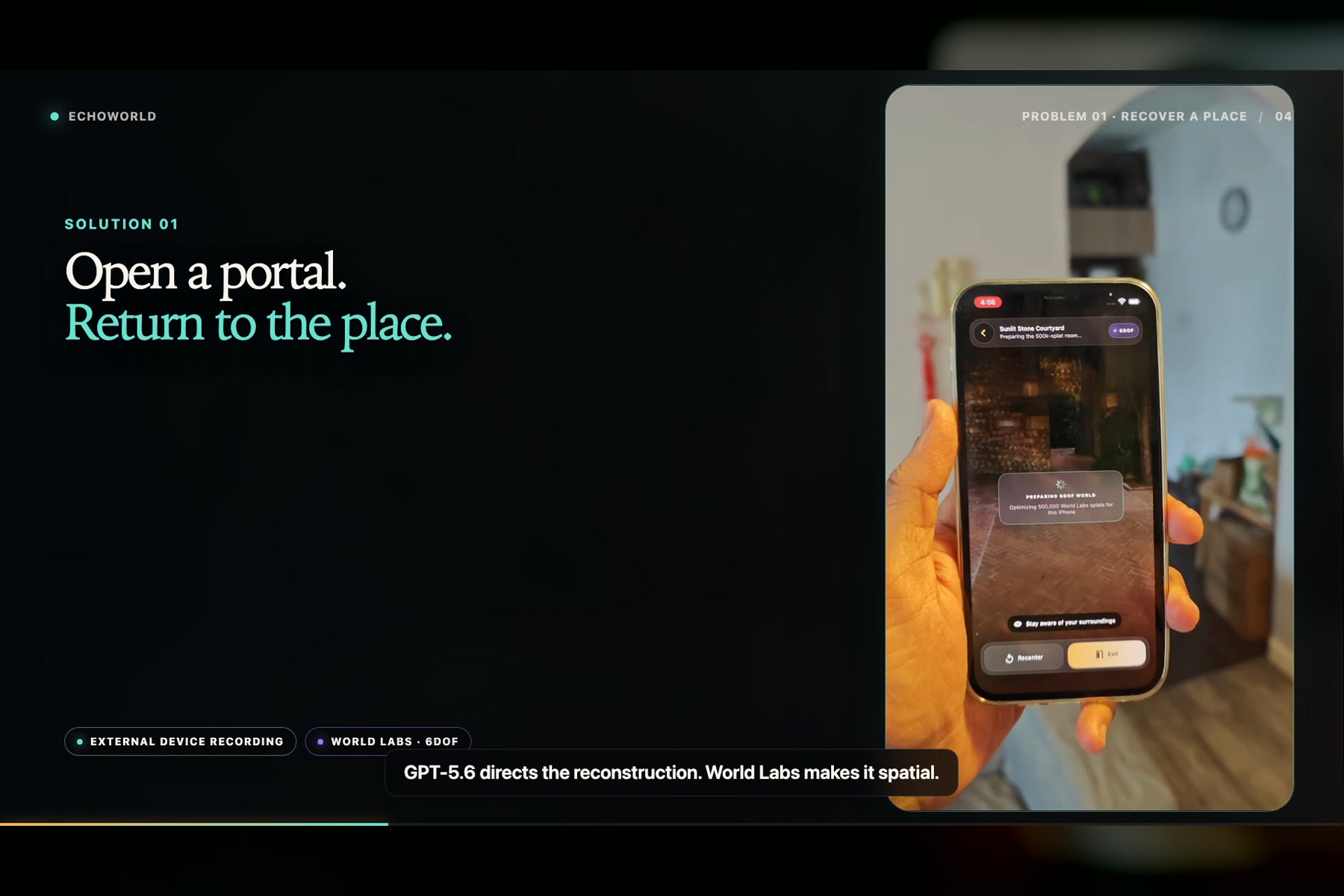
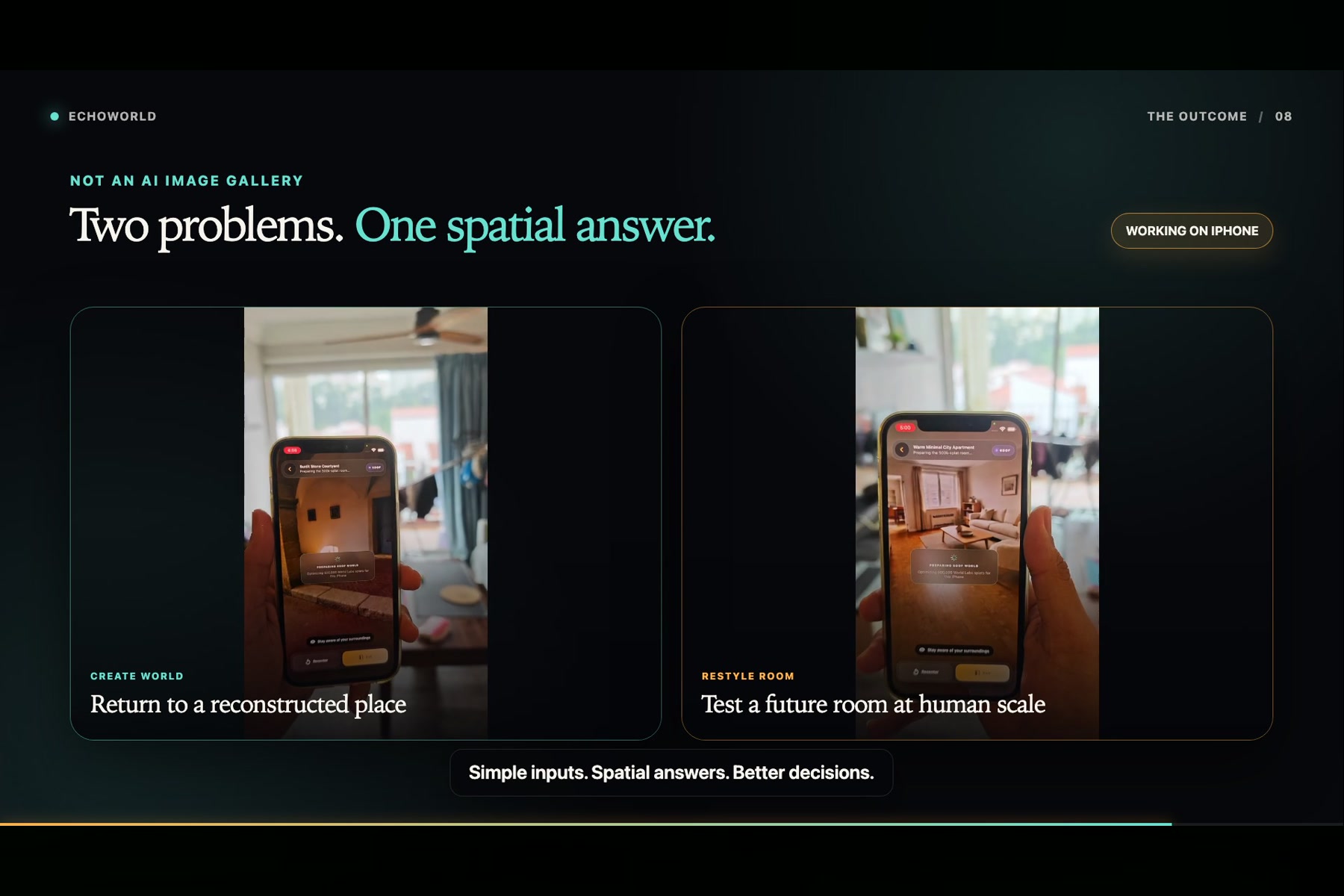
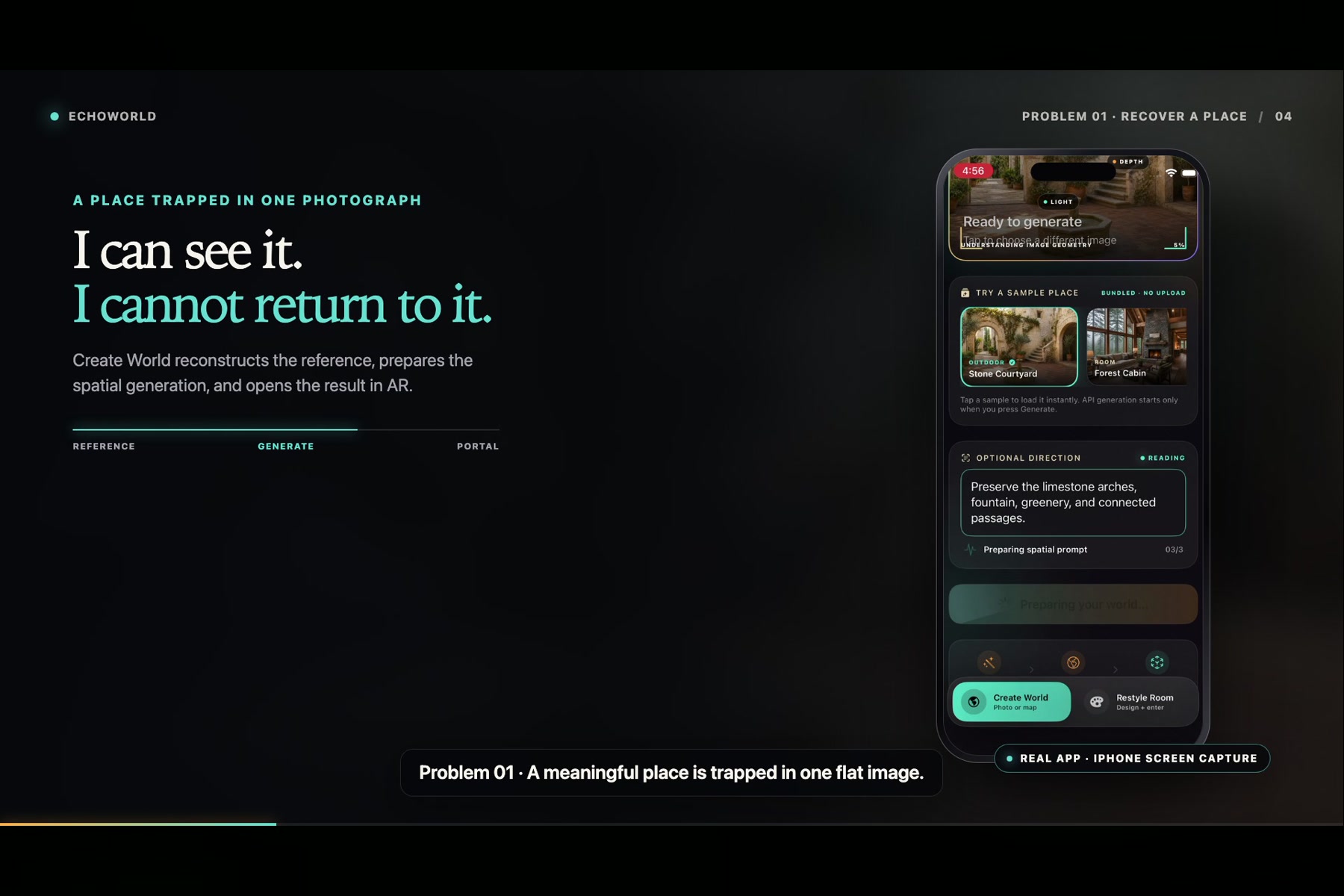
- Create World starts with a place photograph or 2D map. EchoWorld prepares a spatial generation prompt, creates a World Labs environment, anchors a portal to the real floor, and lets the user enter the result in augmented reality.
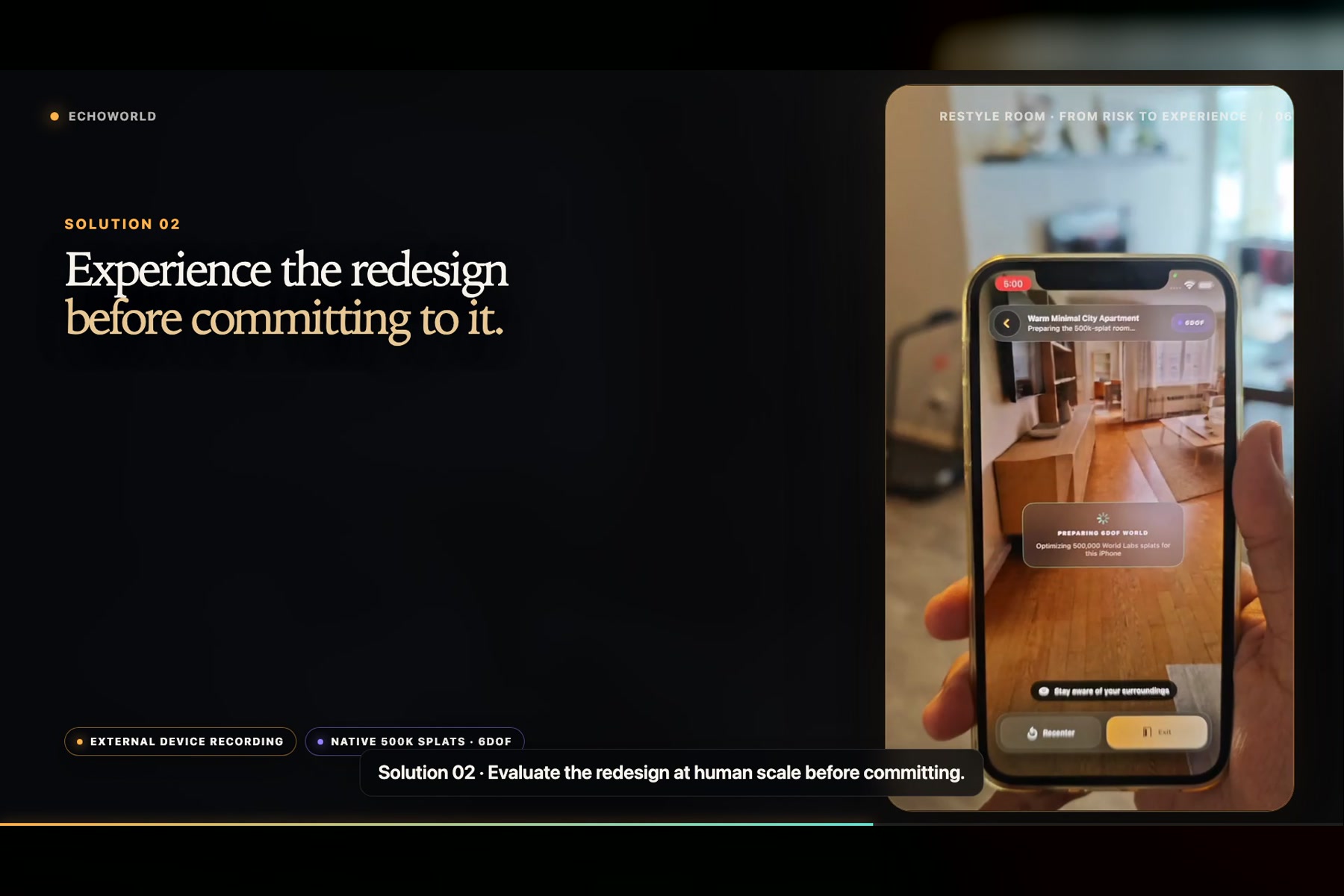
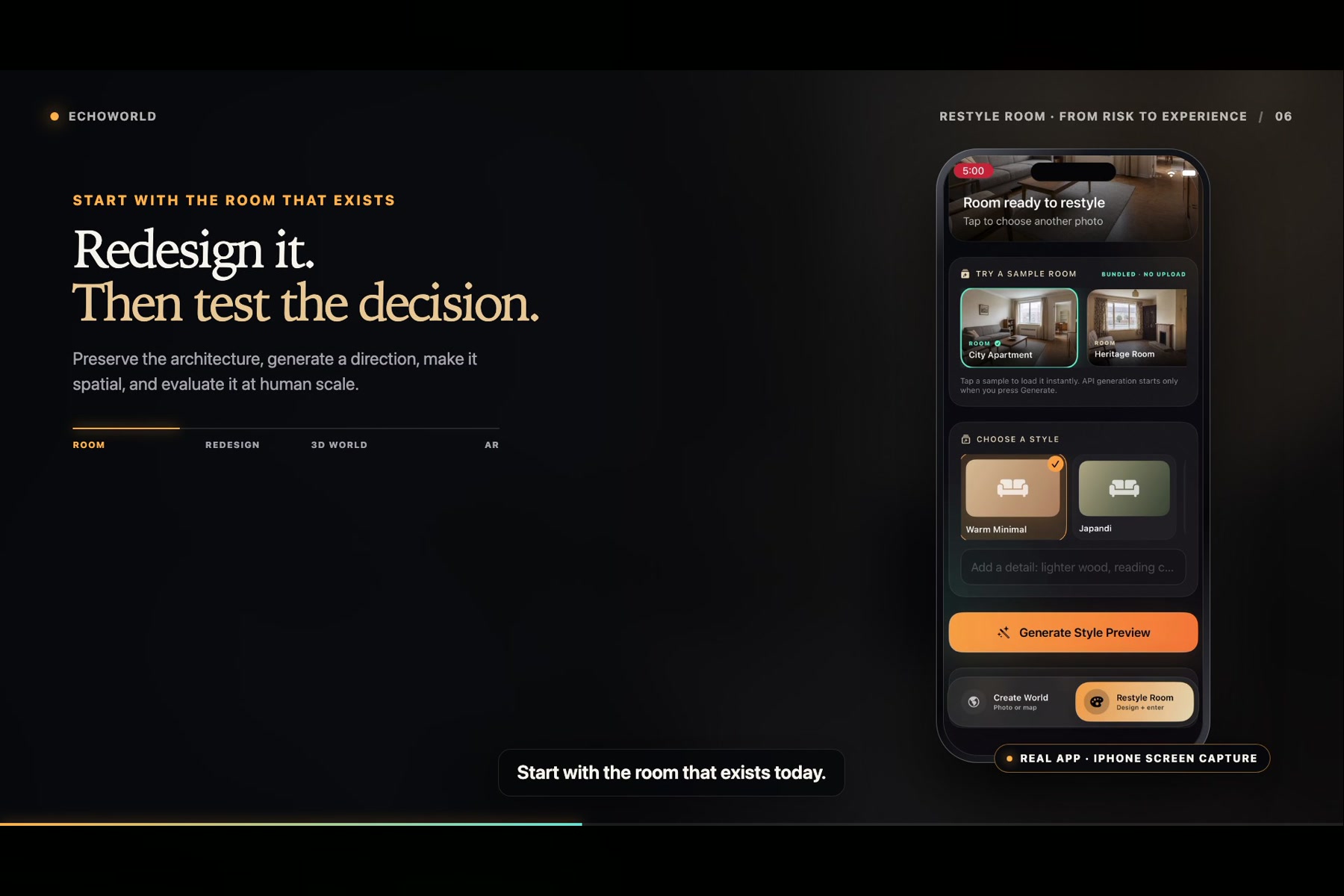
- Restyle Room starts with a photograph of the user's current room. The user chooses a style, GPT Image 2 creates a redesign while preserving the room's permanent architecture, and World Labs turns the approved direction into a spatial world that can be experienced at human scale.
Both flows include deterministic, on-device demos created from real API outputs, so judges can experience the complete product without waiting for generation or spending credits.
How we built it
EchoWorld is built in Swift and SwiftUI for iOS. GPT-5.6 runs behind the interface as a structured prompt orchestrator: it translates the source image, map, style choice, and user direction into controlled instructions for GPT Image 2 and World Labs. GPT-5.6 does not render the image or the world itself.
GPT Image 2 produces the redesigned-room image. World Labs Marble 1.1 generates panoramic imagery, a mobile collider GLB, and an SPZ Gaussian-splat asset. ARKit supplies the phone's changing six-degree-of-freedom pose, while native Metal and MetalSplatter render up to roughly 500,000 splats. SceneKit and GLTFKit2 handle portal placement and the invisible spatial anchor. Generated assets are cached locally so interrupted workflows can resume.
How we used Codex and GPT-5.6
Codex was the development partner across the build. It helped turn the product brief into the native architecture, implement and test the OpenAI and World Labs clients, diagnose an AR session failure seen only on a physical iPhone, integrate the Metal splat renderer, calibrate World Labs' scale and coordinate conversion, refine the responsive interface, and assemble the final three-minute motion-design demo.
GPT-5.6 has a distinct runtime role. It returns strict structured prompt plans for both product flows, keeping spatial intent and design constraints consistent before the request reaches GPT Image 2 or World Labs.
Challenges we faced
The hardest part was making several very different systems behave like one dependable product. ARKit initially reached the camera but stopped before delivering frames because of a session-queue issue. World Labs' SPZ assets also required metric scaling, ground offsets, OpenCV-to-Metal coordinate conversion, and mobile memory limits. Early GLB previews appeared as black geometry, so we separated the collider from the visual and used the Gaussian splat as the full-room result.
We also had to balance live generation with hackathon reliability. The two Judge Demos therefore replay complete, separately generated World Labs results locally, while the same interface supports the live API path for controlled private testing.
What we learned
A convincing spatial experience is not just an image stretched around the camera. Positional tracking, correct scale, a stable ground plane, mobile rendering performance, and a graceful fallback all matter. We also learned that the strongest AI workflow hides model complexity from the user: they choose a photo, describe what matters, and experience the result.
What's next
Next, we want to add a secure authenticated backend for controlled live generation, multi-view capture for denser reconstructions, shared spatial projects, and design comparison tools that help people make confident decisions before changing a real room.
Built With
- arkit
- codex
- gaussian-splatting
- gpt-5.6
- ios
- marble
- metal
- scenekit
- spz
- swift-ui
- testflight
- xcode


Log in or sign up for Devpost to join the conversation.