-
-
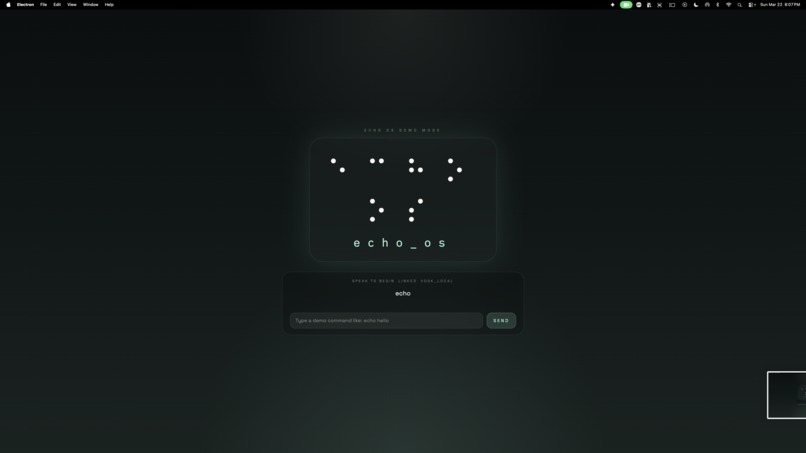
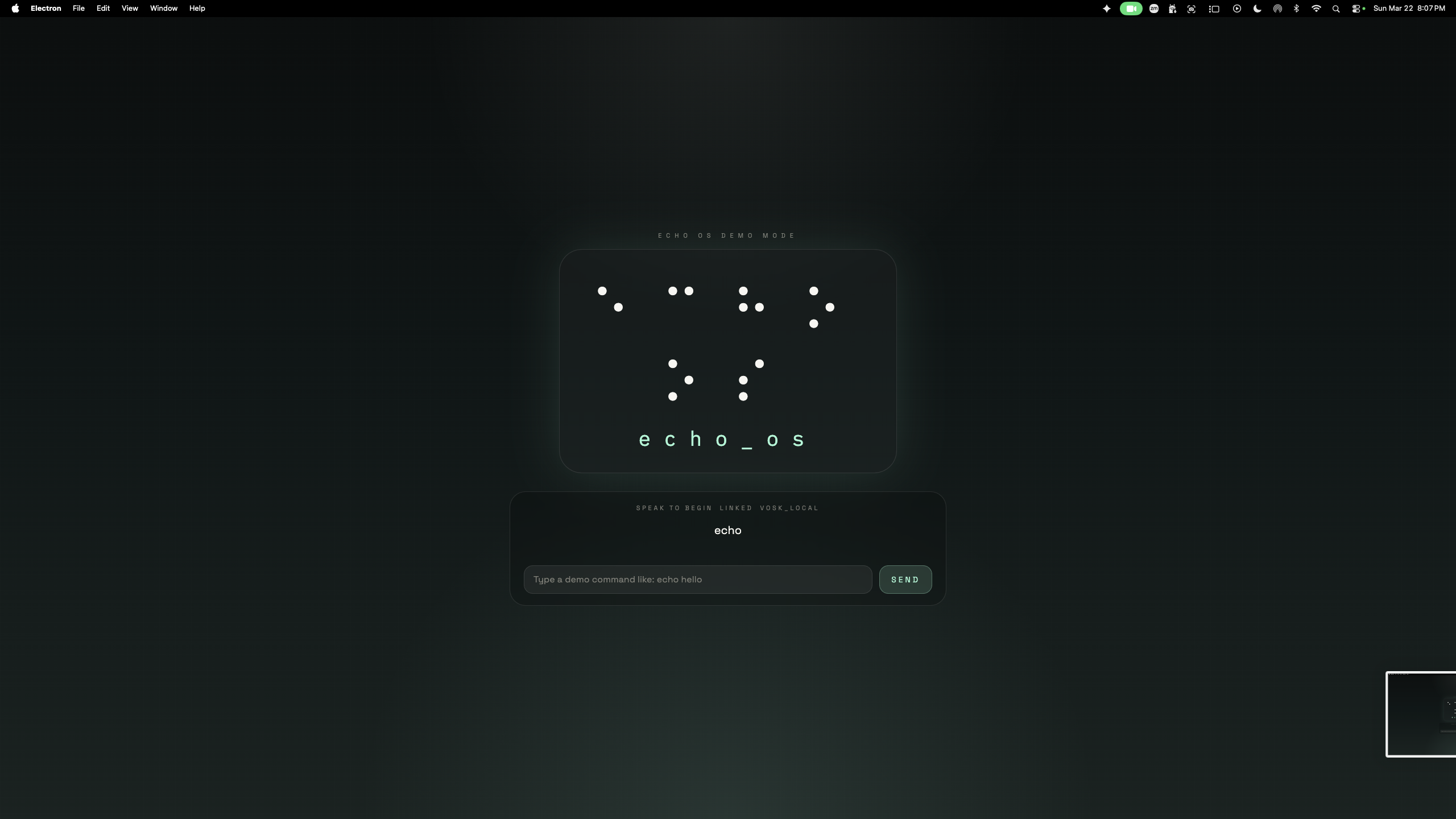
frontend
-
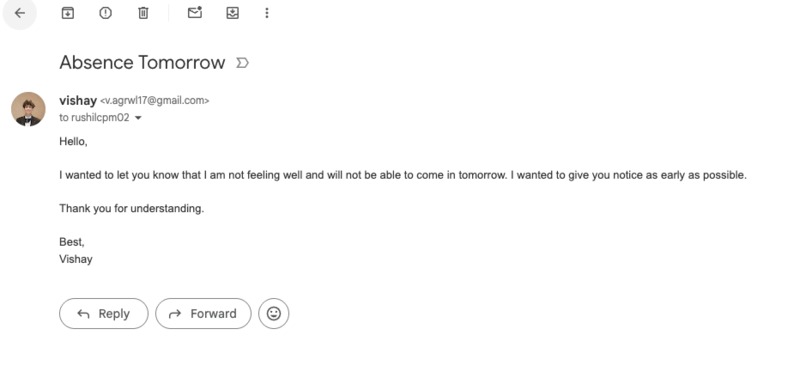
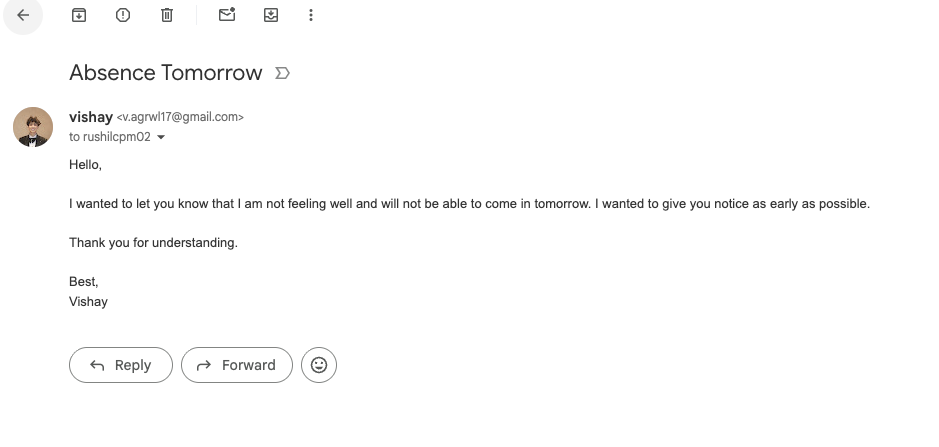
emails sent through a simple prompt
-
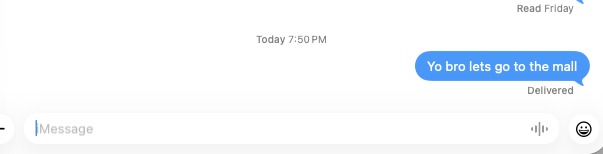
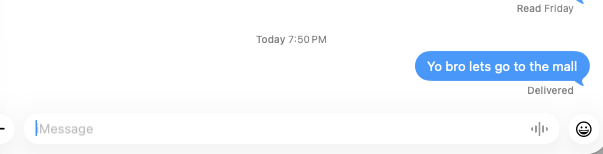
texts sent through a simple prompt
-
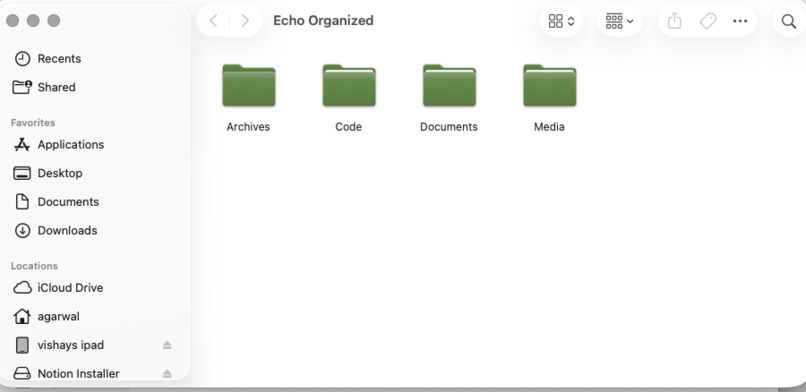
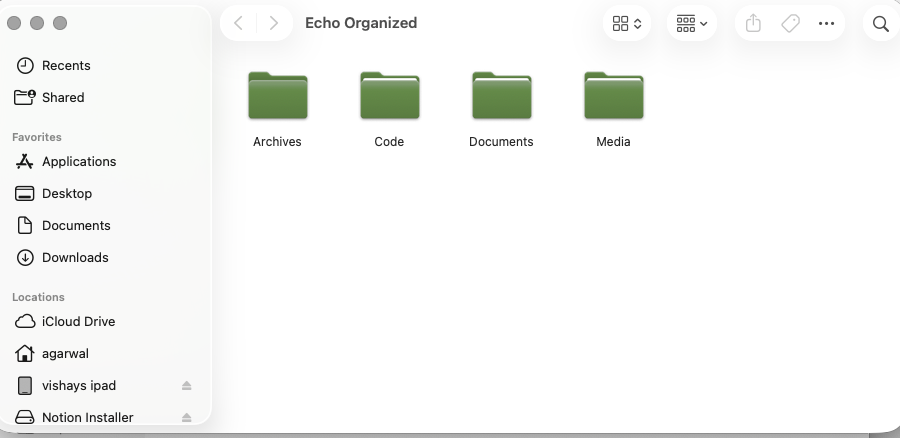
files organized through a single prompt
Inspiration
Our inspiration for echoOS came from a time when I had my arm in a sling. A lot changes when you can't use your dominant hand, but the most frustrating wasn't writing. It was using my computer. All of my schoolwork, which I had to complete online, became a struggle. I couldn't help but wonder how people with disabilities can use all sorts of devices with ease. This is why we decided to create echoOS, a software that lets everyone control their computer with voice commands, eliminating the need for keyboards and mice.
What it does
Our software, echoOS allows users to control their computer entirely through spoken words and voice commands. Instead of typing, users only have to say "open the notes app", "scroll down", or "open file.png," and echo_os will complete the request. Our main goal is accessibility, allowing users with disabilities or injuries to use devices easily and efficiently.
How we built it
echoOS is a voice-first autonomous operating system assistant built as a monorepo with a Python backend, React frontend, and Electron desktop shell. The backend handles wake-word detection, speech processing, the agent loop, memory, and tool orchestration, using a modular architecture to interpret intent, select tools, execute actions, verify results, and respond conversationally. The frontend streams real-time state over WebSockets with an ambient UI, while Electron bridges web and native control for a true desktop experience. The system runs as one continuous loop from speech-to-text → reasoning → tool execution → verification → memory → text-to-speech, with a unified tool layer for filesystem, browser automation, communication, and macOS control.
One of our first demo tests of Echo-OS: https://vimeo.com/1176274625?share=copy&fl=sv&fe=ci
Challenges we ran into
The biggest challenge was reliability across the full autonomous loop—getting the system to listen continuously, choose correct actions, execute them, and recover from failures. Issues like speech variance, wake-word tuning, permissions, browser automation edge cases, and app quirks added complexity. We also had to balance autonomy with safety by introducing structured tools, bounded execution, confirmation logic, and verification. Integrating real-time audio, desktop control, web automation, LLM reasoning, memory, and frontend streaming into one clean system was another major challenge.
Accomplishments that we're proud of
echoOS is a full voice-native assistant that can take spoken input, reason about it, act across desktop and web, verify outcomes, and respond naturally in one loop. We’re especially proud of the modular, production-ready architecture that cleanly separates reasoning, memory, tools, and verification, while streaming real-time state to the frontend. The monorepo setup also enables fast, cohesive development across voice, UI, and system integrations.
What we learned
We learned that building autonomous assistants is primarily an orchestration problem, not just a model problem. The quality comes from how well speech, memory, tools, verification, and UI are connected. Verification and observability are critical—every step must be visible and reliable. We also learned that desktop AI raises expectations, shifting the focus from generating answers to executing tasks dependably.
What's next for echoOS
Next, we’re improving autonomy, reliability, and personalization through better wake-word detection, stronger memory, and richer context awareness. We plan to expand the tool ecosystem with deeper desktop integrations, stronger browser control, and better scheduling and communication workflows. Long term, the goal is to evolve echoOS into a true AI operating layer that proactively manages tasks and coordinates across apps.
Built With
- chromadb
- electron
- elevenlabs
- fastapi
- langgraph
- macos-automation-(applescript)
- openai-apis
- playwright
- python
- react
- tailwind-css
- twilio
- typescript
- vite
- vosk
- websockets


Log in or sign up for Devpost to join the conversation.