-
-
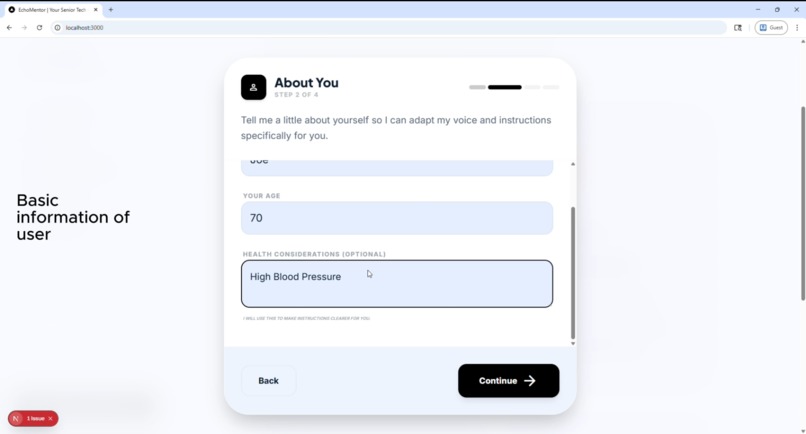
User Information
-
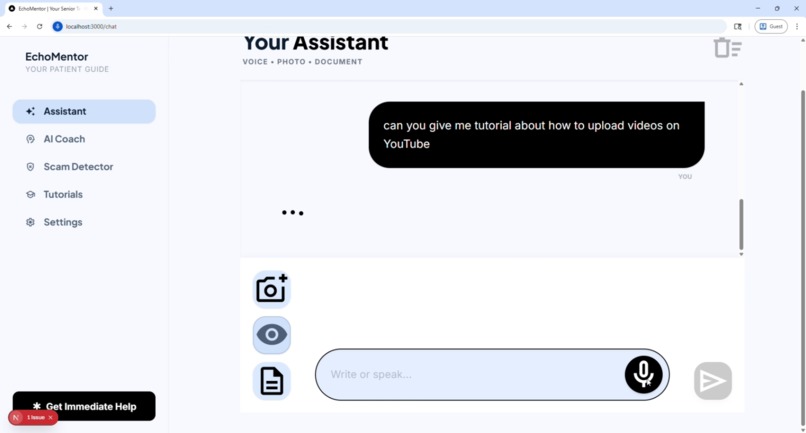
AI Assitant
-
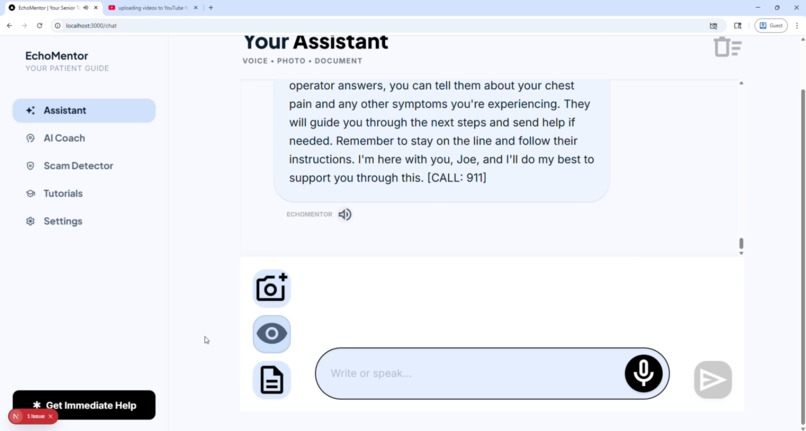
Voice Chat
-
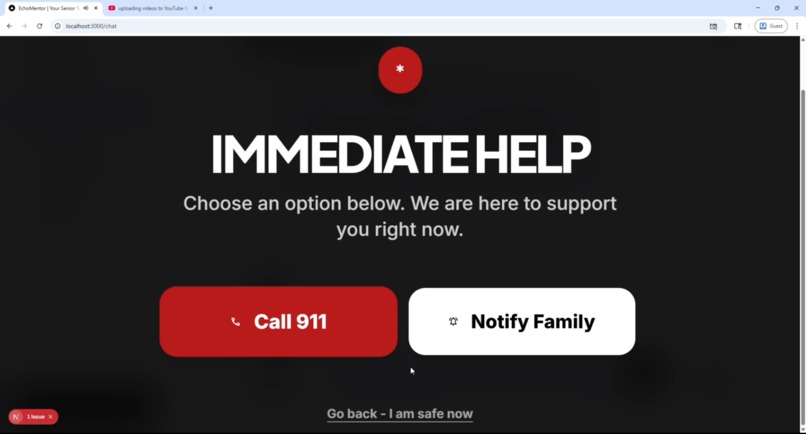
Direct Call
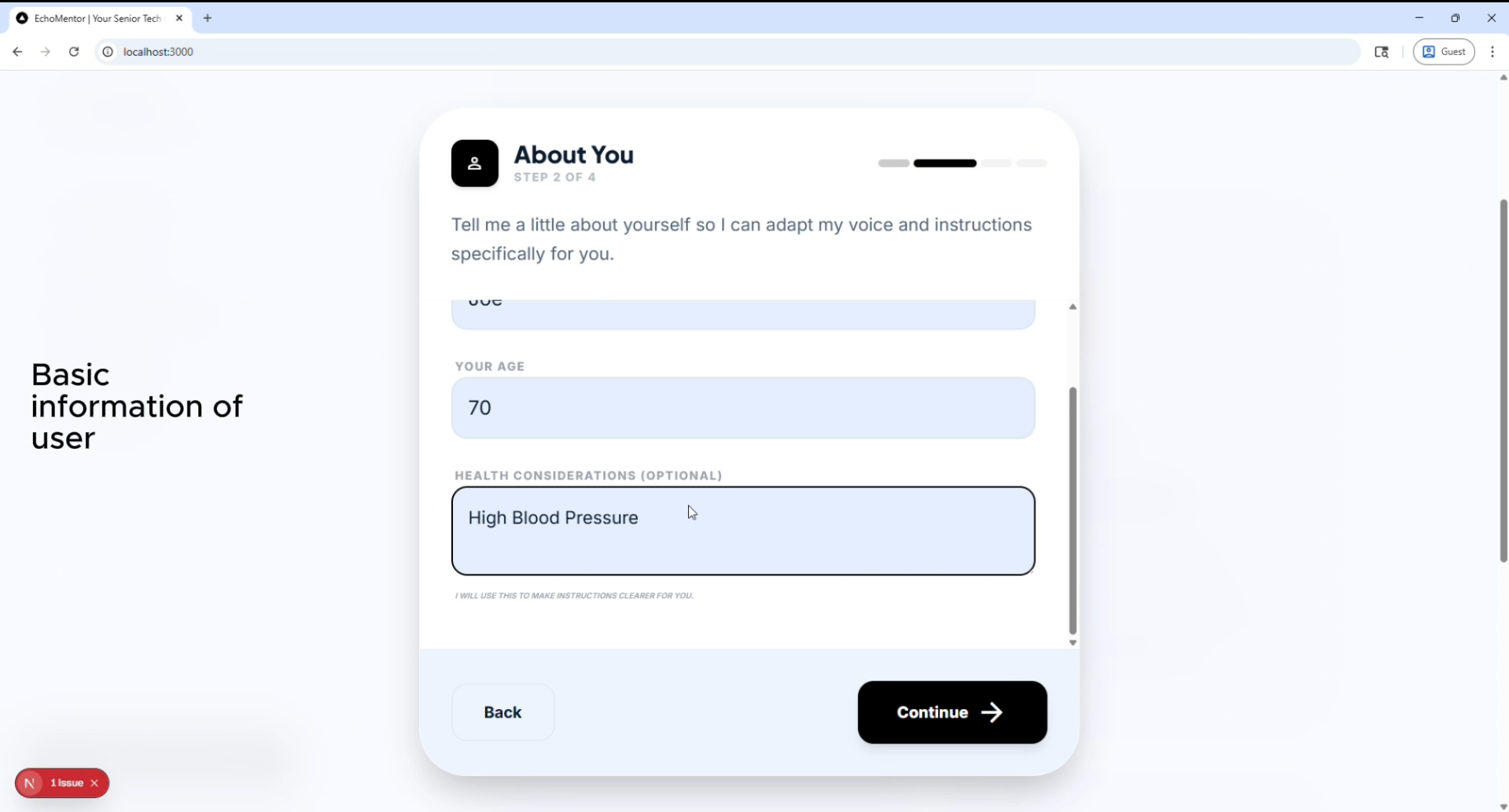
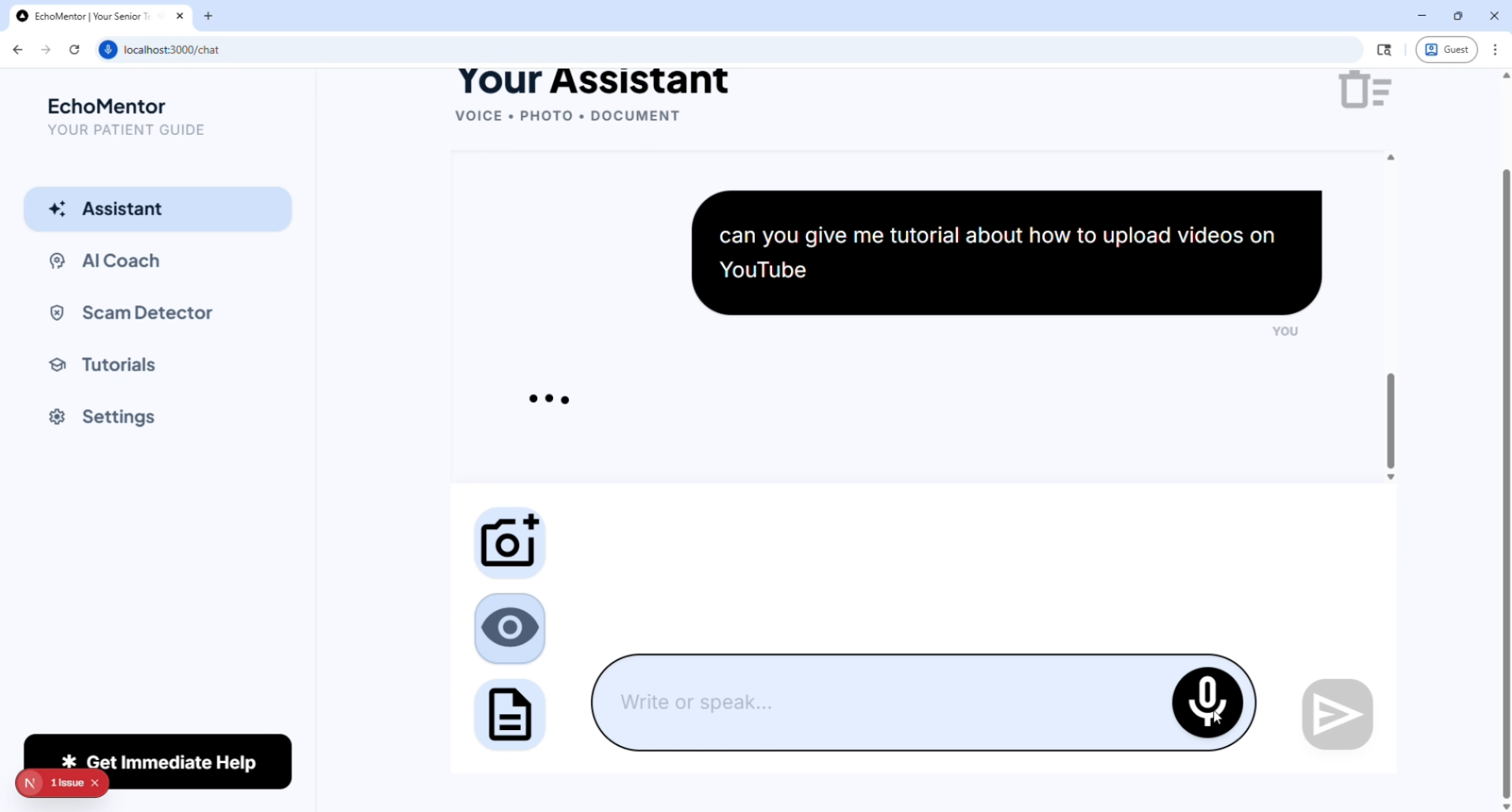
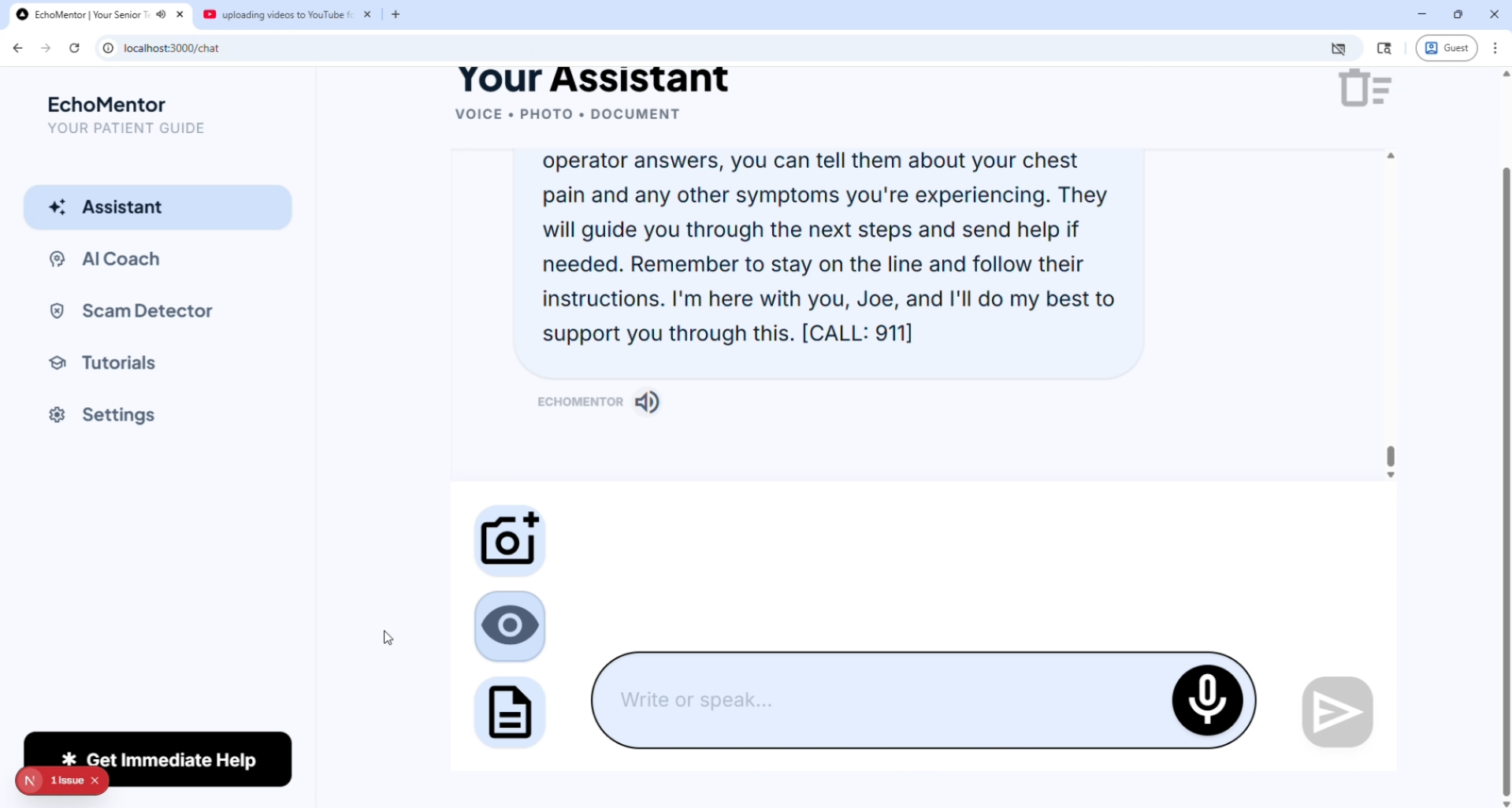
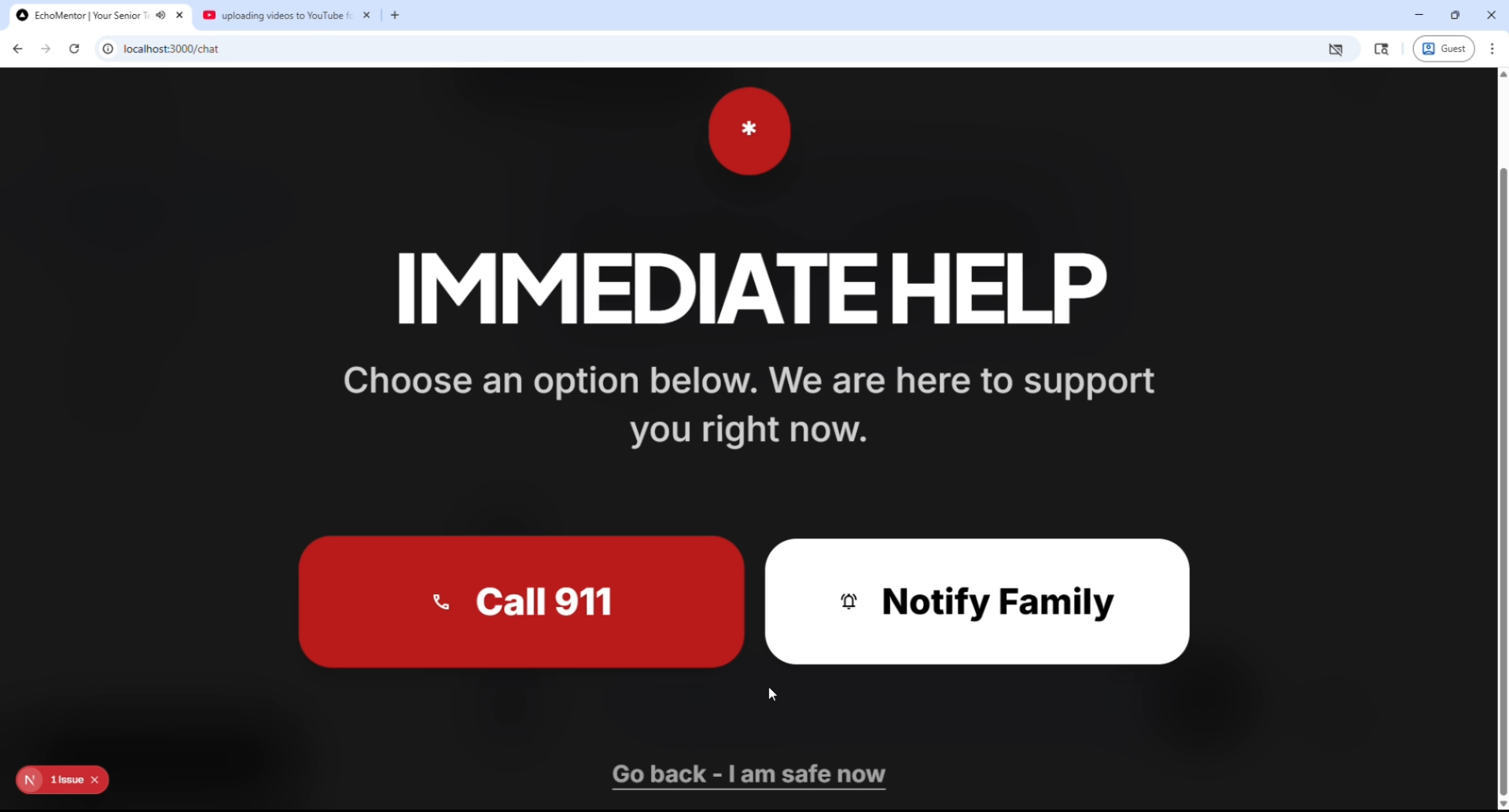
Inspiration
Seniors today are being pushed into a digital world that was never designed for them. Simple tasks like sending an email, using apps, or identifying scams can feel overwhelming and frustrating. Many rely on family members for help, which reduces independence and confidence.
At the same time, scams targeting seniors are increasing rapidly, causing billions in losses every year.
EchoMentor was inspired by a simple idea:
What if every senior had a patient, always-available AI companion that explains technology in a calm, simple, and human way—like a caring grandchild?
What it does
EchoMentor is a voice-first AI mentor designed specifically for senior citizens.
It allows seniors to:
- 🎤 Talk naturally to an AI coach and get simple, step-by-step help
- 🚨 Detect scams instantly by pasting suspicious messages
- 📖 Learn basic tech skills through clear, visual guidance
The system responds in short, simple language, avoids technical jargon, and presents instructions in numbered steps with large, readable text.
The goal is not just teaching technology — but restoring confidence and independence.
How we built it
We built EchoMentor as a lightweight, deployable web app that runs instantly on any modern browser — no installation required.
Core stack:
- Next.js (frontend + routing)
- Tailwind CSS + shadcn/ui (accessible, high-contrast UI)
- NVIDIA NIM API (LLM for intelligent responses)
- Web Speech API (voice input and output)
Architecture:
- User input (voice/text) → processed in frontend
- Sent to NVIDIA NIM with a senior-optimized system prompt
- AI response returned → displayed in large text + spoken aloud
We deliberately avoided complex backend systems and databases to ensure:
- Zero setup
- Fast performance
- Immediate usability in senior centers
Challenges we ran into
Making AI truly simple
Most AI responses are too long or complex. We had to carefully design prompts to enforce short sentences, clear steps, and no jargon.Voice reliability
Browser voice APIs can behave inconsistently across devices. Ensuring stable input/output required multiple tests and fallback handling.Designing for seniors
What feels “simple” to developers is often still confusing for seniors. We had to rethink UI with:- Large fonts
- Minimal choices
- High contrast
- Large fonts
Time constraints (solo build)
Balancing features vs reliability was critical. We focused only on core features that deliver maximum impact.
Accomplishments that we're proud of
- Built a fully working voice-based AI mentor in a short time
- Created a system that non-technical seniors can actually use
- Achieved a zero-install, instantly deployable solution
- Designed an experience that feels human, calm, and supportive
Most importantly, we created something that is not just functional — but emotionally meaningful.
What we learned
- Simplicity is far harder than complexity
- AI needs strong constraints to be useful for real users
- Accessibility is not optional — it is the core product
- A focused, reliable product beats a feature-heavy one
We also learned that designing for seniors requires empathy, not just engineering.
What's next for EchoMentor
- Personalized learning modes (beginner / slow-paced guidance)
- Offline/PWA support for limited connectivity environments
- Expanded scam detection with real-world datasets
- Progress tracking for senior centers (optional, privacy-safe)
Long-term, EchoMentor can become a standard digital companion for senior centers, helping millions of people confidently navigate the modern digital world.
Built With
- css
- next.js
- nvidia
- shadcn/ui
- tailwind
- typescript
- vercel


Log in or sign up for Devpost to join the conversation.