-
-
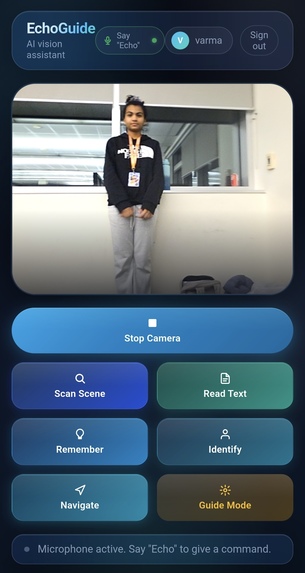
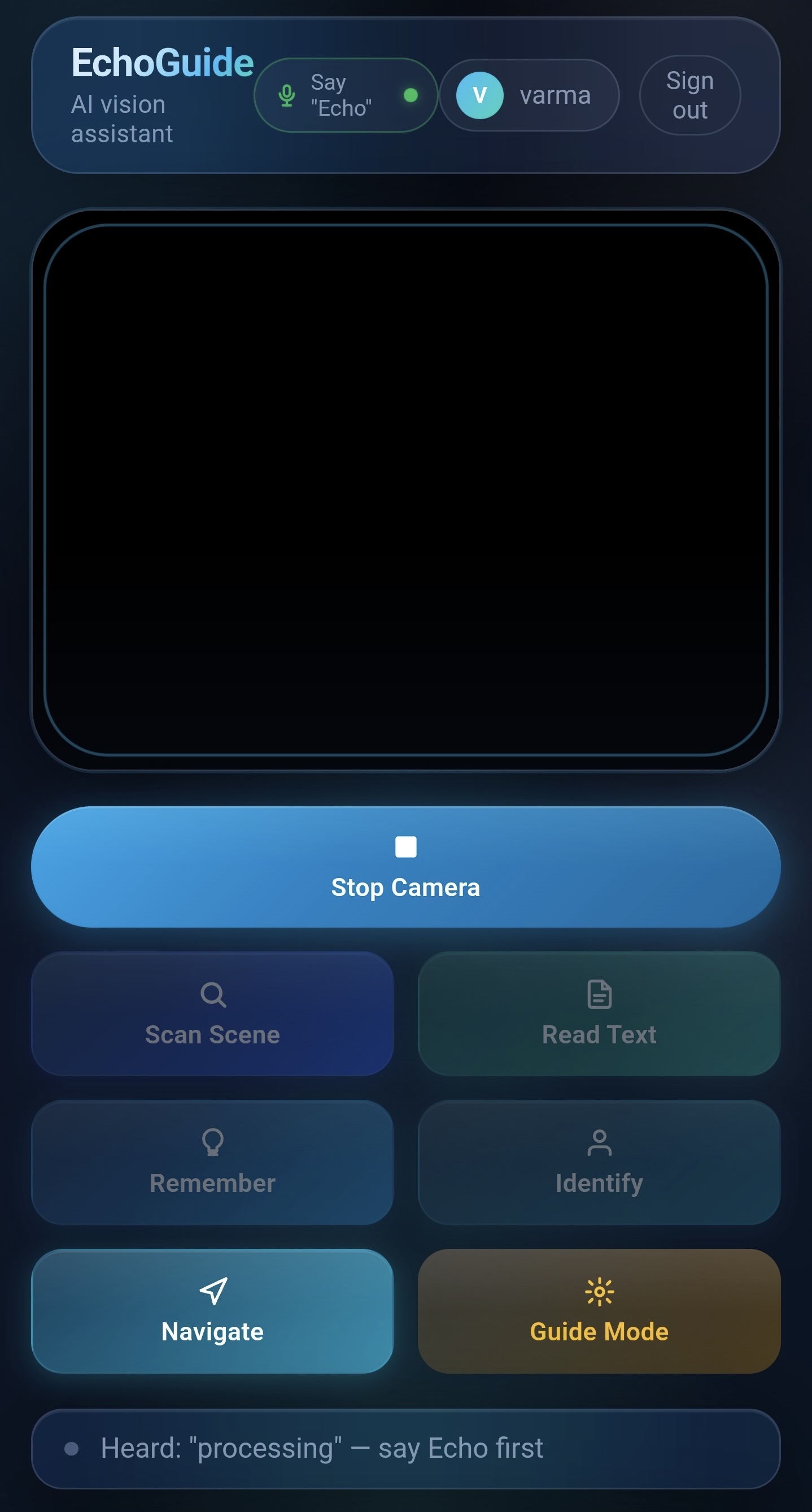
Phone Camera: “Echo, scan scene!”
-
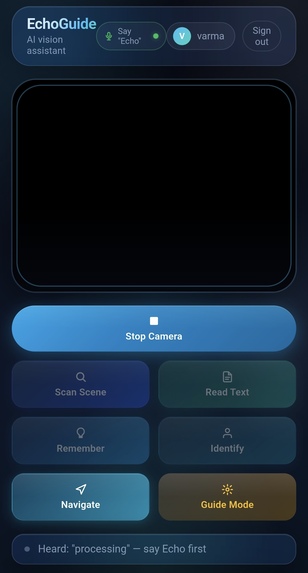
processing….
-
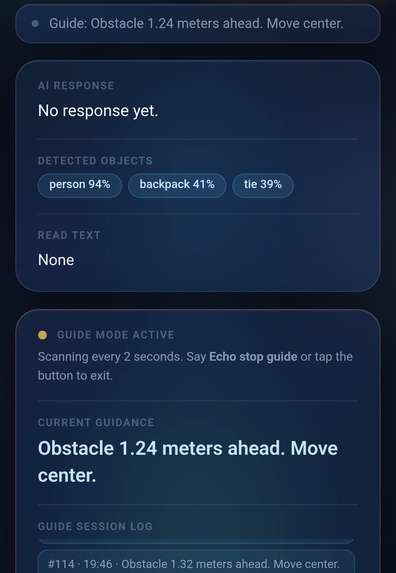
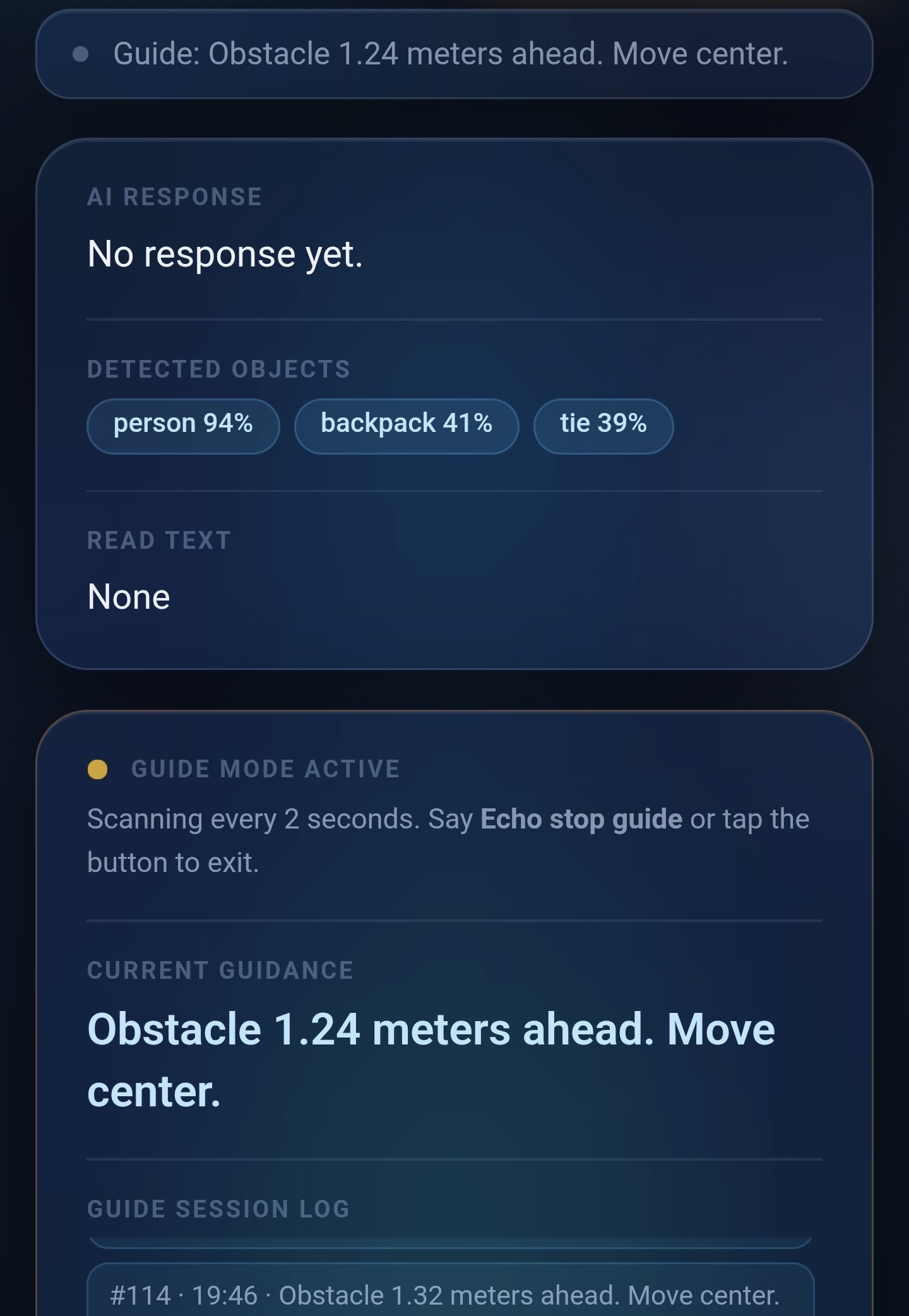
verbal + written response —> person 94%, backpack 41%, tie 39%
Inspiration
EchoGuide started from a simple moment while we were experimenting with small clip-on microphones like the ones YouTubers use that clip onto your collar. We joked about how cool it would be if something could just tell you what’s around you. That idea quickly became more serious when we thought about people who can’t rely on vision to navigate the world. When we looked into existing solutions like smart glasses, we realized many of them cost thousands of dollars. That pushed us to build something simpler, more affordable and accessible to more people.
What it does
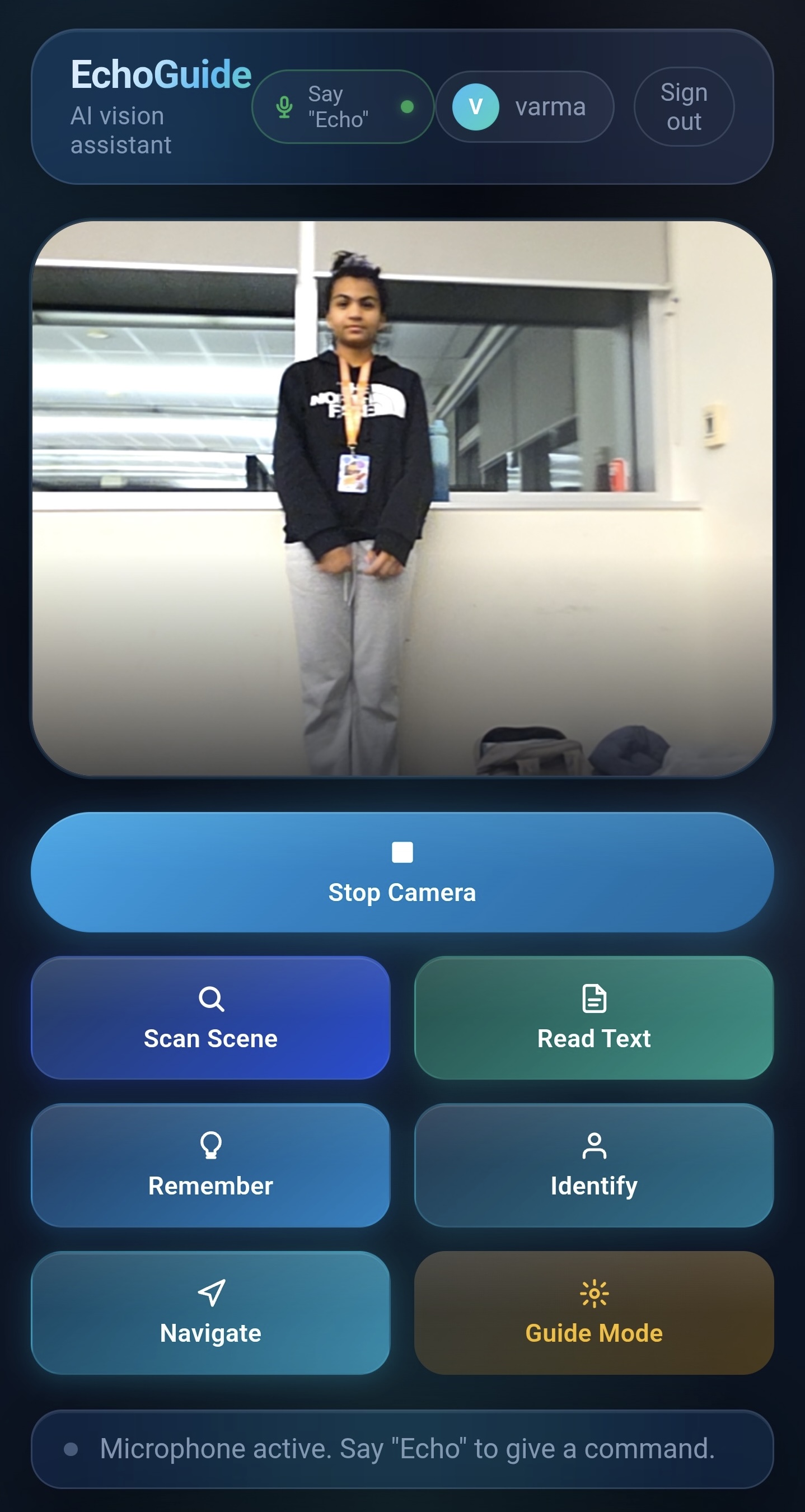
EchoGuide is an AI-powered assistant that helps visually impaired users understand their surroundings using a phone’s camera and voice interaction. It can detect objects, read text, recognize people, and describe scenes in real time, turning visual information into spoken guidance so users can navigate more confidently.
How we built it
We built EchoGuide as a browser-based app (PWA) so it works on devices people already have. Users can open it in their browser and add it to their home screen like a regular app. The frontend handles camera access and voice interaction, while a FastAPI backend processes the AI tasks. We used models like YOLOv8 for object detection, OCR for reading text and an AI model to generate spoken descriptions.
Challenges we ran into
One unexpected challenge was with our text-to-speech system. Our original voice setup using ElevenLabs stopped working because we hit the limits of the free API tier, which caused the app to stop speaking entirely. We briefly tried switching to Amazon Polly, but it created another problem—the system started speaking multiple responses at the same time in different voices, which was chaotic and confusing. In the end, we solved this by upgrading our ElevenLabs plan so the voice guidance would work reliably.
Accomplishments that we're proud of
We’re especially proud that we managed to get the entire system working on a mobile device after 6 literal hours focused on solving issues and making everything connect properly. Seeing the app finally run smoothly on a phone and actually guide the user felt like a huge milestone for the project.
What we learned
We learned that building accessibility technology isn’t just about making something technically impressive—it has to be reliable and simple for real-world use. Integrating multiple AI tools like object detection, text recognition, and voice output required careful coordination to keep the experience fast and clear. We also learned the importance of making strategic decisions under time pressure; due to technical issues close to our deadline, we chose to temporarily remove our text-reading feature—even though it worked well—to keep the overall system stable. This experience taught us how to prioritize core functionality and make thoughtful trade-offs when time is limited.
What's next for EchoGuide
Next, we want to improve the app’s accuracy and navigation capabilities. We also plan to develop a low-cost wearable companion device—similar to the clip-on mic that inspired the idea—for users who prefer a dedicated physical tool while keeping the core software accessible to everyone.

Log in or sign up for Devpost to join the conversation.