-
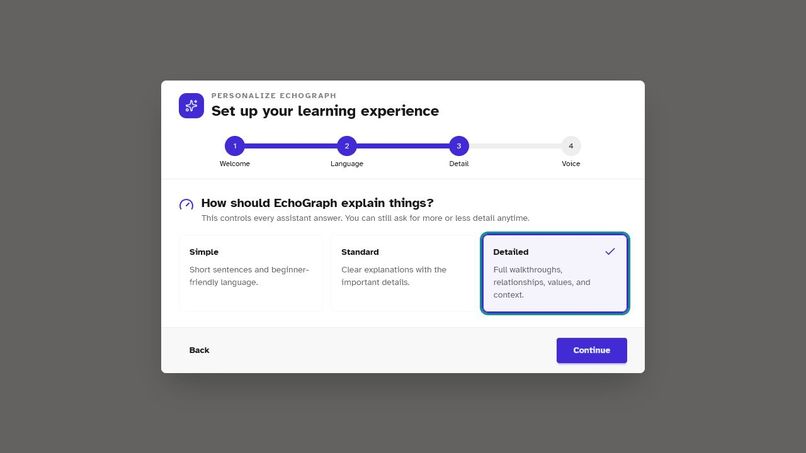
Personalized explanations
-
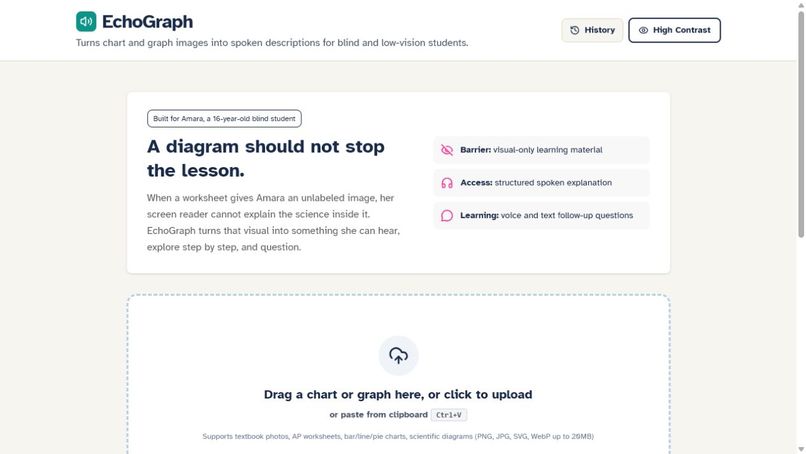
Main accessible workspace
-
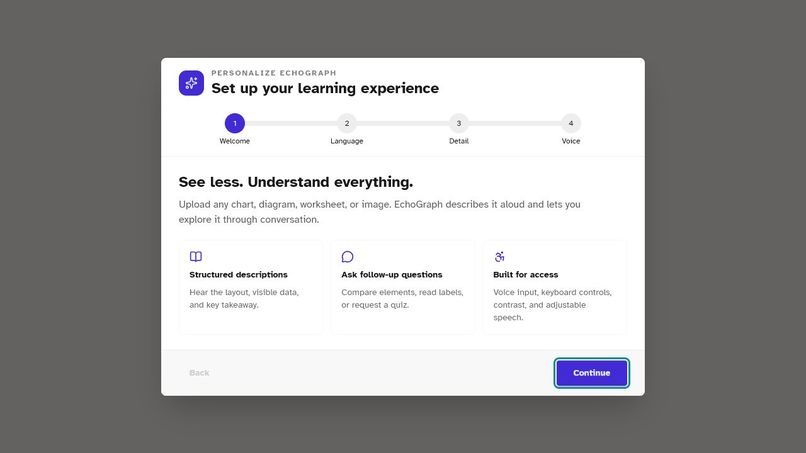
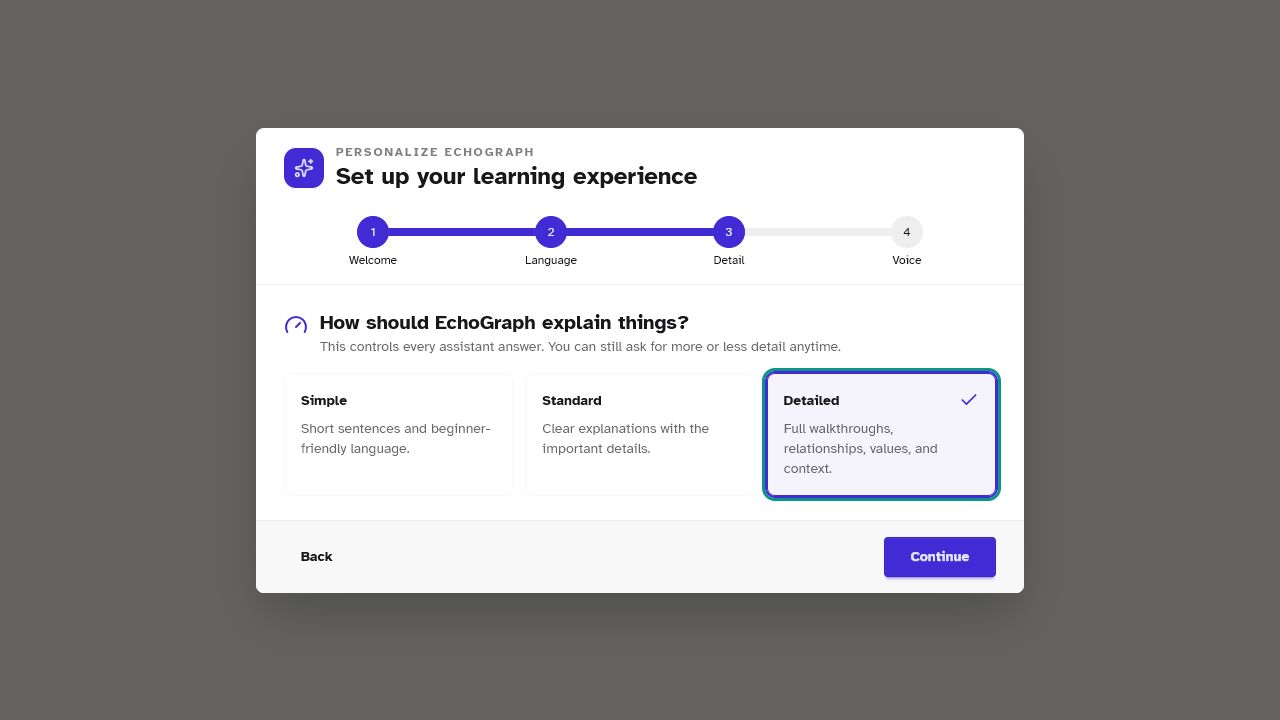
Accessible onboarding
-
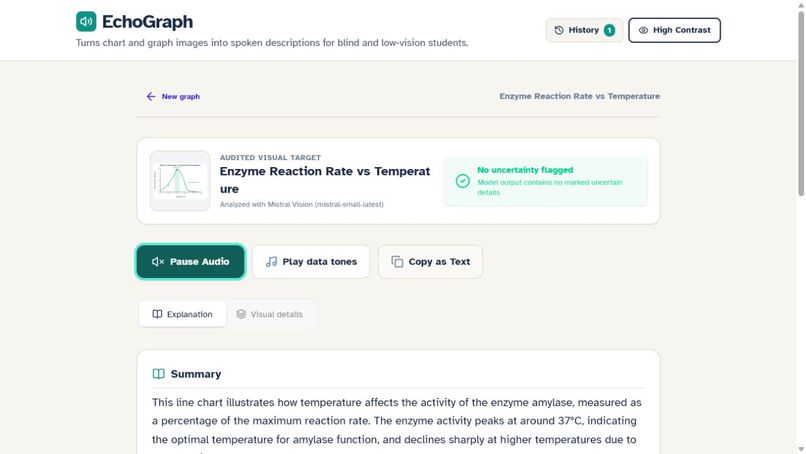
Live Mistral AI analysis
-
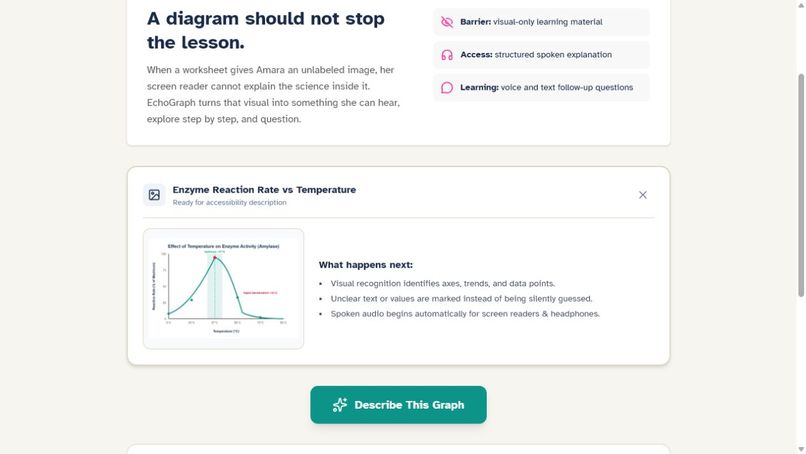
Biology graph ready for analysis
-
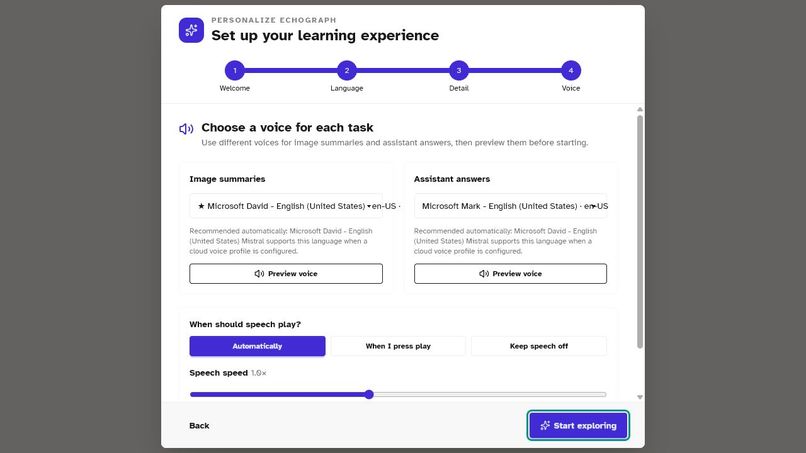
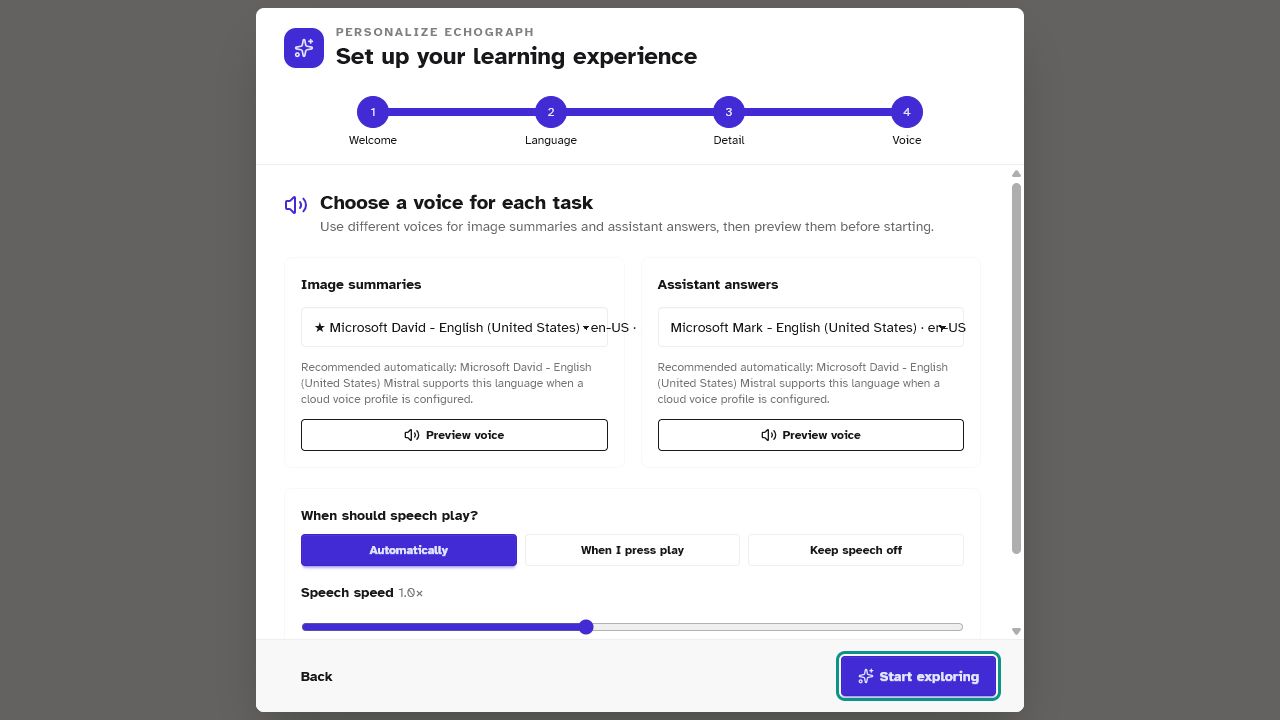
Voice and accessibility settings
-
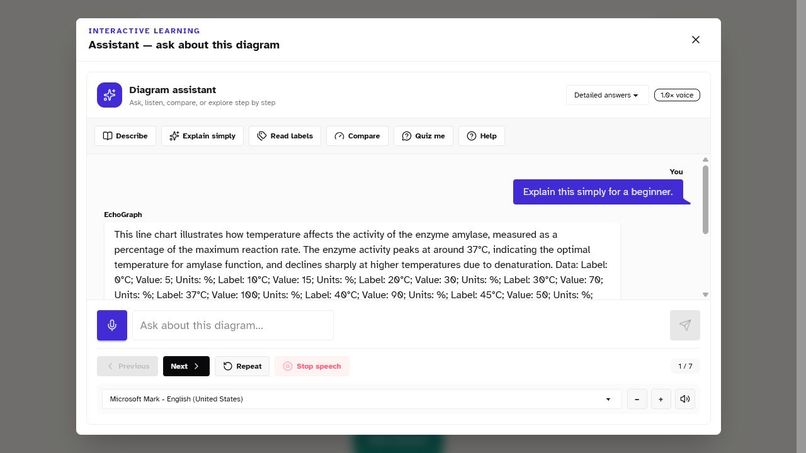
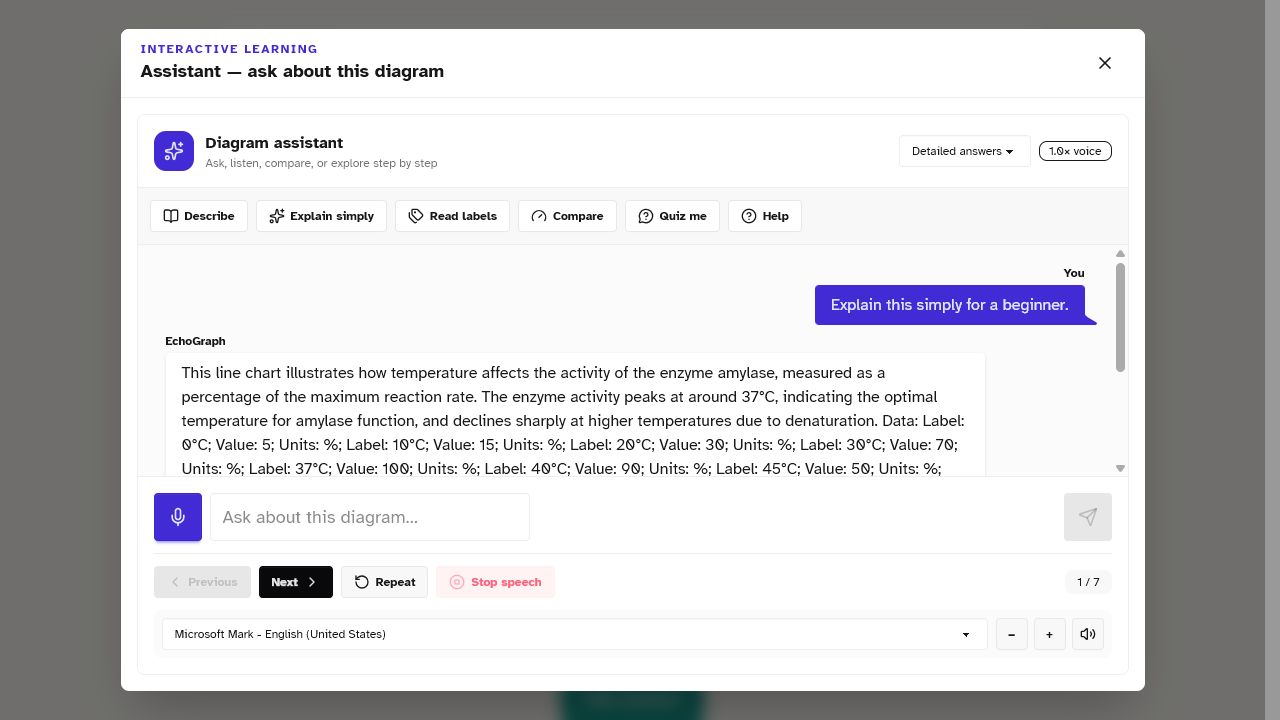
Interactive voice assistant
Inspiration
A huge part of education is visual. Charts, graphs, scientific diagrams, flowcharts, and illustrations can make difficult concepts much easier to understand. But for a blind or low-vision student, those same visuals can become a barrier to learning.
That inspired me to build a tool that doesn't just describe an image, but turns it into something a student can actually explore and learn from.
What I Built
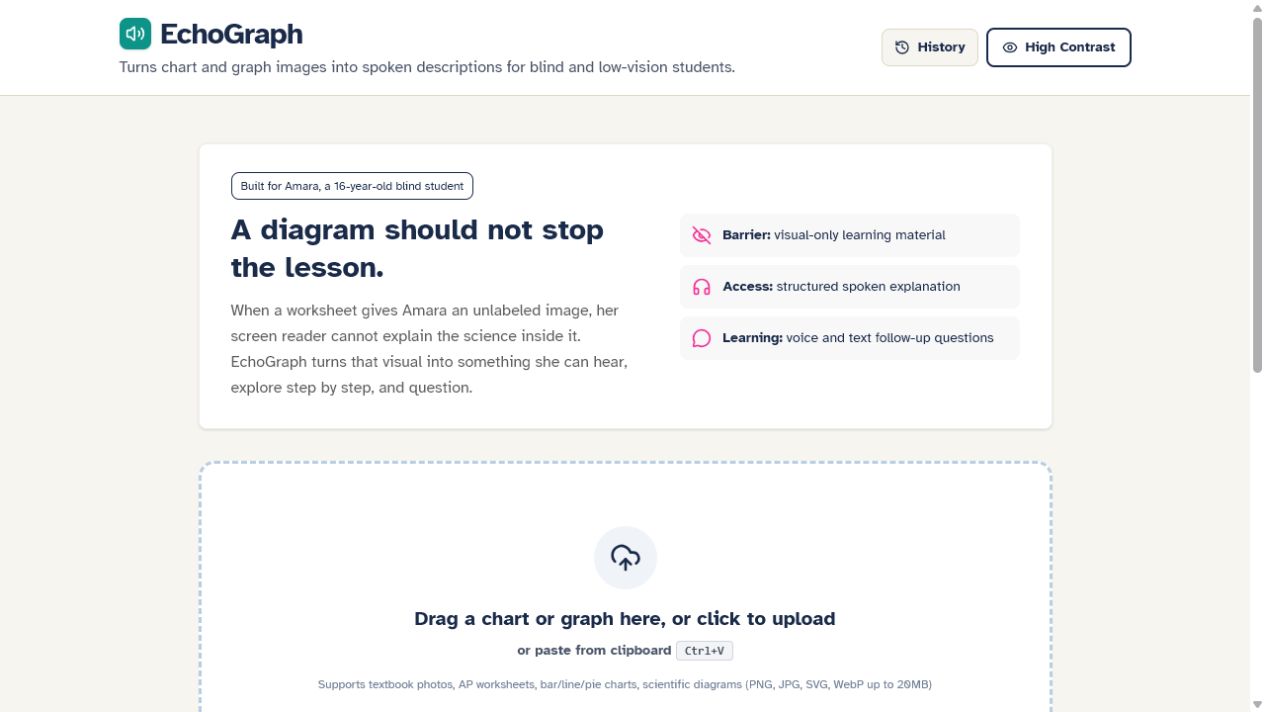
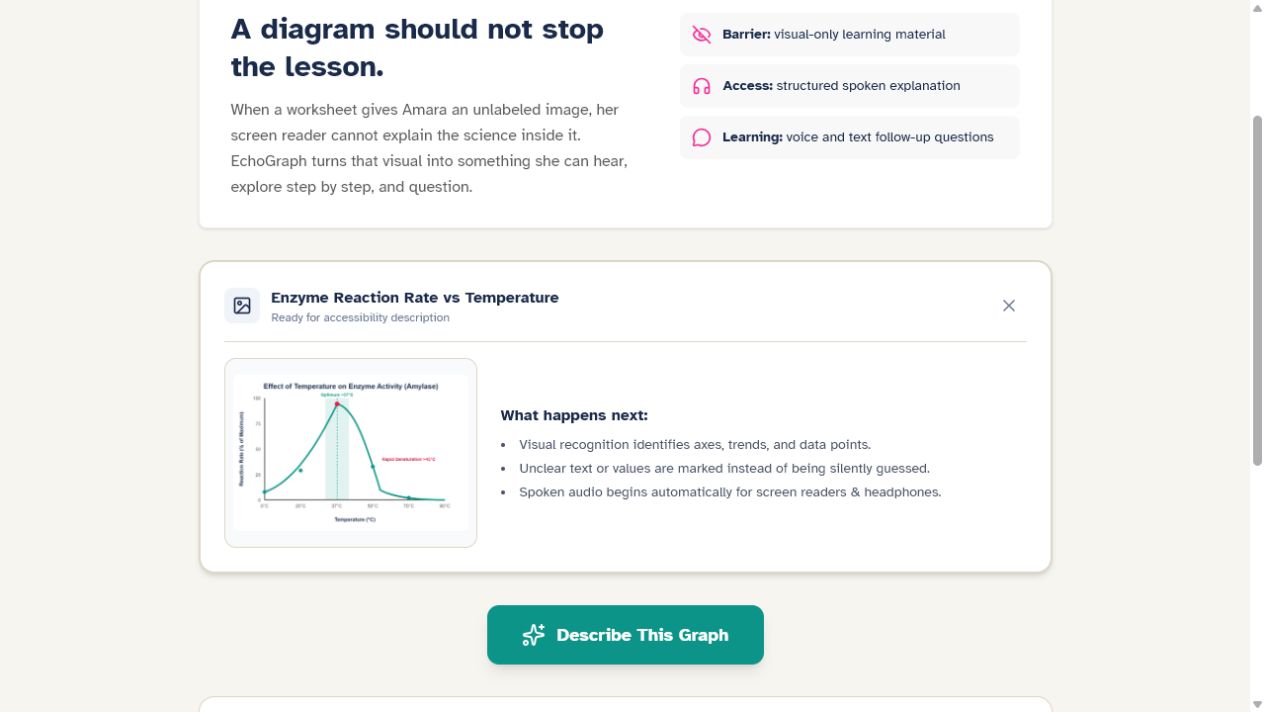
My project is an AI-powered accessibility tutor for blind and low-vision students. A student can upload an educational diagram, chart, or graph, and the app uses vision AI to understand its contents and structure.
Instead of stopping at a basic image caption, it creates a clear educational explanation that can be spoken aloud. Students can then interact with the diagram conversationally—asking questions such as:
- "What is the highest value?"
- "Explain this more simply."
- "What does this arrow represent?"
- "Walk me through the diagram."
- "Quiz me on what I just learned."
The goal is to transform a visual that may otherwise be inaccessible into an interactive learning experience.
How I Built It
I designed the project around several specialized AI systems rather than relying on one model for everything.
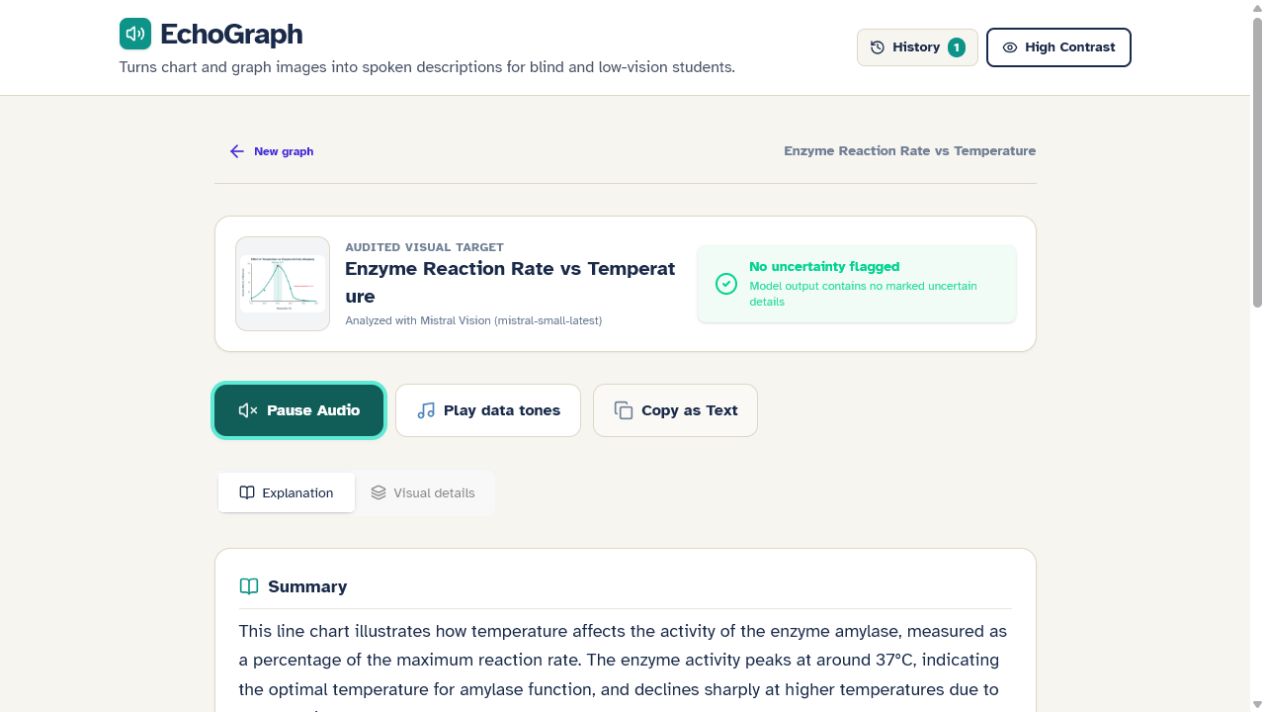
Mistral handles vision and analyzes uploaded educational visuals. The information extracted from the image is passed to a reasoning/tutoring layer, which can answer questions and explain concepts based on the diagram.
For voice interaction, I integrated speech recognition so students can speak commands and questions instead of depending entirely on visual controls. The app can also read explanations back to the student using text-to-speech.
Accessibility influenced the interface itself as well. I focused on keyboard navigation, screen-reader compatibility, clear focus states, spoken feedback, simple navigation, and a workflow that doesn't require the student to see the screen.
Challenges I Faced
One of the biggest challenges was realizing that simply adding a microphone or screen reader support doesn't automatically make an application accessible.
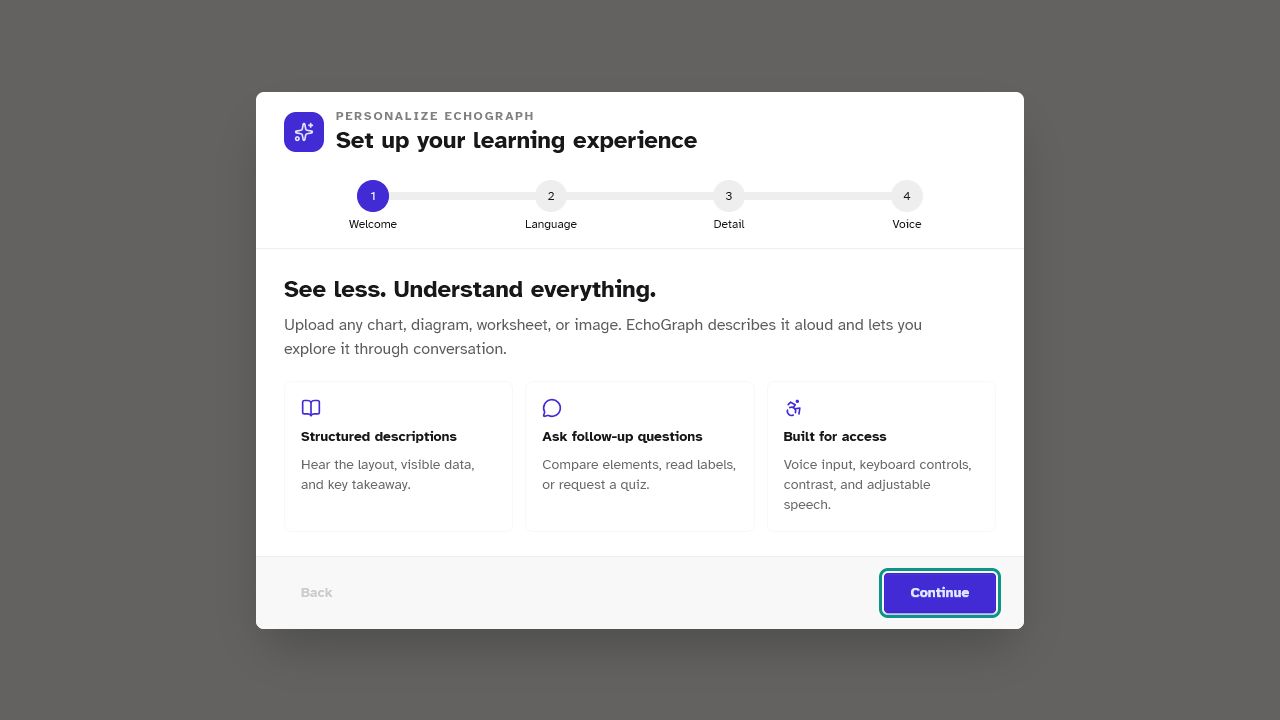
I had to think about the experience from the perspective of someone who may not be able to see the interface at all. For example, even something as simple as uploading a diagram raises an important question: how does a blind student know what is happening after they select the file?
That led me to add clear status announcements, voice interaction, spoken responses, keyboard navigation, and conversational exploration.
Another challenge was reliability. The project uses multiple AI services, and APIs can fail or become temporarily unavailable. I designed fallback handling so technical provider errors don't interrupt the learning experience whenever another available service can complete the task.
Accuracy was also important. When describing educational material to someone who cannot visually verify the result, the AI should not confidently invent labels, values, arrows, or relationships. The system therefore focuses on extracting structured information and acknowledging uncertain elements instead of guessing.
What I Learned
Building this project taught me that accessibility is much more than adding accessibility features after an application is finished. It needs to influence the product from the beginning.
I also learned how different AI capabilities—computer vision, reasoning, speech recognition, and text-to-speech—can work together as one system.
Most importantly, I learned that the strongest use of AI isn't necessarily replacing something people can already do. It can be about changing the way information is delivered so that someone who was previously locked out can participate.
My goal is simple: a student shouldn't lose access to part of their education just because the lesson happens to be visual.
Built With
- computer
- firebase
- generative
- groq
- javascript
- mistral
- multimodal
- next.js
- opencode
- react
- speech-to-text
- text-to-speech
- typescript
- vision
- voice
- voxtral
- whisper


Log in or sign up for Devpost to join the conversation.