-
-
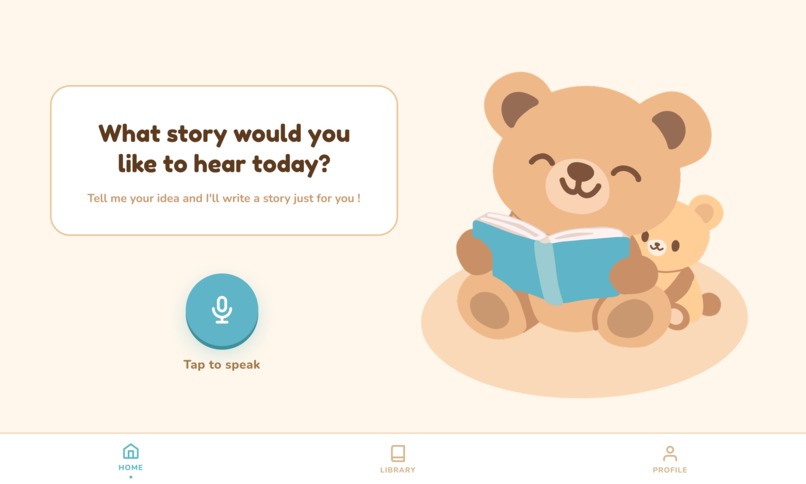
Homepage
-
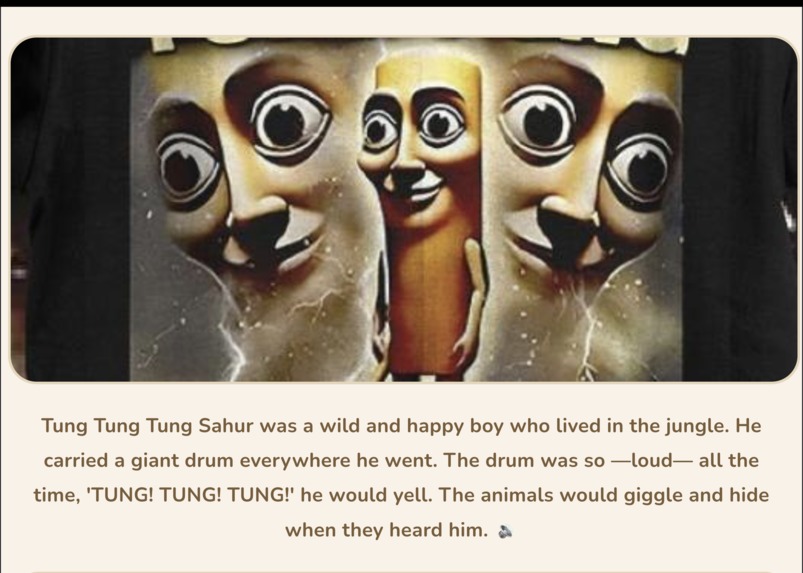
Tung Tung Mode
-
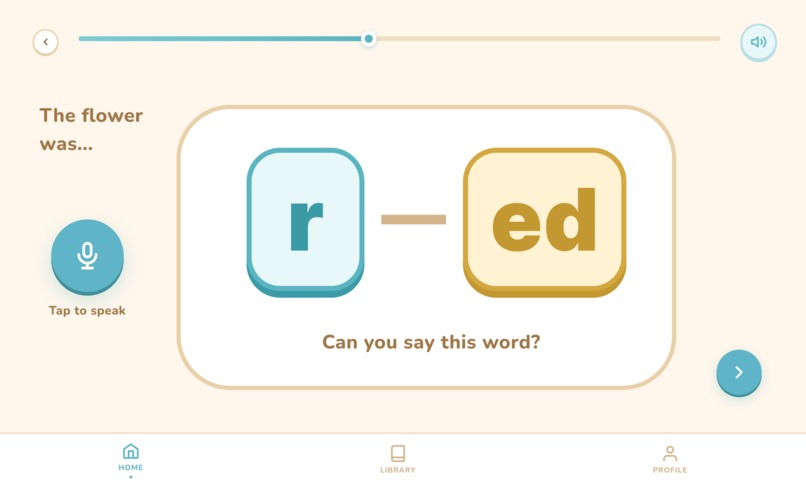
Reading
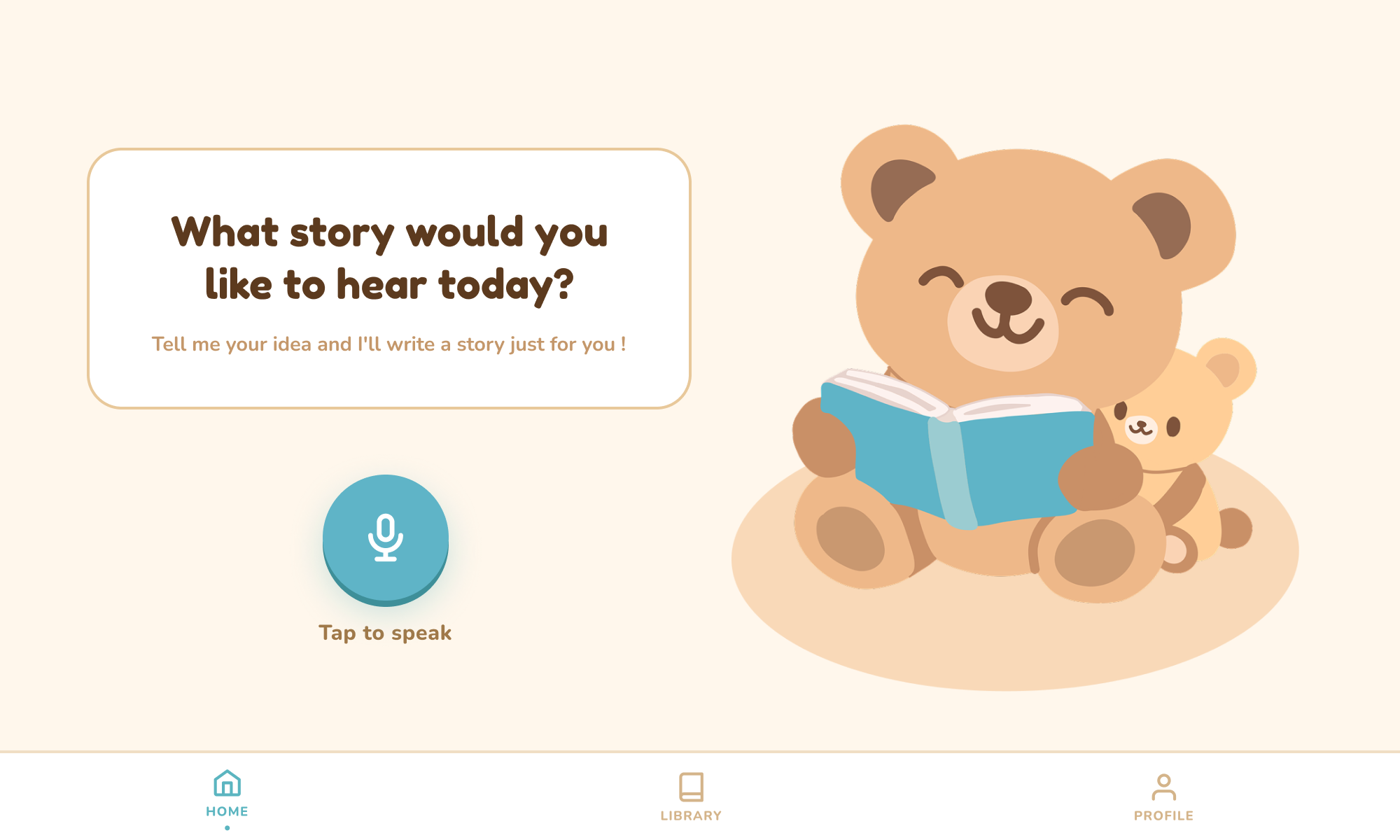
Echo Bear 🐻📚
Where kids create, hear, and become the story.
Inspiration
Echo Bear was inspired by a simple observation: many children struggle to stay engaged with traditional reading methods. Books can feel passive, repetitive, and sometimes intimidating—especially for early learners. We wanted to “break the norm” by transforming reading into something interactive, creative, and personal.
Instead of asking kids to adapt to reading, we asked: what if reading adapted to them?
By letting children choose their own story topics and participate in the storytelling process, we aimed to turn literacy into something they look forward to, rather than something they feel required to do.
What We Learned
Building Echo Bear taught us that engagement is just as important as content when it comes to education. We learned:
- Personalization dramatically increases a child’s interest and attention span
- Combining audio, visuals, and interaction reinforces learning more effectively than a single medium
- Encouraging participation (like reading key words aloud) builds confidence and retention
- Designing for kids requires simplicity, clarity, and a sense of fun at every step
We also gained hands-on experience working with AI-generated content, text-to-speech systems, and user-centered design principles.
How We Built It
Echo Bear integrates several components into one seamless experience:
Story Generation
- Children input a topic, which is used to dynamically generate a unique story
- Children input a topic, which is used to dynamically generate a unique story
Image Creation
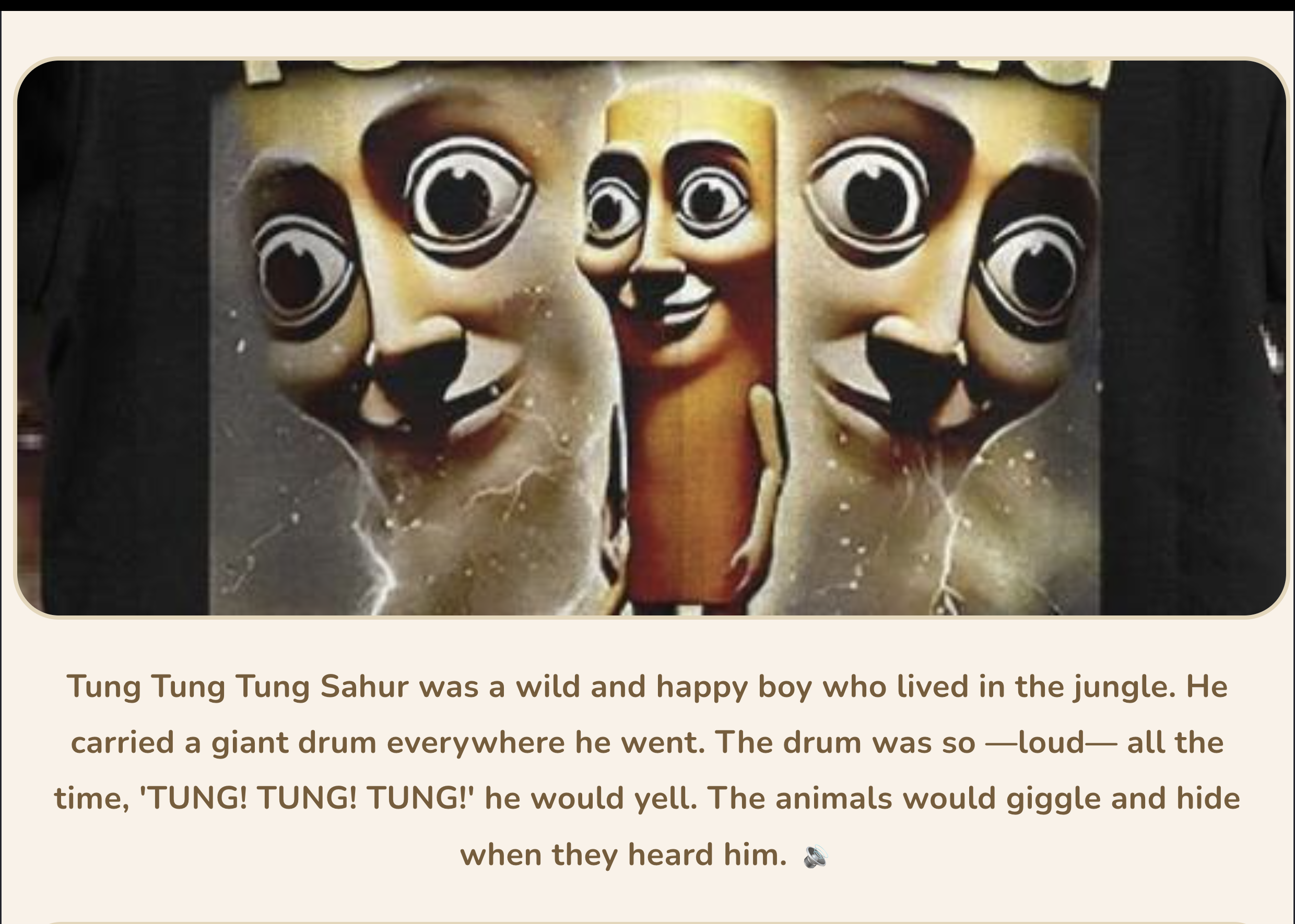
- AI-generated visuals bring each story to life, making it more immersive
- AI-generated visuals bring each story to life, making it more immersive
Text-to-Speech Narration
- The app reads the story aloud, supporting early readers and auditory learners
- The app reads the story aloud, supporting early readers and auditory learners
Interactive Reading Prompts
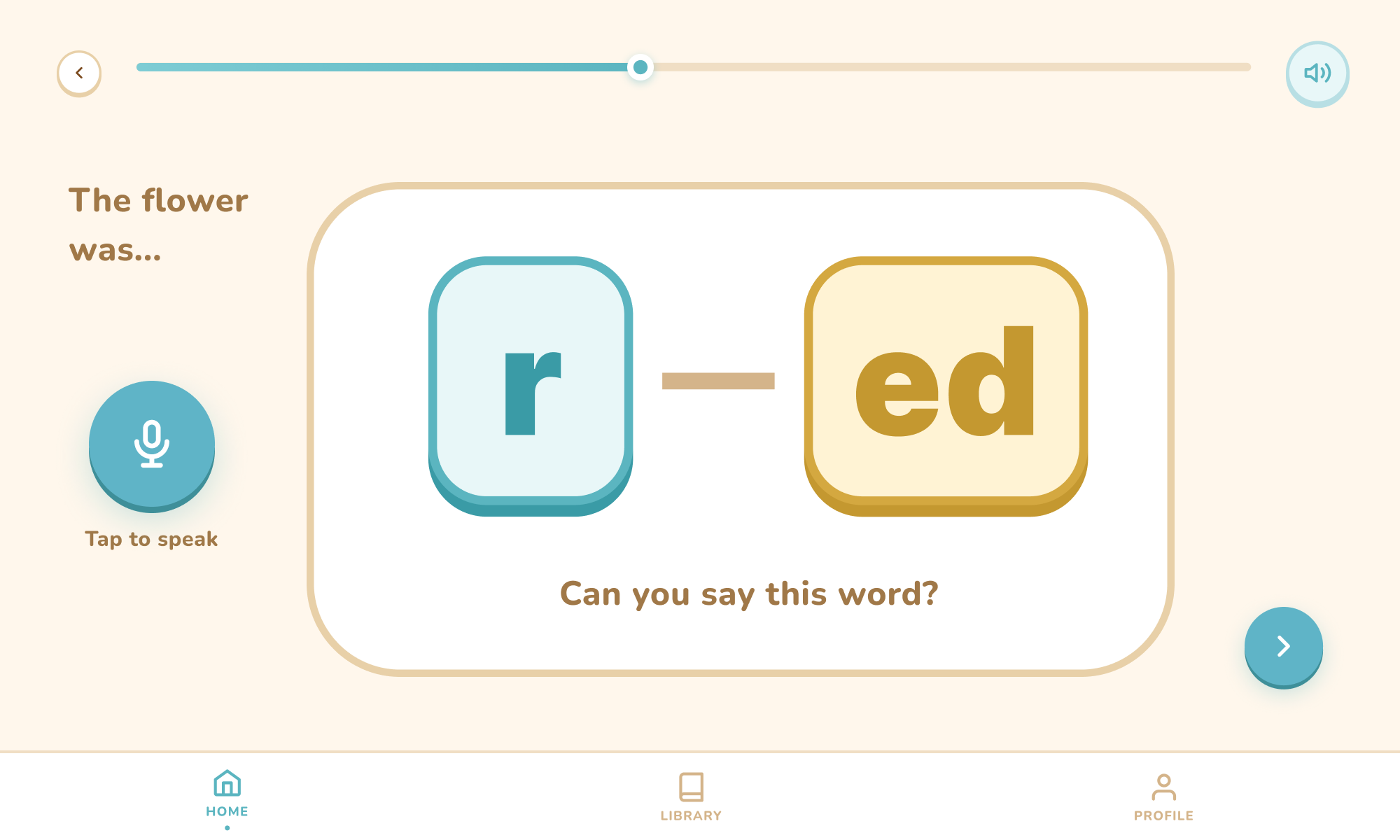
- Key words are highlighted and the child is encouraged to read them aloud
- Key words are highlighted and the child is encouraged to read them aloud
Feedback Loop
- The system reinforces participation, helping children associate reading with achievement and fun
- The system reinforces participation, helping children associate reading with achievement and fun
At a high level, the experience can be thought of as a loop:
[ \text{Input (Child's Idea)} \rightarrow \text{Generated Story} \rightarrow \text{Audio + Visuals} \rightarrow \text{Interaction} \rightarrow \text{Improved Engagement} ]
Challenges We Faced
Building Echo Bear wasn’t straightforward. Some of the key challenges included:
Balancing Creativity and Simplicity
Ensuring stories were imaginative but still easy for children to follow and readDesigning Meaningful Interactions
We had to carefully choose which words to prompt so it felt helpful—not disruptiveLatency and Performance
Generating stories and images quickly enough to keep children engaged was a technical hurdleUser Experience for Kids
Designing an interface intuitive enough for young users required multiple iterationsMaintaining Engagement
The biggest challenge was ensuring the app didn’t feel like “just another educational tool,” but instead like a fun companion
Final Thoughts
Echo Bear is more than a reading app—it’s a shift in how children experience literacy. By merging storytelling, creativity, and interaction, we created a tool that empowers kids to not only read stories, but be part of them.
Built With
- elevenlabs
- gemini
- groq
- kaggle
- pollination
- react
- typescript
- vite


Log in or sign up for Devpost to join the conversation.